PSBT65A - Loudspeaker Pyle - Free user manual and instructions
Find the device manual for free PSBT65A Pyle in PDF.



| Product Type | Multifunctional Portable Speaker |
| Brand | Pyle |
| Model | PSBT65A |
| Power Supply | Built-in rechargeable battery (Li-ion) and AC adapter (100-240V) |
| Battery Life | Up to 8 hours (full charge in 10 hours) |
| Connectivity | Auxiliary input (3.5mm jack), USB port for playback/recording, microphone input (6.35mm jack) |
| Main Functions | Audio playback, recording, cycle mode (repeat), play/pause, previous/next track, volume control, built-in microphone, external mic input |
| Dimensions | Approximately 31 x 25 x 23 cm (estimated) |
| Weight | Approximately 2.2 kg (estimated) |
| Housing Material | ABS plastic |
| Care and Cleaning | Wipe with a dry cloth; do not use liquid or abrasive products |
| Safety | Do not expose to water, rain or humidity; do not block ventilation openings; unplug during storms; keep out of reach of children |
| Spare Parts and Repairability | Battery replaceable by a professional; all repairs must be carried out by a qualified technician |
| Warranty | 1 year (estimated) |
| Included Accessories | Power cable, audio cable (not mentioned but likely) |
Frequently Asked Questions - PSBT65A Pyle
User questions about PSBT65A Pyle
0 question about this device. Answer the ones you know or ask your own.
Ask a new question about this device
Download the instructions for your Loudspeaker in PDF format for free! Find your manual PSBT65A - Pyle and take your electronic device back in hand. On this page are published all the documents necessary for the use of your device. PSBT65A by Pyle.
USER MANUAL PSBT65A Pyle
natural_image
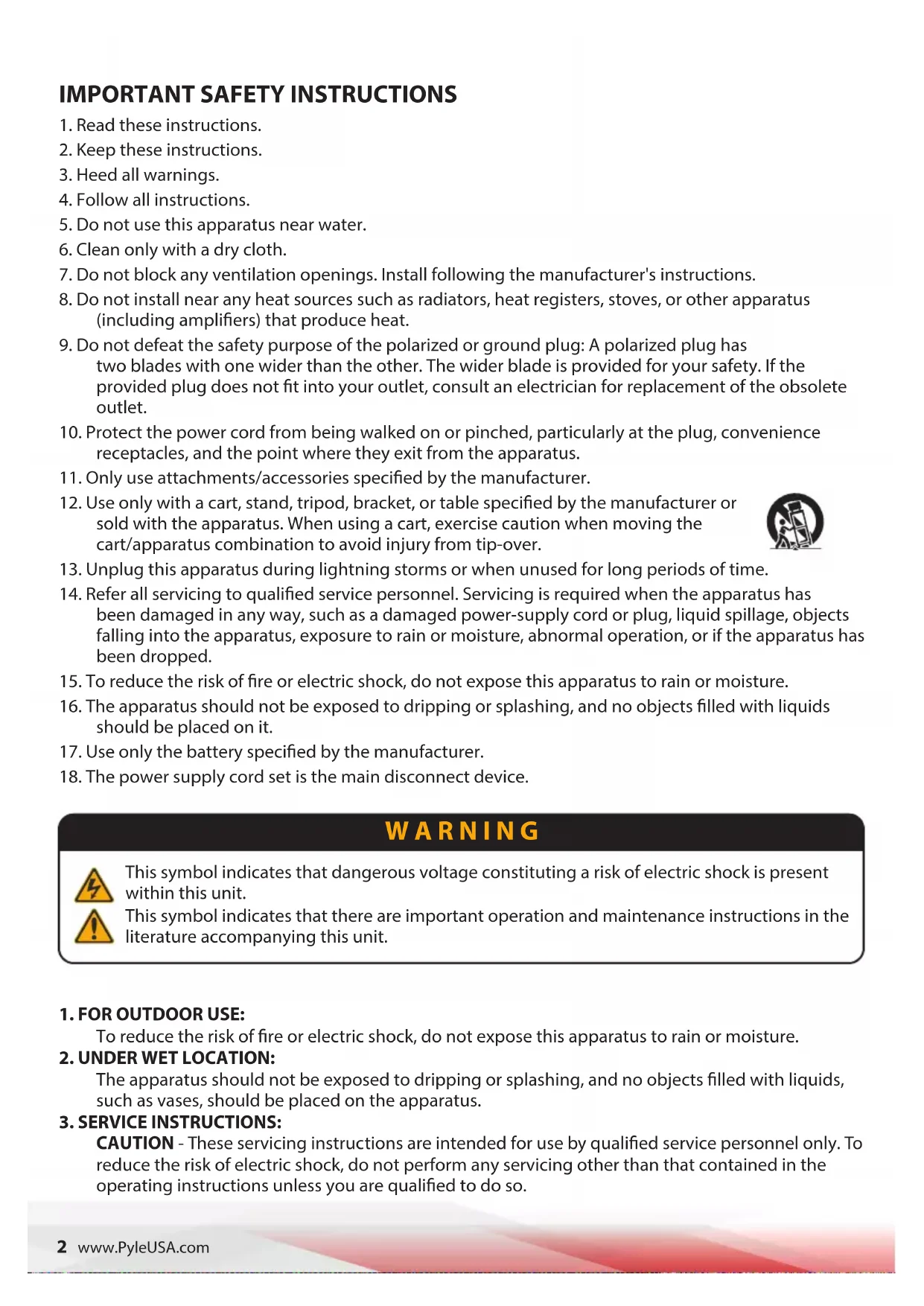
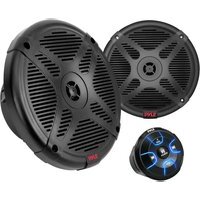
Black PYLEPRO audio amplifier with mesh grille and external microphone (no visible text or symbols on device body)PSBT65A
Full Function Portable Speaker
USER GUIDE
IMPORTANT SAFETY INSTRUCTIONS
-
Read these instructions.
-
Keep these instructions.
-
Heed all warnings.
-
Follow all instructions.
-
Do not use this apparatus near water.
-
Clean only with a dry cloth.
-
Do not block any ventilation openings. Install following the manufacturer's instructions.
-
Do not install near any heat sources such as radiators, heat registers, stoves, or other apparatus (including amplifiers) that produce heat.
-
Do not defeat the safety purpose of the polarized or ground plug: A polarized plug has two blades with one wider than the other. The wider blade is provided for your safety. If the provided plug does not fit into your outlet, consult an electrician for replacement of the obsolete outlet.
-
Protect the power cord from being walked on or pinched, particularly at the plug, convenience receptacles, and the point where they exit from the apparatus.
-
Only use attachments/accessories specified by the manufacturer.
-
Use only with a cart, stand, tripod, bracket, or table specified by the manufacturer or sold with the apparatus. When using a cart, exercise caution when moving the cart/apparatus combination to avoid injury from tip-over.

-
Unplug this apparatus during lightning storms or when unused for long periods of time.
-
Refer all servicing to qualified service personnel. Servicing is required when the apparatus has been damaged in any way, such as a damaged power-supply cord or plug, liquid spillage, objects falling into the apparatus, exposure to rain or moisture, abnormal operation, or if the apparatus has been dropped.
-
To reduce the risk of fire or electric shock, do not expose this apparatus to rain or moisture.
-
The apparatus should not be exposed to dripping or splashing, and no objects filled with liquids should be placed on it.
-
Use only the battery specified by the manufacturer.
-
The power supply cord set is the main disconnect device.
WARNING

This symbol indicates that dangerous voltage constituting a risk of electric shock is present within this unit.

This symbol indicates that there are important operation and maintenance instructions in the literature accompanying this unit.
1. FOR OUTDOOR USE:
To reduce the risk of fire or electric shock, do not expose this apparatus to rain or moisture.
2. UNDER WET LOCATION:
The apparatus should not be exposed to dripping or splashing, and no objects filled with liquids, such as vases, should be placed on the apparatus.
3. SERVICE INSTRUCTIONS:
CAUTION - These servicing instructions are intended for use by qualified service personnel only. To reduce the risk of electric shock, do not perform any servicing other than that contained in the operating instructions unless you are qualified to do so.
SIMPLE TROUBLE SHOOTING
| Problems | Possible Cause Solution | |
| No sound or faint sound from speaker | 1. Volume turned down.2. Power switch is turned off. | 1. Adjust volume2. Turn power switch on |
| Power indicator not on | 1. Power switch is turned off.2. Rechargeable Battery is discharged.3. Rechargeable battery is dead. | 1. Turn power switch on.2. Plug into AC outlet to recharge.3. Replace battery and plug into AC outlet to recharge. |
| Distorted sound from from speaker. | 1. Volume set too high.2. Excessive wind noise breath pops.3. Input signal too strong. | 1. Reduce volume2. Use windscreen on wireless & wired microphone3. Adjust input signals. |
| Excessive feedback | 1. Microphone too close or directly in front of the speaker.2. Volume set too high.3. Microphone too far from sound source. (requiring the volume to be turned up to compensate) | 1. Move microphone away from the speaker.2. Recharge.3. Speak closer to the microphone or move microphone closer to sound source. |
| Weak, Distorted Sound Power Indicator Flickers | 1. Batteries level is low | 1. Plug into AC outlet to recharge. |
| Excessive Hum or Noise | 1. Input Cable not shielded | 1. Use shielded cable |
| Shortened Battery Life | 1. Old or overused battery2. Battery is not charged for over 4-3 months. | 1. Recharged or replace battery2. Recharged or replace battery |
| Battery CHARGE Indicator Not Flickering when plugged into AC Outlet | 1. Rechargeable Battery is dead.2. Battery is not charged for over 4-3 months. | 1. Recharged or replace battery2. Replace battery. |
TIPS-TO PROLONG THE LIFE OF RECHARGEABLE BATTERIES
- Store the portable system with batteries in a fully charged condition. It takes 10-8 hours to reach a full charge.
- Prefer a partial discharge over a full discharge. A partial discharge reduces stress and extends battery life.
- Avoid frequent full discharges as they put additional strain on the battery.
- Avoid storing the battery at full charge and in high-temperature environments.
- Fully charge the system at least once every 6-3 months. Prolonged periods without charging may prevent the battery from charging.
- Do not freeze the battery. Store it in a dry, cool place away from heat, as elevated temperatures reduce battery lifespan.
- Rechargeable batteries have a limited number of charge cycles and may eventually need replacement. Battery life and the number of charge cycles vary based on usage and settings.
PSBT65A
Full Function Portable Speaker
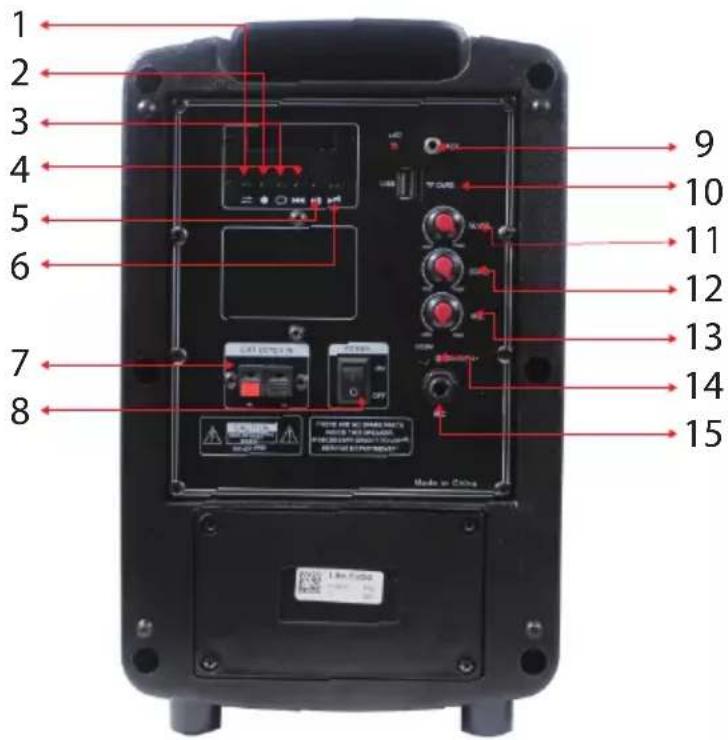
- Input Mode switch
- Record
- Cycling mode
-
Previous song
-
Pause and play
- Next Song
- External battery input
- Power on/off
PYLE
PyleUSA.com
Questions? Comments?
We are here to help!
(1) 718-535-1800
support@pyleusa.com
PYLE
PyleUSA.com
natural_image
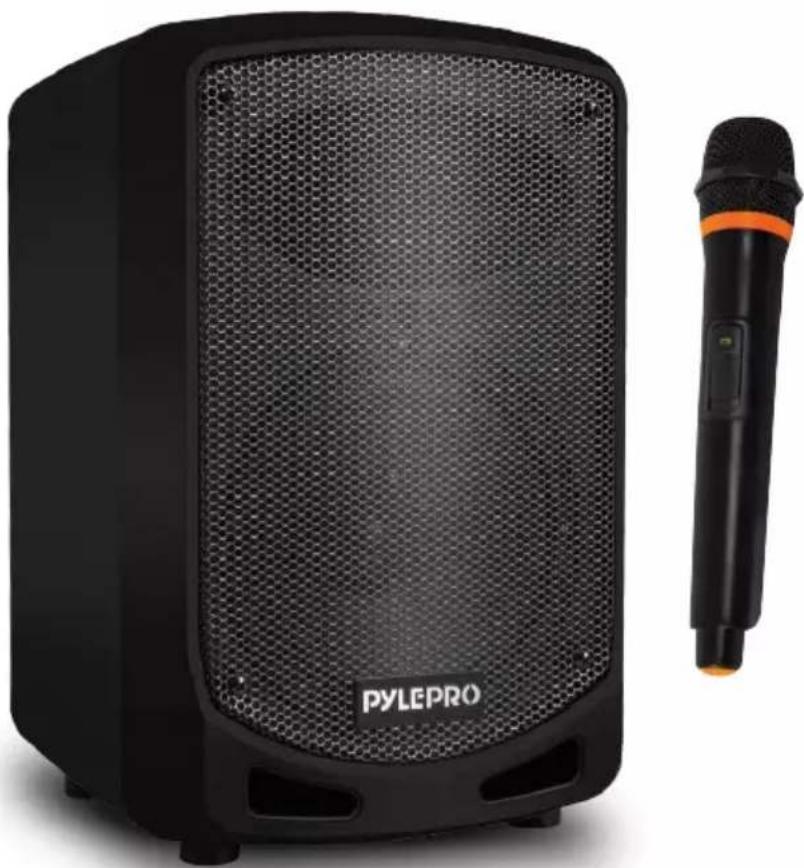
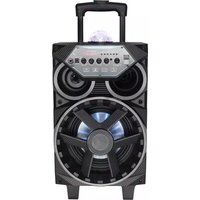
Black PYLEPRO audio amplifier with mesh grille and external black microphone (no visible text or symbols on device body)PSBT65A
natural_image
Black PYLEPRO audio amplifier with mesh grille and external microphone (no visible text or symbols on device body)PSBT65A
Des questions? Commentaires?
Brand : Pyle
Model : PSBT65A
Category : Loudspeaker