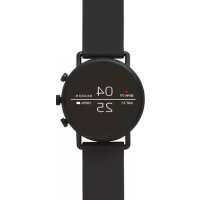
Falster Gen 4 Connected - Wristwatch Skagen - Free user manual and instructions
Find the device manual for free Falster Gen 4 Connected Skagen in PDF.


| Product type | Smartwatch |
| Brand | Skagen |
| Model | Falster Gen 4 Connected |
| Case dimensions | 42 mm |
| Thickness | 12.5 mm |
| Weight | 50 g (without strap) |
| Case material | Stainless steel |
| Strap material | Leather |
| Glass type | Gorilla Glass |
| Water resistance | 3 ATM (splash resistant) |
| Display | 1.2-inch AMOLED |
| Screen resolution | 390 x 390 pixels |
| Processor | Qualcomm Snapdragon Wear 3100 |
| Operating system | Wear OS by Google |
| Memory | 512 MB RAM, 4 GB storage |
| Sensors | Accelerometer, gyroscope, microphone, heart rate sensor, barometer |
| Connectivity | Bluetooth 4.2, Wi-Fi 802.11 b/g/n, NFC |
| Battery life | Approximately 24 hours |
| Charging | Magnetic wireless charger |
| Main features | Notifications, activity tracking, NFC payments, Google Assistant, step counting, sleep tracking |
| Compatibility | Android 4.4+ or iOS 9.3+ |
| Box contents | Watch, charger, quick start guide |
Frequently Asked Questions - Falster Gen 4 Connected Skagen
User questions about Falster Gen 4 Connected Skagen
0 question about this device. Answer the ones you know or ask your own.
Ask a new question about this device
Download the instructions for your Wristwatch in PDF format for free! Find your manual Falster Gen 4 Connected - Skagen and take your electronic device back in hand. On this page are published all the documents necessary for the use of your device. Falster Gen 4 Connected by Skagen.
USER MANUAL Falster Gen 4 Connected Skagen
L'ANGKAH 1: ISI DAYA
BƯỚC 1: SAC VÀ BÂT NGUỐN
STEP 1
CHARGE AND POWER ON
Connect your watch to the charger. When your watch is charged, press the button to turn it on.
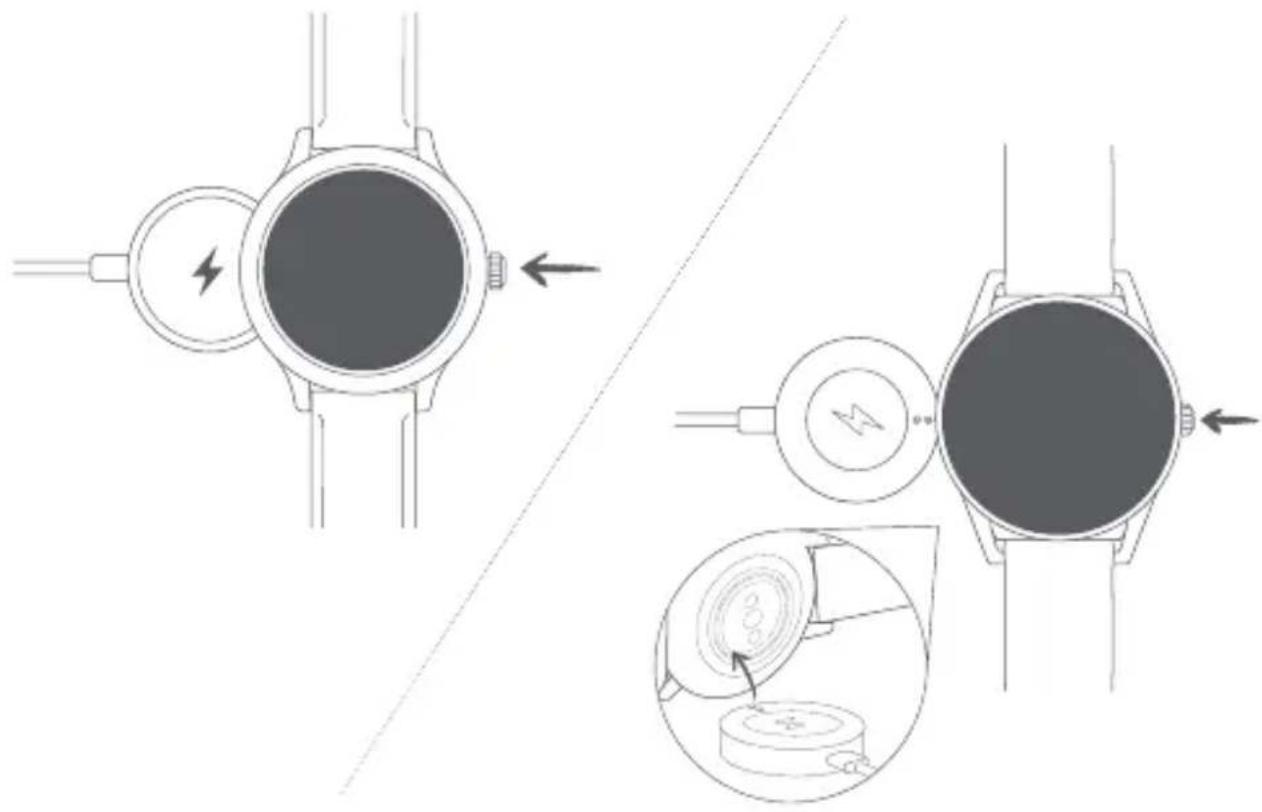

WARNING: To avoid damage to your watch, only use with included charger. Do not use a USB hub, USB splitter, USB y-cable, battery pack or other peripheral device to charge.
STEP 2
DOWNLOAD AND PAIR
On your phone, download the Wear OS by Google™ app from the App Store™ or Google Play™ Store. Open the Wear OS by Google™ app on your phone and follow the prompts to pair your watch using Bluetooth™ connection. Once paired, your watch screen will walk you through setup procedures.
For users in China: Download and install the Chinese version of the WearOS by Google™ App from any major app market.

Wear OS by Google
Apple and the Apple logo are trademarks of Apple Inc., registered in the U.S. and other countries. App Store is a service mark of Apple Inc.
Wear OS by Google and Google Play are trademarks of Google LLC.
Visit www.skagenconnected.com for additional information.
TRIN 1: OPLADNING

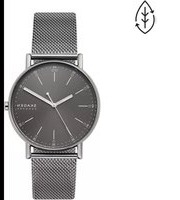
Brand : Skagen
Model : Falster Gen 4 Connected
Category : Wristwatch