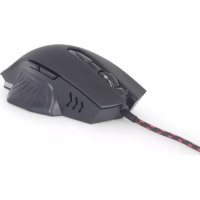
MUSG08 - Mouse Gembird - Free user manual and instructions
Find the device manual for free MUSG08 Gembird in PDF.


| Product Type | Mouse |
| Brand | Gembird |
| Model | MUSG08 |
| Connectivity | Wired (USB Type-A) |
| Sensor | Optical |
| Resolution | 1000 DPI |
| Number of buttons | 3 (left click, right click, scroll wheel) |
| Cable length | 1.5 meters |
| Compatibility | Windows, macOS, Linux |
| Power source | Via USB port (bus-powered) |
| Weight | Approximately 100 g |
| Dimensions (L x W x H) | 120 x 60 x 35 mm |
| Maintenance and cleaning | Clean with a soft, dry cloth. Do not use liquid or abrasive products. |
| Safety | Do not immerse in water. Disconnect before cleaning. |
| Warranty | 24 months (conditions in manual) |
| Spare parts and repairability | Not user-repairable. No spare parts available. |
Frequently Asked Questions - MUSG08 Gembird
User questions about MUSG08 Gembird
0 question about this device. Answer the ones you know or ask your own.
Ask a new question about this device
Download the instructions for your Mouse in PDF format for free! Find your manual MUSG08 - Gembird and take your electronic device back in hand. On this page are published all the documents necessary for the use of your device. MUSG08 by Gembird.
USER MANUAL MUSG08 Gembird
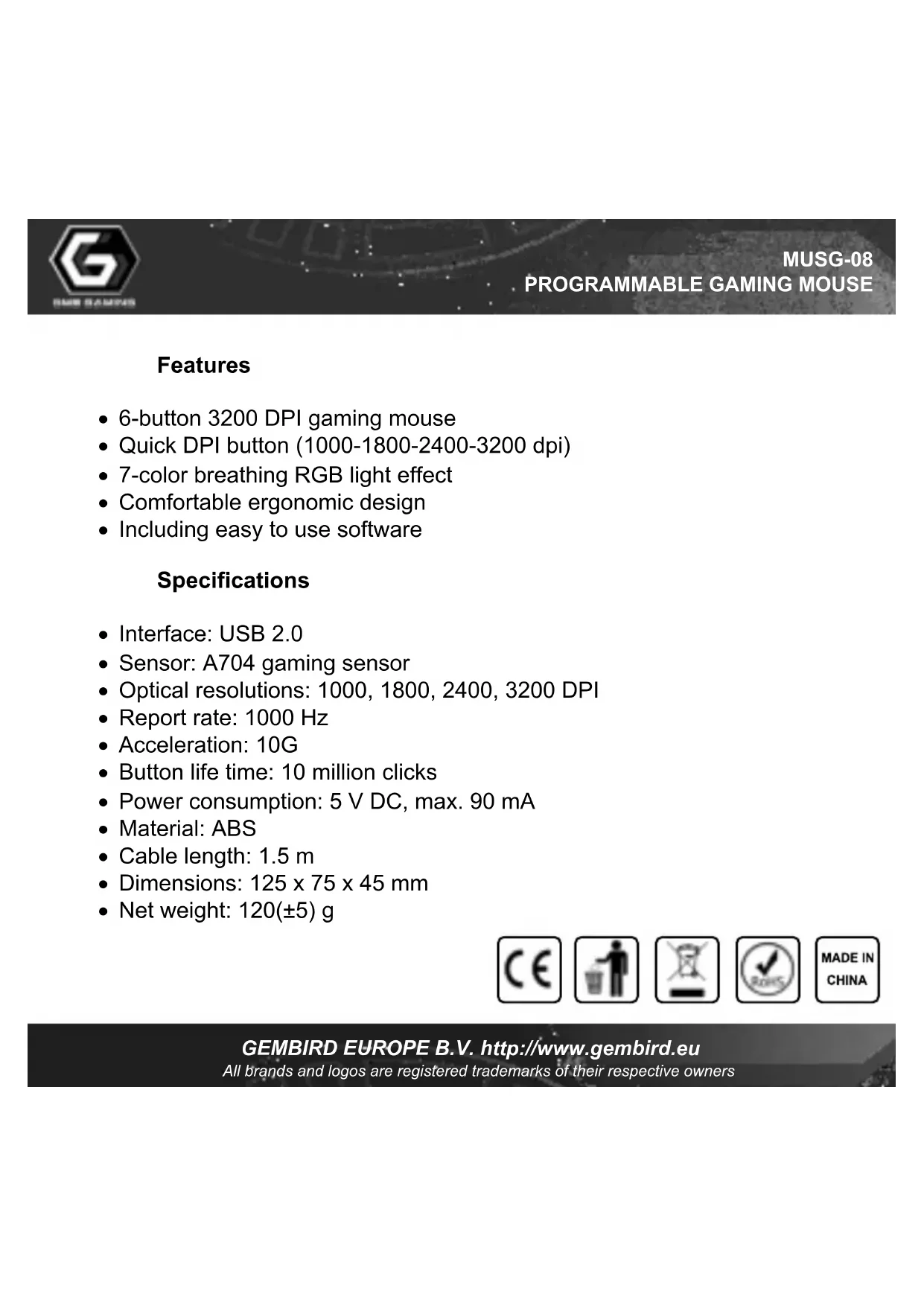
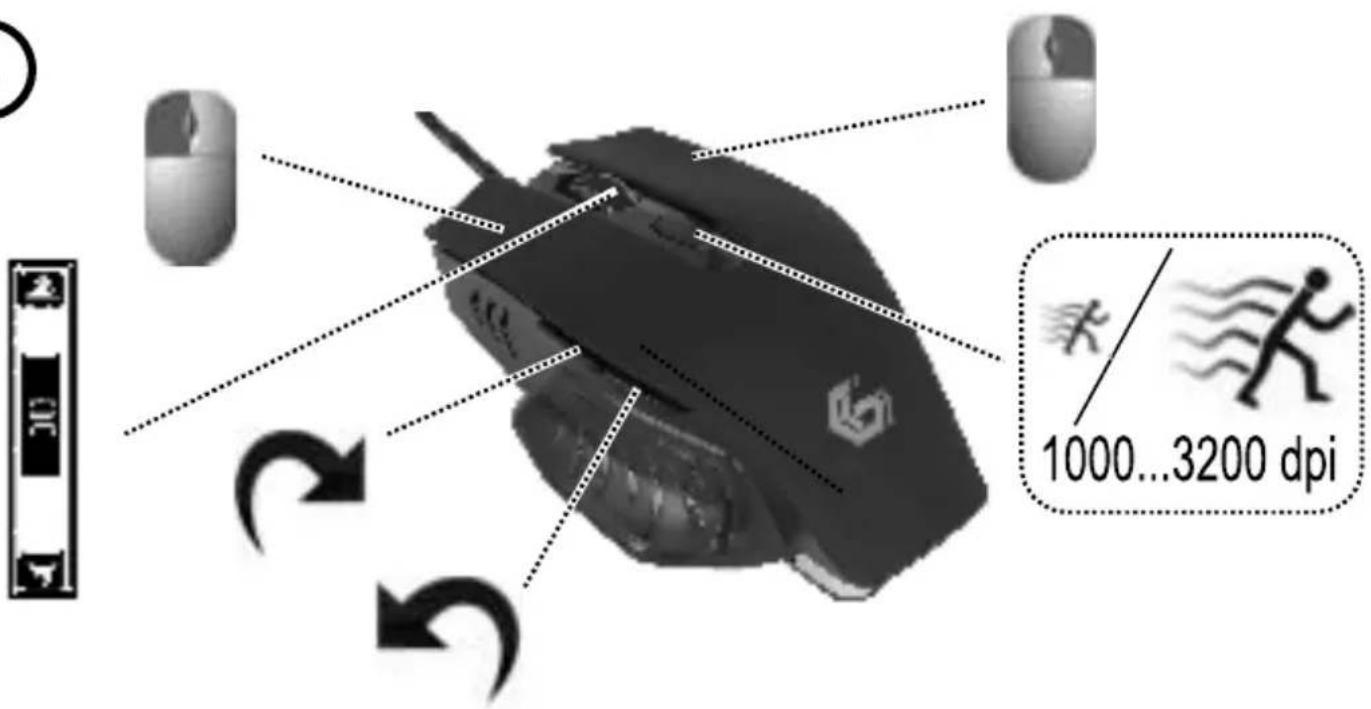
- 6-button 3200 DPI gaming mouse
- Quick DPI button (1000-1800-2400-3200 dpi)
7-color breathing RGB light effect - Comfortable ergonomic design
- Including easy to use software
Specifications
- Interface: USB 2.0
- Sensor: A704 gaming sensor
Optical resolutions: 1000, 1800, 2400, 3200 DPI
Report rate: 1000 Hz
Acceleration: 10G - Button life time: 10 million clicks
Power consumption: 5VDC max. 90mA
Material: ABS - Cable length: 1.5 m
- Dimensions: 125 × 75 × 45 mm
Net weight: 120(± 5) g




(1)
②



GEMBIRD EUROPE B.V. http://www.gembird.eu
All brands and logos are registered trademarks of their respective owners

图图
MUSG-08
PROGRAMMABLE GAMING MOUSE
(ENG) Declaration of conformity
This product is tested and complies with the essential requirements of the laws of member states concerning EMC(2014/30/EU), RoHS (2011/65/EU). The CE declaration can be found under www.gembird.eu
All brands and logos are registered trademarks of their respective owners
Waste disposal:

Do not deposit this equipment with the household waste. Improper disposal can harm both the environment and human health. For Information about waste collection facilities for used electrical and electronic devices, please contact your city council or an authorized company for the disposal of electrical and electronic equipment.

Brand : Gembird
Model : MUSG08
Category : Mouse