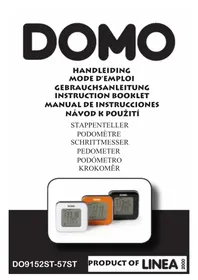
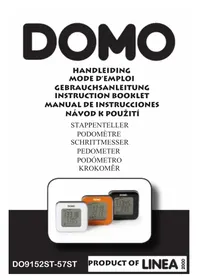
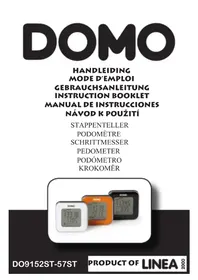
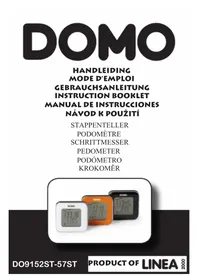
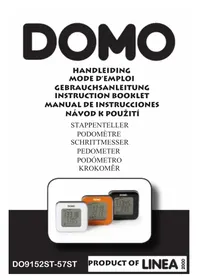
DO9153ST - Pedometer DOMO - Free user manual and instructions
Find the device manual for free DO9153ST DOMO in PDF.



| Product Type | Pedometer |
| Brand | DOMO |
| Model | DO9153ST |
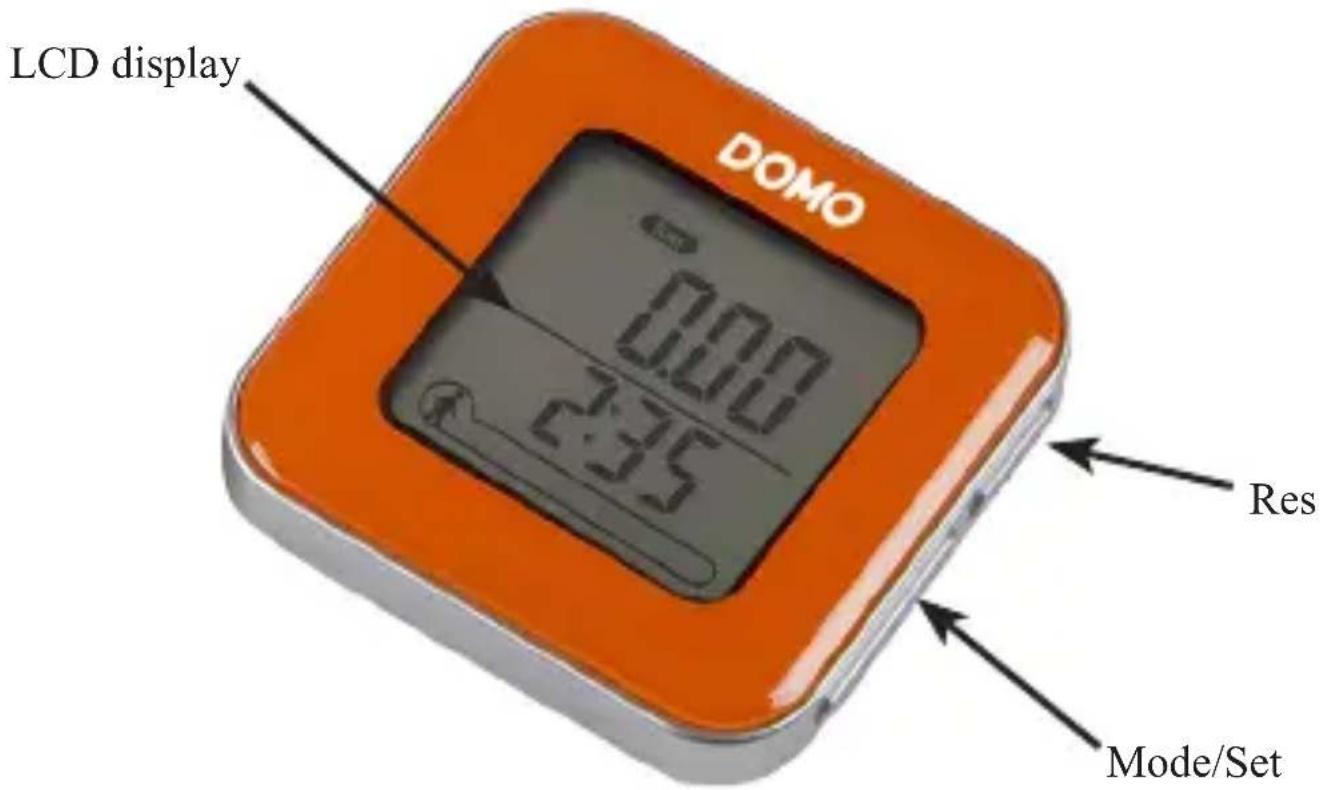
| Display | LCD Screen |
| Power Source | CR2025 3V lithium battery (included) |
| Dimensions (approx.) | 5 x 3 x 1 cm |
| Weight (approx.) | 20 g |
| Main Functions | Step counting, distance (km), calories (kcal), walking time, time, cumulative total steps, daily goal |
| Memory Capacity | Total steps up to 99,999 |
| Settings | Time system (12/24h), height (cm or inches), weight, daily goal |
| Buttons | Mode/Set, Res (up/down) |
| Reset | Automatic every day at midnight (except cumulative total) |
| Recommended Use | In pocket |
| Warranty | 2 years |
| Maintenance | Clean with a soft dry cloth; do not immerse |
| Safety | Suitable for children aged 8+ under supervision; do not use with external timer |
| Spare Parts | Available at webshop.domo-elektro.be |
Frequently Asked Questions - DO9153ST DOMO
User questions about DO9153ST DOMO
0 question about this device. Answer the ones you know or ask your own.
Ask a new question about this device
Download the instructions for your Pedometer in PDF format for free! Find your manual DO9153ST - DOMO and take your electronic device back in hand. On this page are published all the documents necessary for the use of your device. DO9153ST by DOMO.
USER MANUAL DO9153ST DOMO
CONDITIONS DE GARANTIE
This appliance has a two year warranty period. During this period the manufacturer is responsible for any failures that are the direct result of construction failure. When these failures occur the appliance will be repaired or replaced if necessary. The warranty will not be valid when the damage to the appliance is caused by wrong use, not following the instructions or repairs executed by a third party. The guarantee is issued with the original till receipt. All parts, which are subject to wear, are excluded from the warranty. If your device breaks down within the 2-year warranty period, you can return the device together with your receipt to the shop where you purchased it.
CONDICIONES DE GARANTÍA
RECYCLAGE-INFORMATIE
RECYCLING INFORMATIONEN
natural_image
Symbol of a trash bin crossed with two crossed lines, no text or numbers presentRECYCLING INFORMATION
This symbol on the product or on its packaging indicates that this product may not be treated as household waste. Instead it must be brought to the applicable collection point for recycling of electrical and electronic equipment. By ensuring this product is disposed of correctly, you will help prevent potential negative consequences for the environment and human health, which could otherwise be caused by inappropriate waste handling of this product. For more detailed information about recycling of this product, please contact your local city office, your household waste disposal service or the shop where you purchased the product.

natural_image
Recycling symbol composed of three chasing arrows forming a triangle (no text or labels)The packaging is recyclable. Please treat this package ecologically.
natural_image
Symbol of a trash bin crossed with no text or numbers, representing waste sorting or disposal (no text present)INFORMACE O RECYKLACI ODPADU
natural_image
Recycling symbol composed of three chasing arrows forming a triangle (no text or labels)WEBSHOP
From now on, accessories and parts of Domo appliances can also be ordered online from the Domo webshop*:
http://webshop.domo-elektro.be
EN
You can reach the webshop through the Domo website as well: www.domo-elektro.be. The accessories and parts can also still be obtained at the store where you bought the appliance.
* Enkel in België, Nederland, Luxemburg, Frankrijk en Duitsland.
* Seulement dans la Belgique, le Pays-Bas, le Luxembourg, la France et l'Allemagne.
* Nur in Belgien, die Niederlande, Luxemburg, Frankreich und Deutschland.
* Only in Belgium, the Netherlands, Luxemburg, France and Germany.
VEILIGHEIDSINSTRUCTIES
REEMPLACER LA PILE
BATTERIEWECHSEL
This appliance may be used by children from the age of 8 and up, and also by persons with a physical or sensory limitation, as well as mentally limited persons or persons with a lack of experience and knowledge. But only on the condition that these persons have received the necessary instructions on how to use this appliance in a safe way and know the dangers that can occur by using this appliance.
Children cannot be allowed to play with the appliance.
Maintenance and cleaning of the appliance may not be done by children, unless they are older than 8 years old and are under supervision. Keep the appliance out of reach of children younger than 8 years old.
This appliance is suitable to be used in a household environment and in similar surroundings such as:
- Kitchen for personnel of shops, offices or other similar professional surroundings
- Farms
- Hotel or motel rooms and other surroundings with a residential character
- Guest rooms or similar
Attention: This appliance cannot be used with an external timer or a separate remote control.
- Read all instructions before use.
- Close supervision is necessary when the appliance is used near or by children.
- Never place this appliance near a gas stove or electrical stove or in a place where it may come into contact with a warm appliance.
-
Only use the appliance for its intended use.
-
Only use the appliance for domestic use. The manufacturer can not be held responsible for accidents that result from improper use of the appliance or not following the instructions described in this manual.
- Before use, remove all packaging materials and any promotional stickers.
PARTS
FIRST USAGE
The device is delivered with a pre-installed battery and is as such ready to use immediately. As soon as you pick up the device, it will light up and will start measuring the number of steps you take.
To setup the device, keep the «Set» button pressed for 3 seconds. You can now personalize the device. With «Set» you keep moving forward in the settings menu:
- 24/12h measure system: you swap between the 12h or 24h system with the arrows («Res» = up, «Mode» = down)
• time: First, set the right hour via the arrows. Press «Set» and then choose the right minute, using the arrows again.
- height in cm or in: you can choose whether you want to set your height in centimeters or inches, using the arrows.
• height: use the arrows to pick your current height.
- weight: use the arrows to pick your current weight.
• daily step target: use the arrows to set your daily step target. Use «Set» to confirm this target and leave the settings menu.
USAGE
The device is now set up and can be used. Keep the device on you at all times to track every step you take.
The different «Modes» show the various statistics about your fitness*:
- step: the amount of taken steps at the moment.
• step total: the total amount of taken steps, counted over all days. - km: the amount of kilometers you have walked.
- kcal: the amount of calories you have burned with this device.
- min: the amount of minutes you have spent walking.
*All these values are reset to 0 each day in order to reach your daily step target. Only «Step Total» saves all steps you take until a maximum of 99999 steps.
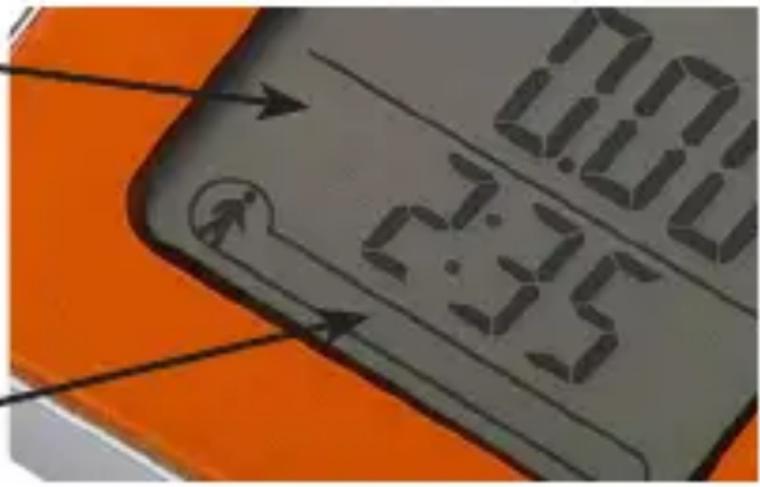
Battery light that lights up when the battery is almost empty
This progress bar shows how many steps you are removed from reaching your step target
REPLACING THE BATTERY
Use a small Philips-head screw driver to loosen the screw counterclock wise. When the screw is removed, take a thin blade to carefully pry loose the plate.
Afterwards you replace the empty 3V CR2025 Lithium battery by a new one. Put the plate back in its correct place and tighten the screw by turning clockwise.
PRECAUCIONES IMPORTANTES
REEMPLAZO DE LA PILA
Out of dust bags? Need an anti-scale cartridge?
You can now also order our accessories and parts in the
Domo Webshop
Webshop Domo
Domo- Webshop
Domo Webshop
Surf naar:
Rendez-vous sur:
Einfach unter:
Surf to:
webshop.domo-elektro.be
of scan hier:
ou scannez ici:

- CONDITIONS DE GARANTIE
- CONDICIONES DE GARANTÍA
- RECYCLAGE-INFORMATIE
- RECYCLING INFORMATIONEN
- RECYCLING INFORMATION
- INFORMACE O RECYKLACI ODPADU
- WEBSHOP
- EN
- VEILIGHEIDSINSTRUCTIES
- REEMPLACER LA PILE
- BATTERIEWECHSEL
- PARTS
- FIRST USAGE
- USAGE
- REPLACING THE BATTERY
- PRECAUCIONES IMPORTANTES
- REEMPLAZO DE LA PILA
- webshop.domo-elektro.be
Brand : DOMO
Model : DO9153ST
Category : Pedometer