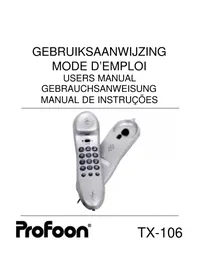
DTX106 - Telephone PROFOON - Free user manual and instructions
Find the device manual for free DTX106 PROFOON in PDF.



| Product type | Analog corded telephone |
| Brand | PROFOON |
| Model | DTX106 (TX-106) |
| Usage | Wall-mountable or desk top unit |
| Power supply | From telephone line (no batteries required) |
| Network compatibility | Analog public telephone network (single line) |
| Main functions | Incoming/outgoing calls, last number redial (32 digits), R/Flash key (100 ms), mute, volume amplification |
| Ringer | ON/OFF switch for activation/deactivation, indicator light during calls |
| Installation | Ready to use after plugging into a telephone socket; wall mounting possible |
| Maintenance | Clean with a damp cloth; do not use chemicals; avoid humidity and direct light |
| Dimensions (approximate) | 220 x 180 x 80 mm (L x W x H) |
| Weight (approximate) | 400 g |
| Safety | Compliant with European directive 1999/5/EC; do not expose to strong electromagnetic fields |
| Warranty | 24 months from date of purchase |
| Environment | Recycle at a WEEE collection point at end of life |
| Included accessories | Connection cable and telephone plug (country specific) |
Frequently Asked Questions - DTX106 PROFOON
User questions about DTX106 PROFOON
0 question about this device. Answer the ones you know or ask your own.
Ask a new question about this device
Download the instructions for your Telephone in PDF format for free! Find your manual DTX106 - PROFOON and take your electronic device back in hand. On this page are published all the documents necessary for the use of your device. DTX106 by PROFOON.
USER MANUAL DTX106 PROFOON
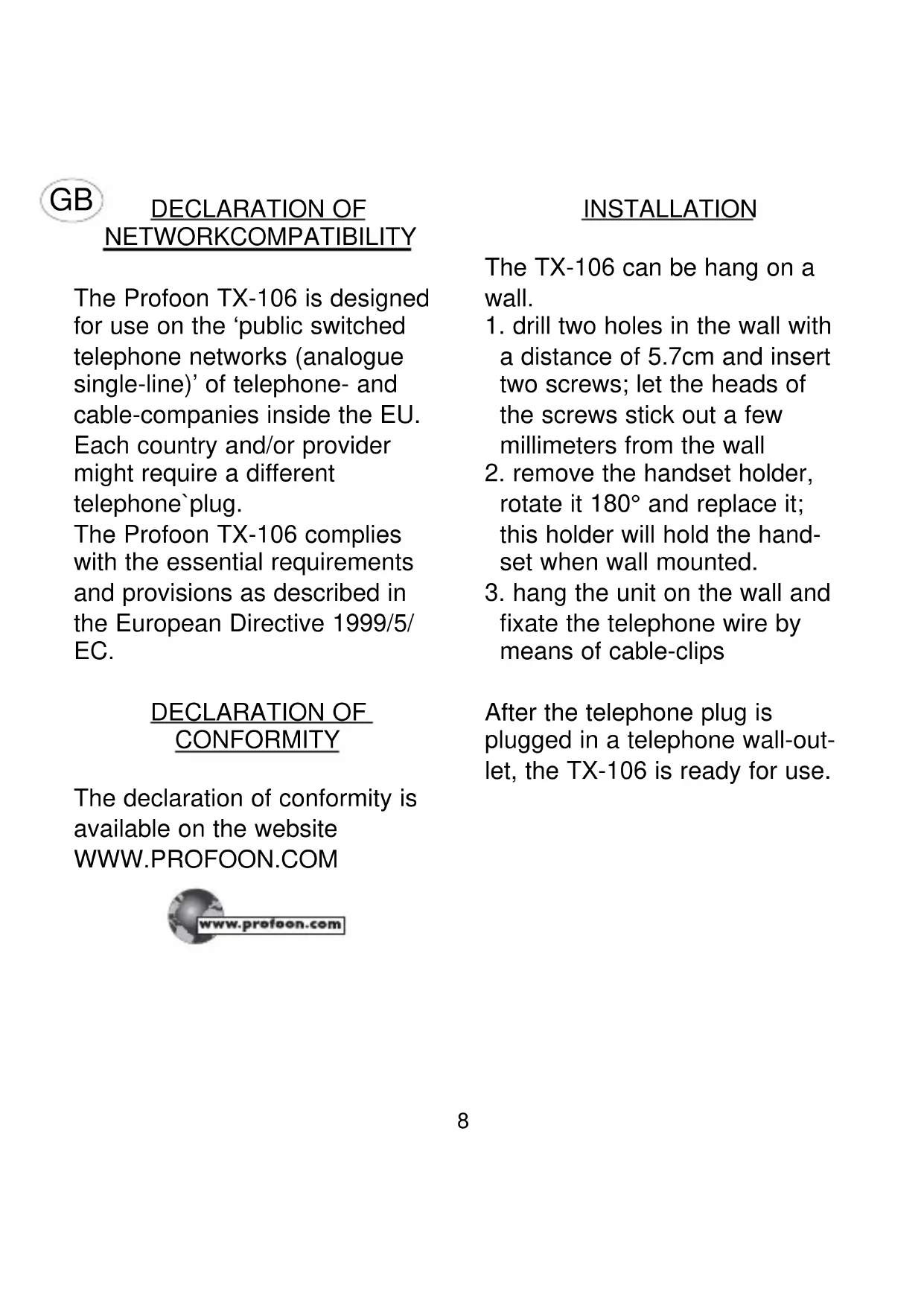
The Profoon TX-106 is designed for use on the 'public switched telephone networks (analogue single-line)' of telephone- and cable-companies inside the EU. Each country and/or provider might require a different telephone plug.
The Profoon TX-106 complies with the essential requirements and provisions as described in the European Directive 1999/5/ EC.
DECLARATION OF CONFORMITY
The declaration of conformity is available on the website www.PROFOON.COM

INSTALLATION
The TX-106 can be hang on a wall.
- drill two holes in the wall with a distance of 5.7cm and insert two screws; let the heads of the screws stick out a few millimeters from the wall
- remove the handset holder, rotate it 180° and replace it; this holder will hold the handset when wall mounted.
- hang the unit on the wall and fixate the telephone wire by means of cable-clips
After the telephone plug is plugged in a telephone wall-outlet, the TX-106 is ready for use.
HOW TO USE
INCOMINGCALL:
At whish you may switch-off the acoustic ringer by using the ON/OFF switch on the bottom side of the telephone. Lift the handset and start the conversation. The ringer-lamp also indicates an incoming call.
OUTGOING CALL:
Lift the handset. Wait for the dial tone and key-in the desired telephone number. Replace the handset when the conversation is over.
REDIAL:
In case the person you were calling was busy or you want to dial the last dialed number again, this number is stored in memory:
- pick up the handset and wait for the dial tone
- press the button; the last dialed number will be redialed This number can be as long as 32 digits.
R-BUTION:
Use the R-key to activate special services from your telephonecompany or to transfer a call incase you are connected througha PABX. The FLASH time of this feature is 100mS.
TELESERVICES:
The buttons * and # are function buttons, needed for divers telecom services (tele shopping, tele banking, etc) or to control divers telecom devices (PABX, answering machines, etc). Refer to the concerning manual.
MUTE:
Press to temporary switch-OFF the handsets microphone; release this button to resume with the conversation.
RECEIVER VOLUME CONTROL: The receiver volume control (-VOLUME +) enables you to adjust the receiver volume.
ENVIRONMENT
At the end of the product lifecycle, you should not throw this product into the normal.
hold garbage but bring the product to a collection point for the recycling of electrical and electronic equipments.
MAINTENANCE
Do not locate the telephone in direct sunlight or in a moist environment.
Never use chemical cleansers to clean the cabinet, the cabinet may only be cleaned with a moist cloth.
Don't place the TX-106 on furniture with cellulose based coating; the rubber feet will leave stains on the cellulose.
Under certain circumstances the sound of the TX-106 might be influenced by electromagnetic fields of electronic devices like TV, computer or radio transmitters close to the telephone. Relocate the telephone to gain better results in such cases.
D
Postcode / code postal:


Brand : PROFOON
Model : DTX106
Category : Telephone