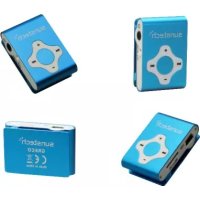
Greco - Mp3 player Sunstech - Free user manual and instructions
Find the device manual for free Greco Sunstech in PDF.



| Product type | MP3 Player |
| Brand | Sunstech |
| Model | Greco |
| Dimensions (without clip) | 41 x 28 x 10 mm |
| Weight | 16 g |
| Power supply | Rechargeable Li-Polymer battery 3.7 V - 110 mAh |
| Battery life | Approximately 5 hours |
| Supported formats | MP3 |
| Internal memory | Not specified (microSD expansion) |
| Memory expansion | microSD card up to 32 GB |
| Connectivity | USB 1.1, 3.5 mm headphone jack |
| Features | Play/Pause, Volume, Previous/Next track, On/Off |
| Compatible systems | Windows, Mac |
| Operating temperature | -5°C to 40°C |
| Maintenance and cleaning | Soft cloth slightly damp, no abrasive products |
| Safety | Do not expose to humidity, heat, dust, magnetic fields |
| Warranty | 2 years (excluding misuse) |
Frequently Asked Questions - Greco Sunstech
User questions about Greco Sunstech
0 question about this device. Answer the ones you know or ask your own.
Ask a new question about this device
Download the instructions for your Mp3 player in PDF format for free! Find your manual Greco - Sunstech and take your electronic device back in hand. On this page are published all the documents necessary for the use of your device. Greco by Sunstech.
USER MANUAL Greco Sunstech
- Features Overview 5
- Indicator light 6
- Battery 6
- Trouble Shooting 7
- Technical Specifications 8
-
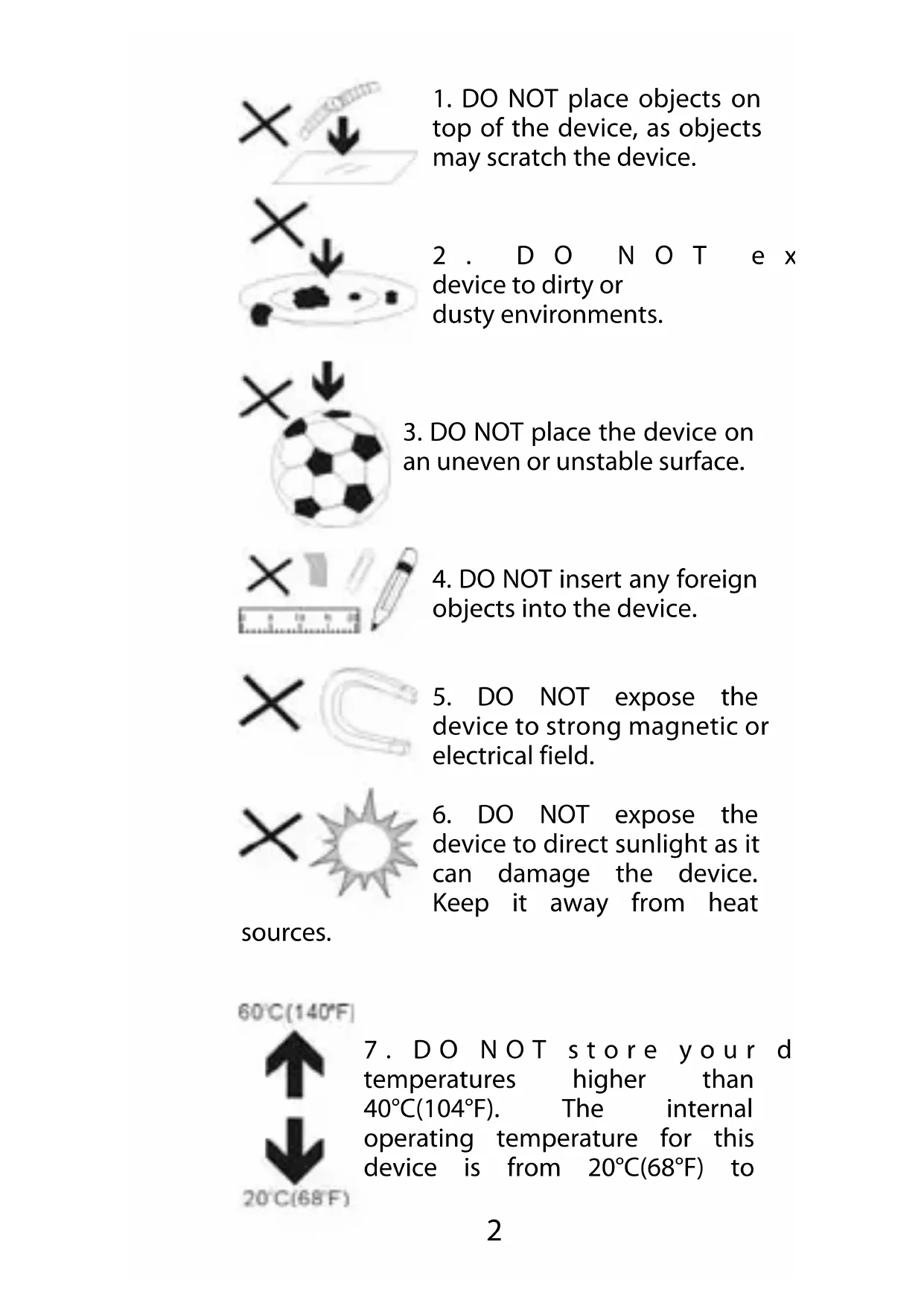
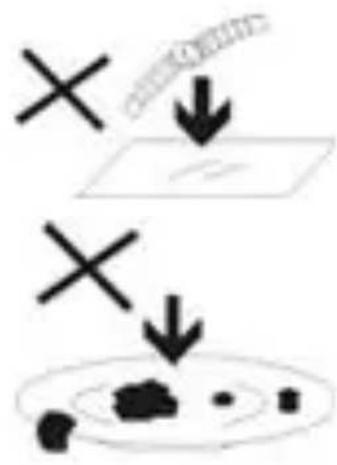
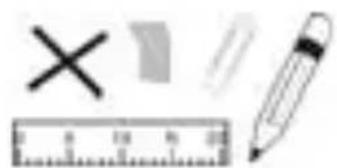
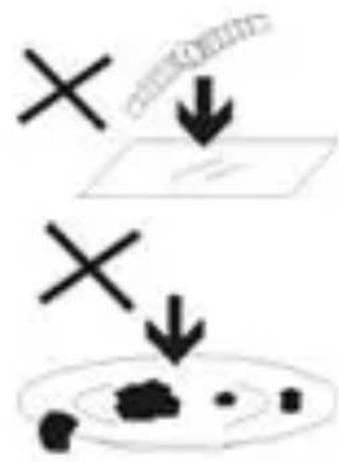
DO NOT place objects on top of the device, as objects may scratch the device.
-
D O N O T e x device to dirty or dusty environments.
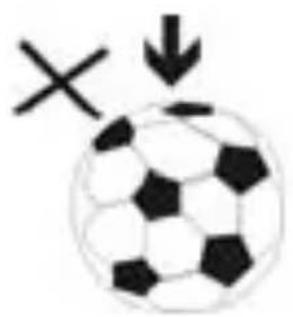
- DO NOT place the device on an uneven or unstable surface.
- DO NOT insert any foreign objects into the device.
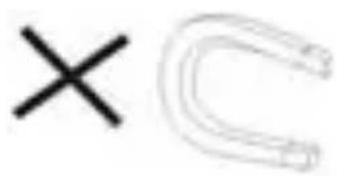
- DO NOT expose the device to strong magnetic or electrical field.
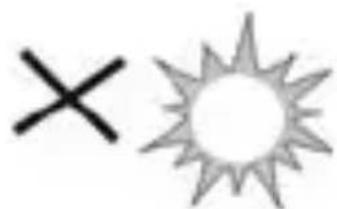
- DO NOT expose the device to direct sunlight as it can damage the device. Keep it away from heat
sources.
60°C(140°F)
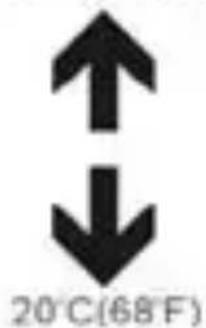
- DO NOT store your d temperatures higher than 40° C (104°F). The internal operating temperature for this device is from 20° C (68°F) to
60 ° C( 140 ° F) .
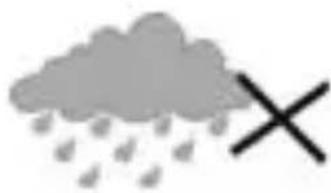
- DO NOT use the device in the rain.
- Please check with your Local Authority or retailer for proper disposal of electronic products.
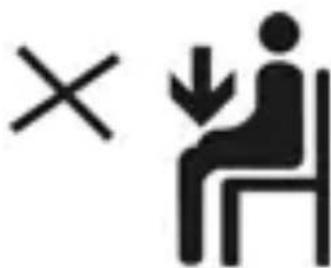
- The device and adaptor may product some heat during normal operation of charging. To prevent discomfort or injury from
heat exposure, DO NOT leave the device on your lap.
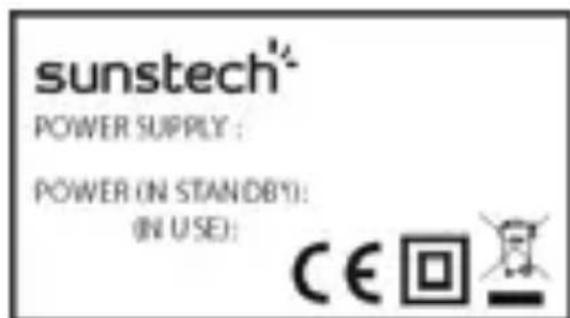
- POWER INPUT RATING: Refer to the rating label on the device and be sure that the
power adaptor complies with the rating. Only use accessories specified by the manufacturer.
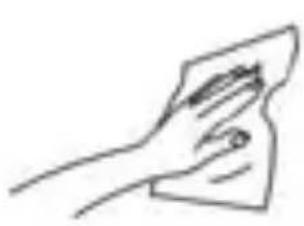
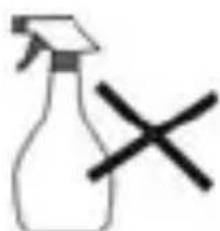
- Clean the device with a soft cloth. If needed, dampen the cloth slightly
before cleaning. Never use abrasives or cleaning solutions.
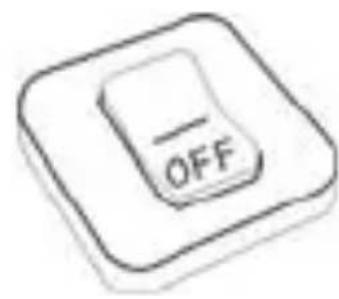
- Always power off the device to install or remove external devices that do not support hot-plug.
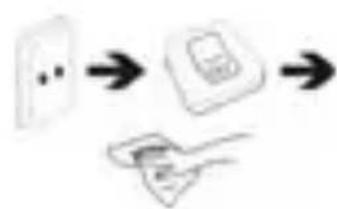
- Disconnect the device from an electrical outlet and power off before cleaning the device.
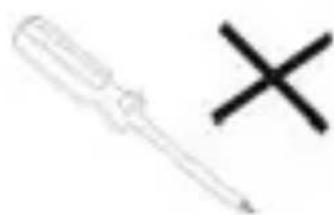
- DO NOT disassemble the device. Only a certified service technician should
perform repair.
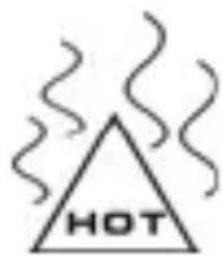
- The device has apertures to disperse heat. DO NOT block the device ventilation, the device may become hot and malfunction as a result.
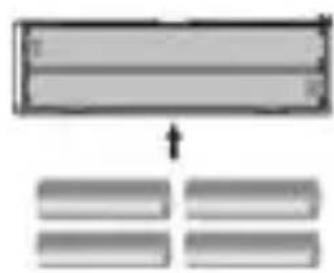
- Risk of explosion if battery replaced by an incorrect type. Dispose of used batteries according to the instruction.
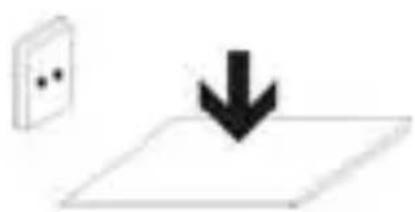
- PLUGGABLE EQUIPMENT: the socket-outlet shall be installed near the
equipment and shall be easily accessible.
1. Features Overview
- Classic appearance design and suitable hand feel.
- Only support MP3 music playing format.
- USB 1.1 interface, free driver U-disk function.
You can directly through the "Removable Disk" operation documents in the "My Computer", and in Windows 2K over the system is without installing the driver.
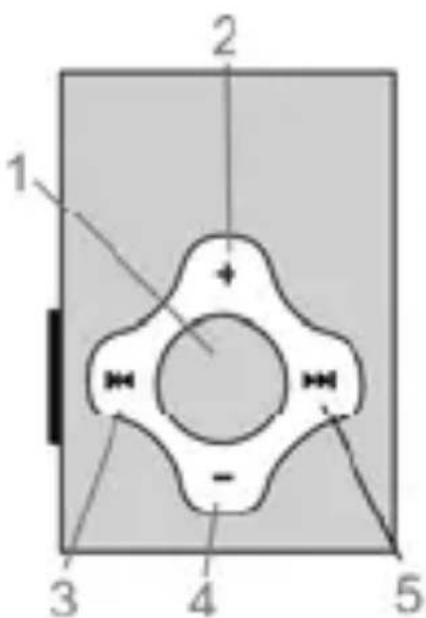
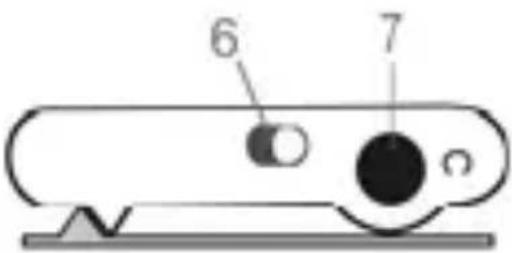
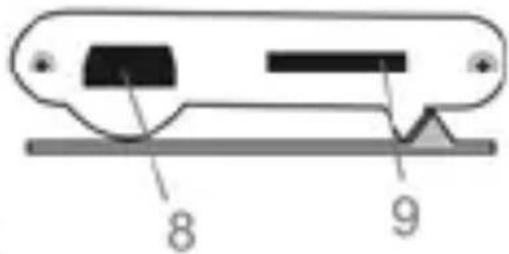
1 Play / Pause / Power On/Off
2+:Volume Increasing
3: Rewind/Previous Music
4 -Volume Decreasing
5: Fast-forward/Next Music
6 On/Off: Power On/Off.
7 Earphone Jack
8 USB Slot
9 Micro SD card
2. Indicator light
-
USB be used to ch a connected PC, the indicator red light flash a few seconds fast.
-
When playing music, the indicator light will flash rhythmically slowly..
- when low power, the indicator light will flash fast for a second and then shutdown.
3. Battery
Make sure the power switch is being ON to charge, or the player could not be charged properly. Disconnect the player and USB, if you want to stop charging.
Turn OFF the player when you do not use it.
Warning: Please make sure the player is fully charged before not using for a long time. Pls switch OFF the machine when didnot use the player more than 6 months and please remember to recharge it again.
4. Trouble Shooting
| No Power Check to see if battery is low. Check to see if the player is ON | |
| No sound from earphone. | Check to see Volume is set “0” and connect the earphone connects properly. Make sure earphone is clean and in good status. Damaged MP3 file may make noise and could not be played Make sure that the music files are not damaged. |
| Failure of music download | Check to see if USB cable is damaged and connected properly. Check to see if driver is installed correctly. Check to see if memory space is enough. |
5. Technical Specifications
| Dimensions | 41mm x 28mm x 10mm (without clip) |
| Weight | 16g |
| Solution | AC1083 |
| Mirco SD card Support(up to 32GB) | |
| Connecting to USB 1.1 | |
| Battery Type Li-Polymer Rechargeable (3.7V), 110mAh | |
| Play time approx. 5hours | |
| Supported MP3 Music Formats | |
| Earphones (L)10mW+ (R)10mW(32Ohm) | |
| Working -5 to 40 degree temperature | |
| Operating System | Windows / Mac |
Please note: Design and characters may change without prior notice.
Made in China
Warranty conditions
-
The warranty of this product is for 2 years since the purchase date.
-
The warranty will exclude breakdowns caused by bad use of the product, wrong installation or installation in not desirable places for a proper maintenance of the product, rips, updates of the products that are not the supplied by the brand, pieces wore away for its use or for not domestic or inappropriate
use. Also are excluded breakdowns caused for manipulations of the products by people or companies alien to our company.
- For any request regarding the warranty terms, the purchase receipt must be attached.
Correct disposal of this Product
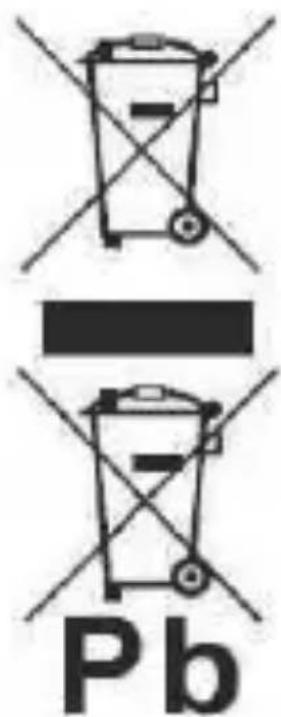
(Waste Electrical & Electronic Equipment (WEEE)
Your product is designed and manufactured with high quality materials and
components which can be recycled and reused.
This symbol means that electrical and
electronic equipment, at their endof-life should be disposed of separately from your household waste.
Please dispose of this equipment at your local community waste collection/
recycling centre.
In the European Union there are separate collection systems for used electrical and electronic products. Please help us to conserve the
environment we live in!
sunstech
GRECO
Manual de usuario
Specifications techniques 8
Specifications techniques

Brand : Sunstech
Model : Greco
Category : Mp3 player