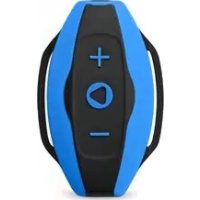
Neptun - Mp3 player Sunstech - Free user manual and instructions
Find the device manual for free Neptun Sunstech in PDF.



| Product Type | Waterproof Sports MP3 Player |
| Brand | Sunstech |
| Model | Neptun |
| Supported Audio Formats | MP3, WMA, OGG, APE, FLAC, AAC-LC, WAV |
| Water Resistance | IPX8 (immersion up to 3 meters) |
| Battery Life | Approximately 17 hours of playback (at medium volume) |
| Battery Type | Internal rechargeable Lithium-ion |
| Connectivity | USB 2.0 (plug-and-play, driverless) |
| Combined Jack | Headphone / USB (2-in-1) |
| Playback Functions | Sequential / Random playback, next/previous track, volume+, volume-, play/pause, on/off, reset |
| Indicator Light | Blue and red LED (indicates status) |
| Compatibility | Windows and Mac |
| Warranty | 2 years from date of purchase |
| Operating Temperature | 20 °C to 60 °C |
| Cleaning | Soft, slightly damp cloth, no abrasive products |
| Power Source | Via USB (computer or power adapter not included) |
| Included Accessories | USB cable, earphones (not specified, but likely) |
| Country of Origin | China |
| Compliance Standards | EMC, LVD, RoHS |
Frequently Asked Questions - Neptun Sunstech
User questions about Neptun Sunstech
0 question about this device. Answer the ones you know or ask your own.
Ask a new question about this device
Download the instructions for your Mp3 player in PDF format for free! Find your manual Neptun - Sunstech and take your electronic device back in hand. On this page are published all the documents necessary for the use of your device. Neptun by Sunstech.
USER MANUAL Neptun Sunstech
Waterproof Sports MP3 player
User Guide
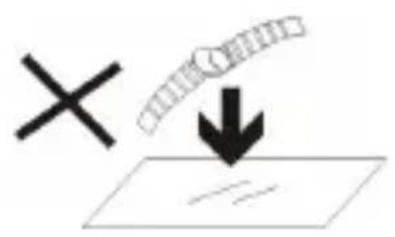
- DO NOT place objects on top of the device, as objects may scratch the device.
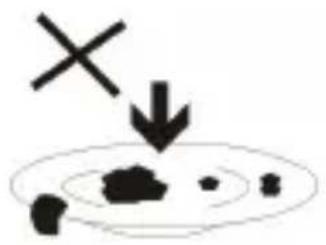
2.DONOTexposethedevicetodirtyordustyenvironments.
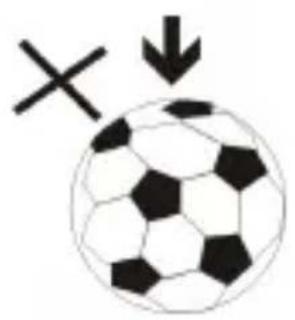
- DO NOT place the device on an uneven or unstable surface.
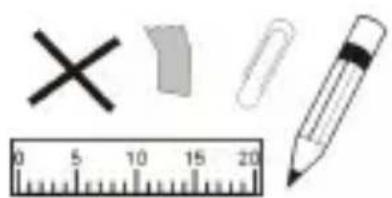
4.DONOTinsertanyforeignobjectsintothedevice.
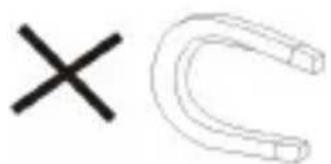
- DO NOT expose the device to strong magnetic or electrical field.
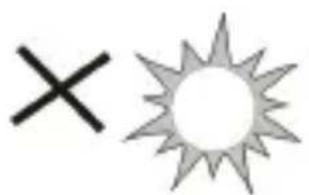
6.DONOTexposethedevicetodirectsunlightasitcand damage the device. Keep it away from heat sources.
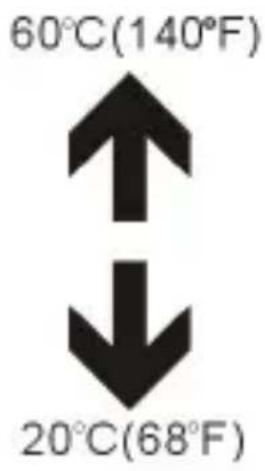
7.DONOTstoreyourdeviceintemperatureshigherthan
40^(104^) . The internal operating temperature for this device is from 20^(68^) to 60^(140^) .
- DO NOT use

the device in the rain.
- Please check with your Local Authority or retailer for proper disposal of electronic products.


- The device and adaptor may produce some heat during normaloperationofcharging.Topreventdiscomfortor injury from heat exposure, DO NOT leave the device on yourlap.
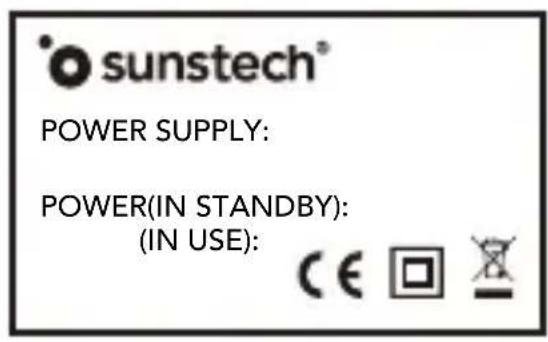
11.POwERINPUTRATING:Refertotherating
labelonthedevicandbesurethatthepower
adaptorcomplieswiththerating.Onlyuse
accessoriespecifiedbythemanufacurer.
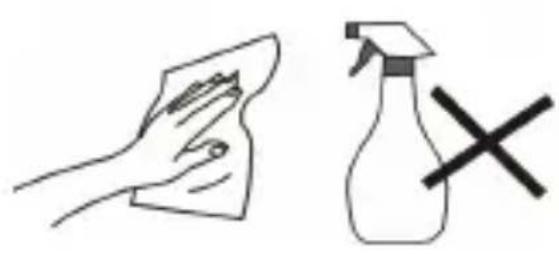
12.Cleanthedevicewithasoftcloth.lfneeded, dampentheclothslightlybeforecleaning.Never useabrasivesorcleaningsolutions.
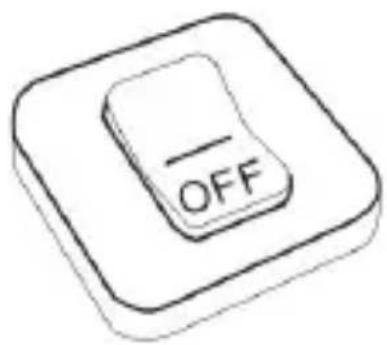
- Alwayspoweroffthedevicetoinfallor removeexternaldevicesesthatdonotsupport hot- plug.
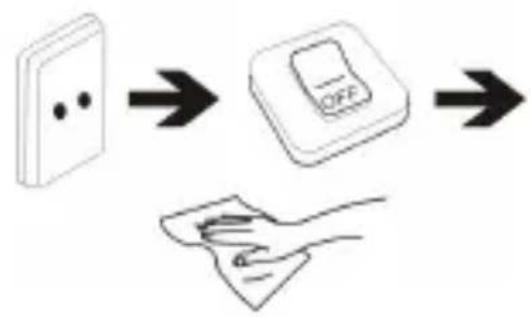
14.Disconnectthedevicefromanelectricaloutlet andpoweroffbeforecleaningthedevice.
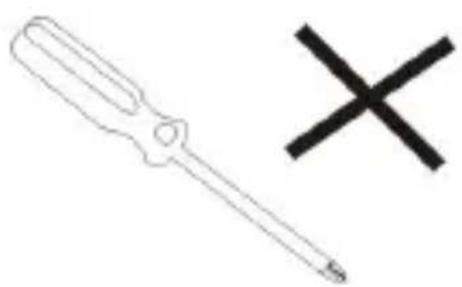
15.DONOTdisassemblethedevic.Onlyacertified servicetechniciansshouldperformrepair.

- The device has aperturesstodisperseheat.DONOT block the deviceventilation, the devicemaybecomehot and malfunction as a result.
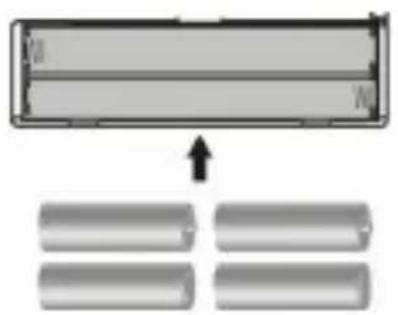
17.Riskofexplosionifbatteryreplacedbyanincorrect type. Dispos of used batteries according to the instruction.
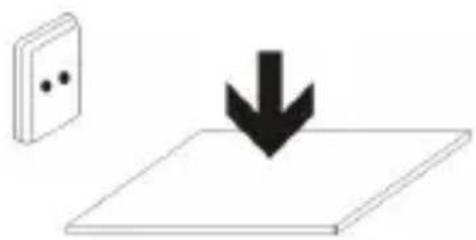
- PLUGGABLE EQUIPMENT: the socket-outlet shall be installed near the equipment and shall be easily accessible.
EuropeanUnion:DisposallInformation
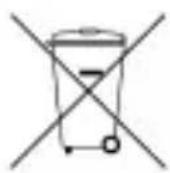
The symbol above means that according to local laws and regulations your product and/or its battery shall be disposed of separately from household waste. When this product reaches its end of life, take it to a collection point designated by local authorities. These separate collection and recycling of your product and oritsbatteryl at the time of disposal will help conserve natural resources and ensure that it is recycled in a manner that protects human health and the environment.
About your Waterproof MP3 Player
-IPX8:withstandssubmersionto3meters.
-USBplug-and-play:nodriversrequired
-Audioforms:MP3,WMA,OGG,APE,FLAC,AAC-LC,WAV
-Sequence/Shuffleplaymode
-RechargeableinternalLi-battery,musicplaybackabout17 hours(atmediumvolume)
-Earphone/USBjack:listen,charge,andsyncfiles
-WorksonMacandWindowsSystems
Caution:
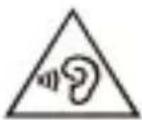
-Topreventpossiblehearingdamage,donotlistenat highvolumelevelsforlongperiods.
-Toavoidtheriskofseriousinjury,donotusebelow3meters.
Appearance and Controls
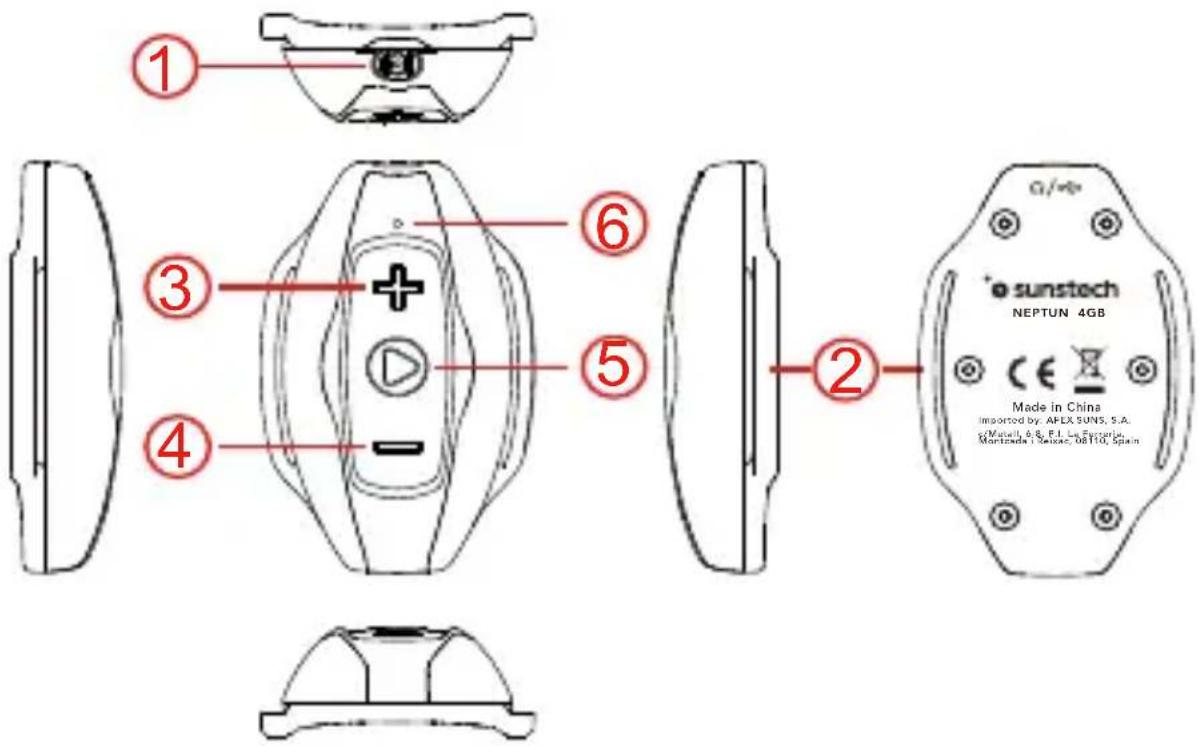
① Earphone/USB jack (2-in-1):
-Charge/Sync: plug in USB cable -Listen: plug in headphones
-Wear on your arm, ready for sports
③ Next Track / Volume+
-Next Track: press once -Volume+: press and hold
(4) PreviousTrack / Volume-
-Previous Track: press once -Volume:- press and hold
⑤ Play/Pause/On/Off/Reset
-Play/Pause: press once to toggle
-On: hold until light turns on, then music will play automatically
-Off: hold down for 3 seconds
-Reset: hold down for 10 seconds
③&⑤ Shuffle mode
- This device plays in sequence mode by default, hold down the Next Track and Play buttons simultaneously for 3s to turn Shuffle mode on or off, LED will blink RED briefly.
⑥ Indicator light and LED light messages
-No Files: 5 RED flashes, turns off
-Data transfer: very slow BLUE flash
-Playing: 1 BLUE flash per second
-PAused: solid BLUE light
-Shuffle on/off: solid RED + BLUE lights
-Low Battery: slow RED flash
-Charging connected with computer): quick RED flash
-Charged (connected with computer): solid RED light
Tips:
- The shuffle function needs all files placed in root of the device, do notseparatedbyany folders.
ConnecttothePC&Downloadaudiofiles
- Open the Windows Explorer or "This PC"
- Using the USB cable, connect the player to a USB port on your PC.
- Open the new "Removable Disk" folder under "This PC".
- Copy files to the "Removable Disk" in which you want them to play.
- Press the "Play/Pause" button on the player.
- In the left sidebar, right-click the "Removable Disk" folder and select "Eject" from the menu.
- Wait until the computer confirms a safe ejection before you unplugtheUSBcable.
Notice: Please do not disconnect the USB plug during file transferring. It may cause malfunction of the player and the files.
Chargingtheplayer
- Plug the headphone end of the USB cable into the player's earphonejack
- Plug the USB end of the USB cable into the computer's USB port
- Charge for about 1 hour, or until the RED light changes from flashingtosoid
Troubleshooting
-Player does not turn on
- Makesurebatteryischarged.
- Connect to computer and check for response. (LED flashes REDif computer recognizes player).
-No sound comes from headphones
- Turnupvolume(holddownNextTrackbutton).
2.Gentlycleanoutheadphonejack. - Make sure the audio file format is supported.
- Checkiffilesplaycorrectlyoncomputer.
-Filesdonottransfer
- Make sure the player is correctly connected to the computer (LED should be flashing RED).
- Make sure there is enough memory available to store the files on the player.
-Light is on, but buttons do not respond
- Turn off player (press and hold the Play/Pause button for 3 seconds).
- PressandholdthePlay/Pausebuttonfor10secondstoresethe controls (LED will flash RED and BLUE at the same time and then turnoff).
MadeinChina
Warrantyconditions
- Thewarantyofthisproductisfor2yearssincethepurchase date.
- Thewarrantywillexcludebreakdownscausedbybaduseof theproduct, wronginstallationorinstallationinnotesirable placesforapropermaintenanceoftheproduct,rips, updatesoftheproductsthatarenotthesuppliedbythe brand,piecesworeawayforitsuseorfornotdomesticor inappropriateuse. Alsoareexcludedbreakdownscaused formanipulationsoftheproductsbypeopleorcompanies alientoourcompany.
-Foranyrequestregardingthewarantyterms, the purchase receiptmustbeattached.
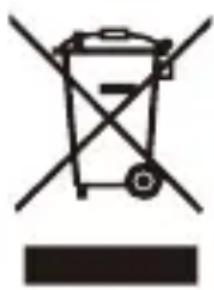
Correctdisposalo f thisProduct
(WasteElectrical&ElectronicEquipment (WEEE)
Yourproductisdesignedandmanufactured withhighqualitymaterialsandcomponents whichcanberecycledandreused.
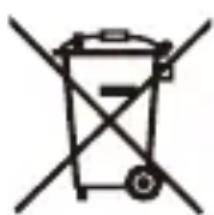
Thisssymbolmeansthatelectricalandelectronic equipment,attheirendoflifeshould bedisposedofseparatelyfromyourhouseholdwaste.Pleaseduspendosefthisequipmentatyourlocalcommunitywastecollection/recyclingcentre.

IntheEuropeanUnionthereareseparate collectionsystemsforusedelectricaland electronicproducts.Pleasehelpusto conserve theenvironmentwelivein!
DECLARATIONOFCONFORMITY
Council Directive(s) to which conformity is declared:
Directive(2014/30/EU)-EMC
Directive(2014/35/EC)-LVD
Directive(2011/65/EU)-RoHS
ApplicationoftheStandards:
EN55024:2010
EN55032:2012
EN60950-1:2006+A11:2009+A1:2010+A12:2011+A2:2013
Manufacturer's name:
AFEX SUNS, S.A.
Manufacturer's address:
c/Metall 6-8,08110,Montcada i Reixac
Typeofquipment:MP3PLAYER
Trade:SUNSTECH
Modelno.:NEPTUN
(Serai num ber range:170300001-170301010)
We, the undersigned, hereby declare under our sole responsibility that the specified equipment is in conformity with the above Directive(s) and Standard(s)
Place: Barcelona

(Signature)
Date: 22 - February - 2017
VICTOR Planas Bas
(Fullname)
GeneralManager
(Position)

NEPTUN
POWER(IN STANDBY): (IN USE):

[Play/Pause/On/Off/Reset]
Tipodequipment:MP3player
Comércio:
SUN STECH
Modelon. ^ NEPTUN
For you. For everyone.

Brand : Sunstech
Model : Neptun
Category : Mp3 player