ManualGo.com
 ATHANC70 QuietPoint - Ecouteur Audio-Technica - Free user manual and instructions
Find the device manual for free ATHANC70 QuietPoint Audio-Technica in PDF.



Download the instructions for your Ecouteur in PDF format for free! Find your manual ATHANC70 QuietPoint - Audio-Technica and take your electronic device back in hand. On this page are published all the documents necessary for the use of your device. ATHANC70 QuietPoint by Audio-Technica.
USER MANUAL ATHANC70 QuietPoint Audio-Technica
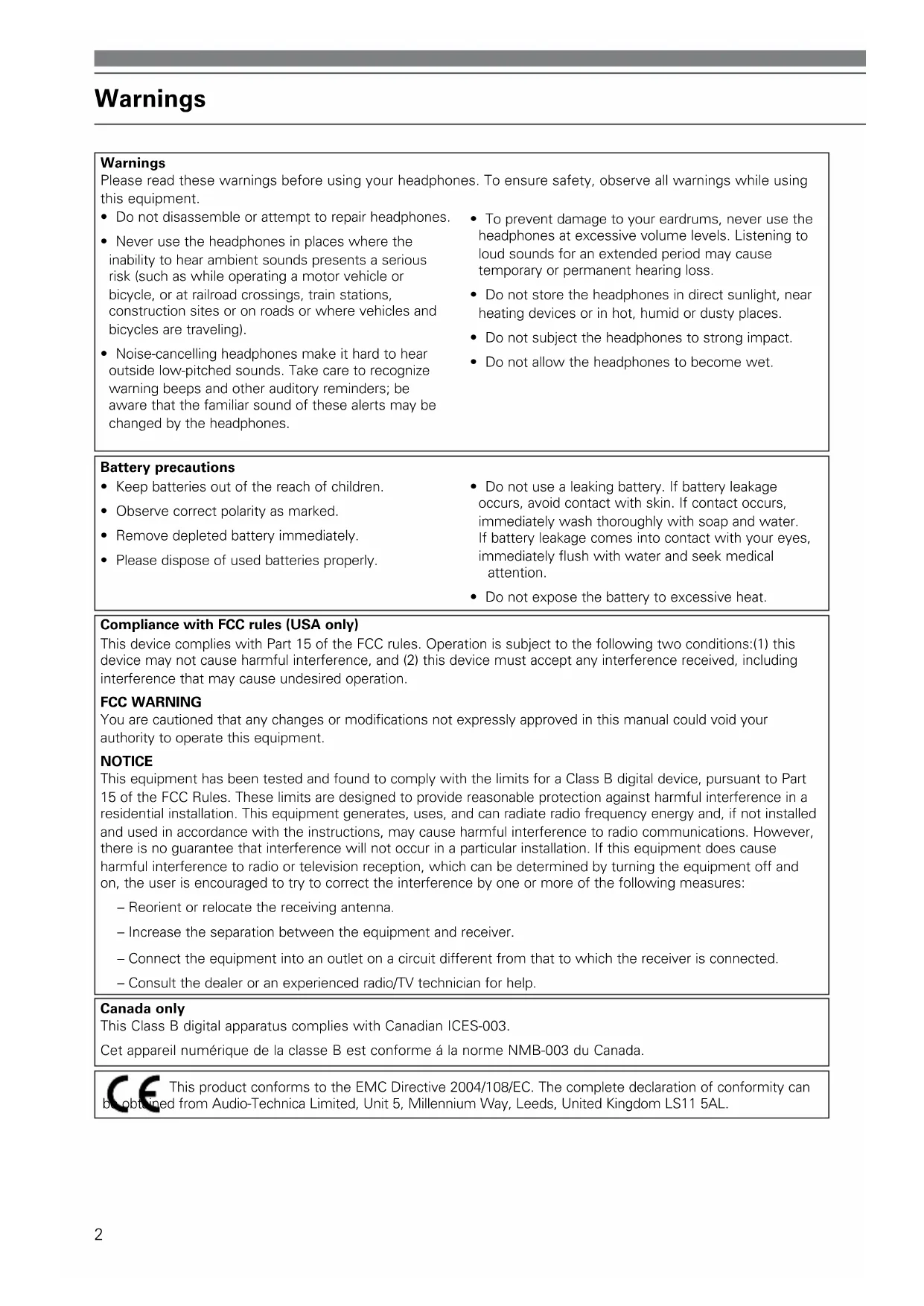
Noise-Cancelling Headphones2 Warnings This product conforms to the EMC Directive 2004/108/EC. The complete declaration of conformity can be obtained from Audio-Technica Limited, Unit 5, Millennium Way, Leeds, United Kingdom LS11 5AL.
- Do not disassemble or attempt to repair headphones.
- Never use the headphones in places where the inability to hear ambient sounds presents a serious risk (such as while operating a motor vehicle or bicycle, or at railroad crossings, train stations, construction sites or on roads or where vehicles and bicycles are traveling).
- Noise-cancelling headphones make it hard to hear outside low-pitched sounds. Take care to recognize warning beeps and other auditory reminders; be aware that the familiar sound of these alerts may be changed by the headphones.
- To prevent damage to your eardrums, never use the headphones at excessive volume levels. Listening to loud sounds for an extended period may cause temporary or permanent hearing loss.
- Do not store the headphones in direct sunlight, near heating devices or in hot, humid or dusty places.
- Do not subject the headphones to strong impact.
- Do not allow the headphones to become wet. Warnings Please read these warnings before using your headphones. To ensure safety, observe all warnings while using this equipment.
- Keep batteries out of the reach of children.
- Observe correct polarity as marked.
- Remove depleted battery immediately.
- Please dispose of used batteries properly.
- Do not use a leaking battery. If battery leakage occurs, avoid contact with skin. If contact occurs, immediately wash thoroughly with soap and water. If battery leakage comes into contact with your eyes, immediately flush with water and seek medical attention.
- Do not expose the battery to excessive heat. Battery precautions Compliance with FCC rules (USA only) This device complies with Part 15 of the FCC rules. Operation is subject to the following two conditions:(1) this device may not cause harmful interference, and (2) this device must accept any interference received, including interference that may cause undesired operation. FCC WARNING You are cautioned that any changes or modifications not expressly approved in this manual could void your authority to operate this equipment. NOTICE This equipment has been tested and found to comply with the limits for a Class B digital device, pursuant to Part 15 of the FCC Rules. These limits are designed to provide reasonable protection against harmful interference in a residential installation. This equipment generates, uses, and can radiate radio frequency energy and, if not installed and used in accordance with the instructions, may cause harmful interference to radio communications. However, there is no guarantee that interference will not occur in a particular installation. If this equipment does cause harmful interference to radio or television reception, which can be determined by turning the equipment off and on, the user is encouraged to try to correct the interference by one or more of the following measures: – Reorient or relocate the receiving antenna. – Increase the separation between the equipment and receiver. – Connect the equipment into an outlet on a circuit different from that to which the receiver is connected. – Consult the dealer or an experienced radio/TV technician for help. Canada only This Class B digital apparatus complies with Canadian ICES-003. Cet appareil numérique de la classe B est conforme á la norme NMB-003 du Canada.3 Introduction Thank you for purchasing Audio-Technica ATH-ANC70 QuietPoint
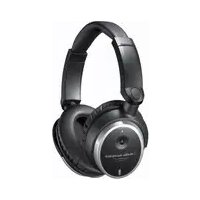
Noise-Cancelling Headphones. Read these instructions before using the headphones, and keep the manual for future reference. About ATH-ANC70 QuietPoint
headphones use proprietary active noise-cancelling technology to provide a comfortable listening environment in areas with high ambient noise. The headphones feature two miniature microphones in each earpiece that pick up ambient noise (such as traffic, air-handling systems, etc.) and create a sound-cancelling signal to effectively block the noise. Smartphone Compatible The ATH-ANC70 headphones offer an integrated microphone and controller for answering calls and controlling music. The mic and controller (located in the left earcup of the headphone) support select smartphone models and touchpad devices. The microphone has an omnidirectional pickup pattern and it is designed for crisp intelligibility, so your voice will be clearly transmitted without having to speak directly into the mic. Premier Sound Audio-Technica equipment is used by major artists for studio recording and capturing live performances on stage...allowing audiences to experience their work as clearly and fully as it was intended. These headphones are designed to offer you the crystal-clear sound that makes Audio-Technica the choice of leading artists worldwide. Wherever you happen to find yourself—in the comfort of your living room, in a noisy office, or settling in for a long flight—there is no better way to experience audio or immerse yourself in a peaceful environment.
active noise-cancelling technology reduces environmental noise by up to 90%
- Integrated mic, volume and controls within earcups for compatible smartphones
- 40 mm drivers for crystal-clear high-fidelity audio reproduction
- Luxurious memory foam padding on headband and earcups
- Audio functions (in passive mode) even without the battery
- Use for MP3, iPhone/smartphone, CD, DVD & in-flight entertainment
- Includes hard case, battery, adapters & 1 cable English4 ATH-ANC70 QuietPoint
Noise-Cancelling Headphones Adjustable headband– Cushioned with memory foam Replaceable memory foam earpads Swiveling earcups– The housings fold flat Battery compartment– Under right earcup cover Volume/Slide control Power indicator– Lights blue when power is ON Smartphone control button– Controls music and calls Power switch– Switch on to activate noise-cancelling function. Headphones operate as stereo headphones in OFF position without active noise-cancelling function. Detachable 1.2 m (3.9') cable with 3.5 mm
stereo adapter5 Installing the battery and case construction The ATH-ANC70 requires one AAA battery for operation (included). Use disposable AAA alkaline batteries or rechargeable AAA batteries.
1. Move headphone power switch to the OFF position.
2. On right earcup of headphone, using two thumbs, push the cover up.
3. Pull cover from headphone case and pull/peel out. (Cover is tethered to the headphone).
4. Install battery noting polarity (+/-) as indicated.
5. Install cover and side/click cover down to lock position.
Push Up Peel Off English6 Using your headphones To activate noise-cancellation without audio:
- To activate noise-cancelling function, move the Power Switch on your headphones to the ON position. The power indicator will light blue indicating active mode. Note: For noise-cancelling without audio, there is no need to connect the headphone cable. Simply turn on the headphones and wear them. To listen to music/audio:
1. Minimize the volume of your sound device, then connect the included headphone cable to the
port on the left earcup using the straight 3.5 mm (
") end, making certain the plug is firmly seated.
2. Connect the other end of the headphone cable to the headphone jack of your audio device.
") stereo mini-plug to connect to your smartphone, MP3, CD player, DVD player, computer, or other audio devices equipped with a 3.5 mm output jack.
- Use included 6.3 mm (
") stereo adapter to connect to home stereo equipped with 6.3 mm
- Use included airline adapter to connect to typical airline audio systems. Note: The headphones cannot be used with devices equipped with 2.5 mm earphone jacks. Please purchase an optional mono/stereo adapter for use with a mono device. (Without use of an adapter, the right channel is muted when headphones are connected to a mono device.)
3. Please make sure to position the earpads correctly. (Left / Right position and with the earpad
covering the whole ear.)
4. To activate noise-cancelling function, move the Power Switch on your headphones to the ON
position. The power indicator will light blue.
5. Turn on your audio device, and adjust volume of the audio device as well as the slide volume
control on the headphone. Please also read instruction manual of audio device. How to use the smartphone compatibility feature (Silver logo control button located on left earcup): Play music/ Pause music/ Click the silver logo control button once Answer & end calls Go to next track Double-click the silver logo control button Go to previous track Triple-click the silver logo control button7 Using your headphones Problem Solution Ambient noise is not reduced Adjust headphones’ position. (Headphones may be incorrectly positioned on ears.) Turn power switch off, and on again to reset. Check battery. (Battery may be low.) Headphones produce rumbling noise Adjust headphones’ position. (Headphones may be incorrectly positioned on ears.) Sound has become distorted Turn down volume of audio/video equipment. (Volume may be too loud.) Change battery in headphones. (Battery may be low.) No power Check to make sure the battery is properly inserted. Change battery in headphones. (Battery may be low.) Make sure power switch is on. (Power may not be turned on.) No/low audio Check volume control on headphone (Control may be set too low.) Troubleshooting guide English After using
- After you have finished using your headphones, be certain to move the Power Switch to the OFF position.
- Remove battery when you will not be using the headphones for an extended period.
- Store the headphones in included protective carrying case; store accessories in attached pouch.
- To clean the headphones, wipe with a clean, soft cloth. Do not use solvents or commercial cleaners.
- Earpads will wear over time. Replacement pads are available from Audio-Technica dealers.8 ATH-ANC70 Specifications* Driver 40 mm, active noise-cancelling Frequency Response 10 - 25,000 Hz QuietPoint
Active Noise Reduction Up to 20 dB Sensitivity 104 dB Impedance 570 ohms Battery AAA (alkaline or rechargeable) Battery Life Up to 40 hours, typical (alkaline)** Weight 218 g (7.7 oz), without cable and battery Cable Detachable 1.2 m (3.9') cable with 3.5 mm (
Included Accessories 6.3 mm (
") stereo adapter; airline adapter; AAA battery; carrying case
- Technische Daten gemessen an Kopfhörern im aktiven Modus. Änderungen der Technischen Daten sind ohne vorherige Ankündigung möglich. ** Die Batterielebensdauer eines wiederaufladbaren Akkus hängt vom Zustand des Akkus ab und ist in der Regel kürzer als die Lebensdauer einer nicht wiederaufladbaren Batterie.37 Service Information Warranty Service Audio-Technica Active Noise-Cancelling Headphones may be sent to any of the Authorized Audio-Technica Service Centers listed below for warranty repair or replacement. For details of warranty service, return approval, and shipping information, contact the Authorized Audio-Technica Service Center in your region. All product submitted for warranty repair or replacement must be pre-approved and must be sent prepaid and include a sales slip, receipt or other proof of purchase date. Defects due to normal wear, abuse, shipping damage, or failure to use product in accordance with instructions are not warranted. Unauthorized repair or modification, or removal or defacing of the product labeling will void the warranty. Outside of these areas, please contact your local dealer for warranty/service details.3839 Contact information for European customers Audio-Technica Limited Technica House, Unit 5, Millennium Way Leeds, LS11 5AL, United KingdomWarranty Audio-Technica U.S., Inc., 1221 Commerce Drive, Stow, Ohio 44224 USA +1 (330) 686-2600 Audio-Technica Limited, Unit 5, Millennium Way, Leeds LS11 5AL England +44 (0) 113 277 1441 Audio-Technica (Greater China) Limited, Unit K, 9/F., Kaiser Est. (Ph.2) 51 Man Yue St. Kowloon, HK. +852-2356-9268 Audio-Technica (S.E.A.) Pte. Ltd., 1 Ubi view, Focus One, #01-14, Singapore 408555 Singapore +65-6749-5686 Audio-Technica Taiwan Co., Ltd., No.6, Lane332, Sec. 2, Fuda Rd., Jhongli-city, Taoyuan-county, Taiwan 32050, R.O.C. Toll-Free: 0800-774-788 (From anywhere in Taiwan) Audio-Technica Corporation, 2206, Naruse Machida, Tokyo Japan www.audio-technica.com ©2013 Audio-Technica U.S., Inc. Printed in China Imprimé en Chine Impreso en China Stampato in Cina Gedruckt in China P52476 U.S. One-Year Limited Warranty Audio-Technica brand products purchased in the U.S.A. are warranted for one year from date of purchase by Audio-Technica U.S., Inc. (A.T.U.S.) to be free of defects in materials and workmanship. In event of such defect, product will be repaired promptly without charge or, at our option, replaced with a new product of equal or superior value if delivered to A.T.U.S. or an Authorized Service Center, prepaid, together with the sales slip or other proof of purchase date. Prior approval from A.T.U.S. is required for return. This warranty excludes defects due to normal wear, abuse, shipping damage, or failure to use product in accordance with instructions. This warranty is void in the event of unauthorized repair or modification, or removal or defacing of the product labeling. For return approval and shipping information, contact the Service Department, Audio-Technica U.S., Inc., 1221 Commerce Drive, Stow, Ohio 44224. Except to the extent precluded by applicable state law, A.T.U.S. will have no liability for any consequential, incidental, or special damages; any warranty of merchantability or fitness for particular purpose expires when this warranty expires. This warranty gives you specific legal rights, and you may have other rights which vary from state to state. Outside the U.S.A., please contact your local dealer for warranty details. Register your product online at www.audio-technica.com.