 ManualGo.com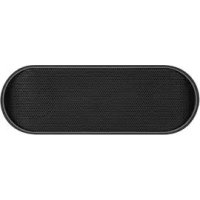
XQ S10 - Speaker Xqisit - Free user manual and instructions
Find the device manual for free XQ S10 Xqisit in PDF.



Download the instructions for your Speaker in PDF format for free! Find your manual XQ S10 - Xqisit and take your electronic device back in hand. On this page are published all the documents necessary for the use of your device. XQ S10 by Xqisit.
USER MANUAL XQ S10 Xqisit
S102 xq S10 Bluetooth Speaker EN3 Quick Guide Press and hold the O switch. The LED will illuminate blue. Hold down the O until the LED ashes and alternates between blue and red. Establish a connection to your device. Product features
- Bluetooth version 3.0 + EDR with special audio algorithm and DSP processor for clean, rst-class, wireless stereo sound
- Two 35 mm broadband drivers provide true and outstanding sound
- Passive woofer for excellent base tones
- Convenient charging with USB charging cable
- Rechargeable Li-Ion batteries for up to 10 hours of operation
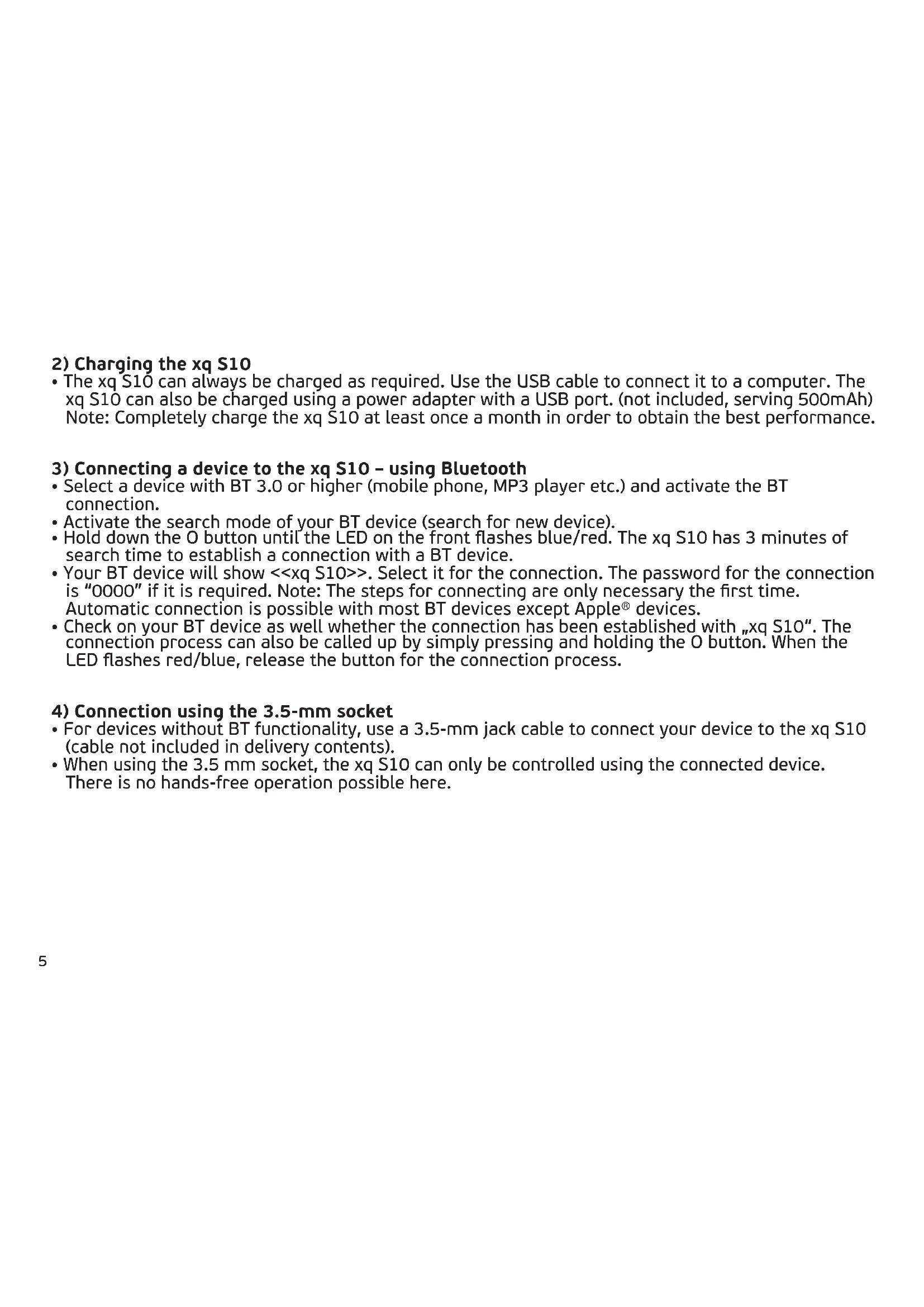
- The xq S10 can always be charged as required. Use the USB cable to connect it to a computer. The xq S10 can also be charged using a power adapter with a USB port. (not included, serving 500mAh) Note: Completely charge the xq S10 at least once a month in order to obtain the best performance.
3) Connecting a device to the xq S10 – using Bluetooth
- Select a device with BT 3.0 or higher (mobile phone, MP3 player etc.) and activate the BT connection.
- Activate the search mode of your BT device (search for new device).
- Hold down the O button until the LED on the front ashes blue/red. The xq S10 has 3 minutes of search time to establish a connection with a BT device.
- Your BT device will show <<xq S10>>. Select it for the connection. The password for the connection is “0000” if it is required. Note: The steps for connecting are only necessary the rst time. Automatic connection is possible with most BT devices except Apple® devices.
- Check on your BT device as well whether the connection has been established with „xq S10“. The connection process can also be called up by simply pressing and holding the O button. When the LED ashes red/blue, release the button for the connection process.
4) Connection using the 3.5-mm socket
- For devices without BT functionality, use a 3.5-mm jack cable to connect your device to the xq S10 (cable not included in delivery contents).
- When using the 3.5 mm socket, the xq S10 can only be controlled using the connected device. There is no hands-free operation possible here.6
Press the multifunction button for Play/Pause Press the “-“ button to reduce the volume. Press the “+“ button to increase the volume.
6) Speaking in hands-free mode
Press the multifunction button briey to accept an incoming call or end an active call. Press and hold the multifunction button to change between music and the call.7 Switched on Battery level > 40%
- Flashes blue slowly Switched on Battery level < 40%
- Flashes blue Switched o
- LED o Connecting mode
- Flashes red and blue Switched on Charging
- Flashes red and blue slowly Switched o Charging
- Broadband driver (35 mm) per channel + passive woofer
- Signal-to-noise ratio: > 75 dB at 1 W
- Playback time: 10 hours at 60% volume
- Charging time: 3 hours8
9) Compatibility (Bluetooth device)
BT 3.0 or above device with A2DP / AVRCP / HFP/ HSP
- Please check xq S10 or BT device volume level Music playback is not transfered from BT device to xq S10
- Make sure your BT device has A2DP
- Check if both devices are connected
- Restart xq S10 for auto connection with your BT device LED remains o
- Make sure xq S10 is fully charged. Sound is too low / too much distortion
- Adjust the volume level of xq S10 or BT device Phone call is not answered by xq S10
- Make sure your mobile has HSP / HFP
- Check if both devices are connected
- Restart xq S10 for auto connection with your BT device Music playback is not resumed aer hanging up a call
- Press play to resume music No music control by xq S10 possible
- Make sure your BT device has AVRCP
- Connect via BT instead of 3.5 mm jack cable9 Warning Please read these safety warnings and cautions carefully to ensure your personal safety and prevent property damage. Fire and Electric Shock Hazard
- Do not expose your xqisit xq S10 to liquid, moisture, humidity, or rain. Do not use the xqisit xq S10 near a bathtub, sink, sauna, pool, or steam room. Exposure of the xqisit xq S10 to moisture could result in electric shock.
- Do not place any items lled with liquids, such as glasses, vases or similar objects, on top of the device.
- Do not drop, disassemble, open, crush, bend, deform, puncture, shred, microwave, incinerate, paint, or insert foreign objects in to the xqisit xq S10 . Such actions could result in electric shock.
- Clean the xqisit xq S10 only with a dry cloth.
- Do not expose your xqisit xq S10 to extremely high or low temperatures.
- Do not expose your xqisit xq S10 to sources of excessive heat, such as sunlight, re or similar. Do not place your xqisit xq S10 near an open re, such as gas burners, candles or replaces, and avoid contact with direct solar radiation. Do not place any candles or other open ames on the device. Make sure that the xqisit xq S10 is exposed to sucient ventilation. Do not block the vent holes with objects such as magazines, tablecloths or similar items. Battery/Charger Hazard
- Do not dispose of your xqisit xq S10 in a re. The battery could explode causing injury or death.
- Only charge the battery in accordance with the user instructions supplied with the xqisit xq S10 .
- Do not attempt to disassemble the xqisit xq S10 or force open the built-in battery because this may result in electric shock.
- Do not charge the xqisit xq S10 in damp areas or in extremely high or low temperatures because this could result in electric shock.
- Do not clean the xqisit xq S10 when it is being charged. Always unplug the charger rst before cleaning the Xqisit xq S10 .
- Set up the device in such a way that the mains plug is always easily accessible and you can unplug it quickly in the event of an emergency. Automobile Accident Hazard
- Do not leave or store the xqisit xq S10 or any of its accessories near or over your automobile’s air bag because serious injury may result when an airbag deploys. Fall Hazard
- Do not place the xqisit xq S10 on high surfaces such as shelves. During music playback the xqisit xq S10 may move which could cause the xqisit xq S10 to shi and fall o of the edge.10 Caution
- Do not use abrasive cleaners to clean your xqisit xq S10 because this could cause scratches and damage.
- Do not bring your xqisit xq S10 in to contact with any sharp objects because this could cause scratches and damage.
- Do not insert anything into your xqisit xq S10 unless otherwise specied in the user instructions. This may damage the internal components.
- Do not attempt to repair, modify, or disassemble your xqisit xq S10 yourself, it does not contain any user-serviceable components.
- Do not attempt to replace your xqisit xq S10 battery, it is built-in and is not changeable.
- Observe all signs and displays that require an electrical device or RF radio product to be switched o in designated areas.
- Turn o your xqisit xq S10 prior to boarding an aircra. Do not use the xqisit xq S10 inside an aircra unless allowed by your airline.
- Dispose of the xqisit xq S10 and the xqisit xq S10 ’s battery in accordance with local regulations. Do not dispose of the battery with regular household waste. FCC Statement This equipment has been tested and found to comply with the limits for a Class C digital device, pursuant to Part 15 of the FCC Rules. These limits are designed to provide reasonable protection against harmful interference in a residential installation. This equipment generates uses and can radiate radio frequency energy and, if not installed and used in accordance with the instructions, may cause harmful interference to radio communications. However, there is no guarantee that interference will not occur in a particular installation. If this equipment does cause harmful interference to radio or television reception, which can be determined by turning the equipment o and on, the user is encouraged to try to correct the interference by one of the following measures:
- Reorient or relocate the receiving antenna.
- Increase the separation between the equipment and receiver.
- Connect the equipment into an outlet on a circuit dierent from that to which the receiver is connected.
- Consult the dealer or an experienced radio/TV technician for help.11 FCC NOTICE This device complies with Part 15 of the FCC Rules. Operation is subject to the following two conditions: 1 This device may not cause harmful interference, and 2 This device must accept any interference received, including interference that may cause undesired operation. FCC CAUTION
- Any changes or modications not expressly approved by the party responsible for compliance could void the user‘s authority to operate this equipment.
- This device and its antenna(s) must not be co-located or operating in conjunction with any other antenna or transmitter.
To locate the FCC and IC identication numbers, please look on the underside of the xqisit xq S10 . Model number PF317 The crossed-out wheelie bin symbol means that the product must be disposed of separately in the European Union. These products must not be disposed of with unsorted household waste. We, STRAX GmbH, declare under our sole responsibility, that the product xqisit xq S10 (Model-Nr PF317), conforms with the provisions of the following Directives: 1999/5/EC; 2004/108/EC and 2006/95/EC. Distributor: STRAX GmbH, Belgische Allee 52+54, 53842 Troisdorf, Germany, www.strax.com iPhone®, iPod® and iPad® are trademarks of Apple Inc., registered in the U.S. and other countries. The Trademark BlackBerry® is owned by Research In Motion Limited and is registered in the United States and may be pending or registered in other countries. STRAX is not endorsed, sponsored, aliated with or otherwise authorized by Research In Motion Limited.12 Haut-parleur Bluetooth xq S10 FR13 Mode d’emploi rapide Appuyez sur le bouton O et maintenez-le enfoncé. La LED s’allume en bleu. Maintenez le bouton O enfoncé jusqu’à ce que les LED clignotent en alternance bleu et rouge. Connectez votre appareil. Caractéristiques du produit