ManualGo.com
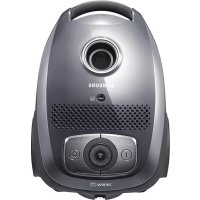
SC5450 - Aspirateur SAMSUNG - Free user manual and instructions
Find the device manual for free SC5450 SAMSUNG in PDF.
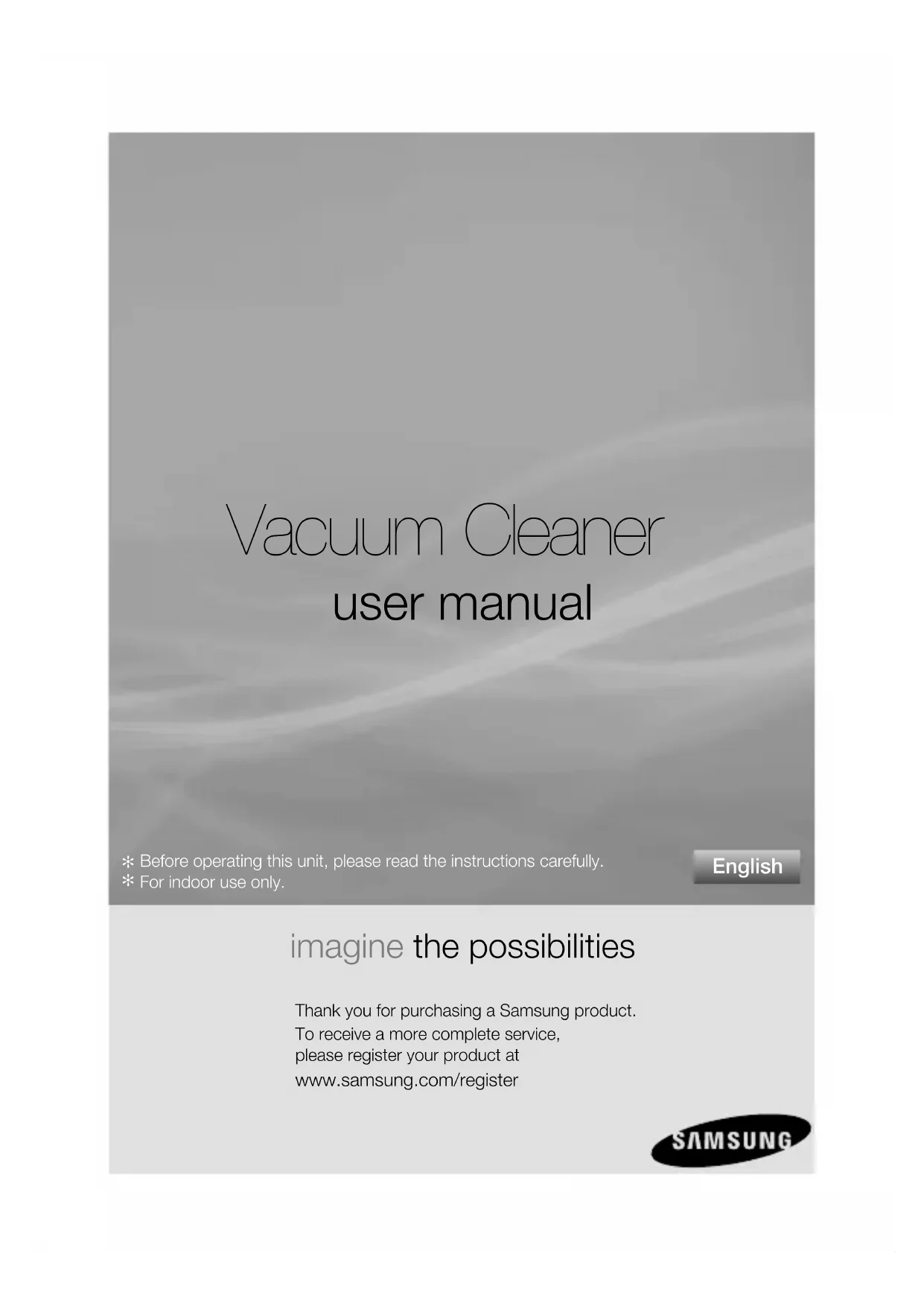


Download the instructions for your Aspirateur in PDF format for free! Find your manual SC5450 - SAMSUNG and take your electronic device back in hand. On this page are published all the documents necessary for the use of your device. SC5450 by SAMSUNG.
USER MANUAL SC5450 SAMSUNG
imagine the possibilities Thank you for purchasing a Samsung product.To receive a more complete service, please register your product at www.samsung.com/register
✻ Before operating this unit, please read the instructions carefully. ✻ For indoor use only. English
DJ68-00688A.indb 01DJ68-00688A.indb 01 2012.9.10 11:28:12 AM2012.9.10 11:28:12 AM02_ safety information
• Before operating the appliance, please read this manual thoroughly and
retain it for your reference.
• Because these following operating instructions cover various models,
the characteristics of your vacuum cleaner may differ slightly from those
described in this manual.
CAUTION/WARNING SYMBOLS USED WARNING Indicates that a danger of death or serious injury exists. CAUTION Indicates that a risk of personal injury or material damage exists.
OTHER SYMBOLS USED Represents something you must NOT do.
Represents something you must follow.
Indicates that you must disconnect the power plug from the socket. WARNINGWARNING DJ68-00688A.indb 섹션1:02DJ68-00688A.indb 섹션1:02 2012.9.10 11:28:12 AM2012.9.10 11:28:12 AMsafety information _03
IMPORTANT SAFEGUARDS
1. Read all instructions carefully. Before switching on, make sure that the voltage
of your electricity supply is the same as that indicated on the rating plate on the
bottom of the cleaner.
2. WARNING : Do not use the vacuum cleaner when rug or fl oor is wet.
Do not use to suck up water.
3. Do not use the vacuum cleaner without a dust bag. Change the dust bag before
it is full in order to maintain the best effi ciency.
4. Slide to the Stop(or Min)position before inserting a plug into the electrical outlet.
5. Do not use the vacuum cleaner to pick up matches, live ashes or cigarette butts.
Keep the vacuum cleaner away from stoves and other heat sources. Heat can
deform and discolour the plastic parts of the unit.
6. Avoid picking up hard, sharp objects with the vacuum cleaner as they may
damage the cleaner parts. Do not stand on the hose assembly. Do not put
Do not block the suction or the exhaust port.
7. Switch the vacuum cleaner off on the body of the machine before unplugging
from the electrical outlet. Disconnect the plug from the electrical outlet before
changing the dust bag or dust container. To avoid damage, please remove the
plug by grasping the plug itself, not by pulling on the cord.
8. This appliance is not intended for use by persons (including children) with
reduced physical, sensory or mental capabilities, or lack of experience and
knowledge, unless they have been given supervision or instruction concerning
use of the appliance by a person responsible for their safety.
9. Children should be supervised to ensure that they do not play with the appliance.
10. The plug must be removed from the socket outlet before cleaning or maintaining
11. The use of an extension cord is not recommended.
12. If your vacuum cleaner is not operating correctly, switch off the power supply and
consult an authorized service agent.
13. If the supply cord is damaged, it must be replaced by the manufacturer or its
service agent or a similarly qualifi ed person in order to avoid a hazard.
14. Don’t carry the vacuum cleaner by holding the hose.
Use the handle on the vacuum cleaner set.
15. Unplug the cleaner when not in use. Turn off the power switch before unplugging.
DJ68-00688A.indb 섹션1:03DJ68-00688A.indb 섹션1:03 2012.9.10 11:28:12 AM2012.9.10 11:28:12 AM04_ contents
09 Maintain fl oor tools
10 Cleaning the cyclone fi lter (optional)
11 Changing the dust bag
11 Cleaning inlet fi lter
12 Cleaning the outlet fi lter
13 change the battery (optional)
operating the cleaner
1) BODY CONTROL TYPE
2) ON/OFF TYPE 3) HANDLE CONTROL TYPE
• When removing the plug from the electrical outlet, grasp
the plug, not the cord.
POWER CORD CAUTION DJ68-00688A.indb 섹션4:06DJ68-00688A.indb 섹션4:06 2012.9.10 11:28:13 AM2012.9.10 11:28:13 AMoperating _07
02 OPERATING POWER-CONTROL BODY-CONTROL TYPE / ON/OFF TYPE
• HOSE To reduce suction for cleaning draperies,
small rugs, and other light fabrics, pull
the tap air until the hole is open.
• BODY (BODY-CONTROL TYPE ONLY)
MIN = For delicate surface e.g. net
MAX = For hard fl oors and heavily soiled
• HOSE Vacuum cleaner MODE (MIN/MID,MAX)
Press the MODE button repeatedly
to select the correct mode.
The cleaner is controlled by
using infrared signals.
DJ68-00688A.indb 섹션4:07DJ68-00688A.indb 섹션4:07 2012.9.10 11:28:23 AM2012.9.10 11:28:23 AM08_ maintain
maintain tools and fi lter
USING ACCESSORY Pipe (Option)
• Adjust the length of the telescopic pipe by
sliding the length control button located in the
center of the telescopic pipe back and forth.
• To check for blockages, separate the
telescopic pipe and adjust to shorten. This
allows for easier removal of waste clogging the
• Dusting brush for furniture. shelves, books,
• Crevice tool for radiators, crevices, corners,
• Adjust the inlet lever according to the fl oor
• Remove waste matter
completely if the inlet is
For improved pick-up of pet hair and fi bre on carpets.
Frequent vacuuming of hair or pet fur may cause a falling-off of the rotation due to
matters tangled around the drum. In this case, clean the drum with care.
Blanket brush (Option)
Clogs on turbine keep brush from turning, thus need to be unclogged
as follows. For picking up pet hair and fi bre on upholstery and bed
Remove waste matter completely when inlet is blocked.
Turn the lock button to ‘UNLOCK’, and remove waste
To reassemble, align the cover to the front of the main
body and close. After closing the cover, ensure that the
lock button is turned to the ‘LOCK’ position.
Use for bedclothes only. Be cautious not to
damage brush during unclogging.
maintain tools and fi lter
CLEANING THE CYCLONE FILTER (OPTIONAL)
DUST FULL INDICATOR When the indicator color has changed Please
It is necessary to use
Cyclone Filter while
cleaning. CAUTION DJ68-00688A.indb 섹션5:10DJ68-00688A.indb 섹션5:10 2012.9.10 11:28:24 AM2012.9.10 11:28:24 AMmaintain _11
03 MAINTAIN CHANGING THE DUST BAG OPTIONAL
After using, if the cloth bag is full of dust, clean the cloth bag and use it
You can purchase dust bags in the shops where you bought this vacuum
paper bag can be used as you prefer (Paper-bag:VP-54)
CLEANING INLET FILTER
don’t throw away the fi lter.
DJ68-00688A.indb 섹션5:11DJ68-00688A.indb 섹션5:11 2012.9.10 11:28:25 AM2012.9.10 11:28:25 AM12_ maintain
maintain tools and fi lter
CLEANING THE OUTLET FILTER Replacement fi lters are available at your local
Samsung distributor.
OPTION Press the fi xed frame part at
the back of the main body to
OPTION - MICRO FILTER Remove and replace the blocked
DJ68-00688A.indb 섹션5:12DJ68-00688A.indb 섹션5:12 2012.9.10 11:28:25 AM2012.9.10 11:28:25 AMmaintain _13
03 MAINTAIN CHANGE THE BATTERY (OPTIONAL)
1. When the vacuum cleaner dows not work, replace the batteries. If the problem
persists, please contact our authorized dealer.
2. Use 2 batteries of size AA.
1. Never disassemble or recharge the
2. Never heat up the batteries or throw
3. Do not reverse (+), (-) poles
4. Dispose of the batteries property.
Suction force is gradually
• Check for blockage and remove.
Cord does not rewind fully.
• Pull the cord out 2-3m and push down the cord
Vacuum cleaner dows not pick
• Check hose and replace if required.
Low or decreasing suction
• Please check fi lter and, if required, clean as
illustrated in the instructions. if fi lters are out of
condition change them to new ones.
• Please check fi lters, If required clean as
illustrated in the instruction.
Static electicity discharge • Please decrease power suction.
DJ68-00688A.indb 섹션6:trou14DJ68-00688A.indb 섹션6:trou14 2012.9.10 11:28:26 AM2012.9.10 11:28:26 AMmemo
MISE SOUS/HORS TENSION