ManualGo.com
SC9670 - Aspirateur SAMSUNG - Free user manual and instructions
Find the device manual for free SC9670 SAMSUNG in PDF.
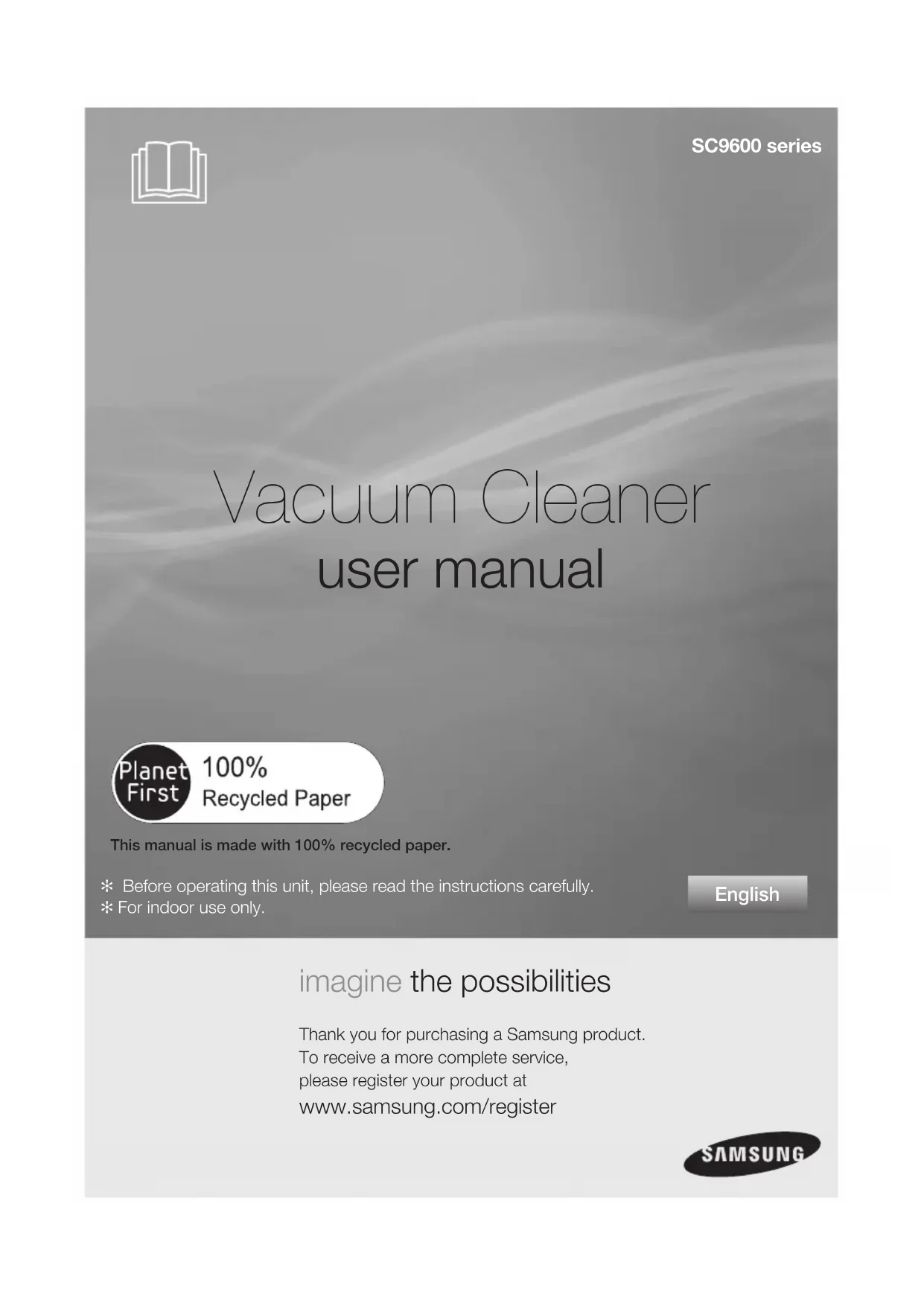


Download the instructions for your Aspirateur in PDF format for free! Find your manual SC9670 - SAMSUNG and take your electronic device back in hand. On this page are published all the documents necessary for the use of your device. SC9670 by SAMSUNG.
USER MANUAL SC9670 SAMSUNG
imagine the possibilities Thank you for purchasing a Samsung product.To receive a more complete service, please register your product at www.samsung.com/register
user manual ✻ Before operating this unit, please read the instructions carefully.✻ For indoor use only. English
SC9600 series This manual is made with 100% recycled paper. DJ68-00621C.indb 1DJ68-00621C.indb 1 2012.6.19 7:17:40 PM2012.6.19 7:17:40 PMWARNINGWARNING 2_ safety information
Before operating the appliance, please read this manual thoroughly and retain
it for your reference.
Because these following operating instructions cover various models,
the characteristics of your vacuum cleaner may differ slightly from those
described in this manual.
This vacuum cleaner is designed for domestic household use only. Do not use this
vacuum cleaner to clear building waste or debris. Do not use this vacuum cleaner with
any of the fi lters removed as this could cause damage to the internal components and
CAUTION/WARNING SYMBOLS USED WARNING Indicates that a danger of death or serious injury exists. CAUTION Indicates that a risk of personal injury or material damage exists.
OTHER SYMBOLS USED Represents something you must NOT do.
Represents something you must follow.
Indicates that you must disconnect the power plug from the socket. WARNING DJ68-00621C.indb 2DJ68-00621C.indb 2 2012.6.19 7:17:41 PM2012.6.19 7:17:41 PMsafety information _3
IMPORTANT SAFEGUARDS
1. Read all instructions carefully. Before switching on, make sure that the voltage of your
electricity supply is the same as that indicated on the rating plate on the bottom of the
2. WARNING : Do not use the vacuum cleaner when rug or fl oor is wet.
Do not use to suck up water.
3. Close supervision is necessary when any appliance is used by or near children. Do not
allow the vacuum cleaner to be used as a toy. Do not allow the vacuum cleaner to run
unattended at any time. Use the vacuum cleaner only for its intended use as described in
4. Do not use the vacuum cleaner without a dust bin. Empty the dust bin before it is full in
order to maintain the best effi ciency.
5. Do not use the vacuum cleaner to pick up matches, live ashes or cigarette butts. Keep the
vacuum cleaner away from stoves and other heat sources. Heat can deform and discolour
the plastic parts of the unit.
6. Avoid picking up hard, sharp objects with the vacuum cleaner as they may damage the
cleaner parts. Do not stand on the hose assembly. Do not put weight on the hose. Do not
block the suction or the exhaust port.
7. Switch the vacuum cleaner off on the body of the machine before unplugging from the
electrical outlet. Disconnect the plug from the electrical outlet before emptying the dust
bin. To avoid damage, please remove the plug by grasping the plug itself, not by pulling on
8. This appliance is not intended for use by persons (including children) with reduced
physical, sensory or mental capabilities, or lack of experience and knowledge, unless they
have been given supervision or instruction concerning use of the appliance by a person
responsible for their safety.
9. Children should be supervised to ensure that they do not play with the appliance.
10. The plug must be removed from the socket outlet before cleaning or maintaining the
11. The use of an extension cord is not recommended.
12. If your vacuum cleaner is not operating correctly, switch off the power supply and consult
an authorized service agent.
13. If the supply cord is damaged, it must be replaced by the manufacturer or its service
agent or a similarly qualifi ed person in order to avoid a hazard.
14. Don’t carry the vacuum cleaner by holding the hose.
Use the handle on the vacuum cleaner set.
15. Unplug the cleaner when not in use. Turn off the power switch before unplugging.
DJ68-00621C.indb 3DJ68-00621C.indb 3 2012.6.19 7:17:41 PM2012.6.19 7:17:41 PMcontents
05 Assembling the Cleaner
11 Emptying the dust bin
12 Cleaning the dust pack
14 Cleaning the outlet fi lter
14 Change the battery
assembling the cleaner _5
6_ operating the cleaner
• When removing the plug from the electrical outlet, grasp the plug,
1. Vacuum cleaner ON/OFF( )
Press the ON/OFF button to operate the
vacuum cleaner. Press again to stop the
2. Vacuum cleaner (-,+)
Press the MODE button repeatedly to select the
(ON) MIN → SILENT → MAX
Press the Auto button to operate the vacuum cleaner automatically.
Don’t cover the handle sender when you use a handle control button.
The cleaner is controlled by using
operating the cleaner _7
- HOSE To reduce suction for cleaning draperies, small rugs, and
other light fabrics, pull the tap air until the hole is open.
- BODY Press the power ON/OFF button repeatedly to start and
stop the vacuum cleaner.
To control power level, just slide the power control button
MIN = For delicate surface e.g. net curtains.
MAX = For hard fl oors and heavily soiled carpets.
- BODY Press the power ON/OFF button repeatedly to start and
to stop the vacuum cleaner.
If the remote handle control is not working, the
cleaner can be operated using the ON/OFF button
on the body of the machine.
The fi lter light is illuminated when the dust pack requires checking or emptying.
An audio signal will also sound.
The ON/OFF button operates the vacuum cleanner or stops it.
The fi lter light is illuminated when the dust pack requires checking or
emptying. An audio signal will also sound.
This indicates that the automatic suction mode is selected. The level of
suction is indicated by the LED display.
DJ68-00621C.indb 7DJ68-00621C.indb 7 2012.6.19 7:17:44 PM2012.6.19 7:17:44 PM8_ maintain tools and fi lter
maintain tools and fi lter
USING ACCESSORY ACCESSORY
Push the accessory on to the end of
To use the dusting tool, push the
accessory on to the end of the hose
To use the upholstery tool, push the
accessory on to the end of the hose
Adjust the length of the telescopic pipe by sliding
the length control button located in the center of the
telescopic pipe back and forth.
To check for blockages, separate the telescopic pipe and
adjust to shorten. This allows for easier removal of waste
DJ68-00621C.indb 8DJ68-00621C.indb 8 2012.6.19 7:17:44 PM2012.6.19 7:17:44 PM1234
Carpet Cleaning Floor Cleaning
Carpet Cleaning Floor Cleaning
maintain tools and fi lter _9
03 MAINTAIN TOOLS AND FILTER
maintain tools and fi lter
MAINTAIN FLOOR TOOLS ELBOW EXTENDING TUBE (OPTION)
1. Connect the elbow extending tube to connecting part for hose knob and telescopic
2. Fit the telescopic pipe to the lower part of the elbow extending tube.
3. Press the PUSH button.
4. With the PUSH button pressed, the elbow extending tube is folded.
5. Using the elbow extending tube allows hard to reach areas (e.g. under furniture)to be
cleaned without having to kneel down.
3 Way Brush (Option)
• Adjust the inlet lever according to the fl oor surface.
• Remove waste matter completely if the inlet is blocked.
2-Step Brush (Option)
• Adjust the inlet lever according to the fl oor surface.
• Remove waste matter completely if the inlet is blocked.
Parquet Master Brush (Option)
• Vacuum dust in wide area at once.
• Remove waste matter completely if
the inlet is blocked.
DJ68-00621C.indb 9DJ68-00621C.indb 9 2012.6.19 7:17:45 PM2012.6.19 7:17:45 PM1
10_ maintain tools and fi lter
maintain tools and fi lter
Parquet Brush (Option)
• Vacuum dust in wide area at once.
• Remove waste matter completely if the
Blanket Brush(Option)
1. Remove waste matter completely when inlet is blocked.
2. Turn the lock button to (
3. To reassemble, align the cover to the front of the main body and close. After closing the
cover, ensure that the lock button is turned to the (
Use for bedclothes only. Be cautious not to damage brush during unclogging.
Super turbine brush (Option)
Frequent vacuuming of hair or pet fur may cause a falling-off of the rotation due to
matters tangled around the drum. In this case, clean the drum with care.
1. Turn the lock button to unlock position (
) using a coin or a similar object.
2. Remove the guide air use the like coin.
Remove waste matter such as dust and hair tangled around the brushbar using scissors.
4. Remove dust inside the brush housing using a dry duster or crevice tool.
5. Assemble the guide air.
6. Turn the lock button to lock position (
) using a coin or a similar object.
Please be careful not to damage the brush.
For picking up pet hair
and fi bre on upholstery
maintain tools and fi lter _11
03 MAINTAIN TOOLS AND FILTER Power Pet Plus Brush (Option)
Frequent vacuuming of hair or pet fur may cause a falling-off of the rotation due to matters
tangled around the drum. In this case, clean the drum with care.
1. Push the Open button of the transparent screen cover to separate the cover.
2. Remove the brushbar from the transparent screen.
Remove waste matter such as dust and hair tangled around the brushbar using scissors.
4. Remove dust inside the brush housing using a dry duster or crevice tool.
5. Insert brushbar into rotating belt and assemble.
6. Click the transparent screen cover back into place to reassemble.
EMPTYING THE DUST BIN For improved
Once dust reaches the dust
full mark, empty the dust bin.
Take the dust bin out by
Open the dust bin cover
Throw the dust away in the
After emptying the dust bin,
remove the obstacles like
hair, fur on the cap of the
dust bin. And close the dust
Before use, push the dust
bin into the main body and
press the cover dust of the
vacuum cleaner until you
hear the “click” sound.
12_ maintain tools and fi lter
maintain tools and fi lter
When emptying any vacuum cleaner it is diffi cult to avoid exposure to
dust. To minimize this risk, Please ensure that you encase the dust pot in
a large bag to empty it and close the bag as tightly as possible round the
pot. Remove the pot and close the bag as tightly and quickly as possible
and dispose of this immediately. it is advisable to wear disposable gloves
and a face mask while emptying the cleaner. If at all possible, ask a non
allergy sufferer to empty the dust pot when required.
You may rinse the dust bin
- Empty into a plastic bag.
(recommended for asthma/allergy sufferers)
CLEANING THE DUST PACK WHEN TO CLEAN THE DUST PACK • The lamp will turn red when suction is reduced. If the light
comes on, please clean the dust
pack. • Turn the vacuum power to ‘MAX’. • If the fi lter check indicator turns red with the inlet fl oating
10cm above fl at fl oor, clean the dust pack.
When suction is noticeably reduced continuously, please cleaning the dust pack.
DJ68-00621C.indb 12DJ68-00621C.indb 12 2012.6.19 7:17:48 PM2012.6.19 7:17:48 PM7
maintain tools and fi lter _13
03 MAINTAIN TOOLS AND FILTER Make sure the fi lter is completely dry before putting it back
into the vacuum cleaner. Allow 12 hours for it to dry.
CLEANING THE DUST PACK Take the dust bin out. Pull the dust pack cover to
Close the dust bin cover.
Before use, push the dust bin into the main body of the
vacuum cleaner until you hear the “click” sound.
Remove the sponge and
fi lter from the dust pack.
Wash the sponge and the
fi lter of the dust pack with
Let the sponge and fi lter dry
in the shade for more than
Put the sponge and fi lter into
DJ68-00621C.indb 13DJ68-00621C.indb 13 2012.6.19 7:17:48 PM2012.6.19 7:17:48 PMCAUTION Make sure the fi lter is completely dry before putting it back into the vacuum cleaner.
Allow 12 hours for it to dry.
14_ maintain tools and fi lter
maintain tools and fi lter
CHANGE THE BATTERY (OPTION)
1. When the vacuum cleaner does not work, replace the
batteries. If the problem persists, please contact our
2. Use 2 batteries of size AAA.
1. Never disassemble or recharge the batteries.
2. Never heat up the batteries or throw them into fi re.
3. Do not reverse (+), (-) poles.
4. Dispose of the batteries property.
BATTERY TYPE : AAA Size
CLEANING THE OUTLET FILTER Remove the dust bin and
HEPA Filter as shown.
Put assemble HEPA Filter into the main body.
Clean the HEPA Filter.
Let the HEPA Filter dry in the
shade for more than12 hours.
PROBLEM SOLUTION Motor does not start
• Check cable, pulg and socket.
Suction force is gradually
• Check for blockage and remove.
Cord does not rewind fully • Pull the cord out 2-3m and push down the cord rewind button.
• Check hose and replace if required.
Low or decreasing suction
• Please check fi lter and, if required, clean as illustrated in the
instructions. if fi lters are out of condition change them to new
• Please check fi lters, If required clean as illustrated in the
Static electicity discharge • Please decrease power suction.
This Vacuum cleaner is approved the following.
EMC Directive : 2004/108/EEC Low Voltage Directive : 2006/95/EC DJ68-00621C.indb 15DJ68-00621C.indb 15 2012.6.19 7:17:50 PM2012.6.19 7:17:50 PMDJ68-00621C.indb 16DJ68-00621C.indb 16 2012.6.19 7:17:50 PM2012.6.19 7:17:50 PMimagine the possibilities Merci d'avoir choisi un produit Samsung.Afi n de bénéfi cier d'un service plus complet, veuillez enregistrer votre produit à l'adresse www.samsung.com/register
(OFF (ARRÊT)➞ ON (MARCHE)➞ OFF (ARRÊT))
REMPLACEMENT DES PILES (EN OPTION)
www.samsung.com/be (Dutch)