1136235 Emax Pro BT Comms - Headphones Caldwell - Free user manual and instructions
Find the device manual for free 1136235 Emax Pro BT Comms Caldwell in PDF.


| Product type | Wireless Bluetooth headset |
| Brand | Caldwell |
| Model | 1136235 Emax Pro BT Comms |
| Category | Headset |
| Technology | Bluetooth 5.0 |
| Connectivity | Bluetooth, 3.5mm jack |
| Bluetooth range | 10 meters |
| Battery life | 20 hours talk time, 30 hours playback |
| Charging time | 2 hours |
| Microphone type | Omnidirectional flexible boom microphone |
| Noise reduction | Passive and active (ANC) |
| Compatibility | Smartphones, PC, two-way radios (via jack) |
| Dimensions (folded) | 18 x 15 x 8 cm |
| Weight | 250 grams |
| Materials | ABS plastic, memory foam, leatherette |
| Power supply | Built-in rechargeable lithium-ion battery, 500 mAh |
| Main functions | Hands-free communication, audio listening, noise reduction, integrated controls |
| Care and cleaning | Clean with a soft, dry cloth. Do not immerse. |
| Safety | Compliant with RF standards (Minimum distance 0 mm from body) |
| Spare parts and repairability | Replaceable ear cushions and charging cable |
| General information | Indoor and outdoor use, not waterproof |
Frequently Asked Questions - 1136235 Emax Pro BT Comms Caldwell
User questions about 1136235 Emax Pro BT Comms Caldwell
0 question about this device. Answer the ones you know or ask your own.
Ask a new question about this device
Download the instructions for your Headphones in PDF format for free! Find your manual 1136235 Emax Pro BT Comms - Caldwell and take your electronic device back in hand. On this page are published all the documents necessary for the use of your device. 1136235 Emax Pro BT Comms by Caldwell.
USER MANUAL 1136235 Emax Pro BT Comms Caldwell
The 1136235 Caldwell Emax Pro BT Comms is a new generation protective communication solution. With an integrated, pre-programmed analog two-way radio, noise-cancelling microphone, and environment listening, the Caldwell Emax Pro BT Comms not only helps protect you against hazardous noise, but also makes it easy to communicate in noisy environments and helps promote auditory situational awareness.
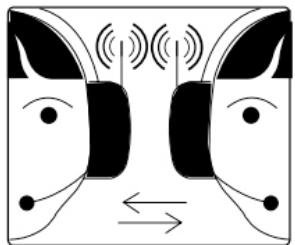
Hearing protection with built in two-way radio
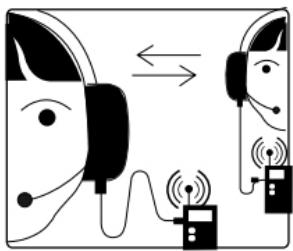
Environmental-listening technology
Noise-cancelling boom microphone for clear speech transmission in noisy
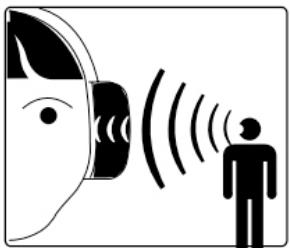
environments
Environmental-listening technology
Function:
- Ambient noise reduction function and ambient microphone amplifier limit the
ambient sound pressure to 82 dB.
- Including 22 CTCSS/DCS channels. Each channel can be set with separate mute (CT).
Squelch and other parameters.
- Push-to-talk(PTT) or hands-free voice (vox) transmission capabilities.
- Bluetooth music function and voice calling function.
- Lithium battery powered.
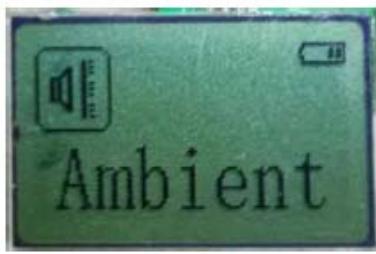
Ambient
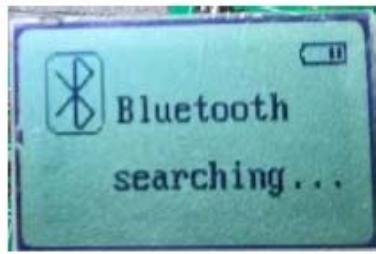
Bluetooth
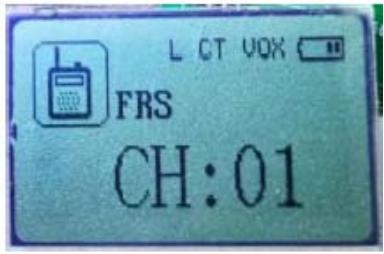
FRS
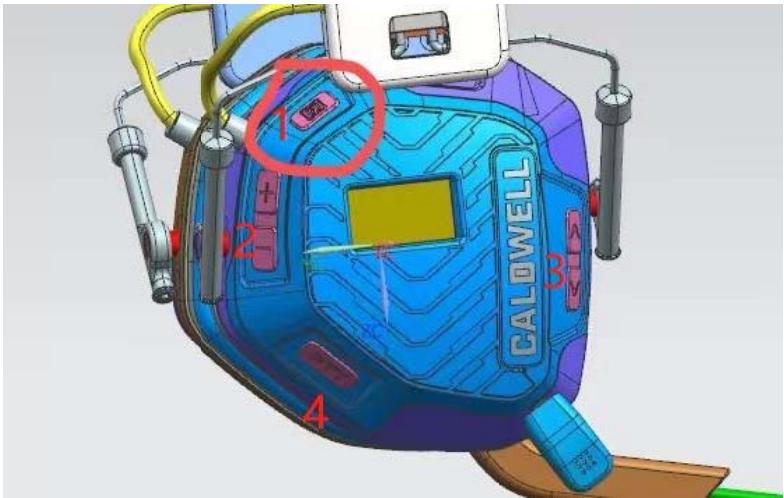
There are 6 buttons on this side of earmuff,as shown in the picture:
1.【MENU】Long press to power on/off, short press to change mode
2、【VOL+】 【VOL-】adjust volume;
3、【PTT】Useful only in intercom mode, press to talk;
4、【CH+】 【CH-】 Useful only in intercom mode, for channel switching
Parameter setting:
1、Area: The number of frequency channels and other parameters will be different in different countries and regions.
2、Brightness: Screen backlight brightness。
3、Light Delay: No key operation, backlight off time。
4、CTCSS: Current channel mute setting of interphone. The same mute set in the same group can filter out interference。
5、Voice Control :Intercom voice control function, all channels are effective, and the larger the number, the easier to start control.
6、Radio Power: Current channel power setting of walkie talkie。
7、Squelch Level: The current channel noise level of the walkie talkie. The larger the number, the less likely it is to be interfered.
8、Reset All: Restore all parameters to their original values。
Operation:
FRS MODE
- Doubled click 1button, the display will show the icon as below:
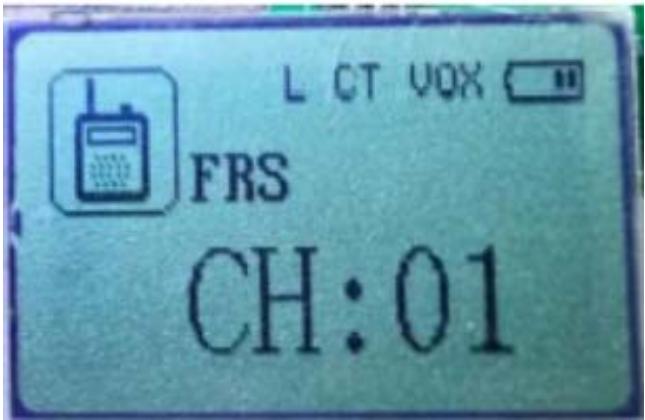
- Press "1" or "2" to the frequency signal channel to what you want. (e.g CH: 01)
- Press and hold "3"(M) there is a "TX" will appear to the display screen.
- Now you could talk in the microphone.
NOTE: the receiver unit must be setup to the same frequency signal channel. There is a "RX" appear to screen at the same time. Means it is working at the reciveing mode.
- After finished the functions setup few seconds in FRS mode. There is a “LOCK” appears in the screen.That means you can not use “1” “2” keys.
If you want to changing the channel, you must press both “1” “2” together for a second, the “LOCK” will disappear. Then you could change the channel up or down. - You could press 2button to adjust volume, until you feeling the sound level in right place. The maximum volume sound level is 82 dB.
- If you don't want push "3"(M). The system for you delivery a "VOX" function. (setup information will later...)
Bluetooth MODE
- Press"3"(M) until you see below icon.
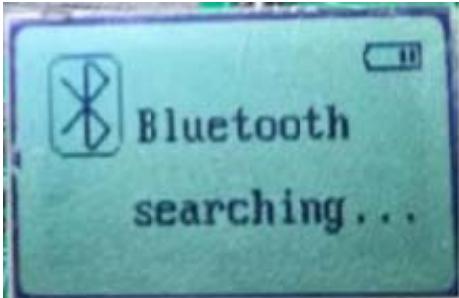
- Turn on your mobile, and setup Bluetooth to "ON". You will see an "Onlyele" appears in the option device bar. Choice it and pairing it. Then you will see below icon:
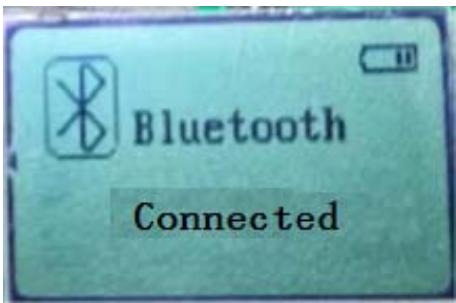
- After bluetooth connected. You could play music in your mobile,
- Adjust the volume by pressing the 2 button
- place. The maxium volume sound level is 82 dB.
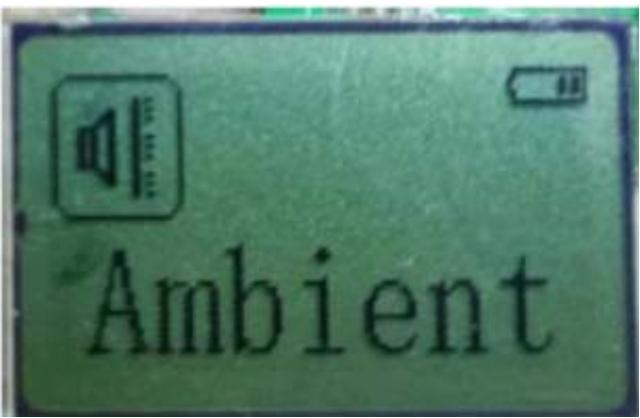
Ambient MODE
- Press"3"(M) until you see below icon.
FCC Statement
This equipment has been tested and found to comply with the limits for a Class B digital device, pursuant to part 15 of the FCC Rules. These limits are designed to provide reasonable protection against harmful interference in a residential installation. This equipment generates, uses and can radiate radio frequency energy and, if not installed and used in accordance with the instructions, may cause harmful interference to radio communications. However, there is no guarantee that interference will not occur in a particular installation. If this equipment does cause harmful interference to radio or television reception, which can be determined by turning the equipment off and on, the user is encouraged to try to correct the interference by one or more of the following measures:
- Reorient or relocate the receiving antenna.
- Increase the separation between the equipment and receiver.
- Connect the equipment into an outlet on a circuit different from that to which the receiver is connected.
- Consult the dealer or an experienced radio/TV technician for help.
Caution: Any changes or modifications to this device not explicitly approved by manufacturer could void your authority to operate this equipment.
This device complies with part 15 of the FCC Rules. Operation is subject to the following two conditions: (1) This device may not cause harmful interference, and (2) this device must accept any interference received, including interference that may cause undesired operation.
RF Exposure Information
The device has been evaluated to meet general RF exposure requirement. This equipment should be installed and operated with minimum distance 0mm between the radiator & your body.
ISED Statement
English: This device contains licence-exempt transmitter(s)/receiver(s) that comply with Innovation, Science and Economic Development Canada's licence-exempt RSS(s). Operation is subject to the following two conditions:
(1) This device may not cause interference.
(2) This device must accept any interference, including interference that may cause undesired operation of the device.
The digital apparatus complies with Canadian CAN ICES-3 (B)/NMB-3(B).
This device meets the exemption from the routine evaluation limits in section 2.5 of RSS 102 and compliance with RSS 102 RF exposure, users can obtain Canadian information on RF exposure and compliance.
This equipment complies with Canada radiation exposure limits set forth for an uncontrolled environment.
RF Exposure Statement
The device has been evaluated to meet general RF exposure requirement. This equipment should be installed and operated with minimum distance 0mm between the radiator & your body.
Brand : Caldwell
Model : 1136235 Emax Pro BT Comms
Category : Headphones