
BD-C6600 - Blu-ray player SAMSUNG - Free user manual and instructions
Find the device manual for free BD-C6600 SAMSUNG in PDF.



Pick your language and provide your email: we'll send you a specifically translated version.
| Product Type | Blu-ray Player |
| Brand | Samsung |
| Model | BD-C6600 |
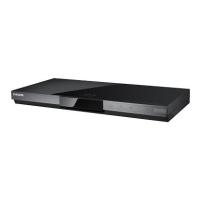
| Dimensions (L x W x H) | 430 x 200 x 40 mm |
| Weight | 2.5 kg |
| Power Supply | 220-240 V, 50/60 Hz |
| Supported Disc Formats | Blu-ray (BD-R/RE), DVD (DVD±R/RW), CD (CD-R/RW) |
| Video Outputs | HDMI, Composite (via adapter) |
| Audio Outputs | HDMI, Digital Optical Audio, Stereo Analog Audio |
| Connectivity | Ethernet, USB 2.0 (front) |
| Main Features | Blu-ray playback, 1080p upscaling, BD-Live, 3D compatibility, DivX/MKV playback |
| Audio Codec | Dolby Digital, DTS, PCM |
| Care and Cleaning | Clean with a soft, dry cloth. Do not use solvents. |
| Safety | Do not expose to moisture or heat sources. Unplug before cleaning. |
| Spare Parts and Repairability | Remote control included. HDMI cable not provided. Repair by Samsung authorized center. |
| General Information | Parental control, firmware update via Internet, programmable auto power-off. |
Frequently Asked Questions - BD-C6600 SAMSUNG
How to connect the BD-C6600 Blu-ray player to the TV?
Use an HDMI cable for optimal quality. Connect one end to the HDMI output of the player and the other to the HDMI input of your TV. Select the corresponding HDMI source on your television.
The player does not read a Blu-ray disc. What to do?
Check that the disc is clean and scratch-free. Make sure it is a compatible disc (BD-R/RE). Try restarting the player. If the problem persists, clean the lens with a suitable kit.
How to update the firmware of the BD-C6600?
Connect the player to the Internet via Ethernet. Go to Menu > Settings > Support > Software Update and select 'Update Now'. Follow the on-screen instructions.
Can I play video files from a USB drive?
Yes, plug a USB drive formatted in FAT32 or NTFS into the front USB port. The player supports DivX, MKV, AVI and other formats. Use the 'USB' menu to browse.
How to get surround sound from the player?
Connect the digital optical audio output to your compatible amplifier. In the player's audio settings, select 'Bitstream' to transmit Dolby Digital or DTS signal.
The player is unresponsive. How to reset it?
Press and hold the Standby button on the device for 5 seconds until the player restarts. This resets the settings without erasing network settings.
Is the BD-C6600 compatible with 3D?
Yes, this player supports 3D Blu-ray discs. You need a 3D TV and compatible glasses. Enable 3D in the player's menu if necessary.
How to change the region code for DVDs?
The player is region-locked. To change the region code, you must contact an authorized service center. Unauthorized modifications may damage the device.
The player turns off by itself. Is this normal?
The auto power-off mode may be enabled by default. Go to Settings > General > Auto Power Off and disable it or set a longer duration.
How to clean the player correctly?
Use a soft, dry cloth to wipe the exterior. Never spray liquid directly. For the lens, use a special cleaning disc for Blu-ray players.
User questions about BD-C6600 SAMSUNG
0 question about this device. Answer the ones you know or ask your own.
Ask a new question about this device
No questions yet. Be the first to ask one.
Download the instructions for your Blu-ray player in PDF format for free! Find your manual BD-C6600 - SAMSUNG and take your electronic device back in hand. On this page are published all the documents necessary for the use of your device. BD-C6600 by SAMSUNG.
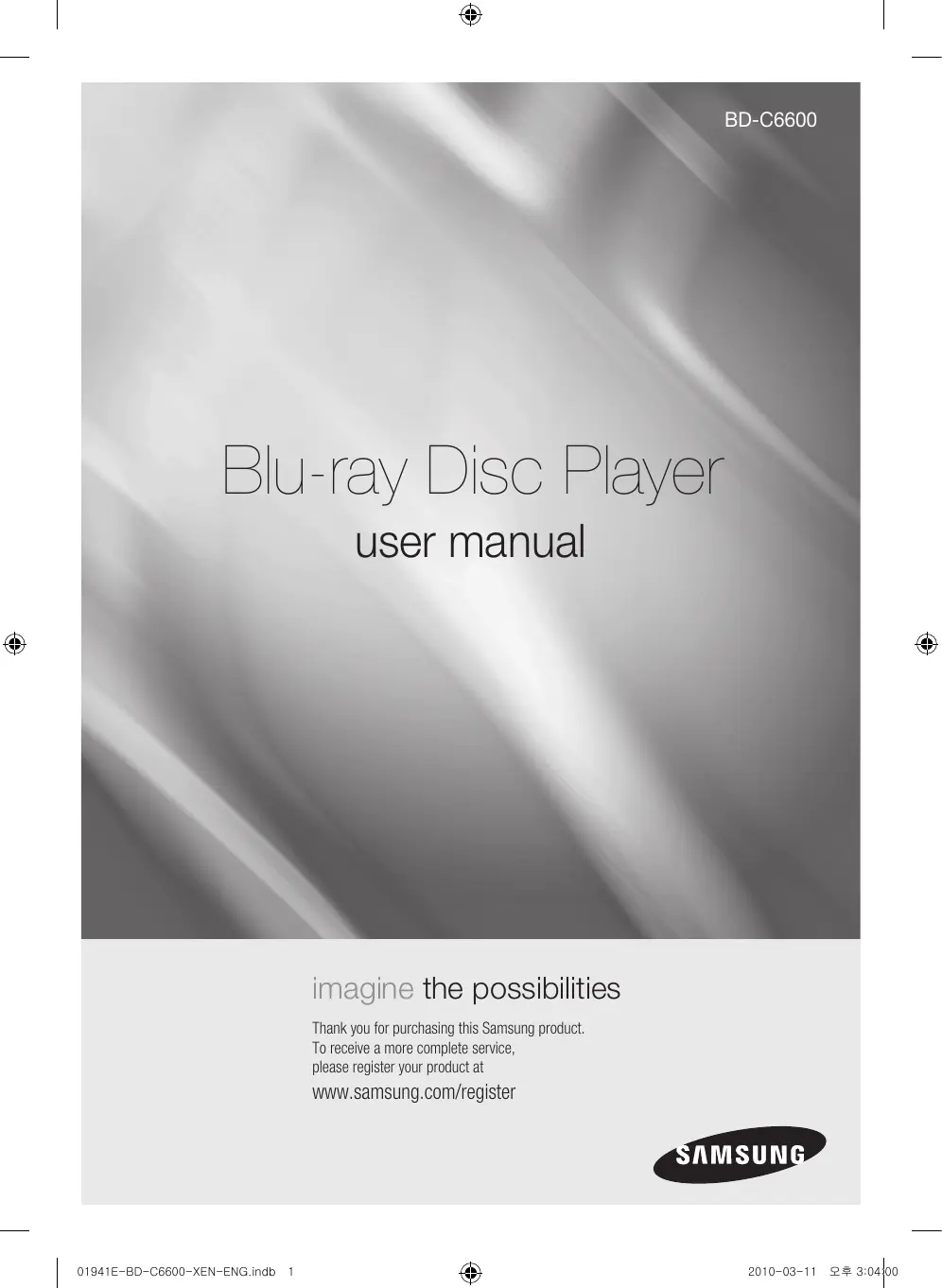
USER MANUAL BD-C6600 SAMSUNG
Manual assistant
Powered by Anthropic
Waiting for your message
Product information
Brand : SAMSUNG
Model : BD-C6600
Category : Blu-ray player