
MX710D - MX711D - MX717DE - MX718DE - Laser MFP LEXMARK - Free user manual and instructions
Find the device manual for free MX710D - MX711D - MX717DE - MX718DE LEXMARK in PDF.


| Brand | Lexmark |
| Models | MX710D, MX711D, MX717DE, MX718DE |
| Product type | Color laser multifunction printer |
| Functions | Print, copy, scan, fax |
| Print technology | Laser |
| Automatic duplex | Yes |
| Recommended monthly duty cycle | Up to 150,000 pages per month |
| Maximum paper size | A4, legal, executive, etc. (up to 297 x 432 mm via multifunction tray) |
| Standard input capacity | 520 sheets (standard tray + multifunction tray) |
| Standard output capacity | 250 sheets (standard bin) |
| Automatic document feeder (ADF) | Yes, up to 110 sheets |
| Touch screen | Yes, color, with customizable home screen |
| Network connectivity | Ethernet 10/100/1000, optional Wi-Fi |
| USB ports | USB host (front) and USB device |
| Dimensions (W x D x H) | Approx. 530 x 548 x 484 mm (base model) |
| Weight | Approx. 24 kg (base model) |
| Power supply | 110-127 V AC, 50/60 Hz or 220-240 V AC, 50/60 Hz |
| Power consumption (standby mode) | Approx. 8 W (standby), 0.5 W (deep sleep) |
| Noise level (printing) | Approx. 55 dB(A) |
| Energy saving functions | Standby, deep sleep, quiet mode, Eco mode |
| Maintenance | Cleaning the exterior, scanner glass, print head lenses |
| Spare parts and consumables | Toner cartridges, photoconductors, maintenance kit, staples, toner waste bottle |
| Repairability | User replaceable consumables; some repairs require a technician |
| Year of manufacture | 2017 (according to user guide) |
Frequently Asked Questions - MX710D - MX711D - MX717DE - MX718DE LEXMARK
User questions about MX710D - MX711D - MX717DE - MX718DE LEXMARK
0 question about this device. Answer the ones you know or ask your own.
Ask a new question about this device
Download the instructions for your Laser MFP in PDF format for free! Find your manual MX710D - MX711D - MX717DE - MX718DE - LEXMARK and take your electronic device back in hand. On this page are published all the documents necessary for the use of your device. MX710D - MX711D - MX717DE - MX718DE by LEXMARK.
USER MANUAL MX710D - MX711D - MX717DE - MX718DE LEXMARK
Type(s) de machine(s):
7558
Modèle(s):
032, 036, 232, 236, 432, 436, 496
Contenus
List des applications > Executer > tapez D: \setup.exe > OK.
| Taille | Perforatrice* | Décalage | Agrafage simple/double | Agrafage double paire |
| A3 | ✓ | ✓ | ✓ | ✓ |
| A4 | ✓ | ✓ | ✓ | ✓ |
| A5 | X | X | X | X |
| Executif | ✓ | ✓ | ✓ | X |
| Folio | X | ✓ | ✓ | X |
| JIS B4 | ✓ | ✓ | ✓ | X |
| JIS B5 | ✓ | ✓ | ✓ | X |
| Légal | X | ✓ | ✓ | X |
| Lettre | ✓ | ✓ | ✓ | ✓ |
| Statement US | X | X | X | ✓ |
| Tabloid | ✓ | ✓ | ✓ | X |
| Universal | ✓ | ✓ | ✓ | ✓ |
| Enveloppes (tout format) | X | X | X | X |
Rapports > Imprimer polices
This product complies with the India E-Waste (Management and Handling) Rules, 2011, which prohibit use of lead, mercury, hexavalent chromium, polybrominated biphenyls, or polybrominated diphenyl ethers in concentrations exceeding 0.1% by weight and 0.01% by weight for cadmium, except for the exemption set in Schedule II of the Rules.
Industry Canada compliance statement
This Class A digital apparatus meets all requirements of the Canadian Interference-Causing Equipment Standard ICES-003.
Notice to users of the Canadian telephone network
This product meets the applicable Industry Canada technical specifications. The Ringer Equivalence Number (REN) is an indication of the maximum number of terminals allowed to be connected to a telephone interface. The terminus of an interface may consist of any combination of devices, subject only to the requirement that the sum of the RENs of all the devices does not exceed five. The modem REN is located on the rear of the equipment on the product labeling.
Telephone companies report that electrical surges, typically lightning transients, are very destructive to customer terminal equipment connected to AC power sources. This has been identified as a major nationwide problem. It is recommended that the customer install an appropriate AC surge arrestor in the AC outlet to which this device is connected. An appropriate AC surge arrestor is defined as one that is suitably rated, and certified by UL (Underwriter's Laboratories), another NRTL (Nationally Recognized Testing Laboratory), or a recognized safety certification body in the country/region of use. This is to avoid damage to the equipment caused by local lightning strikes and other electrical surges.
This equipment uses CA11A telephone jacks.
Industry Canada (Canada)
This device complies with Industry Canada specification RSS-210. Operation is subject to the following two conditions: (1) this device may not cause interference, and (2) this device must accept any interference, including interference that may cause undesired operation of the device.
This device has been designed to operate only with the antenna provided. Use of any other antenna is strictly prohibited per regulations of Industry Canada.
To prevent radio interference to the licensed service, this device is intended to be operated indoors and away from windows to provide maximum shielding. Equipment (or its transmit antenna) that is installed outdoors is subject to licensing.
The installer of this radio equipment must ensure that the antenna is located or pointed such that it does not emit RF fields in excess of Health Canada limits for the general population; consult Safety Code 6, obtainable from Health Canada's Web site www.hc-sc.gc.ca/rpb.
The term "IC:" before the certification/registration number only signifies that the Industry Canada technical specifications were met.
Industry Canada (Canada)
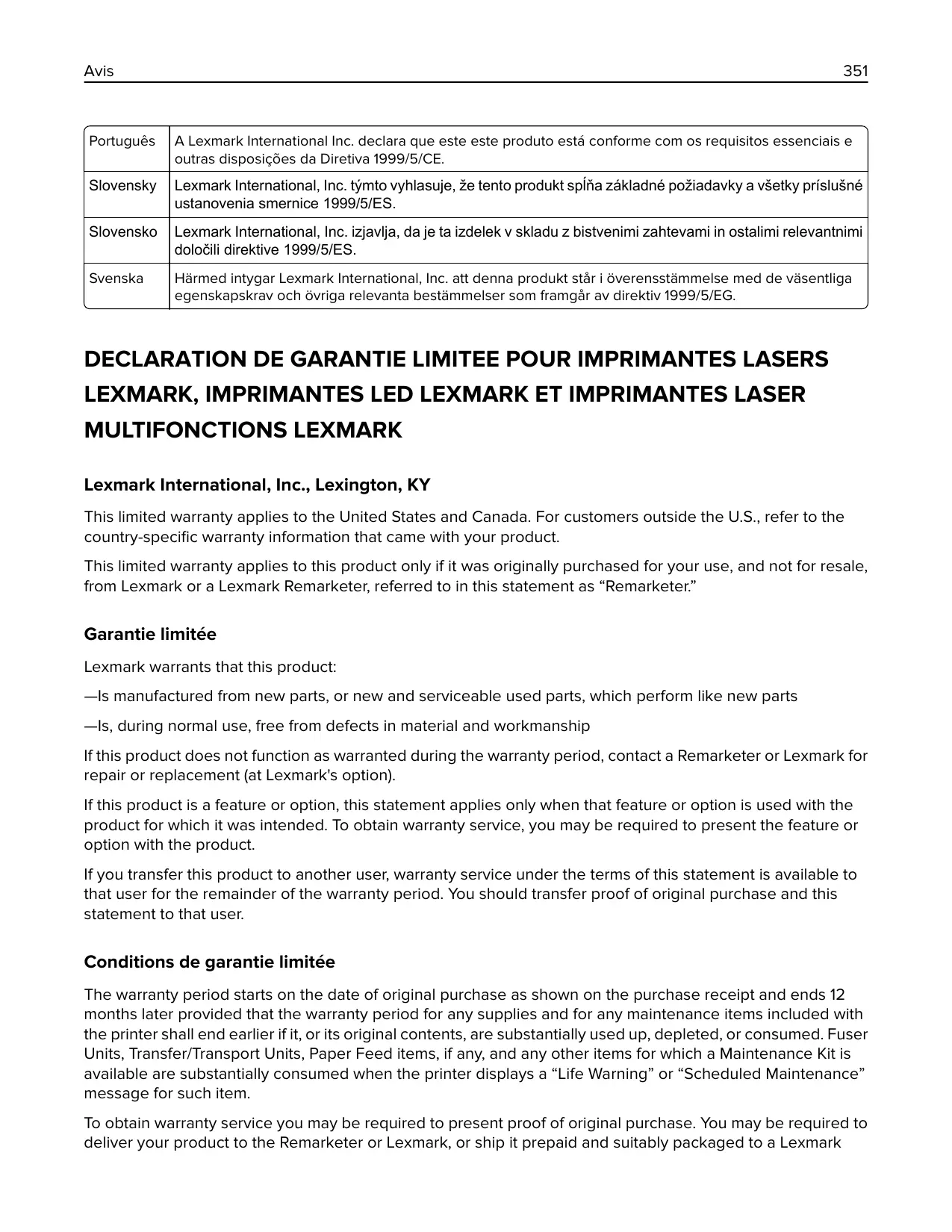
Lexmark International, Inc., Lexington, KY
This limited warranty applies to the United States and Canada. For customers outside the U.S., refer to the country-specific warranty information that came with your product.
This limited warranty applies to this product only if it was originally purchased for your use, and not for resale, from Lexmark or a Lexmark Remarketer, referred to in this statement as "Remarketer."
Garantie limitée
Lexmark warrants that this product:
—Is manufactured from new parts, or new and serviceable used parts, which perform like new parts
—Is, during normal use, free from defects in material and workmanship
If this product does not function as warranted during the warranty period, contact a Remarketer or Lexmark for repair or replacement (at Lexmark's option).
If this product is a feature or option, this statement applies only when that feature or option is used with the product for which it was intended. To obtain warranty service, you may be required to present the feature or option with the product.
If you transfer this product to another user, warranty service under the terms of this statement is available to that user for the remainder of the warranty period. You should transfer proof of original purchase and this statement to that user.
Conditions de garantie limitee
The warranty period starts on the date of original purchase as shown on the purchase receipt and ends 12 months later provided that the warranty period for any supplies and for any maintenance items included with the printer shall end earlier if it, or its original contents, are substantially used up, depleted, or consumed. Fuser Units, Transfer/Transport Units, Paper Feed items, if any, and any other items for which a Maintenance Kit is available are substantially consumed when the printer displays a "Life Warning" or "Scheduled Maintenance" message for such item.
To obtain warranty service you may be required to present proof of original purchase. You may be required to deliver your product to the Remarketer or Lexmark, or ship it prepaid and suitably packaged to a Lexmark
designated location. You are responsible for loss of, or damage to, a product in transit to the Remarketer or the Lexmark designated location.
When warranty service involves the exchange of a product or part, the item replaced becomes the property of the Remarketer or Lexmark. The replacement may be a new or repaired item.
The replacement item assumes the remaining warranty period of the original product.
Replacement is not available to you if the product you present for exchange is defaced, altered, in need of a repair not included in warranty service, damaged beyond repair, or if the product is not free of all legal obligations, restrictions, liens, and encumbrances.
Before you present this product for warranty service, remove all print cartridges, programs, data, and removable storage media (unless directed otherwise by Lexmark).
For further explanation of your warranty alternatives and the nearest Lexmark authorized servicer in your area contact Lexmark on the World Wide Web.
Remote technical support is provided for this product throughout its warranty period. For products no longer covered by a Lexmark warranty, technical support may not be available or only be available for a fee.
Lexmark does not warrant uninterrupted or error-free operation of any product or the durability or longevity of prints produced by any product.
Warranty service does not include repair of failures caused by:
—Modification or unauthorized attachments
—Accidents, misuse, abuse or use inconsistent with Lexmark user's guides, manuals, instructions or guidance
—Unsuitable physical or operating environment
—Maintenance by anyone other than Lexmark or a Lexmark authorized servicer
Operation of a product beyond the limit of its duty cycle
—Use of printing media outside of Lexmark specifications
—Refurbishment, repair, refilling or remanufacture by a third party of products, supplies or parts
—Products, supplies, parts, materials (such as toners and inks), software, or interfaces not furnished by Lexmark
TO THE EXTENT PERMITTED BY APPLICABLE LAW, NEITHER LEXMARK NOR ITS THIRD PARTY SUPPLIERS OR REMARKETERS MAKE ANY OTHER WARRANTY OR CONDITION OF ANY KIND, WHETHER EXPRESS OR IMPLIED, WITH RESPECT TO THIS PRODUCT, AND SPECIFICALLY DISCLAIMT THE IMPLIED WARRANTY OR CONDITIONS OF MERCHANTABILITY, FITNESS FOR A PARTICULAR PURPOSE, AND SATISFACTORY QUALITY. ANY WARRANTYES THAT MAY NOT BE DISCLAIMED UNDER APPLICABLE LAW ARE LIMITED IN DURATION TO THE WARRANTY PERIOD. NO WARRANTYES, EXPRESS OR IMPLIED, WILL APPLY AFTER THIS PERIOD. ALL INFORMATION, SPECIFICATIONS, PRICES, AND SERVICES ARE SUBJECT TO CHANGE AT ANY TIME WITHOUT NOTICE.
Your sole remedy under this limited warranty is set forth in this document. For any claim concerning performance or nonperformance of Lexmark or a Remarketer for this product under this limited warranty, you may recover actual damages up to the limit set forth in the following paragraph.
Lexmark's liability for actual damages from any cause whatsoever will be limited to the amount you paid for the product that caused the damages. This limitation of liability will not apply to claims by you for bodily injury or damage to real property or tangible personal property for which Lexmark is legally liable. IN NO EVENT WILL LEXMARK BE LIABLE FOR ANY LOST PROFITS, LOST SAVINGS, INCIDENTAL DAMAGE, OR OTHER ECONOMIC OR CONSEQUENTIAL DAMAGES. This is true even if you advise Lexmark or a Remarketer of the possibility of such damages. Lexmark is not liable for any claim by you based on a third party claim.
This limitation of remedies also applies to claims against any Suppliers and Remarketers of Lexmark. Lexmark's and its Suppliers' and Remarketers' limitations of remedies are not cumulative. Such Suppliers and Remarketers are intended beneficiaries of this limitation.
Some states do not allow limitations on how long an implied warranty lasts, or do not allow the exclusion or limitation of incidental or consequential damages, so the limitations or exclusions contained above may not apply to you.
This limited warranty gives you specific legal rights. You may also have other rights that vary from state to state.
Patent acknowledgment
The use of this product or service is subject to the reasonable, non-discriminatory terms in the Intellectual Property Rights (IPR) Disclosure of Certicom Corp. at the IETF for Elliptic Curve Cryptography (ECC) Cipher Suites for Transport Layer Security (TLS) implemented in the product or service.
The use of this product or service is subject to the reasonable, non-discriminatory terms in the Intellectual Property Rights (IPR) Disclosure of Certicom Corp. at the IETF for TLS Elliptic Curve Cipher Suites with SHA-256/382 and AES Galois Counter Mode (GCM) implemented in the product or service.
The use of this product or service is subject to the reasonable, non-discriminatory terms in the Intellectual Property Rights (IPR) Disclosure of Certicom Corp. at the IETF for TLS Suite B Profile for Transport Layer Security (TLS) implemented in the product or service.
The use of this product or service is subject to the reasonable, non-discriminatory terms in the Intellectual Property Rights (IPR) Disclosure of Certicom Corp. at the IETF for Addition of the Camellia Cipher Suites to Transport Layer Security (TLS) implemented in the product or service.
The use of certain patents in this product or service is subject to the reasonable, non-discriminatory terms in the Intellectual Property Rights (IPR) Disclosure of Certicom Corp. at the IETF for AES-CCM ECC Cipher Suites for TLS implemented in the product or service.
The use of this product or service is subject to the reasonable, non-discriminatory terms in the Intellectual Property Rights (IPR) Disclosure of Centicom Corp. at the IETF for IKE and IKEv2 Authentication Using the Eliptic Curve Digital Signature Algorithm (ECDSA) implemented in the product or service.
The use of this product or service is subject to the reasonable, non-discriminatory terms in the Intellectual Property Rights (IPR) Disclosure of Certicom Corp. at the IETF for Suite B Cryptographic Suites for IPSec implemented in the product or service.
The use of this product or service is subject to the reasonable, non-discriminatory terms in the Intellectual Property Rights (IPR) Disclosure of Certicom Corp. at the IETF for Algorithms for Internet Key Exchange version 1 (IKEv1) implemented in the product or service.
Index
Numéros
1565 Err émul charg option émul 305
37 Insufficient memory to collate job 297
telecommunications 347
B
documents, impression
sous Macintosh 88
sous Windows 88
E
e-mail, options
Le chargeur manuel attend
37 Insufficient memory to collate job 297
Internal Solutions Port,
installation 32
liste 27
Internal Solutions Port 321
Brand : LEXMARK
Model : MX710D - MX711D - MX717DE - MX718DE
Category : Laser MFP