
PIXEL EARBUDS - Wireless Earbuds GOOGLE - Free user manual and instructions
Find the device manual for free PIXEL EARBUDS GOOGLE in PDF.


| Product Type | Wireless in-ear headphones |
| Brand | |
| Model | Pixel Earbuds |
| Dimensions (earbud) | Approximately 20 x 15 x 25 mm |
| Dimensions (case) | Approximately 70 x 60 x 30 mm |
| Weight (earbud) | Approximately 6 g each |
| Weight (case) | Approximately 50 g |
| Power | Rechargeable lithium-ion battery, charging via USB-C |
| Battery life | Up to 5 hours of listening, 24 hours with case |
| Connectivity | Bluetooth 5.0 |
| Voice assistant | Built-in Google Assistant |
| Real-time translation | Yes, up to 40 languages via Google Translate |
| Noise reduction | Passive noise reduction (in-ear tips) |
| Microphone | Yes, built-in |
| Water resistance | IPX4 (splash resistant) |
| Care and cleaning | Clean with a soft, dry cloth. Do not immerse. |
| Safety | Do not use while driving. Keep out of reach of children. |
| Spare parts and repairability | Replacement ear tips available. Battery not replaceable. |
| General information | Compatible with Android and iOS. Requires the Google Pixel Buds app. |
Frequently Asked Questions - PIXEL EARBUDS GOOGLE
User questions about PIXEL EARBUDS GOOGLE
0 question about this device. Answer the ones you know or ask your own.
Ask a new question about this device
Download the instructions for your Wireless Earbuds in PDF format for free! Find your manual PIXEL EARBUDS - GOOGLE and take your electronic device back in hand. On this page are published all the documents necessary for the use of your device. PIXEL EARBUDS by GOOGLE.
USER MANUAL PIXEL EARBUDS GOOGLE
How Google's Pixel Buds earphones translate languages
15 November 2017, by Ian Mcloughlin

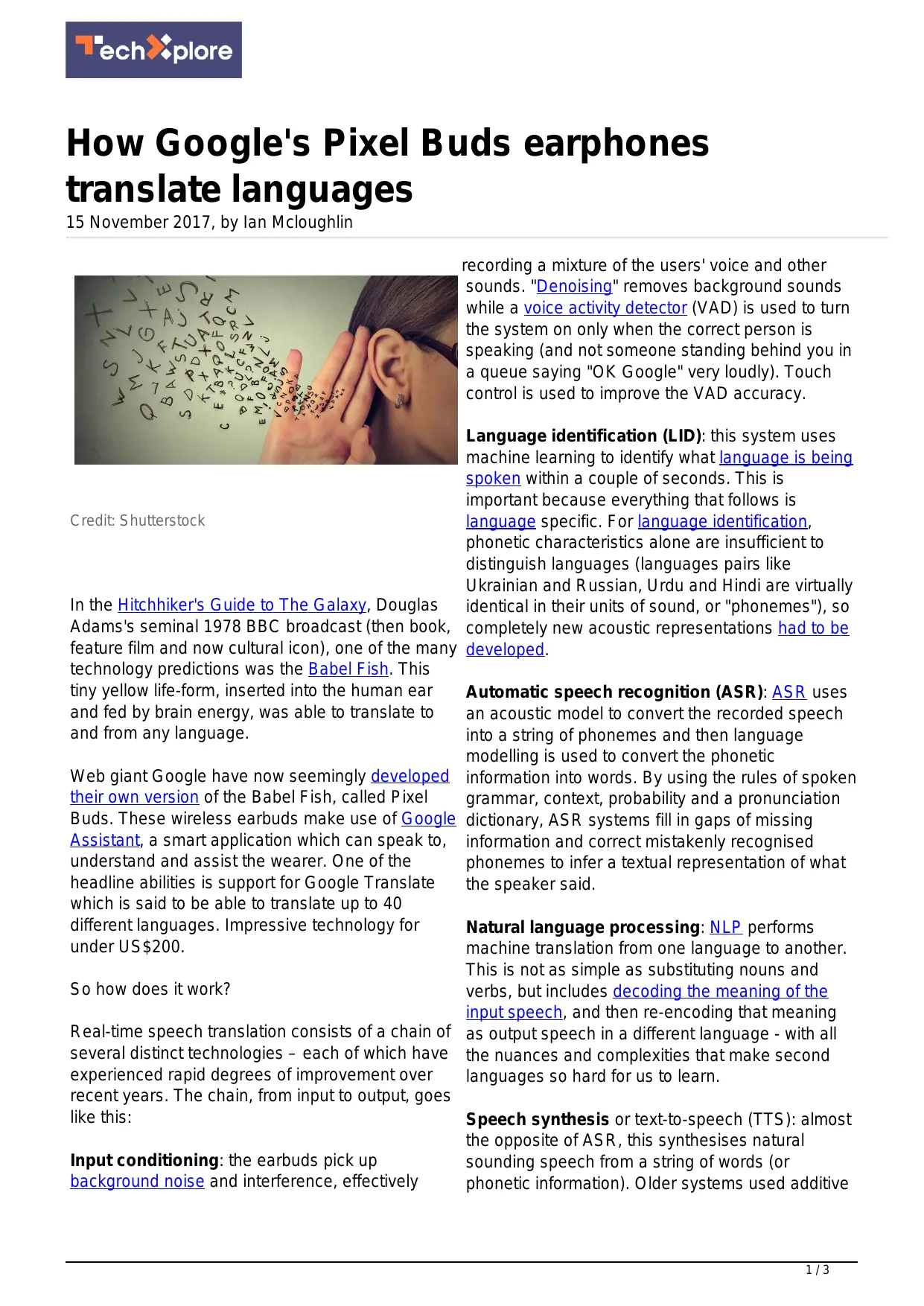
Credit:Shutterstock
In the Hitchhiker's Guide to The Galaxy, Douglas Adams's seminal 1978 BBC broadcast (then book, feature film and now cultural icon), one of the many technology predictions was the Babel Fish. This tiny yellow life-form, inserted into the human ear and fed by brain energy, was able to translate to and from any language.
Web giant Google have now seemingly developed their own version of the Babel Fish, called Pixel Buds. These wireless earbuds make use of Google Assistant, a smart application which can speak to, understand and assist the wearer. One of the headline abilities is support for Google Translate which is said to be able to translate up to 40 different languages. Impressive technology for under US(200.
So how does it work?
Real-time speech translation consists of a chain of several distinct technologies – each of which have experienced rapid degrees of improvement over recent years. The chain, from input to output, goes like this:
Input conditioning: the earbuds pick up background noise and interference, effectively
recording a mixture of the users' voice and other sounds. "Denoising" removes background sounds while a voice activity detector (VAD) is used to turn the system on only when the correct person is speaking (and not someone standing behind you in a queue saying "OK Google" very loudly). Touch control is used to improve the VAD accuracy.
Language identification (LID): this system uses machine learning to identify what language is being spoken within a couple of seconds. This is important because everything that follows is language specific. For language identification, phonetic characteristics alone are insufficient to distinguish languages (languages pairs like Ukrainian and Russian, Urdu and Hindi are virtually identical in their units of sound, or "phonemes"), so completely new acoustic representations had to be developed.
Automatic speech recognition (ASR): ASR uses an acoustic model to convert the recorded speech into a string of phonemes and then language modelling is used to convert the phonetic information into words. By using the rules of spoken grammar, context, probability and a pronunciation dictionary, ASR systems fill in gaps of missing information and correct mistakenly recognised phonemes to infer a textual representation of what the speaker said.
Natural language processing: NLP performs machine translation from one language to another. This is not as simple as substituting nouns and verbs, but includes decoding the meaning of the input speech, and then re-encoding that meaning as output speech in a different language - with all the nuances and complexities that make second languages so hard for us to learn.
Speech synthesis or text-to-speech (TTS): almost the opposite of ASR, this synthesises natural sounding speech from a string of words (or phonetic information). Older systems used additive
synthesis, which effectively meant joining together lots of short recordings of someone speaking different phonemes into the correct sequence. More modern systems use complex statistical speech models to recreate a natural sounding voice.
Putting it all together
So now we have the five blocks of technology in the chain, let's see how the system would work in practice to translate between languages such as Chinese and English.
Once ready to translate, the earbuds first record an utterance, using a VAD to identify when the speech starts and ends. Background noise can be partially removed within the earbuds themselves, or once the recording has been transferred by Bluetooth to a smartphone. It is then compressed to occupy a much smaller amount of data, then conveyed over WiFi, 3G or 4G to Google's speech servers.
Google's servers, operating as a cloud, will accept the recording, decompress it, and use LID technology to determine whether the speech is in Chinese or in English.
The speech will then be passed to an ASR system for Chinese, then to an NLP machine translator setup to map from Chinese to English. The output of this will finally be sent to TTS software for English, producing a compressed recording of the output. This is sent back in the reverse direction to be replayed through the earbuds.
This might seem like a lot of stages of communication, but it takes just seconds to happen. And it is necessary – firstly, because the processor in the earbuds is not powerful enough to do translation by itself, and secondly because their memory storage is insufficient to contain the language and acoustics models. Even if a powerful enough processor with enough memory could be squeezed in to the earbuds, the complex computer processing would deplete the earbud batteries in a couple of seconds.
Furthermore, companies with these kind of products (Google, iFlytek and IBM) rely on continuous improvement to correct, refine and
improve their translation models. Updating a model is easy on their own cloud servers. It is much more difficult to do when installed in an earbud.
The late Douglas Adams would surely have found the technology behind these real life translating machines amazing – which it is. But computer scientists and engineers will not stop here. The next wave of speech-enabled computing could even be inspired by another fictional device, such as Iron Man's smart computer, J.A.R.V.I.S (Just Another Rather Very Intelligent System) from the Marvel series. This system would go way beyond translation, would be able to converse with us, understand what we are feeling and thinking, and anticipate our needs.
This article was originally published on The
Conversation. Read the original article.
Provided by The Conversation
APA citation: How Google's Pixel Buds earphones translate languages (2017, November 15) retrieved 9 December 2018 from https://techxplore.com/news/2017-11-google-pixel-buds-earphoneslanguages.html
This document is subject to copyright. Apart from any fair dealing for the purpose of private study or research, no part may be reproduced without the written permission. The content is provided for information purposes only.

Brand : GOOGLE
Model : PIXEL EARBUDS
Category : Wireless Earbuds