
XLMP2H - Hi-Fi System SHARP - Free user manual and instructions
Find the device manual for free XLMP2H SHARP in PDF.


Pick your language and provide your email: we'll send you a specifically translated version.
| Product Type | Hi-Fi System |
| Brand | Sharp |
| Model | XLMP2H |
| Color | Black |
| Dimensions (W x H x D) | 160 mm x 250 mm x 300 mm |
| Weight | 3.5 kg |
| Power Supply | AC 100-240V, 50/60Hz |
| Power Consumption | 30 W |
| Audio Output Power | 2 x 10 W RMS |
| Supported Media | CD, CD-R/RW, USB, AUX, Bluetooth |
| Radio Tuner | FM/AM with presets |
| Connectivity | Bluetooth, USB Port, Audio Input (3.5mm) |
| Playback Features | CD/MP3/WMA playback |
| Display | LED display |
| Remote Control | Included |
| Additional Features | Alarm clock, sleep timer |
| Maintenance and Cleaning | Wipe with a soft dry cloth |
| Safety | Keep away from water and direct sunlight |
| Spare Parts and Repairability | Service by authorized Sharp technical support |
| General Information | Designed for home entertainment use |
Frequently Asked Questions - XLMP2H SHARP
How do I connect my phone via Bluetooth?
Press the Bluetooth button on the unit or remote. Activate Bluetooth on your phone, search for XLMP2H, and pair. If a PIN is required, enter 0000.
Can I play MP3 files from a USB drive?
Yes, insert a USB drive into the USB port. The system will read MP3 and WMA files. Use the USB function and navigate with the remote.
How do I set the alarm clock?
Press and hold the Alarm button for a few seconds. Use +, - to set hours, then press again for minutes. The alarm will sound at the set time.
What is the best way to clean the system?
Unplug the power, then wipe the exterior with a soft dry cloth. Avoid using water, chemical solvents, or abrasive cleaners on the surface.
Can I connect the system to my TV?
Yes, use the AUX input (3.5mm) to connect your TV's headphone jack or use Bluetooth if your TV supports it. Then select the AUX or Bluetooth source.
How do I switch between radio and CD?
Press the Function button repeatedly on the unit or remote. The display will show the current mode (CD, TUNER, USB, AUX, BLUETOOTH). Release when you reach the desired source.
What is the maximum supported USB capacity?
The system supports USB drives up to 32GB formatted as FAT32. Larger drives may not be recognized due to file system limitations.
How do I replace the remote control battery?
Slide the battery cover at the back of the remote. Replace with a CR2025 coin battery, ensuring the + side faces up. Close the cover securely.
Why is there no sound from the speakers?
Check the volume level and ensure headphones are not plugged in. Verify the correct source is selected and the mute function is off. If using external devices, check the cable connection.
How do I reset the system to factory settings?
Press and hold the Stop button for 5 seconds while the unit is in standby mode. The display will show 'RESET' and the system will restart with default settings.
User questions about XLMP2H SHARP
0 question about this device. Answer the ones you know or ask your own.
Ask a new question about this device
No questions yet. Be the first to ask one.
Download the instructions for your Hi-Fi System in PDF format for free! Find your manual XLMP2H - SHARP and take your electronic device back in hand. On this page are published all the documents necessary for the use of your device. XLMP2H by SHARP.
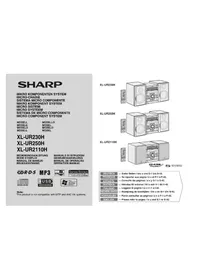
USER MANUAL XLMP2H SHARP
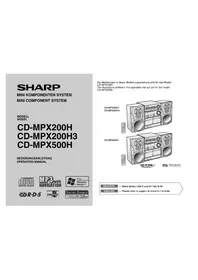
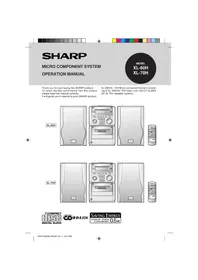
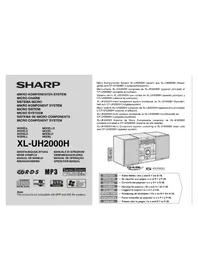
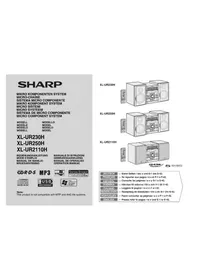
Manual assistant
Powered by Anthropic
Waiting for your message
Product information
Brand : SHARP
Model : XLMP2H
Category : Hi-Fi System