 ManualGo.com
 WSF-1000 - REMINGTON - Free user manual and instructions
Find the device manual for free WSF-1000 REMINGTON in PDF.


Download the instructions for your in PDF format for free! Find your manual WSF-1000 - REMINGTON and take your electronic device back in hand. On this page are published all the documents necessary for the use of your device. WSF-1000 by REMINGTON.
USER MANUAL WSF-1000 REMINGTON
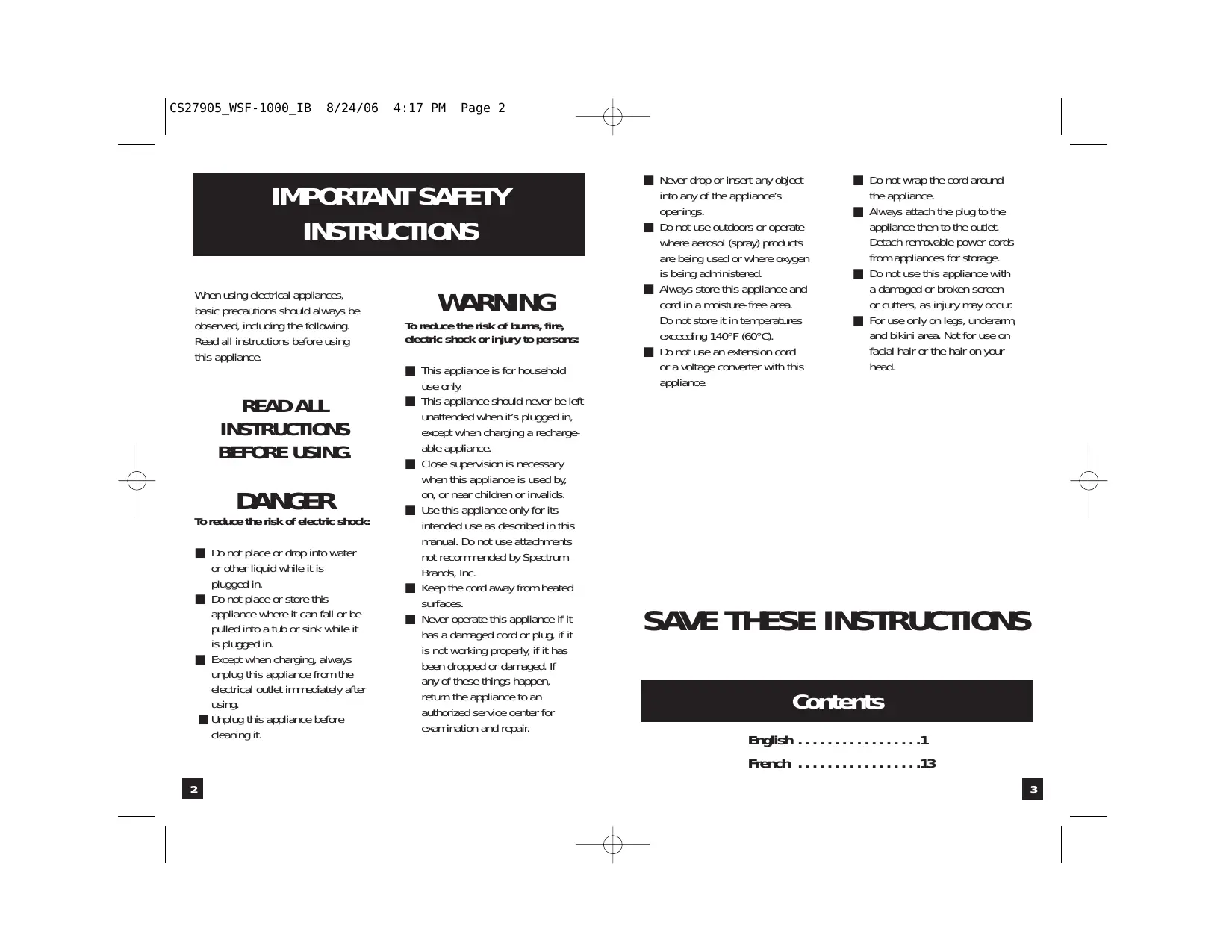
IMPORTANT SAFETY INSTRUCTIONS When using electrical appliances, basic precautions should always be observed, including the following. Read all instructions before using this appliance.
READ ALL INSTRUCTIONS BEFORE USING.
DANGER To reduce the risk of electric shock: ■ Do not place or drop into water or other liquid while it is plugged in. ■ Do not place or store this appliance where it can fall or be pulled into a tub or sink while it is plugged in. ■ Except when charging, always unplug this appliance from the electrical outlet immediately after using. ■ Unplug this appliance before cleaning it.
WARNING To reduce the risk of burns, fire, electric shock or injury to persons: ■ This appliance is for household use only. ■ This appliance should never be left unattended when it’s plugged in, except when charging a rechargeable appliance. ■ Close supervision is necessary when this appliance is used by, on, or near children or invalids. ■ Use this appliance only for its intended use as described in this manual. Do not use attachments not recommended by Spectrum Brands, Inc. ■ Keep the cord away from heated surfaces. ■ Never operate this appliance if it has a damaged cord or plug, if it is not working properly, if it has been dropped or damaged. If any of these things happen, return the appliance to an authorized service center for examination and repair.
■ Never drop or insert any object into any of the appliance’s openings. ■ Do not use outdoors or operate where aerosol (spray) products are being used or where oxygen is being administered. ■ Always store this appliance and cord in a moisture-free area. Do not store it in temperatures exceeding 140°F (60°C). ■ Do not use an extension cord or a voltage converter with this appliance.
■ Do not wrap the cord around the appliance. ■ Always attach the plug to the appliance then to the outlet. Detach removable power cords from appliances for storage. ■ Do not use this appliance with a damaged or broken screen or cutters, as injury may occur. ■ For use only on legs, underarm, and bikini area. Not for use on facial hair or the hair on your head.
SAVE THESE INSTRUCTIONS Contents English . . . . . . . . . . . . . . . . .1 French . . . . . . . . . . . . . . . . .13 3
Product Features Wet/Dry
Congratulations on your purchase of a Remington® Smooth & Silky Slim® wet/dry shaver. The model you have purchased can be used in or out of the shower and is designed to hug the curves of a woman’s body for a close, fast shave.
■ Shavers are fully submersible, and can be safely used in the shower or tub. Charging headguard is not submersible.
Power System ■ Rechargeable shavers will run for approximately 30 minutes when fully charged with the included charging headguard. They will not shave while they are charging.
Shaver Parts A. Head release button B. Trimmer C. ON/OFF button D. Head guard E. Cleaning brush F. Lanyard/Holding strap G. Charger
Trimmer ■ The trimmer stays in a single position to work with the foil for extra closeness. C.
How to Use Charging Your Shaver
Before using your rechargeable shaver for the first time, you will need to charge it for 18-24 hours; it will recharge more quickly after its initial charge. 1. Put the charging headguard that came with the shaver, on the shaver and plug its cord into an electrical outlet. 2. The green light indicates your shaver is charging. The shaver cannot be overcharged, so you can leave it plugged in and charging between shaves.
■ Make sure the shaver and your hands are dry when placing the shaver in the charging headguard. ■ Always charge the shaver in a cool, dry place. ■ The charging headguard can only be used in North America (120V, 60Hz).
■ Use a light touch when shaving. Pressing hard only flattens your hairs, making it harder for them to enter the cutting chamber. It will also wear out the cutting surface of your shaver more quickly. ■ For best results, shave against the direction your hair grows. ■ If you’ve been shaving with a blade, your skin may need up to 3 weeks to adjust to an electric shaver. Once your skin adjusts, you’ll get an incredibly close, comfortable shave. ■ After shaving, apply a moisturizing lotion to make your skin feel even more silky.
■ When using soap or foam lather, the shaver will glide smoothly over the skin, cleansing away oil residue while leaving skin soft and smooth. Apply the soap or foam generously. Do not use nonlathering shaving cream, nourishing cream, or skin lotion, as these will clog the shaver’s screens. ■ Wait until you’ve been in the shower or bath a few minutes before you begin shaving, so skin and hairs are fully hydrated. This leads to a closer wet shave.
To preserve the life of the batteries, let them fully run out every six months, then recharge them for a full 24 hours.
Operating Your Shaver ■ Remove the protective headguard before shaving. ■ Press the ON/ OFF button to turn the shaver on. ■ Hold the shaver so the screen touches your skin. This allows the shaver to work the way it was designed for the closest shave and minimum wear. ■ After shaving, press the ON/OFF button again to turn the shaver off. ■ Rinse the shaver head and replace the protective headguard.
Wet/Dry Use All Smooth & Silky® shavers give you a great, close shave wet or dry. Your Smooth & Silky Slim® shaver is fully submersible in water, so you can shave with foam or soapy lather, in the shower or the tub. Dry use is great for a quick, close shave when you’re in a hurry; no special preparation is necessary. After shaving, wet or dry, simply run the shaver under cold water to clean it. (See “Cleaning & Maintenance” section for details.)
Wet/Dry Cautions ■ Charging devices are not submersible. ■ Always use cold or warm water to rinse your shaver. Very hot water, sea water, or cleanser could damage it. ■ Do not leave the shaver submerged in water.
Operating The Trimmer All Smooth & Silky® shavers are equipped with a trimmer that works with the foil to give you an extra close and comfortable shave.
Cleaning & Maintenance Cleaning Your Shaver Remington® recommends cleaning your shaver after every use for optimal performance. 1. Turn the shaver OFF. 2. Screen-Do not use the brush to clean the screen. Instead, blow the shavings out or rinse the screen under cold or warm water. 3. Cutters and trimmerUse the cleaning brush to sweep any loose hairs from the cutters and trimmers, or rinse/dunk them in cold or warm water. Do not use hot water. 4. After cleaning, return the foil and head assembly to their original position on the shaver. 5. If the shaver was rinsed with water, or if you used it in the shower, hold it facing downward into the sink, and turn it on for a few seconds to dispel additional water. A gentle shake will also help. 6. To clean the external surfaces of the shaver, use a damp cloth. Do NOT use strong detergents or other chemicals. 7. To dry, wipe the surface of the overall shaver with a dry towel. Do NOT use a hairdryer or heater to dry the shaver.
U.S. residents: To order shaver accessories call 800.736.4648, visit www.remington-products.com or visit your local retailer. To replace a cutter assembly that is removed unintentionally: 1. Hold the cutter in the middle. The blades will not cut your fingers, so no special handling techniques are necessary. 2. Align the cutter so the little bar on the bottom meets the opening in the clip. 3. Press down on the center of the cutter until it snaps into place. Do not push down on the ends of the cutter, as you may bend the cutter, reducing its ability to cut cleanly. 4. Do not separate the cutter’s blades from the plastic pieces they are attached to, as this may damage the assembly.
Rechargeable Battery Removal When your WSF-1000 reaches the end of its useful life, the batteries must be removed from the shaver and be recycled or disposed of properly in accordance with your state and local requirements. If this is not required by law, you may elect to dispose of the shaver without the batteries. CAUTION: DO NOT PUT IN FIRE OR MUTILATE YOUR BATTERIES WHEN DISPOSING AS THEY MAY BURST AND RELEASE TOXIC MATERIALS. DO NOT SHORT CIRCUIT AS IT MAY CAUSE BURNS. DISPOSE PROPERLY IN ACCORDANCE WITH YOUR LOCAL AND STATE REQUIREMENTS.
How to Remove the Rechargable Battery: 1. Press the head release button to open the shaver’s head assembly. 2. Pull the cutters off the cutter drives that hold them. 3. Use a torx screwdriver to remove screws from back of shaver. (A.) 4. Pry housing halves apart, starting at the head. (B.) 5. Unscrew PCB from housing. (C.) 6. Cut the 2 metal tabs connecting the batteries to the printed circuit board. (D.) 7. Pull the batteries and the printed circut board free from the inner frame and dispose of properly. (E.) B.
Performance Guarantee Full Two-Year Warranty Spectrum Brands, Inc. warrants this product against any defects that are due to faulty material or workmanship for a two-year period from the original date of consumer purchase. This warranty does not include damage to the product resulting from accident or misuse. If the product should become defective within the warranty period, we will repair it or elect to replace it free of charge. Return your product and sales receipt with your name, address and day time phone number to: Spectrum Brands, Inc., Attention: Consumer Services, 601 Rayovac Drive, Madison, WI 53711. For more information call: 800-736-4648 in the U.S. or 800-268-0425 in Canada. KEEP ORIGINAL SALES RECEIPT AS PROOF OF PURCHASE FOR WARRANTY PURPOSES.
This warranty does not cover products damaged by the following: ■ Accident, misuse, abuse or alteration of the product ■ Servicing by unauthorized persons ■ Use with unauthorized accessories ■ Connecting it to incorrect current and voltage ■ Wrapping cord around appliance causing premature wear & breakage ■ Any other conditions beyond our control No responsibility, obligation, or liability is assumed for the installation or maintenance of this product.
SPECTRUM BRANDS, INC. SHALL NOT BE RESPONSIBLE FOR ANY INCIDENTAL, SPECIAL OR CONSEQUENTIAL DAMAGES RESULTING FROM THE USE OF THIS PRODUCT. ALL IMPLIED WARRANTIES INCLUDING BUT NOT LIMITED TO IMPLIED WARRANTIES OF FITNESS AND MERCHANTABILITY, ARE LIMITED IN DURATION TO TWO YEARS FROM DATE OF ORIGINAL PURCHASE.
This warranty gives you specific legal rights and you may also have other rights which vary from state to state or province to province. Some states do not allow the exclusion or limitation of incidental, special or consequential damages.
Spectrum Brands Money-back Offer If within 30 days after you have purchased ® your Remington branded product, you are not satisfied and would like a refund, return it with the sales slip indicating purchase price and date of purchase to the retailer from whom it was purchased. Spectrum Brands, Inc. will reimburse all retailers who accept the product within 30 days from the date of purchase. If you have any questions concerning the money-back guarantee, please call 800-736-4648 in the U.S. or 800-268-0425 in Canada.
120 VAC 60 Hz Questions or comments: Call 800-736-4648 in U.S. or 800-268-0425 in Canada. Or visit www.remington-products.com REMINGTON and SMOOTH & SILKY are trademarks of ROVCAL, INC. © 2005 ROVCAL, INC. Dist. by: Spectrum Brands, Inc., Madison, WI 53711 Dist. by: Rayovac Canada, Inc. Mississauga, ON L4W 2T7 MADE IN CHINA 06/05 Job# CS27905