
MP1600 - Photocopier RICOH - Free user manual and instructions
Find the device manual for free MP1600 RICOH in PDF.

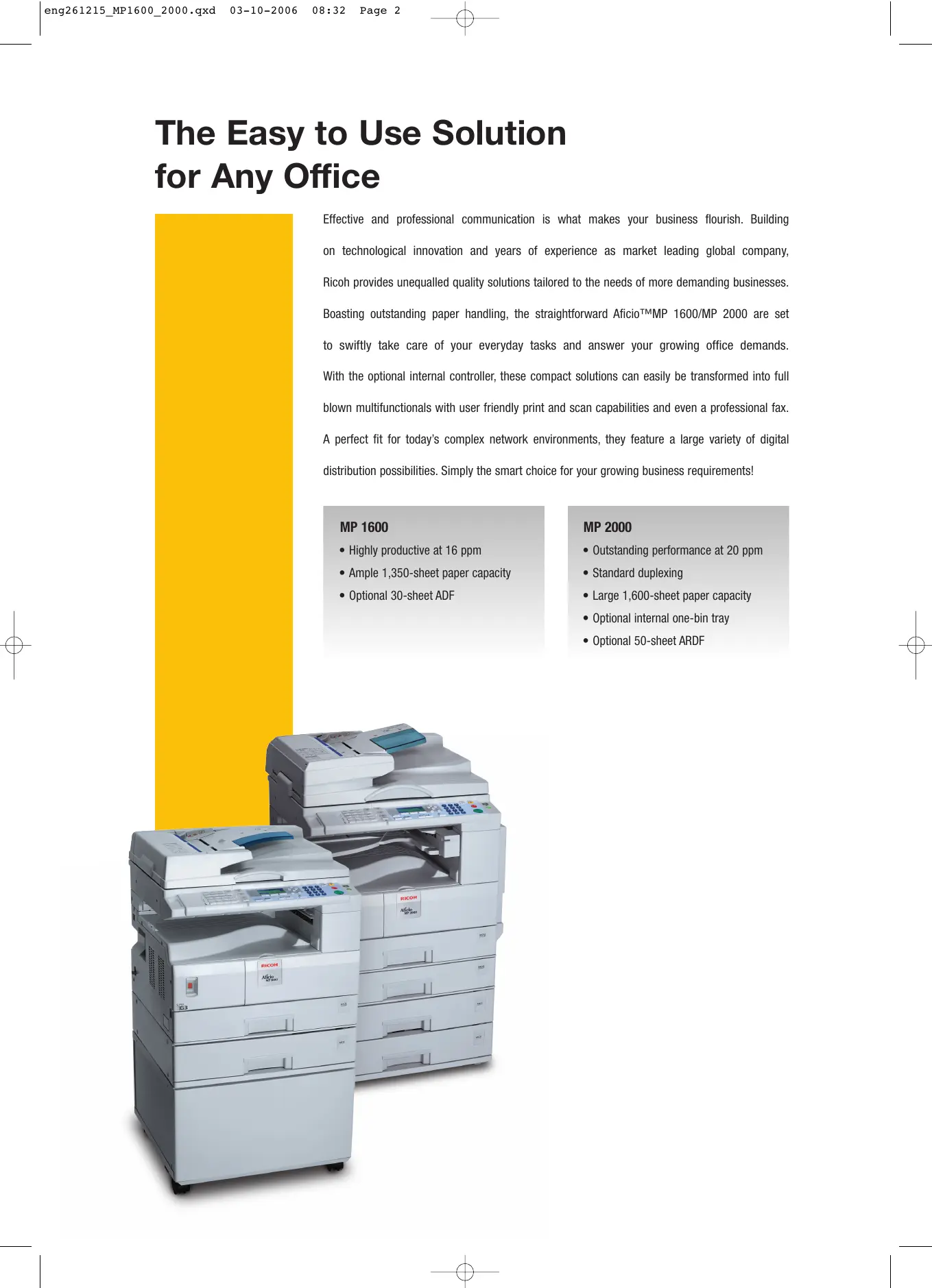

| Product Type | Compact Copier |
| Brand | RICOH |
| Model | MP1600 |
| Print Technology | Monochrome Laser |
| Maximum Paper Size | A4 |
| Copy Speed | 16 copies/minute |
| Recommended Monthly Duty Cycle | 5,000 pages |
| Memory | 16 MB |
| Print Resolution | 600 x 600 dpi |
| Standard Paper Tray Capacity | 250 sheets |
| Power Supply | 220-240 V, 50/60 Hz |
| Power Consumption (Standby) | 10 W |
| Power Consumption (Operating) | 800 W |
| Dimensions (W x D x H) | 570 x 530 x 380 mm |
| Weight | 25 kg |
| Main Functions | Copy, Scanning (optional) |
| Maintenance and Cleaning | Regular cleaning of charger and drum, toner replacement |
| Safety | Auto shutdown, control panel lock |
| Spare Parts and Repairability | Toner, drum, recovery tray, parts available through authorized dealers |
| General Information | Entry-level office copier, ideal for small volumes |
Frequently Asked Questions - MP1600 RICOH
User questions about MP1600 RICOH
0 question about this device. Answer the ones you know or ask your own.
Ask a new question about this device
Download the instructions for your Photocopier in PDF format for free! Find your manual MP1600 - RICOH and take your electronic device back in hand. On this page are published all the documents necessary for the use of your device. MP1600 by RICOH.
USER MANUAL MP1600 RICOH
Advanced Office Document Stations
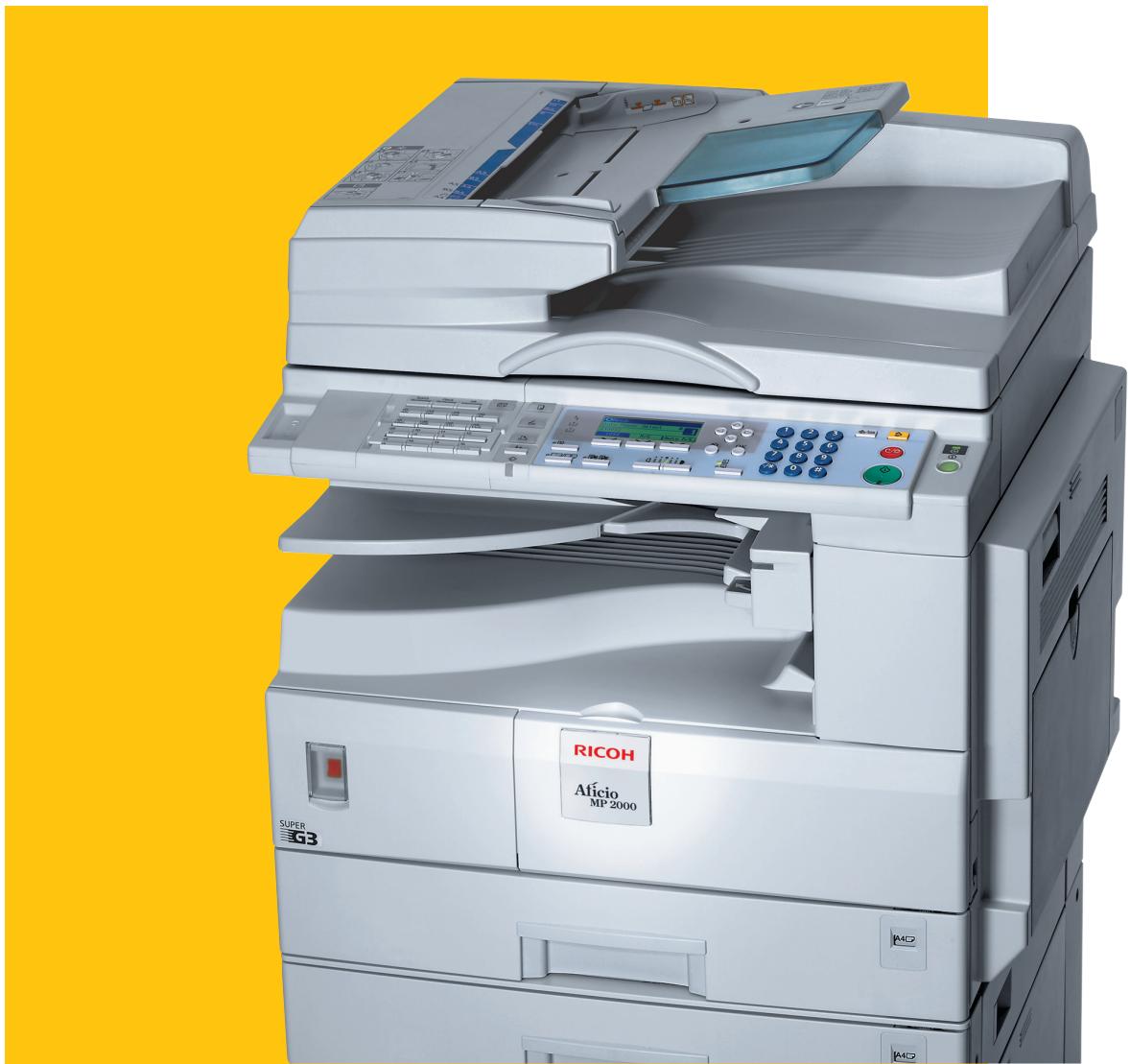
Afecto MP 1600/MP 2000
The Easy to Use Solution for Any Office
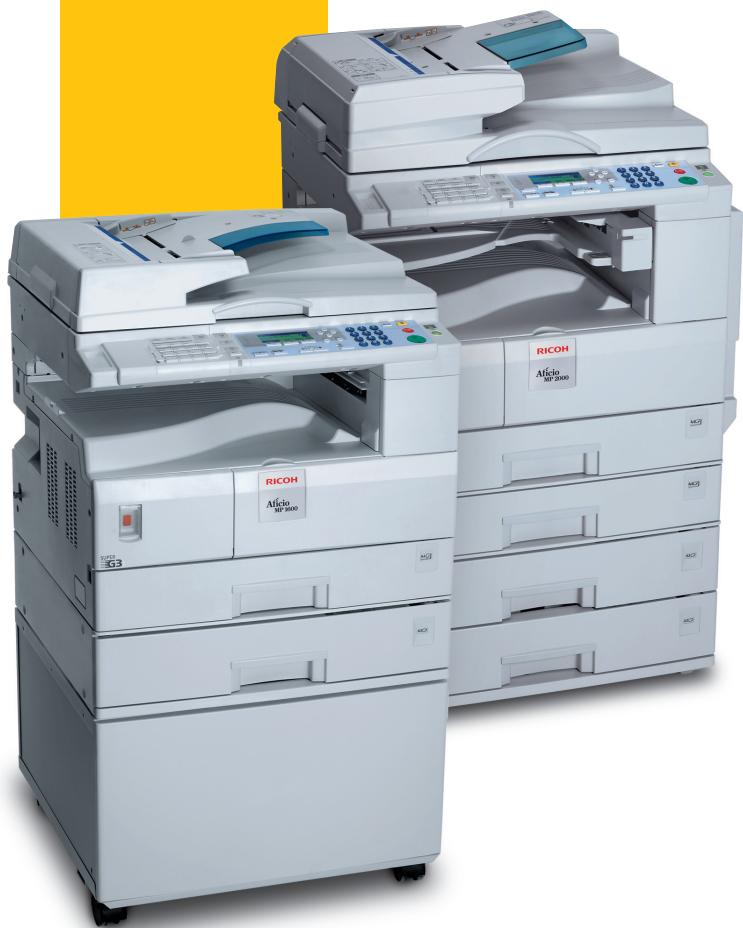
Effective and professional communication is what makes your business flourish. Building on technological innovation and years of experience as market leading global company, Ricoh provides unequalled quality solutions tailored to the needs of more demanding businesses. Boasting outstanding paper handling, the straightforward Alicio^TM MP 1600/MP 2000 are set to swiftly take care of your everyday tasks and answer your growing office demands. With the optional internal controller, these compact solutions can easily be transformed into full blown multifunctionals with user friendly print and scan capabilities and even a professional fax. A perfect fit for today's complex network environments, they feature a large variety of digital distribution possibilities. Simply the smart choice for your growing business requirements!
MP 1600
- Highly productive at 16 ppm
- Ample 1,350-sheet paper capacity
- Optional 30-sheet ADF
MP 2000
Outstanding performance at 20 ppm
- Standard duplexing
Large 1,600-sheet paper capacity
- Optional internal one-bin tray
- Optional 50-sheet ARDF
The Productivity your Office Needs
Combining the skills of many office peripherals into one intelligent, space saving unit, the MP 1600/MP 2000 offer superb efficiency and outstanding output quality.
Everything you need to print, copy, scan and fax quality documents quickly and with ease. A smooth office workflow is within reach!
High Productivity
A speedy workflow is essential to stay on top of the game. With a short warm up time, the MP 1600/MP 2000 are ready for business almost instantly. What's more, your first output is ready in a mere 6.5 seconds. As printing/copying continues at 16/20 pages per minute (ppm), your jobs are ready faster so you can focus on your work again without delay.
16/20 pages per minute
Continuity Guaranteed
You can rest assured; those occasional peak periods will no longer keep you from more important work. Thanks to an impressive maximum paper capacity of 1,350/1,600 sheets, you can take care of any large print/copy job without the need for continuous refills.
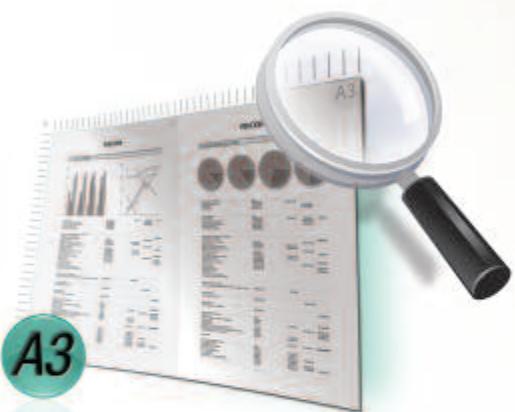
A3 Experts
Boasting full A3 copy, print and scan capability, the MP 1600/MP 2000 are set to deliver professional looking output for specific applications such as spreadsheets, graphs, promotional material, insurance forms, etc.
Standard trays: 2 x 250 sheets (MP 2000)
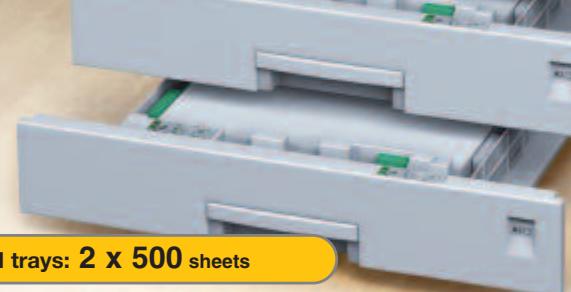
The image on these pages is not a real photograph and slight differences in detail might appear.
Exceptional Paper Handling
- expand your in-house printing capabilities using a wide range of media up to 162g / m^2 for any specific office document
- increase your efficiency by copying, printing, scanning and faxing double-sided documents in one go (MP 2000)
- obtain handy separated printed and copied output through the one-bin tray (MP 2000)
Simple to Operate
straightforward operation thanks to user friendly operation panel
- full front accessibility: hassle free paper refills and toner replacement
- improved user comfort with easy handling paper trays
virtually maintenance free
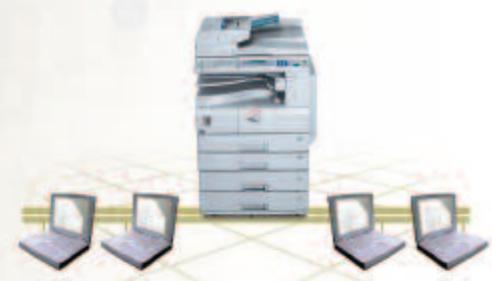
Full Featured Printing & Networking
Easy networkability and an improved print workflow are a certainty with the MP 1600 and MP 2000. These sophisticated devices are ready to be used instantly without any setup or special configuration, ensuring hassle free integration into specific environments, even those which are non-Windows® based. Furthermore, network traffic is reduced through the PDF Direct Print functionality, increasing your total productivity.
The Environment, our Responsibility
Like all Ricoh products, the Afitio™MP 1600/MP 2000 reflect Ricoh's commitment to the environment with the usage of toxic free materials* and clean and quiet operation. With their low power consumption (energy saver mode), low energy toner production and duplex capability (MP 2000), these document handlers take eco care even further.
- In compliance with EU RoHS directive (RoHS: Restriction of Hazardous Substances, effective from July 2006).
The highly evolved MP 1600 and MP 2000 are fully equipped to efficiently deal with a wide array of office tasks.
Packed with a range of smart features, these devices streamline your workflow while keeping your information safe. Reliable solutions for today and tomorrow.
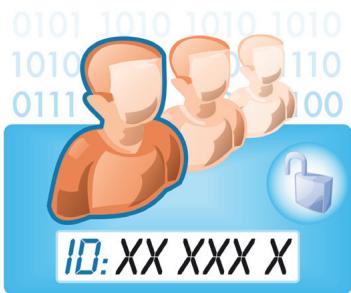
Various security measures protect your confidential data and secure your document cycle.
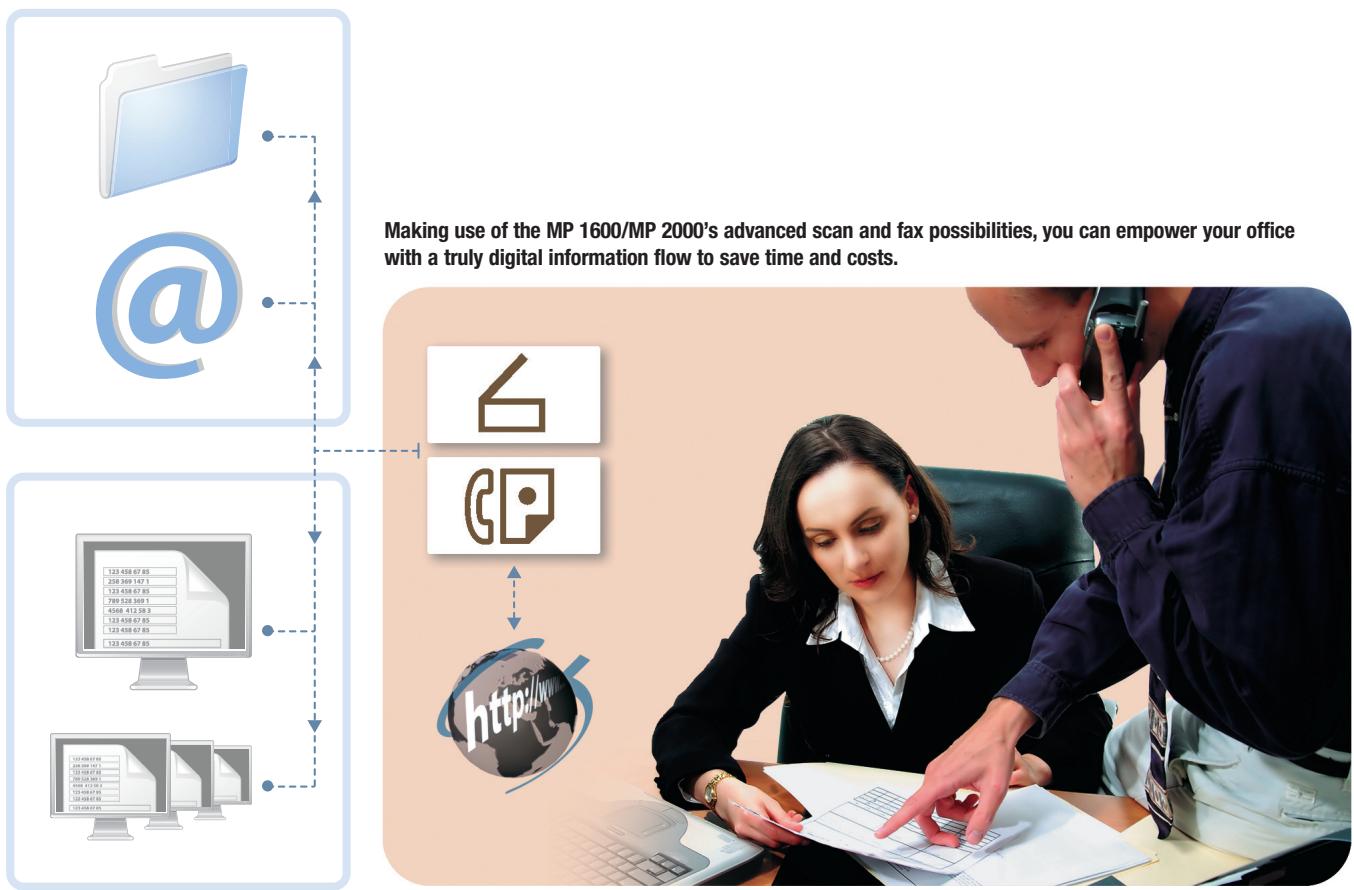
Distributing, organising and archiving your information is child's play with the MP 1600 and MP 2000's optional scan capabilities. In just a few seconds, you can send scanned files to your PC. Larger jobs can simply be fed into the MP 1600's 30-sheet ADF. The MP 2000 even scans double-sided documents in one pass using the ARDF. The distribution possibilities are many: you can send scanned files by e-mail, transmit them directly to a dedicated network folder or an FTP server, and more. Now your office can instantly share fully editable files.
Intelligent Faxing
With the optional fax unit in place,
the MP 1600 and MP 2000 boost the efficiency
of your workflow with high speed,
professional and user friendly faxing.
With 33.6 Kbps modem speed, they transmit your documents quickly and reliably.
- automatically distribute incoming faxes to e-mail or a dedicated folder and omit the distribution of printed faxes
- optimise your efficiency and forward taxes to a single person or an entire workgroup
- reduce infrastructure costs by transmitting fax documents using T.38 (VoIP) protocol via the existing LAN
High Tech Security
In recent years, information security has become a priority for many organisations. Therefore, the Afitio™MP 1600/MP 2000 come equipped with potent security measures to adequately safeguard access and protect your valuable information. These include various types of authentication, data encryption and IP filtering.

COPIER
| Copying process: | Twin laser beam scanning & electro photographic printing | |
| Copy speed: | 16/20 copies per minute | |
| Resolution: | 600 dpi | |
| Multiple copy: | Up to 99 | |
| Warm up time: | Less than 15 seconds | |
| First output speed: | Less than 6.5 seconds | |
| Zoom: | 50 - 200% (in 1% steps) | |
| Memory: | Standard: | 16 MB |
| Paper input capacity: | Standard: MP 1600: 1 x 250-sheet paper tray 100-sheet multi-bypass tray MP 2000: 2 x 250-sheet paper trays 100-sheet multi-bypass tray Duplex tray Maximum: MP 1600: 1,350 sheets MP 2000: 1,600 sheets | |
| Paper output capacity: | Standard: 250 sheets (internal tray) | |
| Paper size: | Standard tray(s): | A5 - A3 |
| Bypass tray: | A6 - A3 | |
| Duplex tray (MP 2000): | A5 - A3 | |
| Paper weight: | Standard tray(s): | 60 - 90 g/m² |
| Bypass tray: | 52 - 162 g/m² | |
| Duplex tray (MP 2000): | 64 - 90 g/m² | |
| Dimensions (W x D x H): | MP 1600: | 550 x 568 x 420 mm |
| MP 2000: | 587 x 568 x 558 mm | |
| Weight: | MP 1600: | Less than 35 kg |
| MP 2000: | Less than 47 kg | |
| Power source: | 220 - 240 V, 50/60 Hz | |
| Power consumption: | Operation: | 1.28 kW |
| Energy saver mode: | 45 W | |
PRINTER/SCANNER (option)

Printer
| Print speed: | 16/20 prints per minute |
| Printer language/resolution: | Standard:PCL5e, PCL6, RPCSTM: 600 x 600 dpiOption:Adobe® PostScript® 3TM: 600 x 600 dpi |
| Interface: | Standard: Ethernet 10 base-T/100 base-TXUSB 2.0Optional: Wireless LAN (802.11b)Bi-directional IEEE 1284Bluetooth |
| Memory: | Standard: 384 MB |
| Network protocol: | TCP/IP, IPX/SPX, AppleTalk |
| Supported environments: | Windows® 98/Me/NT4.0/2000/XP/Server 2003Novell® Netware® 3.12/3.2/4.1/4.115.0/5.1/6/6.5UNIX Sun® Solaris 2.6/7/8/9/10HP-UX 10.x/11.x/11iv2 |
SCO OpenServer 5.0.6/5.0.7
RedHat® Linux 6.x/7.x/8.x/9.x/Enterprise
IBM® AIX v4.3/5L v5.1/5.2/5.3
Macintosh OS 8.6 or later (OS X Classic)
Macintosh X v10.1 or later (native mode)
IBM System i5TM HPT
SAP® R/3®
NDPS Gateway
AS/400® using OS/400 Host Print Transform

Scanner
| Scan speed: | Maximum 43 originals per minute (A4, SEF) |
| Resolution: | 600 dpi |
| Original size: | A5 - A3 |
| Bundled drivers: | Network, TWAIN |
| Scan to e-mail: | TCP/IP, SMTP or POP3 before SMTP |
| Destination addresses: | Maximum 100 per job |
| Stored destination addresses: | Maximum 150 |
| Address book: | Via LDAP, operation panel, Web Image Monitor or SmartDeviceMonitor™ |
| Scan to folder: | Via SMB, FTP or NCP protocol |

Software
SmartDeviceMonitorTM1, Web SmartDeviceMonitorTM, Web Image Monitor, DesktopBinderTM Lite

FAX (option)
| Circuit: | PSTN, PBX |
| Compatibility: | ITU-T (CCITT) G3, T.37, T.38 |
| Modem speed: | Maximum 33.6 Kbps |
| Resolution: | 200 x 100/200/400 dpi |
| Compression method: | MH, MR, MMR, JBIG |
| Scanning speed: | 1 second (200 x 200 dpi, A4, SEF) |
| Memory capacity: | Standard: 4 MB |
| Memory backup: | Yes |
OPTIONS
- Platen cover
- 30-sheet Auto Document Feeder (MP 1600)
- 50-sheet Auto Reverse Document Feeder (MP 2000)
100-sheet one-bin tray (MP 2000) - 1 x 500-sheet paper tray
- 2 x 500-sheet paper trays
- Accessibility handle option (for standard and optional paper trays)
- Cabinets (large, medium, small)
1 Bundled with printer/scanner option.
For availability of models, optional apparatus and software, please consult your local Ricoh supplier.



Our earth, Our tomorrow

RICOH
For more information, please contact:
ISO9001:2000 certified ISO14001 certified
Ricoh believes in conserving the earth's precious natural resources. This brochure is printed on environmentally friendly paper: 50% recycled fibres, 50% chlorine free bleached pulp.
All brand and/or product names are trademarks of their respective owners.
Specifications and external appearance are subject to change without notice. The colour of the actual product may vary from the colour shown in the brochure.
Copyright © 2006 Ricoh Europe B.V. All rights reserved. This brochure, its contents and/or layout may not be modified and/or adapted, copied in part or in whole and/or incorporated into other works without the prior written permission of Ricoh Europe B.V.
RICOH EUROPE B.V.
P.O.Box 114,1180 AC Amstelveen,
The Netherlands
Phone: +31 (0)20 54 74 111
Fax: +31 (0)20 54 74 222
www.ricoh-europe.com
- Advanced Office Document Stations
- The Easy to Use Solution for Any Office
- MP 1600
- MP 2000
- The Productivity your Office Needs
- High Productivity
- Continuity Guaranteed
- A3 Experts
- Exceptional Paper Handling
- Simple to Operate
- Full Featured Printing & Networking
- The Environment, our Responsibility
- Intelligent Faxing
- High Tech Security
- COPIER
- PRINTER/SCANNER (option)
- Printer
- Scanner
- Software
- FAX (option)
- OPTIONS
- RICOH
Brand : RICOH
Model : MP1600
Category : Photocopier