
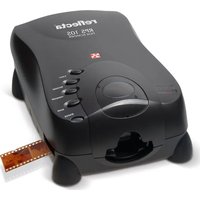
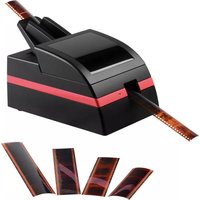
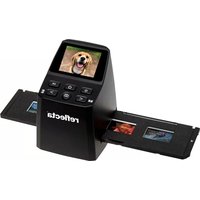
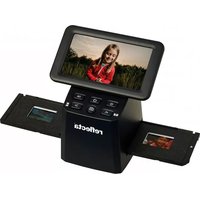
64220 - Scanner Reflecta - Free user manual and instructions
Find the device manual for free 64220 Reflecta in PDF.


| Product Type | Flatbed Scanner |
| Brand | Reflecta |
| Model | 64220 |
| Scanning Element | CIS (Contact Image Sensor) |
| Optical Resolution | 1200 x 2400 dpi |
| Color Depth | 48-bit input, 24-bit output |
| Maximum Scan Area | 216 x 297 mm (A4) |
| Dimensions (W x D x H) | 410 x 260 x 38 mm |
| Weight | 1.8 kg |
| Power Supply | AC adapter (12V, 1.5A) |
| Power Consumption | 10 W (operating), 2 W (standby) |
| Interface | USB 2.0 |
| Supported Media | Paper, photos, documents, ID cards |
| Scanning Software | Reflecta ScanSuite, TWAIN driver |
| Operating System Compatibility | Windows 10/11, macOS 10.14 or later |
| Maintenance | Clean scanning glass with soft lint-free cloth; avoid abrasive cleaners |
| Safety Precautions | Do not expose to liquids; unplug during cleaning; avoid direct sunlight |
| Spare Parts Availability | Replacement power adapter, USB cable; glass not user-replaceable |
| Repairability | Repairs should be performed by authorized service centers |
| Warranty | 2 years manufacturer warranty |
Frequently Asked Questions - 64220 Reflecta
User questions about 64220 Reflecta
0 question about this device. Answer the ones you know or ask your own.
Ask a new question about this device
Download the instructions for your Scanner in PDF format for free! Find your manual 64220 - Reflecta and take your electronic device back in hand. On this page are published all the documents necessary for the use of your device. 64220 by Reflecta.
USER MANUAL 64220 Reflecta
Film and slide scanners for any purpose
Contents
Smartphone Scanner 4
x1 - Scan....5
S1-Scan 6
x5-Scan....7
x7-Scan....8
MemoScan....9
iPad-Scan....10
KWIK-Scan....12
PhotoScan A4....13
ImageBox LCD9....15
iScan 3600....16
CrystalScan 7200 ....17
ProScan 7200....18
RPS 7200 Professional....19
DigitDia 6000 ....20
Midformatscan MF 5000....23
Overview and technical data....24-27

natural_image
Film strip with film fragments and a film reel, no visible text or symbols
natural_image
Tropical beach scene with a white jet boat and palm tree in the foreground under a clear blue sky (no text or symbols visible)Smartphone Scanner
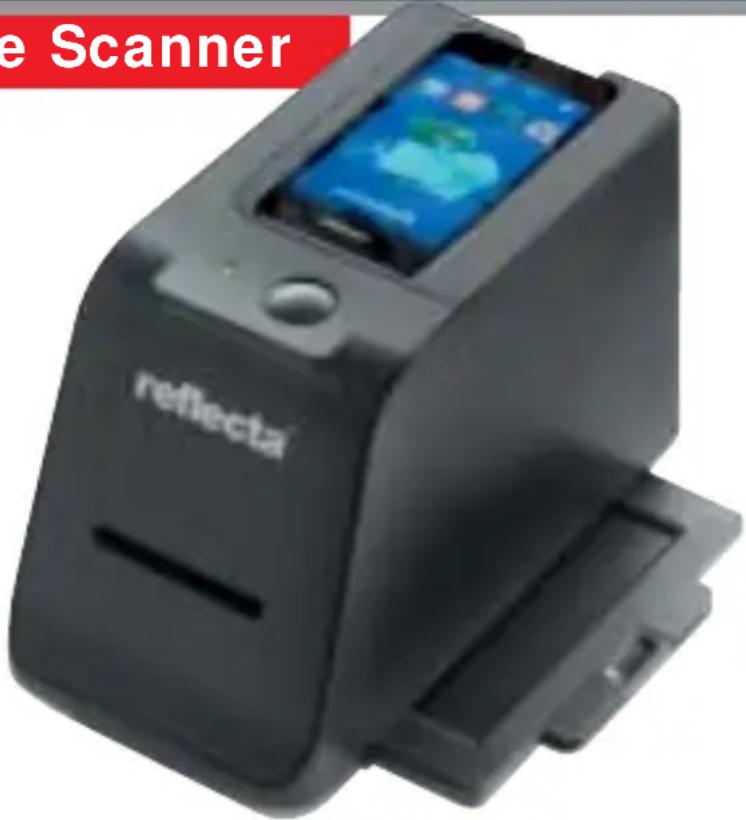
With reflecta Smartphone Scanner and iPhone 4/4S/5 or a Samsung Galaxy S2/S3, users can now digitize slides and negatives (35mm) as well photos (9x13 cm, 10x15 cm) very easily.
Simply fix your smartphone into the envisaged bay on top of the reflecta Smartphone Scanner. The reflecta Smart-phone Scanner features built-in LED's as light source.
For the best software, you are recommended to download the free “ipphotojet” app from the Apple App Store and Android Play Store.
The scan is started with the press of a button. The results are stored as JPG files directly in the smartphone, while the photos are inserted and scanned individually.
x1 - Scan

Due to the application of a high performance CMOS image sensor and the enhancement of the color depth from 24 bit to 30 bit, the x1-Scan achieves very good scans. The scanning speed is only 1
second at 1800 ppi fine scan. Quick connection using USB 2.0; no additional mains adapter required.

S1 - Scan

The reflecta S1-Scan offers a 2,4" LCD-Display on which you can see the pictures right away, an integrated storage of 32 MB, an integrated SD/SDHC-card slot as well as a TV-Out- and USB port. Therefore reflecta

S1-Scan is universal and PC independent and with his small, compact and handy size all-round deployable. Via the menu it's possible to arrange a brightness correction. The Scans can be directly stored at the SD/SDHC card via the card slot to display them afterwards onto a Digital Photo frame. The files card can be transferred onto the Computer via the USB-cable. The enclosed software is only an image editing program.
x5-Scan

natural_image
White and black digital camera with a screen displaying a purple flower image, no visible text or symbols on the device itself.The reflecta x5-Scan regulates about 2,4 inch LCD-Display on which you can see the pictures immediately, stored on 32 MB internal memory, an integrated SD/SDHC-card slot as well as a TV-Out and a USB port.
The reflecta x5-Scan is universal and PC independent deployable. With the SD-card slot the pictures can be stored directly on SD card for watching them as example on a Digital
Picture Frame. The files can be transferred onto the computer via the USB-Cable. The brightness can be quickly adjusted by the correction button
on top of the scanner. The enclosed software is only an image editing program.

natural_image
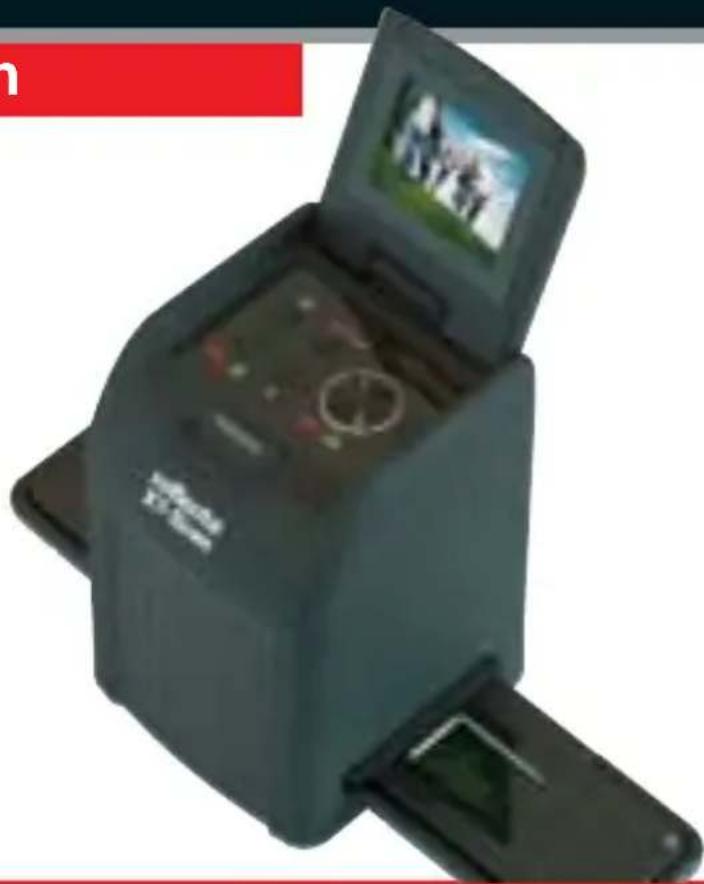
Black square electronic device with open lid and close-up photo of a person holding a photo (no visible text or symbols)With the reflecta x7-Scan with 3200 dpi resolution it's possible to scan with 14,0 Megapixel and beside film and slide additionally pocketfilm (110) and 126 mm film. The reflecta x7-Scan offers a 2,4" LCD-Display, an integrated SD/SDHC card slot and a Lithium-Ion battery to allow using the scanner completely independent from a PC or power supply, respective as Stand-Alone Scanner. The Scans can be directly stored at the SD/SDHC card via the card slot to display them afterwards onto a Digital Photo Frame. The files from SD/SDHC card can be transferred onto the Computer via the USB port and USB-cable.
The brightness can be quickly adjusted by the correction button on top of the scanner. The enclosed Software is only an image editing program.
MemoScan

The reflecta MemoScan is the first scanner with CMOS sensor which offers an automatic dust and scratch removal via infrared sensor (MAGIC TOUCH). The fast scan speed and the dust and scratch removal function allow for an efficient working.
The included slide holder accommodates up to 4 mounted slides, the film holder film strips with up to 6 photos.
iPad-Scan
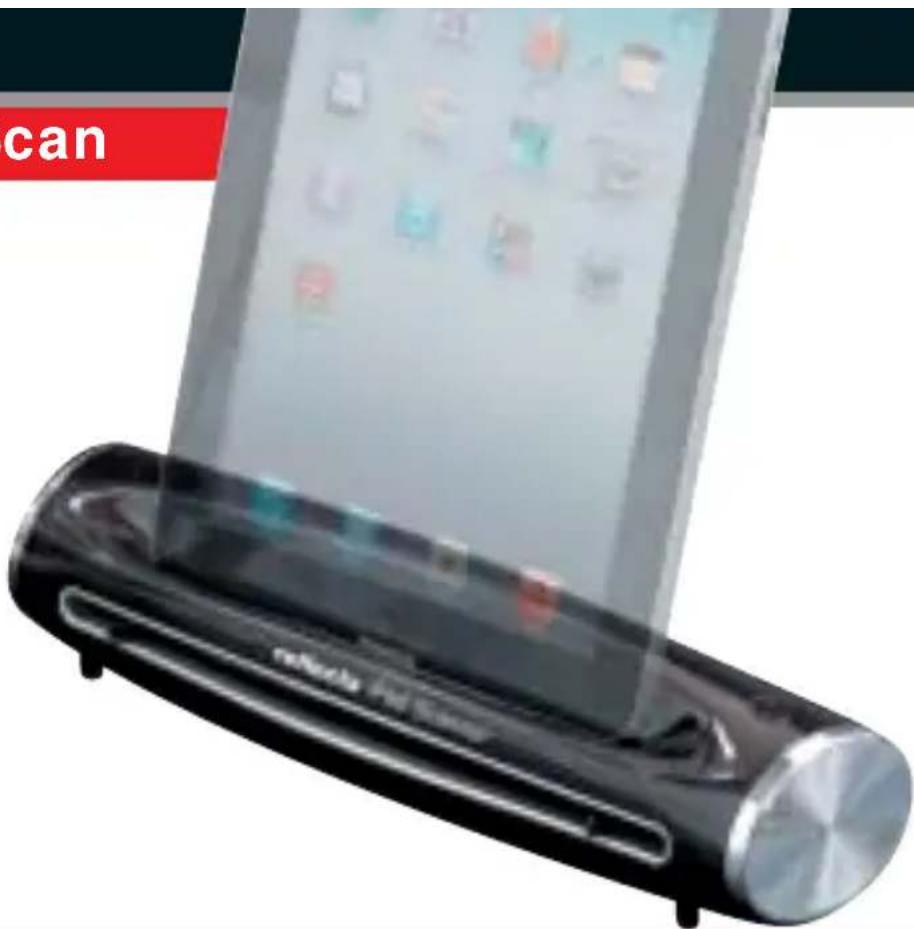
With the reflecta iPad-Scanner you can scan automatically documents / photos up to size of 21,59 x 35,56 cm (US-Legal) directly on your iPad / iPad2 / iPad3.
The scanner has got a reso- lution of 300 dpi and the ori-
ginals are feeded automatically and directly saved as JPEG files. The scanner can also be used as Docking-Station for iPad / iPad2 / iPad3.

flowchart
graph LR
    A["Image with sunflower image"] --> B["Image with sunflower image"]
    B --> C["Final Image Output"]

natural_image
A lifebuoy with orange ring and ribbon, standing on a beach with blue ocean and yellow barrier in background (no text or symbols visible)KWIK-Scan

This is the fast, comfortable and easy way to scan, archive and organise books, newspaper articles, recipes, contracts, documents and photos. Simply drag the scanner over the scan document.
The data is stored in the JPG format directly on the supplied microSD card. The scanner can be connected to the computer via the USB port to read the data.
With its low weight and compact design, the KWIK-Scan can be used anytime and anywhere (no Mains or USB power is needed).
Editing the scanned documents on the computer is very simple with the included OCR software.
PhotoScan A4
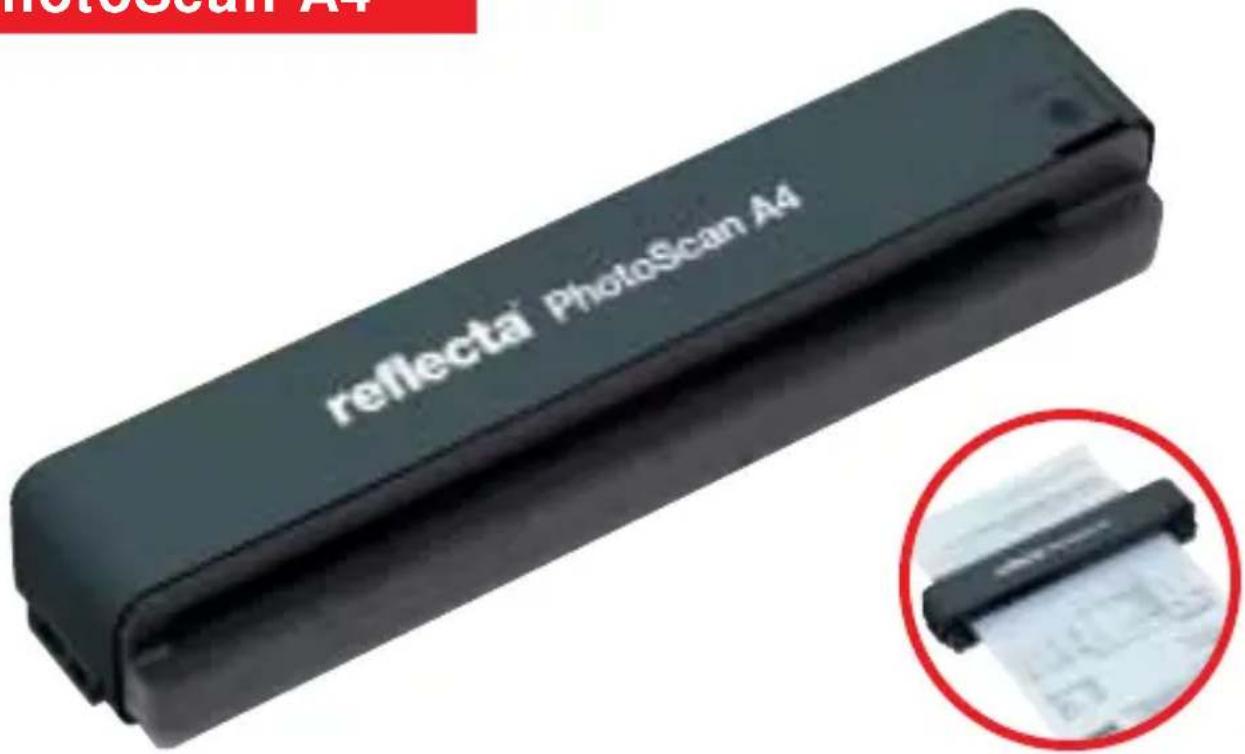
This is the fast, comfortable and easy way to scan, archive and organise, recipes, contracts, documents and photos.
The scanner feeds the original automatically. The data is stored directly onto a memory card (SD /SDHC, MS, MS Pro, MMC) in the JPG or EXIF format.
The scanner can be connected to the computer via the USB port to read the data. With its low weight and compact design, the reflecta PhotoScan A4 can be used on any desk. Editing the scanned documents on the computer is very simple with the included OCR software. Also you can transfer for example business cards into Outlook system/Software.
natural_image
Close-up of a smiling woman holding a smartphone, with no visible text or symbols
natural_image
Autumn landscape with a large tree bearing golden leaves and fallen yellow leaves on grass under a clear blue sky (no text or symbols)IMAGEBOX LCD9

natural_image
Exterior view of a reflective digital camera device (no visible text or symbols on body)
With the reflecta IMAGEBOX LCD9 it is very easy to scan slides, negatives and photos. The Imagebox LCD9 has an amazing resolution of 9 mega-pixels (2400 dpi), as well as a 2,7" LCD-Display. Thereby the IMAGEBOX LCD9 is computer independent and can nearly be used always and everywhere. A highlight is the MAGIC TOUCH technology, a scratch and dust removal system based on infrared technology for slides and negatives (not for photos!). To scan the photos (up to size 10x15 cm) just put them on the scan surface and start. You don't need a holder. The IMAGEBOX LCD9 comes with a slide holder for 4 framed slides, a film strip holder for negative/positive film strips up to 6 photos. The scantime for all medias is 1 second.
iScan 3600
natural_image
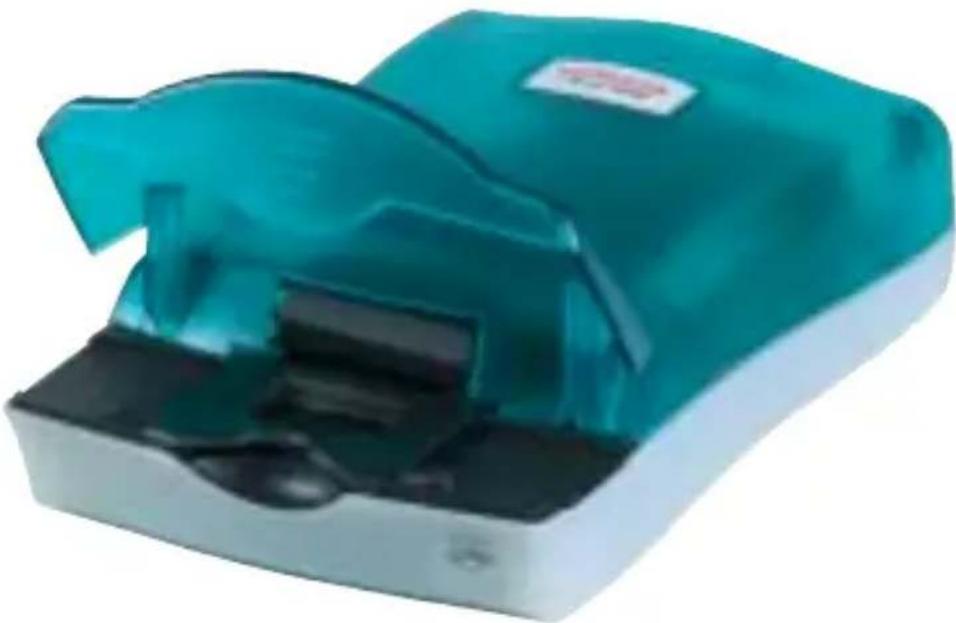
Teal-colored medical device with open lid and black base (no visible text or symbols)The iScan 3600 is a model with a favourable price and easy operating with 3600 dpi. Due to the CCD sensor it has a lot of professional features to digitalise quick and com-
fortable all negatives and slides. This digital files could be processed in a different way on a computer.

natural_image
Film strip with film fragments and a film reel, no visible text or symbols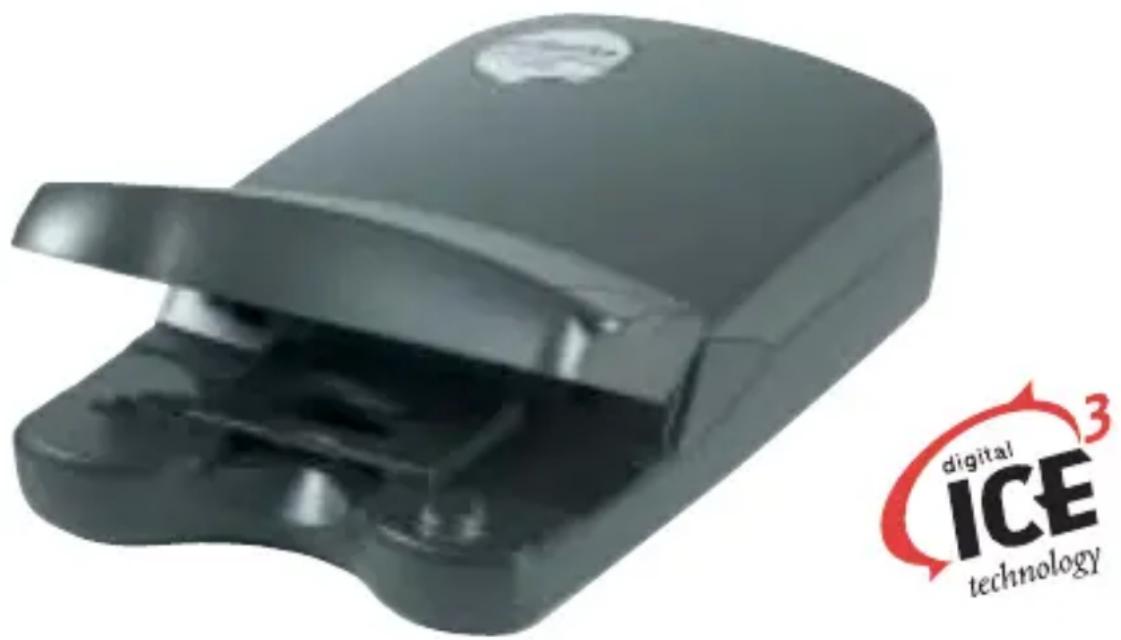
This scanner is the ideal device for high-resolution digitalization of your slides and negatives. The scanner is equipped with 7200x3600 dpi permitting extremely high-quality print production up to A4 size. Therefore the fast scanning speed and the digital ICE3™ – hardware dust and scratch removal - enables the user a effective working. Digital ICE3 ^TM means:
- Digital ICE™ – Hardware based Dust and Scratch removal with infrared sensors and automatically Software correction
- Digital ROC™ – Color Restoration; Image Quality will be restored
- Digital GEM™ – Grain Management; minimize grain to restore the image’s sharpness
ProScan 7200

The ProScan 7200 provides an optical Resolution of 3600 dpi, a Dynamic Range of 3.8 Dmax and an extreme fast scanning time of 1 min 35 Sec for an colour scan with 3600 dpi and 48 Bit Colour Depth. The high scanning speed and also the hardware based dust and scratch removal system ICE contribute the ProScan 7200 to a very effective working tool. Using the attached slide and filmholder allows a high Scan efficiency and finally results in a time saving.
Digital ICE3™ means:
- Digital ICE™ – Hardware based Dust and Scratch removal with infrared sensors
- Digital ROC™ – Color Restoration; Image Quality will be restored
- Digital GEM™ – Grain Management; minimize grain to restore the image’s sharpness
RPS 7200 Professional

natural_image
3D rendered medical device with blue and silver casing, no visible text or symbols on the device itselfThe RPS 7200 Filmscanner offers the highest resolution and simultaneously a favourable price. The scanner increases the productivity by using the batch scanning possibility. The auto filmloader allows scanning film stripes up to 36 exposures means a whole film roll. The amazing resolution of 7200x7200 dpi and his enormous flexibility will make this scanners as first choice for demanding jobs in imaging editorial offices, photo studios, graphic studios, science institutes, but also in the home sector.
Digital ICE3 ^TM means:
- Digital ICE™ – Hardware based Dust and Scratch removal with infrared sensors
- Digital ROC™ – Color Restoration
- Digital GEM™ – Grain Management
DigitDia 6000

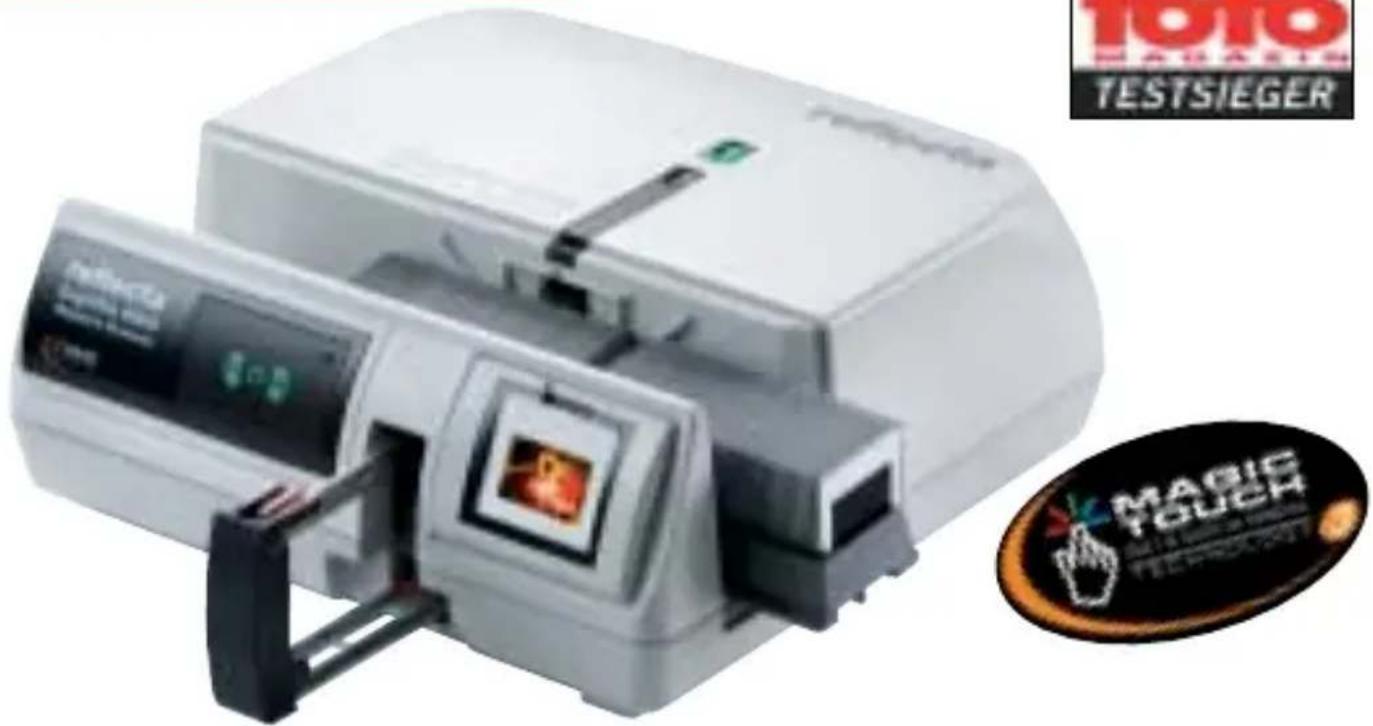
The DigitDia 6000 is the only scanner which allows you to scan slides directly from the slide magazine in batch operation. With a resolution of 5000 dpi and a colour depth of 48 bit, the reflecta DigitDia 6000 produces scans in top quality. The fast scanning speed together with the integrated dust and scratch removal feature MAGIC TOUCH 3 allow for an effective working. The scanner offers automatic scanning of up to 100 slides straight from the magazine (CS, Universal, LKM and Paximat) to save time.
MAGIC TOUCH 3 means:
- Magic Touch: Hardware based Dust and Scratch removal via infrared sensors
• Auto Color: Colour correction; improved colour quality - Digital Noise Reduction: Sharpness correction; grain is reduced to improve image sharpness

natural_image
Exterior view of a large amusement park ride with passengers on swings under a clear blue sky (no signage or text visible)
natural_image
Scenic view of a calm lake reflecting in the sky with autumn trees and rocky cliffs in the background (no text or symbols visible)Midformatscanner MF 5000


With the first reflecta Midformat-scanner it is possible to scan 120/220 mm, 6x4,5, 6x6, 6x7, 6x8, 6x9, 6x12 as well as 35 mm (positive and negative). Due to the application of 3-lines-CCD Sensor with MAGIC TOUCH 3
(automatic Dust and Scratch removal with infrared sensor) you can expect excellent quality.

natural_image
Black rectangular electronic device with multiple film strips and small square components, no visible text or symbolsOverview
Smartphone x1- S1- x5- x7- Scanner Scan Scan Scan Scan
Film material
| Negative strips · · · · · |
| Positive strips · · · · · |
| Framed slides (5 x 5) · · · · · |
| Pocket film strips (110) -- |
| Medium format |
| Photos |
| Documents (DIN A4) |
| Business cards |
| Manuel loading |
| Motor driven loading |
| Batch scan unit |
Scan unit
| Optical resolution (DPI) – 1800 | 1800 | 1800 | 3200 | ||
| Scan range (mm) max. | 10x15 | 24x36 | 24x36 | 24x36 | 24x36 |
| Color depth (Bit) | - | 30 | 30 | 30 | 30 |
| Optical densitiy (Dmax) | - | 3.0 | 3.0 | 3.0 | 3.0 |
| Linear colourCCD | -- | -- | -- | - | - |
| CMOS sensor | -····· | ||||
| Color Contact Image Sensor (CIS) | -- | --- | |||
| Scanning speed(1800 dpi) - | 1s | 1s | 1s | 1s | |
| ICE3TM-/Magic Touch . | - | -/- | -/- | -/- |
Interfaces
| USB / USB2.0 -/- -/-• | •/- | •/- -/-• | |
| TV-Out | -- | • | • • |
Software
| Scansoftware Cyberview | -- | -- | - | ||
| Scansoftware Silverfast SE | -- | -- | - | ||
| Scansoftware Silverfast AI Studio | - | - | - | - | - |
| SilverFast Archive Suite -- | -- | - | |||
| ArcSoft Photoimpression | - | - | • | • | - |
| ArcSoft Mediaimpression - • | -- • | ||||
| Optical Character Recognition -- | -- - |
Operating systems
| Windows | - | XP/Vista/7 | - | - | - |
| Mac OSx | -- | -- | - |
Dimensions and weight
| Dimensions (mm) | 24,5x12,5x15,8 | 100x90x165 | 92x90x100 | 92x92x175 | 105x104x164 |
| Weight (g) | 1000 | 450 | 500 | 500 | 500 |
| Ref. No. | 64380 | 64210 | 64270 | 64250 | 64370 |
Memo iPad KWIK- PhotoScan Imagebox Scan Scan Scan A4 LCD9
| ● | — | — | — | ● |
| ● | — | — | — | ● |
| ● | — | — | — | ● |
| — | — | — | — | — |
| — | — | — | — | — |
| — | ● | ● | ● | ● |
| — | ● | ● | ● | — |
| — | ● | ● | ● | — |
| ● | — | ● | — | |
| — | ● | — | ● | — |
| — | — | — | — | — |
1800 300 300/600 300/600 2400
| 24x36 215,9 x 355,6 210 breit DIN A4 | 100x150 | |||
| 24 | - | 30 | ||
| 3.0 | - | 3.0 | ||
| - | - | - | - | - |
| • | - | - | - | • |
| - | • | • | • | - |
| 1s | 6 pages/min. | 1s | ||
| -/- | - | -/- | -/- | -/- |
| -/- | -/- | -/- | -/- | -/- |
| - | - | - | - | • |
| • | - | - | - | - |
| - | - | - | - | - |
| - | - | - | - | - |
| - | - | - | - | - |
| - | - | - | - | - |
| - | - | • | • | - |
| XP/Vista/7/8 | - | - | - | - |
| 10.4 + | - | - | - | - |
| 165x104x96 | 308x111x72 | 225x32x34 | 269x59x44 | 245x229x180 |
| 450 | 680 | 350 | 395 1400 | |
| 64230 | 65958 | 65950 | 65956 | 64140 |

natural_image
Close-up of a vibrant pink flower with orange stamens against a blurred blue and white background (no text or symbols)Overview
| iScan3600 Scan | Crystal7200 7200 7200 6000 | ProScan | RPS | DigitDia | |
| Film material | |||||
| Negative strips • • • • – | |||||
| Positive strips • • • • – | |||||
| Framed slides (5 x 5) • • • • • | |||||
| Pocket film strips (110) – – – – | |||||
| Medium format – – – – – | |||||
| Photos | – – – – – | ||||
| Documents (DIN A4) | – – – – – | ||||
| Business Cards | – – – – – | ||||
| Manuel loading | • • • | – | – | ||
| Motor driven loading | – – – | • • | |||
| Batch scan unit | – – – | • • | |||
| Scan unit | |||||
| Optical resolution (DPI) 3600 | 7200x3600 | 3600 7200 5000 | |||
| Scan range (mm) | 24x36 | 24x36 | 24x36 | 24x36 | 37x37 |
| Colour depth (Bit) | 48 | 48 | 48 | 48 | 48 |
| Optical densitiy (Dmax) | 3.0 | 3.2 | 3.8 | 3.6 | 3.8 |
| Linear colour CCD | • • • • • | ||||
| CMOS sensor | – – – – – | ||||
| Color Contact Image Sensor (CIS) | – – – – – | ||||
| Scanning speed (1800 dpi) | 35s | 35s | 35s | 50s | 50s |
| ICE3TM-/Magic Touch | –/– | •/– | •/– | •/– | –/• |
| Interfaces | |||||
| USB / USB2.0 | •/– | •/• | •/• | •/• | •/• |
| TV-Out | – – – – – | ||||
| Software | |||||
| Scansoftware Cyberview | • • | • • | • | ||
| Scansoftware Silverfast SE | optional | optional | optional | – | – |
| Scansoftware Silverfast AI Studio | – | optional | optional | optional | optional |
| SilverFast Archive Suite | – – – – | optional | |||
| ArcSoft Photoimpression | – – – – – | – | |||
| ArcSoft Mediaimpression – – – – – | |||||
| Optical Character Recognition – – – – – | |||||
| Operating systems | |||||
| Windows | XP/Vista/7 | XP/Vista/7/8 | XP/Vista/7/8 | XP/Vista/7/8 | XP/Vista/7/8 |
| Mac OSx | 10.4–10.6.9 | 10.5+ | 10.5+ | 10.5+ | 10.5+ |
| Dimensions and weight | |||||
| Dimensions (mm) | 268x166x66 | 278x169x70 | 275x167x80 | 274x183x97 | 300x290x125 |
| Weight (g) | 810 | 1000 | 1000 1400 | 2900 | |
| Ref. No. | 64150 | 65380 | 65430 | 65920 | 65660 |
MF-5000 Scanner
6x4,5- 6x12
3200
max. 6x12 cm
48
3.6
•
一
-
-/-
/
-
•
-
optional
optional
-
-
一
XP/Vista/7/8
10.5+
320×165×160
5300
66000

natural_image
Flooded canal scene in Venice with brick buildings and a gondola, reflecting on water (no text or symbols visible)As part of our continued efforts to improve the quality of our products, we reserve the right to change our products without notification.
Ref. No. 72235 V08/13 E
reflecta®

Brand : Reflecta
Model : 64220
Category : Scanner