
OVWILLWBKWA - Bed Ovela - Free user manual and instructions
Find the device manual for free OVWILLWBKWA Ovela in PDF.


| Product Type | Bed Frame |
| Brand | Ovela |
| Model | OVWILLWBKWA (also compatible with OVWILLWBQNA, OVWILLWBKNA, OVWILLWBQWA, OVWILLWBQTA, OVWILLWBKTA) |
| Size | King |
| Overall Dimensions (approx.) | 193 x 203 x 38 cm (76 x 80 x 15 in) |
| Weight (approx.) | 35 kg (77 lbs) |
| Frame Material | Metal (steel) |
| Slat Material | Wood |
| Slat Quantity | 14 (estimated) |
| Weight Capacity (approx.) | 250 kg (550 lbs) |
| Assembly Required | Yes |
| Tools Included | Allen keys (H and I), screws, dowels, brackets |
| Tools Needed (not included) | Phillips screwdriver |
| Assembly Time (approx.) | 1–2 hours with two people |
| Headboard Included | No |
| Box Spring Required | No (slatted base supports mattress directly) |
| Maintenance | Wipe with damp cloth; avoid harsh chemicals |
| Safety Warnings | Do not use power tools; do not fully tighten screws until assembly complete |
| Spare Parts Availability | Contact Ovela or visit help.kogan.com |
| Warranty | Not specified (typical 1–2 years, check with retailer) |
Frequently Asked Questions - OVWILLWBKWA Ovela
User questions about OVWILLWBKWA Ovela
0 question about this device. Answer the ones you know or ask your own.
Ask a new question about this device
Download the instructions for your Bed in PDF format for free! Find your manual OVWILLWBKWA - Ovela and take your electronic device back in hand. On this page are published all the documents necessary for the use of your device. OVWILLWBKWA by Ovela.
USER MANUAL OVWILLWBKWA Ovela
natural_image
Line drawing of a metal frame structure with slats and supports (no text or symbols)WILLIAM WOOD BED FRAME
QUEEN/KING
OVWILLWBQNA, OVWILLWBKNA, OVWILLWBQWA, OVWILLWBKWA, OVWILLWBQTA & OVWILLWBKTA
COMPONENTS


natural_image
Isometric diagram of a grid of rectangular blocks connected by lines, labeled '10' at the base (no text or symbols within the diagram itself)Hardware

A 50mm M8 screw (x16)
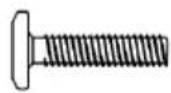
B 35mm M8 screw (x12)

C Dowel (x8)

D 30mm M4 screw (x64)

E 16mm M4 screw (x8)

F 70mm M7 screw (x4)
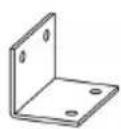
G Bracket (x2)

H Allen key (x1)

I Allen key (x1)
ASSEMBLY
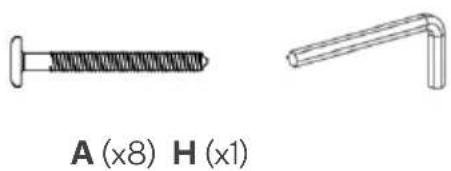
Step 1: Align one part labelled 3 level with parts labelled 1 and 2. Using the Allen key (H), secure the part labelled 3 to parts labelled 1 and 2 with 50mm M8 screws (A).
Repeat this process with the remaining parts labelled 1, 2 and 3. This will create two end assemblies.
Notes:
- Do not use power tools to assemble this bed as it may damage the components.
- Do not fully tighten the screws until finished assembly.
natural_image
Two types of screws shown side by side: one with a threaded screw and the other with a bent angle (no text or symbols on the screws themselves)
Step 2: Align the holes on one bracket (G) with those on one end assembly. Using a Phillips screwdriver (not supplied), secure 16mm M4 screws (E) through.
Repeat this process with the remaining end assembly.

natural_image
Two technical illustrations: a screw and a 3D bracket (no text or symbols)E (x4) G (x2)
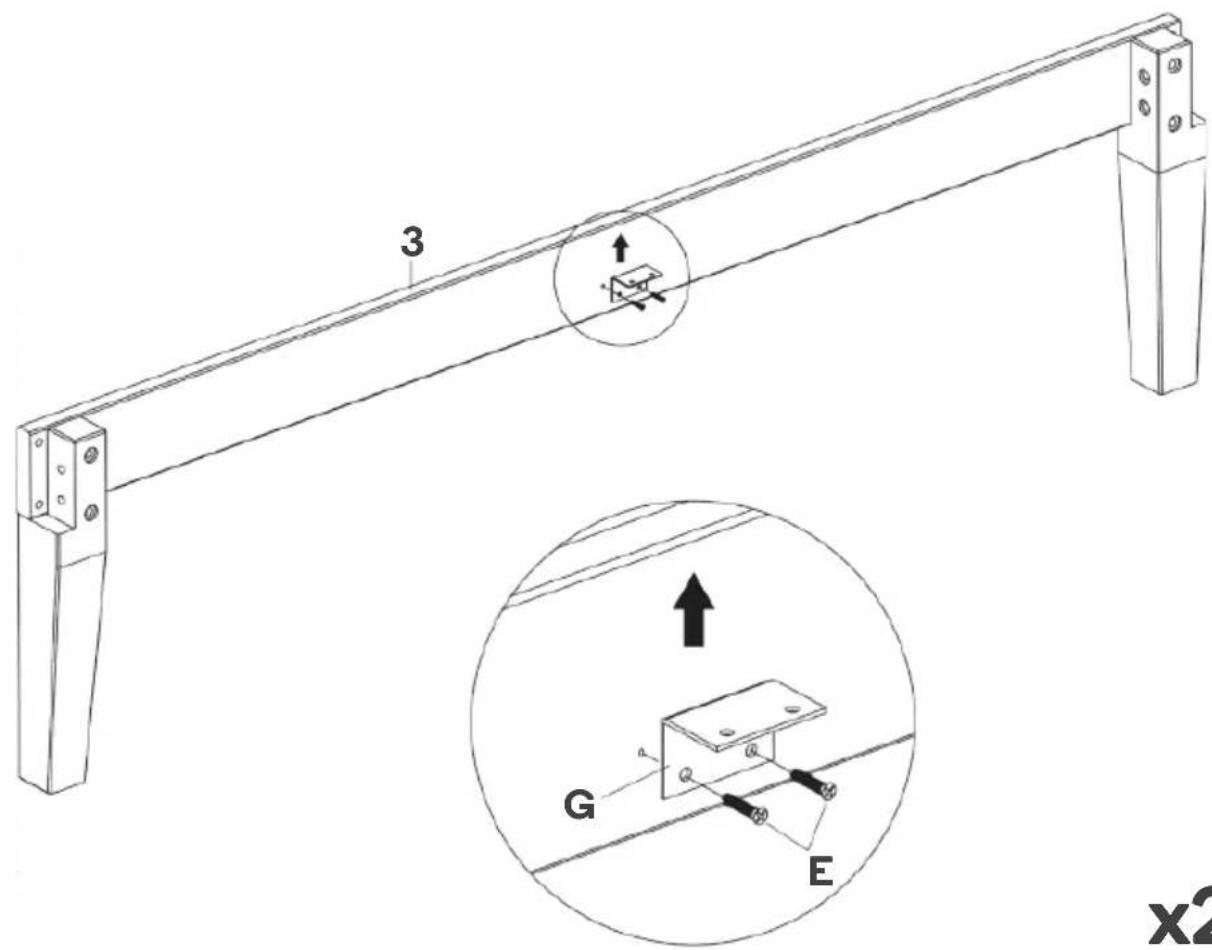
x2
Step 3: Align one each of the parts labelled 4 and 5 with one part labelled 6. Using the Allen key (H), secure the pieces (4, 5, 6) together with 35mm M8 screws (B).
Repeat this process with the remaining parts labelled 4, 5 and 6. This will create two side assemblies.
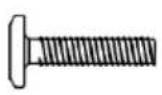
B (x12)

H (x1)
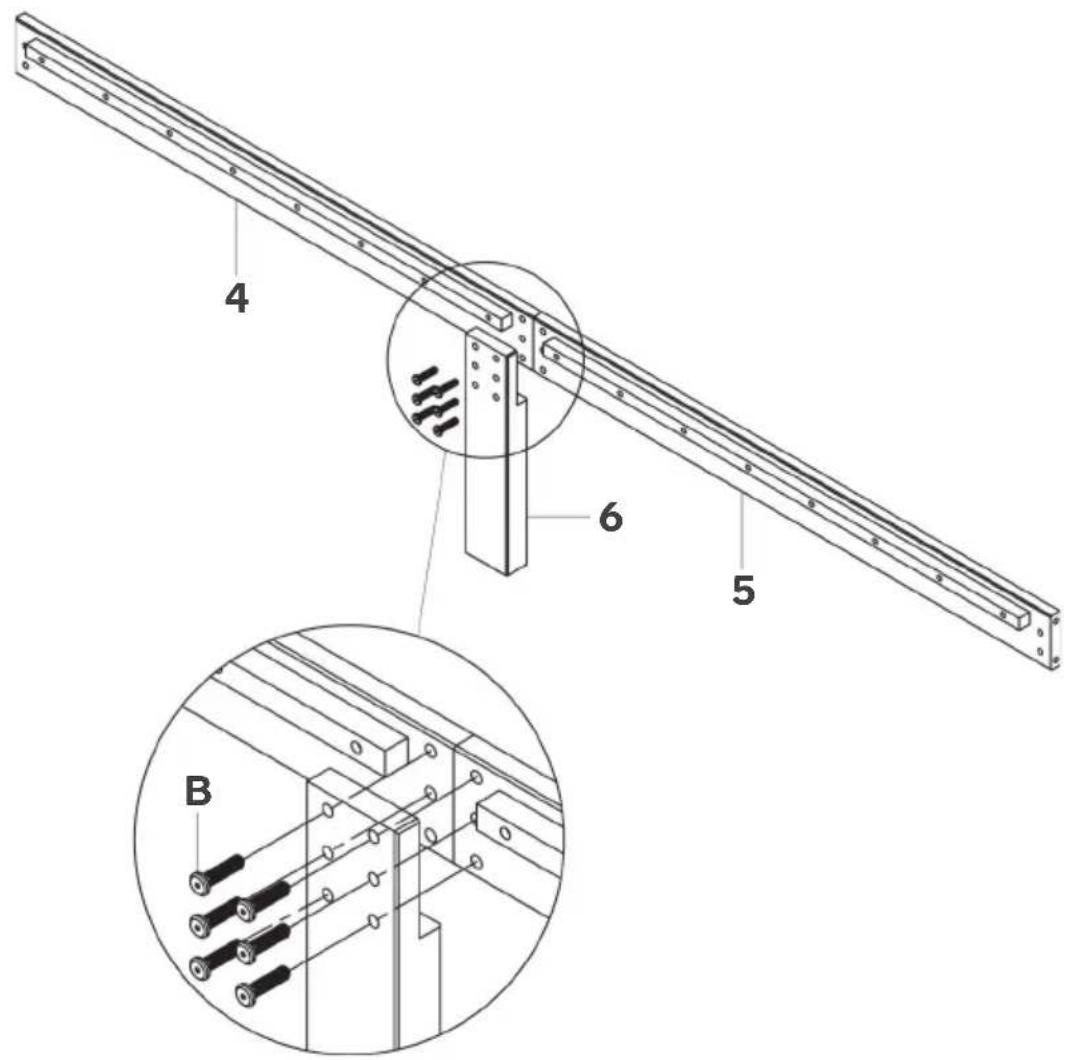
x2
Step 4: Connect the holes on the side assemblies to those on the end assemblies using the dowels (C).

C (x8)

Step 5: Using the Allen key (H), secure each corner of the side and end assemblies with 50mm M8 screws (A).

natural_image
Two types of metal screws: a straight screw and a bent pin (no text or symbols on the screws themselves)
Step 6: Align the holes on parts labelled 7 with parts 8 and 9 as shown below. Using the Allen key (I), secure 60mm M7 screws (F) through. This creates the middle assembly.

natural_image
Technical drawings of two mechanical fasteners: a threaded screw and a bent lever (no text or symbols)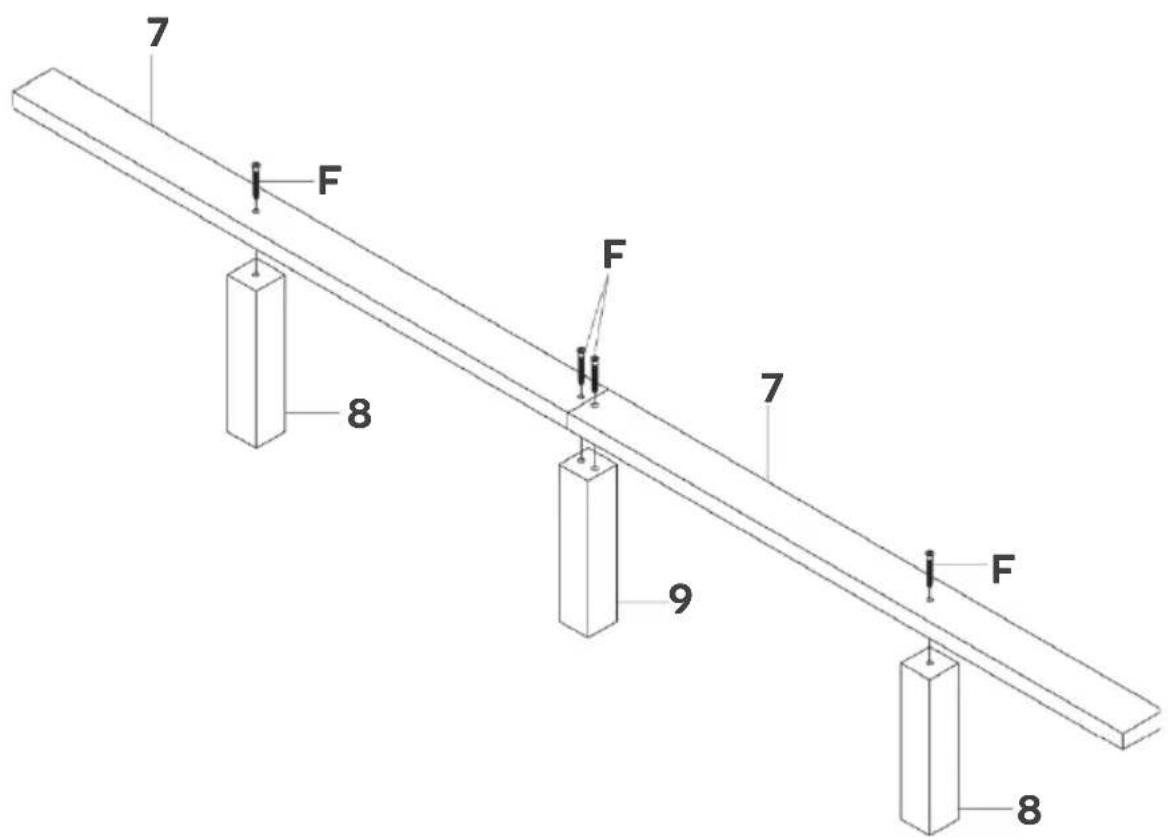
Step 7: Using a Phillips screwdriver (not supplied), secure the middle assembly to the end assemblies with 16mm M4 screws (E).
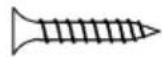
E (x4)
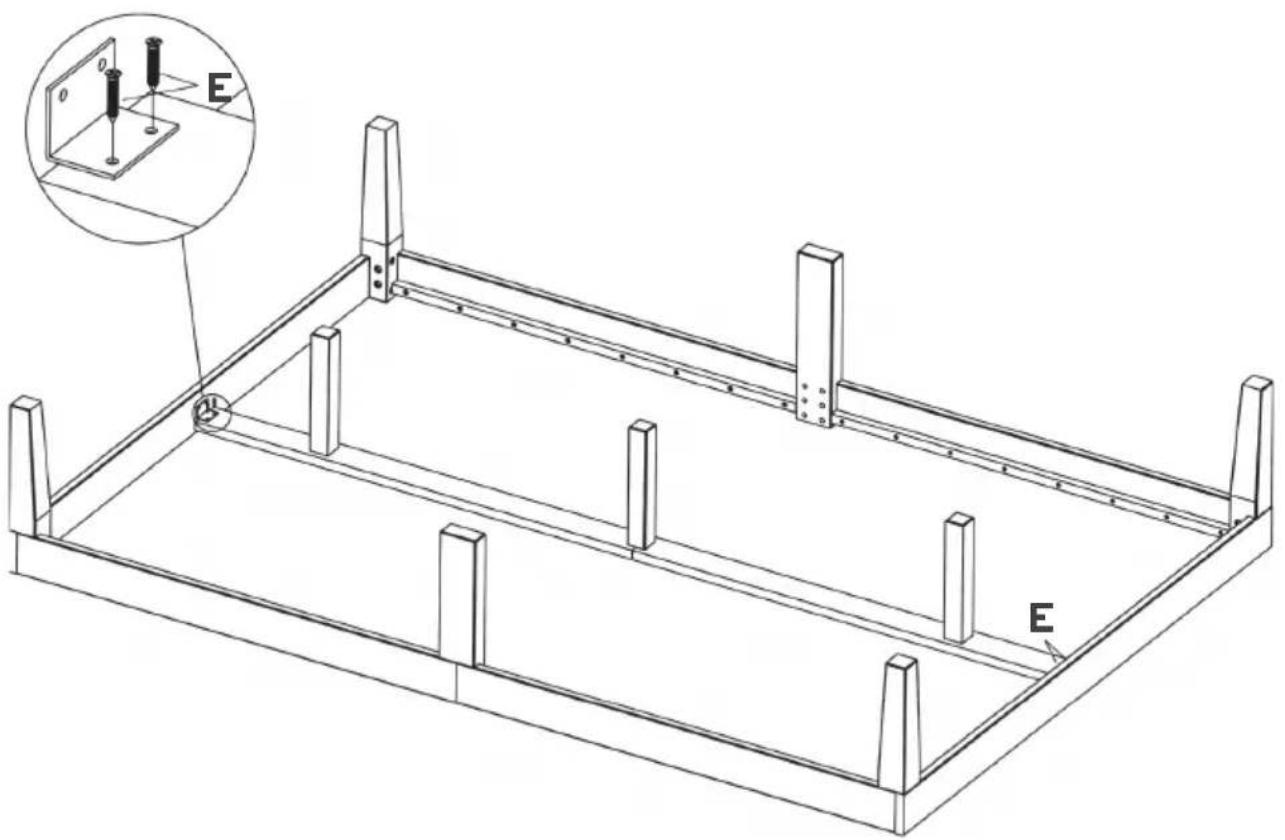
Step 8: Using a Phillips screwdriver (not supplied), secure parts labelled 10 onto the bed with 30mm M4 screws (D).

D (x64)


natural_image
Line drawing of a metal frame structure with slats and supports (no text or symbols)Assembly complete.
Need more information?
We hope that this user guide has given you the assistance needed for a simple set-up.
For the most up-to-date guide for your product, as well as any additional assistance you may require, head online to help.kogan.com
kogan.com



Brand : Ovela
Model : OVWILLWBKWA
Category : Bed