OCF Zoom Reflector - Lighting PROFOTO - Free user manual and instructions
Find the device manual for free OCF Zoom Reflector PROFOTO in PDF.


User questions about OCF Zoom Reflector PROFOTO
0 question about this device. Answer the ones you know or ask your own.
Ask a new question about this device
Download the instructions for your Lighting in PDF format for free! Find your manual OCF Zoom Reflector - PROFOTO and take your electronic device back in hand. On this page are published all the documents necessary for the use of your device. OCF Zoom Reflector by PROFOTO.
USER MANUAL OCF Zoom Reflector PROFOTO
OCF Zoom Reflector Mounting instruction

natural_image
Circular transparent object with radial grooves, resembling a petri dish or filter (no text or symbols visible)
Profoto
natural_image
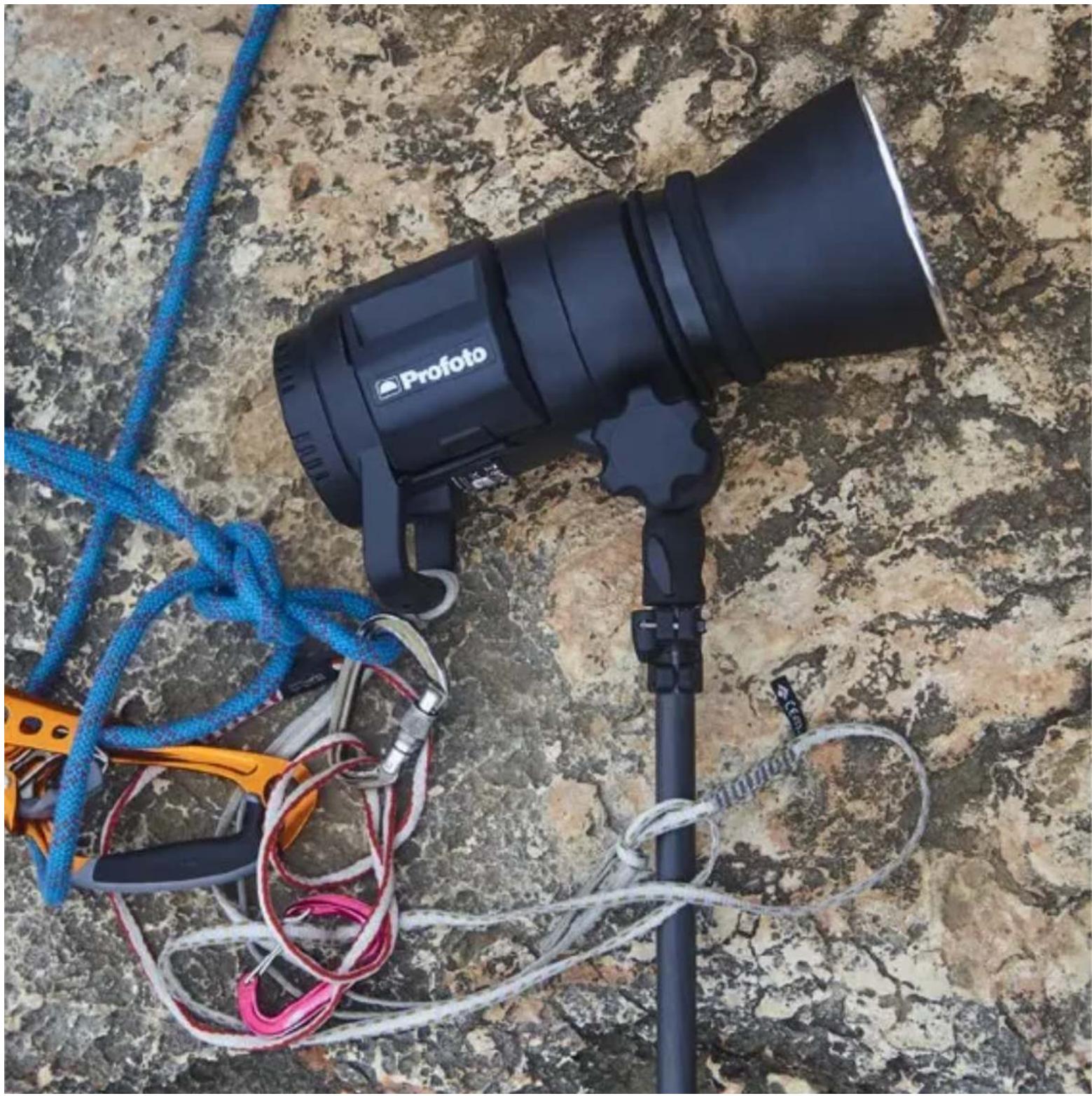
Photography equipment setup on a rocky surface, including a black Profoto lens and blue rope with ropes (no visible text or symbols)About OCF Zoom Reflector
The OCF Zoom Reflector is designed with the on-location photographer in mind. Use it with your Profoto Off-Camera Flash to maximize your light while keeping the size and weight of your bags to a minimum.
By flipping through these pages you'll quickly learn how to get the most out of your new OCF Zoom Reflector.
Use restrictions and compatibility
Note!
The OCF Zoom Reflector is only recommended for Profoto Off-Camera Flashes and monolights with flat front. Max flash power: 1000Ws. Max modeling light: 300W.
OCF Magnum Reflector is recommended for:

Get started with your new reflector

natural_image
Two black camera lenses being handled, one with a lens and the other with a lens (no visible text or symbols)1 Open the clasp on the rubber collar and gently push the reflector onto your light.

natural_image
Person holding a black Profoto 200mm lens, no visible text or symbols on the device itself2 Before closing the clasp, adjust the light spread by sliding the reflector back and forth on the head.
natural_image
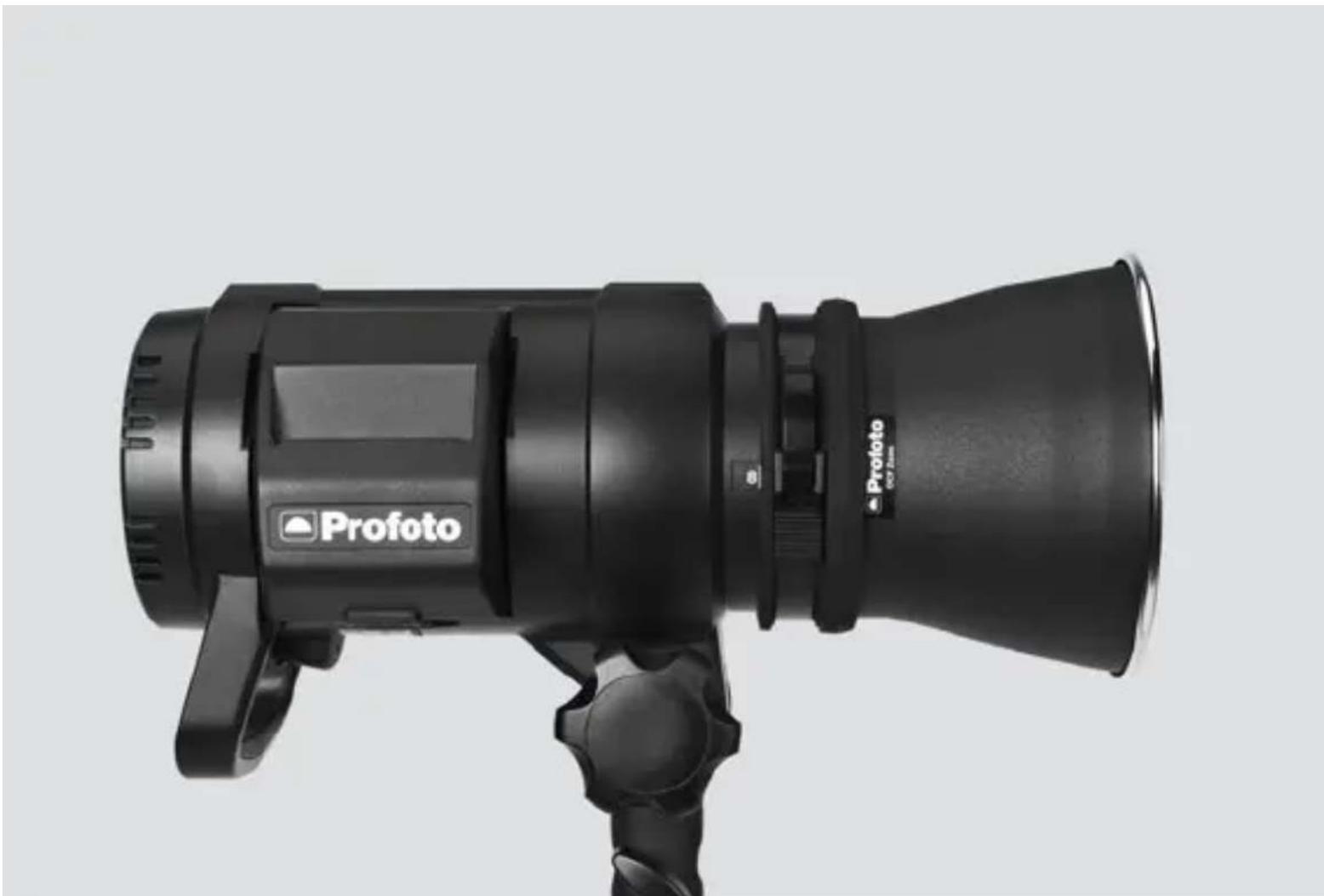
Black Profoto 350/2.50 precision camera with adjustable lens and trigger (no visible text or symbols beyond branding)3 Pull back the reflector for a wide light spread.

natural_image
Black Profoto camera with adjustable lens and trigger mechanism (no visible text or symbols on body)4 Push the reflector forward to gradually narrow the light spread and increase the light output.

natural_image
Close-up of hands adjusting a black Profoto 65.7mm lens, no visible text or symbols on the device itself.5 Lock the reflector to your selected position by closing the clasp on the rubber collar.
How to pack compact
The OCF Zoom Reflector is compact enough for you to bring it without taking up extra space in your bag. This is our best tip for compact packing.
B1, B1X, D1 and D2
natural_image
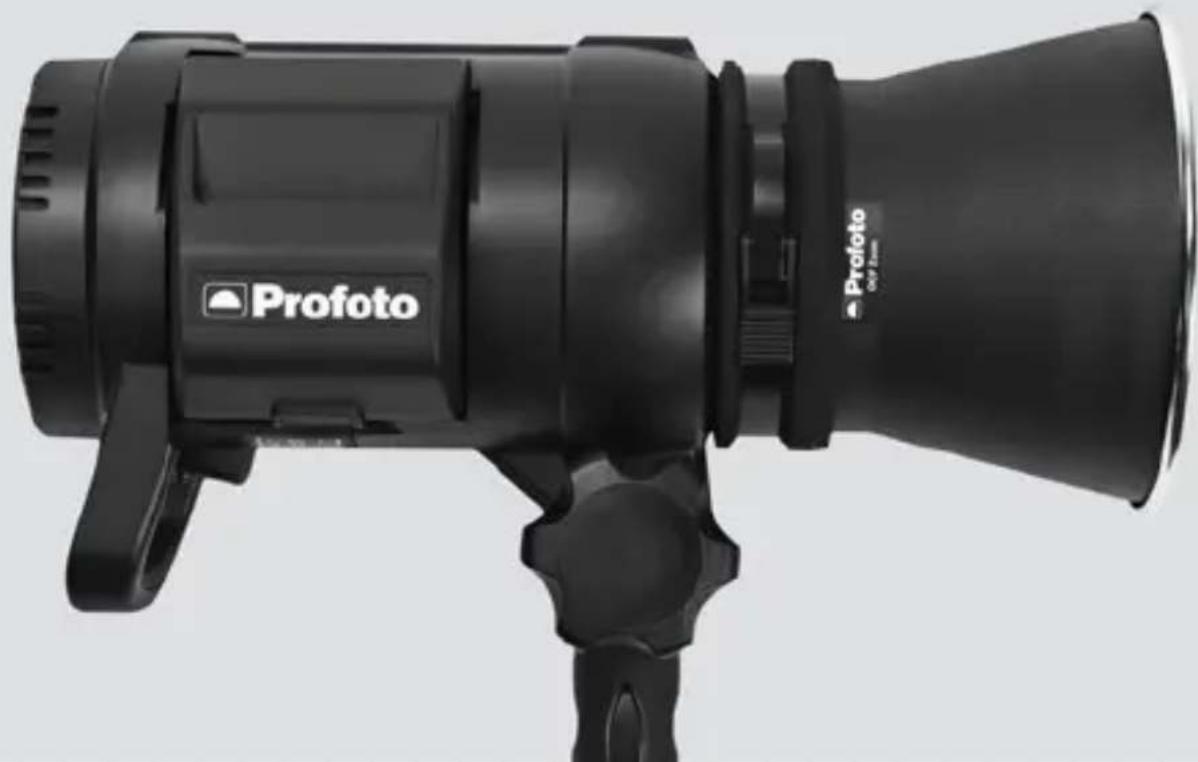
Black Profoto 350mm Ultrasonic camera with adjustable lens and trigger (no text or symbols on body)1 Mount the reflector onto the light and pull it back as much as possible before putting the transport cap on your light.
natural_image
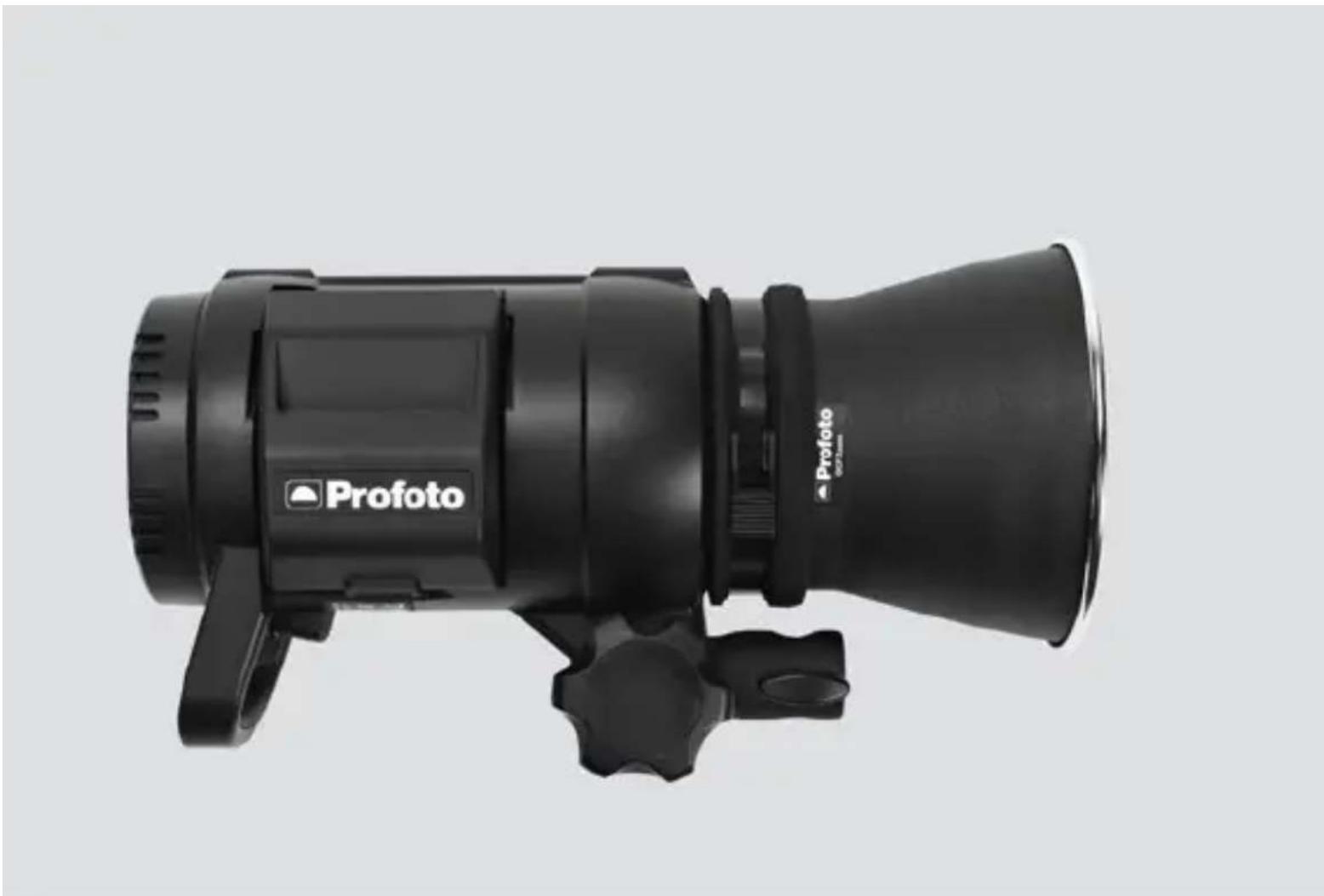
Black Profoto 652mm objective lens with adjustable grip and mounting bracket (no text or symbols on body)2 Turn the stand mount to a horizontal position.

natural_image
Open black tactical box with internal optical components, resting on a rocky surface (no text or symbols visible)3 Pack into your bag!
B2
natural_image
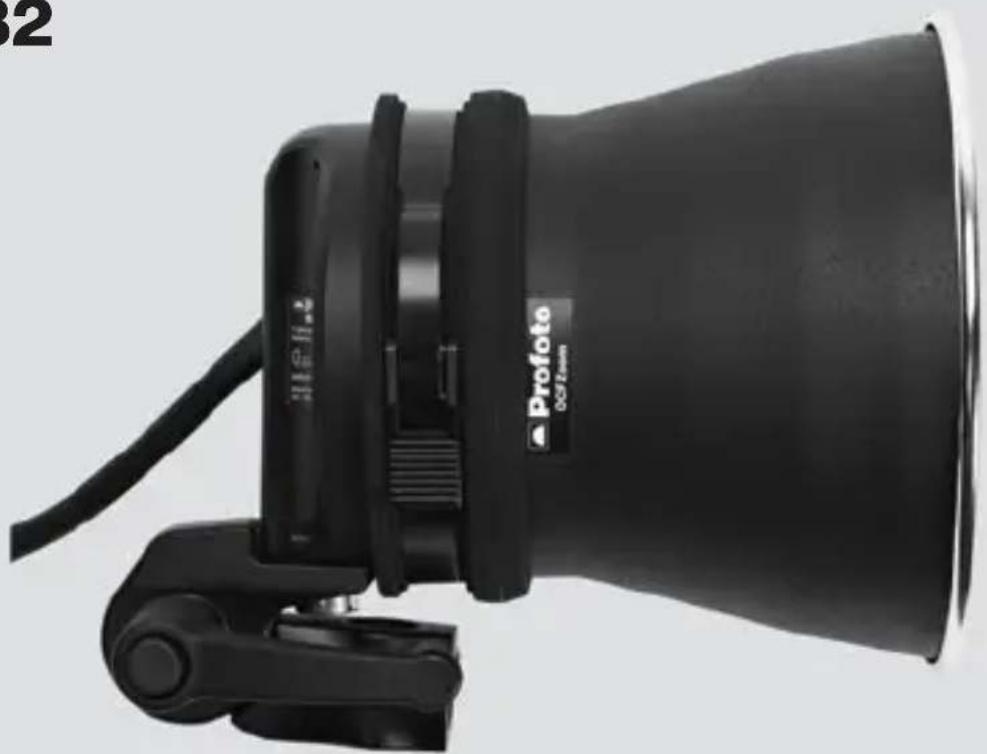
Black Profoto 00/Fire tighter lens with adjustable grip and cable (no visible text or symbols on body)1 Mount the reflector onto the B2 head and pull it back as much as possible before putting the transport cap onto the head. Turn the stand mount to a horizontal position.

natural_image
Close-up of a black camera lens with coiled glass and adjustable arm (no visible text or symbols)2 Wind the cable around the reflector.
NOTE! Wait until the reflector has cooled off.
3 Pack into your bag!