
PGACLSPI20 - Guitar Pyle - Free user manual and instructions
Find the device manual for free PGACLSPI20 Pyle in PDF.


| Product Type | 6-String Acoustic Guitar |
| Brand | Pyle |
| Model | PGACLSPI20 |
| Body Material | Wood (typical laminate) |
| Neck Material | Wood (likely mahogany or nato) |
| Fretboard Material | Rosewood or similar hardwood |
| Scale Length | Approximately 25.5 inches (648 mm) |
| Overall Length | Approximately 40 inches (1016 mm) |
| Weight | Approximately 4-5 lbs (1.8-2.3 kg) |
| String Type | Steel strings (standard acoustic) |
| Tuning Pegs | Die-cast chrome tuners |
| Bridge | Wooden bridge with pins |
| Truss Rod | Adjustable (single action) |
| Included Accessories | Digital clip-on tuner, guitar strap, pick set |
| Power Source | None (acoustic, no amplification) |
| Maintenance | Wipe with dry cloth; keep in case when not in use |
| Safety | Avoid extreme temperatures and humidity; use strap securely |
Frequently Asked Questions - PGACLSPI20 Pyle
User questions about PGACLSPI20 Pyle
0 question about this device. Answer the ones you know or ask your own.
Ask a new question about this device
Download the instructions for your Guitar in PDF format for free! Find your manual PGACLSPI20 - Pyle and take your electronic device back in hand. On this page are published all the documents necessary for the use of your device. PGACLSPI20 by Pyle.
USER MANUAL PGACLSPI20 Pyle
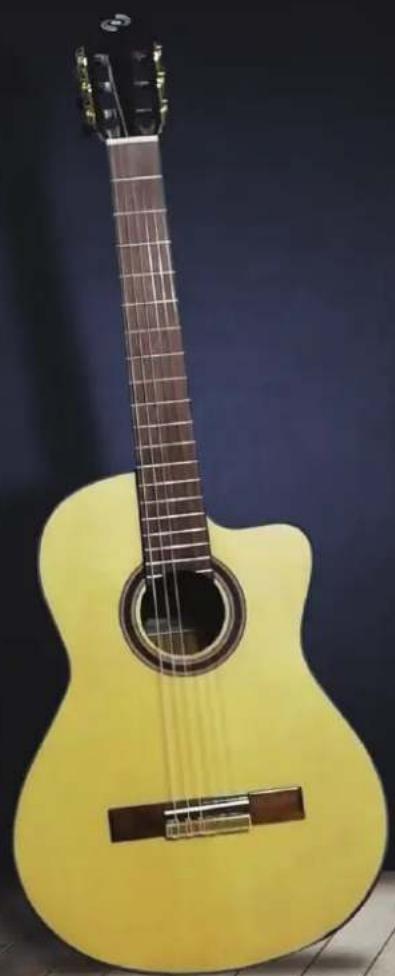
natural_image
Yellow acoustic guitar with visible fret and body, placed against a dark blue background (no text or symbols)PYLE® GUITAR
6-String Classic Guitar
Guitar with Digital Tuner and Accessory Kit
USER GUIDE
Please take a few moments to read through this booklet.
In it you will find answers to many of your questions and other invaluable information about how to attach a guitar strap and how to tune a guitar.
Instructions:
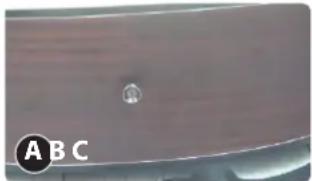
A. How to attach a guitar strap?
- Adjust your guitar strap to the correct size.

natural_image
Close-up of a black plastic bag with a strap, labeled 'A B C' in the corner (no other text or symbols visible)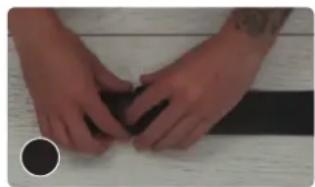
natural_image
Close-up of hands folding a dark object on a light surface (no text or symbols visible)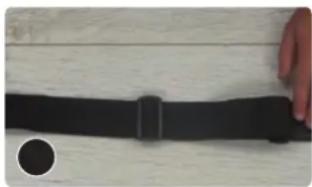
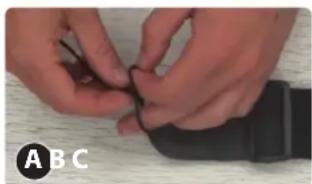
natural_image
Close-up of a black wrist strap with a circular inset showing a magnified view (no text or symbols visible)- Take the looped end of your string and thread it through the key hole on the front of your strap, tying a knot close to the hole.
natural_image
Close-up of hands holding a small black object, possibly a device or tool, on a wooden surface (no visible text or symbols)
natural_image
Close-up of hands holding a black computer mouse with a string (no text or symbols visible)
natural_image
Close-up of a hand holding a black computer mouse on a wooden surface (no text or symbols visible)- Adjust your guitar strap to the correct size.
natural_image
Close-up of a curved surface with a small circular mark and letter 'A' and 'B' label, no readable text or symbols beyond the label.
natural_image
Close-up of a hand holding a black circular button on a dark surface, with no visible text or symbols.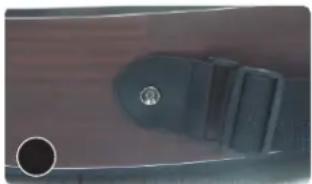
natural_image
Close-up of a black plastic component with a circular hole on the left side (no visible text or symbols)- Run one side of the string through the headstock and tie a knot on the other side.
natural_image
Close-up of a hand forming a chord on a guitar fretboard (no text or symbols visible)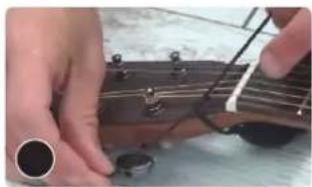
natural_image
Close-up of hands forming a chord on an acoustic guitar fretboard (no text or symbols visible)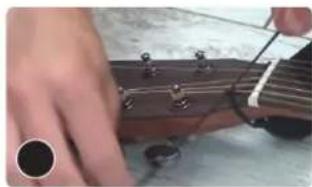
natural_image
Close-up of a hand forming an acoustic guitar with strings and tuning pegs (no text or symbols visible)- Ready to Play now!

natural_image
Person wearing a black top and holding a guitar, viewed from behind (no text or symbols visible)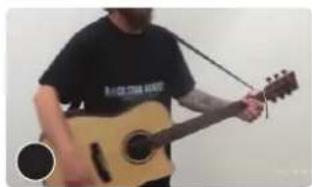
natural_image
Person playing acoustic guitar with strings, wearing a T-shirt (no visible text or symbols)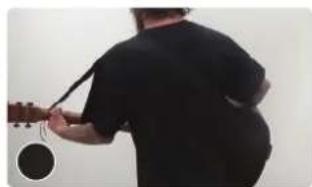
natural_image
Person playing a string instrument, viewed from behind (no text or symbols visible)B. How to tune a guitar (for first time user)
- Hold the strings down with your left hand while stretch the strings away from the body with your right. (image 1)
- Use some pressure to wiggle strings back and forth. You don't need to be gentle but make sure you don't pull too hard once you feel the string resisting or it can break. (image 2)

natural_image
Person playing acoustic guitar in a studio setting (no visible text or symbols)
natural_image
Close-up of a person's hand forming a chord on a guitar fretboard (no text or symbols visible)BASIC RUNDOWN OF TUNING A GUITAR
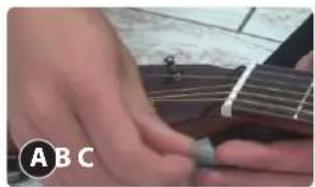
- Memorize what the strings are on the guitar. (E - Low version, A, D, G, B, E - High version) (image A, B)
- Look at the tuners of the guitar. (image C)


natural_image
Person playing acoustic guitar with visible fretboard and chord (no text or symbols)
natural_image
Close-up of a hand forming a guitar headstock with visible fret and key (no text or symbols)- Pluck the string with a pick or if not with the pick then with your finger and when you move the tuner around, you can hear the pitch get lower. You can turn it the other way and tighten it and you hear the pitch get higher.

natural_image
Close-up of a person playing guitar with fretboard, no visible text or symbols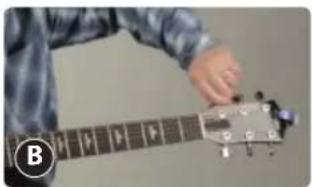
natural_image
Person playing guitar with a hand on the fretboard (no visible text or symbols)- You can also use clip-on tuners then put on the headstock because it reads the vibration off the guitar and tells what note it is or it's close to.
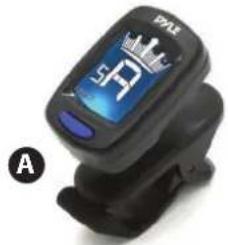
natural_image
Close-up of a black electronic device with a blue display showing the number 59, labeled 'A' (no readable text or symbols beyond branding)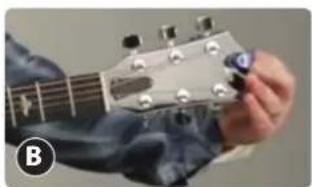
natural_image
Close-up of a hand forming a guitar headstock with a finger (no text or symbols visible)- Move the needle of the tuner to get the right tune of the string. If the needle goes too far, bring it back down and even lower than the notes needs to be and then bring it back up until the needle hits the right tune of the strings.
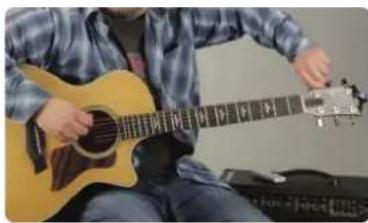
natural_image
Person playing acoustic guitar with strings and keyboard (no visible text or symbols)- Once you've tuned all the strings, you can gently tug each string at the middle back and forth to help stretch it. When stretched the string will drop pitch and go out of tune. After stretching re-tune each string and repeat this process 6-8 times. This stretching process is only necessary for new strings and the instrument will hold better in tune after they are broken in.

natural_image
Close-up of a hand forming a chord on a guitar headstock (no text or symbols visible)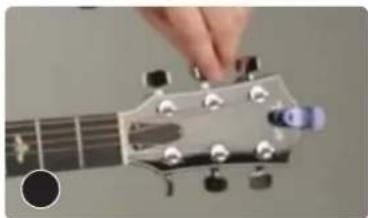
natural_image
Close-up of a hand pressing guitar strings on the fretboard (no text or symbols visible)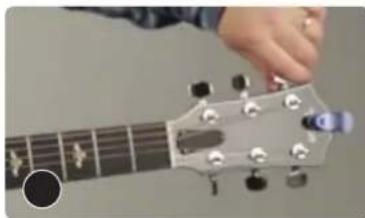
natural_image
Close-up of a hand pressing guitar strings on the fretboard (no text or symbols visible)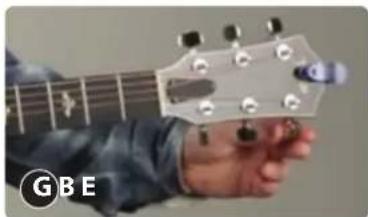
natural_image
Close-up of a person's hand forming a G-8 chord on a guitar headstock (no text or symbols visible)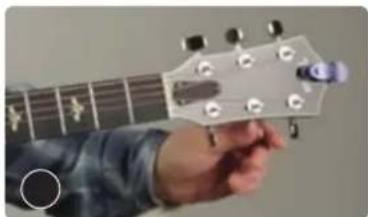
natural_image
Close-up of a hand forming an acoustic guitar headstock (no text or symbols visible)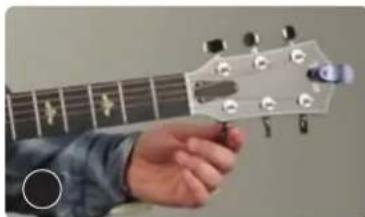
natural_image
Close-up of a hand forming a chord on a guitar fretboard (no text or symbols visible)How to Adjust an Acoustic Guitar Truss Rod
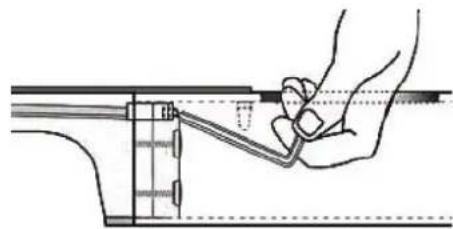
Your truss rod needs adjustment when the neck of your guitar has too much or too little upbow or too much backbow.
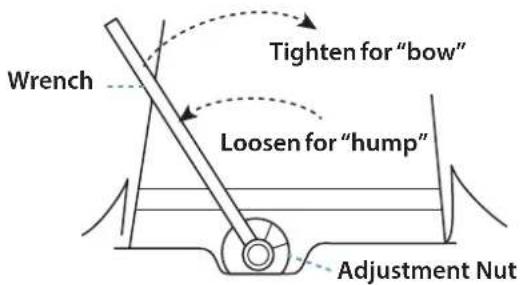
Tightening or loosening the adjustment nut adds or lessens pressure on the rod and neck. As a general rule, tightening the nut moves the neck away from the string pull and removes upbow; loosening the nut allows the neck to relax into an upbow again (especially when helped by the strings' pull). Controlled upbow is known as relief.
However, with a one-way truss rod, if the neck warps away from the string pull, no amount of loosening the truss rod will pull the neck straight, because the truss rod only works against the pull of the strings.
Two primary signs tell you that your truss rod needs adjusting:
-
There's a noticeable change in the action; the height of the strings over the frets has become either too high or too low. The most common scenario is that the strings get higher as the neck upbows from the string pull.
-
Some strings buzz on the frets between the nut and the fifth fret. This indicates that the neck is either too straight or it is backbowed from the truss rod's slow, constant pressure over time.
natural_image
Technical line drawing of a hand holding a tool interacting with a mechanical component (no text or symbols)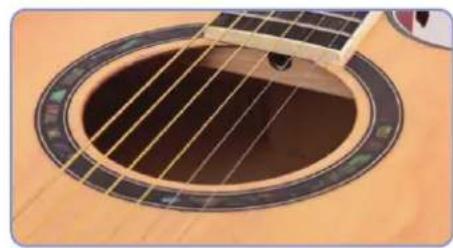
natural_image
Close-up of an acoustic guitar fretboard with visible fret lines and chords (no text or symbols)
- 1/4" nut
- 3/16" washer
- Threads
- Main shaft of the truss rod
- Truss rod anchor
- Truss rod compartment cover
- 1/4" nut driver
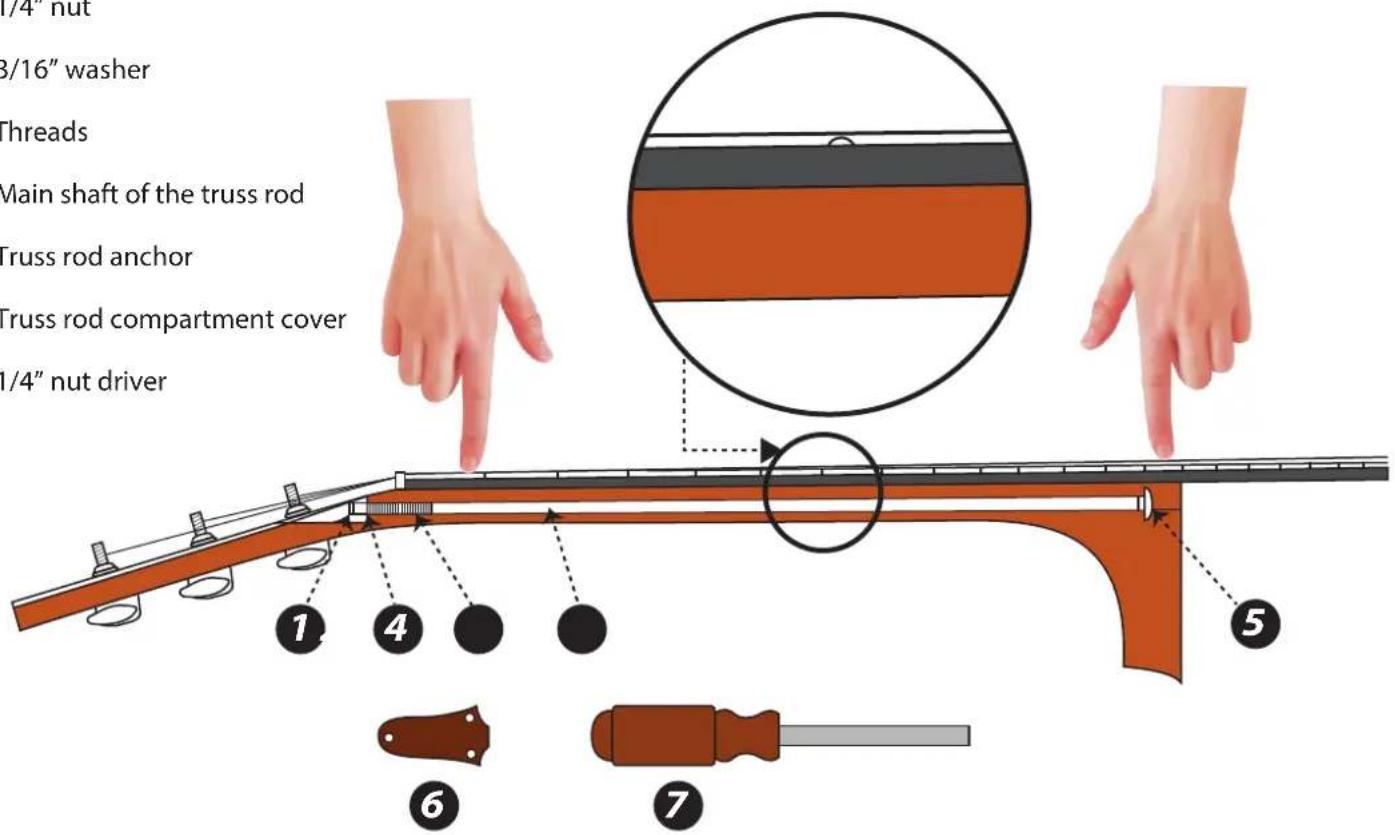
As you press the string down at the 1st and 14th frets, the string should be approximately .010" away from the 6th fret - about the thickness of a business card.

natural_image
Abstract black-and-white spiral logo with a central 'P' and concentric arcs (no text or symbols)Questions? Issues?
We are here to help!
Phone: (1) 718-535-1800
Email: support@pyleusa.com



Brand : Pyle
Model : PGACLSPI20
Category : Guitar