
Crystal M11J - Earphones MEE audio - Free user manual and instructions
Find the device manual for free Crystal M11J MEE audio in PDF.


| Brand | MEE audio |
| Model | Crystal M11J |
| Product Type | In-ear earphones |
| Driver Size | 7 mm full-range |
| Crystal Element | Genuine Swarovski crystals |
| Housing Material | Metal with crystal embellishment |
| Eartips Included | Multiple sets (sizes) |
| Remote & Microphone | Yes, compatible with iPhone, iPad, iPod and most Android devices |
| Remote Functions | Answer/end call, play/pause, skip track, previous track |
| Packaging | Luxurious jewelry box |
| Warranty | 1-year manufacturer warranty |
| Care Instructions | Clean with hydrogen peroxide on cotton swab; eartips removable for rinsing |
| Safety Warning | Do not use at high volume for extended periods; do not use while driving or operating machinery |
| Troubleshooting | Visit meelec.com/troubleshooting |
| Full Manual Online | Available at meelec.com/manual |
Frequently Asked Questions - Crystal M11J MEE audio
User questions about Crystal M11J MEE audio
0 question about this device. Answer the ones you know or ask your own.
Ask a new question about this device
Download the instructions for your Earphones in PDF format for free! Find your manual Crystal M11J - MEE audio and take your electronic device back in hand. On this page are published all the documents necessary for the use of your device. Crystal M11J by MEE audio.
USER MANUAL Crystal M11J MEE audio
natural_image
Simple line drawing of a diamond shape with no text or symbolsCRYSTAL
by MEELECTRONICS.

natural_image
Geometric diamond shape with internal triangular facets (no text or symbols)CRYSTAL
by MEELECTRONICS.
SPARKLE & DAZZLE
The Crystal by MEElectronics is not only a great addition to any trendsetter's accessory collection, but also features spectacular high-definition sound. Presented in a luxurious jewelry box, the Crystal is the perfect gift to dazzle a friend or yourself.
natural_image
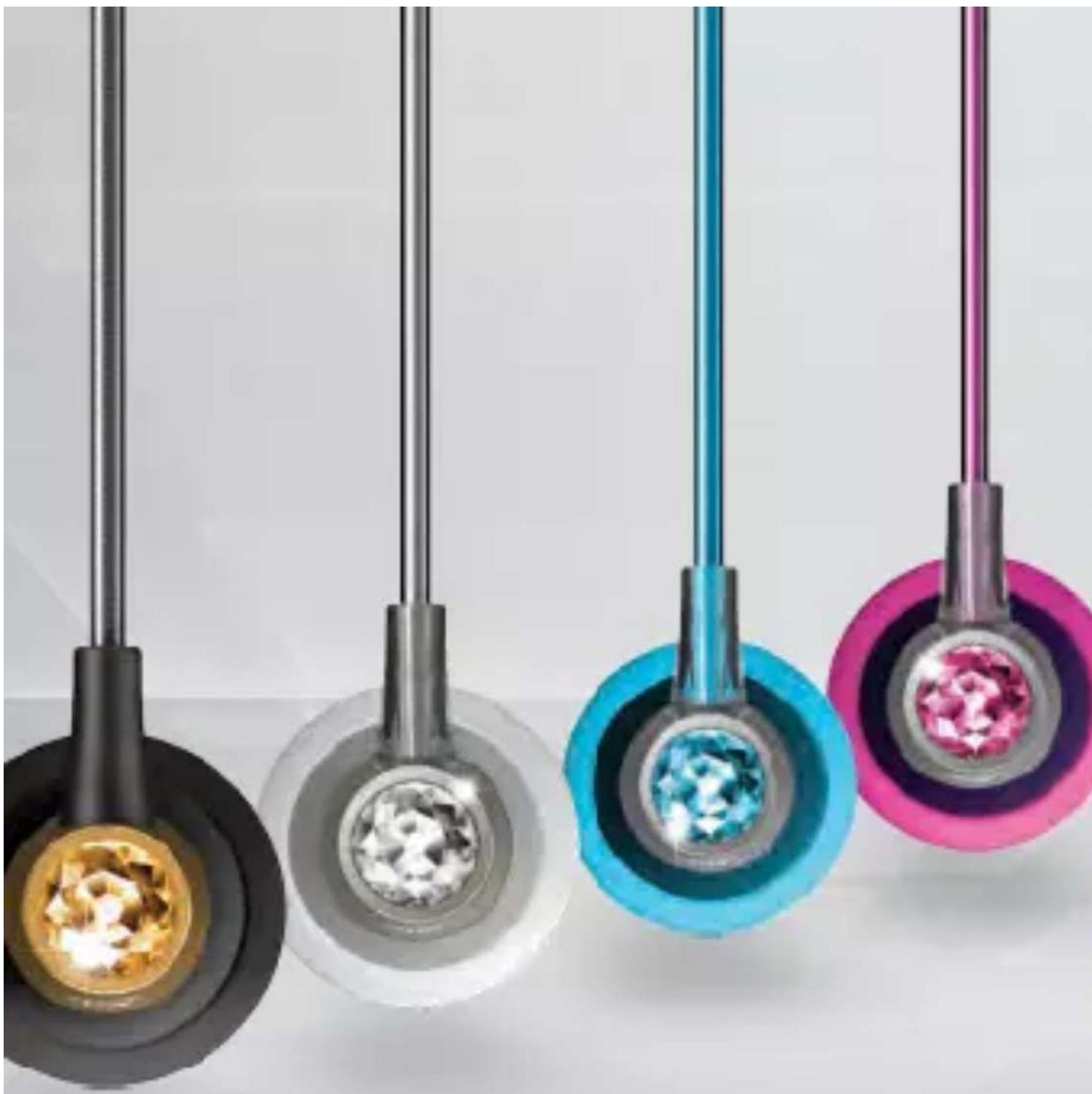
Four colorful pendant lights with embedded gemstones suspended from metal rods, no text or symbols visibleBLING RING
Made with genuine Swarovski Crystals, the Crystal is effortlessly chic and sparkling, embodying the radiance and brilliance of its namesake. The stunning metal housing is sleek and modern, offset by the playful crowning of bold, prismatic crystals.
natural_image
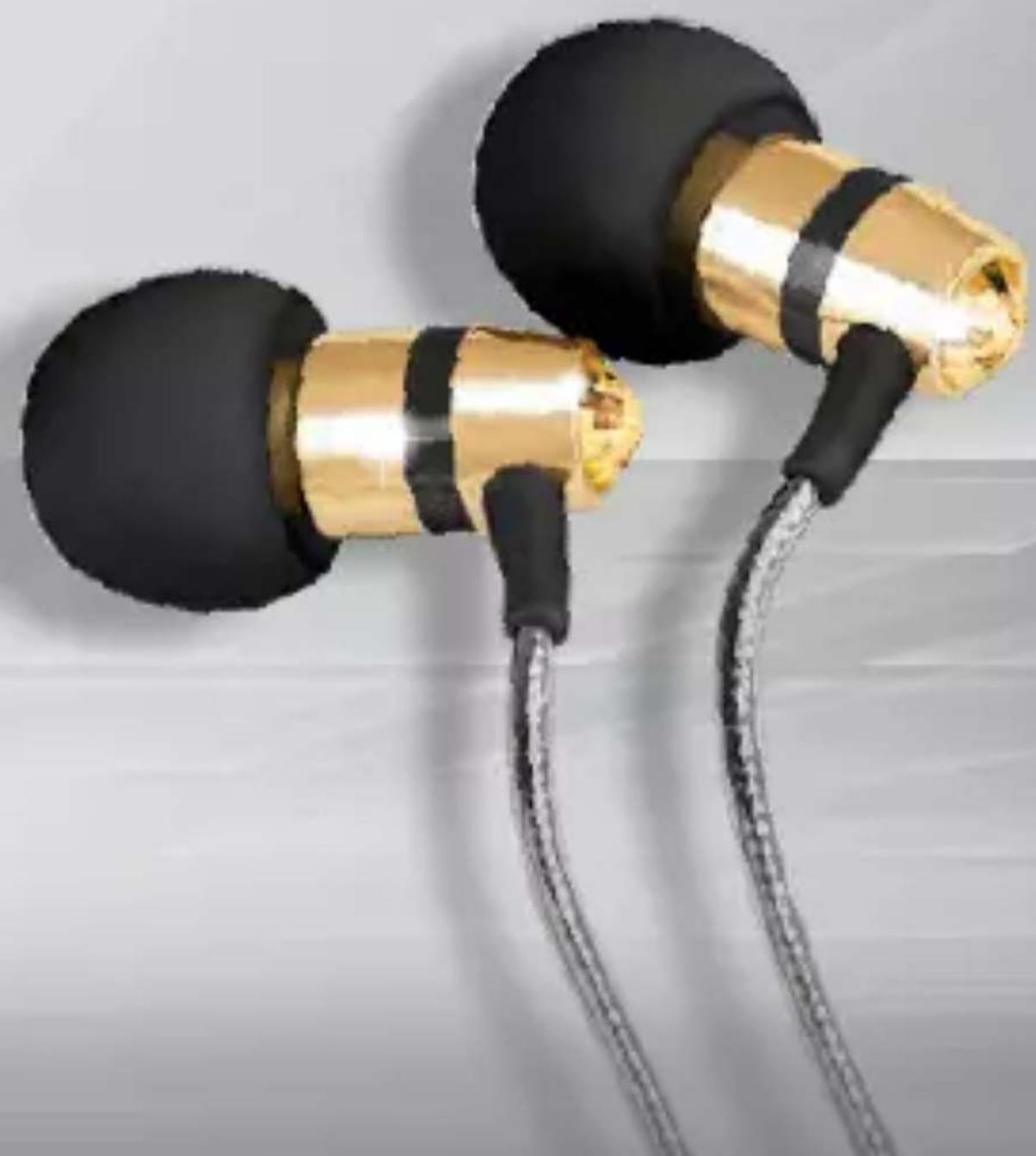
Close-up of two gold and black earphones with coiled wires, no visible text or symbolsEAR CANDY
Don't be fooled by the miniature size of the Crystal - the full-range 7mm drivers deliver sound that is powerful, yet balanced, allowing you to hear the details in your music with crystal clarity.

WEARING YOUR EARPHONES
Wearing your earphones correctly is key to a comfortable and secure fit. Incorrect wear will result in poor comfort and sound.
Multiple sets of eartips are included to ensure you get the best fit with your earphones. We recommend trying all of the included eartips. If you experience tinny sound or a lack of bass, try different eartips.
The correct eartip for your ear will fit completely inside the ear canal, reduce outside noise, and provide good bass response.
Please visit www.meelec.com/manual for full user manual.
MICROPHONE & REMOTE USE
Basic Remote Operation
for iPhone ^® , iPad ^® , iPod ^® and most Android ^™ devices:
| Function | Operation |
| Answer incoming phone call | Press the remote button |
| End phone call | Press the remote button |
| Play media* | Press the remote button |
| Pause media | Press the remote button |
| Skip to next track** | Double-press the remote button |
| Restart the track/previous track** | Triple-press the remote button |
* You may need to open the media player application for initial playback to start.
**Not all media players support this functionality.

Additional remote functions are available with many devices. Visit meelec.com/phone for complete compatibility and functionality.
CARE AND CLEANING
- Do not remove from ears or unplug by pulling on the cable. Always grasp the metal part of the plug or earpieces.
- If necessary, clean the earphones with a small amount of hydrogen peroxide on a cotton swab. Swab only the outside of the earphone. Eartips can be removed and rinsed under running water or in hydrogen peroxide. Allow earphones and eartips to dry completely before resuming use.
WARNING
Using headphones at high to moderate volumes for extended periods of time will result in permanent hearing damage. Do not use while driving a car, cycling, operating machinery, or performing other activities that require hearing surrounding sounds.
TROUBLESHOOTING
Visit meelec.com/troubleshooting for solutions to common issues.
WARRANTY
MEElectronics earphones purchased from authorized retailers are covered by a 1-year manufacturer warranty. Visit meelec.com/warranty for warranty information.
MCC-MEELECTRONICS®


Brand : MEE audio
Model : Crystal M11J
Category : Earphones