
BWATCH-BT7-B - Smartwatch BRIGMTON - Free user manual and instructions
Find the device manual for free BWATCH-BT7-B BRIGMTON in PDF.


| Product Type | Smartwatch |
| Model | BWATCH-BT7-B |
| Brand | Brigmton |
| Display | Touch screen |
| Dimensions | Approx. 45mm case width (estimated) |
| Weight | Approx. 50g (estimated) |
| Power Supply | Internal rechargeable battery, USB micro charging |
| Bluetooth | Yes, for synchronization with smartphone |
| Operating System | Compatible with Android (via APK) |
| Main Functions | Dialer, call log, messenger, phonebook, Bluetooth settings, anti-loss, remote notifications, calendar, configuration, sedentary reminder, pedometer, sleep monitor, QR code for APK, profiles, alarm, calculator, file manager, voice recorder, music player, photo viewer, timer, world clock, remote camera, motion sensor |
| Charging Port | USB micro input |
| Touch Navigation | Swipe left/right for menu, up/down to return home |
| Physical Button | Single button for on/off, wake, home |
| Care and Cleaning | Wipe with soft dry cloth; avoid liquids and extreme temperatures |
| Safety | Complies with CE directives; use only provided charger |
| Spare Parts and Repairability | Not specified; contact manufacturer |
| General Information | Features may change without notice; imported by Ferson Electrónica, S.A. |
Frequently Asked Questions - BWATCH-BT7-B BRIGMTON
User questions about BWATCH-BT7-B BRIGMTON
0 question about this device. Answer the ones you know or ask your own.
Ask a new question about this device
Download the instructions for your Smartwatch in PDF format for free! Find your manual BWATCH-BT7-B - BRIGMTON and take your electronic device back in hand. On this page are published all the documents necessary for the use of your device. BWATCH-BT7-B by BRIGMTON.
USER MANUAL BWATCH-BT7-B BRIGMTON
natural_image
Abstract curved shape with white gradient, no text or symbols presentBRIGMTON
surfing technology
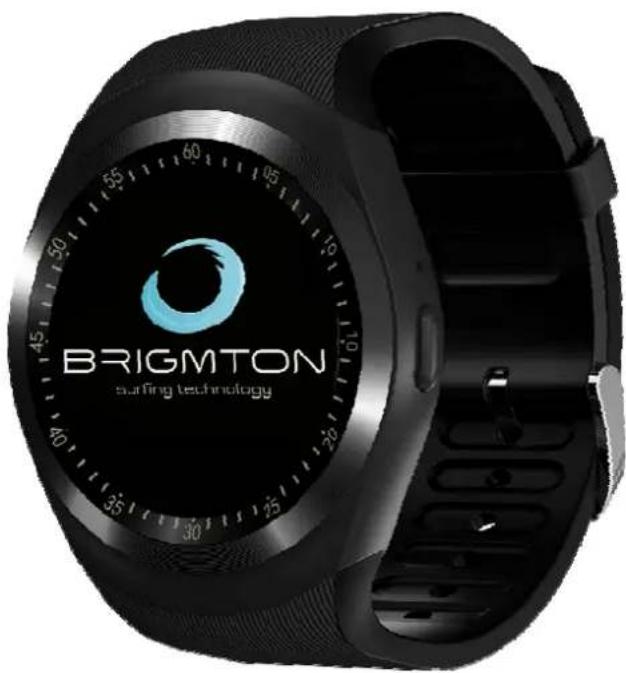
SINCRONIZACIÓN
Directive 2002/95/EC
EN 55022:2010
EN 61000-3-2:2014
EN 61000-3-3:2013
EN 61000-4-2:2009
EN 61000-4-3:2006+A1:2008+A2:2010
EN 61000-4-4-5-6-11:2012
natural_image
Abstract curved shape with smooth gradient, no text or symbols presentBRIGMTON
surfing technology
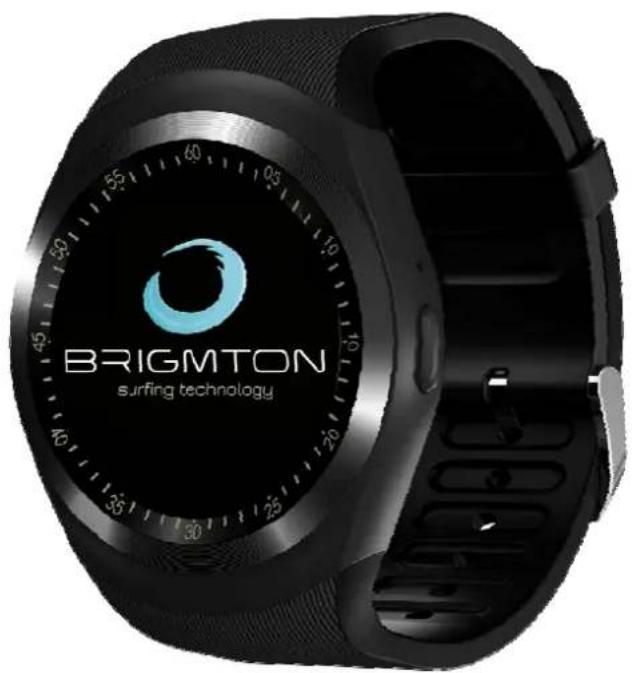
INSTRUCTION MANUAL
SMARTWATCH-PHONE-BLUETOOTH
BWATCH-BT7-B-N-A
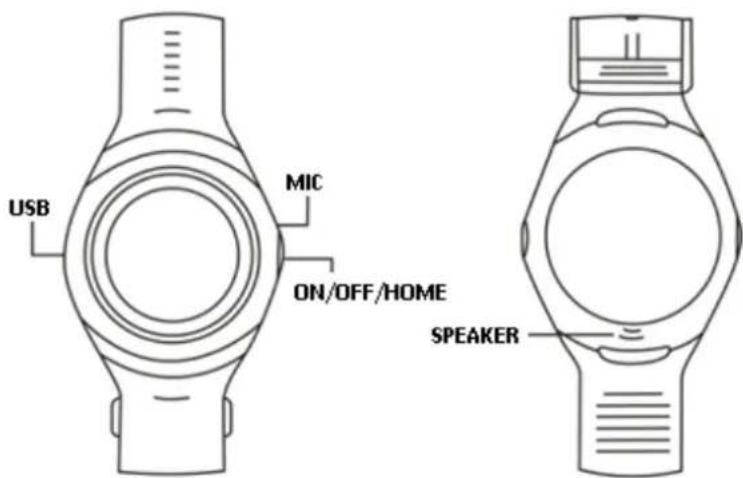
CONTROLS
OPERATION
ON / OFF / START Press to turn the clock on / off. Press to turn the screen on or off. Return to the Home screen.
USB input: USB micro input for charging Battery transfer and Data from PC.
Touch Screen: Use the Touch Screen to select the Wanted icon. On Once the Home Screen is displayed:
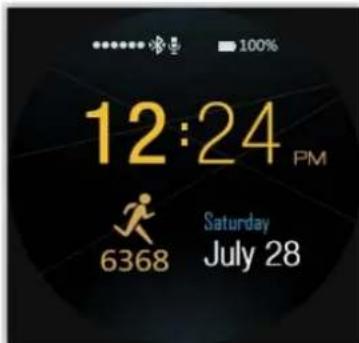
Swipe left or right to access the function menu. Press the start button to return to the start menu. In the icon menu if you slide up / down you will return to the start menu.
Pressing the start button again will extinguish the display. Pressing it again will turn on the display and the CLOCK screen will be displayed. You can change the clock display by short press (click).
APK INSTALLATION
ANDROID
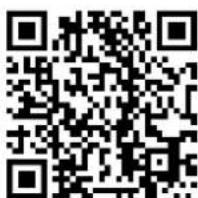
Scan the QR code for Android:

Install the APK on your device.
For additional functions or when the unit prompts you to install "BT Notifier"
SYNCHRONIZATION
Activate the bluetooth of your device and your smartwatch. Open the Installed Application. Press "more" at the bottom right, select bluetooth settings and synchronize the smartwatch with your device.
ICON MENU
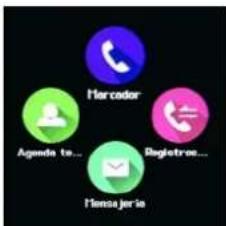
Dialer: Make phone calls.
Call log
Messenger service
Phonebook: Shows the contacts.
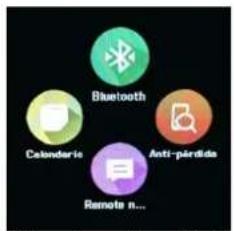
Bluetooth: Set the Bluetooth menu. Anti-loss: Setting the anti-loss function. Remote: Notifications. Calendar
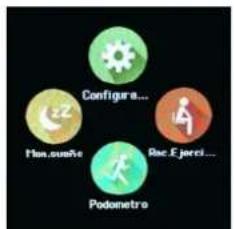
Configuration: Configure the main parameters of the unit. Reminder: Sedentary alert. Pedometer: Set up and start the unit's pedometer. Sleep Monitor: Measuring sleep quality.
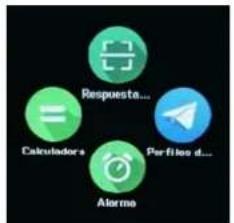
QR-Answer: QR-code of the APK Profiles: Select and configure the desired profile Alarm Calculator
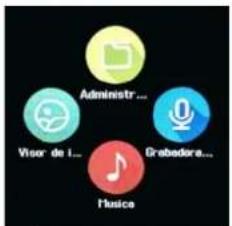
Administrator: Manages files stored on the memory card. Tape recorder Music Photo Viewer
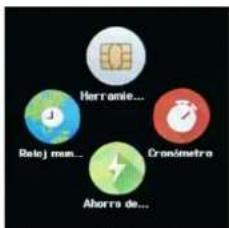
Thread Tools Chronometer Energy saving World clock
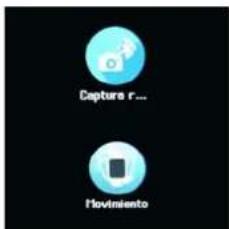
Remote Capture Motion: Activate the motion function
"Features can change without notice"
BRIGMTON
surfing technology
IMPORTED
FERSON ELECTRÓNICA, S.A.
CIF: A-41111881
SANTA CLARA DE CUBA 12
SEVILLA
ESPAÑA
DECLARATION OF CONFORMITY
Ferson Electrónica, S.A. declares under our responsibility that the equipment meets the requirements indicated in the following directives:
ECM DIRECTIVES
EN 301 489-1 V1.9.2 (2011-09)
EN 301 489-17 V2.2.1 (2012-09)
Directive 2002/95/EC
EN 55022:2010
EN 61000-3-2:2014
EN 61000-3-3:2013
EN 61000-4-2:2009
EN 61000-4-3:2006+A1:2008+A2:2010
EN 61000-4-4-5-6-11:2012
Description of apparatus:
Model BRIGMTON BWATCH-BT7
Smartwatch
CE
BRIGMTON
surfing technology
Brand : BRIGMTON
Model : BWATCH-BT7-B
Category : Smartwatch