
BWATCH-KIDS-R - Smartwatch BRIGMTON - Free user manual and instructions
Find the device manual for free BWATCH-KIDS-R BRIGMTON in PDF.


| Product Type | GPS Locator Smartwatch for Kids |
| Model | BWATCH-KIDS-R |
| Brand | Brigmton |
| Display | 1.54-inch TFT color touchscreen (estimated) |
| Dimensions | Approx. 45 x 38 x 14 mm (case only) |
| Weight | Approx. 50 g (including strap) |
| Battery | Li-ion, 400 mAh (estimated) |
| Charging | Magnetic pogo pin charger |
| Water Resistance | IP67 (dust-tight, immersion up to 1m for 30 min) |
| Connectivity | 2G GSM (SIM card required), Bluetooth 4.0 |
| GPS | Integrated GPS + LBS (Wi-Fi/GSM location) |
| Main Functions | Real-time location, voice calls, SOS alert, voice messaging, step counter, remote monitoring, school mode |
| SOS Button | Yes, programmable up to 3 emergency numbers |
| Pedometer | Yes, steps and distance tracking |
| Companion App | Brigmton Kids (available for iOS and Android) |
| SIM Card Type | Micro SIM (standard size, 2G network) |
| Operating Temperature | -10°C to 45°C |
| Material | Silicone strap, plastic case |
| Languages Supported | English, Spanish, French, etc. (via app) |
| Warranty | 2 years (depending on region) |
| Package Contents | Watch, charging cable, user manual, SIM card ejector |
Frequently Asked Questions - BWATCH-KIDS-R BRIGMTON
User questions about BWATCH-KIDS-R BRIGMTON
0 question about this device. Answer the ones you know or ask your own.
Ask a new question about this device
Download the instructions for your Smartwatch in PDF format for free! Find your manual BWATCH-KIDS-R - BRIGMTON and take your electronic device back in hand. On this page are published all the documents necessary for the use of your device. BWATCH-KIDS-R by BRIGMTON.
USER MANUAL BWATCH-KIDS-R BRIGMTON
natural_image
Abstract black circular logo design with curved and angular elements (no text or symbols)BRIGMTON
surfing technology
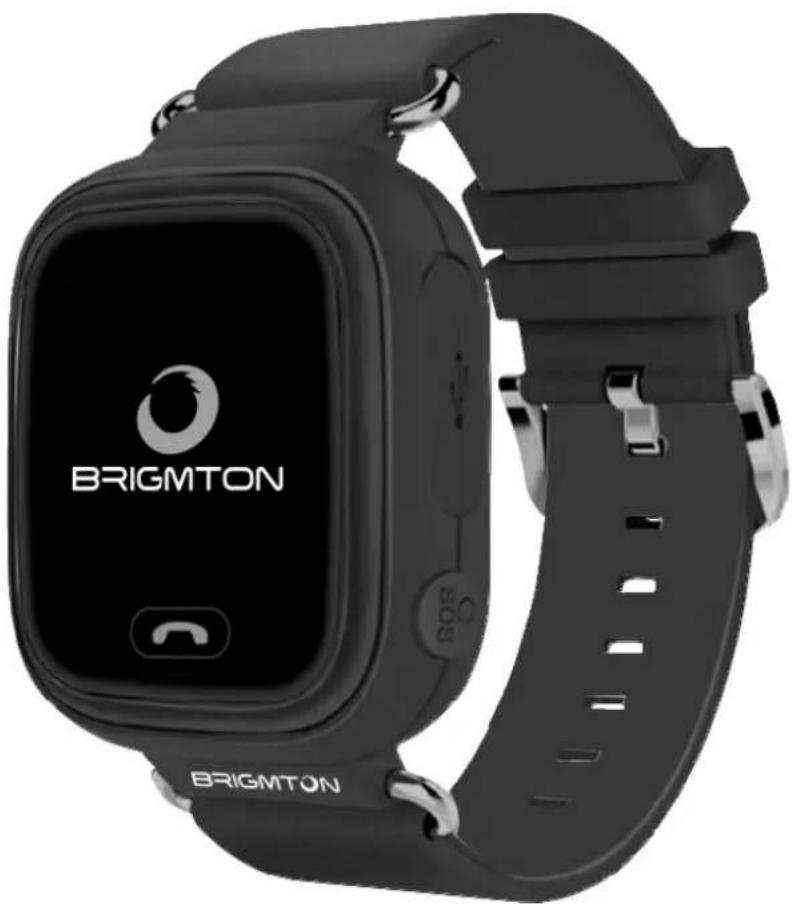
natural_image
Black BRIGMTON smartwatch with app icon and wrist strap (no readable text beyond brand name)FUNCIONAMIENTO
natural_image
Four-panel photo sequence showing a yellow and orange smartwatch with a small device, being handled by fingers (no text or symbols visible)natural_image
Abstract black circular logo design with curved and angular elements (no text or symbols)BRIGMTON
surfing technology
natural_image
Black BRIGMTON smartwatch with app interface and sensor strap (no readable text beyond brand logo)INSTRUCTION MANUAL
GPS LOCATOR WATCH
BWATCH-KIDS-NARMY
APK
Download this application on your phone
FUNCTIONING
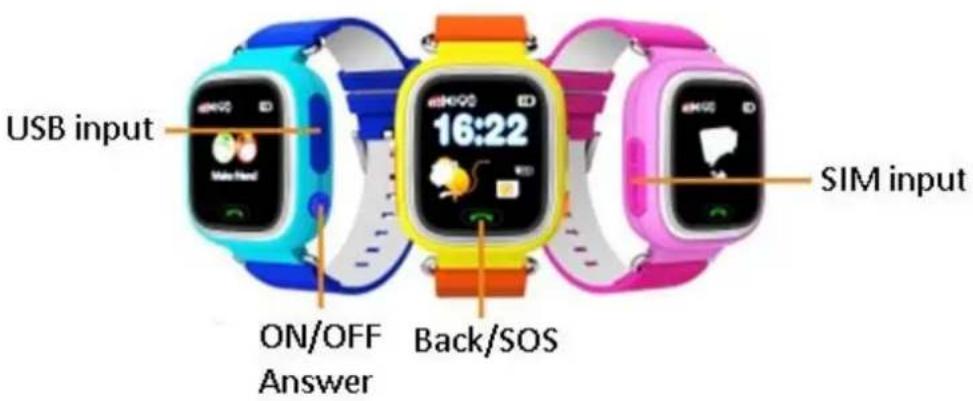
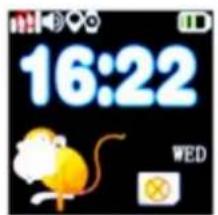
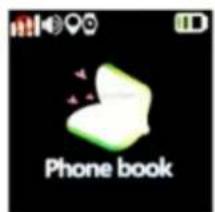
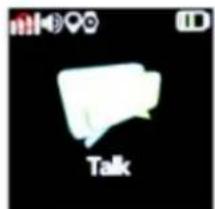
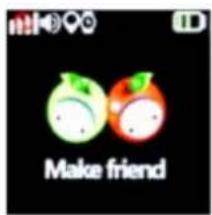
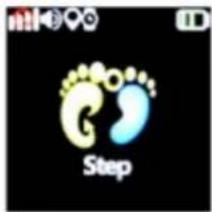
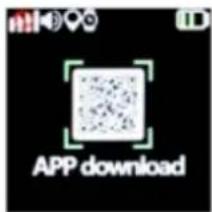
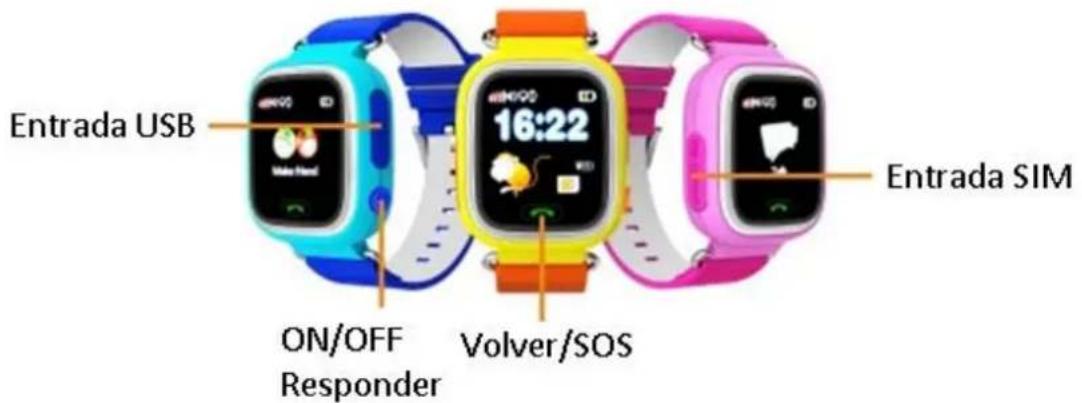
Turn on the device by pressing the ON / OFF button and you will access the main screen where you can see the time and main functions. Insert the SIM card. Slide the screen to the left to see the other functions. Press in the center of the screen to access each of them:
- Contacts (Phone Book): Access the contact list of the card
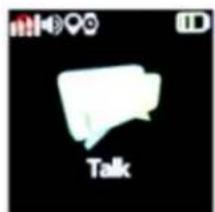
- Messages (talk): You can receive and send voice messages. Press the button to record the message.
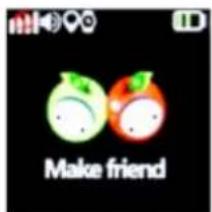
- Friends (Make friends): Two different clocks can connect to each other and talk through the microphone and speaker.
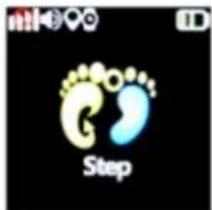
- Steps (Step): Start the pedometer from the application and it will tell you the steps taken.
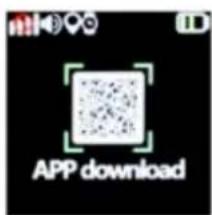
- Application: scan the code to download the application for your smartpone.
Press the green button to return.
Once you download the application, choose the language and register. Scan the QR code that appears on the back of your watch or enter the number. This code / number is unique for device.
SIM

natural_image
Four-panel photo sequence showing a yellow and orange handheld device with a small screen, being handled by fingers (no text or symbols visible)Insert the SIM card as shown.
APPLICATION
Once you install and configure the application according to the previous steps, when you open it, the location map will appear:
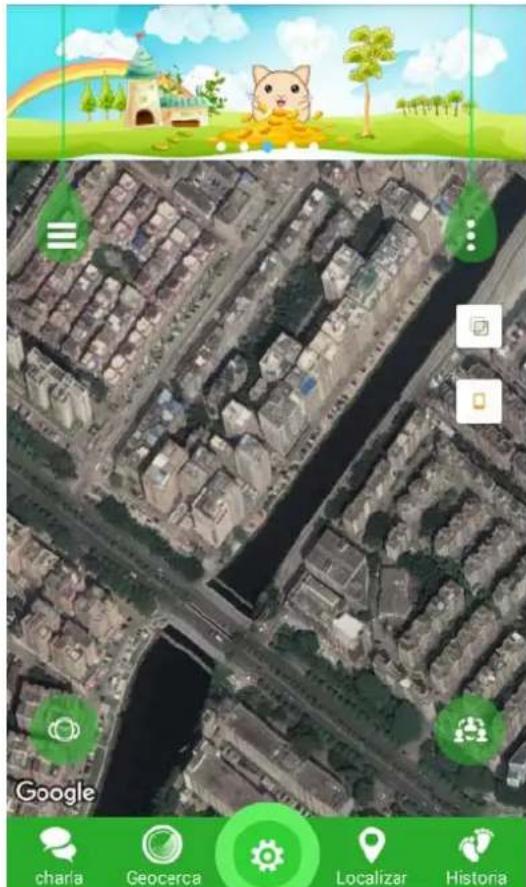
In the upper left corner the button will allow you to configure options such as pedometer (Health), set the disconnection time (do not disturb), Alarms,
Messages and Rewards, which allow you to reward the behavior of the person using the device.
In the upper right corner the button will allow you to access the account settings and personal data.
In the lower left corner the button allows you to see the connected devices.
In the lower right corner you can see the connected friends.
In the lower bar you can find shortcuts to some of the options described above.
LOCALIZE: If you press locate, it will send an SMS message to the device that will return the location of the device, which you can see on the map in real time.
TALK: Pressing this button allows you to send a text or voice message to the device.
In the center of the lower bar you will find the general SETTINGS button to control the operation of the device:
- SOS / Family number: You can set up to 3 direct dial numbers
- Work mode: select units
- Contextual mode: select profiles
- SMS Alarm Settings
- Touch friends: For sending to friends
- Phone: Agenda
- Language and Time Zone
- Change settings: lock configuration
- LBS
- Device: Locator of the device locally
- Remote shutdown
"Features can change without notice"
BRIGMTON
surfing technology
IMPORTED
FERSON ELECTRÓNICA, S.A.
CIF: A-41111881
SANTA CLARA DE CUBA 12
TEL/FAX: 954256645/954256822
SEVILLA
ESPAÑA
Ferson Electrónica, S.A. declares under our responsibility that the equipment meets the requirements indicated in the following directives:
DIRECTIVAS EMC
EN60950-1:2006+A11:2009+A1:2010+A12:2011+A2:2013
EN62479:2010
EN62209-2:2010
EN50566:2013/AC:2014
EN301 489-1 V1.9.2
EN301 489-3 V1.6.1
EN301 489-7 V1.3.1
EN301 489-24 V1.5.1
EN301 511 V12.1.1
EN301 908-1 V7.1.1
EN301 908-2 V7.1.1
EN300 440-1 V1.6.1
EN300 440-2 V1.4.1
Brand : BRIGMTON
Model : BWATCH-KIDS-R
Category : Smartwatch