
43ADS553B - Television VOX - Free user manual and instructions
Find the device manual for free 43ADS553B VOX in PDF.


| Product Type | LED TV |
| Brand | VOX |
| Model | 43ADS553B |
| Screen Size | 43 inches (diagonal) |
| Display Resolution | 1366 x 768 pixels (HD Ready) |
| Aspect Ratio | 16:9 |
| Speaker Output Power | 10 W (2 x 5 W) |
| Power Consumption | 65 W |
| Standby Power Consumption | < 0.5 W |
| Power Supply | 110-240 V~, 50/60 Hz |
| TV Tuner | Digital: DVB-T, Analog: PAL/SECAM/NTSC |
| Frequency Range | 48.25 ~ 863.25 MHz |
| Antenna Input Impedance | 75 ohms, unbalanced |
| Remote Control Battery | DC 3 V (two AAA batteries) |
| Operating Temperature | 0 °C to 40 °C |
| Connectivity | 3x HDMI, 2x USB, 1x RJ45, 1x AV, 1x PC, 1x Mini YPbPr, 1x COAX, 2x RF, 1x Earphone |
| USB Media Playback | Supported (photo, music, video) |
| PVR / Time Shift | USB recording and timeshift (DTV mode) |
| Electronic Program Guide (EPG) | Supported (DTV mode) |
| Teletext | Supported (optional feature) |
| Parental Lock | Supported via settings menu |
Frequently Asked Questions - 43ADS553B VOX
User questions about 43ADS553B VOX
0 question about this device. Answer the ones you know or ask your own.
Ask a new question about this device
Download the instructions for your Television in PDF format for free! Find your manual 43ADS553B - VOX and take your electronic device back in hand. On this page are published all the documents necessary for the use of your device. 43ADS553B by VOX.
USER MANUAL 43ADS553B VOX
GBR
SRB
SVN
HRV
LED 43ADS553B
OPERATING INSTRUCTIONS
UPUTSTVO ZA UPOTREBU
NAVODILA ZA UPORABO
UPUTE ZA UPORABU

VOX
ELECTRONICS
GBR
LED 43ADS553B
OPERATING INSTRUCTIONS

Accessories
Please make sure the following items are included with your LED TV. If any items are missing, contact your dealer.
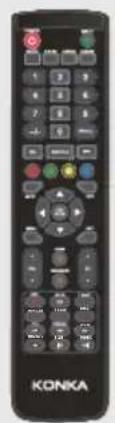
Remote Control
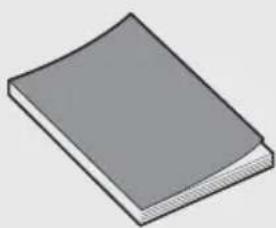
Owner's Instructions
Introduction
Features
● TV adopts 32" TFT LED display screen ● Zero X radiation complies to green environment protection requirement - Connect to computer directly to realize TV/monitor combo. - Support USB ● 16:9 wide screen ● Auto tuning and fine tuning - Support HDMI ● Programmable sleep timer ● Wide range voltage input ● No-signal automatic power off
Input terminals used for external equipment connection
1x RJ45 Input
2x USB Input
1x Earphone Output
3x HDMI Input
1x COAXI
1x AV Input
1x PC Input
1x Mini YPbPr Input
2x RF Input
Specifications
| Model | LED 43ADS553B |
| Display size | 43" Diagonal(max.) |
| LED panel resolution | 1366X768 |
| Speaker output power | ≥5 X2W |
| Power supply | 110-240V~, 50/60Hz |
| TV receive system | Digital: DVB-TAnalog: PAL/SECAM/NTSC |
| Frequency range | 48.25~863.25MHz |
| Video in | PAL/NTSC |
| Power consumption | 65W |
| Standby consumption | <0.5W |
| Antenna Input | 75 ohms, unbalanced |
| Controller power | DC 3V(Two AAA size batteries) |
| Work Temperature | 0°C-40 °C |
NOTES:
- Design and specifications are subject to change without notice. • Weight and Dimension shown are approximate.
General Description
Overview of front panel
The buttons on the lower-right panel control your TV's basic features, including the on-screen menu. To use the more advanced features, you must use the remote control.
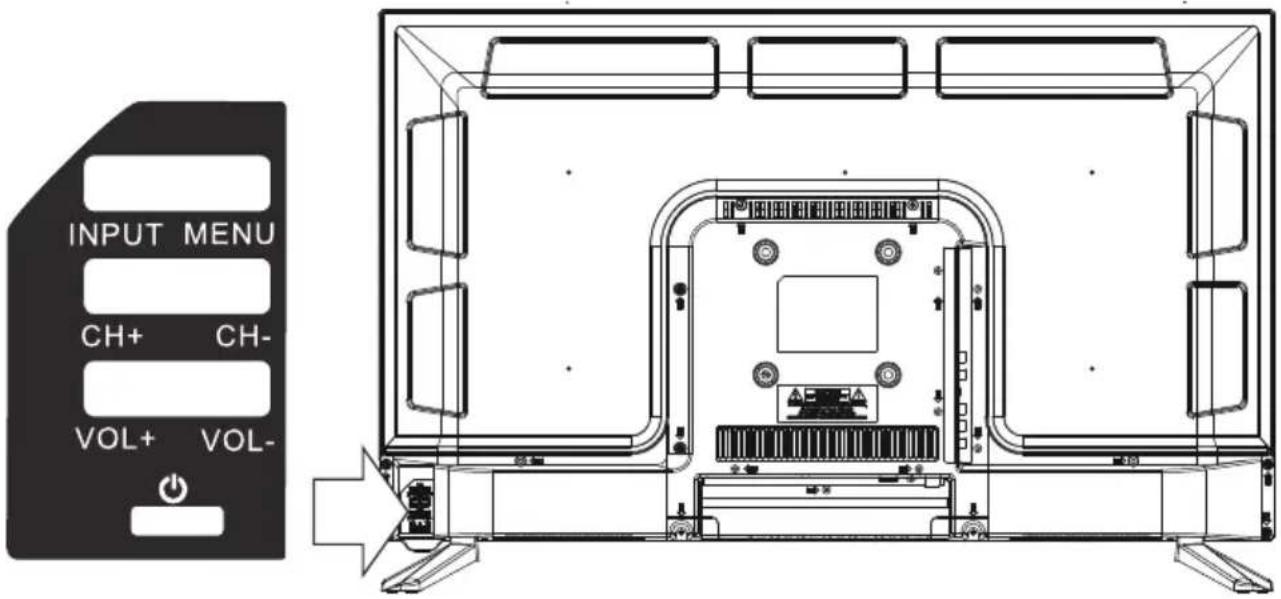
① Turn on/off TV. ② VOL- ③ VOL+ VOL+/-: Adjust Volume. ④ CH- ⑤ CH+ CH+/-: Select channel. ⑥ MENU: Enter or exit from menu (Use CH+/- button to select item, VOL+/- button to adjust item). ⑦ INPUT: Source Select.
General Description
Overview of back panel
You can connect the TV with video devices such as DVD/VCD player, VCR and video camera to enjoy the high quality picture.
![graph TD A["Computer"] --> B["USB"] A --> C["PC"] A --> D["Video"] A --> E["DVD player"] A --> F["Camcorder"] A --> G["DVD player"] A --> H["PC (HDMI-output)"] A --> I["Blu-ray disc player"] J["EARPHONE"] --> K["USB2 USB1 5V=500mA"] K --> L["COAXIAL OUT"] M["RJ45"] --> N["PC"] O["RJ45"] --> P["PC"]…](/content/2026/06/1149900/images/8d9db3cde14f18b0c48a20a5406bba6328908cdffd5d954338929fa9b02bb21e.jpg)
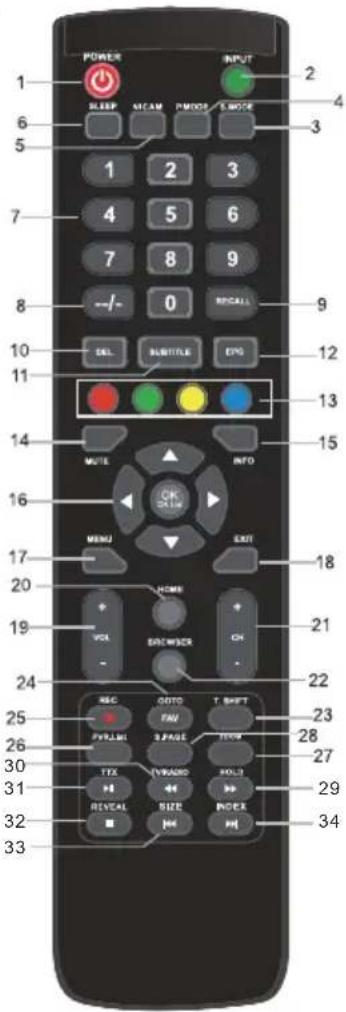
REMOTE CONTROL OUTLOOK & FUNCTION KEY DEFINITION
- 【POWER】Press this button to switch to standby mode, and press it again to turn TV on. 2.【INPUT】Press to select the input source.
- 【S.MODE】This button is used to select the sound mode. 4.【P.MODE】This button is used to adjust user picture mode, press this button repeatedly and select one of four settings.
- 【NICAM】The button is used to set NICAM sound system. Note: Nicam function is optional, the button on the remote control is only available with certain models.
- 【SLEEP】 Lets you select the amount of time before your TV turns itself off automatically. 7.【0-9】 Press 0-9 to select a TV channel directly when you are watching TV. To enter page numbers in teletext mode and so on. 8.【--/-】 Press this button to enter a program number with different digits, e.g., - for 1, -- for 11, --- for 111.
- 【RECALL】 Switches back and forth between the current and previous channels. 10.【DEL】 Delete button. 11.【SUBTITLE】 Press to switch the subtitles at the bottom of the screen. 12.【EPG】 Enter electronic program guide (used only in DTV mode).
- 【RED, GREEN, YELLOW, CYAN】 Correspond to the different menu item colors. 14.【MUTE】 Press this button to temporarily shut off the TV sound; press again to restore TV sound. 15.【INFO】 This button is used to display current channel information. 16.【▲/▼/◄/►/ENTER】 Allows you to navigate the on-screen menus and adjust the system settings to your preference. 17.【MENU】 Brings up the LCD main menu on the screen in TV mode. 18.【EXIT】 Press EXIT to exit the menu or submenu.
- 【VOL+/-】 Press to increase or decrease the sound level. 20.【HOME】 Press this button to return to the home page screen. 21.【PROG+/-】 Press to scan through or select a channel. 22.【BROWSER】 Press this button to enter the website.
- 【T.SHIFT】 Press this button to pause the current DTV program and start recording in the background (used only in DTV mode).
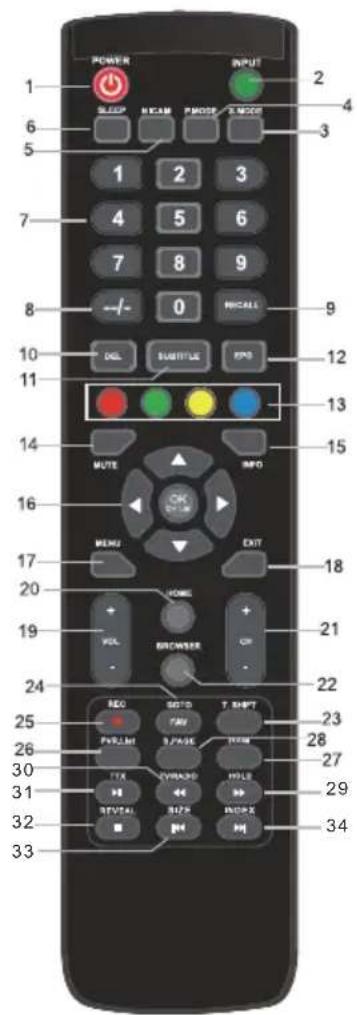
24.【GOTO】 Skip
【FAV】 Favourite program channel button.
- 【REC】 Start recording (used only in DTV mode).
26.【PVR.List】 Display the list of recordings (used only in DTV mode).
27.【ZOOM】 This button is used to set the display window.
28.【SUBPAGE】 Press SUBPAGE to enter the sub-coded page of teletext.
29.【HOLD】 Hold on or off for the current page display.
【◀◀/▶▶】 Press to timeshift or play a program in fast rewind mode.
- 【DTV/RADIO】 In the DTV source, press to enter the Radio channel and press it again to enter the DTV channel.
31.【TTX】 Press this button to open or close teletext.
Note: Teletext function is optional, the button on the remote control is only available with certain models.
【▶||】Play/pause or begin to timeshift.
32.【REVEAL】Press REVEAL to show or hide the hidden information of teletext (depending on broadcasting.)
【■】Stop playing or stop recording.
- 【SIZE】Adjust the screen image display ratio.
【】Press to go to the previous chapter.
- 【INDEX】Press the button to display content page of teletext.
【▶▶】Press to go to the next chapter.
[Non-Text]
(
Welcome
Lfd 2010 getting up you smart TV.
Next
Language
ESCKM
English
Practics
Heo

![12:33 AM MUSIC HKEY ARTS →Kam →Fai →Kinh 2- 11 Hi Reput File OK 测试向 BLOGI MG F5V 146, 1535 N0V/ My Air Tru v WG/ANG 1 [HD] Send Out. eN2 Sip J-HD] HUA 黄白带贴22 K宝第一队](/content/2026/06/1149900/images/85ffcbb46585f5662a490d6d457679bacc8c9ba131f1a95cedef5cc1a15db622.jpg)

Image
found
Channel
FUNCTION
Tire
Internal Mexico
Richard
Auto Volume
Surround
SICAVI MAUL
Invest
1
09
FEB
Image
Sound
Channel
Function
off
Sleep Timer
Media Player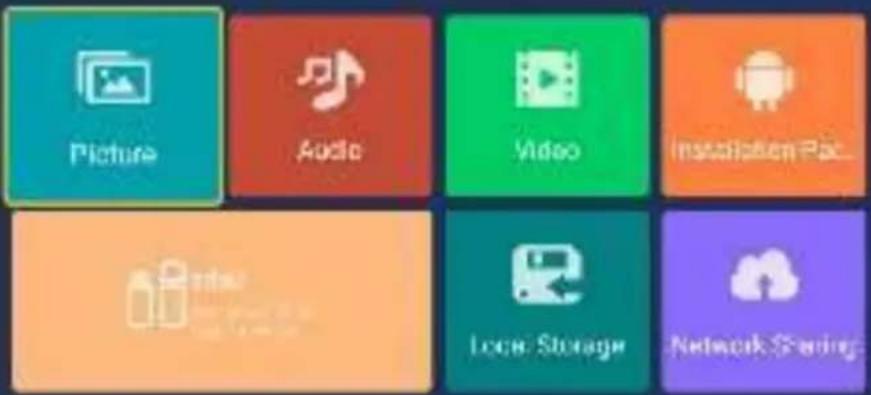
Vineo.10
Photos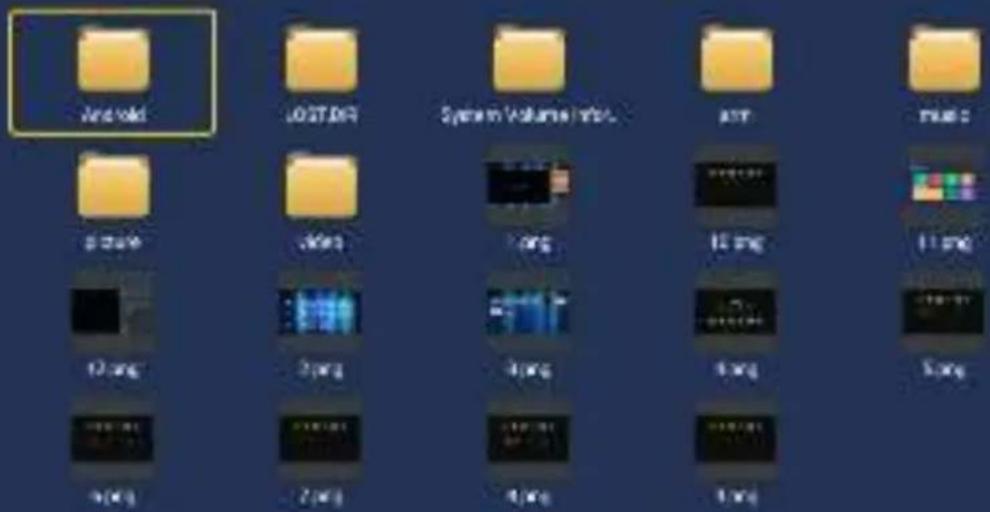
1/19



VOX
ELECTRONICS
SRB
LED 43ADS553B
INSTRUCTIONS FOR USE

WARNING
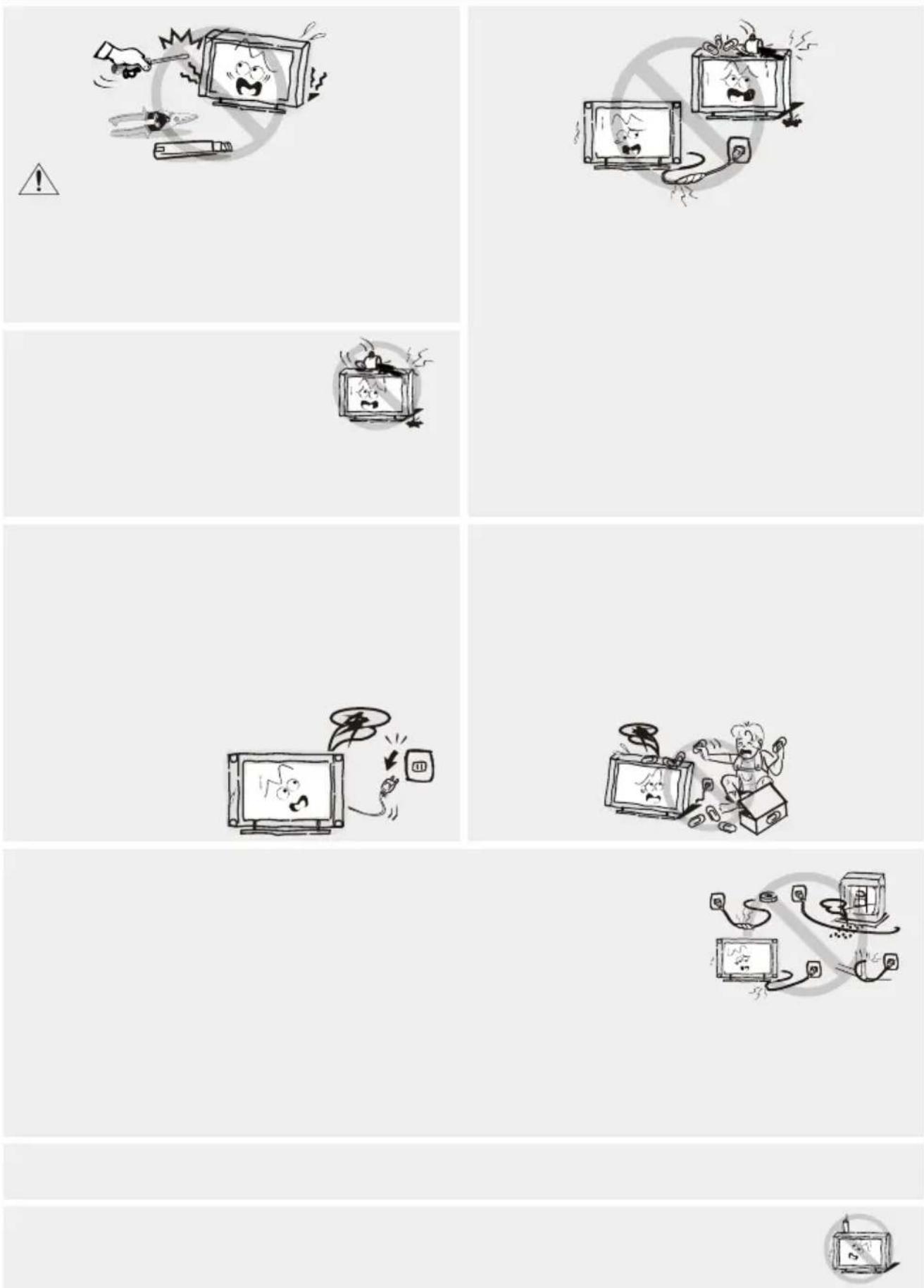
There is a risk of electric shock. Do not open. Do not attempt to repair this product yourself, as opening or removing the cover may expose you to dangerous voltage and other hazards. Refer all servicing to qualified service personnel.
To reduce the risk of electric shock, do not expose this product to rain or moisture.
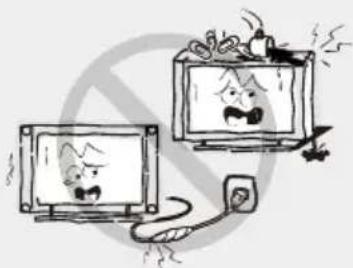
Do not overload wall outlets, extension cords, or adapters beyond their capacity, as this may result in fire or electric shock.
Power cords should be routed so that they are not likely to be stepped on or pinched by items placed upon or against them, paying particular attention to cords at plugs, convenience receptacles, and the point where they exit from the device. The mains plug is used as the disconnect device.
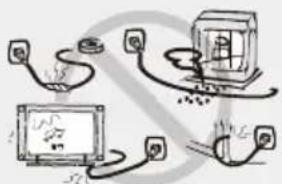
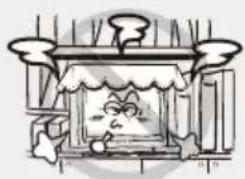
Ventilation should not be impeded by covering the ventilation openings with items such as newspapers, tablecloths, curtains, etc.
Leave at least 10 cm of space around the device for proper ventilation.
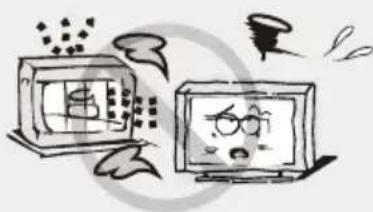
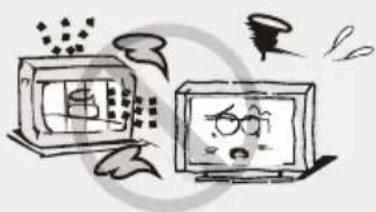
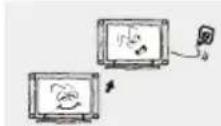
The device should be placed away from heat sources such as radiators, heaters, stoves, or other products (including amplifiers) that produce heat. Position the device so that the screen is not exposed to direct sunlight.
It is best to have soft, indirect lighting while viewing and to avoid completely dark environments and screen glare, as these can cause eye fatigue.
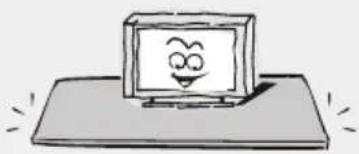
Do not place the device on unstable carts, stands, tables, or shelves. The device may fall and cause serious bodily injury as well as damage to the product. Use only with carts, stands, tripods, brackets, or tables specified by the manufacturer or sold with the device. When moving the device with a cart, exercise caution. Sudden stops, excessive force, and uneven surfaces may cause the cart and device to overturn.
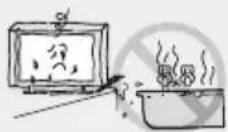
Be careful not to expose the TV surfaces to cleaning agents (liquid inside the TV may cause product malfunction, fire, or electric shock). Be careful not to expose the surfaces to chemical insect repellents, solvents, or other volatile substances, as this may damage the surface and texture of the cabinet.
Important Information
Remote control
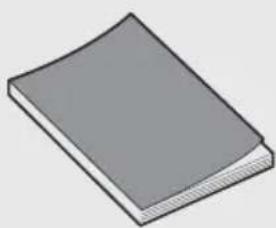
User manual
Introduction
Features
● TV features a 32" TFT LED screen - Zero X radiation complies with green environmental protection requirements - Direct connection to a computer for combo connection
TV/monitor.
- Supports USB ● 16:9 widescreen ● Automatic adjustment and fine tuning
- Supports HDMI
- Sleep timer function
- Wide range power input
- Automatic shutdown when no signal
Input connectors for external connection
1x RJ45 input 2x USB input 1x 3x HDMI output 1x COAXI 1x AV input 1x PC input 1x Mini YPbPr input 2x RF input
Specifications
| Model | LED 43ADS553B |
| Veličina ekrana | 43" Diagonal(max.) |
| Rezolucija LED panela | 1366X768 |
| Jačina izlaza zvuka | ≥5 X2W |
| Napajanje | 110-240V~, 50/60Hz |
| Sistem TV prijema | Digital: DVB-TAnalog: PAL/SECAM/NTSC |
| Opseg frekvencije | 48.25~863.25MHz |
| Video ulaz | PAL/NTSC |
| Potrošnja el. energije | 65W |
| Potrošnja u standby načinu | <0.5W |
| Impendansa antenskog ulaza | 75 ohms, unbalanced |
| Napajanje daljinskog upravljača | DC 3V (dve baterije veličine AAA) |
| Temperatura radnog okruženja | 0°C-40 °C |
NOTE:
- Design and specifications are subject to change without prior notice.
- The weight and dimensions of the device are approximate values.
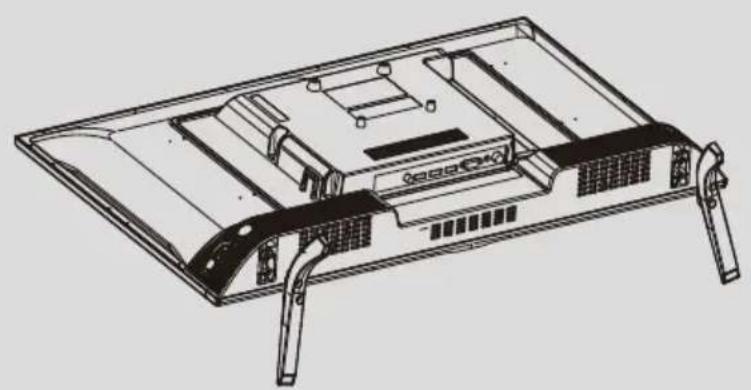
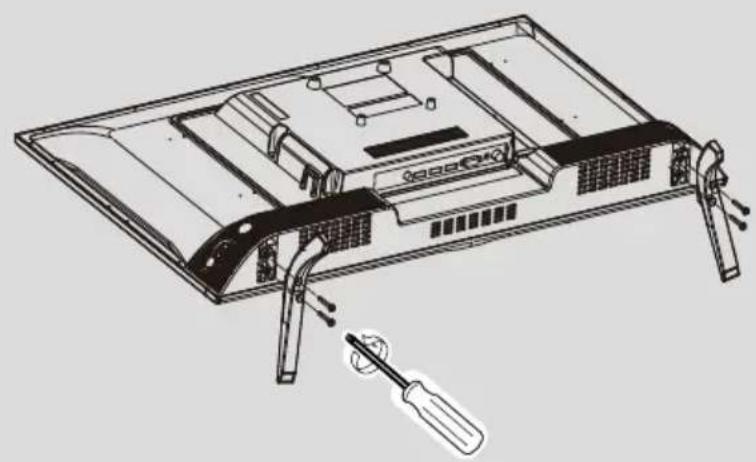
How to attach the stand
If you need to remove or attach the stand, please read the following instructions.
- Before attaching/removing the stand, make sure the TV is turned off.
- Before you begin, place soft cushions on which you will lay the LED TV. This will prevent any damage.
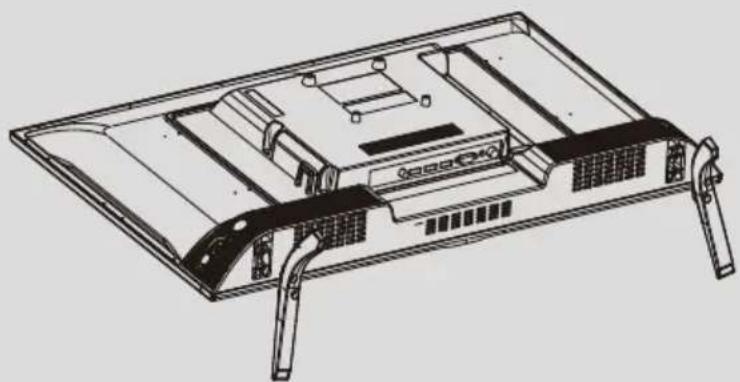
TV and firmly tighten them into the designated holes;
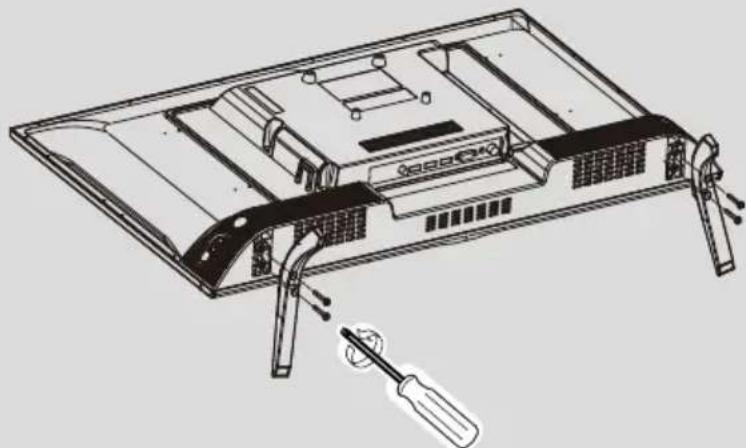
To remove the stand from the TV, repeat the steps in reverse order.
General description
Front view
The buttons on the lower left side of your TV are for basic functions, including the on-screen menu. For more advanced functions, you must use the remote control.
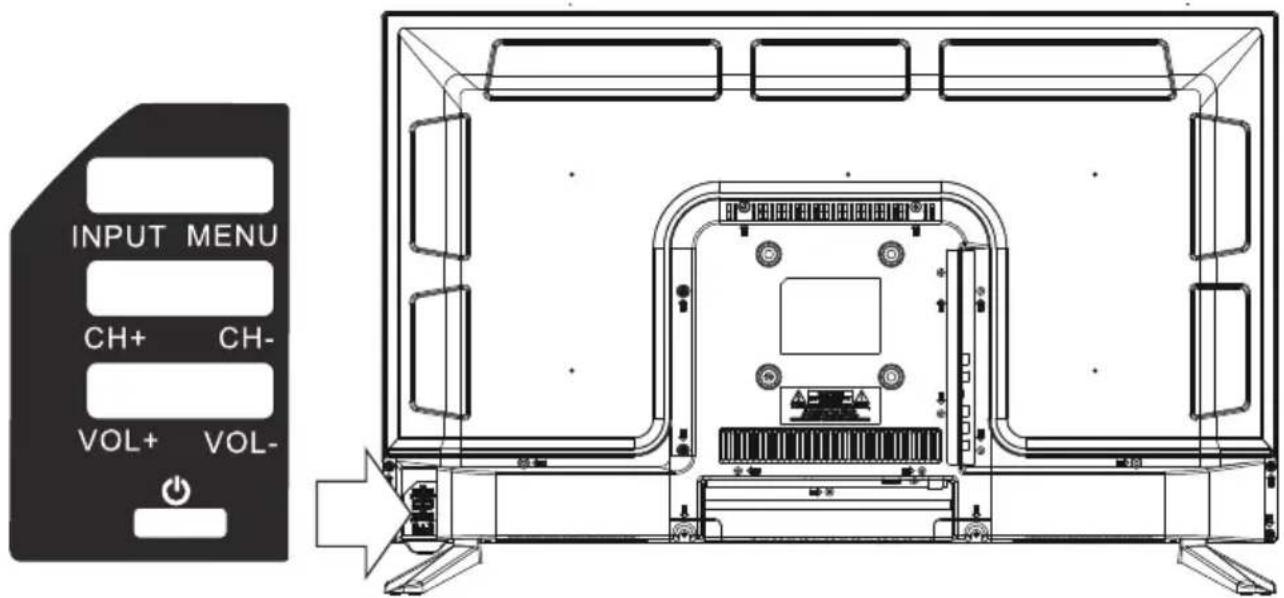
Power on/off the TV ② VOL- ③ VOL+ VOL +/-: adjust volume ④ CH- ⑤ CH+ CH +/-: select channel Enter or exit the menu ⑥ MENU (Use CH+/- to select an item, VOL +/- for adjustments. ⑦ INPUT Select source.
General description
NOTES:
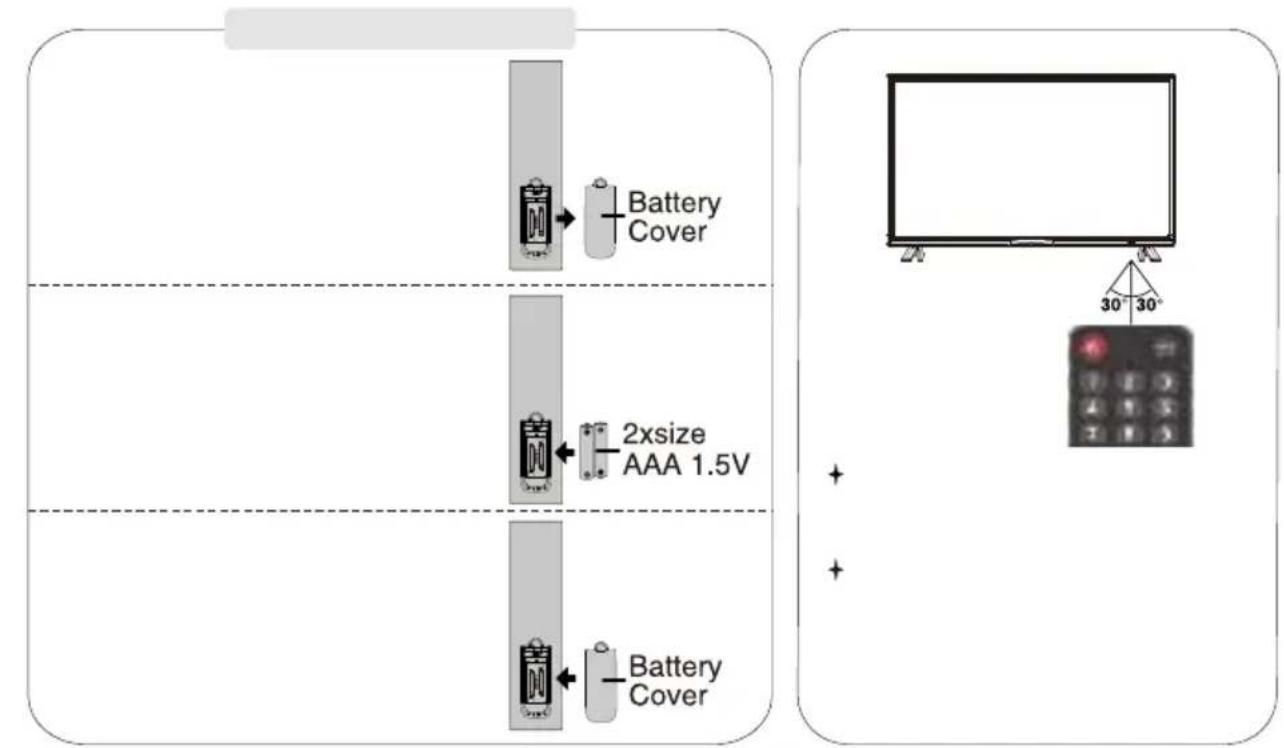
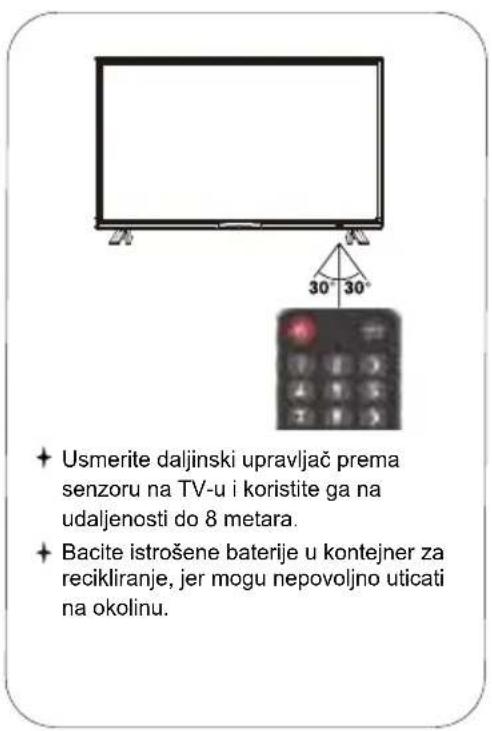
· Once inserted, batteries will last about 1 year under normal usage conditions. - If you do not intend to use the remote control for an extended period, remove the batteries to avoid damage from leakage. Do not mix old and new batteries. Batteries (battery pack or installed batteries) must not be exposed to excessive heat such as sunlight, fire, or the like.
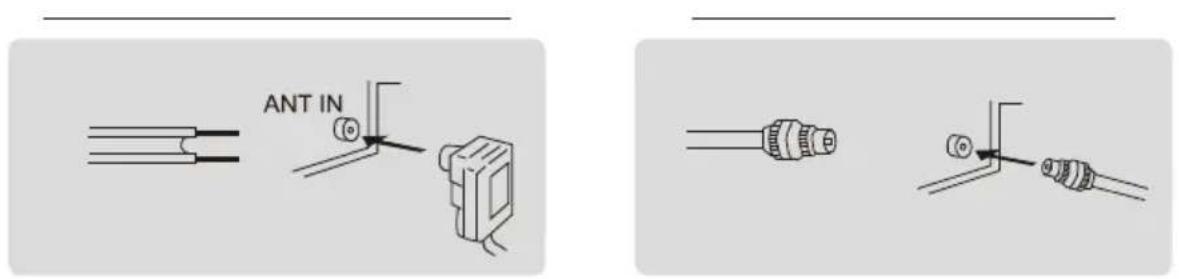
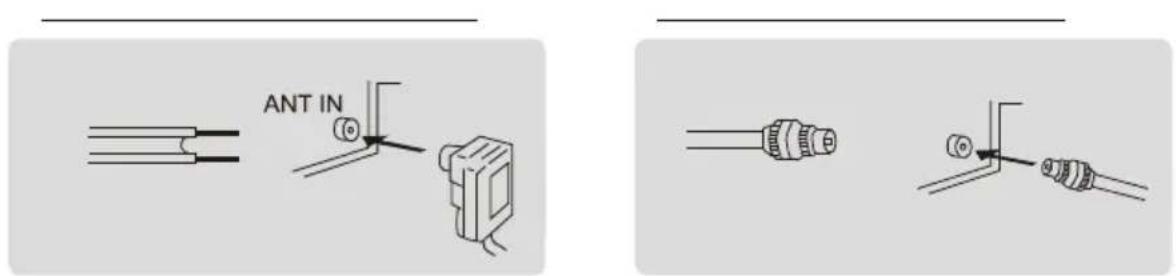
The input antenna impedance of this device is 75 ohms. A VHF/UHF 75 ohm coaxial cable can be connected directly to the antenna terminal. If the antenna cable is 300 ohm with parallel wire, you will need a 300 ohm/75 ohm connector to connect the antenna cable to the antenna terminal. For details, please see the illustration below.
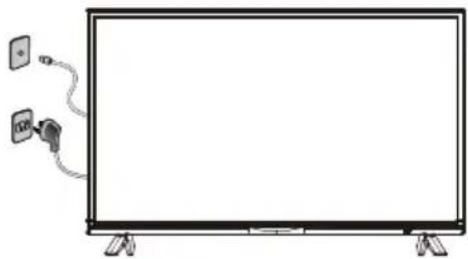
How to turn the TV on or off
- Plug the power cord into a polarized electrical outlet.
- If the TV is in standby mode, press the POWER button on the remote control or the power button on the bottom of the LED TV's housing.
- The normal picture will appear on the screen after 15 seconds.
Next
Language
English

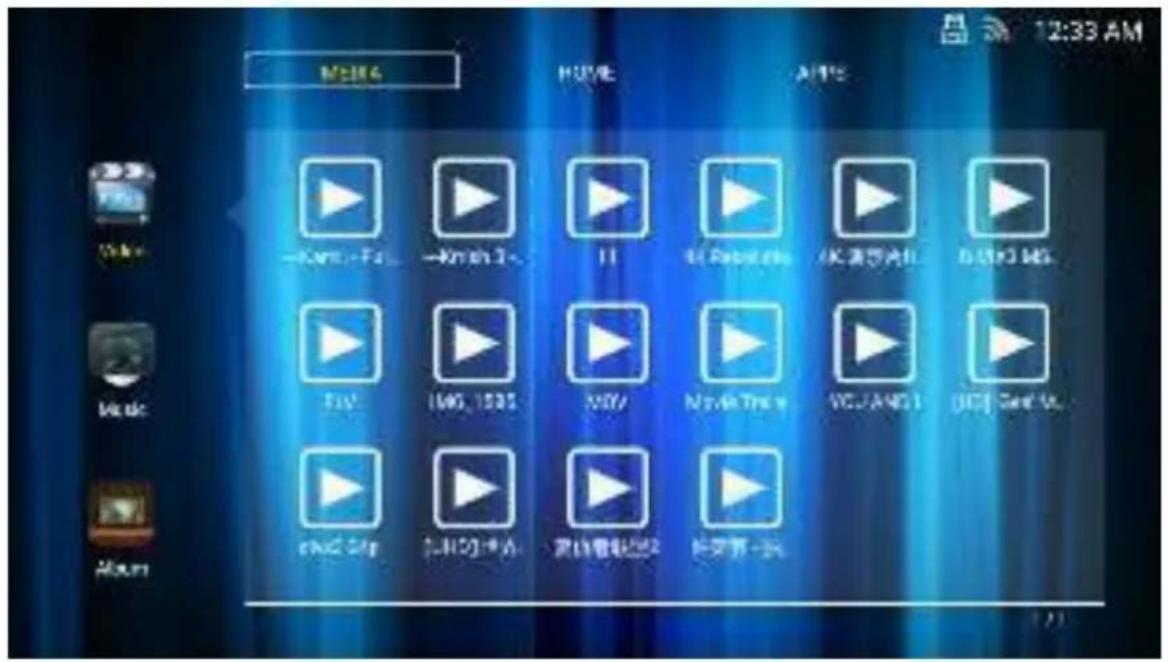
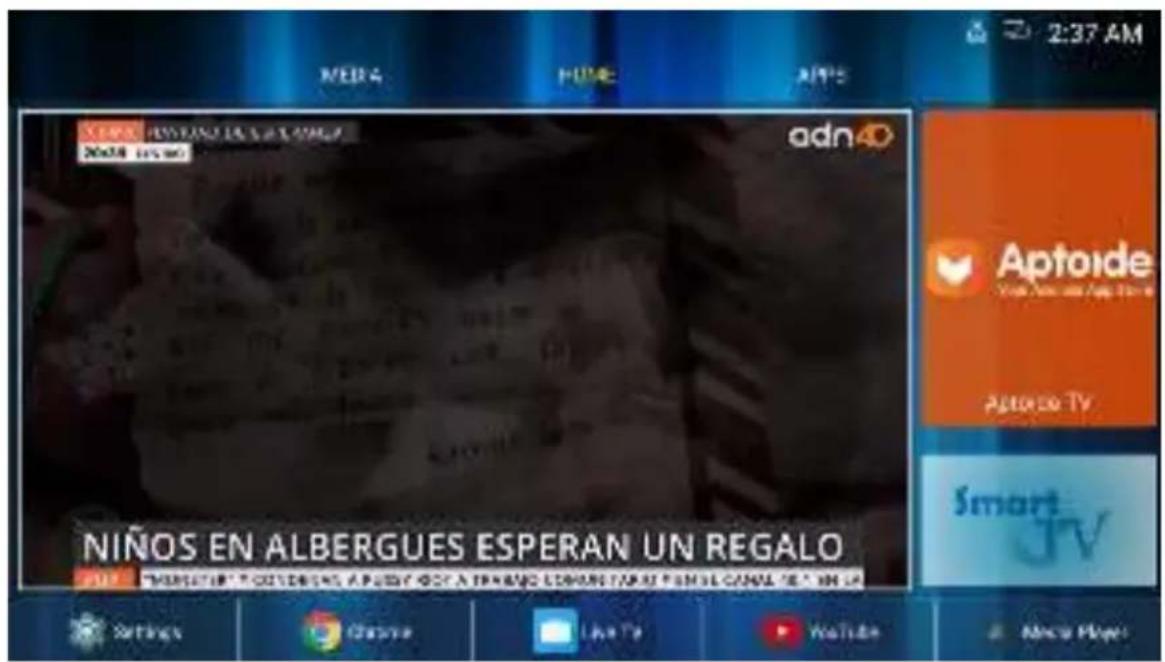
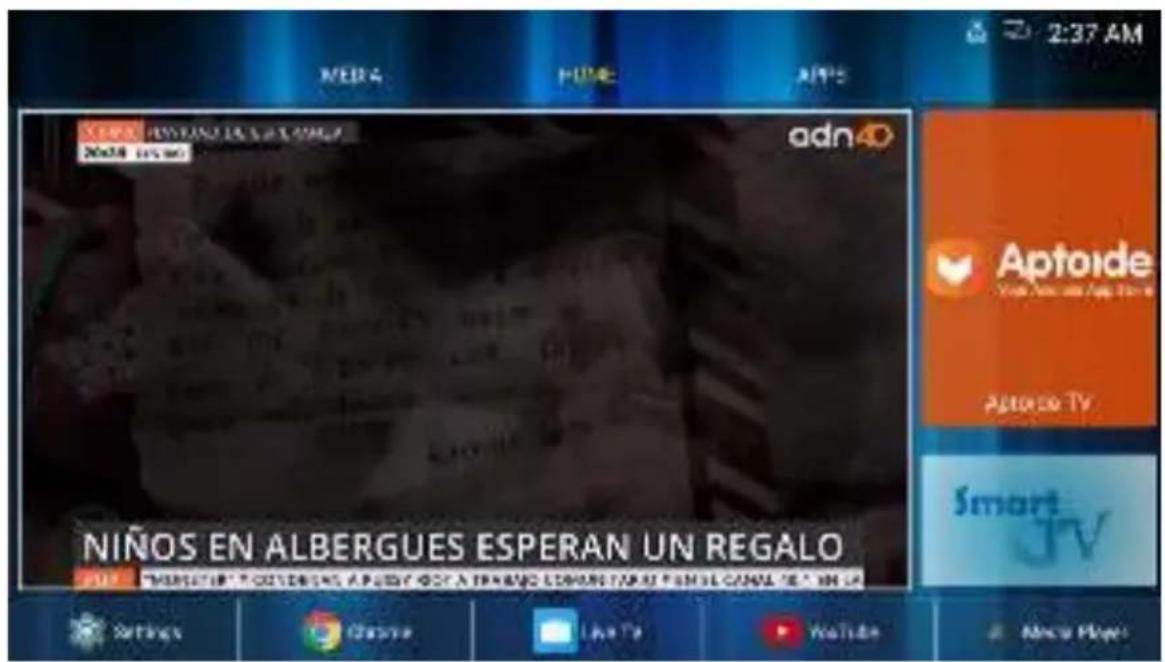
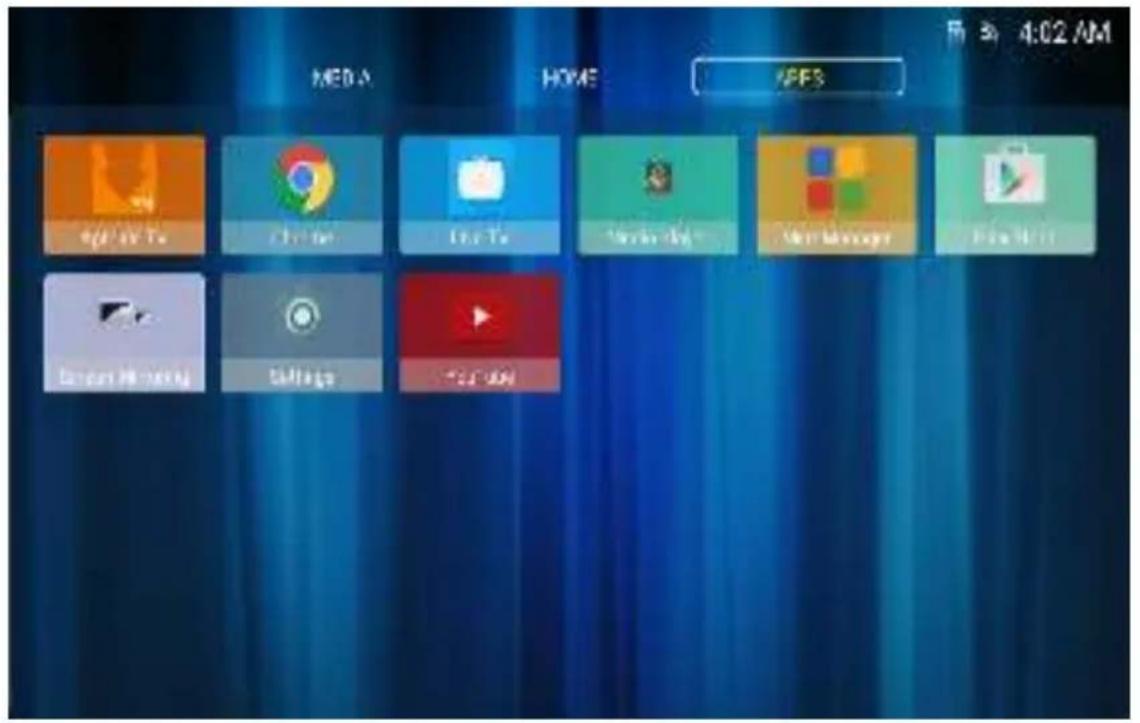
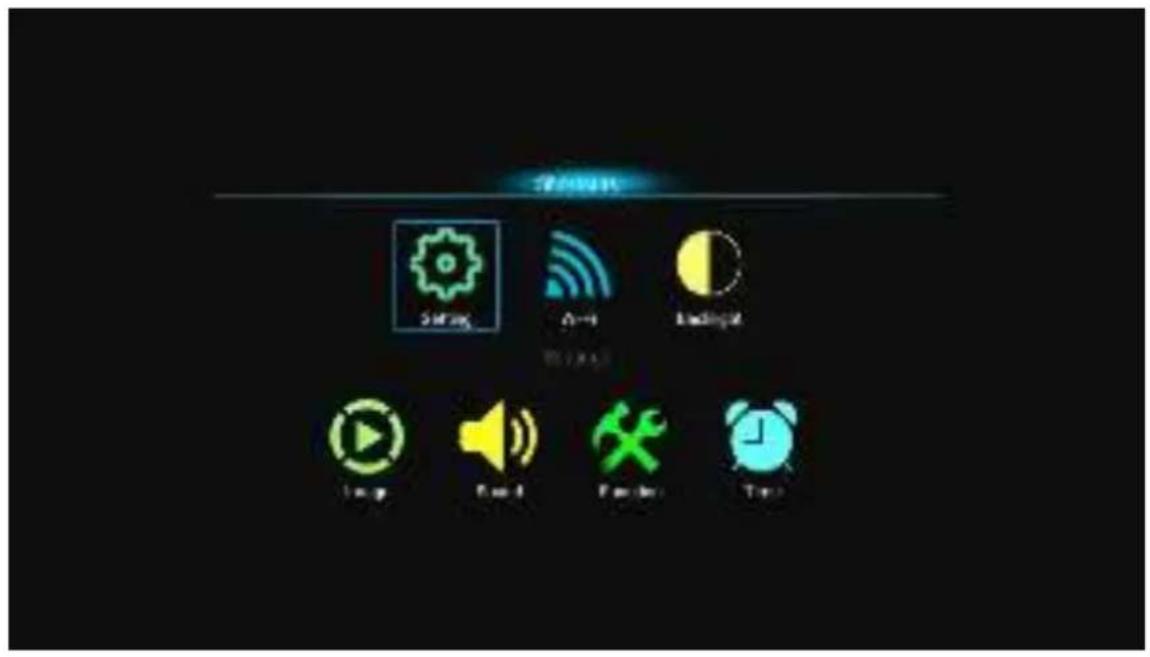
Home

TV Menu
Settings Menu
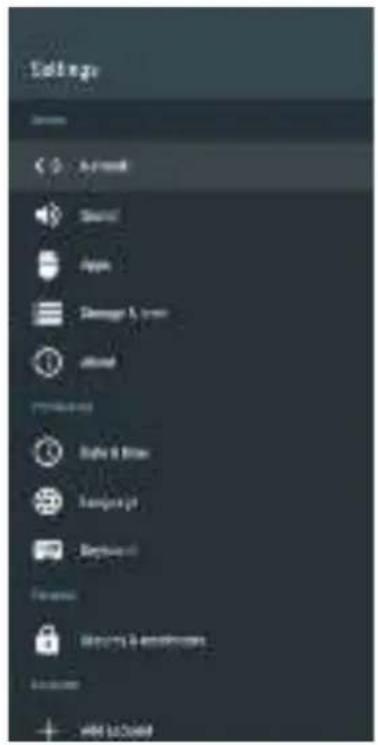
Sound
Safety and limitations
Image
found
Channel
FUNCTION
Tire
Internal Mexico
Richard
Auto Volume
Surround
SICAVI MAUL
Invest
1
09
FEB
Locking
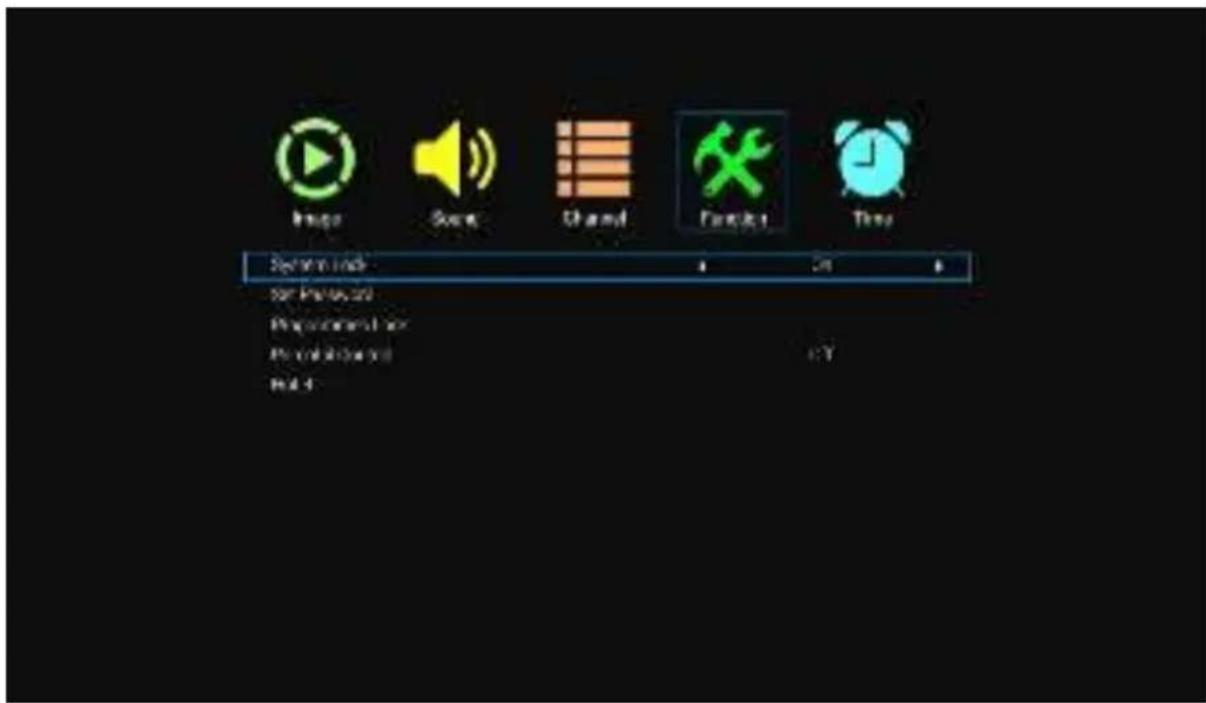
No Signal Standby - No signal in standby mode
CEC
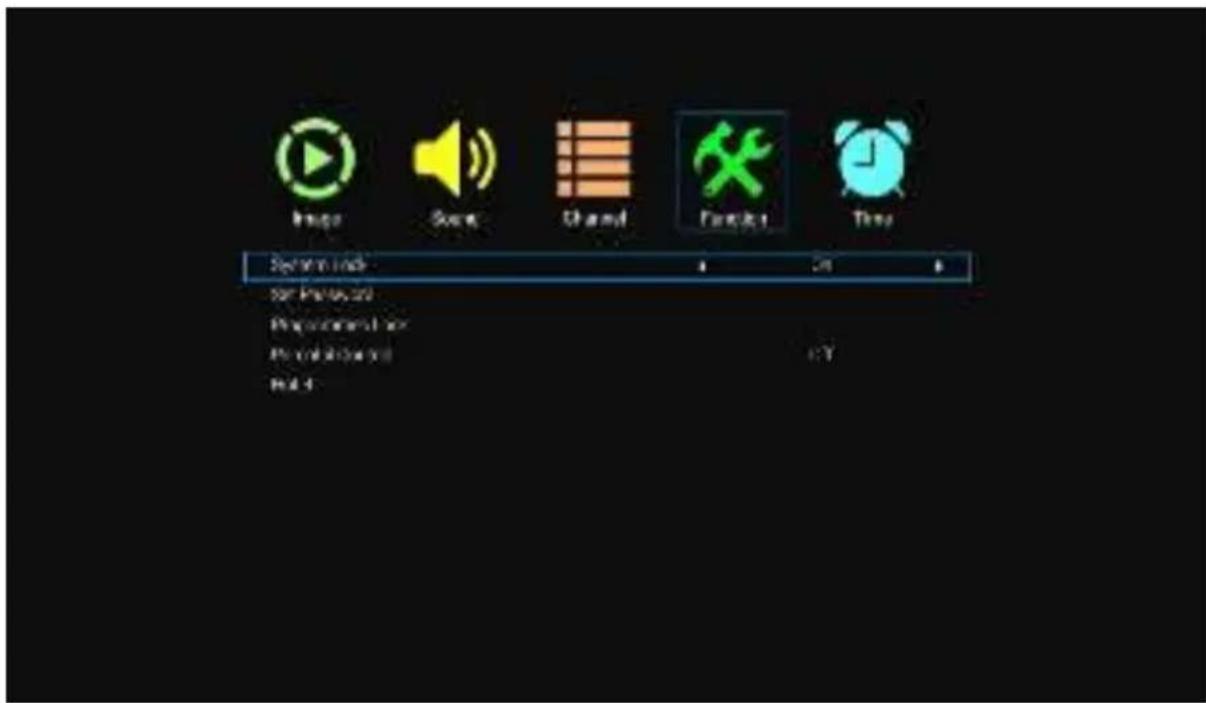
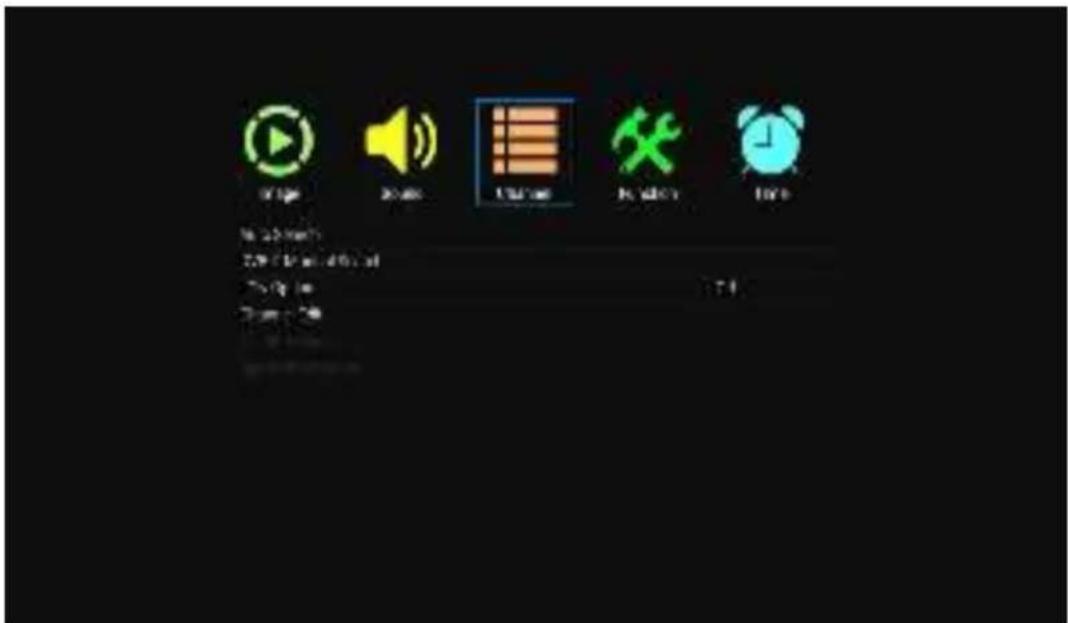
Select the function menu using the arrow buttons, then press OK for the next step. Press the up/down buttons to select the CEC option. Press OK to enter the option. CEC (Consumer Electronics Control) is an HDMI function designed to allow the user to command and control up to 15 CEC-enabled devices, connected via HDMI ports, using only one of the remote devices.
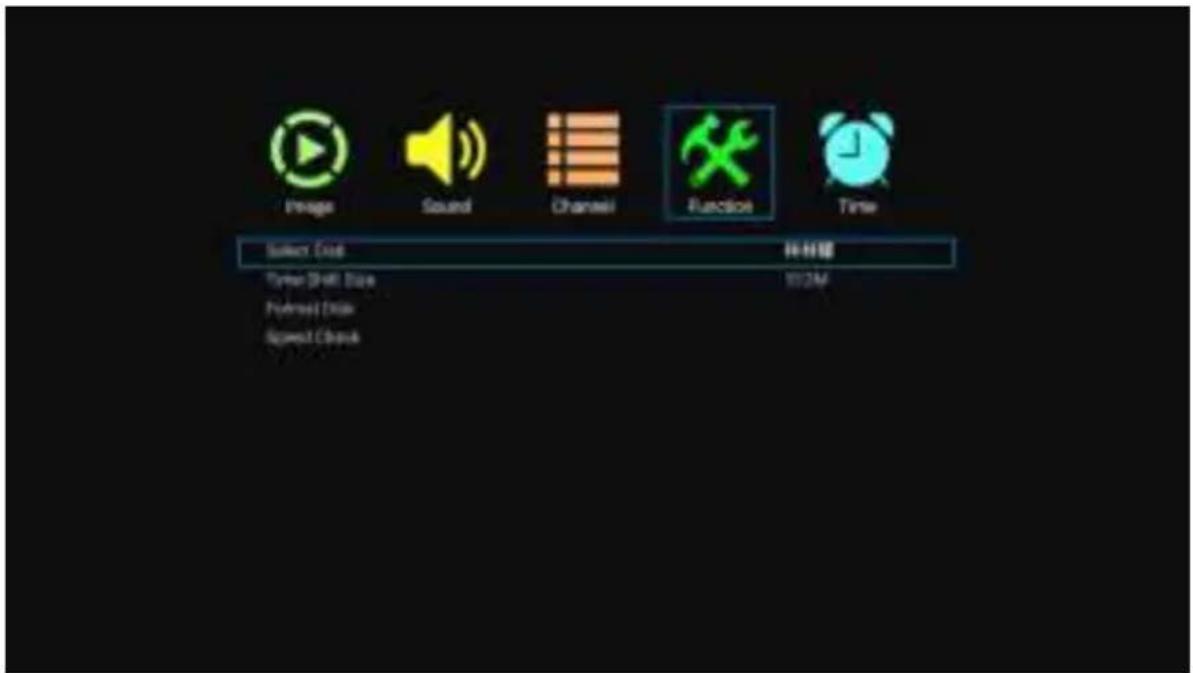
Select the function menu using the arrow buttons, then press OK for the next step.
Image
Sleep Timer
Sound
Channel
Function

off
Image
Sound
Channel
Function
Time
WIF
S10
4
te
b
Media Player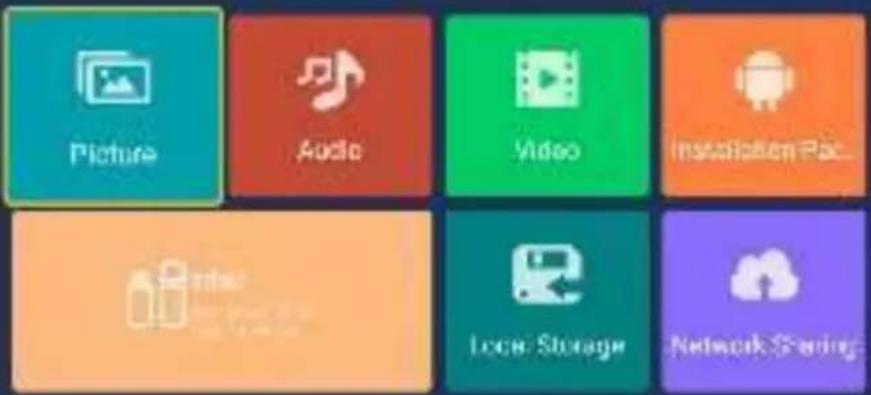
Vineo.10
Photos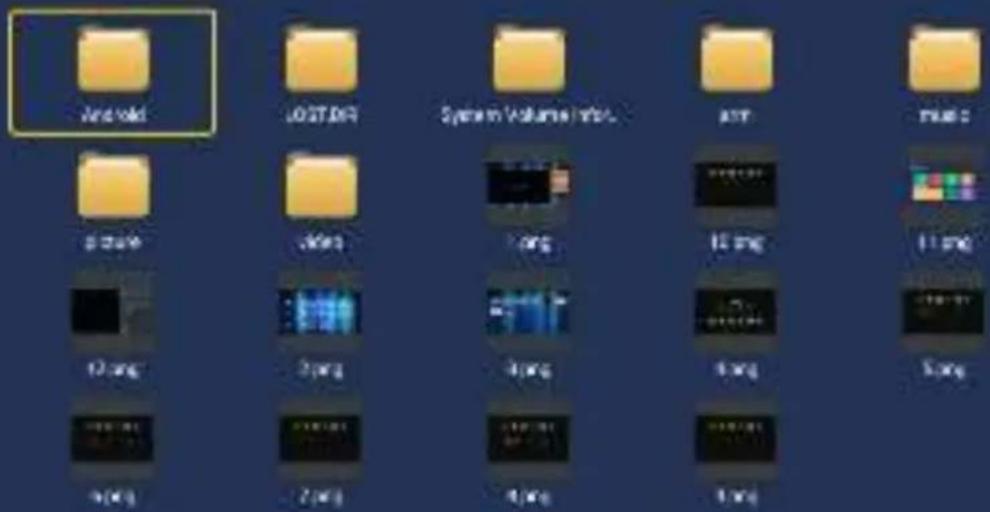
1,49
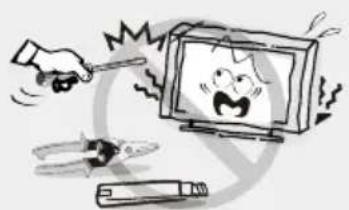
WARNING

VOX
ELECTRONICS
SVN
LED 43ADS553B
INSTRUCTIONS FOR USE

WARNING
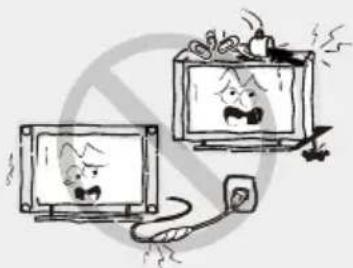
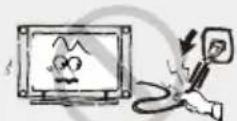
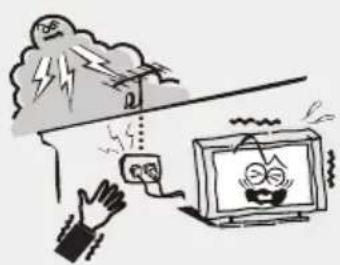
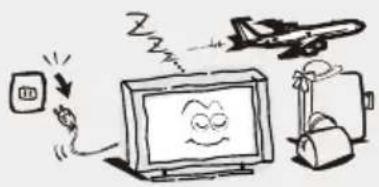
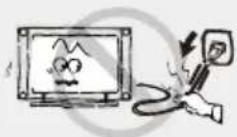
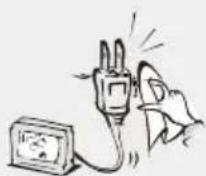
Disconnect the power cord by grasping and pulling the plug, not the cord. Never touch the plug with wet hands.
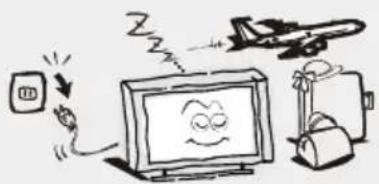
When not in use
Remote control
Instructions for use
Introduction
Features

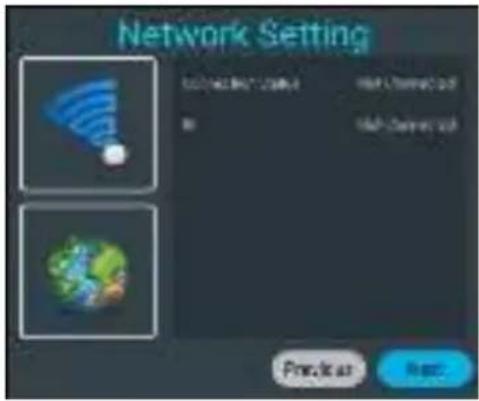
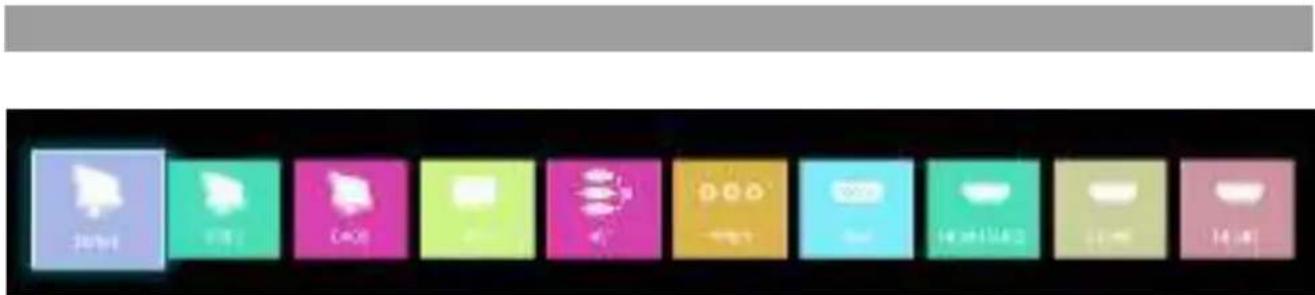
Press the INPUT button to open the Signal Source menu.
TV menu
Main menu
Sound
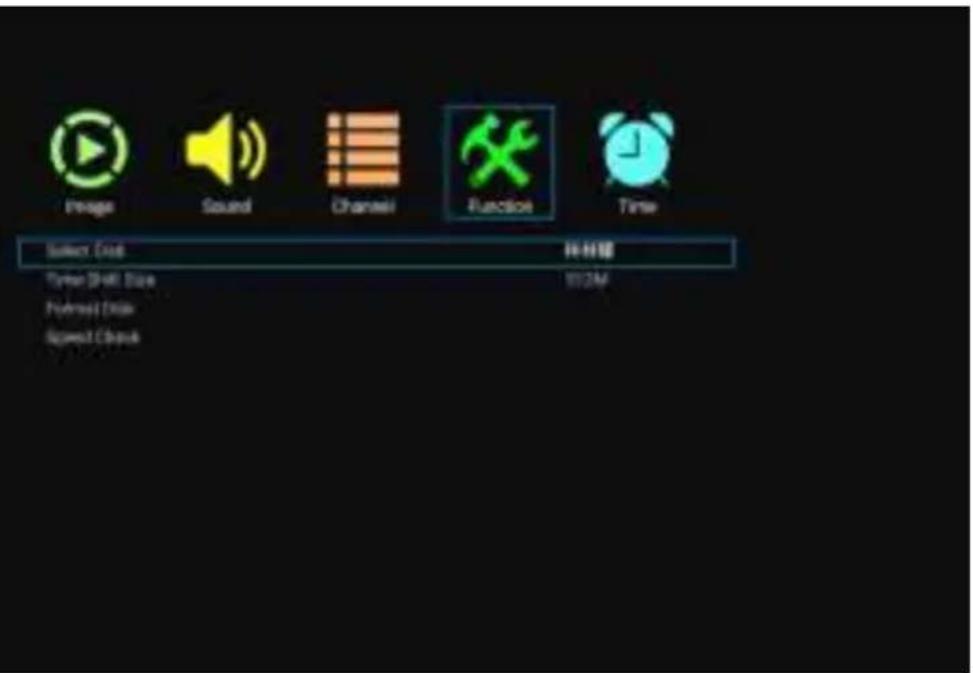
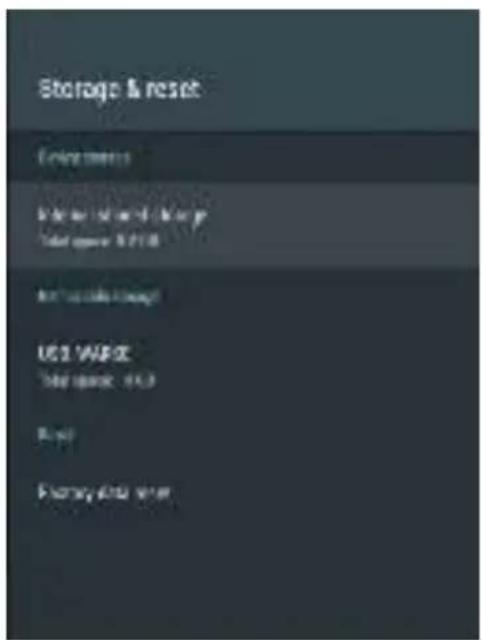
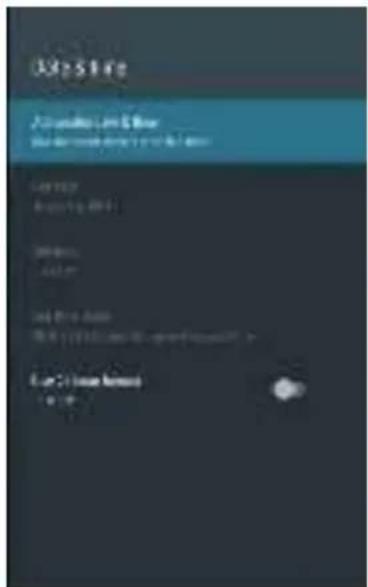
Storage media and reset
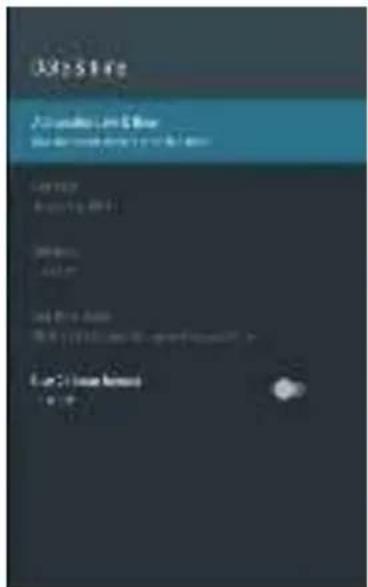
Keyboard
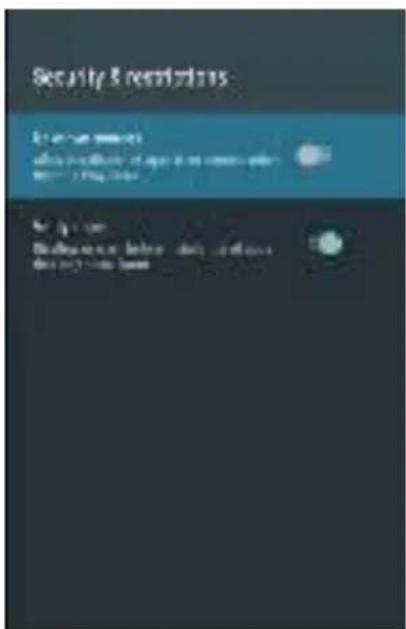
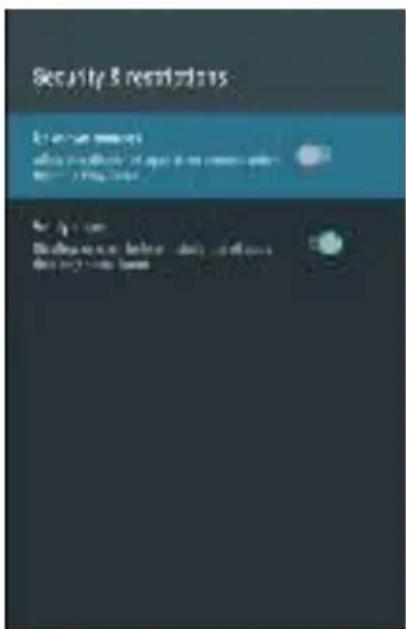
Safety and restrictions
Image display mode
Sound mode
Automatic search
Transition to standby mode without signal
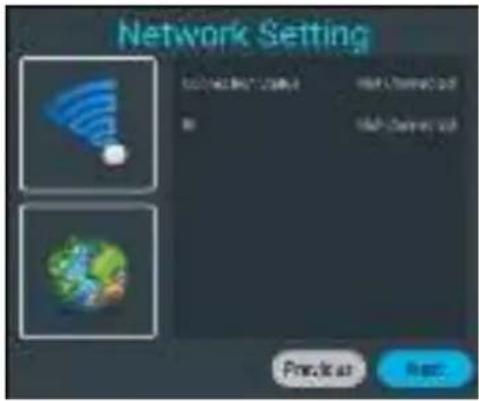
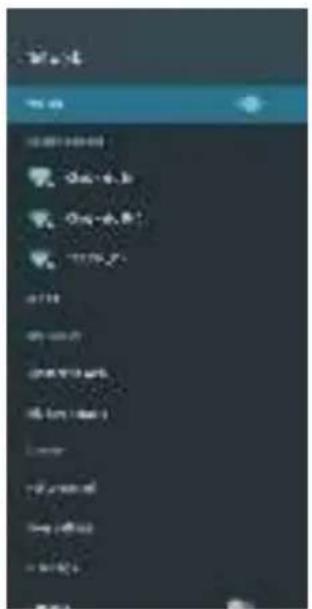
Wired network
Use the arrow keys to select Wired network and press the OK button to enter the submenu. Use the left and right arrow keys to select the wired network mode. Press OK on the setting to save.
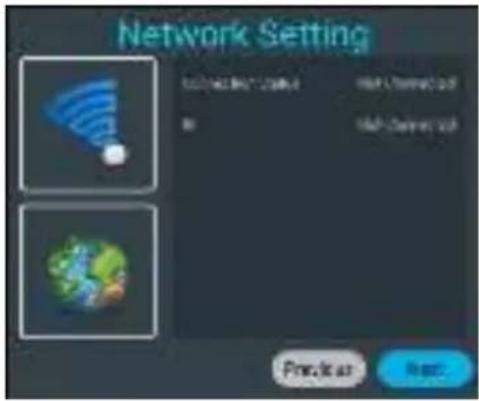
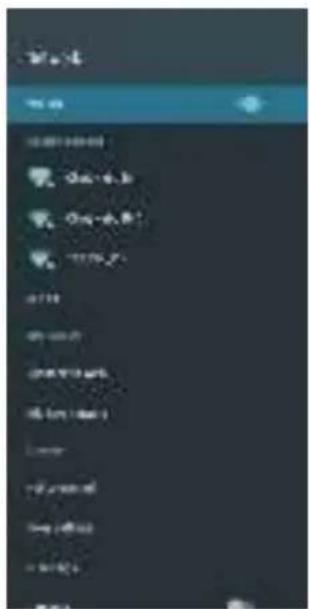
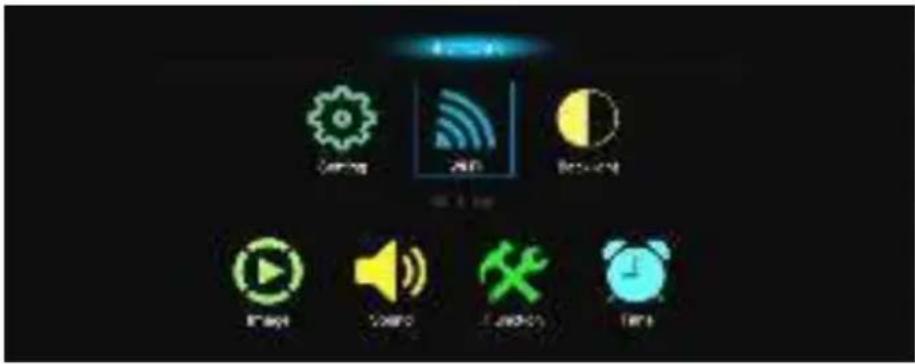
Wireless network
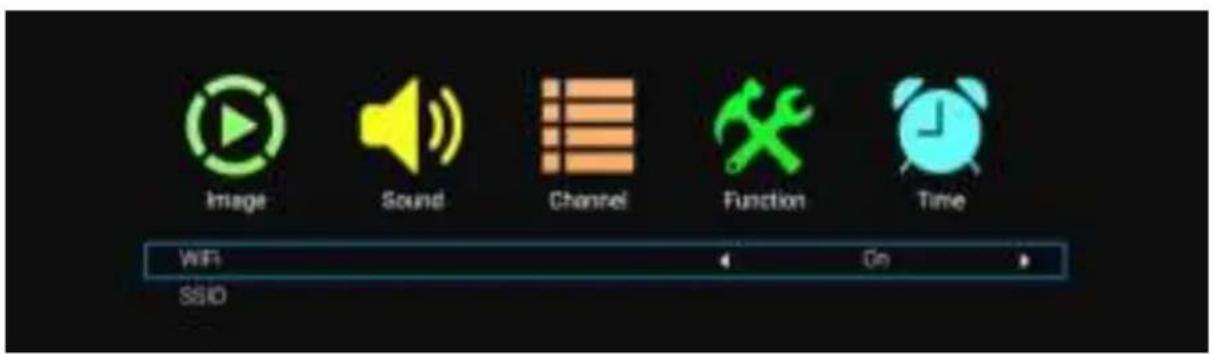
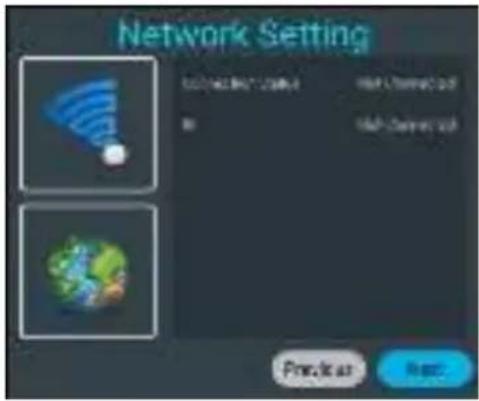
Use the arrow keys to select Wireless network and press the OK button to enter the submenu. Use the left and right arrow keys to enable or disable the Wi-Fi interface. Press the OK button on the SSID setting, then a list of wireless networks will appear. Then press the OK button to connect to one of the wireless networks.
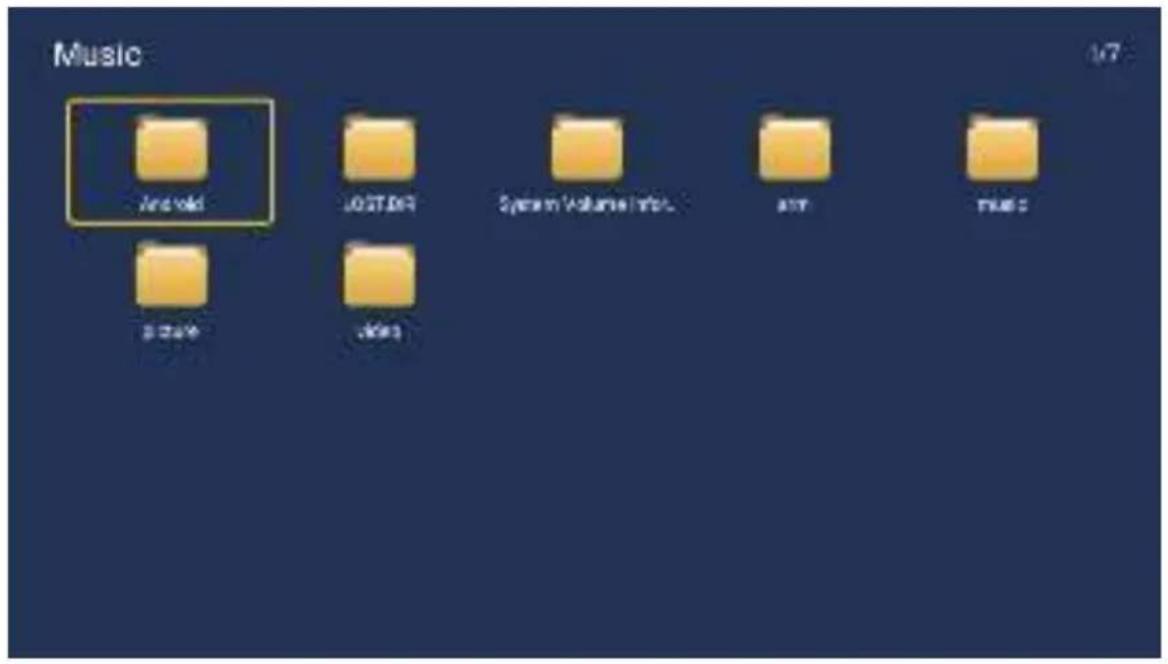
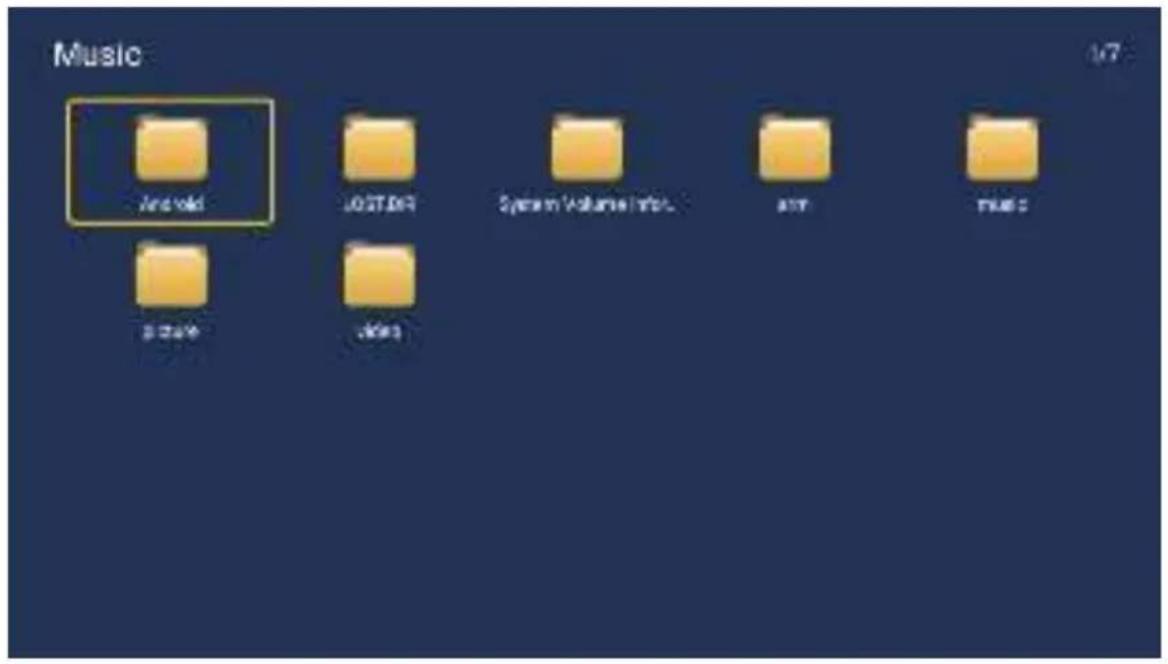
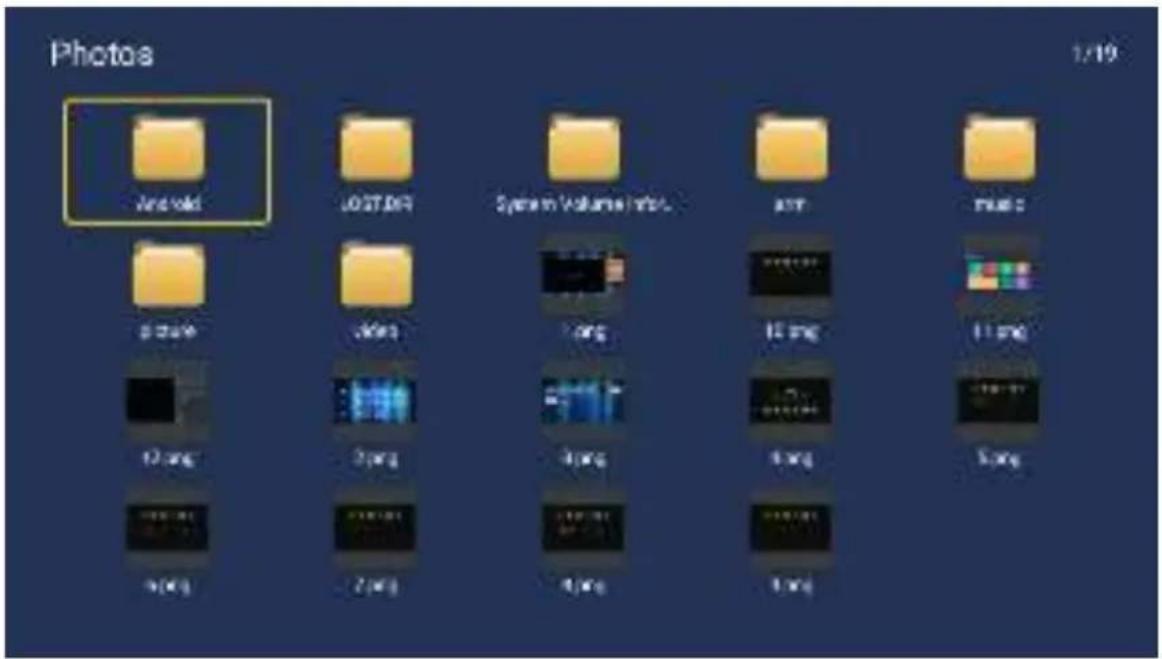
Use the arrow keys to select the Picture icon and press the confirm button. Use the left and right arrow keys to select a folder and press the OK button to open the desired folder. After selecting an image, press the OK button to open the image. You can also trigger the same action with the left and right arrow keys.

WARNING
There is a risk of electric shock, do not open. Do not attempt to repair this product yourself, as opening or removing the cover may expose you to high voltage and other hazards. All repairs should be left to qualified service personnel.
To reduce the risk of electric shock, do not expose this product to rain or moisture.
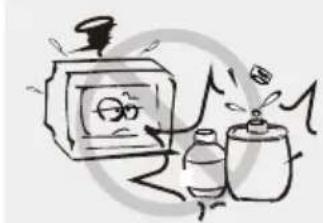
The device should not be exposed to dripping or splashing, and no objects filled with liquid, such as vases, should be placed on the device.
The TV screen and housing heat up when the TV is in use. This is not a malfunction. If smoke, an unusual sound, or an unusual smell comes from the device:
- Immediately turn off the circuit breaker;
- Unplug the power cord from the outlet;
- Contact your dealer or service center. Never attempt to repair the device yourself, as this can be dangerous.
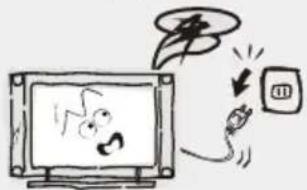
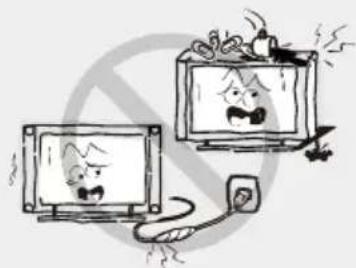
Turn off the TV and immediately unplug the power cord from the outlet if any of the following problems occur.
Ask your dealer or service center to have the device checked by authorized service personnel if you notice:
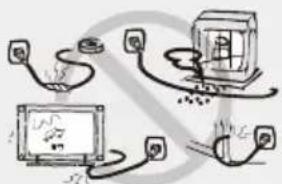
Do not overload wall outlets, extension cords, or adapters beyond their capacity, as this can lead to fire or electric shock.
Power cords should be routed so that there is no likelihood of them being stepped on or pinched by items placed on or against them, paying particular attention to cords at plugs, convenience receptacles, and the point where they exit from the device. The plug to the mains is used as the disconnecting device.
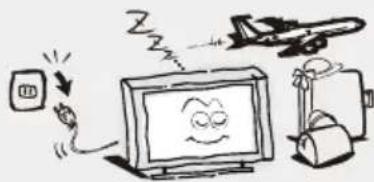
The device should be placed away from heat sources such as radiators, heaters, stoves, or other products (including amplifiers) that produce heat. Position the device so that the screen is not exposed to direct sunlight.
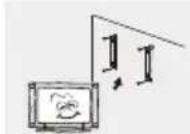
Do not place the device on unstable carts, stands, tables, or shelves. The device may fall and cause serious bodily injury as well as damage to the product. Use only with carts, stands, tripods, brackets, or tables specified by the manufacturer or sold with the device. When moving the device with a cart, exercise caution. Sudden stops, excessive force, and uneven surfaces may cause the cart and device to overturn.
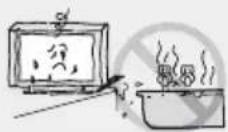
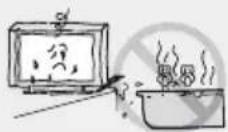
Do not place this device near water, for example near a bathtub, washbasin, kitchen sink, or laundry tub, in a damp basement, near a swimming pool, or similar.
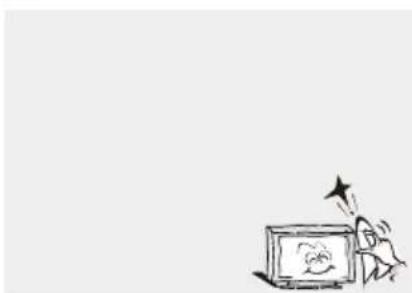
Be careful not to expose the TV surfaces to cleaning agents (as liquids inside the TV can cause product malfunction, fire, or electric shock). Be careful not to expose the surfaces to chemical insect repellents, solvents, or other volatile substances, as this can damage the surface and texture of the housing.
Important Information
Remote Control
User Instructions
Introduction
Features
● The TV has a 32" TFT LED screen - Zero X radiation is in line with green environmental protection requirements - Direct connection to a computer for combo connection
TV/monitor.
- Supports USB ● 16:9 widescreen ● Automatic adjustment and fine tuning
- Supports HDMI
- Timer for programming sleep function
- Wide range power input
- Automatic shutdown when no signal
TV device and firmly tighten them into the designated holes;
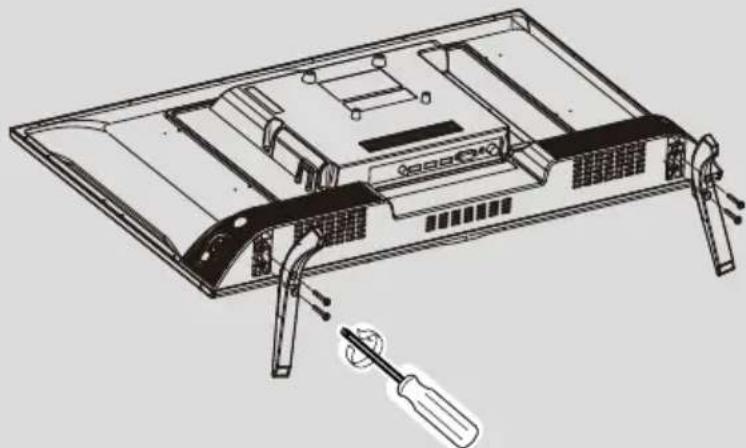
To remove the stand from the TV, repeat the steps in reverse order.
General description
Front view
The buttons on the lower left side of your TV are for basic functions, including the on-screen menu. For advanced functions, you must use the remote control.
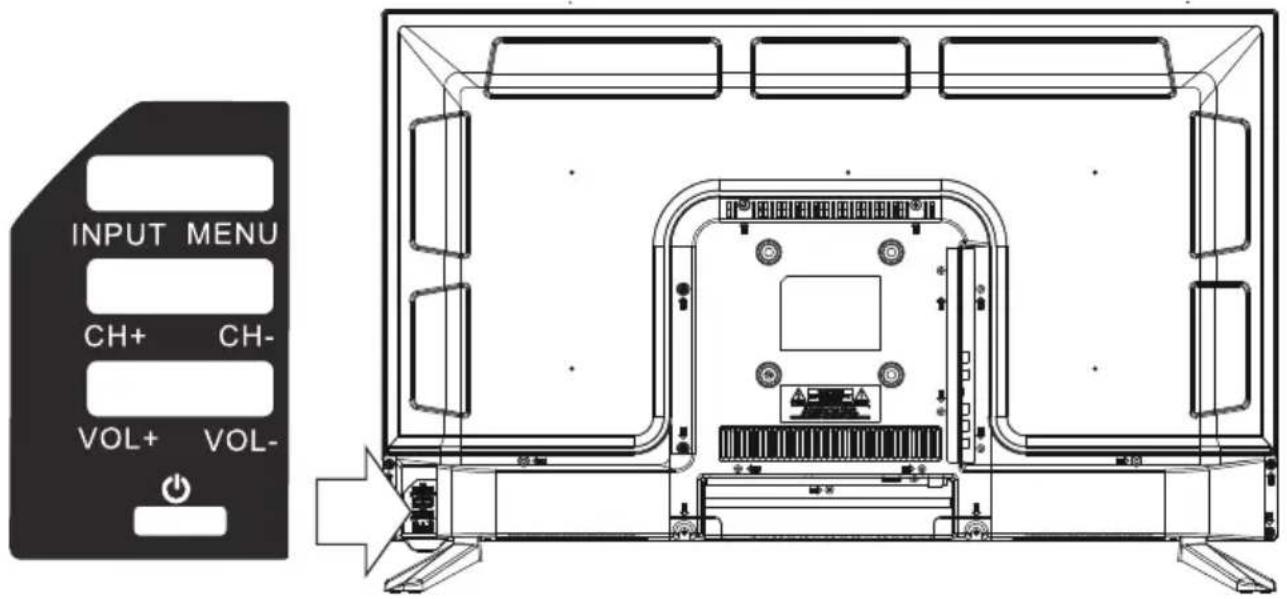
Power On/Off ② VOL- ③ VOL+ VOL +/-: adjust volume ④ CH- ⑤ CH+ CH +/-: select channel Input or output from ⑥ MENU (Use CH+/- to select items, VOL +/- to adjust. ⑦ INPUT Source selection.
General description
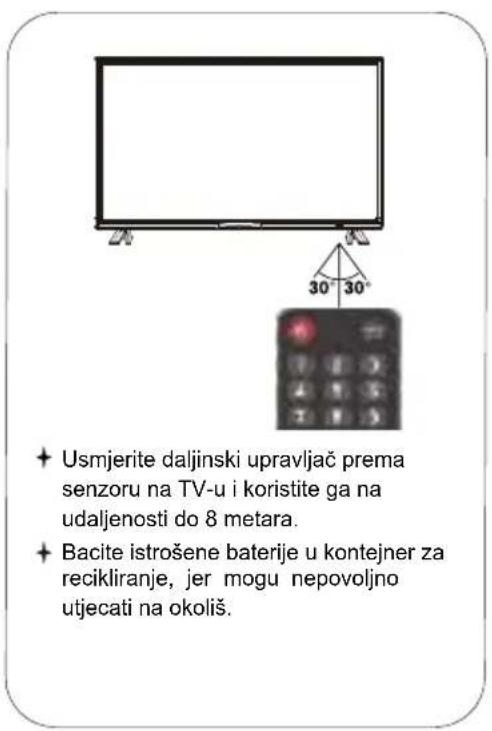
NOTES:
· Once installed, batteries will last about 1 year under normal usage conditions. - If you do not intend to use the remote control for an extended period, remove the batteries to avoid damage from leakage. Do not mix old and new batteries. Batteries (battery pack or installed batteries) should not be exposed to excessive heat such as sunlight, fire, or similar.
The antenna input impedance of this device is 75 ohms. A VHF/UHF 75-ohm coaxial cable can be connected directly to the antenna terminal. If the antenna cable is 300 ohms with parallel wire, you will need a 300-ohm/75-ohm connector to connect the antenna cable to the antenna terminal. For details, please see the illustration below.
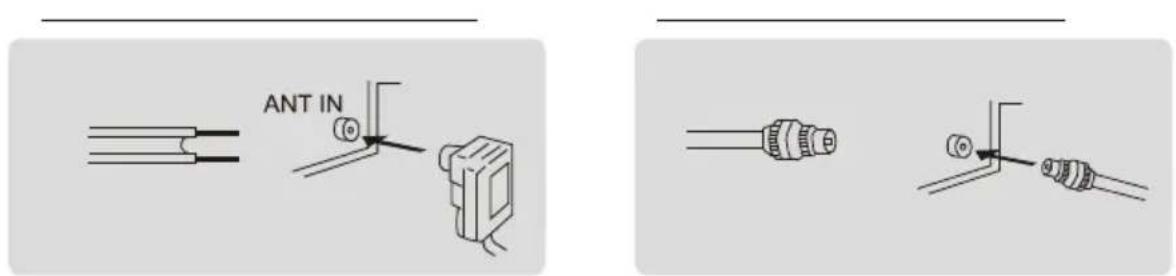
How to turn the TV on or off
- Plug the power cord into a polarized electrical outlet.
- If the TV is in standby mode, press the POWER button on the remote control or the power button on the bottom of the LED TV cabinet.
- The normal picture will appear on the screen after 15 seconds.
Next
Language
English

![12:33 AM, MUSIC, HKEY, ARTS, →Kam →Fai, →Kinh 2-, 11, Hi Reput File, OK 测试向, BLOGI MG, F5V, 146, 1535, N0V/, My Air Tru v, WG/ANG 1, [HD] Send Out., eN2 Sip, J-HD] HUA, 黄白带贴22, K宝第一队](/content/2026/06/1149900/images/bab2a222e052fa281a54b110356ff7cdc006d19ed27cb08b50850a4ef1c8dbcc.jpg)
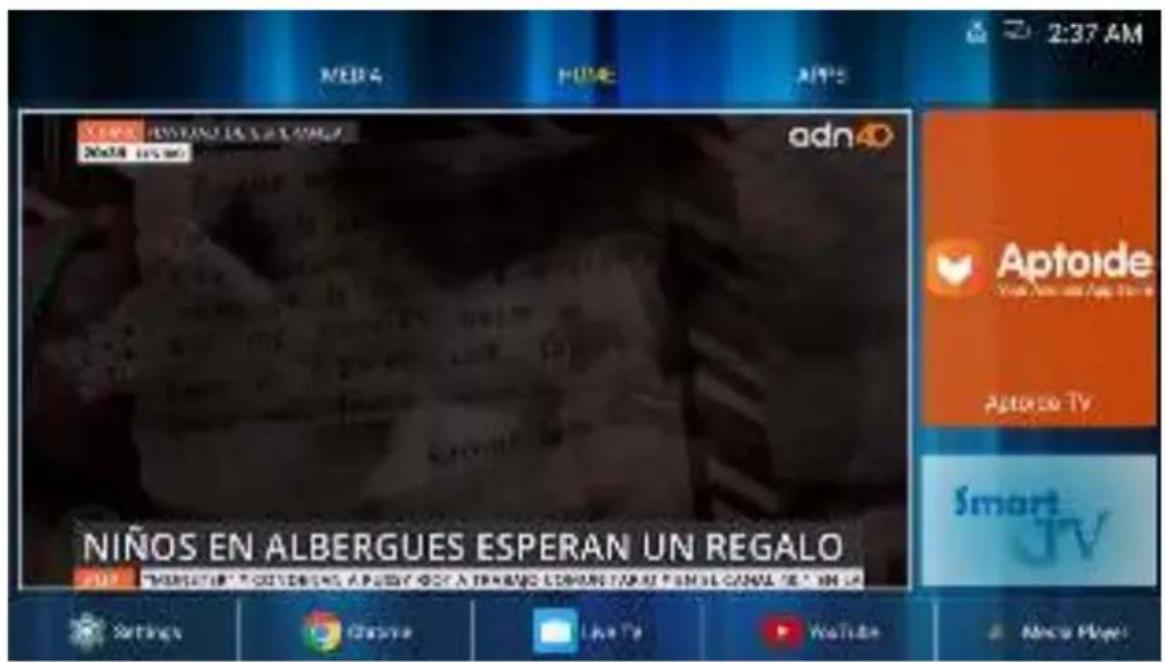
Home
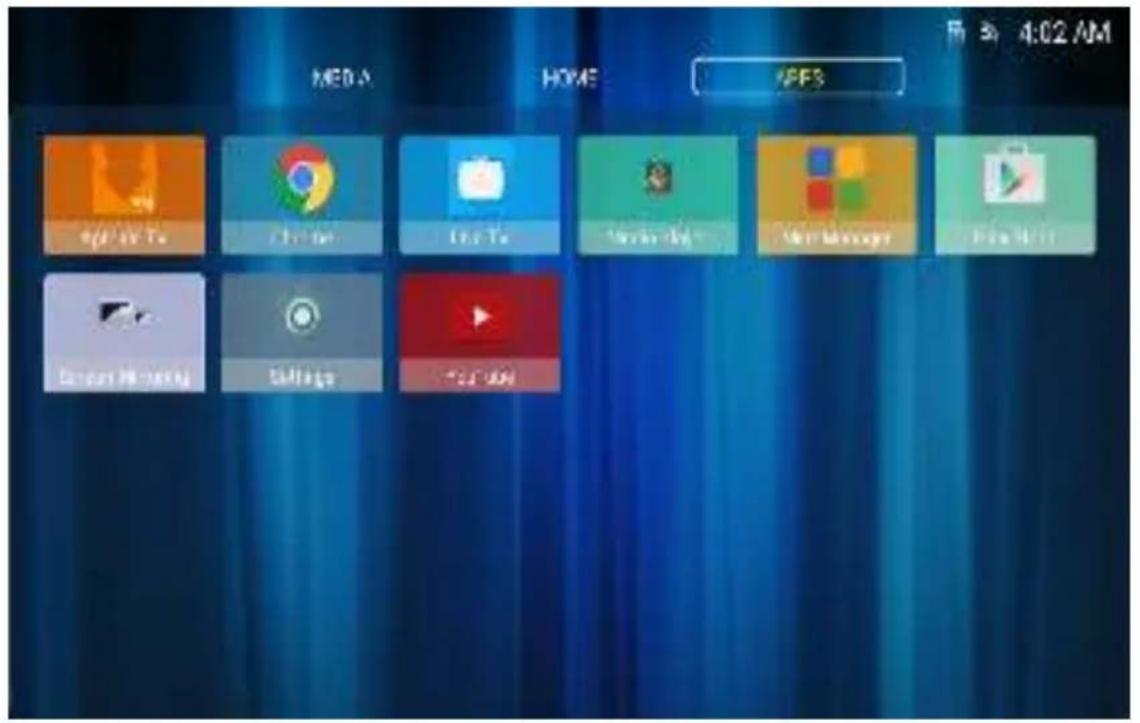

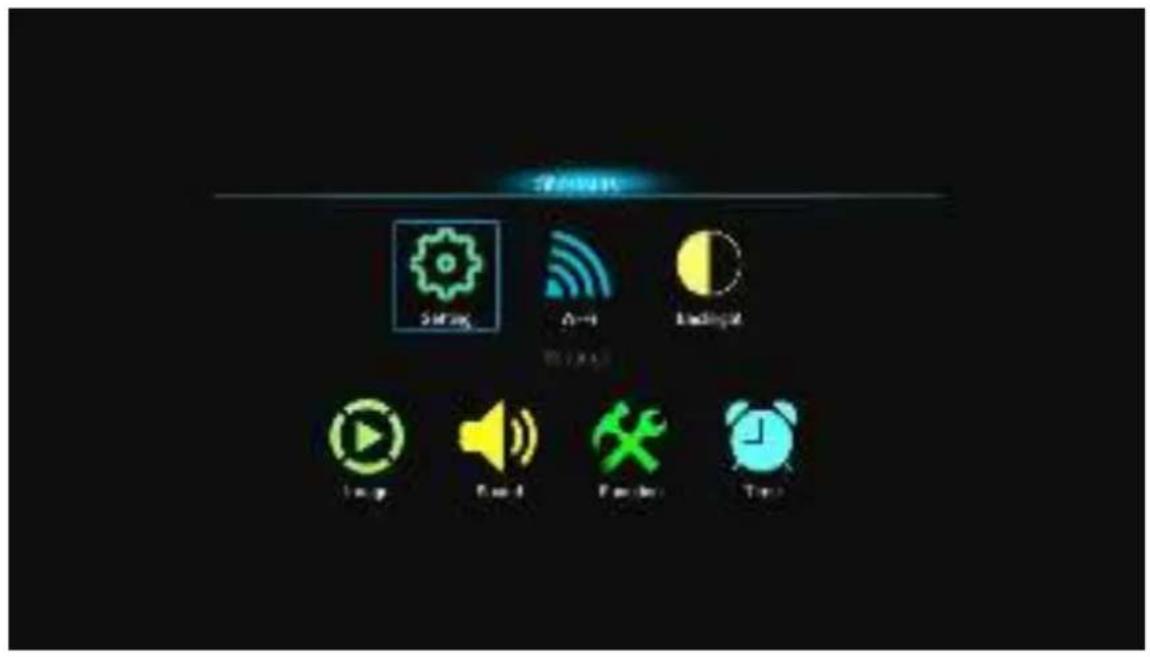
TV Menu
Settings Menu
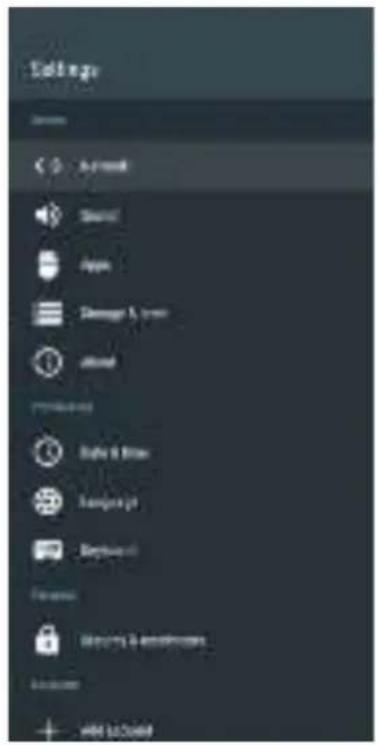
Sound
Security and Restrictions
Image
found
Channel
FUNCTION
Tire
Internal Mexico
Richard
Auto Volume
Surround
SICAR MIRI
Invest
1
[Unreadable]
09
FEB
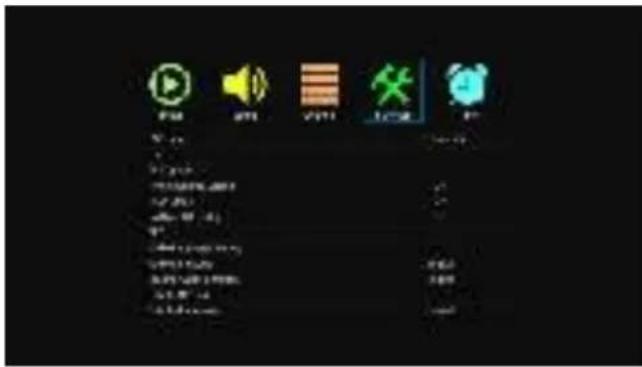
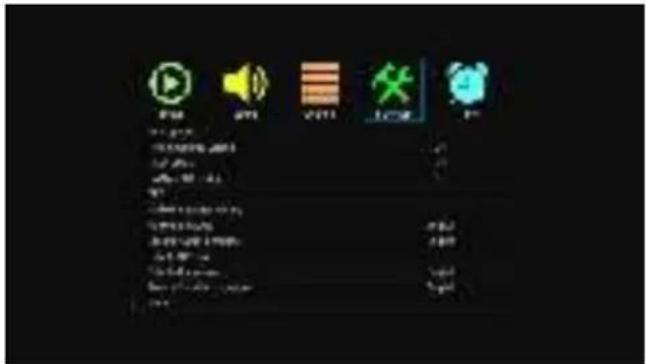
Locking
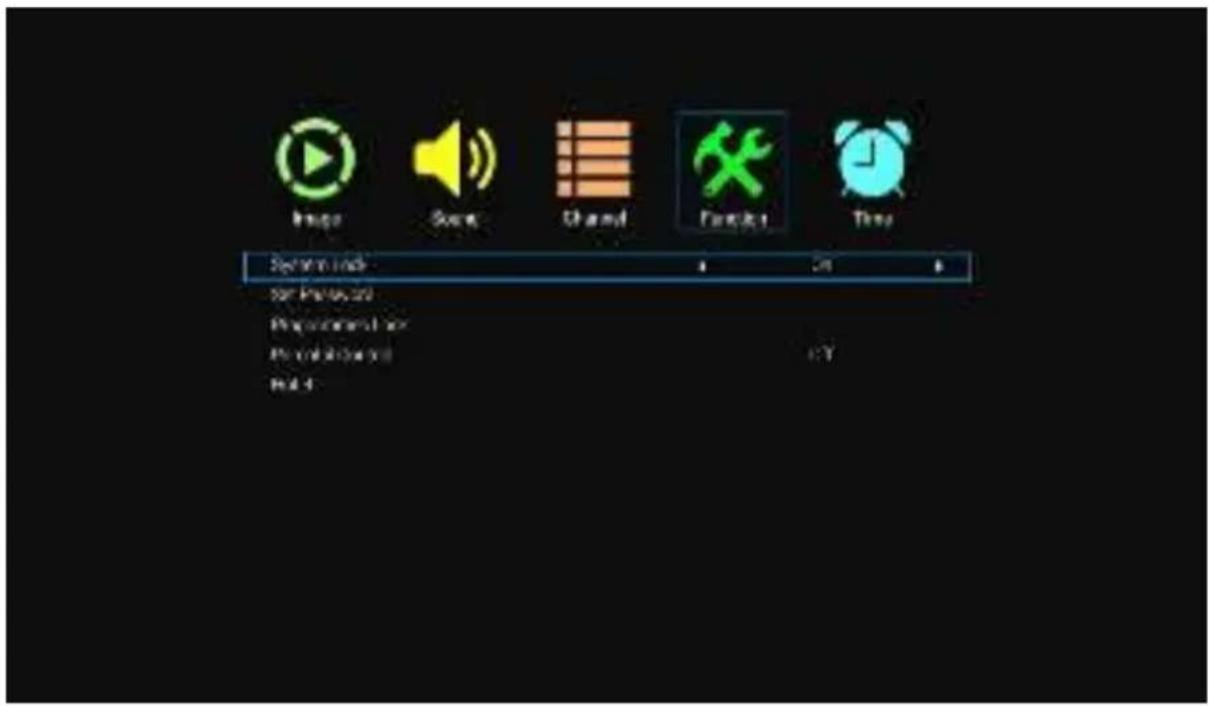
No Signal Standby - No signal in standby mode
CEC
Press the up/down buttons to select the CEC option. Press OK to enter the option. CEC (Consumer Electronics Control) is an HDMI function designed to allow the user to command and control up to 15 CEC-enabled devices, which are connected via HDMI ports, using only one of the remote devices.


- VOX
- ELECTRONICS
- ACCESSORIES
- INTRODUCTION
- FEATURES
- INPUT TERMINALS USED FOR EXTERNAL EQUIPMENT CONNECTION
- NOTES
- GENERAL DESCRIPTION
- OVERVIEW OF FRONT PANEL
- OVERVIEW OF BACK PANEL
- REMOTE CONTROL OUTLOOK & FUNCTION KEY DEFINITION
- WELCOME
- LANGUAGE
- WARNING
- IMPORTANT INFORMATION
- INPUT CONNECTORS FOR EXTERNAL CONNECTION
- SPECIFICATIONS
- NOTE
- HOW TO ATTACH THE STAND
- FRONT VIEW
- HOW TO TURN THE TV ON OR OFF
- HOME
- TV MENU
- SETTINGS MENU
- NO SIGNAL STANDBY - NO SIGNAL IN STANDBY MODE
- CEC
- WHEN NOT IN USE
- MAIN MENU
- SOUND
- STORAGE MEDIA AND RESET
- KEYBOARD
- SAFETY AND RESTRICTIONS
- IMAGE DISPLAY MODE
- SOUND MODE
- AUTOMATIC SEARCH
- TRANSITION TO STANDBY MODE WITHOUT SIGNAL
- WIRED NETWORK
- WIRELESS NETWORK
Brand : VOX
Model : 43ADS553B
Category : Television