Blast oceloteWorld - Speaker Ozone - Free user manual and instructions
Find the device manual for free Blast oceloteWorld Ozone in PDF.


User questions about Blast oceloteWorld Ozone
0 question about this device. Answer the ones you know or ask your own.
Ask a new question about this device
Download the instructions for your Speaker in PDF format for free! Find your manual Blast oceloteWorld - Ozone and take your electronic device back in hand. On this page are published all the documents necessary for the use of your device. Blast oceloteWorld by Ozone.
USER MANUAL Blast oceloteWorld Ozone
natural_image
3D rendering of a black and orange Ocelote-branded helmet with hexagonal mesh background (no text or symbols)USER MANUAL
natural_image
3D rendering of a black and orange headband with a metallic connector, against a black background (no text or symbols visible)it's all about evolution
FEATURES
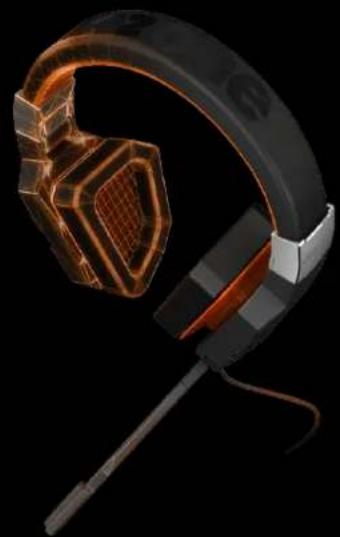
- Foldable USB virtual 7.1 gaming headset, compatible with PC & PS4.
- Quick mic on/off on mic boom with LED indicator.
- Button switch for volume +/- and speaker on/off on inline controller.
- LED lighting FX on earcups with exclusive oceloteWorld design.
BOX CONTENT
- Headphone with mic + inline controller with a USB connector.
INSTALLATION INSTRUCTIONS
- Before installation, please be sure to save other open applications and then exit, to avoid data loss after installation.
- Plug the USB cable of the headset into a free USB port on your PC. Download the driver from ozonegaming.com (see page 2 for instructions). Double-click "Setup.exe" to start installation. Follow the steps in the installation program.
- Reboot the system in the last step in order to complete the installation.
BLASTOCELOTE
BLAST OCELOTE DRIVER
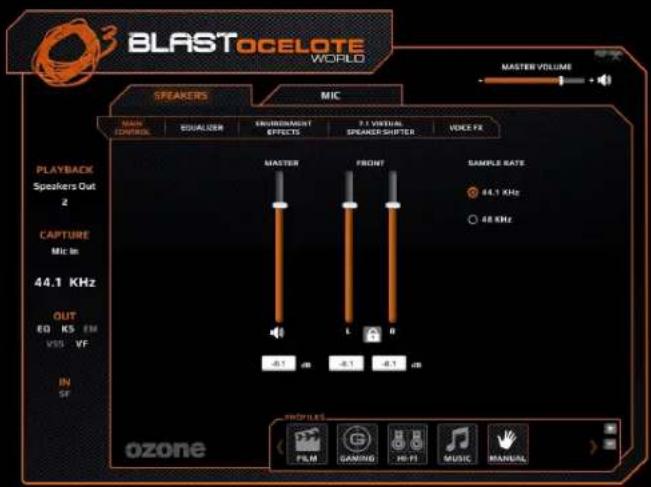
CONFIGURATION
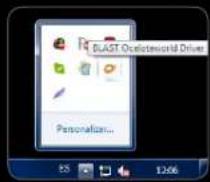
In the tray, click OZONE logo to pop-up the BLAST OCELOTE 7.1 Surround Panel
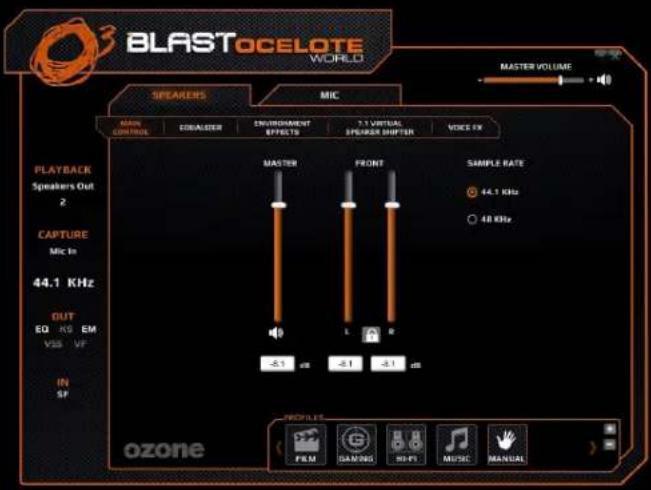
Customize your own setting via adjusting the functions within control panel: 1. MAIN CONTROL: You can adjust the Main Volume and sample Rate of both speakers and microphone.
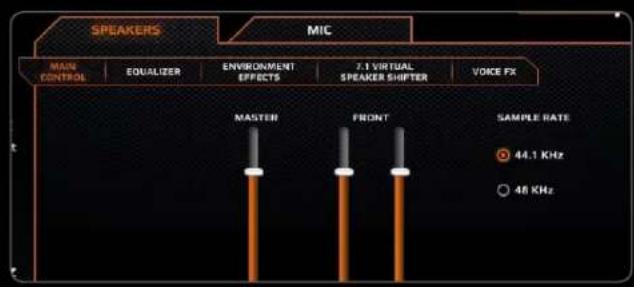
- EQUALIZER: Enable the Equalizer and set it up to your personal preference or use one of the predefined settings for the different game styles.
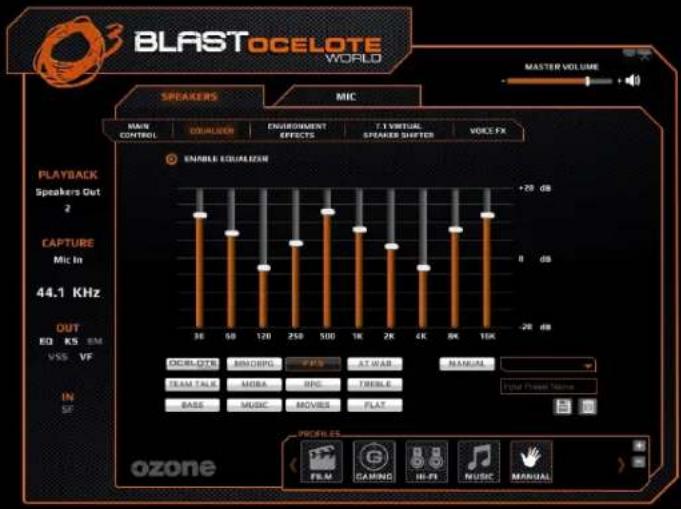
You can also save you own EQ settings and you will have them available under the "MANUAL" drop down menu.

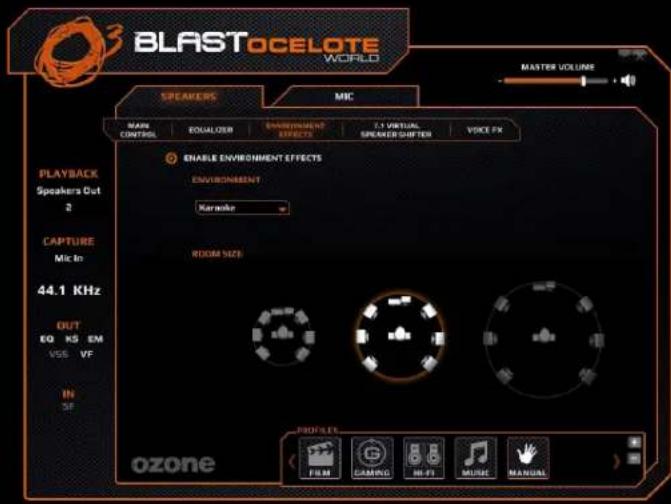
- ENVIRONMENT EFFECTS: Enable Environment Effects. Here you can set a Room size or use any of the environment effects from the drop down menu.
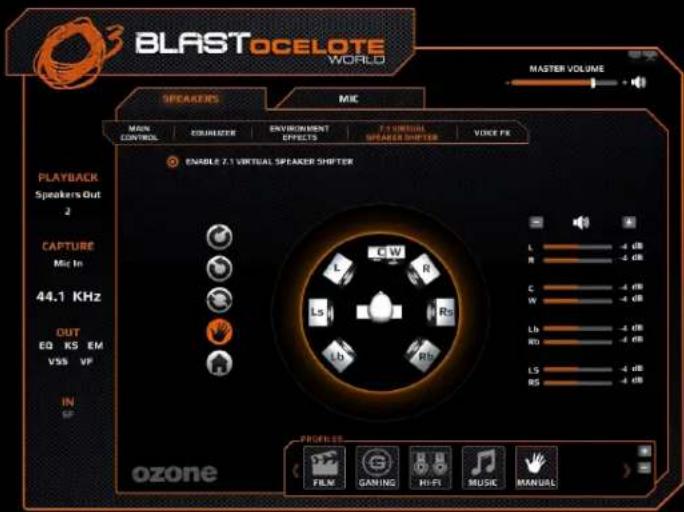
- 7.1 VIRTUAL SPEAKER SHIFTER: Move or rotate the speaker to fit your needs. You can also set the volume (dB) of each speaker separately.
- VOICE FX: You can enable Key Shifting to change the pitch of the voice on the speakers and also enable vocal fading.
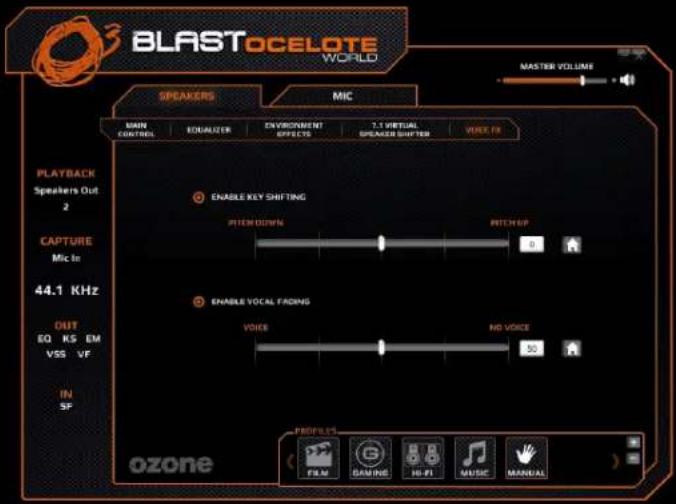
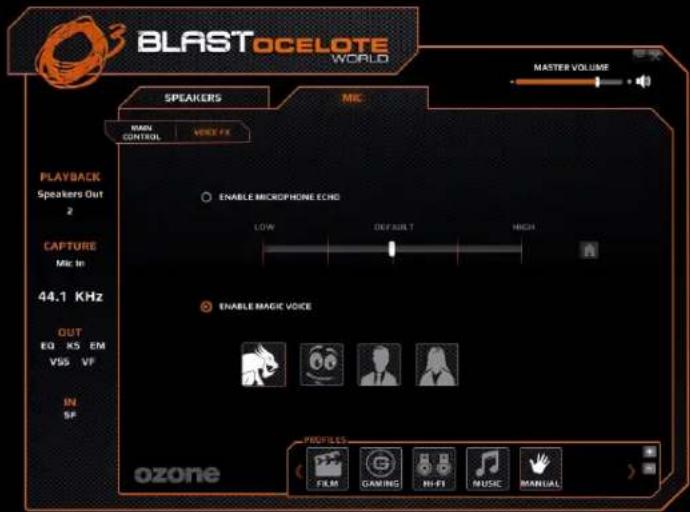
Voice FX is also available for the Mic where you can enable the microphone echo or set a Magic Voice effect (monster, cartoon, male or female).
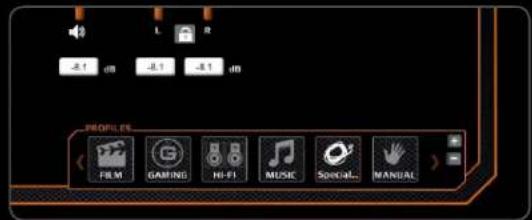
- PROFILES: You can use an existing predefined profile to change your settings.
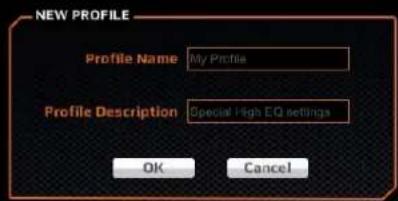
Or you can also create your own profile and add it to the profiles list in order to use it whenever you need it.
MIC-MUTE FUNCTION INLINE CONTROLLER
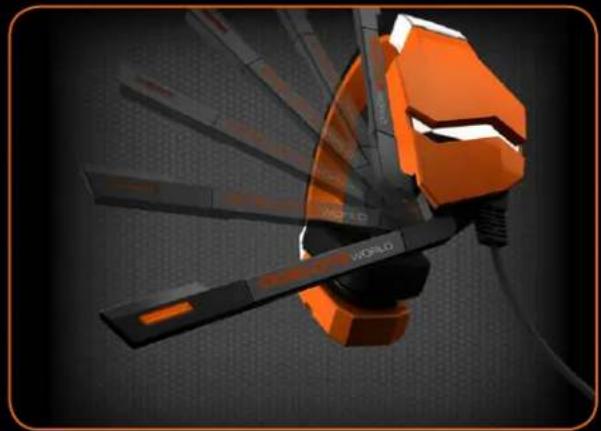
Auto-microphone on/off setting: Get your mic out of the way quickly and easily when you don't need it in the midst of battle. When the mic position is up it turns OFF automatically, when you move it down it automatically turns ON again.
natural_image
3D-rendered orange and black action button with 'WORLD' branding, no readable text or symbols beyond branding elementsAdjust the speaker volume (-/+) and reach speaker mute function easily via inline controller.
* Orange LED working mode on controller; static when in stand by mode and flashing when playing.
WEEE NOTICE:
Symbol for Separate Collection in European Countries. This symbol indicates that this product is to be collected separately. The following apply only to users in European countries:
- This product is designated for separate collection at an appropriate collection point. Do not dispose of as household waste.
- For more information, contact the retailer or the local authorities in charge of waste management.

ozone
it's all about evolution
www.ozonegaming.com