Classic Fusion Aerofusion Moonphase King Gold Diamonds 517.OX.018 - Watch HUBLOT - Free user manual and instructions
Find the device manual for free Classic Fusion Aerofusion Moonphase King Gold Diamonds 517.OX.018 HUBLOT in PDF.


| Product Type | Luxury Mechanical Chronograph Watch |
| Brand | Hublot |
| Model | Classic Fusion Aerofusion Moonphase King Gold Diamonds 517.OX.018 |
| Case Material | 18K King Gold (Hublot proprietary gold alloy) |
| Case Diameter | 45 mm |
| Case Thickness | 13.05 mm |
| Weight | Approx. 140 g |
| Movement | Automatic Mechanical (HUB 1900 caliber) |
| Power Reserve | Approximately 42 hours |
| Functions | Hours, minutes, small seconds, date, chronograph (12-hour counter, 30-minute counter), moonphase |
| Crown | Screw-down crown with Hublot logo |
| Crystal | Sapphire crystal with anti-reflective coating |
| Dial | Skeleton dial with diamond-set hour markers |
| Strap Material | Black rubber and black alligator leather strap |
| Strap Clasp | King Gold deployant buckle |
| Water Resistance | 50 meters (5 ATM) |
| Diamond Setting | Bezel set with diamonds (approx. 0.80 carats) |
| Care Instructions | Clean with soft cloth; avoid contact with chemicals; service every 3-5 years |
| Warranty | 2 years international warranty |
Frequently Asked Questions - Classic Fusion Aerofusion Moonphase King Gold Diamonds 517.OX.018 HUBLOT
User questions about Classic Fusion Aerofusion Moonphase King Gold Diamonds 517.OX.018 HUBLOT
0 question about this device. Answer the ones you know or ask your own.
Ask a new question about this device
Download the instructions for your Watch in PDF format for free! Find your manual Classic Fusion Aerofusion Moonphase King Gold Diamonds 517.OX.018 - HUBLOT and take your electronic device back in hand. On this page are published all the documents necessary for the use of your device. Classic Fusion Aerofusion Moonphase King Gold Diamonds 517.OX.018 by HUBLOT.
USER MANUAL Classic Fusion Aerofusion Moonphase King Gold Diamonds 517.OX.018 HUBLOT
"Aerofusion Moonphase"
INSTRUCTION MANUAL

HUBLOT
natural_image
Luxury wooden watch with a detailed mechanical gear design, set against a starry space background (no text or symbols visible)Hublot_Moonphase_PROD_EN.indd 2 29.07.15 08:43
MOVEMENT & FUNCTIONS
INTRODUCTION
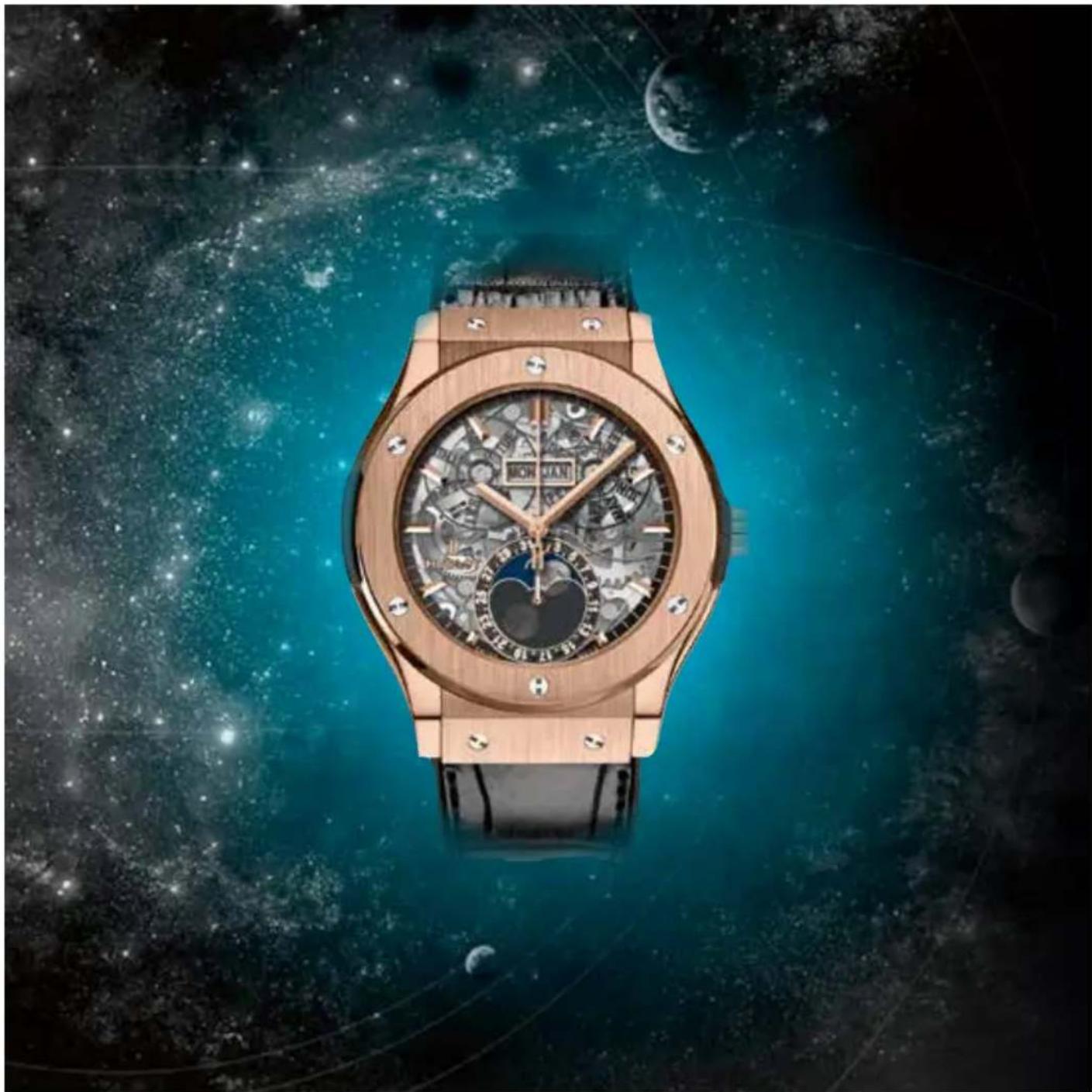
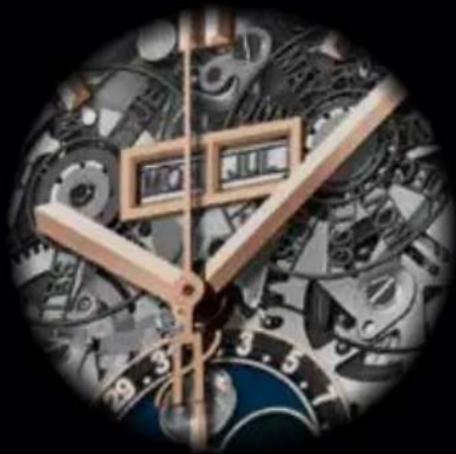
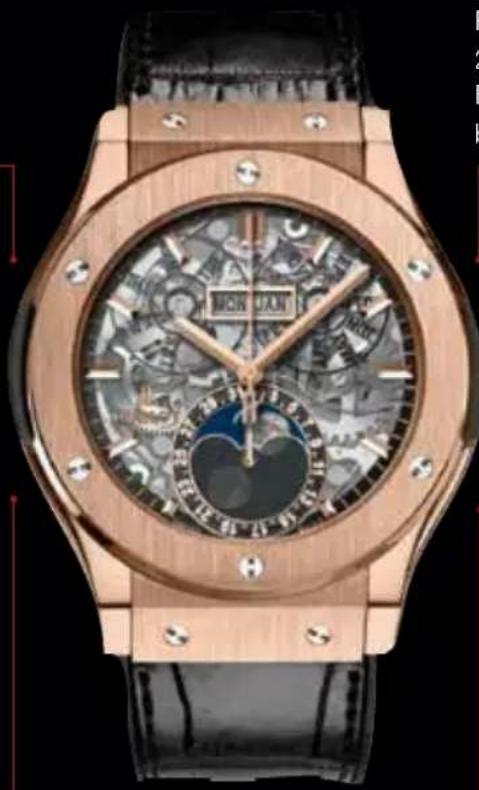
This is a watch with a bold personality, providing a spectacle in full relief through its transparent sapphire dial. The CLASSIC FUSION AEROMOON is a skeleton watch featuring contemporary architecture and a full calendar displaying the moon phases, as well as simple date, day and month indicators.
natural_image
Circular mechanical clock face with abstract gear and watchstrokes, no visible text or symbols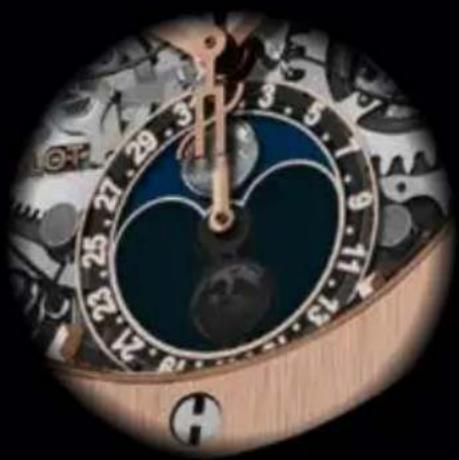
natural_image
Close-up of a wooden analog clock face showing time approximately 24:35, with no visible text or symbols beyond clock numerals.Commanding a central position, the moon phase serves as a reminder that, long before time was measured in hours, minutes and seconds, the moon was used to track the passage of time. Hublot has revisited this complication, dressing it in lunar greys for a modern, stylish twist. The lunar cycle is reproduced in a large, round 13 mm diameter window at 6 o'clock. The two alternating moons are visible thanks to the partially dulled sapphire. This disc completes one revolution (every 29.5 days) over two lunar months, and is driven by a 59-tooth wheel which advances one notch every 24 hours.
USING THE CALENDAR
natural_image
Close-up of a luxury wristwatch with ornate black and gold casing, featuring a mechanical gear and textured interior (no visible text or symbols)Corrector tool
natural_image
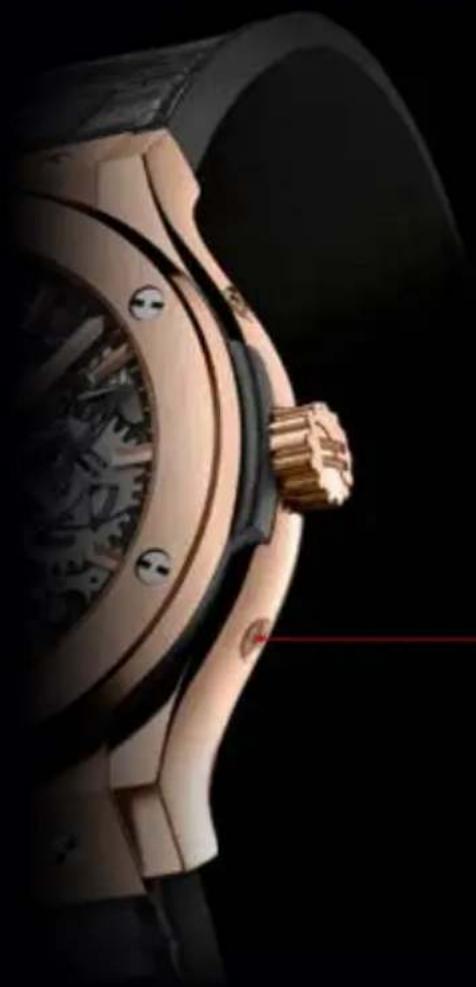
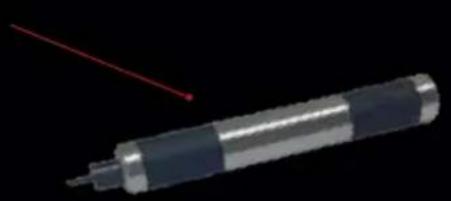
Close-up of a metallic cylindrical device with a red laser pointer and a small protrusion on top (no text or symbols visible)The day, date, month and moon phase can be corrected by pressing on the correctors on the sides of the watch, using the corrector tool supplied with your watch.
There are four built-in correctors on each side of the watch case, for setting the calendar.
DAY SETTING
Press on the corrector at 10 o'clock.
Each press turns the disc by one day.
DATE SETTING
Press on the corrector at 8 o'clock.
Each press turns the hand by one day.
For months less than
31 days, repeat this
procedure to reach the
1 ^st day of the month.
natural_image
Close-up of a luxury watch with wooden frame and abstract mechanical patterns (no readable text or symbols)MONTH SETTING
Press on the corrector at 2 o'clock.
Each press turns the disc by one month.
Time-setting position

Winding position
MOON PHASE SETTING
Press on the corrector at 4 o'clock.
Each press turns the disc by one day.
SETTING INSTRUCTIONS
- Before setting, turn the crown clockwise (position 0).
After approximately 30 turns of the crown, the watch will be able to measure to operate automatically thanks to your wrist movements. - Pull the crown out to position 1, and then turn the hands clockwise until the date changes.
The watch will indicate midnight.
Continue turning to position the hands to 3 o'clock (a.m.). - Press the corrector at 4 o'clock several times until the full moon appears in the centre of the aperture (at 6 o'clock).
To perform the setting correctly, use the lunar calendar at the end of the instruction manual, in order to calculate the number of days elapsed since the last full moon.
Then press the corrector the same number of times as the days elapsed since the last full moon. - Press the corrector at 2 o'clock several times until the month preceding the current month is displayed.
- Press the corrector at 8 o'clock several times until the desired date and month are displayed.
- Press the corrector at 10 o'clock several times until the desired day is displayed.
- Turn the hands clockwise to the desired time (position 1).
Then press the crown back into the 0 position. The movement will restart.
LUNAR CALENDAR (UTC\*)
Indicating the full moon dates
2015
5 January
3 February
5 March
4 April
4 May
2 June
2 July
31 July
29 August
28 September
27 October
25 November
25 December
2016
24 January
22 February
23 March
22 April
21 May
20 June
19 July
18 August
16 September
16 October
14 November
14 December
2017
12 January
11 February
12 March
11 April
10 May
9 June
9 July
7 August
6 September
5 October
4 November
3 December
2018
2 January
31 January
2 March
31 March
30 April
29 May
28 June
27 July
26 August
25 September
24 October
23 November
22 December
2019
21 January
19 February
21 March
19 April
18 May
17 June
16 July
15 August
14 September
13 October
12 November
12 December
2020
10 January
9 February
9 March
8 April
7 May
5 June
5 July
3 August
2 September
1 October
31 October
30 November
30 December
INSTRUCTION MANUAL
WARRANTY
The card at the end of your Hublot kit is an electronic warranty certificate, which contains your watch's identity code and also grants you privileged access to the Hublotista area on the Hublot website (www.hublot.com). The card must be activated electronically, or completed, and the Hublot stamp applied.
Each Hublot watch bears an individual identification number, which proves its authenticity. Your Hublot watch is guaranteed against all manufacturing defects for a period of two years from the date of purchase, provided that the watch was purchased from a Hublot approved retailer. However, this warranty does not cover damage caused by misuse or mishandling of the watch.
For any repair during the warranty period, please enclose with the watch the pre-activated warranty card signed by a Hublot approved retailer, an exhaustive list of which can be found on our website.
Should the watch require any kind of servicing, please contact a Hublot approved retailer or the After-Sales Service only, the contact details of which can be found on the Hublot website.
Any repairs or servicing carried out by third parties not approved by Hublot will automatically invalidate your warranty; in which case, any damage will be repaired at your expense.

natural_image
Two white diagonal lines on a black background, no text or symbols presentHublot_Moonphase_PROD_EN.indd 9 29.07.15 08:43
line
| X | Y1 | Y2 | |----|-----|-----| | 0 | 0 | 0 | | 1 | 1 | 0 | | 2 | 0 | 1 | | 3 | 0 | 0 |www.hublot.com
Brand : HUBLOT
Model : Classic Fusion Aerofusion Moonphase King Gold Diamonds 517.OX.018
Category : Watch