280T - Video projector Mimio - Free user manual and instructions
Find the device manual for free 280T Mimio in PDF.


User questions about 280T Mimio
0 question about this device. Answer the ones you know or ask your own.
Ask a new question about this device
Download the instructions for your Video projector in PDF format for free! Find your manual 280T - Mimio and take your electronic device back in hand. On this page are published all the documents necessary for the use of your device. 280T by Mimio.
USER MANUAL 280T Mimio
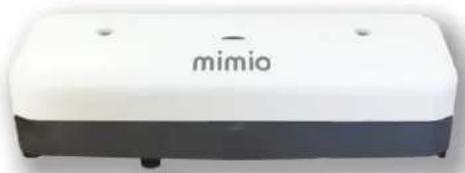
Laser Curtain Module powers directly from the projector turning your whiteboard into an interactive touch board.
natural_image
White and black electronic device labeled 'mimio' (no additional text or symbols visible)Multi-Styli and 10-Point Touch\*
Includes two passive styli. You can use up to ten-interactive points, finger or stylus, at the same time. Multiple students can work simultaneously at the board.

natural_image
Two white cylindrical objects with rounded ends, resembling laboratory test tubes or pipettes (no text or symbols visible)*Multi-point interactivity functionality only available for Windows 7 and 8.
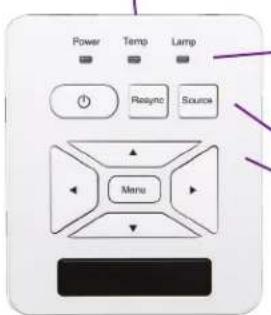
Control Panel Status Lights
Power - Turn the projector on and off. Resync - Adjusts analog signal timing if there is a change in display resolution. Source - Select the input signal.
Menu - Opens projector menu. Use arrows to navigate through choices.
Remote Control
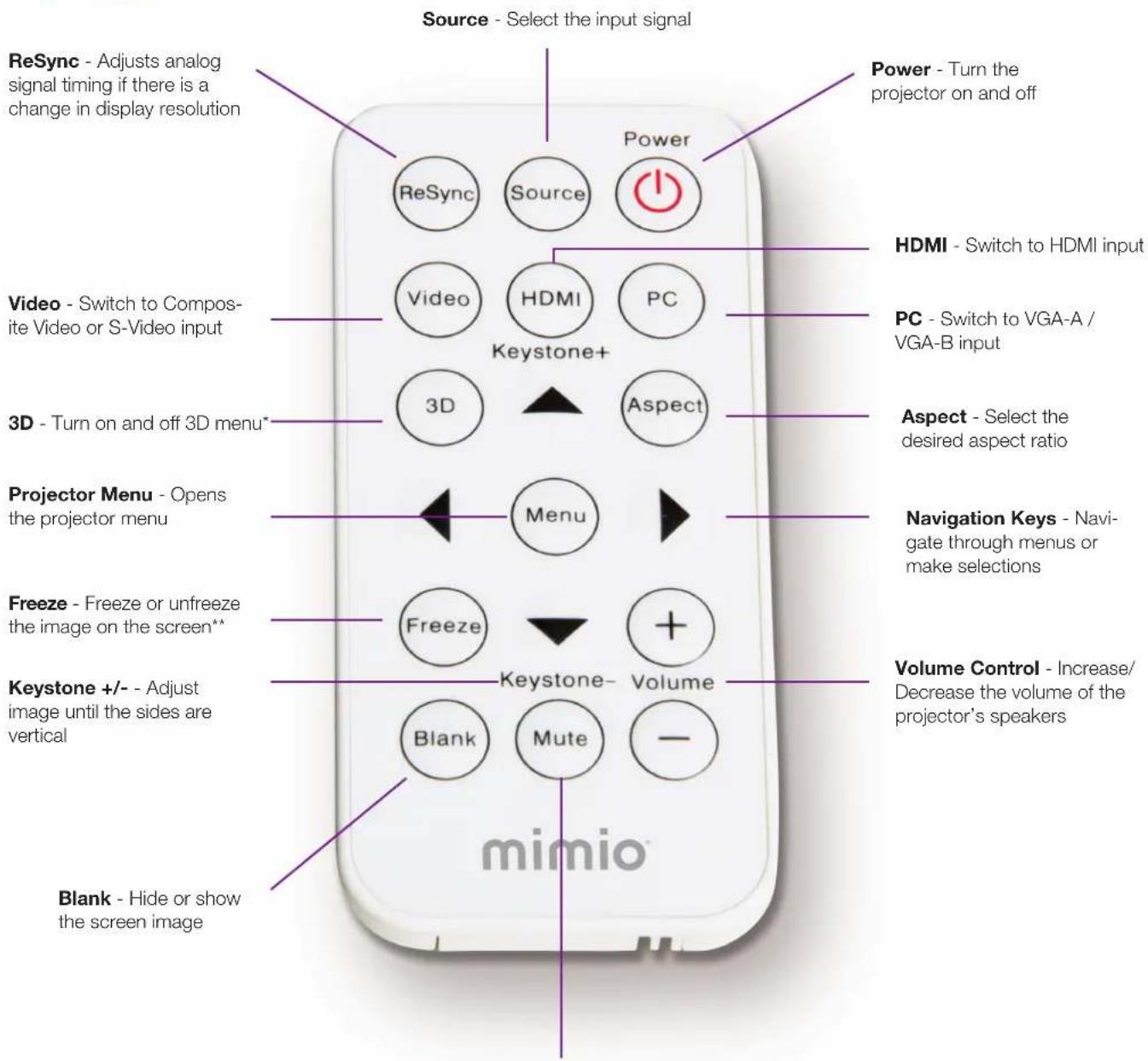
Mute - Mute the projector's audio
*Mimio does not provide 3D content; DLP Link 3D and HDMI 1.4a 3D supported.
**Interactive projector is still active when screen is frozen.