SHARP VC-H851S - VCR

VC-H851S - VCR SHARP - Free user manual and instructions

Find the device manual for free VC-H851S SHARP in PDF.
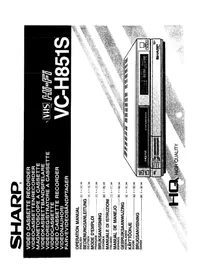
📄 28 pages English EN Download 💬 AI Question 10 questions ⚙️ Specs
Notice SHARP VC-H851S - page 1
Pick your language and provide your email: we'll send you a specifically translated version.
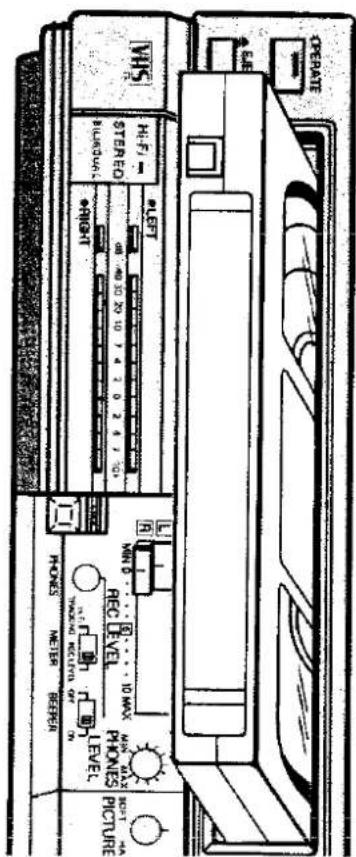
Product Type VHS Video Cassette Recorder
Brand Sharp
Model VC-H851S
Dimensions (approx.) 430 mm x 95 mm x 275 mm (16.9 in x 3.7 in x 10.8 in)
Weight Approximately 3.5 kg (7.7 lbs)
Power Supply AC 220-240V, 50/60 Hz
Power Consumption Approximately 20 W (standby: 5 W)
Video Heads 4-head helical scan system
Recording System VHS format (NTSC/PAL)
Timer Functions 1-year/8-event programmable timer
Special Effects HQ (High Quality), Auto Tracking, Still/Slow Motion
Connections RF antenna input/output, RCA audio/video input/output
Remote Control Infrared remote control included
Head Cleaner Automatic or manual (wet cleaning recommended every 500 hours)
Safety Features Auto shut-off, tape end protection, child lock
Accessories Remote control, RF cable, RCA cable, user manual

Frequently Asked Questions - VC-H851S SHARP

How do I connect the Sharp VC-H851S to my TV?
Connect the VCR to your TV using either the RF coaxial cable (to antenna input) or the RCA composite cables (yellow video, red/white audio) to corresponding inputs. Then tune your TV to the VCR's output channel (usually CH3 or CH4) if using RF.
Why is my VCR not powering on?
First, check that the power cord is securely plugged into an active outlet. If using a power strip, ensure it is switched on. The VCR may also have a standby mode; press the POWER button on the unit or remote. If still no power, try a different outlet.
How do I clean the VCR heads?
For best results, use a wet head cleaning cassette (e.g., isopropyl alcohol based). Insert it, press PLAY for 10–15 seconds, then eject. Avoid dry cleaners as they can be abrasive. Manual cleaning with swabs is also possible but requires opening the unit.
Can I record from one VCR to another?
Yes, connect the audio/video outputs of the source VCR to the audio/video inputs of the VC-H851S. Then press RECORD on the VC-H851S and PLAY on the source. Ensure both VCRs are set to the same video system (e.g., PAL).
What does the 'HQ' button do?
HQ (High Quality) improves the picture by reducing noise and enhancing sharpness. It is especially useful when recording at slower speeds (EP/SLP). Activate it via the remote or on-screen menu.
How do I program a timer recording?
Press TIMER on the remote, then set the date, start/end time, channel, and tape speed using the arrow keys. Confirm with OK. Make sure the clock is set correctly and a tape with safety tab intact is inserted.
Why is the tape stuck inside the VCR?
If a tape is stuck, try unplugging the VCR for 30 seconds, then plugging back in and pressing EJECT. If it doesn't eject, you may need to manually release the tape by turning the loading motor gear (under the bottom panel) with a screwdriver. Refer to the service manual.
Can I use the remote control from another brand?
It is possible if the remote is universal and can be programmed with Sharp codes. Common codes for Sharp VCRs are 084, 127, or 206. Check the universal remote's manual for programming instructions.
How do I set the clock on the VC-H851S?
Press SETUP or MENU on the remote, navigate to CLOCK SET, and use the number keys to enter the current date and time. Confirm with OK. The clock is crucial for timer recordings.
The picture has noise or static – how to fix?
Check all cable connections for looseness or corrosion. If using RF, fine-tune the TV channel. Enable Auto Tracking on the VCR. Clean the video heads as described. Also try a different tape to rule out tape damage.

User questions about VC-H851S SHARP

0 question about this device. Answer the ones you know or ask your own.

Ask a new question about this device

The email remains private: it is only used to notify you if someone responds to your question.

No questions yet. Be the first to ask one.

Download the instructions for your VCR in PDF format for free! Find your manual VC-H851S - SHARP and take your electronic device back in hand. On this page are published all the documents necessary for the use of your device. VC-H851S by SHARP.

USER MANUAL VC-H851S SHARP

This apparatus complies with requirements of BS 800 and EEC directive 82/499/EEC.

TOEBEHOREN

natural_image Illustration of a stylized bookshelf with books and a 'CROOK' sign, enclosed in a cloud-like frame (no readable text or symbols)
natural_image Cartoon illustration of a steaming refrigerator emitting smoke from a cloud-shaped device (no text or symbols)

SHARP VC-H851S - TOEBEHOREN - 1

natural_image Cartoon illustration of a car with a thought bubble showing a hand holding a pen, no text or symbols present

SHARP VC-H851S - TOEBEHOREN - 2

natural_image Cartoon illustration of a person flying away from a train under a cloud of clouds (no text or symbols)
natural_image Cartoon illustration of a person sleeping under a thought bubble, with no visible text or symbols
natural_image Cartoon illustration of a person falling into a cloud with a explosion or explosion (no text or symbols)

Onderhoud

zo gering mogellik is of geseel

natural_image Abstract black rectangle with white geometric patterns and a small arrow pointing right (no text or symbols)

SHARP VC-H851S - Onderhoud - 1

PICTURE HONDS METHB R836N NO TAKOCH METHB R10 F LEVEL R HONDS MAX MAX REC LEVEL 10 MAX MIN 0 HONDS METHB R836N NO TAKOCH METHB R10 F LEVEL REC LEVEL MIN 0 HONDS METHB R836N NO TAKOCH METHB R10 F LEVEL REC LEVEL MIN 0 HONDS METHB R836N NO TAKOCH METHB R10 F LEVEL REC LEVEL MIN 0 HONDS METHB R836N No TAKOCH METHB R10 F LEVEL REC LEVEL MIN 0 HONDS METHB R836N No TAKOCH METHB R10 F LEVEL REC LEVEL MIN 0 HONDS METHB R836N No TAKOCH METHB R10 F LEVEL REC Level

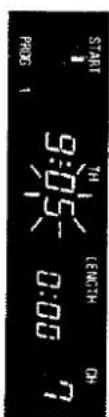
L 00:0 -50:6 HO H2ON31 H7 SIN PAG6

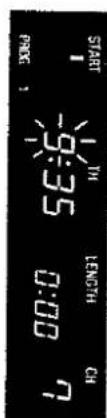
L 00:0 SE5 HO HONG1 HI START

RNGS STARD LENGTH ON

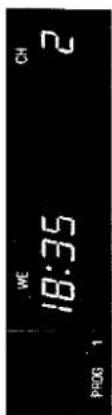
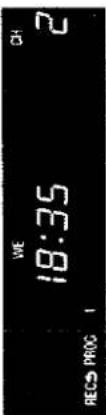
WE 18:35 PROG 1 CH 2

WE 18:35 2 RECS PROC 1

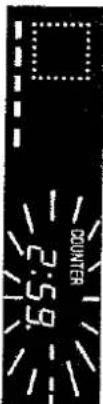
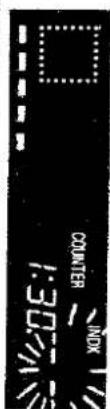
COUNTER 2:59.

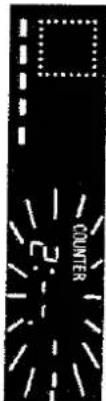
COUNTER 2: -

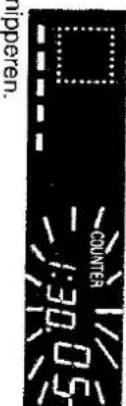
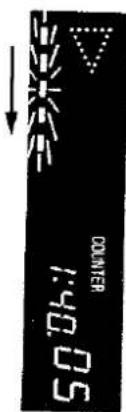
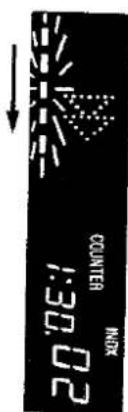
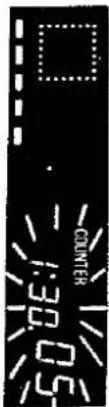
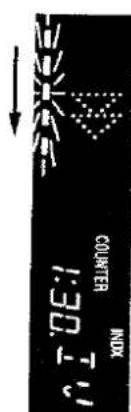
COUNTER 1:30.05 nipperen.

elkear korresponderen zal er

(C)INTRO-ZOEKFUNKTFIE

50 Oh:1 COUNTER

20'00:1 NOK COUNTER NOW

-50'OE:1 H3LN000

I:ED.I NUMBER INOX

„INDX --“ begin to knipperen.

0E:1 XON CONTINER

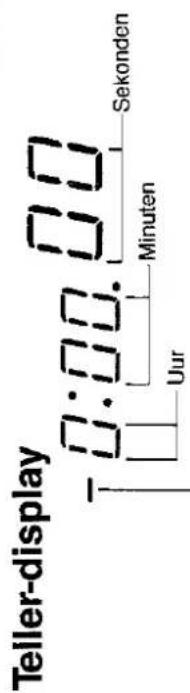
Teller-display 0:00.00 Uur Minuten Sekonden

flowchart
graph LR
    A["Step 1: Two hands in a loop"] --> B["Step 2: Two hands in a loop"]
    B --> C["Step 3: Two hands in a loop"]
    C --> D["Step 4: Two hands in a loop"]

ENDE

SHARP VC-H851S - SHARP SUPER SEARCH - 2

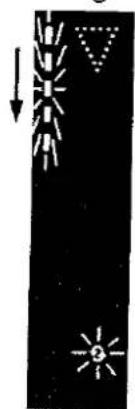
natural_image Simple black-and-white diagram showing sun, rays, and triangle shapes (no text or symbols)

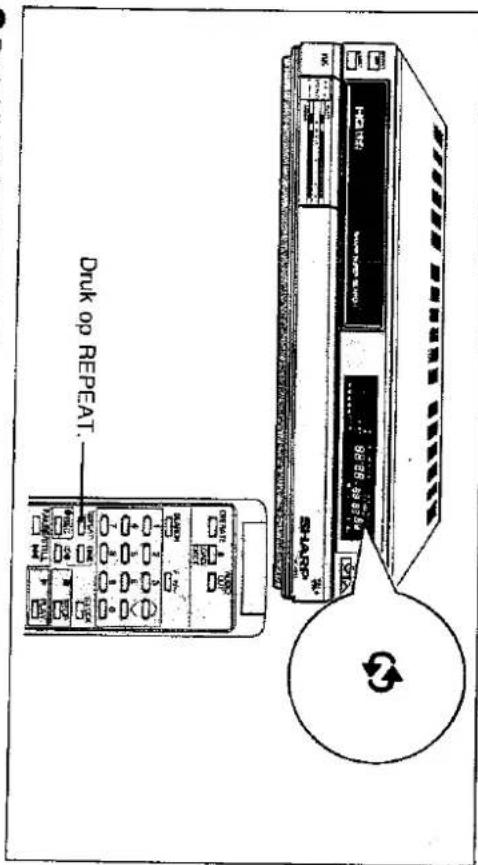
Druck op REPEAT. SHAR 12.00 00:00:00 12.00 00:00:00 12.00 00:00:00 12.00 00:00:00 12.00 00:00:00 12.00 00:00:00 12.00 00:00:00 12.00 00.00:00 12.00 00.00:00 12.00 00.00:00 12.00 00.00:00 12.00 00.00:00 12.00 00.00:00 12.00 00.00:00 12.58 98:38 12.58 98:38 12.58 98:38 12.58 98:38 12.58 98:38 12.58 98:38 12.58 98:38 12.58 98:38 12.58 98:38 12,58 98:38 12,58 98:38 12,58 98:38 12,58 98:38 12,58 98:38 12,58 98:38 12,58 98:38 12,58 98:38 12,58 69:39 12,58 69:39 12,58 69:39 12,58 69:39 12,58 69:39 12,58 69:39 12,58 69:39 12,58 69:39 12,58 69:39 12.58 69:39 12,58 69:39 12,58 69:39 12,58 69:39 12,58 69:39 12,58 69:39 12,58 69:39 12,58 69:39 12,58 74:34 12,58 74:34 12,58 74:34 12,58 74:34 12,58 74:34 12,58 74:34 12,58 74:34 12,58 74:34 12,58 74:34 12.58 74:34 12,58 74:34 12,58 74:34 12,58 74:34 12,58 74:34 12,58 74:34 12,58 74:34 12,58 74:34 12,58 69:39 12,58 69:39 12,58 69:39 12,58 69:39 12,58 69:39 12,58 69:39 12,58 69:39 12,58 69:39 12, 12, 12, 12, 12, 12, 12, 12, 12, 12, 12, 12, 12, 12, 12, 12, 12, 12, 12, 12, 12, 12, 12, 12, 12, 12, 12, 12, 12, 12, 12, 12, 12, 12, TSHAR

natural_image Pure black background with a small white square and three small white squares below (no text or symbols)
natural_image Pure black rectangle with a small white vertical line at the bottom-left corner (no text or symbols)
Table of contents Click a title to access it
Manual assistant
Powered by Anthropic
Waiting for your message
Product information

Brand : SHARP

Model : VC-H851S

Category : VCR