Variable NDX Filter 82mm - Flash Kenko - Free user manual and instructions
Find the device manual for free Variable NDX Filter 82mm Kenko in PDF.


| Product Type | Variable Neutral Density (ND) Filter |
| Brand | Kenko |
| Model | Variable NDX Filter 82mm |
| Filter Size | 82mm |
| Density Range | ND2 to ND400 (1 to 9 stops) |
| Optical Construction | Multi-coated glass elements |
| Material | High-quality optical glass, aluminum alloy frame |
| Weight | Approximately 30 g |
| Thread Type | Standard filter thread |
| Rotation Angle | 180 degrees (from minimum to maximum density) |
| Power Source | None (passive optical device) |
| Main Functions | Adjustable light transmission, reduced shutter speed for motion blur, wider aperture in bright conditions, depth-of-field control |
| Cleaning and Maintenance | Use a soft microfiber cloth and lens cleaning solution; avoid touching glass surface with fingers |
| Safety Precautions | Do not force rotation; protect from impacts and scratches; store in a padded case |
| Compatibility | Lenses with 82mm filter thread |
| Included Accessories | Filter pouch, cleaning cloth |
| Spare Parts and Repairability | Not user-serviceable; replace if damaged |
Frequently Asked Questions - Variable NDX Filter 82mm Kenko
User questions about Variable NDX Filter 82mm Kenko
0 question about this device. Answer the ones you know or ask your own.
Ask a new question about this device
Download the instructions for your Flash in PDF format for free! Find your manual Variable NDX Filter 82mm - Kenko and take your electronic device back in hand. On this page are published all the documents necessary for the use of your device. Variable NDX Filter 82mm by Kenko.
USER MANUAL Variable NDX Filter 82mm Kenko
Just turn the outer filter ring
Variable NDX
For information of other language than English, please visit our web-site of following URL. http://www.kenkoglobal.com/ndx
Contents
4 Newly Developed Unique Design
5 Easy to Operate / Easy Framing / Easy Focus
6 Polarizing Effect Cancellation / DMC - Digital Multi-Coated
7 Avoid Vignetting
8 The Benefits of Having a Depolarization Plate
9 Exposure Values Chart
10 For Longer Exposures
12 For Wider Apertures
14 Prevents Overexposure / Highlight Clipping
16 For HDSLR MOVIES
18 Safety Precautions
19 Structural Weakness - Color Shift / Upkeep
Newly Developed Unique Design
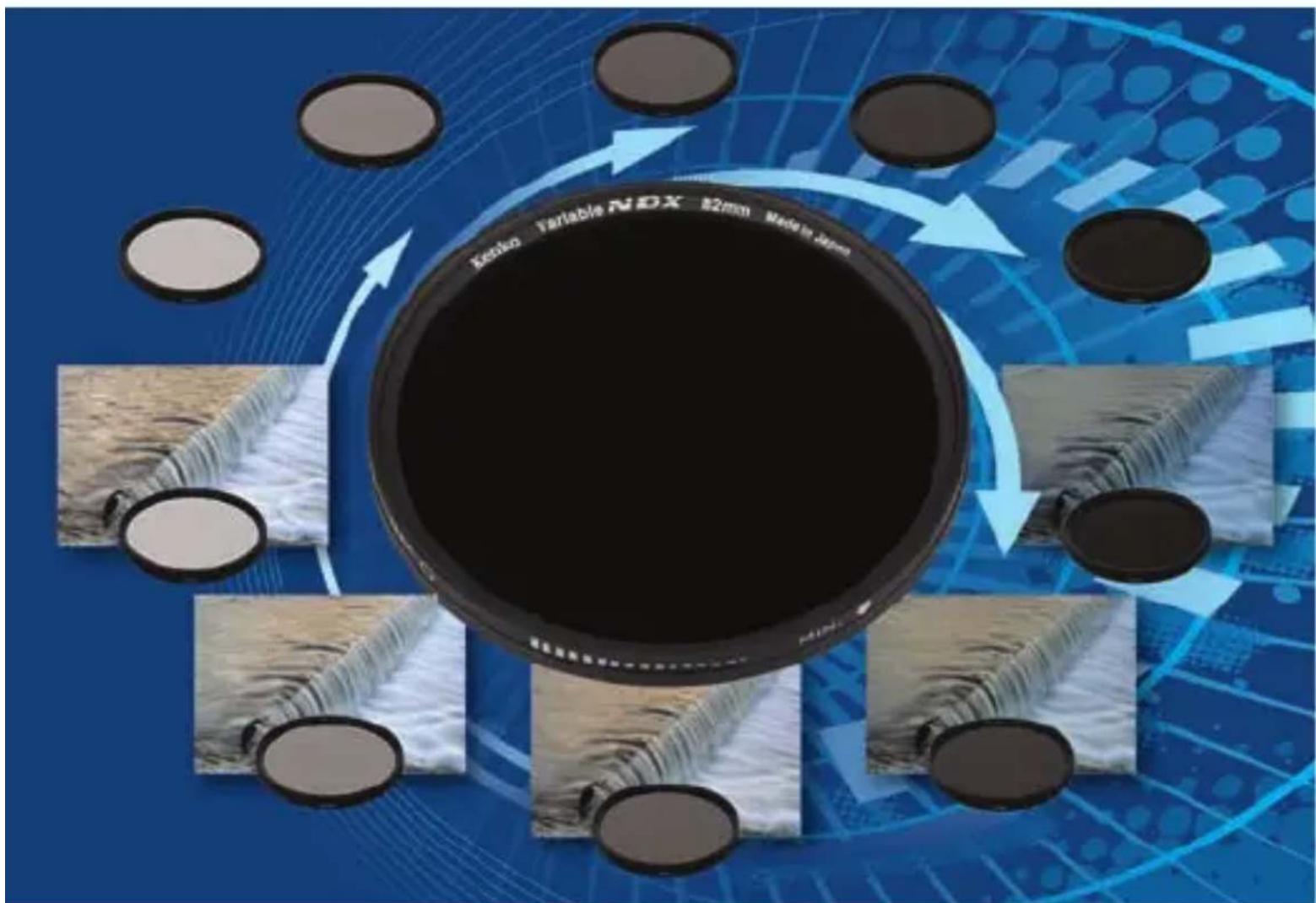
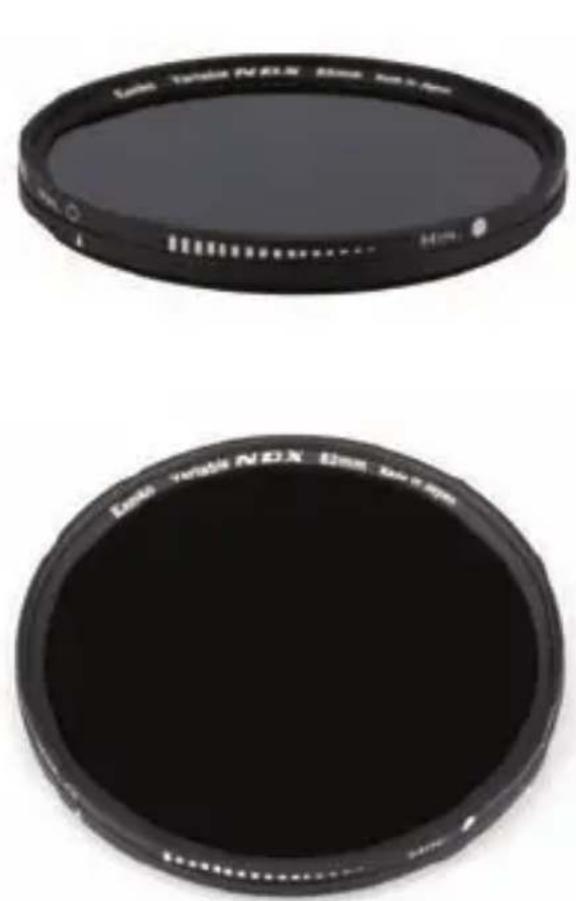
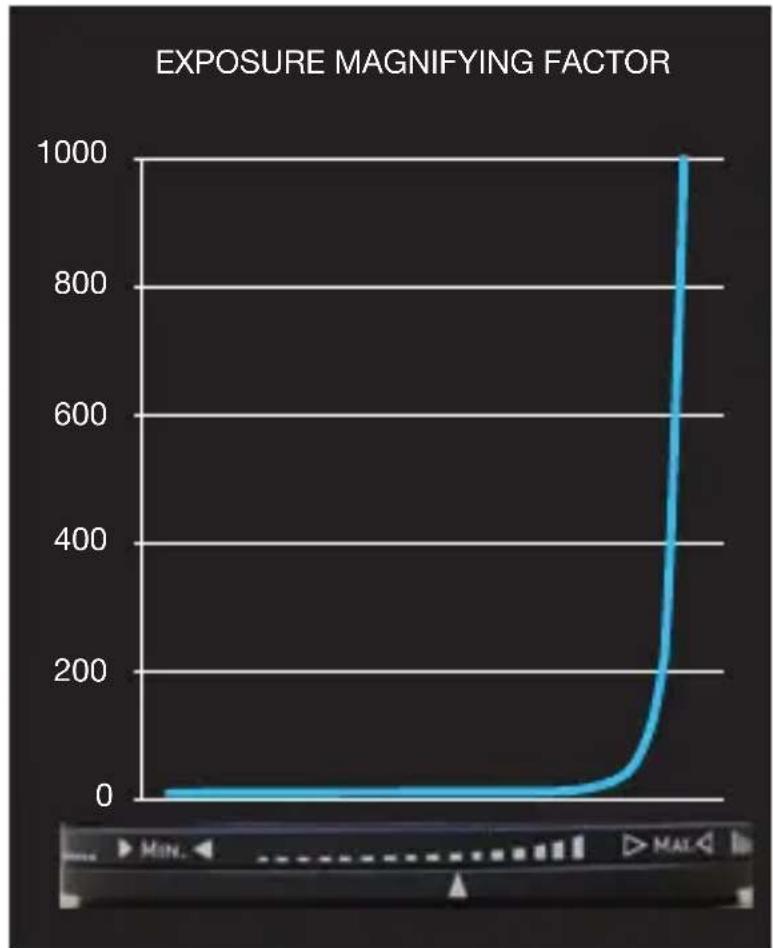
Kenko's uniquely designed variable neutral density filter provides the equivalent brightness range of ND 2.5 to ND 1,000. (practical use being up to ND450).
line
| Exposure Magnifying Factor | Value | | -------------------------- | ----- | | 0 | 0 | | 100 | 0 | | 200 | 0 | | 300 | 0 | | 400 | 0 | | 500 | 0 | | 600 | 0 | | 700 | 0 | | 800 | 0 | | 900 | 0 | | 1000 | 1000 |Easy to Operate / Easy Framing / Easy Focus
With a tripod mounted camera, use the brightest setting for framing and focus and then increase the density to your desired level by simply turning the outer filter ring.
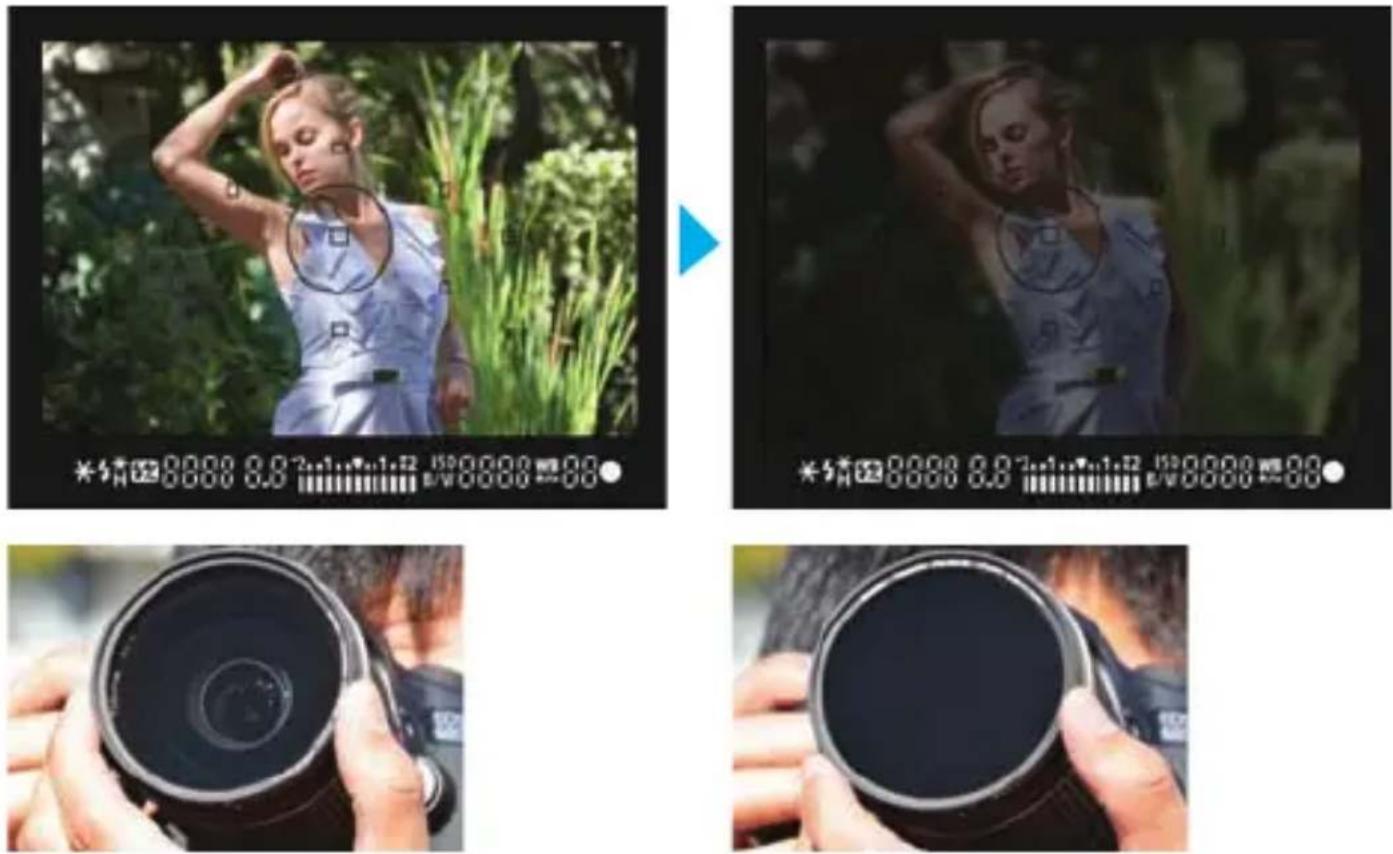
- Framing and Focus 2. Turn the outer Ring
- Adjust the Aperture and Shutter Speed 4. Shoot
Polarizing Effect Cancellation
The Variable NDX filter changes the brightness of light using a polarized filter. This new filter uses a “polarizing effect cancellation” where a polarized filter is used, but purely for controlling the amount of light with no effect on color balance, glare or reflections.
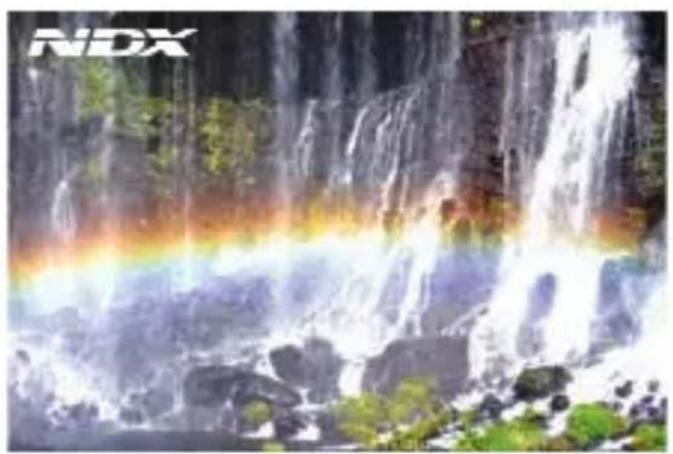
natural_image
Scenic waterfall cascading over rocks with a rainbow arching through, no visible text or symbols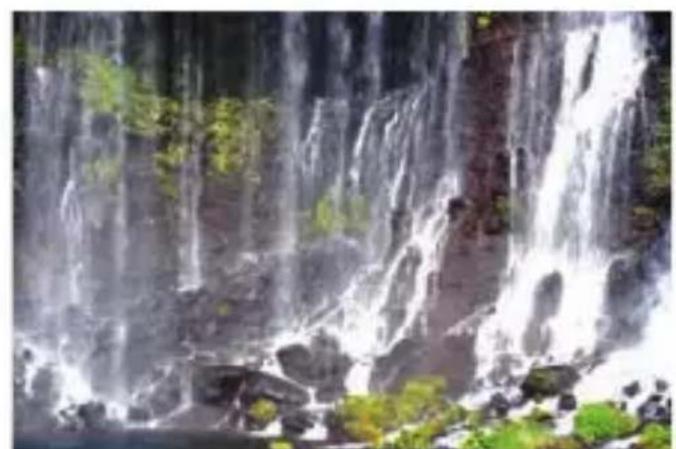
natural_image
Waterfall cascading down a rocky stream with green vegetation in the background (no text or symbols visible)Polarizing Effect Polarizing Effect
DMC - Digital Multi-Coated
Digital multi-coated filters greatly reduce the appearance of lens flare and ghosting caused by reflections.
Avoid Vignetting
The singular versatility of the Variable NDX filter not only replaces a whole set of stacking neutral density filters it also removes vignetting which may be caused by using multiple filters.
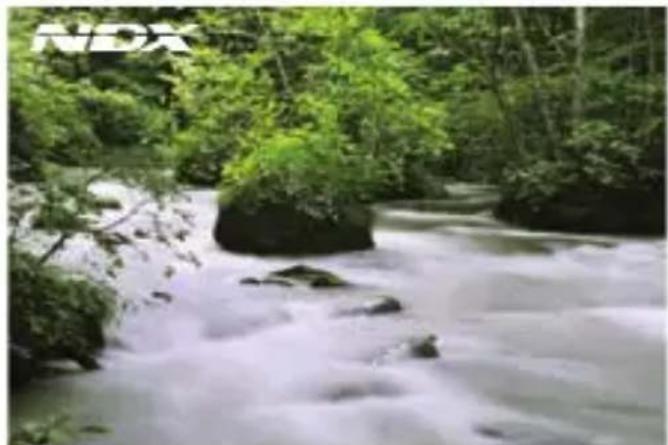
natural_image
Scenic view of a flowing river surrounded by dense green forest (no text or symbols visible)
natural_image
Scenic view of a flowing river surrounded by dense green forest (no text or symbols visible)
natural_image
Close-up of hands adjusting a black camera lens against a clear blue sky (no text or symbols visible)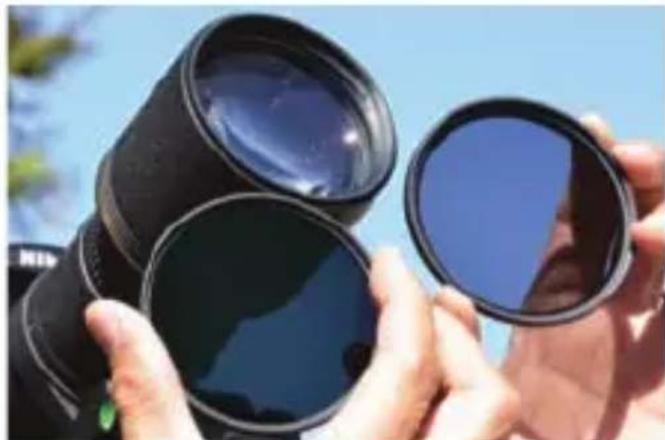
natural_image
Close-up of hands holding two black lenses against a clear blue sky (no text or symbols visible)Stacking ND filtersWith Variable
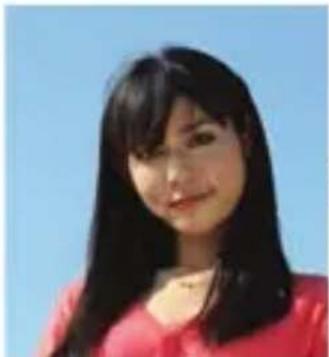
The Benefits of Having a Depolarization Plate
Variable NDX filter using a depolarizing plate
Random polarization is eliminated when natural light passes through the depolarization plate, minimizing any change in color by using 2 layers of polarizing film.
Light reduction effect - Small Light reduction effect - Large
Variable NDX Filter - Color change is minimized.
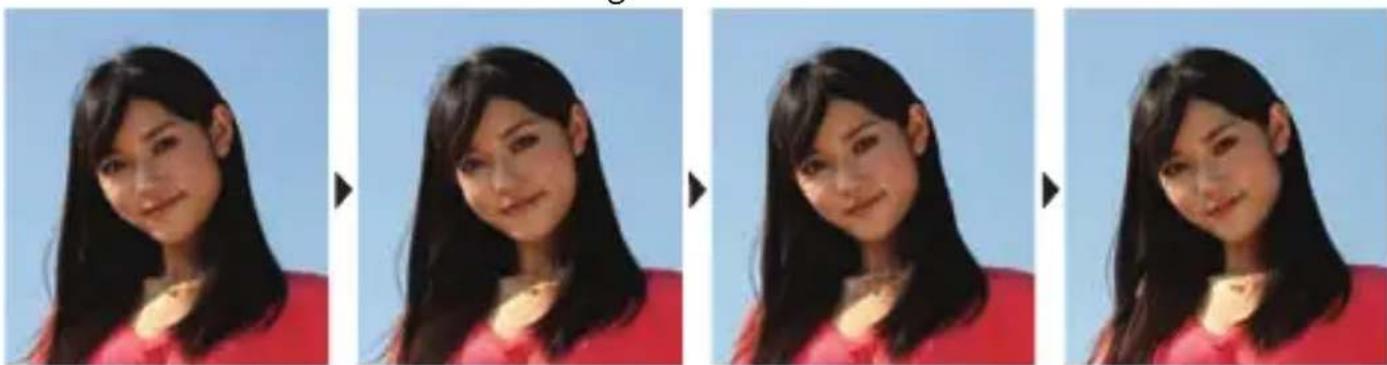
F4 1/500sec. F4 1/250sec. F4 1/125sec. F4 1/60sec.
Other Fader ND Filter - Color change occurs due to random polarization.
natural_image
Portrait of a woman with long dark hair wearing a red top against a clear blue sky (no text or symbols visible)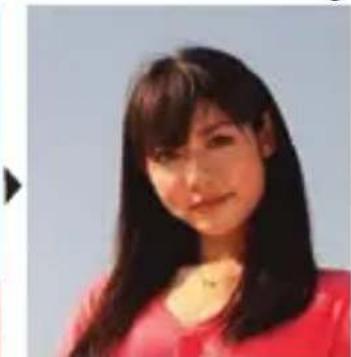
natural_image
Portrait of a woman with long dark hair wearing a red top (no visible text or symbols)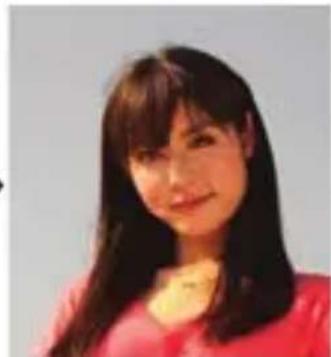
natural_image
Portrait of a woman with long dark hair wearing a red top (no visible text or symbols)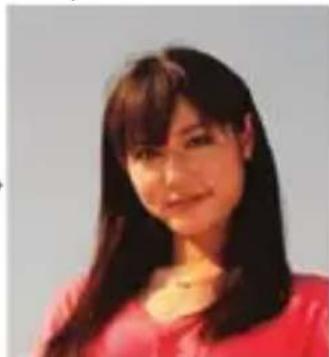
natural_image
Portrait of a woman with long dark hair wearing a red top (no visible text or symbols)F4 1/500sec. F4 1/250sec. F4 1/125sec. F4 1/60sec.
Exposure Values Chart
The Variable NDX filter changes exposure values by rotating the front element of the filter. In order to evaluate the correct exposure to use, please refer to your camera's built in meter. (Please note: The scale position on the side of the filter is not proportional to the ND values).
| ND values The amount of light | Exposure value (Stops) | Shutter speed If the conversion value of a shutter speed is 1/125 sec. |
| ND2.5 | 1/2.5 | 1 1/2 |
| ND4 | 1/4 | 2 |
| ND8 | 1/8 | 3 |
| ND16 | 1/16 | 4 |
| ND32 | 1/32 | 5 |
| ND64 | 1/64 | 6 |
| ND128 | 1/128 | 7 |
| ND256 | 1/256 | 8 |
| ND450 | 1/450 | 8 1/2 |
For Longer Exposures
Without changing the aperture, the Variable NDX filter allows the freedom to change the shutter speed according to the effect desired. For example, without adjusting the aperture, the same 1/60 scene can be taken using the Variable NDX filter with shutter speeds from 1/20 to 6 seconds, with just a turn of the outer filter ring. The problem of diffraction is eliminated by being able to work with a slow shutter speed.
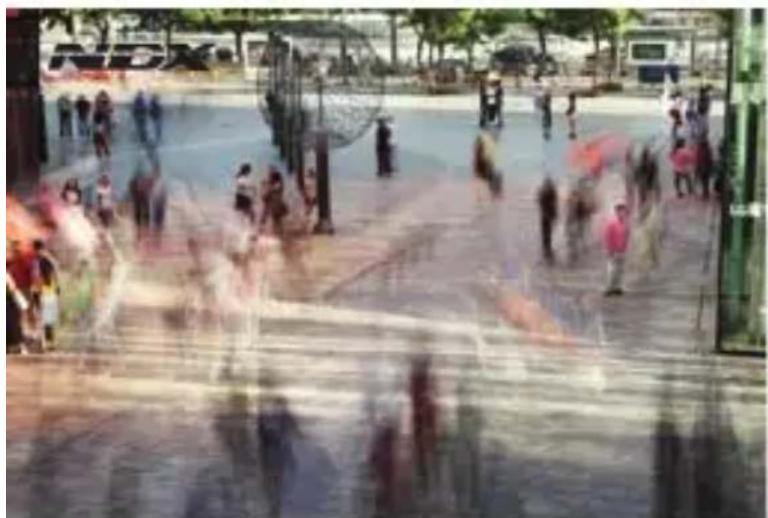
natural_image
Street scene with pedestrians walking on wet pavement, no visible text or signageWith Variable NDX filter
F8 4sec.
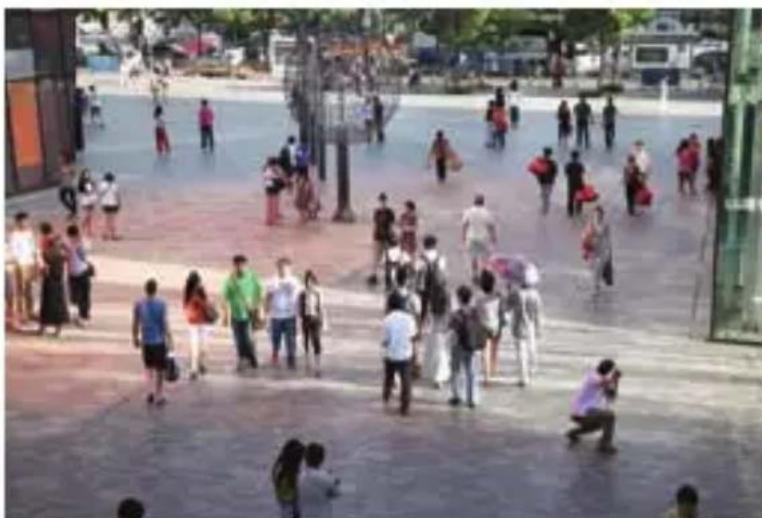
natural_image
Crowded pedestrian plaza with people walking and taking photos (no visible text or signage)Without Filter
F8 1/50sec.
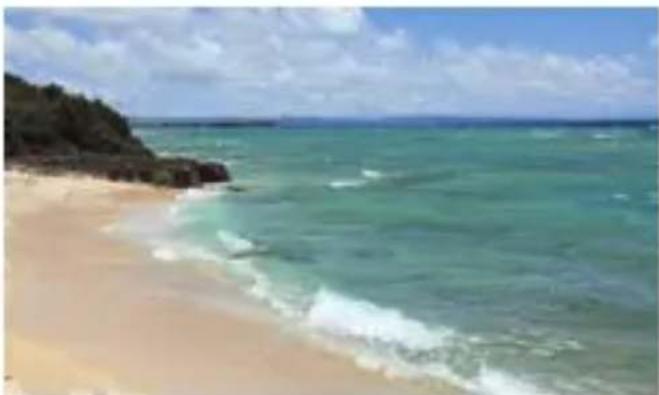
natural_image
Beach scene with sandy beach, turquoise ocean, and rocky shoreline under partly cloudy sky (no text or symbols visible)Without Filter F8 1/500sec. Without Filter F14 1/20sec.
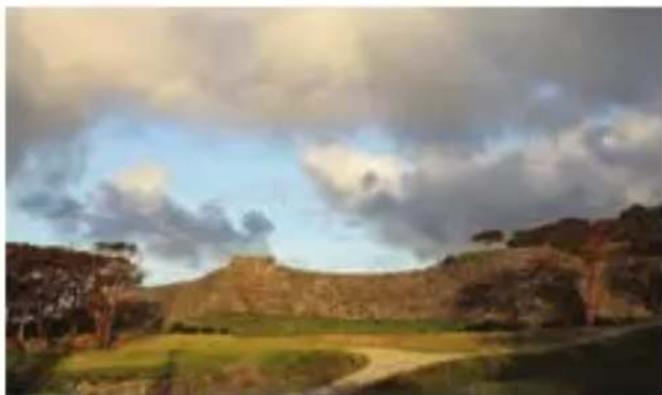
natural_image
Ancient stone fortress under a cloudy sky, surrounded by green fields and trees (no visible text or symbols)
natural_image
Landscape photo of a rugged hillside with a winding dirt path and cloudy sky (no text or symbols visible)With Variable NDX filter F14 10sec.
natural_image
Coastal beach scene with turquoise waves, sandy shore, and rocky shoreline under cloudy sky (no text or symbols visible)With Variable NDX filter F8 0.6sec.
natural_image
Coastal beach scene with waves rising, rocky shoreline in foreground (no visible text or symbols)With Variable NDX filter F8 1.3sec.
With Variable NDX filter F14 10sec.
For Wider Apertures
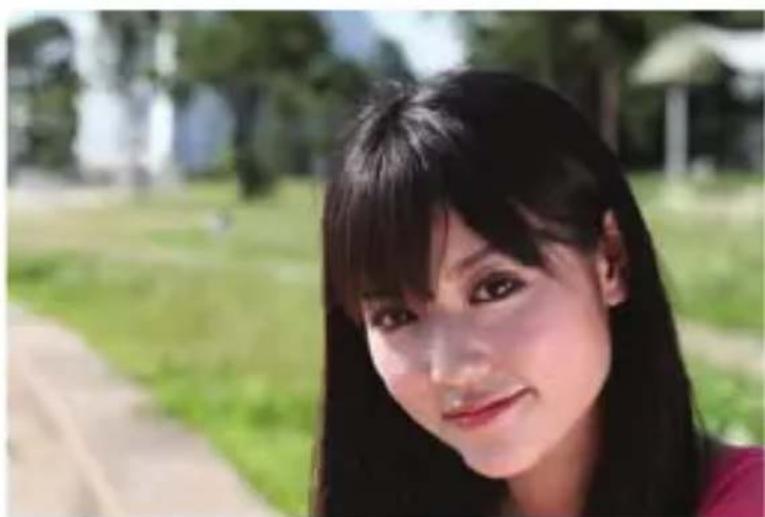
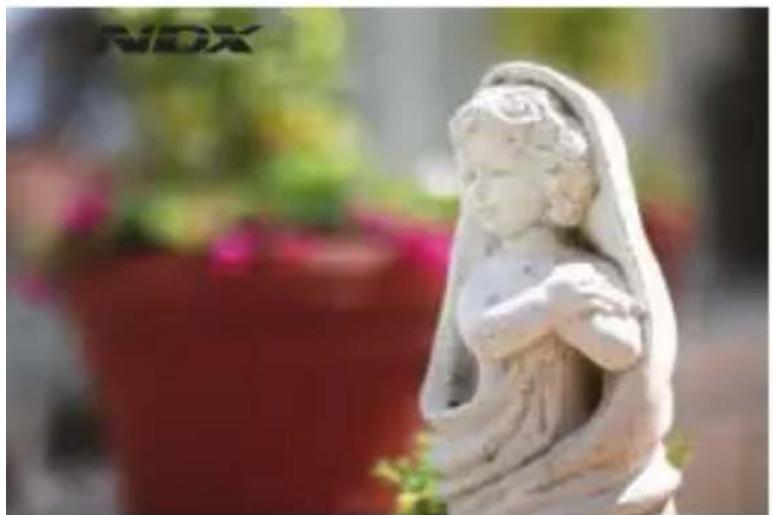
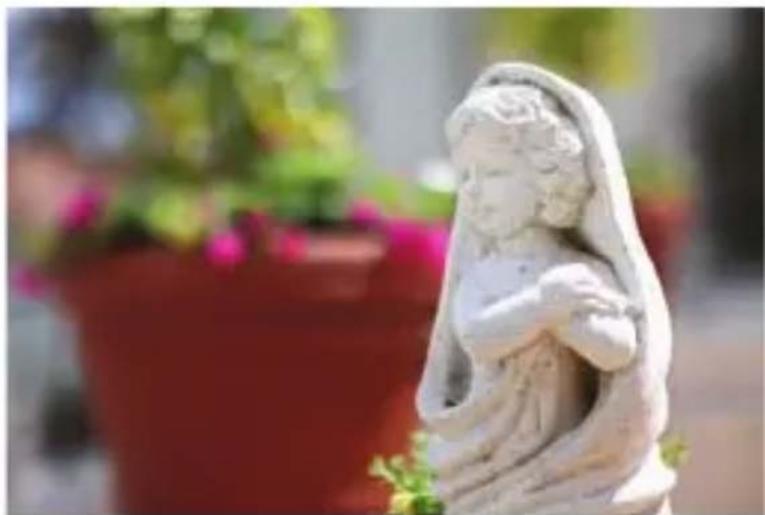
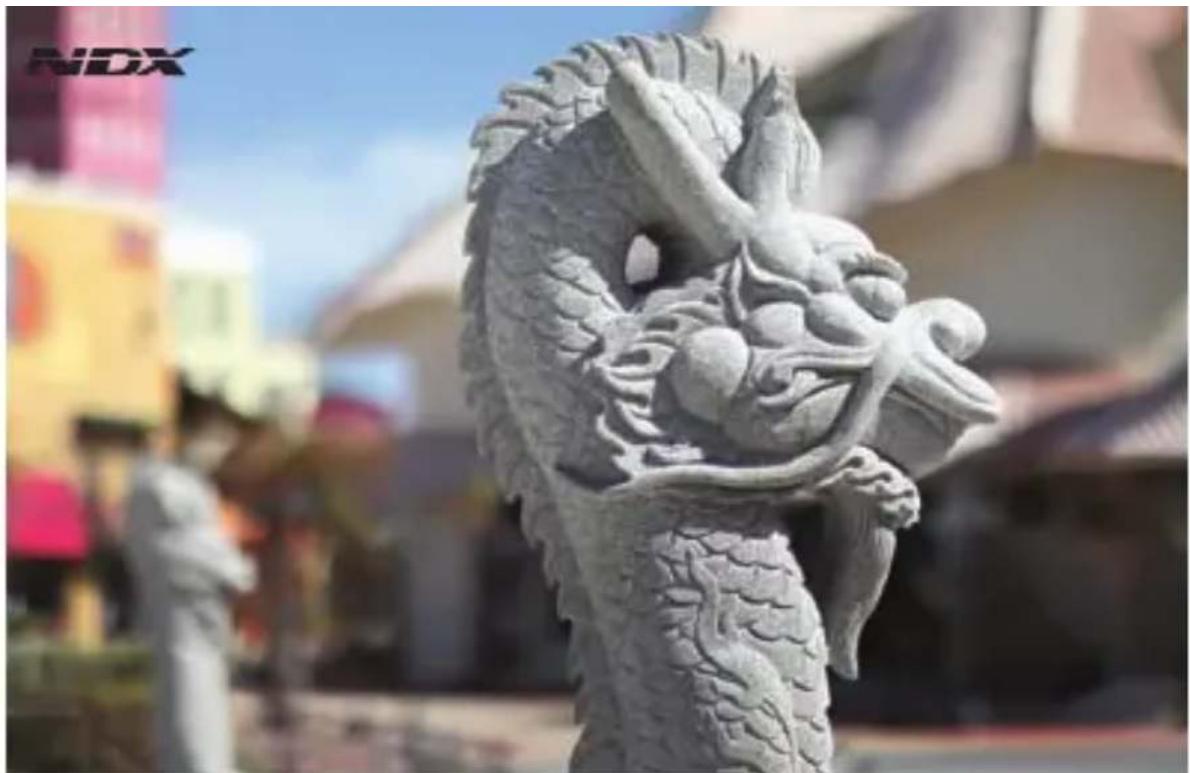
With the Variable NDX filter, the shutter speed remains constant for a wide aperture easily creating a blurred background effect.
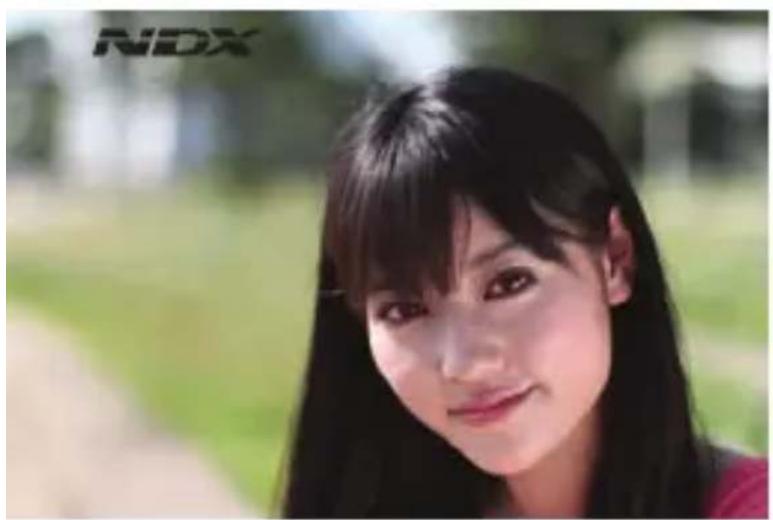
With Variable NDX F1.4 1/4000sec.
natural_image
Portrait of a woman with long dark hair outdoors, surrounded by greenery and trees (no visible text or symbols)Without filter F4 1/1250sec.
natural_image
White marble statue of a seated figure with draped hair, set against a blurred floral background (no text or symbols visible)With Variable NDX F1.4 1/4000sec. 12
natural_image
Stone statue of a smiling angel holding a child, set against a blurred red potted plant background (no text or symbols visible)Without filter F4 1/1250sec.
natural_image
Stone dragon sculpture in a city street, no visible text or symbols on the sculpture itself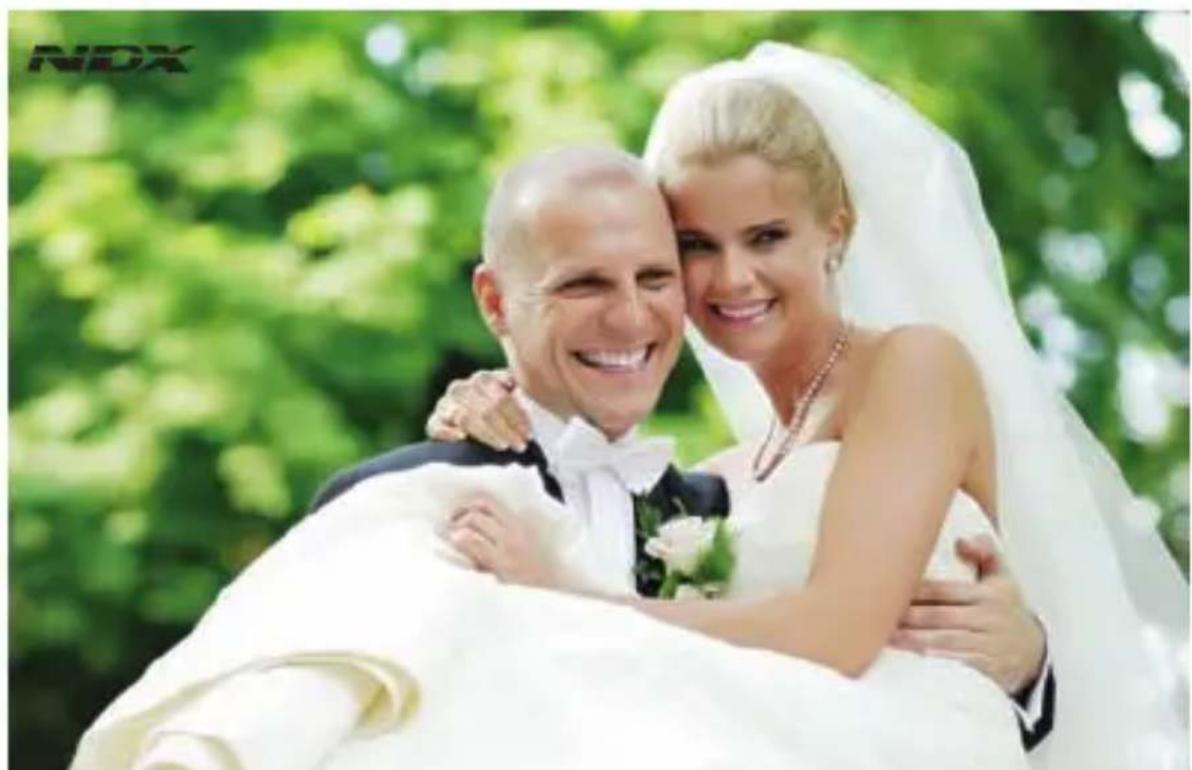
natural_image
Wedding couple in wedding attire embracing, set against a blurred green background (no text or symbols visible)Prevents Overexposure / Highlight Clipping
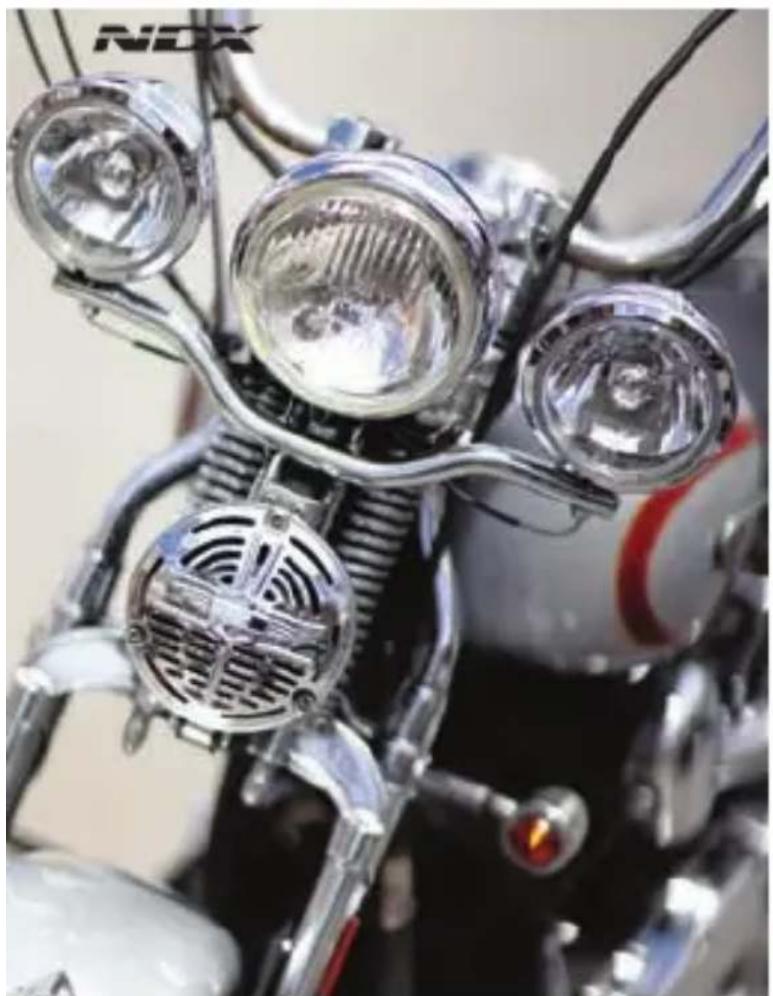
Even with a shutter speed of 1/8000 seconds, a large aperture of F1.4 or F1.2 can cause overexposure / highlight clipping. With the Variable NDX filter, this overexposure is eliminated.
natural_image
Close-up of a motorcycle's front wheel assembly with chrome headlamps and metallic brackets (no visible text or symbols)With Variable NDX F1.2 1/8000sec.
natural_image
Close-up of a motorcycle's front wheel and dashboard with metallic headlamps (no visible text or symbols)Without Filter F1.2 1/8000sec.
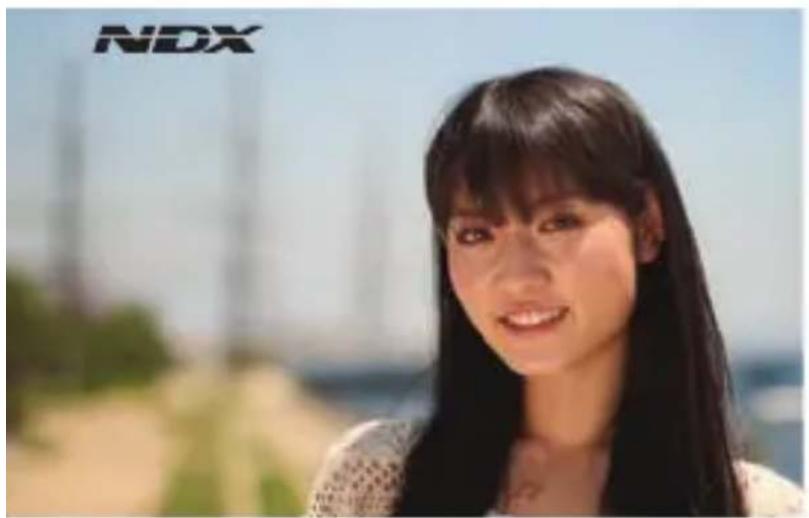
With Variable NDX
F1.4 1/5000sec.
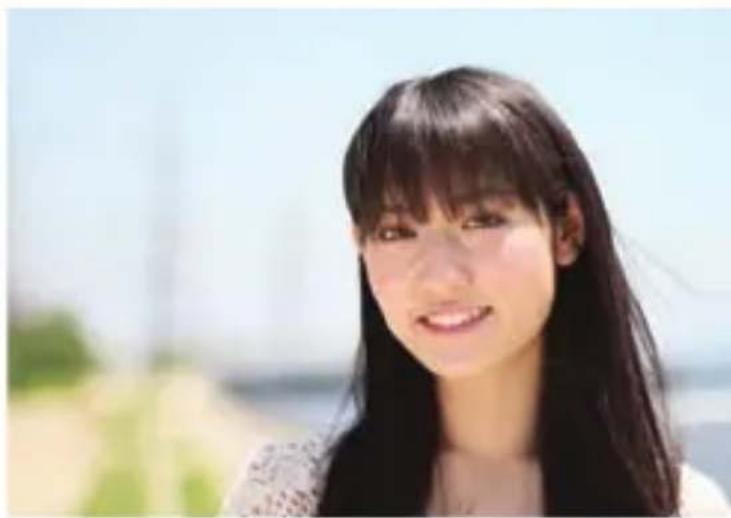
natural_image
Portrait of a young woman with long dark hair, smiling outdoors under a clear sky (no text or symbols visible)Without Filter
F1.4 1/8000sec.
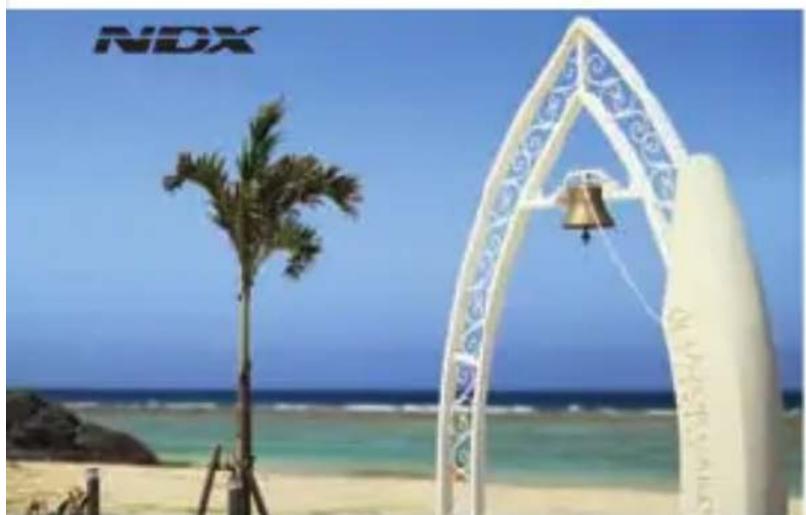
natural_image
Beach scene with a white archway, palm tree, and blue sky (no text or symbols visible)With Variable NDX
natural_image
Beach scene with a white archway and decorative bell against a clear blue sky (no text or symbols visible)F1.2 1/6400sec.
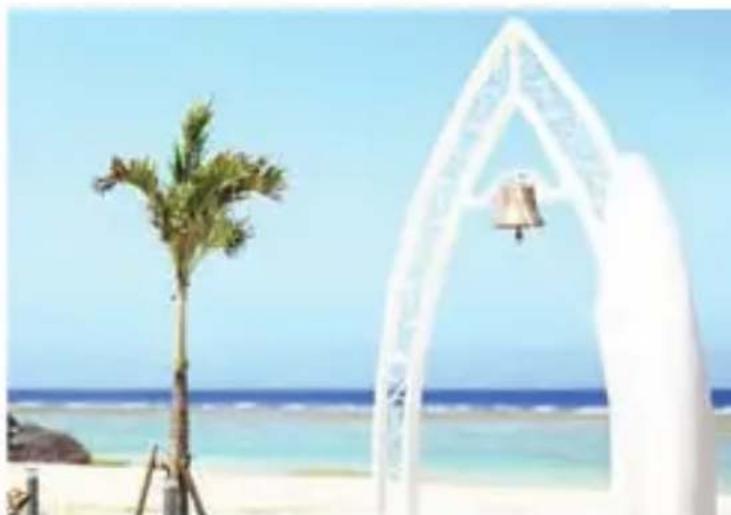
natural_image
Beach scene with a palm tree, a white archway, and a bell in the background (no text or symbols visible)Without Filter
F1.2 1/8000sec.
For HDSLR MOVIES
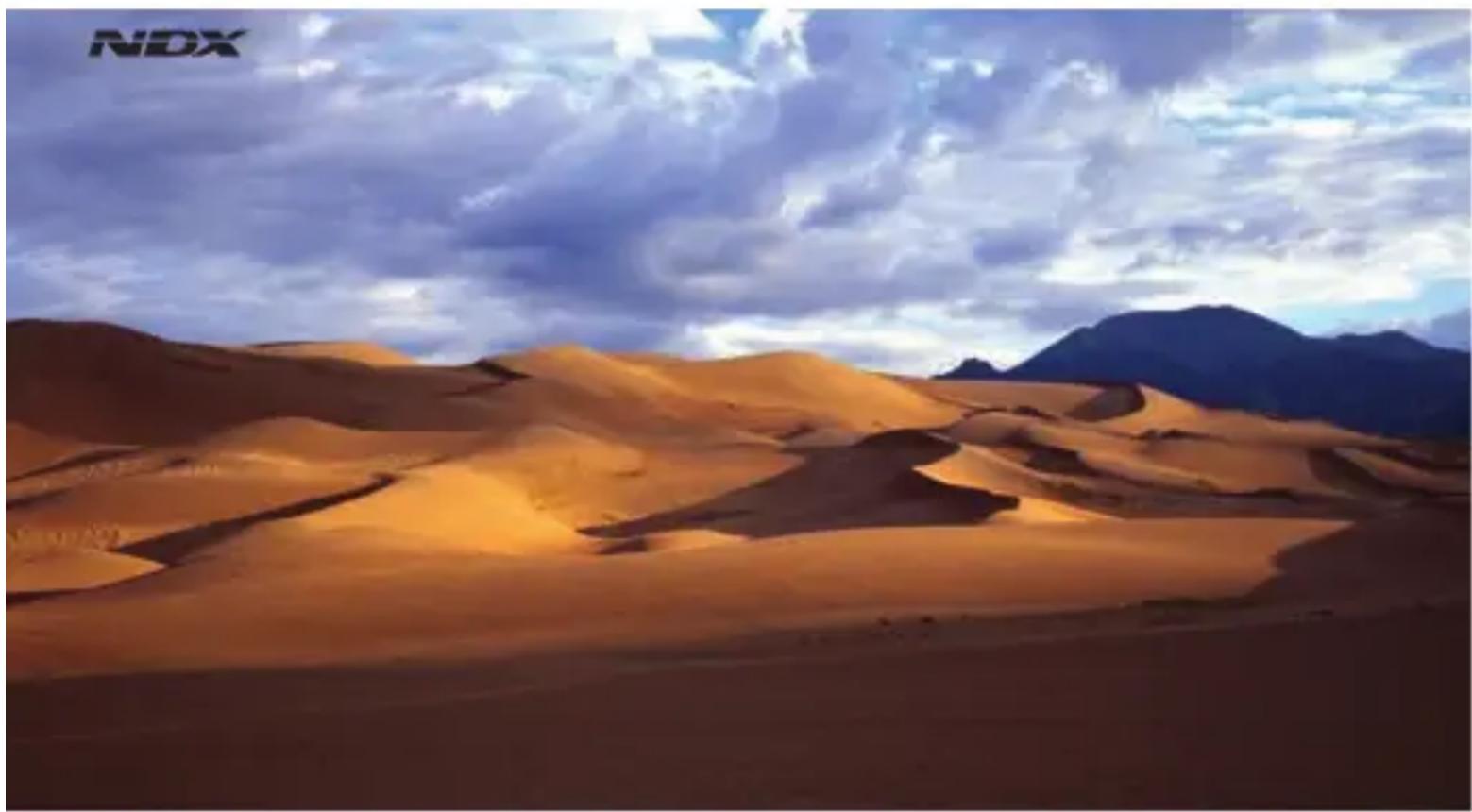
For HD video-enabled cameras, use the Variable NDX filter to easily adjust light control and shutter speed. The Variable NDX filter makes it simple to produce blurred background effects, simulate a night scene or create manual fade in / fade out effects. It is also perfect for use in bright locations such as beach or snow scenes and city scapes.
natural_image
Desert landscape with golden sand dunes under a cloudy sky, distant mountains in the background (no text or symbols)Landscapes
natural_image
Wedding couple in a wedding pose with floral arrangement, green outdoor background (no text or symbols)
Blurred background effects Blurred background effects
natural_image
Snowboarder mid-air above a snowy landscape with evergreen trees and blue sky (no text or symbols visible)
Prevents overexposure Simulate a night scene
City scapes Time leap video
Safety Precautions
Human injury or material damage may occur if filter is used mistakenly because instructions are not observed.
- Do not drop or impact filters. If glass breaks, do not touch it with bare hands, as doing so may cause injury. Moreover, filter frame may become misshapen, and unattachable to lens.
- Do not leave filter in direct sunlight or hot & humid locations, as doing so may discolor filter, which will prevent desired effect.
- Be sure to properly attach filter to lens. Failure to do so may mean that the filter will detach and fall from the lens, which will damage the filter thread.
- There are some specialist wide-angle lenses that have extremely protruding front eye centers. Attaching a filter to such a lens may cause contact between filter and lens, possibly scratching the lens, so be sure to carefully check the gap between the filter and lens while attaching the filter.
- Be sure to become fully acquainted with filter effects prior to taking photographs.
Structural Weakness - Color Shift
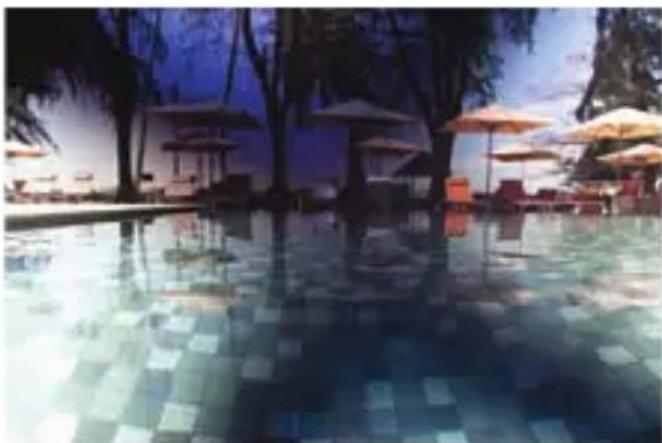
When using a neutral density higher than 450, cross-like color variations may occur. Structurally this problem cannot be eliminated due to the 2 layers of polarizing film.
natural_image
Exterior view of a resort pool with lounge chairs, umbrellas, and palm trees under a twilight sky (no signage or text visible)Upkeep
To clean off dirt from glass, add a small amount of lens cleaner to a lens cloth or lens paper, and wipe the lens as if drawing a circle. When glass is clean, wipe it dry with lens cloth, making sure that no lens cleaner remains on the glass.
When filter is not in use, place it in supplied case, and store away from direct sunlight, and very hot and humid locations.
We open, The world of imagination

Kenko Tokina Co., Ltd.
KENKO INTERNATIONAL DIVISION
Visit our website at www.kenkoglobal.com
Sample Photograph by Ryosuke Takahashi
Model : Eri Hayashi