600DSA - Lighting Nanlite - Free user manual and instructions
Find the device manual for free 600DSA Nanlite in PDF.


| Product Type | LED Panel Light |
| Brand | Nanlite |
| Model | 600DSA |
| Power Consumption | 600W |
| Color Temperature | 5600K (Daylight) |
| CRI (Color Rendering Index) | ≥95 |
| Dimensions (L x W x H) | 62 x 40 x 25 cm |
| Weight | 8.5 kg |
| Power Supply | AC 100-240V, 50/60Hz |
| Beam Angle | 120° |
| Dimming | 0-100% stepless dimming |
| Control Methods | On-board, DMX512, Wireless Remote (optional) |
| Cooling System | Active fan cooling |
| Mounting | Stand, C-stand, or truss via bracket |
| Housing Material | Aluminum alloy + ABS plastic |
| Maintenance | Clean with dry, soft cloth; avoid liquids |
| Safety Precautions | Use only with rated voltage; allow proper ventilation; do not cover |
| Spare Parts Available | Power cord, remote control, LED module |
| Repairability | Modular design for easy component replacement |
Frequently Asked Questions - 600DSA Nanlite
User questions about 600DSA Nanlite
0 question about this device. Answer the ones you know or ask your own.
Ask a new question about this device
Download the instructions for your Lighting in PDF format for free! Find your manual 600DSA - Nanlite and take your electronic device back in hand. On this page are published all the documents necessary for the use of your device. 600DSA by Nanlite.
USER MANUAL 600DSA Nanlite
natural_image
Diagram of a rectangular device with grid pattern and mounting bracket (no text or symbols)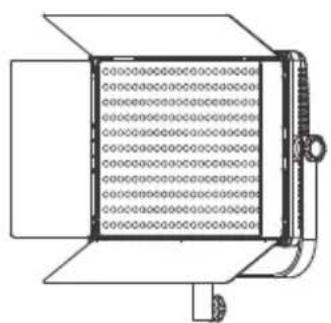
natural_image
Technical line drawing of a mechanical component with grid-like internal structure and mounting base (no text or symbols)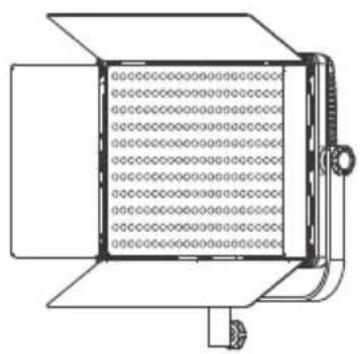
natural_image
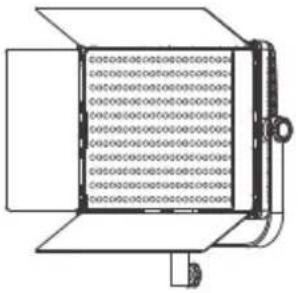
Technical line drawing of a rectangular device with grid pattern and mounting bracket (no text or symbols)600DSA 900DSA 1200DSA
Technical Data
Model: 600DSA
LED Quantity: 600pcs
LED Power: 36W
AC Input Power: 100V - 240V
DC Input Power: 15V
Color Temperature: 3200K/5600K
CRI(Ra):95
Model: 900DSA
LED Quantity: 900pcs
LED Power: 54W
AC Input Power: 100V - 240V
DC Input Power: 15V
Color Temperature: 3200K/5600K
CRI(Ra):95
Model: 1200DSA
LED Quantity: 1152pcs
LED Power: 72W
AC Input Power: 100V - 240V
DC Input Power: 15V
Color Temperature: 3200K/5600K
CRI(Ra):95
Product Detail
text_image
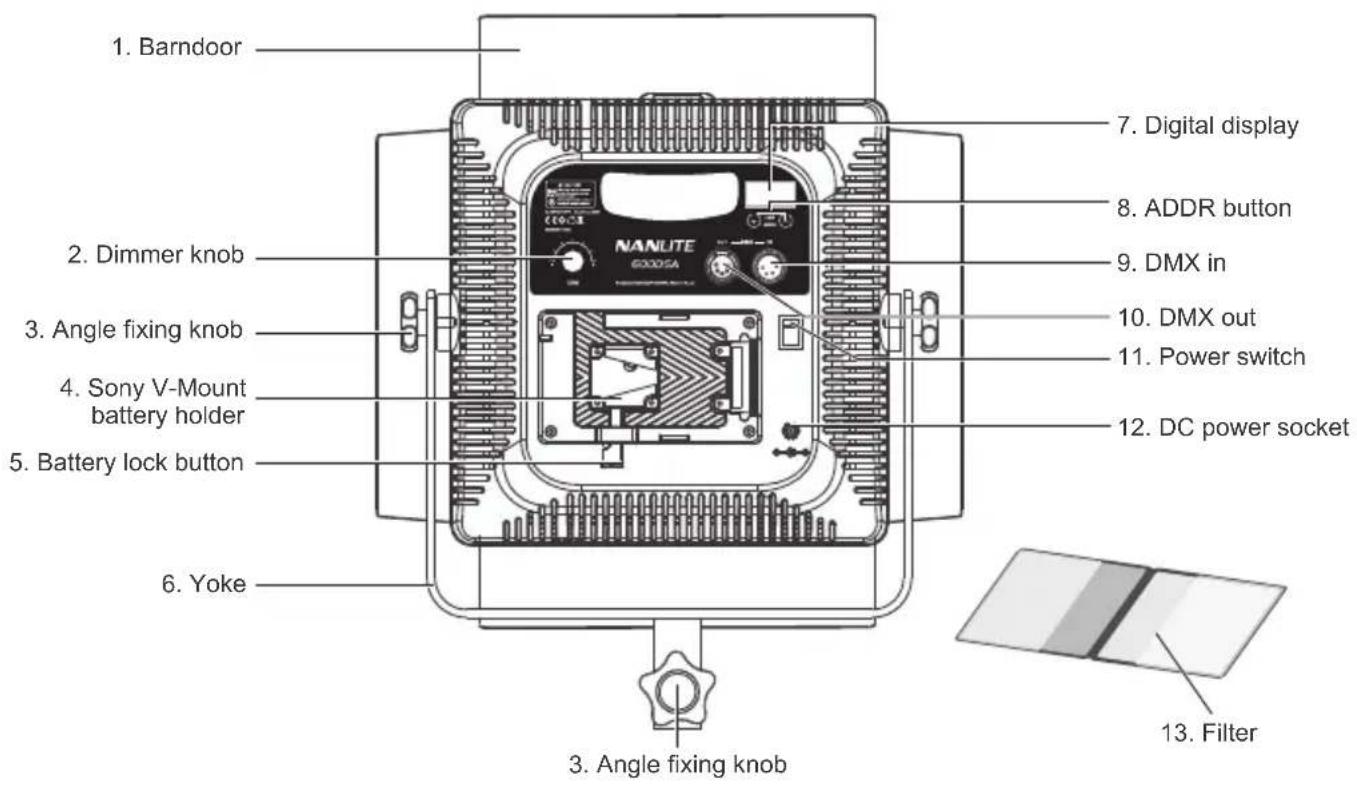
1. Barndoor 2. Dimmer knob 3. Angle fixing knob 4. Sony V-Mount battery holder 5. Battery lock button 6. Yoke 7. Digital display 8. ADDR button 9. DMX in 10. DMX out 11. Power switch 12. DC power socket 3. Angle fixing knob 13. FilterDetail Description
- Barndoor: For adjusting the illuminated area.
- Dimmer knob: For adjusting the brightness.
- Angle fixing knob: For fixing the fixture on the light stand and adjusting the illumination direction of fixture.
- Sony V-Mount battery holder: For installing the Sony V-mount battery, or holding the power adapter when install the adapter holder.
NOTE: If using Anton/Panasonic battery, make sure change to corresponding battery holder. - Battery lock button: For installing or removing the battery.
- Yoke: For connecting the fixture to the light stand and adjusting the tilt and pan of fixture.
- Digital display: For showing the fixture's brightness and lighting code.
- ADDR button: For adjusting the adress of the fixture.
- DMX in: DMX signal input interface.
- DMX out: DMX signal output interface.
- Power switch: Turn on/off the fixture.
- DC power socket: DC power input interface.
- Filter: Soft diffuser, enhanced soft diffuser, orange filter (3200K). Without diffuser, it creates spotlight effect and suitable for shooting at a relatively long distance. With diffuser or enhanced soft diffuser, it creates the corresponding soft effect. With orange filter(3200K), the color temperature changes from 5600K to 3200K.
Usage
- Please install the fixture on the light stand and adjust the fixture according to desired position, then open the barndoor.
-
Make sure the fixture is in the "off" position and connect the power adapter or battery.
Install the attaching plug of fixture to the DC power socket.①
NOTE: Make sure the power, voltage and frequency are consistent with the provided power adapter.
②When using battery, make sure to turn off the fixture, then plug in the battery. -
When turn on the fixture, the display will light up normally, that means the power is active.
- Adjust the fixture's brightness via "Dimmer knob", the brightness range is represented as L.000 - L.100.
- Please change the filters to get different lighting effects.
6.2.4G Wireless Remote Control
600DSA/900DSA/1200DSA are designed to work with a 2.4G remote controller or NANLITE Wi-Fi app via Wi-Fi transfer device to control light freely.
NOTE: 2.4G remote controller or WiFi transfer devices should be bought additionally. (See separate instructions for remote controller or Wi-Fi transfer device.)
- Turn off the switch when you stop using it and remove the power adapter or battery.

text_image
DMX IN GND 1 DATA- 2 DATA+ 3
text_image
DMX OUT 1 GND 2 DATA- 3 DATA+DMX lighting console connection
The connection between the light fixture and a DMX lighting console should use 3-pin cable and make sure its diameter is less than 0.5mm. Please use the 5-pin XLR plug to connect the DMX signal input/output interface.
XLR plug/socket and the cable should be connected as pictured above.
Please connect the DMX signal output interface of the console to the DMX signal input interface of the first fixture with XLR cable, then from this first fixture's output interface to the second one's input interface and so on.
NOTE: The length of XLR cable should be within 300m and bought additionally.
Channel Detail
For the fixture with single color temperature, the lighting adress is chosen 001, so it will match the CH1 fader of the console. When you release the lighting adress, the default adress will be kept until next time you turn on the switch.
Safety Precautions
- Please open the package to check if it is damaged due to transportation after receiving the light. In the case of damage caused in transportation, please do not use this light and contact the dealer or manufacturer as soon as possible.
- Do not use a power cord with damaged insulation. Do not unplug hard or drag the power cord directly.
- Make sure that the power supply voltage used match the voltage specified by the light before installation.
- When not using or cleaning the light, please turn it off.
- Keep the light safely stored and away from children.
Notice
- Before using, please read the instruction sheet carefully and install the product according to the instruction sheet.
- Pull insert plug, please do not use to much force to pull connection. And do not touch the connection by wet hand.
- Please keep this fixture in dry and ventilated place, to avoid the circuit get wet, and cause short circuit.
- When stop suing, please turn off the power to preserve the life of the LEDs.
What's in the box? Please kindly check.
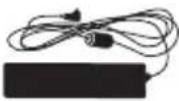
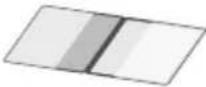
| 600DSA/900DSA/1200DSA × 1pcs | Power Adapter × 1pcs | Power Cable × 1pcs | Filters × 1set |
 |  |  |  |
| Carrying Bag × 1pcs | User Manual × 1pcs | ||
 |  |
Genaral Fault Detection and Diagnosis
| Potential Malfunction | Diagnosis |
| The light can not light up! | 1. Check if the battery is properly installed.2. Press the power switch, if the display doesn't light up, consider using a different compatible battery.3. Check if the connection between adapter and fixture is loose, adapter's voltage and current is within specified range. |
| The lamp is flickering. | 1. Check if the battery capacity is enough, or change a compatible battery with full capacity to test.2. Check if the power adapter is within the specified range.3. Check if there is any high temperature object near the light that could cause the operating environment temperature too high. |
The instruction was written according to the strict production test of our company, if there are any changes related to the design of the product later, we will not keep you updated for that.
Version:V2 2020-02-15
NANLITE
+86-754-85751187
service@nanlite.com
+86-754-85300887
Zhanglin,324,Dongli Chenghai Shantou Guangdong China
www.nanlite.com