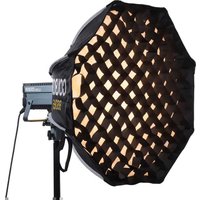
BSO65 - Lighting COLBOR - Free user manual and instructions
Find the device manual for free BSO65 COLBOR in PDF.


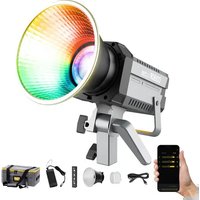
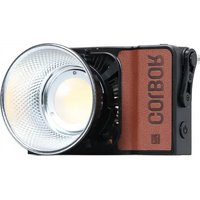
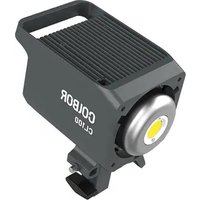
| Product Type | LED Video Light |
| Model | BSO65 |
| Brand | COLBOR |
| Dimensions | 30 x 20 x 5 cm (11.8 x 7.9 x 2.0 in) |
| Weight | 1.2 kg (2.65 lbs) |
| Power Supply | AC 100-240V, 50/60Hz or DC 14.4V battery |
| Power Consumption | 65W |
| Color Temperature | 3200K - 5600K (adjustable) |
| Brightness | 0% - 100% (dimming) |
| CRI | >95 |
| TLCI | >95 |
| Control Methods | Manual buttons, remote control (optional), smartphone app |
| Mounting | Built-in yoke with 5/8" receiver for light stands |
| Cooling System | Passive (no fan) for silent operation |
| Accessories Included | AC adapter, power cord, carrying case, diffusion panel |
| Maintenance & Cleaning | Wipe with a dry, soft cloth. Do not use liquids or abrasives. |
| Safety | Keep away from water and heat sources. Use only approved power supplies. |
| Spare Parts & Repairability | Contact COLBOR support or authorized service centers. |
| General Information | User manual available online in multiple languages. |
Frequently Asked Questions - BSO65 COLBOR
User questions about BSO65 COLBOR
0 question about this device. Answer the ones you know or ask your own.
Ask a new question about this device
Download the instructions for your Lighting in PDF format for free! Find your manual BSO65 - COLBOR and take your electronic device back in hand. On this page are published all the documents necessary for the use of your device. BSO65 by COLBOR.
USER MANUAL BSO65 COLBOR
Thank you for choosing COLBOR product. Please read this manual carefully before use and follow all instructions mentioned herein.
Caring For Your COLBOR Product
- Keep corrosive chemicals, liquids and heat source away from the product to prevent mechanical damage.
- Do not leave the product unattended while in use. Keep out of reach of children.
- The product is not waterproof. Do not handle it with wet hands.
- Do not attempt to disassemble or modify the product. Doing so voids the warranty.
- Please have the product checked or repaired by authorized technicians if any malfunctions happen.
- Malfunction may be caused by dropping, the impact of external force.
- Failure to follow all the instructions may result in mechanical damage.
- Warranty does not apply to human errors.
Assembly Instructions
- Take out the product.
- Install the soft cloth and grid.

3. Assembly and Disassembly
Assembly
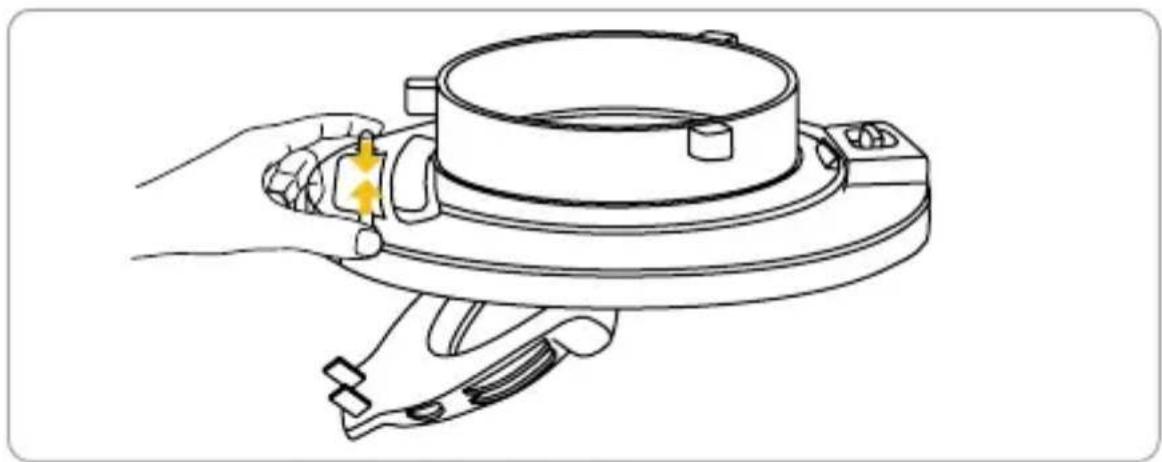
Secure the Bowen mount ring with your hands, buckle the moveable handle on one side, lift it and press the softbox down until the lock toggles rebound.

natural_image
Technical illustration of a mechanical component with two views: one showing a circular feature and arrow indicating rotation, the other showing a flanged assembly with arrows indicating force or movement (no text or symbols present)
natural_image
Technical line drawing of a mechanical component with a yellow downward arrow indicating direction (no text or symbols)Disassembly
Push the lock toggles to unlock the softbox.
natural_image
Line drawing of a hand holding a mechanical component with a yellow bolt, no text or symbols presentPackage List
natural_image
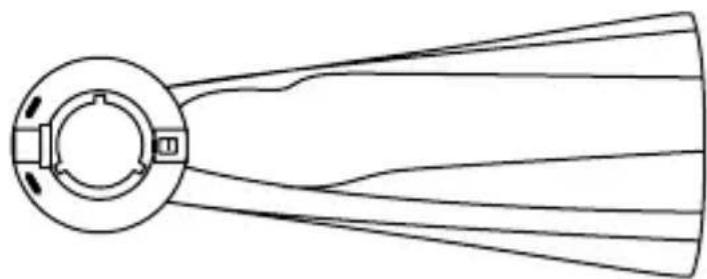
Diagram of a fan blade with multiple blades radiating outward from a central hub (no text or symbols)BSO65 Softbox x1
natural_image
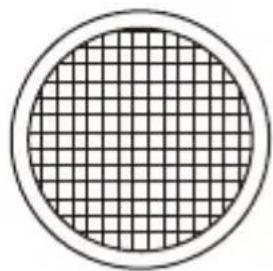
Circular diagram with a grid pattern inside, no text or symbols presentGrid x1


natural_image
Simple geometric diagram of two concentric circles (no text or symbols)Soft Cloth x2Carrying bag x1
WARRANTY
Warranty Period
Thank you for purchasing COLBOR products.
-
- Customers are entitled to free replacement or repair service in case of quality defect(s) found in the product under normal use within 30 days upon receipt of the product.
- Original COLBOR products are entitled to a 12-month limited warranty service. The warranty period begins on the date of purchase of brand-new, unused products by the first end-user.
Within the warranty period, if the product defect or failure is attributable to material defection or technological problem, the defective product or defective part will be repaired or replaced without charge (service and materials fee).
Warranty Exclusions and Limitations
- Faults resulted from inappropriate use of a product without following its operation specification
- Artificial damage, e.g. crash, squeeze, scratch, soaking, exposure to rain or damp
- Modifications to a product by its user or a third party without the prior written consent of COLBOR, e.g. replacement of element or circuit, label alteration
- The code on the product is inconsistent with that of the warranty certificate, or the code on the product or warranty certificate is altered or torn off
- All consumable accessories attached to a product, like cable, cover
- Faults result from force majeure, such as fire, flood, lightning, etc.
Warranty Claim Procedure
- If failure or any problem occurs with your product after purchase, please contact a local agent for assistance, or you can always contact COLBOR's customer service through email.
- Please retain your sales receipt and warranty certificate as proof of purchase. If any of these documents is missing, only sales return or chargeable service will be provided.
- If the COLBOR product is out of warranty coverage, the service and the parts cost will be charged.
Guangzhou Zhiying Technology Co., Ltd
Room 2401, 24 / F, South Tower, Lisheng Plaza, No. 68 Huadi Avenue, Liwan District, Guangzhou, China, 510000
support@colborlight.com
www.colborlight.com

Brand : COLBOR
Model : BSO65
Category : Lighting