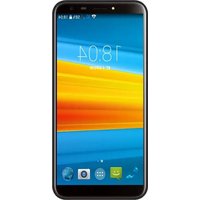
G155 - Smartphone DEXP - Free user manual and instructions
Find the device manual for free G155 DEXP in PDF.


Pick your language and provide your email: we'll send you a specifically translated version.
| Product Type | Smartphone |
| Brand | DEXP |
| Model | G155 |
| Dimensions (H x W x D) | 145 mm x 72 mm x 9 mm |
| Weight | 150 g |
| Display Size | 5.0 inches |
| Display Resolution | 480 x 854 pixels |
| Processor | Quad-core 1.3 GHz |
| RAM | 1 GB |
| Internal Storage | 8 GB |
| Expandable Storage | microSD up to 32 GB |
| Battery Capacity | 2000 mAh |
| Operating System | Android 8.1 Go Edition |
| Rear Camera | 5 MP |
| Front Camera | 2 MP |
| SIM Slot | Dual SIM (Micro-SIM) |
| Connectivity | Wi-Fi 802.11 b/g/n, Bluetooth 4.0, GPS, microUSB 2.0 |
| Audio Jack | 3.5 mm |
| FM Radio | Yes |
| Sensors | Accelerometer, Proximity |
| Security | Pattern, PIN, Password |
| Battery Type | Removable Li-Ion |
Frequently Asked Questions - G155 DEXP
How do I insert the SIM card and microSD card?
Turn off the device and remove the back cover. Remove the battery if present. Insert the micro-SIM cards into the SIM slots (slot 1 and slot 2) and the microSD card into the dedicated slot. Replace the battery and back cover, then power on.
How can I take a screenshot on the G155?
Press and hold the Power button and Volume Down button simultaneously for a few seconds until you hear a shutter sound or see a flash. The screenshot will be saved in the Gallery app.
How do I save battery life?
Reduce screen brightness, turn off Wi-Fi, Bluetooth, and GPS when not in use. Enable Battery Saver mode in Settings > Battery. Close background apps and disable live wallpapers.
How do I update the software?
Go to Settings > About phone > System updates. If an update is available, follow the on-screen instructions to download and install it. Ensure the battery is charged above 50% and connected to Wi-Fi.
How can I transfer contacts from an old phone?
Save contacts to a SIM card on the old phone, then insert the SIM into the G155 and import them from Contacts app. Alternatively, use Google Account sync or Bluetooth to transfer contacts as vCard files.
How do I reset the phone to factory settings?
Back up your data first. Go to Settings > Backup & reset > Factory data reset. Tap Reset phone and confirm. The phone will reboot and erase all user data.
How do I set up Wi-Fi?
Go to Settings > Wi-Fi. Turn on Wi-Fi and select your network from the list. Enter the password if required and tap Connect.
Can I use two SIM cards at the same time?
Yes, the DEXP G155 supports dual SIM standby. You can insert two micro-SIM cards and assign one for calls and another for data, or use both for calls simultaneously with one active.
How do I expand internal storage?
Insert a microSD card (up to 32 GB) into the dedicated slot. Go to Settings > Storage > select the SD card, then choose Format as internal or use it as portable storage.
How should I clean the smartphone?
Turn off the device and unplug any cables. Use a soft, lint-free cloth slightly dampened with water or a screen cleaner. Avoid harsh chemicals and abrasive materials. Do not spray liquid directly onto the device.
User questions about G155 DEXP
0 question about this device. Answer the ones you know or ask your own.
Ask a new question about this device
No questions yet. Be the first to ask one.
Download the instructions for your Smartphone in PDF format for free! Find your manual G155 - DEXP and take your electronic device back in hand. On this page are published all the documents necessary for the use of your device. G155 by DEXP.
USER MANUAL G155 DEXP
natural_image
Abstract geometric logo design with stylized arrow-like shapes (no text or symbols)G155

natural_image
Smartphone displaying a starry night sky with scattered bright stars and blue streaks against a dark blue background (no text or symbols visible)natural_image
Illustration of a smartphone displaying a hand icon with Wi-Fi signal waves and a download arrow (no text or symbols)natural_image
Line drawing of a smartphone with a hand cursor clicking a circular button (no text or symbols)natural_image
Illustration of a smartphone with multiple finger icons and a right-pointing arrow, no text or symbols present.natural_image
Diagram of a smartphone with a hand gesture icon and directional arrows indicating finger movement (no text or symbols)natural_image
Abstract geometric logo design with interlocking shapes (no text or symbols)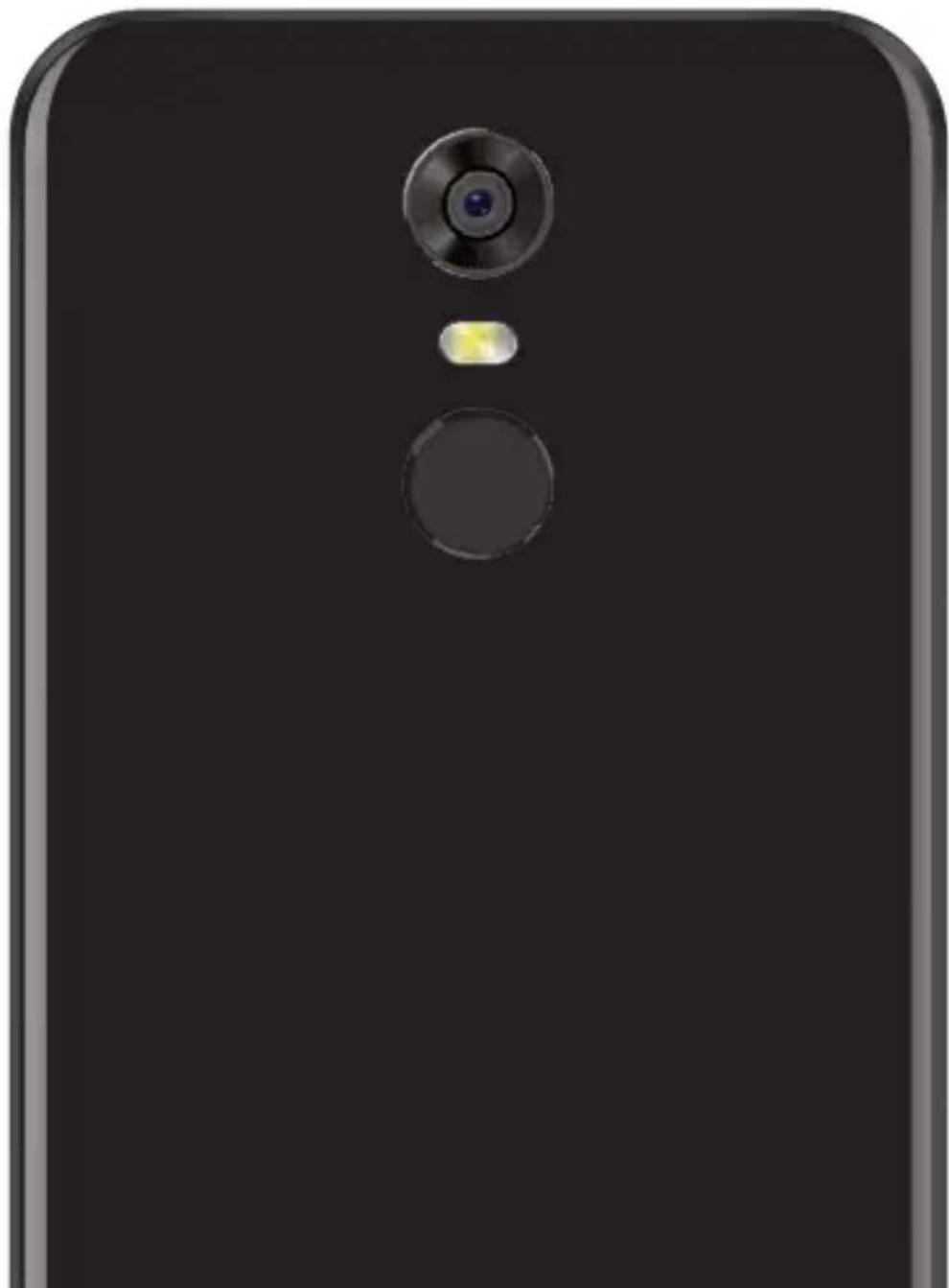
natural_image
Close-up of a black smartphone back panel with a circular lens and a small illuminated button (no text or symbols visible)

Manual assistant
Powered by Anthropic
Waiting for your message
Product information
Brand : DEXP
Model : G155
Category : Smartphone