MOG0902 - Mouse Kunft - Free user manual and instructions
Find the device manual for free MOG0902 Kunft in PDF.


| Product Type | Mouse |
| Brand | Kunft |
| Model | MOG0902 |
| Connectivity | Wired USB |
| Number of Buttons | 4 (Left, Right, Scroll, DPI) |
| Scroll Wheel | Yes, with click |
| Sensor Type | Optical |
| Resolution (DPI) | 1000 DPI |
| Interface | USB Type-A |
| Cable Length | 1.5 m (approx.) |
| Dimensions (L x W x H) | 120 x 70 x 40 mm |
| Weight | 100 g |
| Color | Black |
| Compatibility | Windows, macOS, Linux |
| Power Source | USB bus powered |
| Main Functions | Pointing, clicking, scrolling, DPI switching |
| Maintenance | Clean with a soft, dry cloth |
| Safety | Low voltage device, no special precautions |
| Spare Parts | Not available separately; device is non-repairable |
| General Information | User manual available for free download at notice-facile.com |
Frequently Asked Questions - MOG0902 Kunft
User questions about MOG0902 Kunft
0 question about this device. Answer the ones you know or ask your own.
Ask a new question about this device
Download the instructions for your Mouse in PDF format for free! Find your manual MOG0902 - Kunft and take your electronic device back in hand. On this page are published all the documents necessary for the use of your device. MOG0902 by Kunft.
USER MANUAL MOG0902 Kunft
INSTRUCTIONS' MANUAL
MANUAL DE INSTRUÇÕES
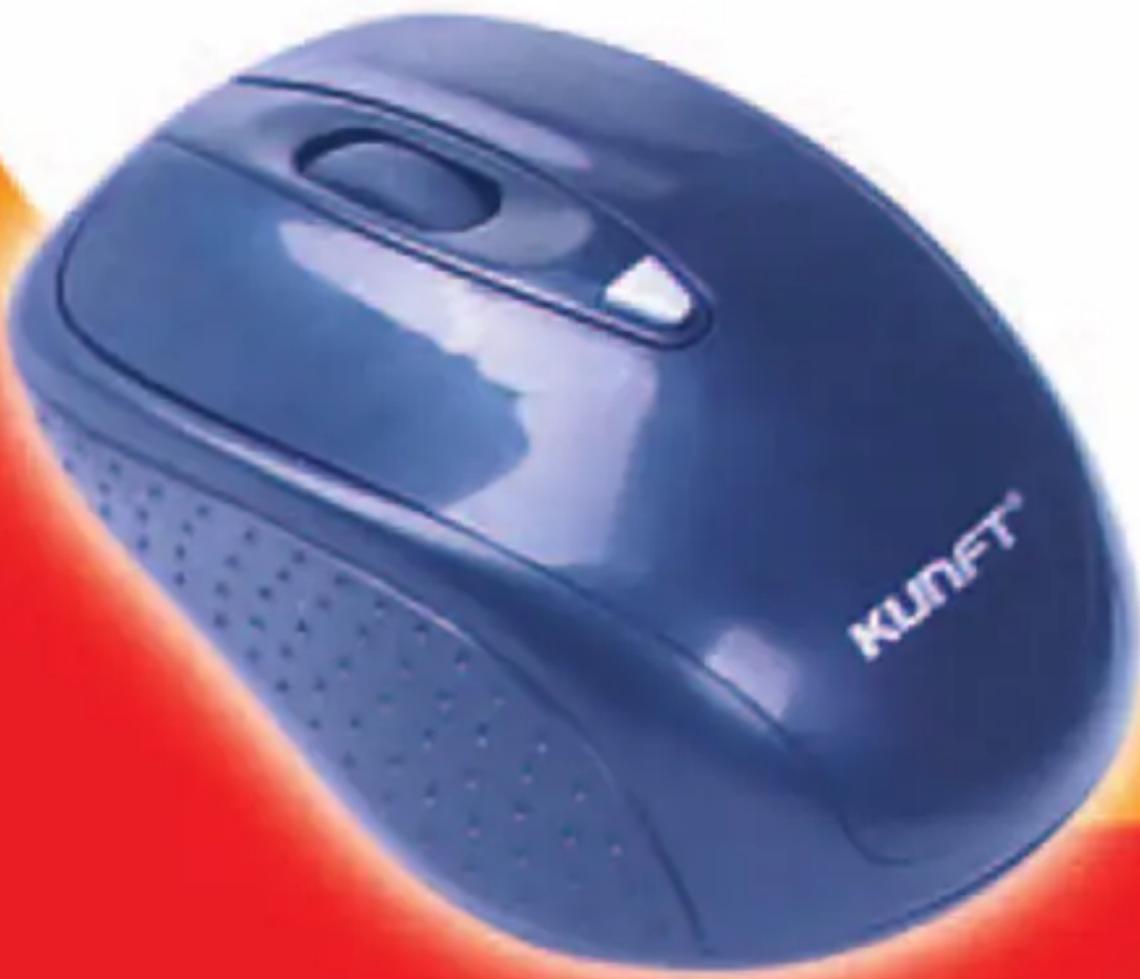
wireless mouse
MOG0902
wireless mouse MOG0902
KUNFT®
DECLARATION OF CONFORMITY

We:
KUNFT
Declare that the Product:
Wireless Mouse, brand KUNFT, model MOG0902.
Is in conformity with the following EEC Directives, including amendments to the current date:
Directive 1999/5/EC for RTTE
Directive 89/336 EEC for EMC
Dear client,
We thank you for purchasing this product.
This appliance was submitted to several laboratorial tests, which certify its quality. To simplify the use of this appliance, this instruction manual has been provided. The instructions must ensure a quick and safe use.
Please read carefully the instructions and safety measures described in this manual.
We wish our clients great satisfaction in using their new appliance.
2
3
wireless mouse MOG0902
KUNFT®
INDEX
- SAFETY INSTRUCTIONS ....5
1.1. Moisture and Water ......6
1.2. Cleaning 6
- OPERATING INSTRUCTIONS ......6
2.1. Package Content ......6
2.2. USB Connection ....6
2.3. Definition of the Buttons ......6
2.4. System requirements .....7
-
AFTERMARKET 7
-
ENVIRONMENT CONSERVATION ....8
DO NOT ALLOW CHILDREN TO USE ELECTRIC APPLIANCES
1. SAFETY INSTRUCTIONS
Important Warnings
Before using your appliance, read carefully this instruction manual and keep it in a safe place, as you may need it for future consultations.
Before you start your appliance, and to ensure a correct use, do not use it if:
- It has fallen on the ground;
- You notice any evidence of damage;
- Any anomaly occurs during its operation;
To avoid hazards and deterioration of your appliance by an incorrect use, it is advisable to read the instructions carefully and attentively.
Your appliance must not be used to other ends than the ones foreseen in the instructions manual. Your safety is only guaranteed in a household use and not for commercial use. The incorrect use will not be covered and automatically cancels the right to warranty. Assistance
Be sure that, in case of malfunction, you take your appliance to a qualified technician for assistance.
This appliance can be used by children from 8 years old and above and persons with reduced physical, sensory or mental capabilities or lack of experience and knowledge if they have been given supervision or instruction concerning use of the appliance in a safe way and understand the hazards involved. Children shall not play with the appliance. Cleaning and maintenance shall not be made by children without supervision.
These instructions are also available on www.suporteworten.pt
wireless mouse MOG0902
KUNFT®
1.1. Moisture and Water
Do not use your appliance in moist environments. Do not let your appliance subject to get wet in any way, since it may be dangerous. TO AVOID FIRE OR ELECTRIC HAZARD DO NOT EXPOSE THE APPLIANCE TO WATER NOR MOISTURE. Do not put your appliance under water (for example, to wash it).
1.2. Cleaning
Turn the appliance OFF before cleaning. Clean it with a soft and dry cloth. Do not use cleaning products.
2. OPERATING INSTRUCTIONS
2.1. Package Content
- MOG0902 Mouse
- Nano-receiver Dongle
- Quick start guide
2.2. USB Connection
- Locate the USB Port on your computer.
- Connect the device into the USB port, as mentioned on the instructions manual of your computer.
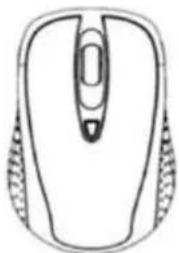
2.3. Definition of the Buttons
- DPI Switch: Mouse dpi switchable between 800 dpi and 1600dpi
- POWER Switch: Turn on or off the power of the mouse, in order to lengthen the life time of the charge.

natural_image
Line drawing of a computer mouse with no text or symbols2.4. System requirements
• IBM PC or compatibility machine
• Windows Vista/XP/ME/2000
• Available USB port
3. AFTERMARKET
KUNFT has designed this appliance in order to guarantee the maximum reliability. However, if a problem occurs, by following the procedures suggested in this section you may be able to determine its cause.
Do not attempt to open the appliance - there is a risk of electrical shock.
If you are not able to solve the problem, please contact your seller or manufacturer.
All users must be familiarized with this section. Knowing what could go wrong can help you avoid the occurrence of problems.
WARNING: any attempt of fixing the appliance without contacting the manufacturer will nullify the warranty.
In case the problem persists, take your appliance to an aftermarket section of any Worten, Modelo or Continente store in order to solve the problem.
Worten Equipamentos para o Lar ensures for a period of 2 years, counting from the date of purchase of this appliance, a warranty against any found manufacturing defect. The warranty supposes a correct use and maintenance of the appliance, namely according to the instructions expressed in this manual. In case otherwise identified, the malfunctions will not be under the warranty.
wireless mouse MOG0902
KUNFT®
The repairing of electrical appliances must only be made by qualified technicians, as otherwise there may occur future complications on the appliances.
To avoid unnecessary risks, in case there are any malfunctions on the wires or on another type of components, repairing must be made on the specialized locations of technical assistance, as appropriate tools are needed.
4. ENVIRONMENT CONSERVATION

Aiming to protect the environment, we try to reduce to a maximum the volume of the packages which are confined to three easy separation materials: cardboard, paper and plastic.
The appliance is made of recyclable material, once disassembled by a specialized company. Follow the local legislation concerning recycling of all materials.
natural_image
Line drawing of a computer mouse with no text or symbolsnatural_image
Line drawing of a computer mouse with no text or symbolsCEDeclarationofConformity
SuppliersDetails
Name:ComtechElectronicsTechnologyLimited
Address: Bldg A, Nanyu Industrial Zone, Huachang Road, Dalang, Longhua Town, Bosan District.
ShenzhenCity,China
ProductDetails
Product Name: Wireless mouse / Wireless keyboard
Model Name: MCG0902 / MOG0056 / MOG3071 / MOG3067 / MOG3090 / KBG0651
TradeName:WORTEN
ApplicableStandardsDetails
1.EMCDirectives: 99/5-EC
EN 300440-191.5.(2009-03) EN 600410-21/18-1/2020-20
EN 301489-1 V1 E 1/2008-04
EN 301489-3 V1.4 1(2002-08)
2.Low voltage Directives:2006/95/EC
FC60850-1:2005/2nd Edition)
ENB0950-1 2006/A11:2009
Supplementary Information
The conformity to above standards is verified by Council of China.
Declaration
I hereby declare under our sole responsibility that the product mentioned above to which this
declaration relates complies with the above mentioned standards and directives.
(SIGNATURE)
For and no behalf of
COMTECH ELECTRONICS TECHNOLOGY LIMITED
董特电子科技有限公司
i f o . . . f i . .
NORCH | LGA
[0]
m = 311
21
NOTES / NOTAS
KUNFT®
wireless mouse
MOG0902
Imported, produced and distributed by:
- INSTRUCTIONS' MANUAL
- MANUAL DE INSTRUÇÕES
- DECLARATION OF CONFORMITY
- wireless mouse MOG0902
- KUNFT®
- INDEX
- SAFETY INSTRUCTIONS
- Important Warnings
- Moisture and Water
- Cleaning
- OPERATING INSTRUCTIONS
- Package Content
- USB Connection
- Definition of the Buttons
- System requirements
- AFTERMARKET
- ENVIRONMENT CONSERVATION
- CEDeclarationofConformity
- wireless mouse
- MOG0902
Brand : Kunft
Model : MOG0902
Category : Mouse