myUTN-52 - Server SEH - Free user manual and instructions
Find the device manual for free myUTN-52 SEH in PDF.


| Product Type | USB Device Server |
| Brand | SEH |
| Model | myUTN-52 |
| USB Ports | 2 USB 2.0 Type-A |
| Network Interface | 1x RJ-45 Ethernet 10/100/1000 Mbps |
| Power Supply | 5V DC, 2A via external adapter |
| Power Consumption | 2.5 W typical |
| Dimensions (W x D x H) | 100 x 60 x 25 mm |
| Weight | 180 g |
| Operating Temperature | 0 to 40 °C |
| Storage Temperature | -20 to 60 °C |
| Humidity | 20 to 80% non-condensing |
| LED Indicators | Power, Network, USB 1, USB 2 |
| Supported Protocols | TCP/IP, DHCP, HTTP, HTTPS |
| Operating Systems | Windows, macOS, Linux |
| Management | Web interface, SEH UTN Manager |
| Security | User authentication, SSL/TLS encryption |
| Cleaning | Wipe with dry soft cloth |
| Spare Parts | Power adapter, cable Ethernet |
| Repairability | Replaceable power adapter only |
Frequently Asked Questions - myUTN-52 SEH
User questions about myUTN-52 SEH
0 question about this device. Answer the ones you know or ask your own.
Ask a new question about this device
Download the instructions for your Server in PDF format for free! Find your manual myUTN-52 - SEH and take your electronic device back in hand. On this page are published all the documents necessary for the use of your device. myUTN-52 by SEH.
USER MANUAL myUTN-52 SEH
We Take Your USB Devices To The Network – No Ifs, ands, or buts!
natural_image
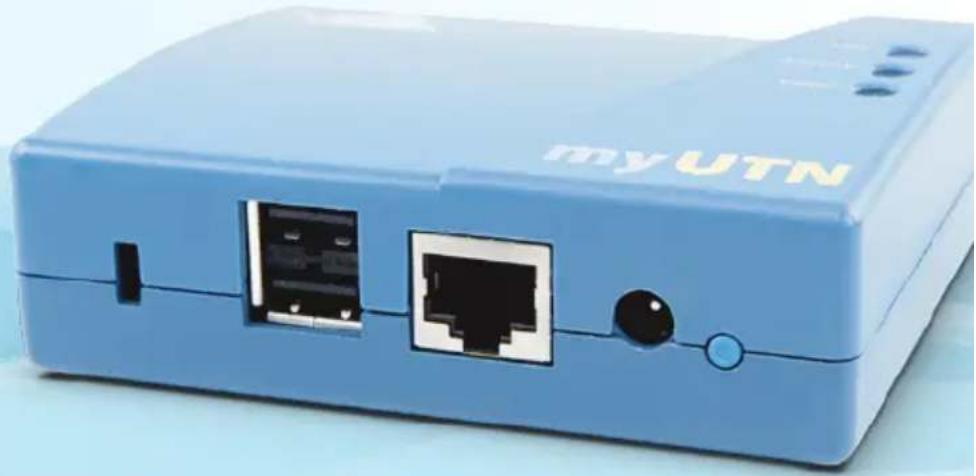
Blue USB device labeled 'myUTN' showing two ports with black connectors and a blue control knob (no readable text beyond branding)USB Device Server
myUTN-50
myUTN-52
myUTN-54
myUTN-80
myUTN-120
myUTN-130
myUTN-150
myUTN-80 Dongleserver
Regardless of environments and their demands, SEH connects nearly every USB device to the network with its myUTN series. No ifs, ands, or buts: Wireless LAN or fiber, whether utilizing copy-protected licensed software, or accessing data from a scanner via the network – we have the right solution!
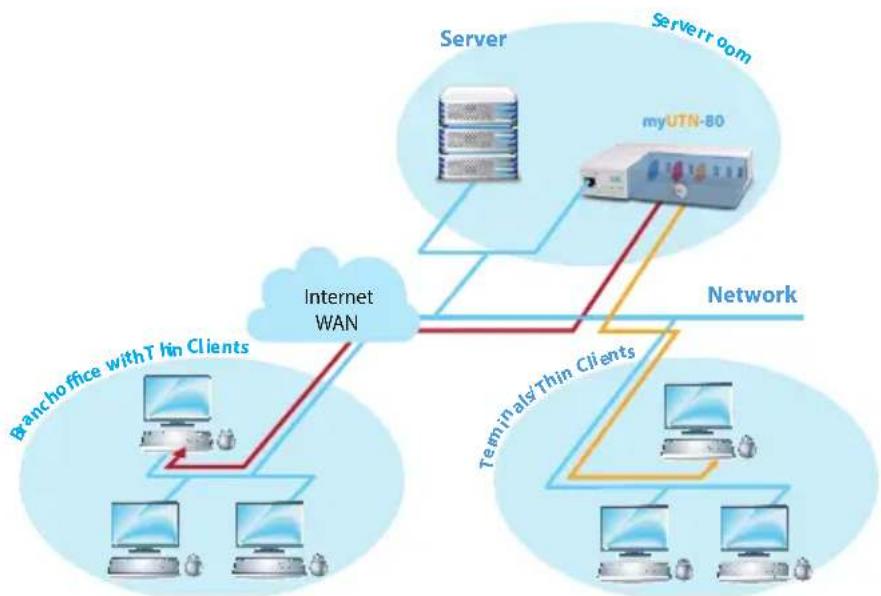
The myUTN-80 dongle server makes up to eight USB hardware keys (dongles) available via the network. You use your software as you did before without having to insert any keys, or "dongles", locally at your workstation. As with locally attached dongles, only one user can access them at a time via
flowchart
graph TD
    A["Server"] --> B["myUTN-80"]
    B --> C["Server room"]
    D["Branch office with Thin Clients"] --> E["Internet WAN"]
    F["Teminals/Thin Clients"] --> G["Network"]
    H["Computer"] --> I["Internet WAN"]
    J["Computer"] --> K["Internet WAN"]
    L["Computer"] --> M["Internet WAN"]
    N["Computer"] --> O["Internet WAN"]
    P["Computer"] --> Q["Internet WAN"]
    R["Computer"] --> S["Internet WAN"]
    T["Computer"] --> U["Internet WAN"]
    V["Computer"] --> W["Internet WAN"]
    X["Computer"] --> Y["Internet WAN"]
    Z["Computer"] --> AA["Internet WAN"]
Gain independence from USB interfaces at your workstation by simply accessing your dongles via the network!
a point- to-point connection. The software vendor's licence is never circumvented.
With the myUTN-80 dongleserver, you never have to look for your dongles or worry about them being damaged or lost again.
Virtual USB cable extension via the network for the flexible and independent use of up to eight USB dongles
USB dongles are safe from loss, theft and damage and always available for several users
Ideal for virtualized environments
Up to eight dongles find a safe place in the myUTN-80. Moreover, you can easily administer your dongle-protected software via the network – even in virtualized environments!
myUTN-80
Dongleserver
Fast Ethernet, 8 USB ports
natural_image
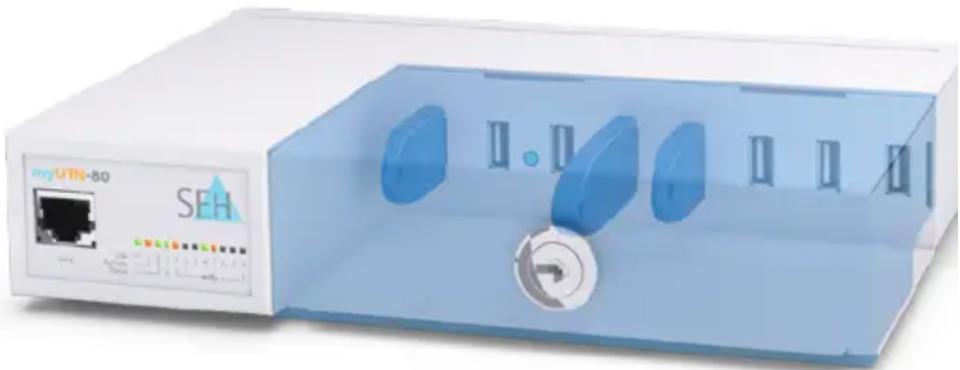
Exterior view of a white server unit labeled 'my UTN-80' with blue control panel and ports (no readable text beyond branding)With our myUTN USB device server series you are perfectly equipped for all network environments.
Gigabit, Fast Ethernet or fiber optic networks: We have the right solution to connect your USB devices safely and flexibly to the respective environments.
Do you prefer wireless environments? Then our WLAN USB device server myUTN-54 is your solution!
Location-independent: No location-based restrictions due to USB cable lengths. You gain remote access to USB devices using a virtual USB cable extension via the network
Economical: As more users can access a USB device, investment costs for USB devices can be reduced
Secure: Exclusive point-to-point connection with password protection, user list, encryption and more!
User-friendly: Simple installation, configuration, and management
... for all Network Types
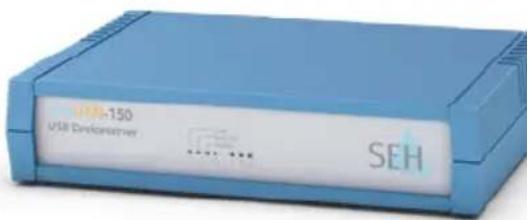
myUTN-150
USB Deviceserver
For Gigabit Ethernet, 3 USB ports, VLAN-enabled, access protection, e-art security features
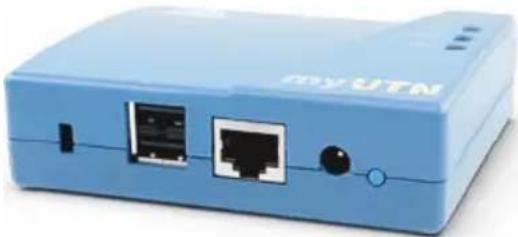
natural_image
Blue USB router device with two ports and a switch (no visible text or symbols)myUTN-50
USB Deviceserver
Fast Ethernet, 2 USB ports
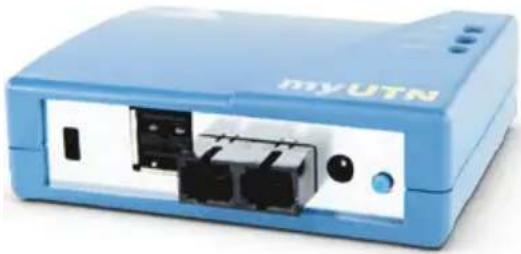
natural_image
Blue MyUTN device with internal ports and indicator lights (no readable text or symbols beyond branding)myUTN-52
USB Deviceserver
For fiber optic networks, 2 USB ports
myUTN-54
USB Deviceserver
For up to four USB devices in a Wireless LAN
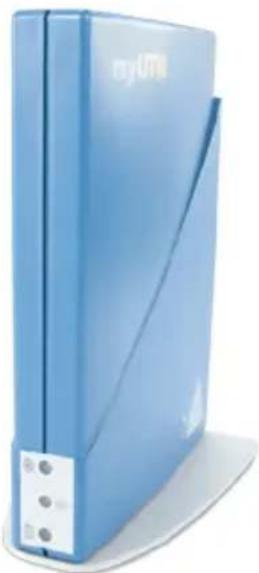
natural_image
Blue server with RJMI branding and a white cable cover (no visible text or symbols on the device body)myUTN-130 Scannerserver
The myUTN-130 Scannerserver is ideal for using scanners in virtualized environments. Users benefit from scanner data compression up to forty per cent.
Utilizing the myUTN-130 Scannerserver enables you to optimize the available bandwidth within a network. As a result all users can efficiently access the scanner.
The myUTN-130 Scannerserver makes every USB scanner available in virtualized environments. Access to the scanners is simple and flexible.
Expensive new investments are history. Simply use your scanner the way you like it best!
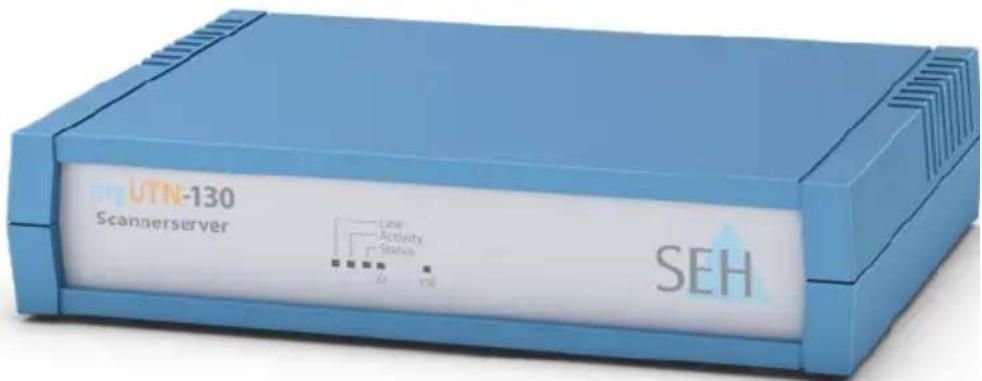
myUTN-130
Scannerserver
Gigabit Ethernet,
1 USB port
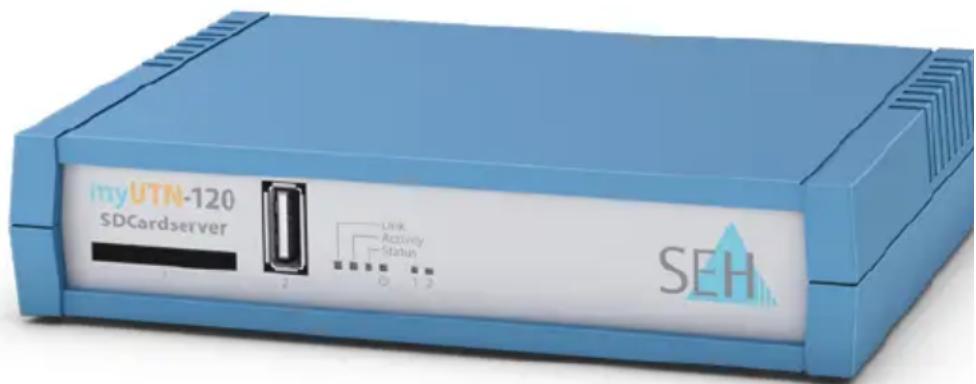
The integrated SD card reader of the myUTN-120 SDCardserver enables you to access the content of your SD cards directly.
As the myUTN-120 is also equipped with a USB interface, the device is a true all-rounder for your network. On top of all this, myUTN-120 comes with the best security standards.
We do not stop at virtualizing your USB devices – we also enable you to use storage media, such as SD cards, securely, flexibly and simply.
myUTN-120
SDCardserver
Gigabit Ethernet,
1 SD card reader,
1 USB port
SEH Computertechnik GmbH (Headquarters)
Suedring 11
33647 Bielefeld
Germany
Phone +49 (0) 5 21 - 9 42 26-29
Fax +49 (0) 5 21 - 9 42 26-99
Web www.seh.de
Email info@seh.de
United Kingdom/Ireland
Phone +44 (0) 12 73 - 23 46-81
Fax +44 (0) 12 73 - 23 46-82
Web www.seh-technology.co.uk
Email info @seh-technology.co.uk
USA
Phone +1 610 - 9 33-20 88
Fax +1 484 - 2 29-06 97
Web www.seh-technology.com
Email info@seh-technology.com