X-Tatic S7 - Headphones Sharkoon - Free user manual and instructions
Find the device manual for free X-Tatic S7 Sharkoon in PDF.


| Product Type | Gaming Headset |
| Model | X-Tatic S7 |
| Brand | Sharkoon |
| Connectivity | Wired, 3.5mm audio jack & USB |
| Driver Unit | 50 mm neodymium |
| Frequency Response | 20 Hz – 20 kHz |
| Impedance | 32 Ω |
| Microphone | Omnidirectional, detachable |
| Cable Length | 2.5 m |
| Weight | 300 g |
| Dimensions (W x H x D) | 200 x 180 x 100 mm |
| Power Source | USB-powered (LED lighting) |
| Main Functions | Stereo sound, inline remote, volume control, mute switch |
| Care Instructions | Wipe with dry cloth; do not use solvents |
| Safety Precautions | Avoid prolonged high volume to prevent hearing damage |
| Spare Parts Available | Earpads, cable, microphone |
| Repairability | Modular design; replaceable cable and earpads |
| Compatibility | PC, PS4, Xbox One, Nintendo Switch, mobile devices |
Frequently Asked Questions - X-Tatic S7 Sharkoon
User questions about X-Tatic S7 Sharkoon
0 question about this device. Answer the ones you know or ask your own.
Ask a new question about this device
Download the instructions for your Headphones in PDF format for free! Find your manual X-Tatic S7 - Sharkoon and take your electronic device back in hand. On this page are published all the documents necessary for the use of your device. X-Tatic S7 by Sharkoon.
USER MANUAL X-Tatic S7 Sharkoon
natural_image
Close-up of black and red headsets with a black electronic device on a reflective surface (no visible text or symbols)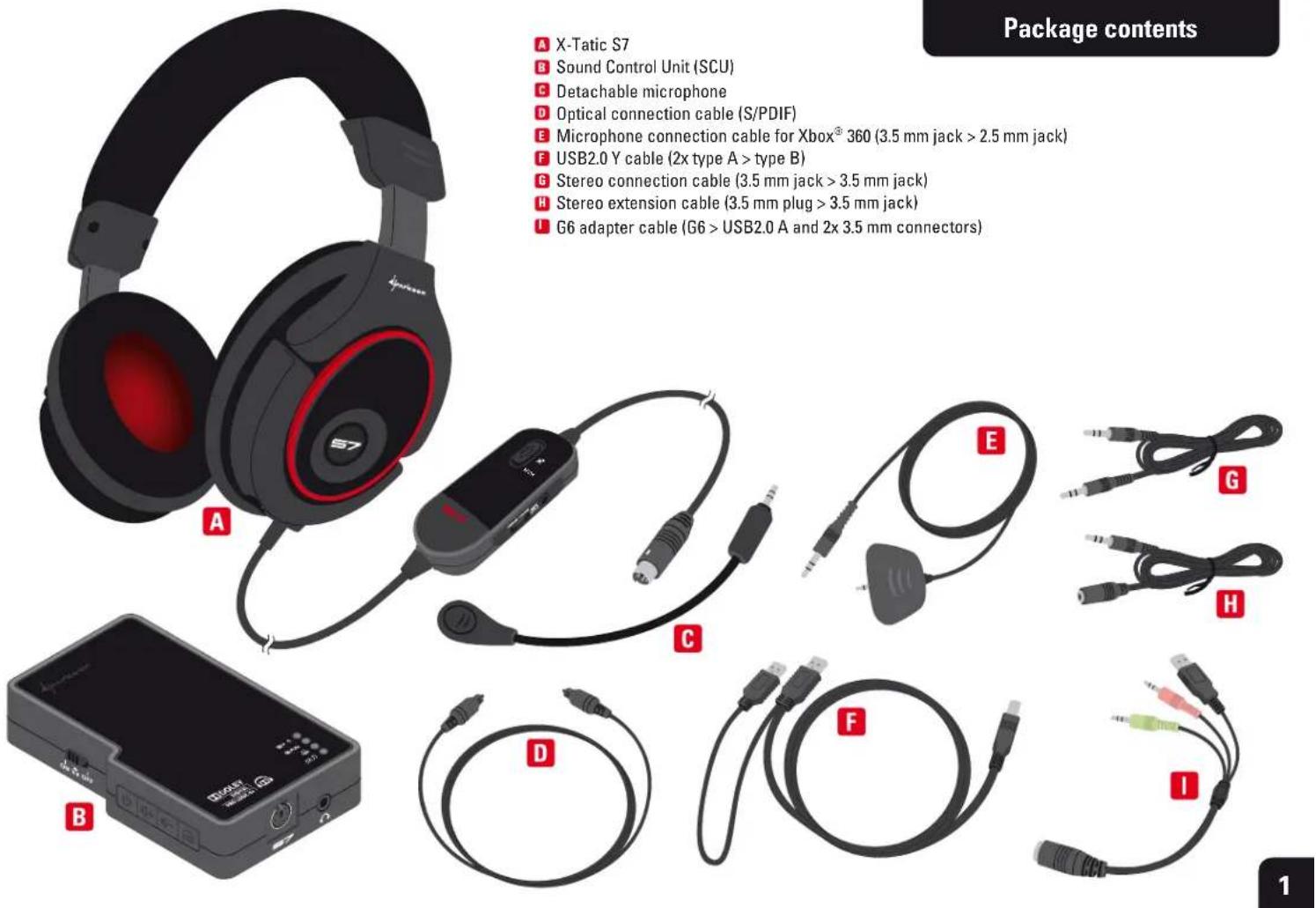
Package contents
A X-Tatic S7
B Sound Control Unit (SCU)
C Detachable microphone
D Optical connection cable (S/PDIF)
E Microphone connection cable for Xbox® 360 (3.5 mm jack > 2.5 mm jack)
F USB2.0 Y cable (2x type A > type B)
G Stereo connection cable (3.5 mm jack > 3.5 mm jack)
H Stereo extension cable (3.5 mm plug > 3.5 mm jack)
G6 adapter cable (G6 > USB2.0 A and 2x 3.5 mm connectors)
Basic information
Getting started
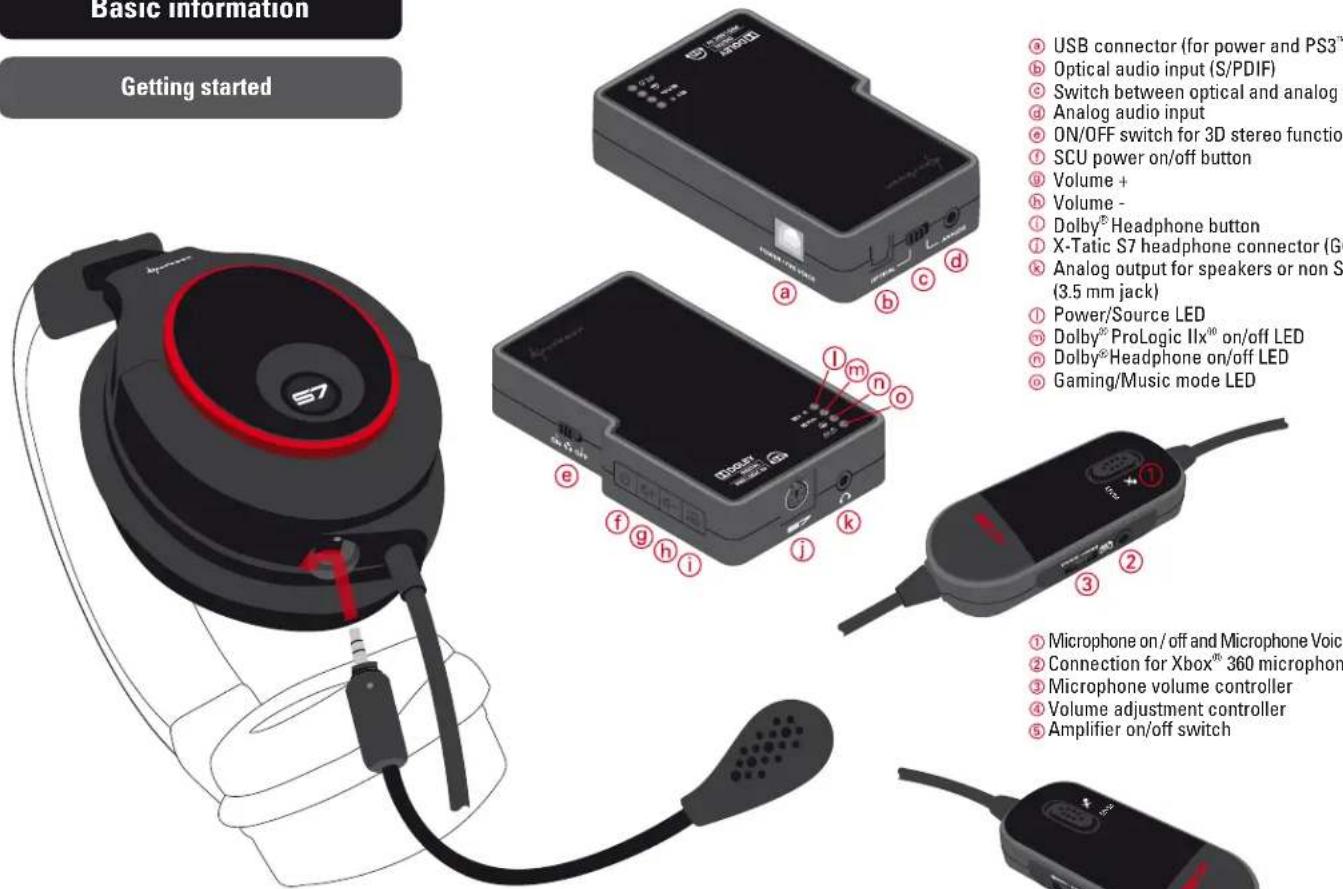
USB connector (for power and PS3™/PC microphone)
⑥ Optical audio input (S/PDIF)
© Switch between optical and analog input
d Analog audio input
ON/OFF switch for 3D stereo function
① SCU power on/off button
⑨ Volume +
h Volume
① Dolby® Headphone button
① X-Tatic S7 headphone connector (G6)
© Analog output for speakers or non S7 headset
(3.5 mm jack)
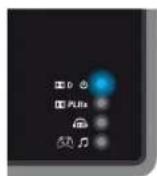
① Power/Source LED
^m Dolby ^02 ProLogic IIx ^00 on/off LED
⑨ Dolby®Headphone on/off LED
Gaming/Music mode LED
① Microphone on/off and Microphone Voice Monitoring
② Connection for Xbox ^® 360 microphone
③ Microphone volume controller
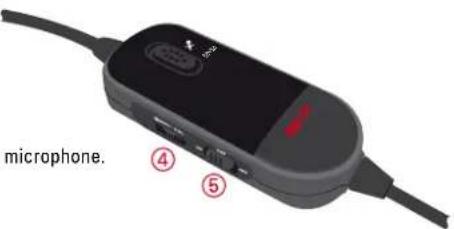
④ Volume adjustment controller
⑤ Amplifier on/off switch
Locate and align the markings on both the headset and the microphone.
Plug the microphone into the microphone connector.
Turn the microphone to the front to lock it.
Required parts for Xbox® 360
natural_image
Black electronic device with ports and buttons (no visible text or symbols)Sound Control Unit (SCU)
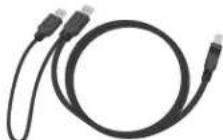
USB2.0 Y cable (2x type A > type B)
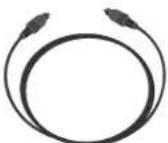
Optical connection cable (S/PDIF)

Remove the protective caps!
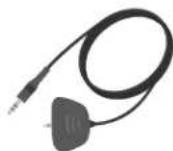
Microphone connection cable for Xbox® 360 (3.5 mm jack > 2.5 mm jack)
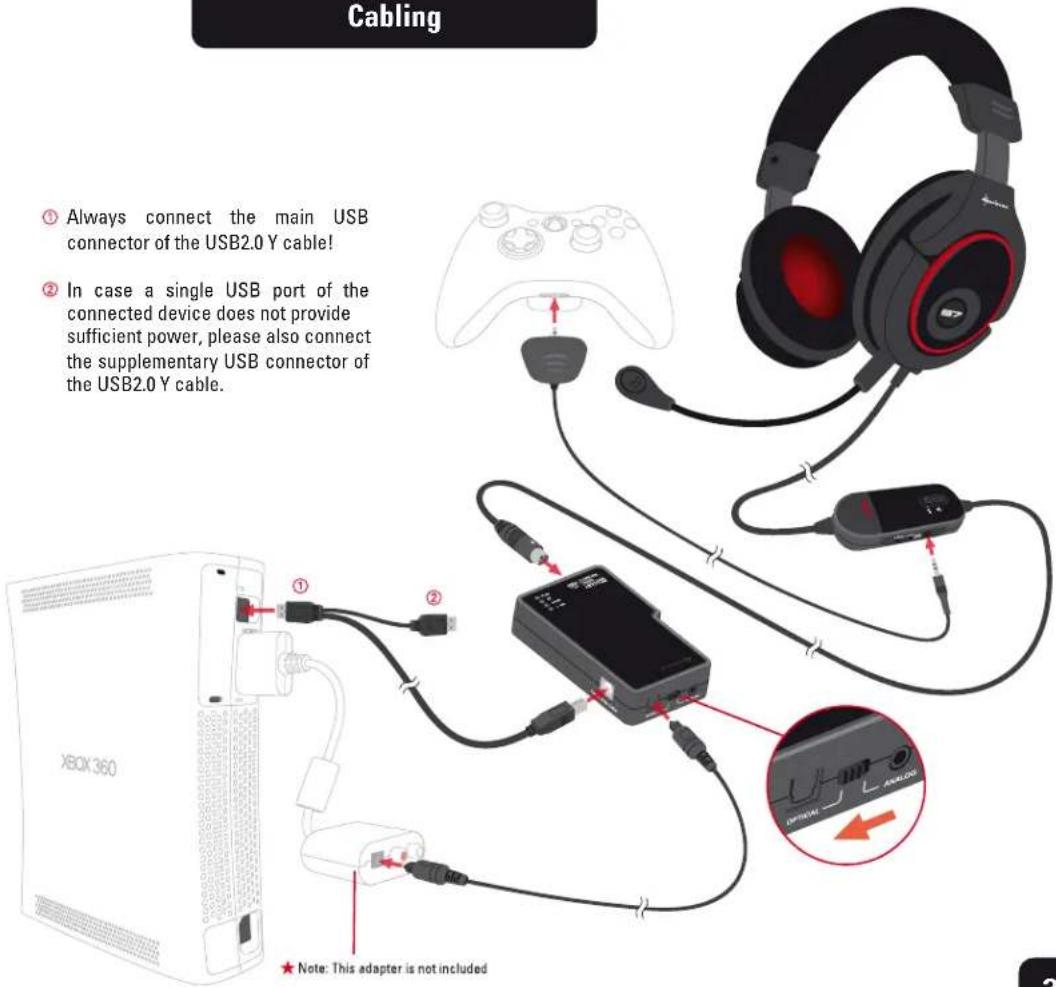
Cabling
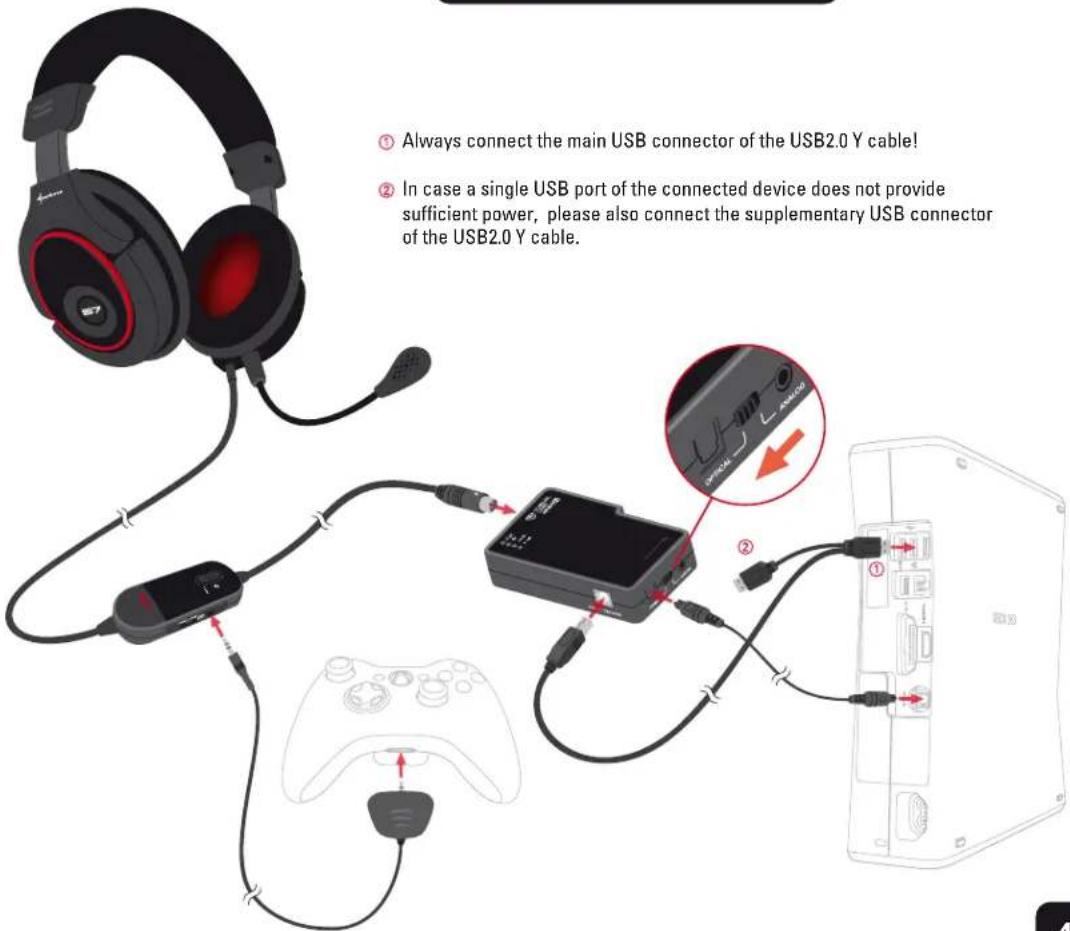
① Always connect the main USB connector of the USB2.0 Y cable!
② In case a single USB port of the connected device does not provide sufficient power, please also connect the supplementary USB connector of the USB2.0 Y cable.
Required parts for Xbox® 360 Slim
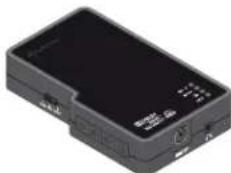
natural_image
Black electronic device with ports and indicator lights (no visible text or symbols)Sound Control Unit (SCU)
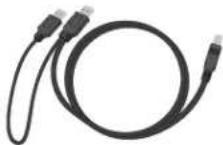
USB2.0 Y cable (2x type A > type B)
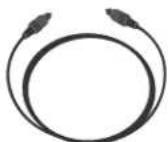
Optical connection cable (S/PDIF)

Remove the protective caps!
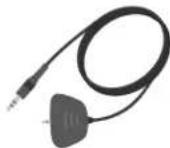
Microphone connection cable for Xbox® 360 (3.5 mm jack > 2.5 mm jack)
Cabling
③ Always connect the main USB connector of the USB2.0 Y cable!
② In case a single USB port of the connected device does not provide sufficient power, please also connect the supplementary USB connector of the USB2.0 Y cable.
③ Always connect the main USB connector of the USB2.0 Y cable!
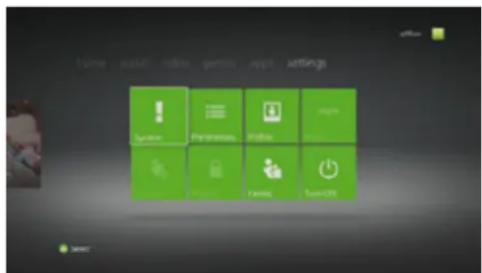
Xbox® 360 sound settings (a)
Define the output as follows:
Settings > System > Console Settings > Audio > Digital Output > Dolby Digital 5.1
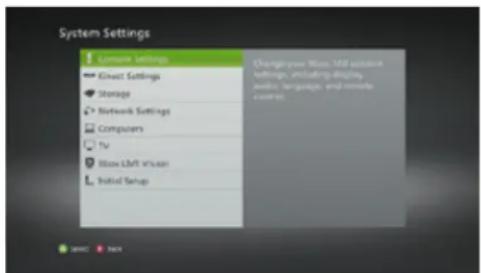
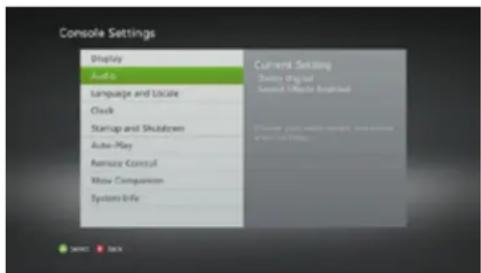
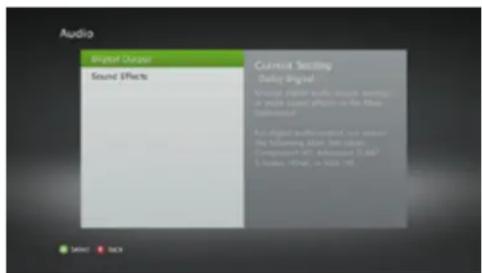
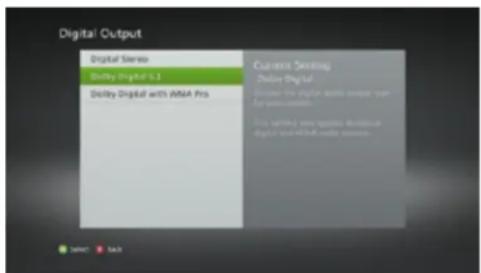
Xbox® 360 sound settings (b)
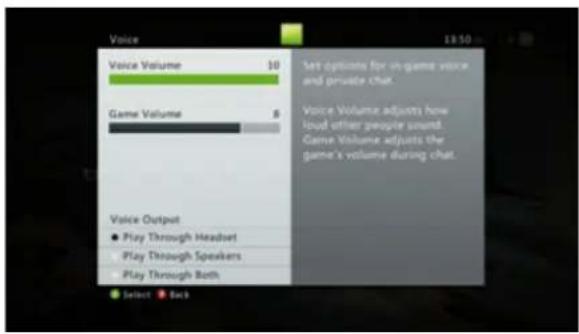
Define the input as follows:
Settings > Preferences > Voice > Play Through Headset
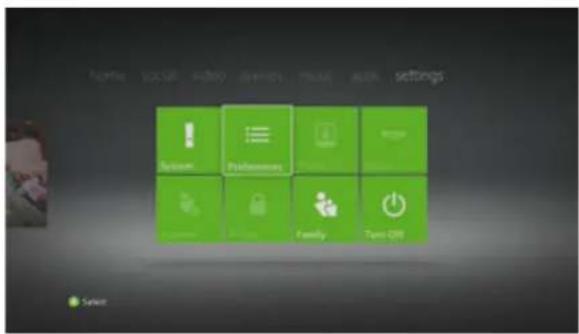
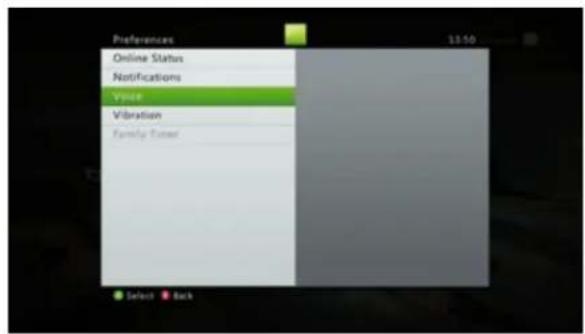
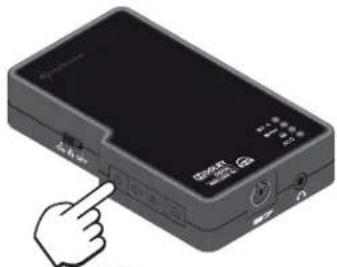
SCU settings SCU LED
natural_image
Hand pointing at a device with buttons and ports (no visible text or symbols)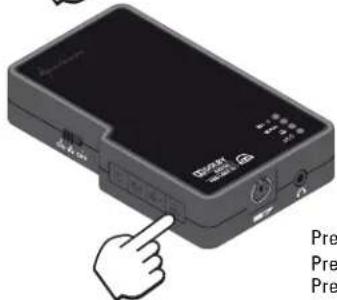
Press 1x: Dolby® Headphone Gaming mode Press 2x: Dolby® Headphone Sound mode Press 3x: Dolby® Headphone off

natural_image
Solid dark gray rectangle with no visible text, symbols, or features.Dolby® Digital 5.1 Input Dolby® Headphone Output
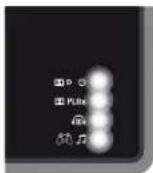
Gaming mode Music mode
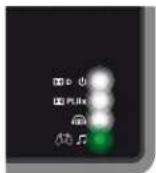
le
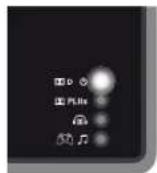
Stereo bypass
Stereo Input Dolby® Headphone Output
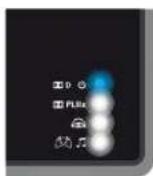
Gaming mode Music mode
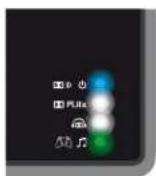
le
Stereo bypass
Important notes
Avoid listening at a high volume level for a longer period of time. Doing so may harm your hearing.
Dolby, Pro Logic, the double-D symbol and the respective images/logos are registered trademarks or trademarks of Dolby Laboratories.
PlayStation, PlayStation 3, PS3 and the respective images/logos are registered trademarks or trademarks of Sony Computer Entertainment Inc. Xbox, Xbox 360, Xbox Live, Windows 7, Microsoft and the respective images/logos are registered trademarks or trademarks of Microsoft Corporation in the U.S. and/or other countries.
All named products and descriptions are trademarks and/or registered trademarks of the respective manufacturers and are accepted as protected.
As a continuing policy of product improvement at SHARKOON, the design and specifications are subject to change without prior notice. National product specifications may vary.
All rights reserved especially (also in extracts) for translation, reprinting, reproduction by copying or other technical means. Infringements will lead to compensation.
All rights reserved especially in case of assignation of patent or utility patent. Means of delivery and technical modifications reserved.
Disposal of your old product
Your product is designed and manufactured with high quality materials and components, which can be recycled and reused.

When this crossed-out wheeled bin symbol is attached to a product, it means the product is covered by the European Directive 2002/96/EC.
Please be informed about the local separate collection system for electrical and electronic products.
Please act according to your local rules and do not dispose of your old products with your normal household waste. The correct disposal of your old product will help prevent potential negative consequences to the environment and human health.
© SHARKOON Technologies 2012
www.sharkoon.com

Brand : Sharkoon
Model : X-Tatic S7
Category : Headphones