TA 213 E - Heating controller Junkers - Free user manual and instructions
Find the device manual for free TA 213 E Junkers in PDF.


Pick your language and provide your email: we'll send you a specifically translated version.
| Product Type | Heating Controller |
| Brand | Junkers |
| Model | TA 213 E |
| Power Supply | 230V / 50Hz |
| Dimensions (approx) | 150 x 80 x 50 mm |
| Weight (approx) | 0.5 kg |
| Application | Mixing circuit control |
| Sensor Type | Mixing circuit sensor (MF) |
| Display | None (analog dials) |
| Main Functions | Temperature regulation, pump control, valve control |
| Installation | Wall-mounted |
| Protection Class | IP20 |
| Ambient Temperature | 0°C to 50°C |
| Maintenance | Clean with dry cloth; do not use liquids |
| Safety | Electrical safety per EN 60730 |
| Spare Parts | Temperature sensors, control board, knobs |
| Repairability | Service by qualified technician |
| Compliance | CE, RoHS |
Frequently Asked Questions - TA 213 E Junkers
How do I install the Junkers TA 213 E?
Install the controller on a wall using the provided brackets. Connect the power supply (230V/50Hz) and wiring to the mixing valve and pump as per the diagram in the manual. Ensure the MF sensor is attached to the mixing circuit pipe.
What power supply does the TA 213 E require?
The controller requires a 230V / 50Hz AC power supply. Use a dedicated circuit with appropriate protection.
How do I set the desired temperature?
Rotate the dial on the front of the controller to the desired temperature setting. The controller will automatically regulate the mixing valve to maintain that temperature.
What is the MF sensor for?
The MF sensor (Mixing Circuit Sensor) measures the temperature of the water in the mixing circuit. It sends data to the controller to adjust the valve position for precise temperature control.
Why is there no heating output?
Check the power supply and ensure the controller is on. Verify that the MF sensor is properly connected. If the pump or valve is faulty, the controller may not receive correct feedback. Reset the controller by turning it off and on.
Can the TA 213 E be used with underfloor heating?
Yes, the controller is suitable for underfloor heating systems as it controls mixing valves to maintain low-temperature supply. Ensure the sensor is placed correctly on the underfloor loop.
Does the controller have a digital display?
No, the TA 213 E uses analog dials for temperature adjustment. It does not have a digital display or programming features.
How do I clean and maintain the controller?
Clean the exterior with a soft dry cloth. Do not use water, solvents, or abrasive cleaners. Regularly check wiring and sensor connections for corrosion or damage.
What is the warranty period for the Junkers TA 213 E?
The standard warranty is 2 years from the date of purchase, covering manufacturing defects. Proof of purchase is required for warranty claims.
Where can I find spare parts for the TA 213 E?
Spare parts such as temperature sensors, control boards, and knobs can be ordered from authorized Junkers dealers or through online parts distributors. Refer to the manual for part numbers.
User questions about TA 213 E Junkers
0 question about this device. Answer the ones you know or ask your own.
Ask a new question about this device
No questions yet. Be the first to ask one.
Download the instructions for your Heating controller in PDF format for free! Find your manual TA 213 E - Junkers and take your electronic device back in hand. On this page are published all the documents necessary for the use of your device. TA 213 E by Junkers.
USER MANUAL TA 213 E Junkers
natural_image
Simple line drawing of a hand holding a wrench (no text or symbols)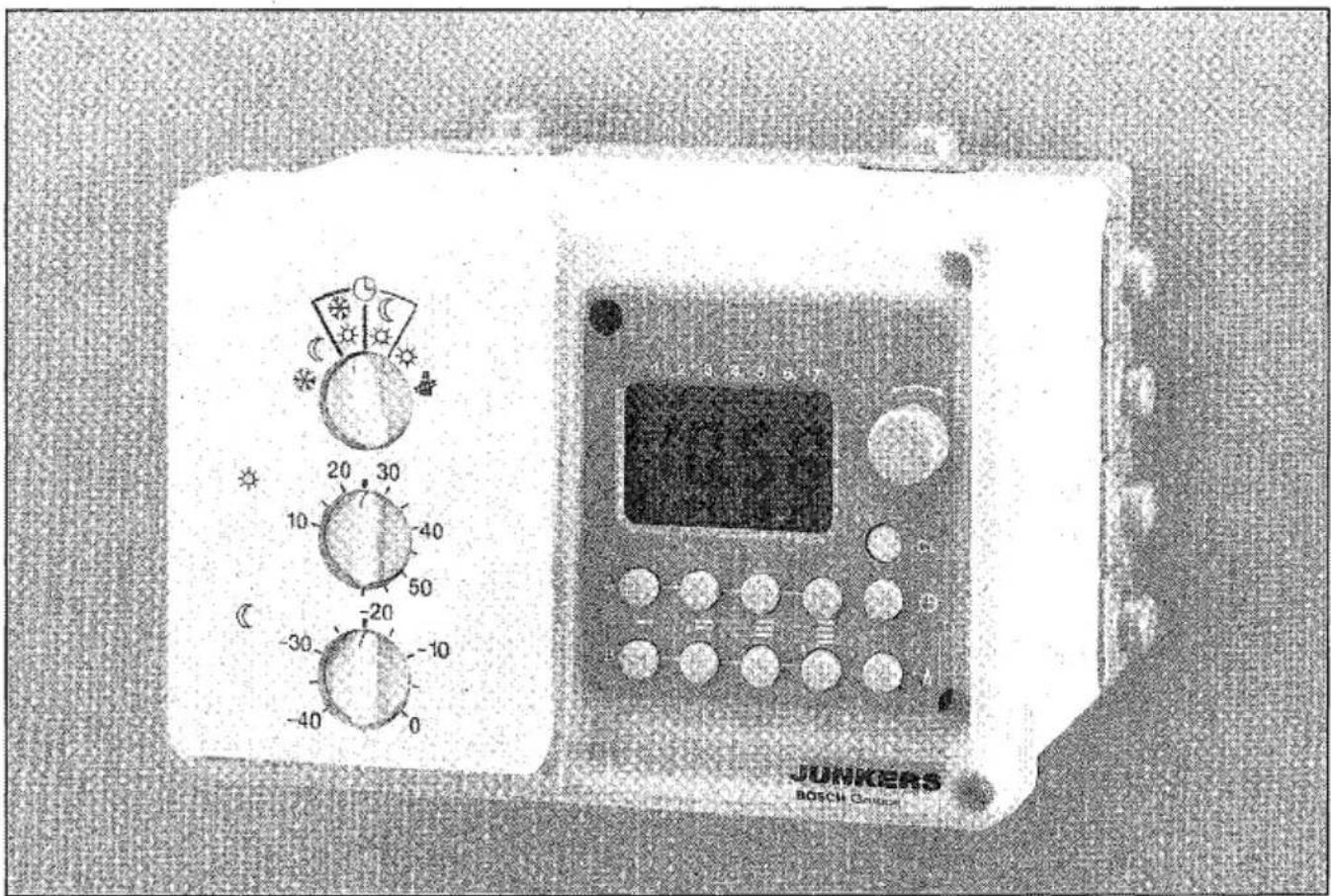
natural_image
Simple line drawing of a triangle with a shaded base (no text or symbols)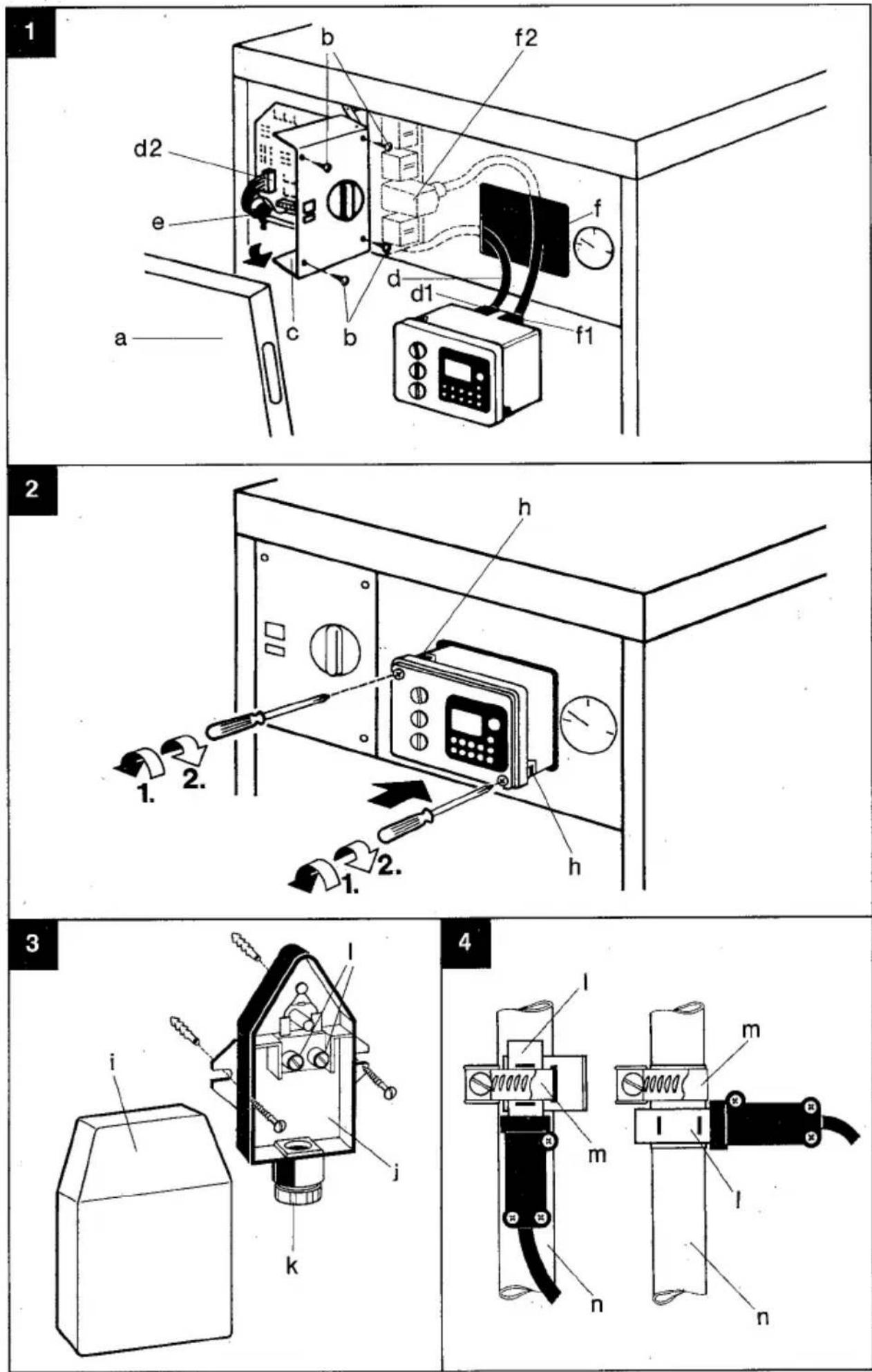
Anwendung
MF = Mischerkreisfühler
flowchart
graph TD
    A["Water Source"] --> B["Valve"]
    B --> C["Pump"]
    C --> D["Reservoir"]
    D --> E["Capacitor"]
    E --> F["Thermal Control Unit"]
    F --> G["230V/50Hz"]
    G --> H["TW2"]
    H --> I["AC Source"]
    I --> J["AC Source"]
    J --> K["AC Source"]
    K --> L["AC Source"]
    L --> M["AC Source"]
    M --> N["AC Source"]
    N --> O["AC Source"]
    O --> P["AC Source"]
    P --> Q["AC Source"]
    Q --> R["AC Source"]
    R --> S["AC Source"]
    S --> T["AC Source"]
    T --> U["AC Source"]
    U --> V["AC Source"]
    V --> W["AC Source"]
    W --> X["AC Source"]
    X --> Y["AC Source"]
    Y --> Z["AC Source"]
    Z --> AA["AC Source"]
    AA --> AB["AC Source"]
    AB --> AC["AC Source"]
    AC --> AD["AC Source"]
    AD --> AE["AC Source"]
    AE --> AF["AC Source"]
    AF --> AG["AC Source"]


Table of contents
Click a title to access it
Manual assistant
Powered by Anthropic
Waiting for your message
Product information
Brand : Junkers
Model : TA 213 E
Category : Heating controller