
DCH-640 - Drone DENVER - Free user manual and instructions
Find the device manual for free DCH-640 DENVER in PDF.


Pick your language and provide your email: we'll send you a specifically translated version.
| Product Type | Quadcopter Drone |
| Brand | Denver |
| Model | DCH-640 |
| Dimensions (Unfolded) | 28 x 28 x 6 cm |
| Weight | 150 g |
| Battery Capacity | 1200 mAh Li-Po |
| Flight Time | Up to 15 minutes |
| Charging Time | Approximately 90 minutes |
| Camera Resolution | 1080p HD |
| Photo Resolution | 12 MP |
| Video Resolution | 1920 x 1080 |
| FOV (Field of View) | 120 degrees |
| Transmission Range | Up to 100 meters |
| Control Frequency | 2.4 GHz |
| Gyro Stabilization | 6-axis gyro |
| GPS | No |
| Headless Mode | Yes |
| One Key Return | Yes |
| Altitude Hold | Yes |
| Maintenance | Clean with dry cloth; keep propellers free of debris; store in cool dry place. |
| Safety | Not for children under 14; operate in open areas; avoid water and obstacles. |
| Spare Parts Available | Spare batteries, propellers, and chargers available online. |
| Repairability | Modular design; replaceable motors and boards with basic tools. |
Frequently Asked Questions - DCH-640 DENVER
How do I pair the drone with the remote?
Turn on the drone and remote. Push the left stick forward and then pull it back. The lights on the drone will turn solid indicating successful pairing.
What is the maximum flight time?
The drone can fly up to 15 minutes on a full charge, depending on wind and flying style.
How long does it take to charge the battery?
Charging the 1200 mAh battery takes approximately 90 minutes using the included USB charger.
Can I use my phone as a controller?
No, the drone requires the dedicated remote controller. However, you can mount your phone on the controller to view the camera feed via Wi-Fi.
Does the drone have a camera?
Yes, the DCH-640 features a 1080p HD camera capable of taking photos and videos.
How do I calibrate the gyro?
Place the drone on a flat surface. Push the left stick down and to the right, and the right stick down and to the left simultaneously. The lights will flash and then stay solid.
What is the range of the remote?
The remote has a maximum control range of up to 100 meters in open, unobstructed areas.
Can I fly the drone indoors?
Yes, but be cautious of obstacles and strong air currents. It is best suited for outdoor use in calm weather.
How do I activate headless mode?
Press the headless mode button on the remote. The drone will then fly relative to your position, not its orientation.
What should I do if the drone does not respond?
First, check the battery levels and ensure pairing. Perform a gyro calibration. If still unresponsive, restart the drone and remote.
User questions about DCH-640 DENVER
0 question about this device. Answer the ones you know or ask your own.
Ask a new question about this device
No questions yet. Be the first to ask one.
Download the instructions for your Drone in PDF format for free! Find your manual DCH-640 - DENVER and take your electronic device back in hand. On this page are published all the documents necessary for the use of your device. DCH-640 by DENVER.
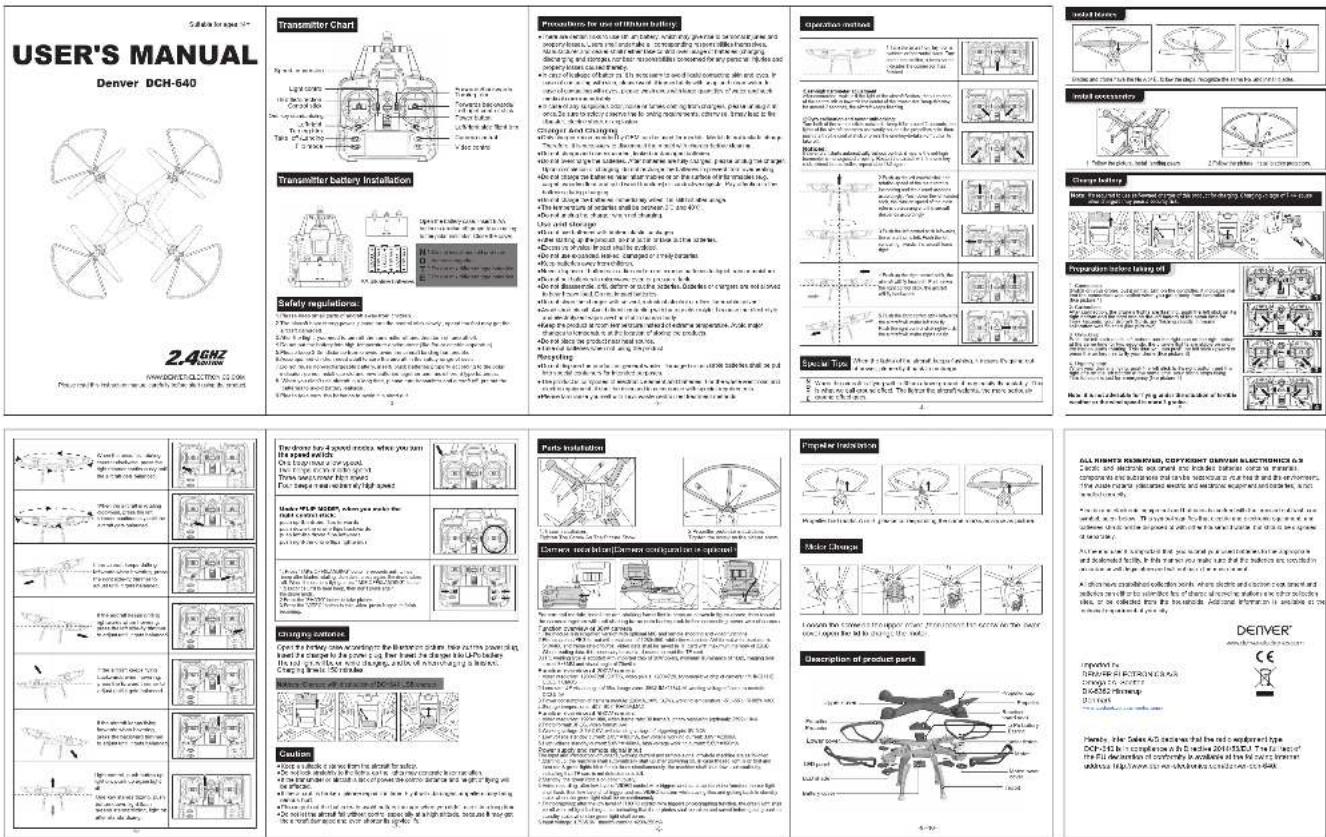
USER MANUAL DCH-640 DENVER


Manual assistant
Powered by Anthropic
Waiting for your message
Product information
Brand : DENVER
Model : DCH-640
Category : Drone