
TOUCAN W - Medienplayer iconBIT - Kostenlose Bedienungsanleitung
Finden Sie kostenlos die Bedienungsanleitung des Geräts TOUCAN W iconBIT als PDF.


| Produkttyp | Medienplayer |
| Marke | iconBIT |
| Modell | TOUCAN W |
| Abmessungen (B x H x T) | ca. 120 x 30 x 90 mm |
| Gewicht | ca. 200 g |
| Stromversorgung | 5 V DC, 1 A (über USB) |
| Unterstützte Medienformate | Video: AVI, MKV, MP4; Audio: MP3, WMA; Bild: JPEG, PNG |
| Videoausgang | HDMI 1.4, Composite (CVBS) |
| Audioausgang | HDMI, 3,5 mm Klinke |
| Datenträger | USB-Stick, SD-Karte (bis 32 GB) |
| Netzwerk | Wi-Fi 802.11 b/g/n, Ethernet 10/100 |
| Fernbedienung | Infrarot-Fernbedienung im Lieferumfang |
| Bedienung | via Fernbedienung oder Gerätetasten |
| Bildschirm | Kein integrierter Bildschirm (nur Videoausgang) |
| Sprachen | Mehrsprachig (u.a. Deutsch, Englisch) |
| Reinigung | Mit trockenem, weichem Tuch; keine aggressiven Reiniger |
| Sicherheitshinweise | Nicht öffnen, vor Feuchtigkeit schützen, nur mit angegebenem Netzteil verwenden |
| Ersatzteile / Reparierbarkeit | Fernbedienung und Netzteil als Ersatzteile erhältlich; Reparatur durch Fachpersonal |
| Garantie | 2 Jahre gesetzliche Gewährleistung |
| Lieferumfang | Medienplayer, Fernbedienung, Netzteil, AV-Kabel, Bedienungsanleitung |
Häufig gestellte Fragen - TOUCAN W iconBIT
Benutzerfragen zu TOUCAN W iconBIT
0 Frage zu diesem Gerät. Beantworten Sie die, die Sie kennen, oder stellen Sie Ihre eigene.
Eine neue Frage zu diesem Gerät stellen
Laden Sie die Anleitung für Ihr Medienplayer kostenlos im PDF-Format! Finden Sie Ihr Handbuch TOUCAN W - iconBIT und nehmen Sie Ihr elektronisches Gerät wieder in die Hand. Auf dieser Seite sind alle Dokumente veröffentlicht, die für die Verwendung Ihres Geräts notwendig sind. TOUCAN W von der Marke iconBIT.
BEDIENUNGSANLEITUNG TOUCAN W iconBIT
ToucanW bootloader and firmware update.
Please restore factory defaults before upgrade!!!
If your bootloader version is earlier than 20110906 and Android version is earlier than 2.3.4.
- Copy two files (update.zip and update.img) to the root folder of USB Memory Stick.
- Connect the USB Memory Stick to Toucan W. Hold the button on the bottom of the device and plug it in.
- The update process takes a long time, please wait.
The update process proceeds in two stages with a reboot between. New bootloader will be updated first:

Then the device will reboot and firmware will be updated:
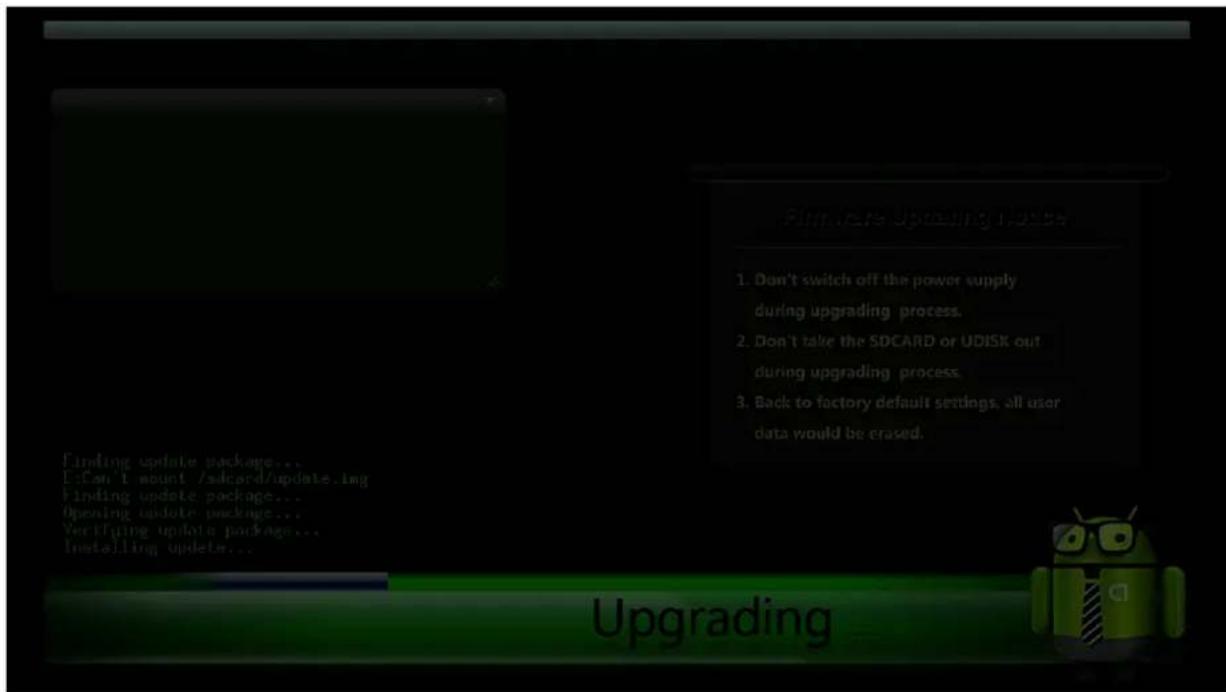
- After firmware update the device will reboot, you'll see iconBIT logo:

Then:
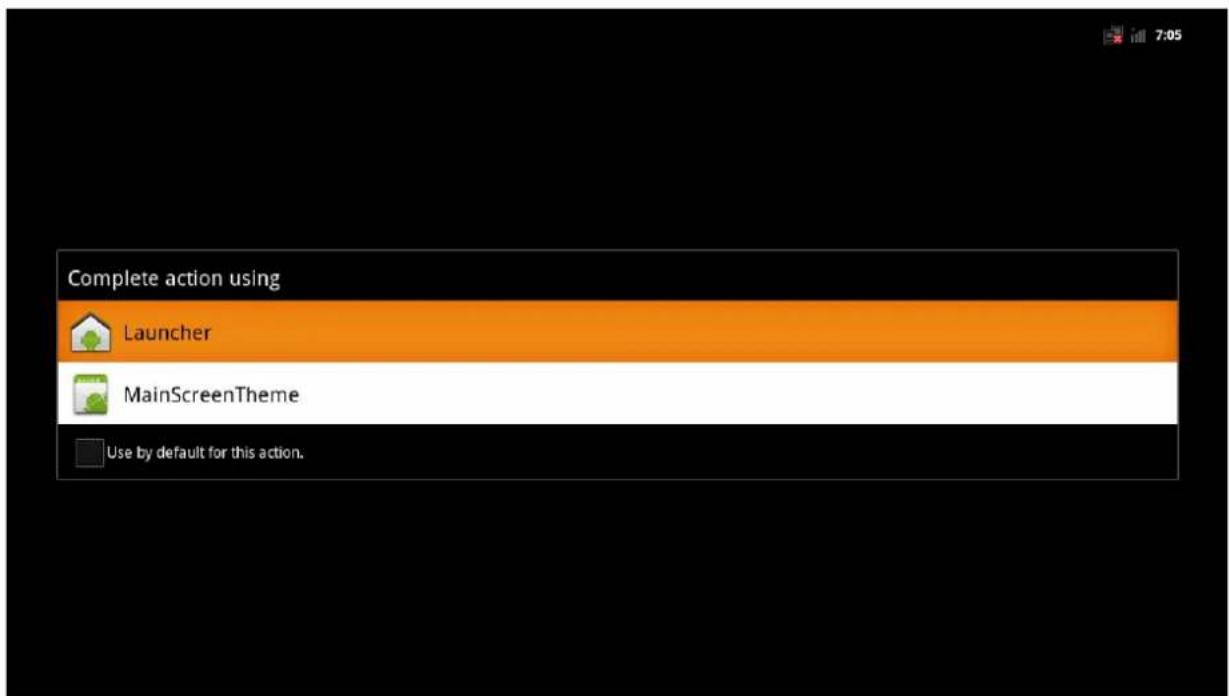
- Choose «MainScreenTheme». The following screen appears:

natural_image
Desktop setup with a computer monitor displaying a Windows XP wallpaper, surrounded by various electronic devices including a robot, smartphone, and headphones (no visible text or symbols on main objects)Update completed. Device information:

If your bootloader version is 20110906 or higher and Android version is 2.3.4.
Your bootloader now supports only.img files.
You have to update bootloader and firmware manually. New firmware can be installed only on bootloader version 20111102.
- Copy file update.zip (2.08Mb) to the root folder of USB Memory Stick. Rename it to update.img
- Connect USB Memory Stick to Toucan W. Hold the button on the bottom of the device and plug it in. The update process will start.

- Turn off the device after reboot.
- Delete update file from USb Memory Stick and copy new file update.img (90.6 Mb).
- . Connect the USB Memory Stick to Toucan W. Hold the button on the bottom of the device and plug it in. The update process will start.
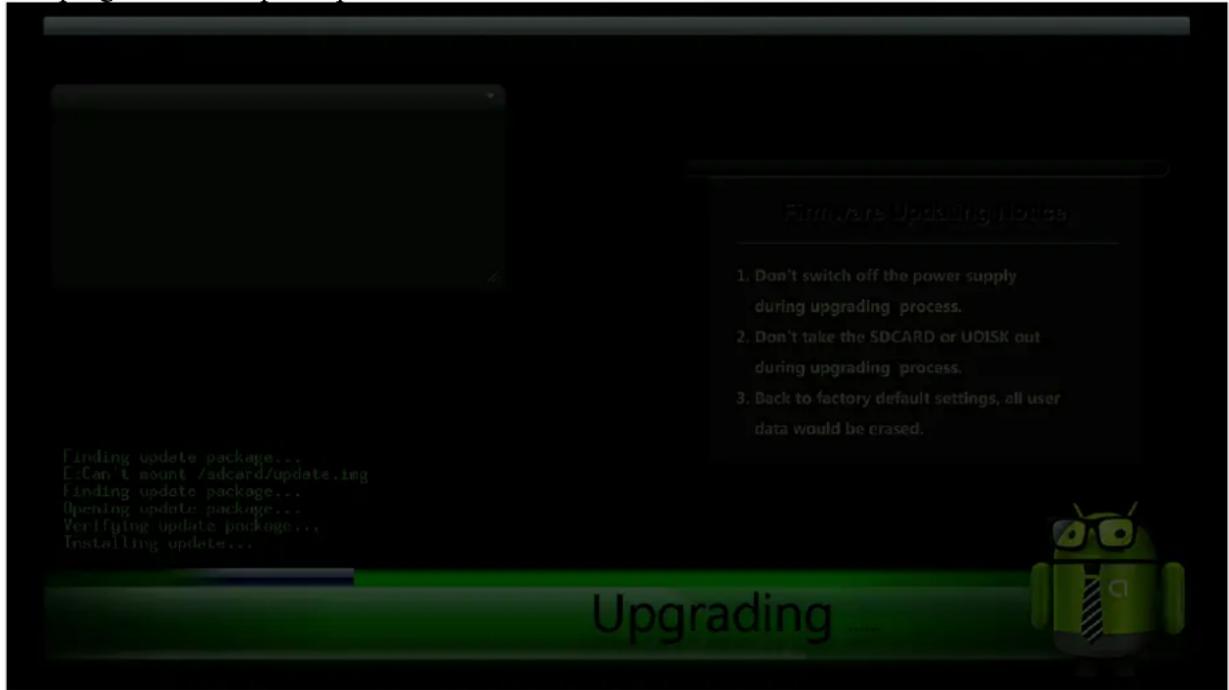
- After firmware upgrade the device will reboot, you'll see iconBIT logo:

Then:

- Choose «MainScreenTheme». The following screen appears:

natural_image
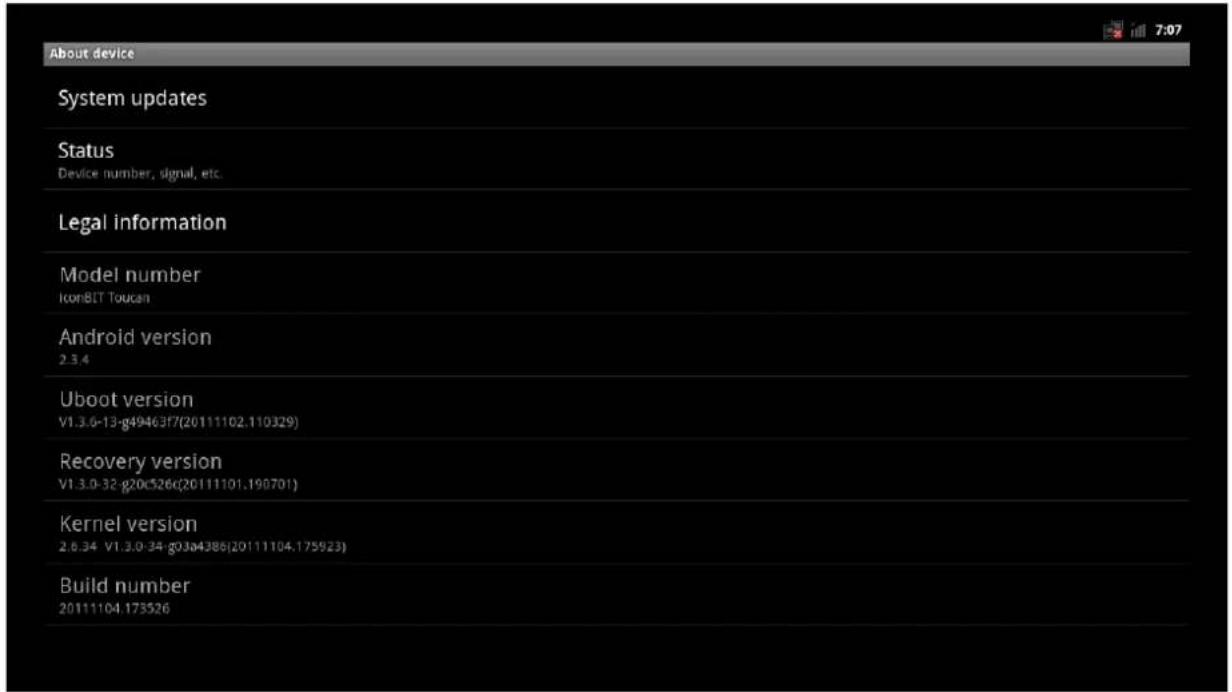
Desktop setup with a computer monitor displaying a Windows XP wallpaper, surrounded by various electronic devices including a robot, smartphone, and headphones (no visible text or symbols on main objects)Update completed. Device information:


Marke : iconBIT
Modell : TOUCAN W
Kategorie : Medienplayer