
LE46C755R2W - Fjernsyn SAMSUNG - Gratis brugsanvisning og manual
Find enhedens vejledning gratis LE46C755R2W SAMSUNG i PDF-format.


Brugerspørgsmål om LE46C755R2W SAMSUNG
0 spørgsmål om dette apparat. Besvar dem du kender, eller stil dit eget.
Stil et nyt spørgsmål om dette apparat
Download vejledningen til din Fjernsyn i PDF-format gratis! Find din vejledning LE46C755R2W - SAMSUNG og tag din elektroniske enhed tilbage i hånden. På denne side er alle dokumenter nødvendige for brugen af din enhed offentliggjort. LE46C755R2W af mærket SAMSUNG.
BRUGSANVISNING LE46C755R2W SAMSUNG
LCD TV
QUICK SETUP GUIDE
The Supplied Accessoris
• Remote Control & Batteries (AAA x 2)
- Owner’s Instructions
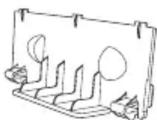
- Blanking Bracket
- Cleaning Cloth
- Power Cord
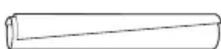
- Cable tie

(46 \~ 55 inch TVs)
- Holder-Ring (4ea)
See separate guide for installing the stand.
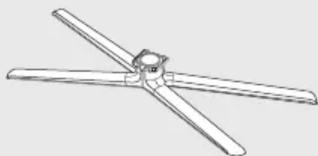
natural_image
Line drawing of a four-blade propeller or fan with no text or symbols- Stand (1EA)
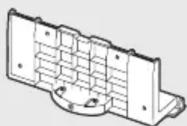
- Guide Stand (1EA)

(M4 X L12)
- Screws (9EA)
(32 inch model only: 8EA)
Installing Batteries in the Remote Control
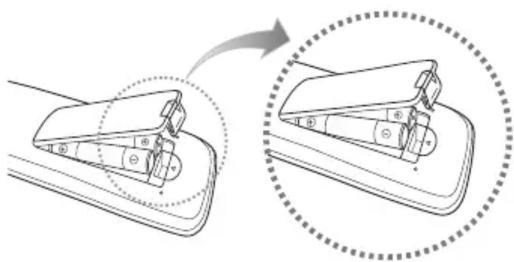

NOTE
- Use the remote control within 23 feet from the TV.
- Bright light may affect the performance of the remote control. Avoid using nearby special fluorescent light or neon signs.
- The colour and shape may vary depending on the model.
BN68-02814A -00
1
2
3
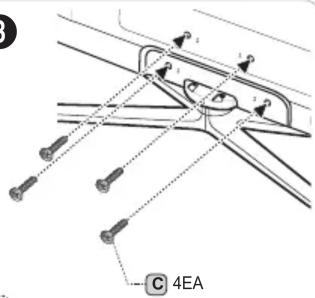
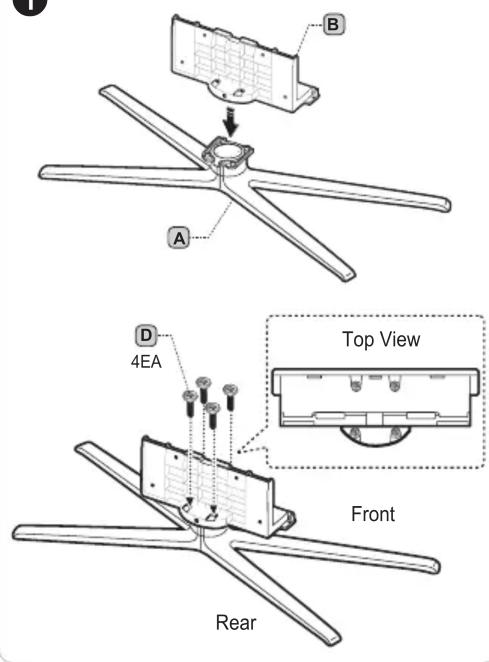
Make sure to distinguish between the front and back of the Stand and Guide Stand when assembling them.
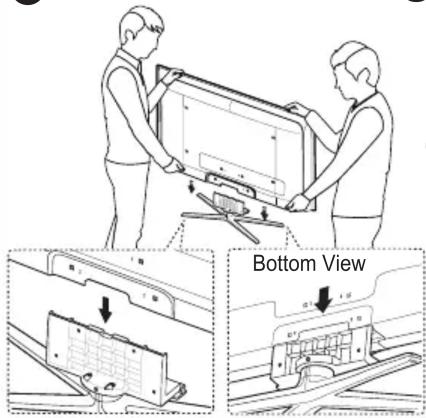
Make sure that at least two persons lift and move the LCD TV.
Stand the product up and fasten the screws. If you fasten the screws with the LCD TV placed down, it may lean to one side.
Assembling the Cables
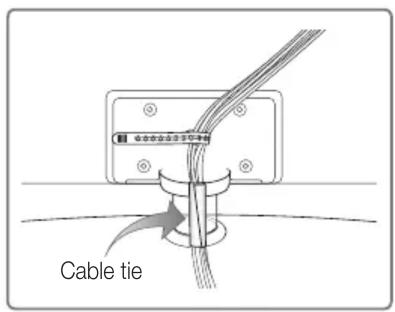
Enclose the cables in the Cable tie so that the cables are not visible through the stand. Overly rigid or thick cables can damage input jacks over long term use.
Using the remote control buttons
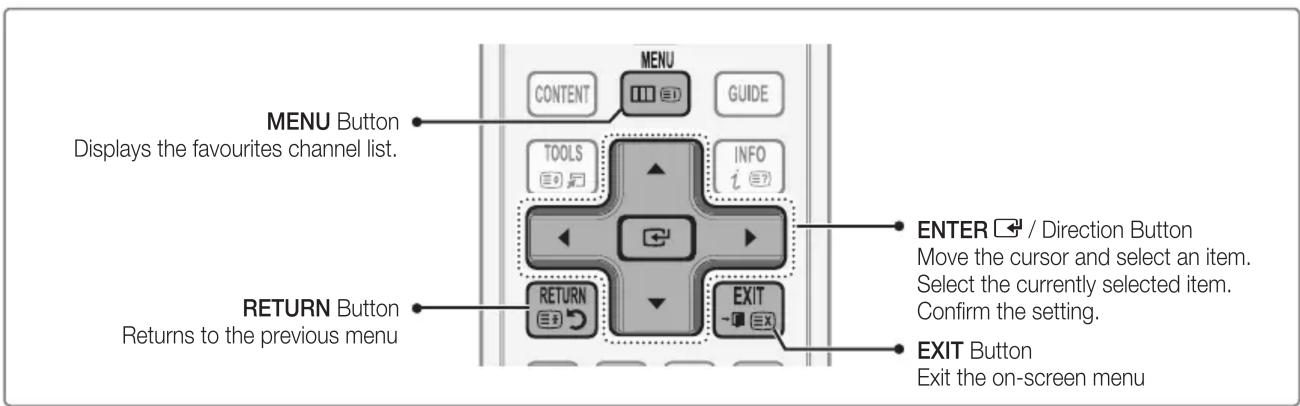
When the TV is initially powered on, basic settings proceed automatically and subsequently. If you want to reset this feature, press the MENU button to display menu. You can set the Plug & Play by selecting Setup → Plug & Play.
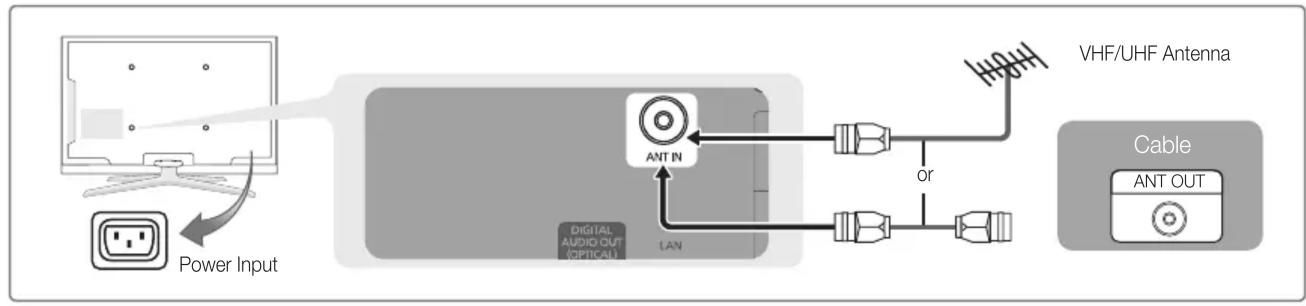
flowchart
graph LR
    A["Power Input"] --> B["Ant In"]
    B --> C["VHF/UHF Antenna"]
    C --> D["Cable ANT OUT"]
    B --> E["Digital Audio Out (Optical)"]
    B --> F["LAN"]
    E --> G["or"]
On the screen, you can set as follows.
The each step may vary depending on the Antenna source.
Step 1
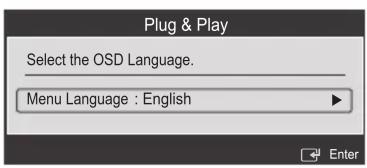
Step 2

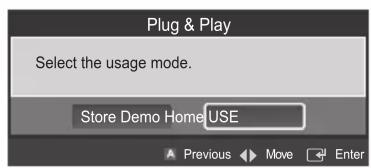

Step 3
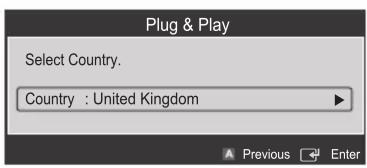
Step 4
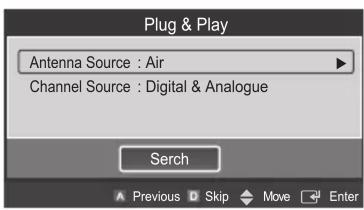
Step 5 Step 6

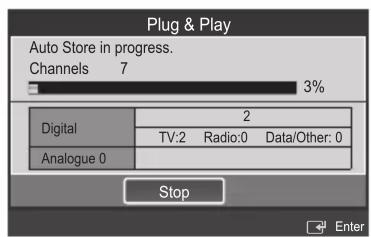

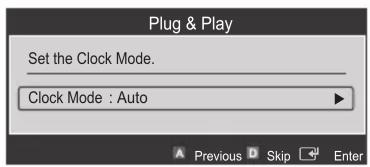

Step 7
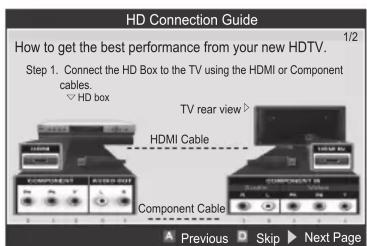
Step 8

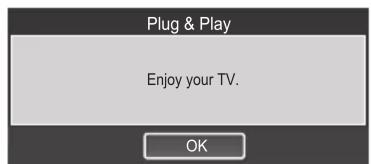
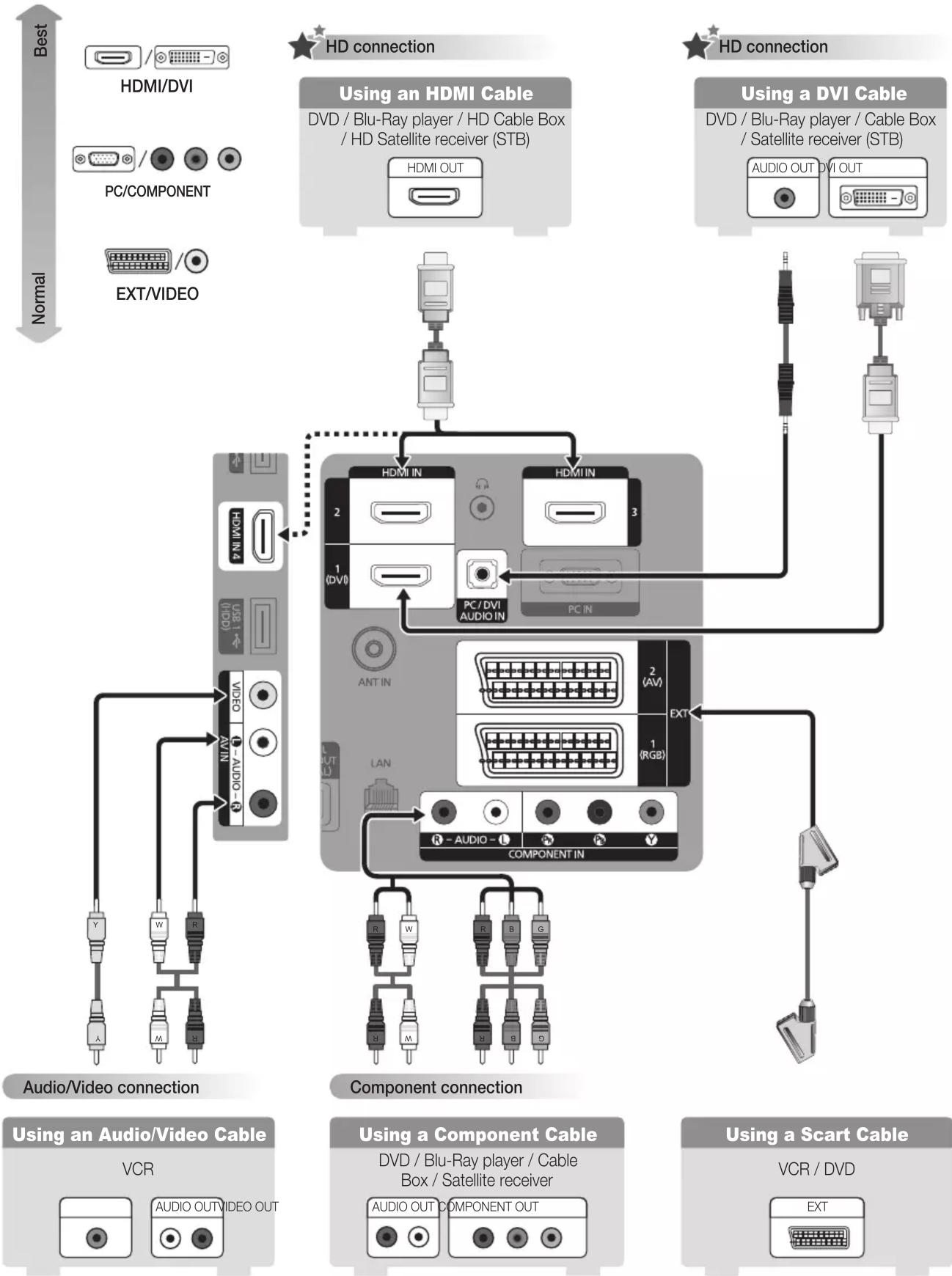
flowchart
graph TD
    subgraph HD connection
        A["Using an HDMI Cable"]
        B["Using a DVI Cable"]
    end

    subgraph Audio/Video connection
        C["Component connection"]
        D["Audio/Video connection"]
    end

    subgraph Component connection
        E["Using an Audio/Video Cable"]
        F["Using a Component Cable"]
    end

    style HD connection fill:#f9f,stroke:#333
    style Audio/Video connection fill:#ccf,stroke:#333
    style Component connection fill:#cfc,stroke:#333