PDUSIDEBRKT - Okategoriserad Tripp Lite - Gratis bruksanvisning och manual
Hitta enhetens manual gratis PDUSIDEBRKT Tripp Lite i PDF-format.


Användarfrågor om PDUSIDEBRKT Tripp Lite
0 fråga om denna apparat. Svara på dem du kan eller ställ din egen.
Ställ en ny fråga om denna apparat
Ladda ner instruktionerna för din Okategoriserad i PDF-format gratis! Hitta din manual PDUSIDEBRKT - Tripp Lite och ta tillbaka ditt elektroniska enhet i hand. På denna sida publiceras alla dokument som behövs för att använda din enhet. PDUSIDEBRKT av märket Tripp Lite.
BRUKSANVISNING PDUSIDEBRKT Tripp Lite
Zero U Vertical PDU Mounting Bracket Kit in SmartRack™ Configurations
(Model: PDUSIDEBRKT)

1111 W. 35th Street, Chicago, IL 60609 USA
www.tripplite.com/support
- Method 1: Mounting Buttons Snap into Button Holes in Toolless Mounting Rails (Toolless Mounting Option)
- Method 2: Direct Attachment to Mounting Rails with Screws (Hardware Option)
Parts List
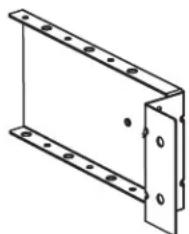
natural_image
Technical line drawing of a metal bracket with mounting holes (no text or symbols)Bracket (x2)

Mounting Button (x2)
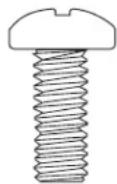
4 mm Screws (x2)
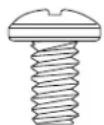
6-32 Screws
(x4)
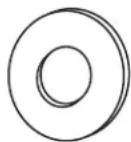
M6 Washers (x4)
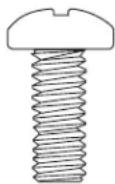
6 mm Screws
(x4)
Method 1
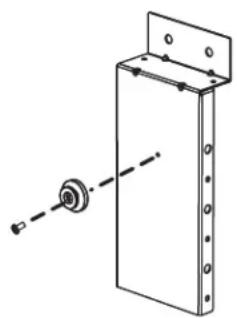
Step 1. Attach the two mounting buttons to the outside of the brackets using the included 4 mm screws.
Step 2. Attach the two brackets to the PDU using the four included #6-32 screws.
Step 3. To mount the PDU, simply insert the mounting buttons into the mounting rails inside the rack enclosure. Snap down into place until the PDU is secure in the rack.
natural_image
Technical line drawing of a mechanical assembly with a cylindrical component and mounting bracket (no text or symbols)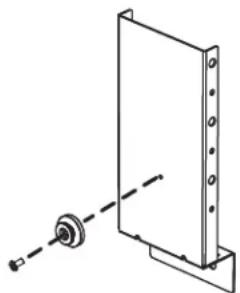
natural_image
Simple line drawing of a mechanical assembly with a bracket and mounting base (no text or symbols)Step 1. Step 2. Step 3.

natural_image
Pure mechanical assembly diagram showing a vertical component with internal components and arrows indicating motion (no text or symbols)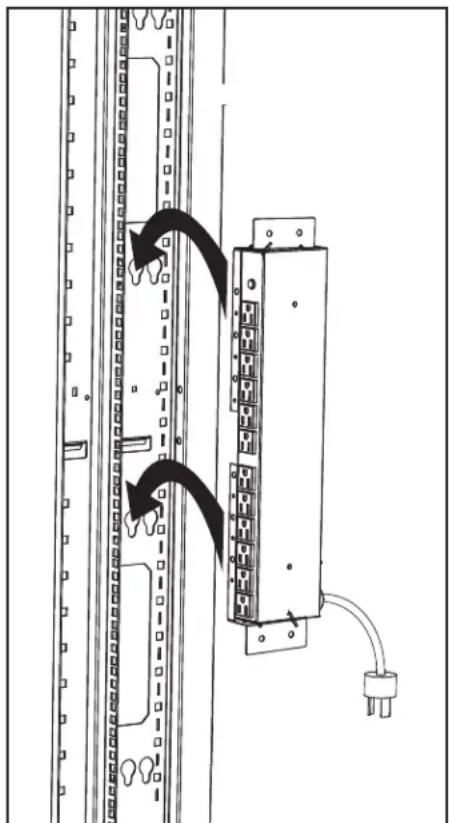
natural_image
Diagram of a server rack with an attached electrical module and cable, showing no text or symbols.Method 2
Note: PDUSIDEBRKT must be installed before equipment is installed in the rack.
Step 1. Attach the two mounting brackets to both ends of the PDU using the four included #6-32 screws.
Step 2. Slide the brackets' flanges behind the outer portion of the mounting rail as seen in the diagram.
Step 3. Attach the brackets to the rack's mounting rails using the four included 6 mm screws and M6 washers.
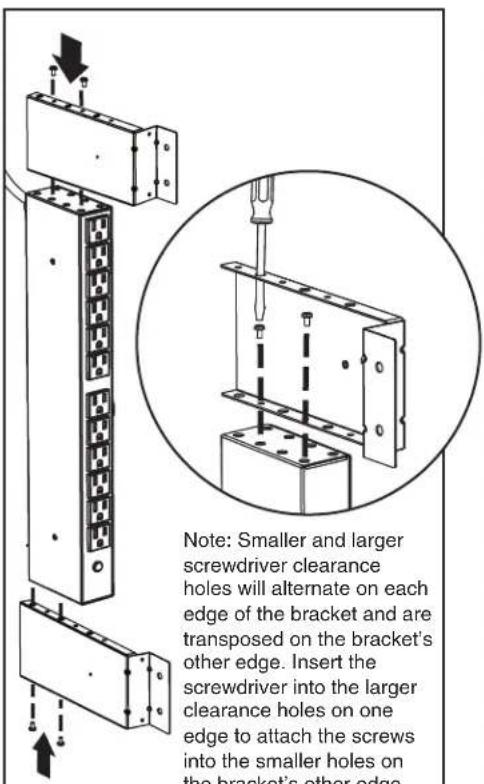
Step 1. Step 2. Step 3.
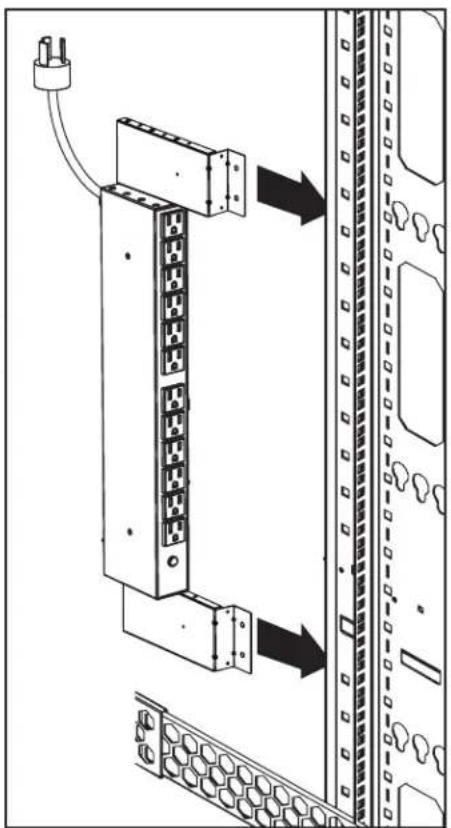
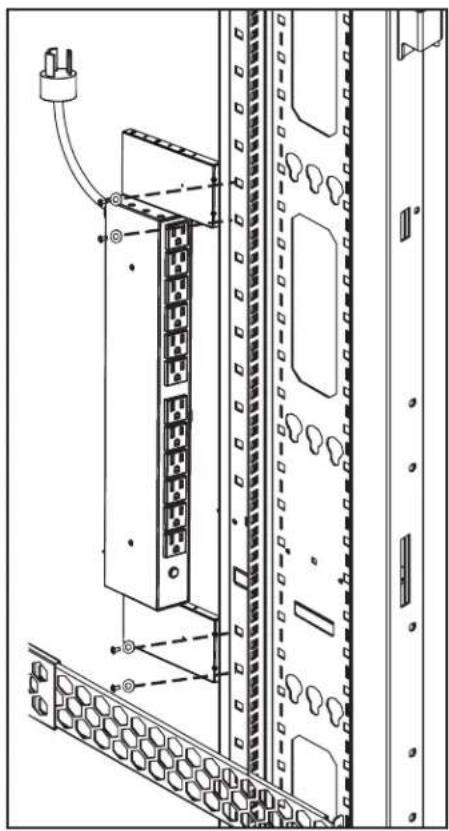
natural_image
Technical line drawing of a server rack with connected ports and connectors (no text or symbols)
1111 W. 35th Street, Chicago, IL 60609 USA
www.tripplite.com/support