MTurboAmp - Audio software MeldaProduction - Free user manual and instructions
Find the device manual for free MTurboAmp MeldaProduction in PDF.


| Product Type | Audio Software (VST/AU/AAX Plugin) |
| Brand | MeldaProduction |
| Model | MTurboAmp |
| Category | Guitar Amp Simulator & Effect Processor |
| Software Type | Digital Audio Workstation (DAW) Plugin / Standalone Application |
| Formats Supported | VST2, VST3, AU, AAX (64-bit only) |
| Operating Systems | Windows 7+ (64-bit) and macOS 10.10+ (64-bit) |
| Minimum RAM | 4 GB (8 GB recommended) |
| CPU Requirements | Intel Core i5 or equivalent (multi-core recommended) |
| Disk Space | 500 MB for installation |
| Main Functions | Amp simulation, cabinet emulation, multi-effects (distortion, modulation, delay, reverb), preset management, routing flexibility |
| Installation Method | Download installer from MeldaProduction website or authorized reseller |
| Licensing | Serial number or iLok authorization (optional) |
| User Manual | PDF manual included (132 pages) |
| Updates | Free updates for life |
| Technical Support | Email support and online forums (MeldaProduction website) |
| GUI Features | Resizable interface, customizable colors, real-time visual feedback |
| Presets | Over 1000 factory presets from professional sound designers |
| MIDI Control | Full MIDI automation and mapping support |
| Sample Rate | Up to 192 kHz |
Frequently Asked Questions - MTurboAmp MeldaProduction
User questions about MTurboAmp MeldaProduction
0 question about this device. Answer the ones you know or ask your own.
Ask a new question about this device
Download the instructions for your Audio software in PDF format for free! Find your manual MTurboAmp - MeldaProduction and take your electronic device back in hand. On this page are published all the documents necessary for the use of your device. MTurboAmp by MeldaProduction.
USER MANUAL MTurboAmp MeldaProduction
Easy screen vs. Edit screen
The plugin provides 2 user interfaces - an easy screen and an edit screen. Use the Edit button to switch between the two.
By default most plugins open on the easy screen (edit button released). This screen is a simplified view of the plugin which provides just a few controls. On the left hand side of the plugin you can see the list of available devices / instruments (previously called 'active presets'), that is, presets with controls. These controls are actually nothing more than multiparameters (single knobs that can control one or more of the plug-in's parameters and sometimes known as Macro controls in other plug-ins) and are described in more detail later. Each device may provide different controls and usually is intended for a specific purpose. The easy screen is designed for you to be able to perform common tasks, quickly and easily, without the need to use the advanced settings (that is, those available on the Edit screen).
In most cases the devices are highlighted using different text colors. In some cases the colors only mark different types of processing, but in most cases the general rule is that black/white devices are the essential ones designed for general use. Green devices are designed for a specific task or audio materials, e.g. de-essing or processing vocals in a compressor plugin. Red devices usually provide some very special processing or some extreme or creative settings. In a distortion plugin, for example, these may produce an extremely distorted output. Blue devices require an additional input, a side-chain or MIDI input usually. Without these additional inputs these Blue presets usually do not function as intended. Please check your host's documentation about routing side-chain and MIDI into an effect plugin.
To the right of the controls are the meters or time-graphs for the plugin; the standard plugin Toolbar may be to the right of these or at the bottom of the plugin.
By clicking the Edit button you can switch the plugin to edit mode (edit button pushed). This mode provides all the of the features that the plugin offers. You lose no settings by toggling between edit mode and the easy screen unless you actually change something. This way you can easily check what is "under the hood" for each device, or start with an device and then tweak the plugin settings further.
Devices are factory specified and cannot be modified directly by users, however you can still make your own and store them as normal presets. To do so, configure the plugin as desired, then define each multiparameter and specify its name in its settings. You can then switch to the easy screen and check the user interface that you have created. Once you are satisfied with it, save it as a normal preset while you are on the easy screen. Although your preset will not be displayed or selected in the list of available devices, the functionality will be exactly the same. For more information about multiparameters and devices please check the online video tutorials.
If you are an advanced designer, you can also view both the easy and edit screens at the same time. To do that, hold Ctrl key and press the Edit button.
Edit mode
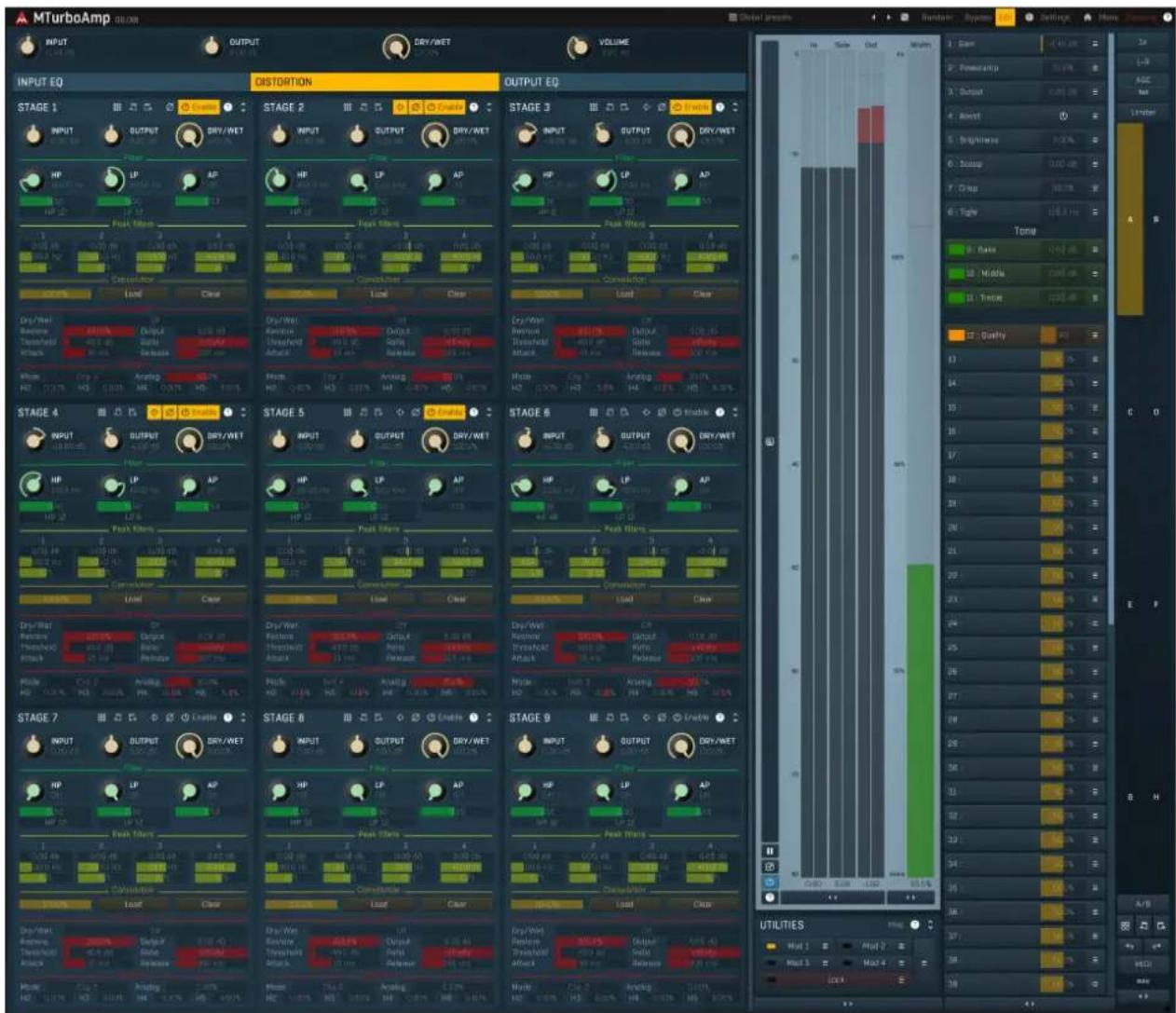

Global presets
Presets
Presets button shows a window with all available presets. A preset can be loaded from the preset window by double-clicking on it, selecting via the buttons or by using your keyboard. You can also manage the directory structure, store new presets, replace existing ones etc. Presets are global, so a preset saved from one project, can easily be used in another. The arrow buttons next to the preset button can be used to switch between presets easily.
Holding Ctrl while pressing the button loads a random preset. There must be some presets for this feature to work of course.
Presets can be backed up by 3 different methods:
A) Using "Backup" and "Restore" buttons in each preset window, which produces a single archive of all presets on the computer.
B) Using "Export/Import" buttons, which export a single folder of presets for one plugin.
C) By saving the actual preset files, which are found in the following directories (not recommended):
Windows: C:\Users{username}\AppData\Roaming\MeldaProduction
Mac OS X: /Library/Application support/MeldaProduction
Files are named based on the name of the plugin like this: " {pluginname}.presets", so for example MAutopan.presets or MDynamics.presets. If the directory cannot be found on your computer for some reason, you can just search for the particular file.
Please note that prior to version 16 a different format was used and the naming was " {pluginname}presets.xml". The plugin also supports an online preset exchange. If the computer is connected to the internet, the plugin connects to our server once a week, submits your presets and downloads new ones if available. This feature is manually maintained in order to remove generally unusable presets, so it may take some time before any submitted presets become available. This feature relies on each user so we strongly advise that any submitted presets be named and organised in the same way as the factory presets, otherwise they will be removed.

Left arrow
Left arrow button loads the previous preset.

Right arrow
Right arrow button loads the next preset.

Randomize
Randomize button loads a random preset.

Randomize
Randomize button (with the text 'Random') generates random settings. Generally, randomization in plug-ins works by selecting random values for all parameters, but rarely achieves satisfactory results, as the more parameters that change the more likely one will cause an unwanted effect. Our plugins employ a smart randomization engine that learns which settings are suitable for randomization (using the existing presets) and so is much more likely to create successful changes.
In addition, there are some mouse modifiers that assist this process. The smart randomization engine is used by default if no modifier keys are held.
Holding Ctrl while clicking the button constrains the randomization engine so that parameters are only modified slightly rather than completely randomized. This is suitable to create small variations of existing interesting settings.
Holding Alt while clicking the button will force the engine to use full randomization, which sets random values for all reasonable automatable parameters. This can often result in "extreme" settings. Please note that some parameters cannot be randomized this way.

Panic
Panic button resets the plugin state. You can use it to force the plugin to report latency to the host again and to avoid any audio problems. For example, some plugins, having a look-ahead feature, report the size of the look-ahead delay as latency, but it is inconvenient to do that every time the look-ahead changes as it usually causes the playback to stop. After you tweak the latency to the correct value, just click this button to sync the track in time with the others, minimizing phasing artifacts caused by the look-ahead delay mixing with undelayed audio signals in your host. It may also be necessary to restart playback in your host.
Another example is if some malfunctioning plugin generates extremely high values for the input of this plugin. A potential filter may start generating very high values as well and as a result the playback will stop. You can just click this button to reset the plugin and the playback will start again.
Settings
Settings
Settings button shows a menu with additional settings of the plugin. Here is a brief description of the separate items.
Licence manager lets you activate/deactivate the plugins and manage subscriptions. While you can simply drag & drop a licence file onto the plugin, in some cases there may be a faster way. For instance, you can enter your user account name and password and the plugin will do all the activating for you.
There are 4 groups of settings, each section has its own detailed help information: GUI & Style enables you to pick the GUI style for the plug-in and the main colours used for the background, the title bars of the windows and panels, the text and graphs area and the highlighting (used for enabled buttons, sliders, knobs etc).
Advanced settings configures several processing options for the plug-in.
Global system settings contains some settings for all MeldaProduction plugins. Once you change any of them, restart your DAW if needed, and it will affect all MeldaProduction plugins.
Dry/Wet affects determines, for Multiband plug-ins, which multiband parameters are affected by the Global dry/wet control.
Smart interpolation adjusts the interpolation algorithm used when changing parameter values; the higher the setting the higher the audio quality and the lower the chance of zippering noise, but more CPU will be used.

WWW
WWW button shows a menu with additional information about the plugin. You can check for updates, get easy access to support, MeldaProduction web page, video tutorials, Facebook/Twitter/YouTube channels and more.
Sleep indicator
Sleep indicator informs whether the plugin is currently active or in sleep mode. The plugin can automatically switch itself off to save CPU, when there is no input signal and the plugin knows it cannot produce any signal on its own and it generally makes sense. You can disable this in Settings / Intelligent sleep on silence both for individual instances and globally for all plugins on the system.


Plugin toolbar provides some global features, A-H presets and more.
1x
Oversampling
Oversampling can potentially improve sound quality by processing at a higher sample rate. Processors such as compressors, saturators, distortions etc., which employ nonlinear processing generate higher harmonics of the existing frequencies. If these frequencies exceed the Nyquist rate, which equals half of the sampling rate, they get mirrored back under the Nyquist rate. This is known as aliasing and is almost always considered an artifact. This is because the mirrored frequencies are no longer harmonic and sound as digital noise as this effect does not physically occur in nature. Oversampling reduces the problem by temporarily increasing the sampling rate. This moves the Nyquist frequency which in turn, diminishes the level of the aliased harmonics. Note that the point of oversampling is not to remove harmonics, we usually add them intentionally to make the signal richer, but to reduce or attenuate the harmonics with frequencies so high, that they just cannot be represented within the sampling rate.
To understand aliasing, try this experiment: Set the sampling rate in your host to 44100 Hz. Open MOscillator and select a "rectangle" or "full saw" waveform. These simple waveforms have lots of harmonics and without oversampling even they become highly aliased. Now select 16x oversampling and listen to the difference. If you again select 1x oversampling, you can hear that the audio signal gets extensively "dirty". If you use an analyzer (MAnalyzer or MEqualizer for example), you will clearly see how, without oversampling, the plugin generates lots of inharmonic frequencies, some of them which are even below the fundamental frequency. Here is another, very extreme example to demonstrate the result of aliasing. Choose a "sine" shape and activate 16x oversampling. Now use a distortion or some saturation to process the signal. It is very probable that you will be able to hear (or at least see in the analyzer) the aliased
frequencies.
The plugin implements a high-quality oversampling algorithm, which essentially works like this: First the audio material is upsampled to a higher sampling rate using a very complicated filter. It is then processed by the plugin. Further filtering is performed in order to remove any frequencies above the Nyquist rate to prevent aliasing from occurring, and then the audio gets downsampled to the original sampling rate.
Oversampling also has several disadvantages of which you should be aware before you start using it. Firstly, upsampled processing induces latency (at least in high-quality mode, although you can select low-quality directly in this popup), which is not very usable in real time applications. Secondly, oversampling also takes much more CPU power, due to both the processing being performed at a higher sampling rate (for 16x oversampling at 44100 Hz, this equates to 706 kHz!), and the complex filtering. Finally, and most importantly, oversampling creates some artifacts of its own and for some algorithms processing at higher sampling rates can actually lower the audio quality, or at least change the sound character. Your ears should always be the final judge.
As always, use this feature ONLY if you can actually hear the difference. It is a common misconception that oversampling is a miraculous cure all that makes your audio sound better. That is absolutely not the case. Ideally, you should work in a higher sampling rate (96kHz is almost always enough), while limiting the use of oversampling to some heavily distorting processors.
L+R
Channel mode
Channel mode button shows the current processing channel mode, e.g. Left+Right (L+R) indicates the processing of left and right channels. This is the default mode for mono and stereo audio material and effectively processes the incoming signal as expected. However the plugin also provides additional modes, of which you may take advantage as described below. Mastering this feature will give you unbelievable options for controlling the stereo field.
Note that this is not relevant for mono audio tracks, because the host supplies only one input and output channel.
Left (L) mode and Right (R) mode allow the plugin to process just one channel, only the left or only the right. This feature has a number of simple uses. Equalizing only one channel allows you to fix spectral inconsistencies, when mids are lower in one channel for example. A kind of stereo expander can be produced by equalizing each side differently. Stereo expansion could also be produced by using a modulation effect, such as a vibrato or flanger, on one of these channels. Note however that the results would not be fully mono compatible.
Left and right channels can be processed separately with different settings, by creating two instances of the plugin in series, one set to 'L' mode and the other to 'R' mode. The instance in 'L' mode will not touch the right channel and vice versa. This approach is perfectly safe and is even advantageous, as both sides can be configured completely independently with both settings visible next to each other.
Mid (M) mode allows the plugin to process the so-called mid (or mono) signal. Any stereo signal can be transformed from left and right, to mid and side, and back again, with minimal CPU usage and no loss of audio quality. The mid channel contains the mono sum (or centre), which is the signal present in both left and right channels (in phase). The side channel contains the difference between the left and right channels, which is the "stereo" part. In 'M mode' the plugin performs the conversion into mid and side channels, processes mid, leaves side intact and converts the results back into the left and right channels expected by the host.
To understand what a mid signal is, consider using a simple gain feature, available in many plugins. Setting the plugin to M mode and decreasing gain, will actually lower or attenuate the mono content and the signal will appear "wider". There must be some stereo content present, this will not work for monophonic audio material placed in stereo tracks of course. Similarly amplifying the mono content by increasing the gain, will make the mono content dominant and the stereo image will become "narrower".
As well as a simple gain control there are various creative uses for this channel mode.
Using a compressor on the mid channel can widen the stereo image, because in louder parts the mid part gets attenuated and the stereo becomes more prominent. This is a good trick to make the listener focus on an instrument whenever it is louder, because a wider stereo image makes the listener feel that the origin of the sound is closer to, or even around them.
A reverb on the mid part makes the room appear thin and distant. It is a good way to make the track wide due to the existing stereo content, yet spacey and centered at the same time. Note that since this effect does not occur naturally, the result may sound artificial on its own, however it may help you fit a dominant track into a mix.
An equalizer gives many possibilities - for example, the removal of frequencies that are colliding with those on another track. By processing only the mid channel you can keep the problematic frequencies in the stereo channel. This way it is possible to actually fit both tracks into the same part of the spectrum - one occupying the mid (centre) part of the signal, physically appearing further away from the listener, the other occupying the side part of the signal, appearing closer to the listener.
Using various modulation effects can vary the mid signal, to make the stereo signal less correlated. This creates a wider stereo image and makes the audio appear closer to the listener.
Side (S) mode is complementary to M mode, and allows processing of only the side (stereo) part of the signal leaving the mid intact.
The same techniques as described for M mode can also be applied here, giving the opposite results.
Using a gain control with positive gain will increase the width of the stereo image.
A compressor can attenuate the side part in louder sections making it more monophonic and centered, placing the origin a little further away and in front of the listener.
A reverb may extend the stereo width and provide some natural space without affecting the mid content. This creates an interesting side-effect - the reverb gets completely cancelled out when played on a monophonic device (on a mono radio for example). With stereo processing you have much more space to place different sounds in the mix. However when the audio is played on a monophonic system it becomes too crowded, because what was originally in two channels is now in just one and mono has a very limited capability for 2D placement. Therefore getting rid of the reverb in mono may be advantageous, because it frees some space for other instruments.
An equalizer can amplify some frequencies in the stereo content making them more apparent and since they psycho acoustically become closer to the listener, the listener will be focused on them. Conversely, frequencies can be removed to free space for other instruments in stereo.
A saturator / exciter may make the stereo richer and more appealing by creating higher harmonics without affecting the mid channel,
which could otherwise become crowded.
Modulation effects can achieve the same results as in mid mode, but this will vary a lot depending on the effect and the audio material. It can be used in a wide variety of creative ways.
Mid+Side (M+S) lets the plugin process both mid and side channels together using the same settings. In many cases there is no difference to L+R mode, but there are exceptions.
A reverb applied in M+S mode will result in minimal changes to the width of the stereo field (unless it is true-stereo, in which case mid will affect side and vice versa), it can be used therefore, to add depth without altering the width.
A compressor in M+S mode can be a little harder to understand. It basically stabilizes the levels of the mid and side channels. When channel linking is disabled in the compressor, you can expect some variations in the sound field, because the compressor will attenuate the louder channel (usually the mid), changing the stereo width depending on the audio level. When channel linking is enabled, a compressor will usually react similarly to the L+R channel mode.
Exciters or saturators are both nonlinear processors, their outputs depend on the level of the input, so the dominant channel (usually mid) will be saturated more. This will usually make the stereo image slightly thinner and can be used as a creative effect.
How to modify mid and side with different settings? The answer is the same as for the L and R channels. Use two instances of the plugin one after another, one in M mode, the other in S mode. The instance in M mode will not change the side channel and vice versa.
Left+Right(neg) (L+R-) mode is the same as L+R mode, but the right channel's phase will be inverted. This may come in handy if the L and R channels seem out of phase. When used on a normal track, it will force the channels out of phase. This may sound like an extreme stereo expansion, but is usually extremely fatiguing on the ears. It is also not mono compatible - on a mono device the track will probably become almost silent. Therefore be advised to use this only if the channels are actually out of phase or if you have some creative intent.
There are also 4 subsidiary modes: Left & zero Right (L(R0)), Right & zero Left (R(L0)), Mid & zero Side (M(S0)) and Side & zero Mid (S(M0)). Each of these processes one channel and silences the other.
Surround mode is not related to stereo processing but lets the plugin process up to 8 channels, depending on how many the host supplies. For VST2 plugins you have to first activate surround processing using the Activate surround item in the bottom. This is a global switch for all MeldaProduction plugins, which configures them to report 8in-8out capabilities to the host, on loading. It is disabled by default, because some hosts have trouble dealing with such plugins. After activation, restart your host to start using the surround capabilities of the plugins. Deactivation is done in the same way. Please note that all input and output busses will be multi-channel, that includes side-chain for example. For VST3/AU/AAX plugins the activation is not necessary.
First place the plugin on a surround track - a track that has more than 2 channels. Then select Surround from the plug-in's Channel Mode menu. The plugins will regard this mode as a natural extension of 2 channel processing. For example, a compressor will process each channel separately or measure the level by combining the levels of all of the inputs provided. Further surround processing properties, to enable/disable each channel or adjust its level, can be accessed via the Surround settings in the menu.
Ambisonics mode provides support for the modern 3D systems (mostly cinema and VR) with up to 64 channels (ambisonics 7th order). Support for this is still quite rare among the DAWs, so this needs to be activated in all DAWs using the Activate ambisonics item in the bottom. This is a global switch for all MeldaProduction plugins, which configures them to report 64in-64out capabilities to the host, on loading. After activation, restart your host to start using the ambisonics capabilities of the plugins. Deactivation is done in the same way. Please note that all input and output busses will be multi-channel, that includes side-chain for example.
First place the plugin on an ambisonics track, supported are all orders from 1st (4 channels) to 7th (64 channels). Then select
Ambisonics from the plug-in's Channel Mode menu. Finally select the Ambisonics settings in the menu and configure the Ambisonics order and other settings if needed. The plugins will regard this mode as a natural extension of 2 channel processing. For example, a compressor will process each channel separately or measure the level by combining the levels of all of the inputs provided.
AGC
AGC button enables or disables the automatic gain control - the automatic adjustment of the output volume such that it matches the input volume. Human hearing is very adaptable. In fact differences in loudness, for example when loading a preset, may go unnoticed and instead be perceived by the listener as "better sounding", leading to a misjudgement. This feature should prevent this effect, thus allowing the listener to focus on the sonic qualities only.
AGC works by measuring input and output loudness, and then compensating for the difference while also taking into account any induced latency. The loudness measurement follows the ITU and EBU specifications with an RMS of 400ms, meaning that the reaction time is 400ms. This is very important, as you should be aware that AGC needs time to properly adjust after any change of settings. Also note that this is a nonlinear operation. It may cause some distortion due to the long measurement time. It should be negligible though.
AGC makes sense in most applications including reverberation and equalization for example. However, in some cases it can work against the plugin. A simple example of this is a tremolo, where the plugin manipulates output volume. If the tremolo rate is slow enough, say 1Hz, it makes the period longer than the actual AGC measurement time. So whenever the tremolo changes audio level, the AGC starts compensating for it. This can of course be used creatively, since AGC will always be a little "late", but it is definitely not a desired outcome in normal use.
Another example of this is compression. When used with short attack and release times, AGC can effectively compensate for the attenuation of the compressor. However when the attack and release times are higher than 100ms, the compressor's reaction time becomes too slow, and in conjunction with AGC, severe pumping can occur.
As a general rule of thumb as for all audio processing tasks, use it only if you know you need it. AGC is a powerful tool that can make your workflow easier, but it can also be damaging.
Set
Set
Set button uses the AGC (automatic gain compensation) processor to calculate the ideal output gain to ensure that the output audio loudness is equal to the input level. To use it, simply enable playback in your host and click the button. The plugin's output gain will be adjusted to match the input and output levels as closely as possible.
If the AGC is already enabled, the change will be instant and you can disable the AGC afterwards. Typically you will browse presets, generate random settings etc. During the entire time you will have AGC enabled to prevent you from experiencing different output loudness levels. When you find a sonically ideal setup, you simply click the Set button to set the output gain automatically and disable the AGC as you won't need it anymore.
If the AGC is not already enabled, clicking the Set button displays a window with progress bar for a few seconds, while the plugin temporarily enables AGC and analyses input and output of the plugin. After that the AGC is disabled again.
To get the best results, you should feed the plugin with some "universal" signal. If you are processing a specific instrument, play a typical part, a chorus in case of vocals for example. If you are creating presets designed for general use, white/pink noise may be the best signal to use.
Limiter
Limiter
Limiter button enables or disables the safety limiter. Its purpose is to protect you from peaks above 0dB, which can have damaging effects to your processing chain, your monitors and even your hearing.
It is generally advised to keep your audio below 0dB at all times in all stages of your processing chain. However, several plugins may cause high level outputs with certain settings, often due to unprevented resonances with specific audio materials. The safety limiter prevents that.
Note that it is NOT wise to enable this "just in case". As with any processing, the limiter requires additional processing power and modifies the output signal. It is a transparent single-band brickwall limiter, but you still need to be careful when using it.

E F
G H
A-H presets selector
A-H presets selector controls the current A-H preset. This allows the plugin to store up to 8 sets of settings, including those parameters that cannot be automated or modulated. However it does not include channel mode, oversampling and potentially some other global controls available from the Settings/Settings menu.
For example, this feature can be used to keep multiple settings, when you are not sure about the ideal configuration When you change any parameter, only the currently selected preset is modified.
The four buttons below enable you to switch between the last 2 selected sets using the A/B button, morph between the first 4 sets using the morphing button and copy & paste settings from one preset to another (via the clipboard).
It is also possible to switch between the presets using MIDI program change messages sent from your host. The set selected depends on the Program Change number: 0 selects A, 7 selects H, 8 selects A, 15 selects H and so on.
A/B
A/B
A/B button switches between the active and previously active A-H preset (not necessarily the A and B presets themselves). To compare any 2 of the A-H presets, select one and then the other. Clicking this button will then switch between these two. You can do the same thing by clicking on the particular presets, but this makes it easier, letting you close your eyes and just listen.

Morph
Morph button lets you morph between the A, B, C and D settings. Morphing only affects those parameters that can be automated or modulated; that does include most of the parameters however. When you click this button, an X/Y graph is shown allowing you to drag the position indicator to any position between the letters A, B, C and D. The closer you drag the indicator to one of the letters, the closer the actual settings are to that preset.
Please note that this will overwrite and change the preset that is currently selected, so it is best to select a new preset e.g. 'E', then use the morphing method. This way you will define the settings for A, B, C and D, morph between them, and store the result in 'E' without any modification of the original A, B, C and D presets.
Please note that the ABCD morphing itself cannot be automated and that, while morphing, the changes to the underlying parameters are not notified to the host (there may be hundreds of change events).

Copy
Copy button copies the current settings to the system clipboard. Other presets, oversampling, channel mode and other global settings are not copied.
Hold Ctrl to save the settings as a file instead. That may be necessary for complex settings, which may be too long for system clipboard to handle. It may also be advantageous when you want to send the settings via email. You can load the settings by drag & dropping them to a plugin or holding Ctrl and clicking Paste.

Paste
Paste button pastes settings from the system clipboard into the current preset. Hold Ctrl to load the settings from a file instead. Hold Shift to paste the settings to all of the A-H slots at once.

Undo
Undo button reverts the last change. Only changes to automatable or modulatable parameters and global settings (load/randomize) are stored.

Redo
Redo button reverts the last undo operation.
WAV
WAV
WAV button lets you process a file using the plugin with current settings. You can either click the button and select a file, or drag & drop the file (or multiple files) onto the button. If you let the plugin process WAV files, these will be saved with the original settings. If you use a different file type (such as MP3), the plugin will create WAV files with 32-bit bits-per-sample floating point.
Please note that the files will be overwritten, so make a copy first if you want to keep the original.

Collapse
Collapse button minimizes or enlarges the panel to release space for other editors.
INPUT
+1.49 dB
Output
Output controls the global input gain and should mainly be used to set the input signal into proper levels for the distortion.
Range: -40.00 dB to +40.00 dB, default 0.00 dB
OUTPUT
0.00 dB
Input
Input defines the power modification applied to the output signal. Use it for example to set the output loudness similar to the input loudness, so that you can use Dry/Wet without being fooled by the difference in loudness. Range: -40.00 dB to +40.00 dB, default 0.00 dB

DRY/WET
100.0%
Dry/Wet
Dry/Wet defines ratio between dry and wet signals. 100% means fully processed, 0% means no processing at all. Please note that since minimum phase filtering is involved, phase cancellations are expected.
Range: 0.00% to 100.0%, default 100.0%
Volume defines the output volume adjustment, performed AFTER the Dry/Wet.
Range: silence to 10.0 dB, default 0.00 dB
INPUT EQ
DISTORTION
OUTPUT EQ
Input
EQ tab
Input EQ tab provides a dynamic equalizer applied on the input and it's an inherent part of the sound of every amp. Since the distortion is coming after the EQ, its purpose isn't to change the tone, but rather control which frequencies will be distorted and how much.

INPUT
0.00 dB
Input
gain
Input gain defines input gain applied before the equalization. Therefore this affects all dynamics-based processes.
Range: -24.00 dB to +24.00 dB, default 0.00 dB

OUTPUT
0.00 dB
Output
gain
Output gain defines output gain applied after the equalization. Please note that the real output gain is affected by dry/wet parameter, as opposed to input gain, which is not, because it affects the resulting sound.
Range: -24.00 dB to +24.00 dB, default 0.00 dB
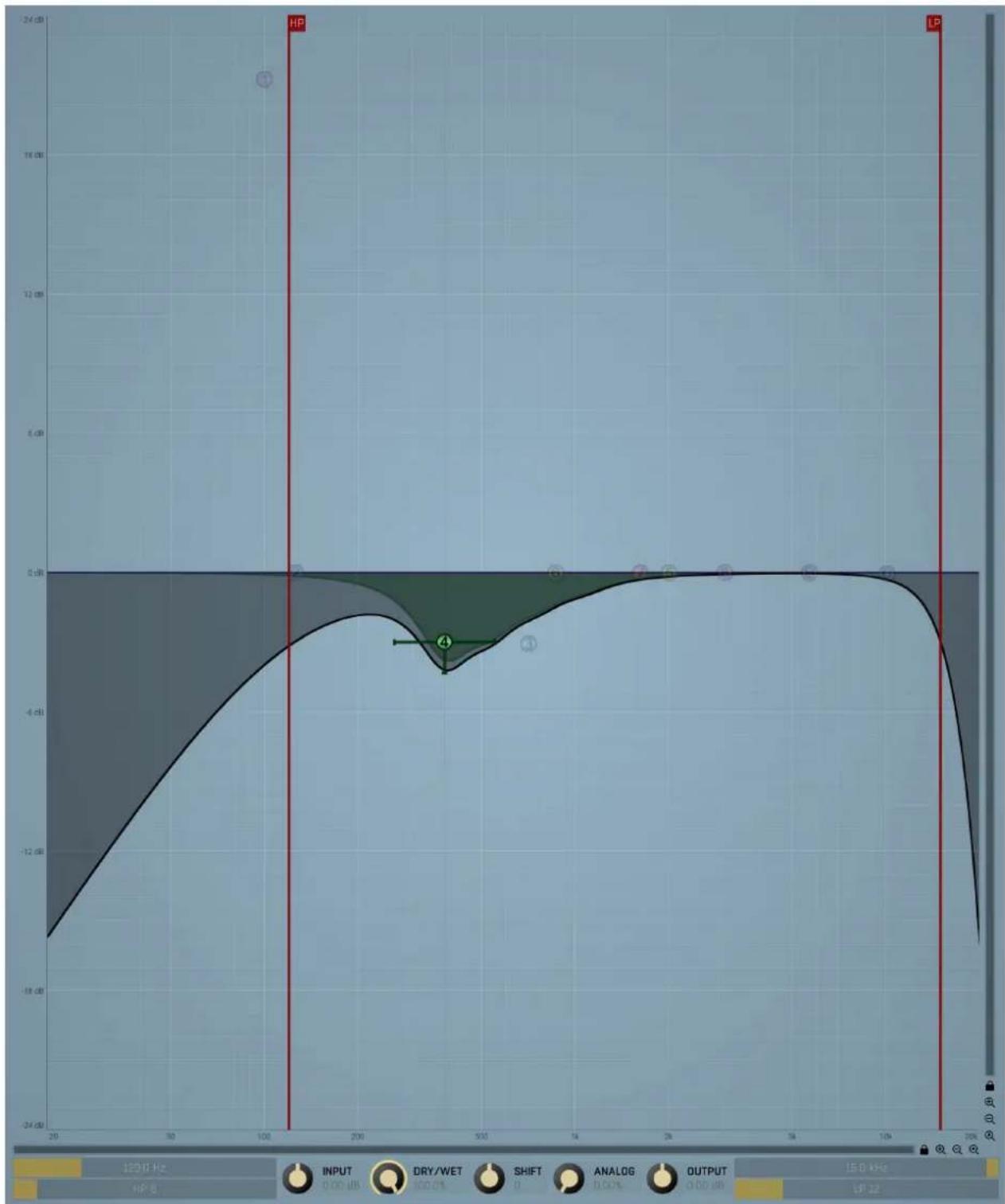
Equalizer shape graph
Equalizer shape graph controls and displays the frequency response. There are several bands available, each of them can be enabled/disabled, can be set to a different filter, can have different frequency, Q and other parameters.
Double-click on a band point to enable or disable a band. Drag it to change its frequency and gain. Drag the horizontal nodes to change its Q. Hold ctrl key for fine tuning. Click using the right mouse button on it to open a window with additional settings.
Input gain
Input gain defines input gain applied before the equalization. Therefore this affects all dynamics-based processes.
Range: -24.00 dB to +24.00 dB, default 0.00 dB

Dry/Wet
Dry/Wet defines ratio between dry and wet signals. 100% means fully processed, 0% means no processing at all. In normal mode only peak and shelf filters are affected correctly, other filters are left at 100% unless the ratio is set to 0% , in which case the equalizer is bypassed.
Shift
Shift lets you pitch shift all bands by specified number of semitones. It doesn't change the actual band points, but changes the resulting EQ shape appropriately.
Range: -24.00 to +24.00, default 0
Analog
Analog controls the amount of internal nonlinearities in each filter, typical for analog equalizers. Note that this processing also changes the actual filter shapes, so they won't fully match the displayed graphs anymore when Analog feature is used. It can also require a solid amount of CPU power.
Range: 0.00% to 100.0%, default 0.00%
Output gain
Output gain defines output gain applied after the equalization. Please note that the real output gain is affected by dry/wet parameter, as opposed to input gain, which is not, because it affects the resulting sound.
Range: -24.00 dB to +24.00 dB, default 0.00 dB
Band settings window
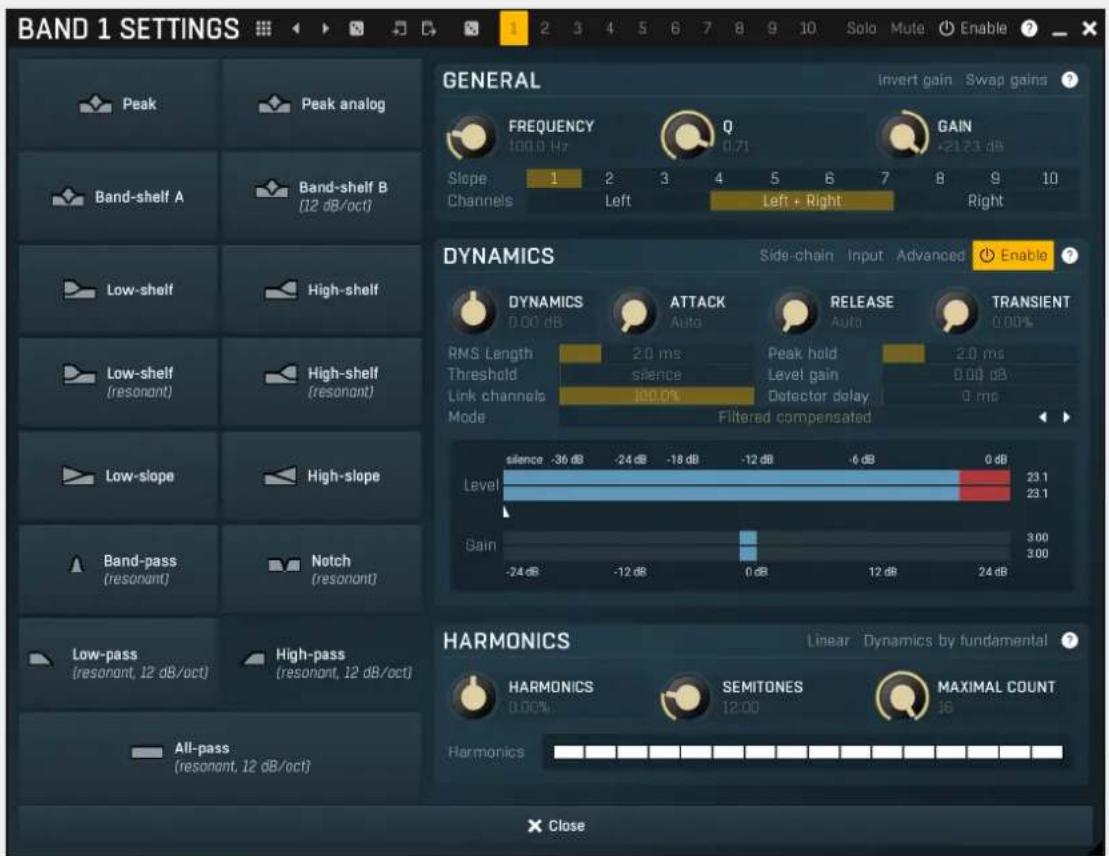
Band settings window contains settings for the particular band and can be displayed by right-clicking on a band or from a band list (if provided). On the left side you can see list of available filters, click on one to select it. On the right side, additional options and features are available.

Presets
Presets button displays a window where you can load and manage available presets. Hold Ctrl when clicking to load a random preset instead.

Left arrow
Left arrow button loads the previous preset.

Right arrow
Right arrow button loads the next preset.

Randomize
Randomize button loads a random preset.

Copy
Copy button copies the settings onto the system clipboard.

Paste
Paste button loads the settings from the system clipboard.

Random
Random button generates random settings using the existing presets.
General panel
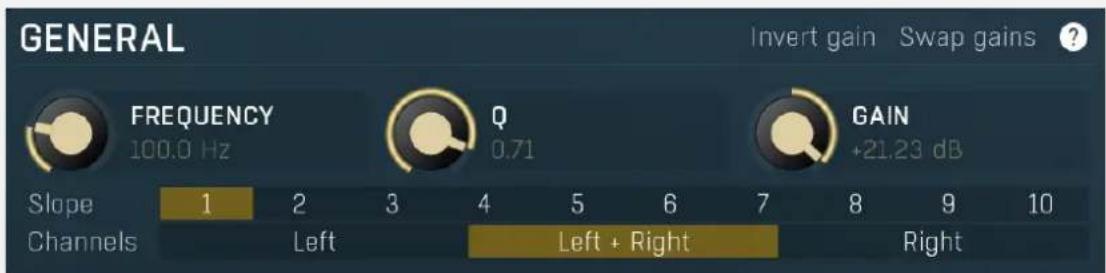
General panel contains standard filter settings such as frequency or Q. Most of these values are available directly from the band graph, but it may be necessary to use these controls for more accurate or textual access.
Invert gain
Invert gain
Invert gain inverts the gain of the band, e.g. makes -6dB from +6dB.
Swap gains
Swap gains
Swap gains button swaps values between gain and dynamics gain.
FREQUENCY
100.0 Hz
Frequency
Frequency defines the band's central frequency, which has different meaning depending of filter type.

Q
0.71
Q
Q defines bandwidth. Please note that Q is an engineering term and the higher it is, the lower the bandwidth. Our implementation is trying to be more user-friendly, and by increasing the value (thus to the right), the bandwidth is increased as well. The editor still displays the Q value correctly.

GAIN
+21.23 dB
Gain
Gain defines how the particular frequencies are amplified or attenuated. This parameter is used only by peak and shelf filters.
Slope
1
2
3
4
5
B
7
8
9
0
Slope
Slope can potentially duplicate some of the filters creating steeper ones. By default, the slope is 1 and this usually means 2-pole 12 dB/octave filters. By specifying 2 you can make the plugin uses 4-pole 24 dB/octave filters instead etc. To see the actual slope of each filter look into the filter type list on the left.
Channels
Left
Left + Right
Right
Channels
Channels controls which channels the band processes. If the input is stereo (left and right channels, L+R, selected on the toolbar
Channel mode button), then you can make a band process only the left, only the right, or both channels. Similarly when the plugin is set to M/S channel mode, you can choose between mid, side or both channels.
When one of more bands are set to process a single channel, then 2 EQ curves are displayed, in red for the Left or Mid and in green for the Right or Side. If these are not distinct, then we recommend using a style with a light background for these graphs.
You cannot process left with one band and side with the other, because these are working in different encoding modes. In this case you can easily use 2 instances of the plugin in series, one in L/R mode and the other in M/S.
Dynamics panel
bar
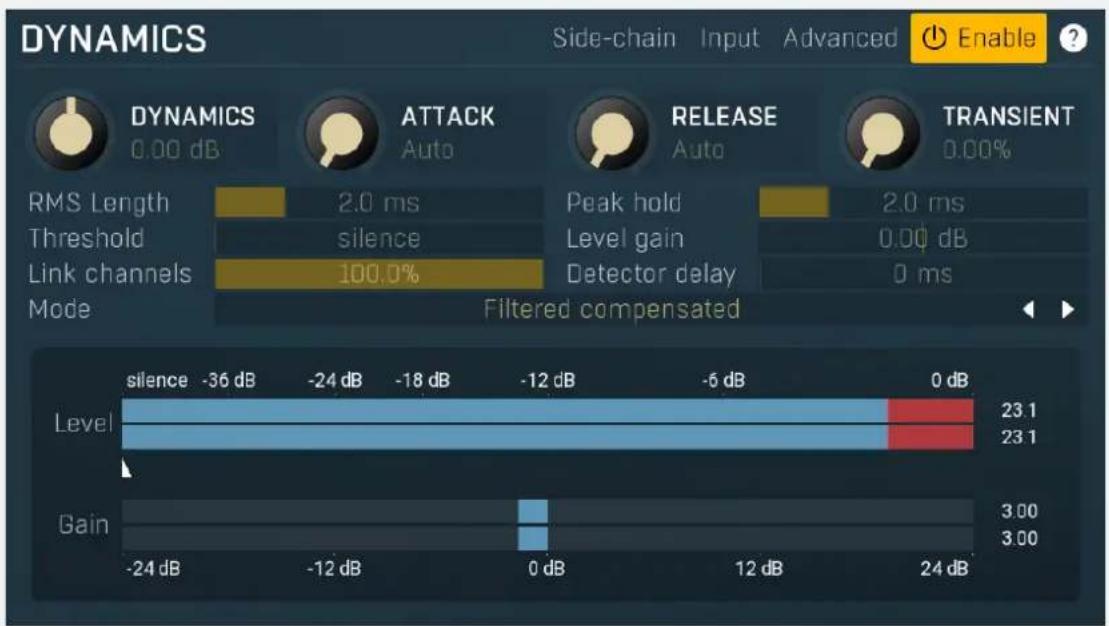
DYNAMICS Side-chain Input Advanced | Category | Value | |---|---| | RMS Length | 2.0 ms | | Threshold | silence | | Link channels | 100.0% | | Mode | Filtered compensated | | Level | -36 dB (-36 dB) | | Gain | -24 dB (-12 dB) | | Attack Auto | 0 dB | | Peak hold | -18 dB (-12 dB) | | Level gain | 0 dB | | Detector delay | -6 dB (-6 dB) | | Level | 23.1 dB (23.1 dB) | | Gain | 3.00 dB (3.00 dB) | | Transient | 0.00 % (0.00 %) | Side-chain Input Advanced Enable ?Dynamics panel contains settings of the dynamics processing which control how the filter behaves depending on input signal. Normal filters are static, meaning they don't change any features depending on the input signal. If you enable dynamic properties, by making the dynamic gain nonzero, the filter will start listening to the level of the input signal. This requires more CPU of course, as such a band is essentially an extremely complex generalized compressor, but the algorithms used are as efficient as it is technically possible.
A dynamic band varies the gain according to the input level. It can listen to the whole spectrum or to just part of it. By default it is driven by the partial spectrum, which it modifies itself, so, for example, when you have a high shelf, it is essentially listening to a high part of the spectrum. You can do many things with such a dynamic processor, but essentially it can work as a compressor or expander. There are many more advanced ideas that you can do and the full power hasn't really been explored yet.
Side-chain
Sidechain
Sidechain switch makes the band measure the input level from the sidechain instead of the input it is processing. This can be used for various techniques, such as avoiding conflicts between bass and bass drum.
Input
Input
Input switch makes the band measure the input level instead of current level in the chain of bands. When this is disabled (default) and the equalizer is processing the bands serially, which means that each band is processing the output from the previous stage, including level measurement. If you enable this switch however, the dynamic processing will be driven by the original input signal instead.
Please note that when Side-chain is on, this switch has no meaning, since side-chain has priority.
Advanced
Advanced
Advanced button displays additional settings for this band. These contain some more esoteric features, such as a dynamic transformation shape.
Enable
Enable
Enable button enables the dynamic processing. You can use it to switch between enabled and disabled dynamic processing to check the differences.
DYNAMICS
0.00 dB
Dynamics
Dynamics defines the maximum gain of the filter that could be caused by the input signal. For example, if you set it to -24dB and the input signal contained in the band were very strong, the band will be set to an additional -24dB. This would work similarly to a compressor in that band.

Attack
Attack defines the attack time, that is how quickly the level detector increases the measured input level. When the input peak level is higher than the current level measured by the detector, the detector moves into the attack mode, in which the measured level is increased depending on the input signal. The higher the input signal, or the shorter the attack time, the faster the measured level rises. Once the measured level exceeds the Threshold then the dynamics processing (compression, limiting, gating) will start.
There must be a reasonable balance between attack and release times. If the attack is too long compared to the release, the detector will tend to keep the measured level low, because the release would cause that level to fall too quickly. In most cases you may expect the attack time to be shorter than the release time.
To understand the working of a level detector, it is best to cover the typical cases:
In a compressor the attack time controls how quickly the measured level moves above the threshold and the processor begins compressing. As a result, a very short attack time will compress even the beginning transient of a snare drum for example, hence it would remove the punch. With a very long attack time the measured level may not even reach the threshold, so the compressor may not do anything.
In a limiter the attack becomes a very sensitive control, defining how much of the signal is limited and how much of it becomes saturated/clipped. If the attack time is very short, limiting starts very quickly and the limiter catches most peaks itself and reduces them, providing lower distortion, but can cause pumping. On the other hand, a higher attack setting (typically above 1ms) will let most peaks through the limiter to the subsequent in-built clipper or saturator, which causes more distortion of the initial transient, but less pumping.
In a gate the situation is similar to a compressor - the attack time controls how quickly the measured level can rise above the threshold at which point the gate opens. In this case you will usually need very low attack times, so that the gate reacts quickly enough. The inevitable distortion can then be avoided using look-ahead and hold parameters.
In a modulator, the detector is driving other parameters, a filter cut-off frequency for example, and the situation really depends on the target. If you want the detector to react quickly on the input level rising, use a shorter attack time; if you want it to follow the flow of the input signal slowly, use longer attack and release times.

Release
Release defines the release time, that is how quickly the level detector decreases the measured input level. The shorter the release time, the faster the response is. Once the attack stage has been completed, when the input peak level is lower than the current level measured by the detector, the detector moves into the release mode, in which the measured level is decreased depending on the input signal. The lower the input signal, or the shorter the release time, the faster the measured level drops. Once the measured level falls under the Threshold then the dynamics processing (compression, limiting, gating) will stop.
There must be a reasonable balance between attack and release times. If the attack is too long compared to release, the detector would tend to keep the level low, because release would cause the level to fall too quickly. Hence in most cases you may expect the attack time to be shorter than the release time.
To understand the working of a level detector, it is best to cover the typical cases:
In a compressor the release time controls how quickly the measured level falls below the threshold and the compression stops. As a result a very short release time makes the compressor stop quickly, for example, leaving the sustain of a snare drum intact. On the other hand, a very long release keeps the compression working longer, hence it is useful to stabilize the levels.
In a limiter the release time keeps the measured level above the limiter threshold causing the gain reduction. Having a very long release time in this case doesn't make sense as the limiter would be working continuously and the effect would be more or less the same as simply decreasing the input gain manually. However too short a release time lets the limiter stop too quickly, which usually causes distortion as the peaks through the limiter to the subsequent in-built clipper or saturator. Hence release time is used to avoid distortion at the expense of decreasing the output level.
In a gate the situation is similar to a compressor - the release time controls how quickly the measured level can fall below the threshold at which point the gate closes. Having a longer release time in a gate is a perfectly acceptable option. The release time will basically control how much of the sound's sustain will pass.
In a modulator, the detector is driving other parameters, a filter cut-off frequency for example, and the situation really depends on the target. If you want the detector to react quickly on the input level falling, use a shorter release time; if you want it to follow the flow of the input signal slowly, use longer attack and release times.
Transient
Transient lets you mix the level follower output with a transient detector output. This lets you follow signal level, transients or both. Note that since transient level is usually lower than level detector's output, Level gain is only applied on the level detector's signal, so you can use this to compensate for the difference in level.
RMS Length
2.0 ms
RMS length
RMS length smoothes out the values of the input levels (not the input itself), such that the level detector receives the pre-processed signal without so many fluctuations. When set to its minimum value the detector becomes a so-called "peak detector", otherwise it is an "RMS detector".
When you look at a typical waveform in any editor, you can see that the signal is constantly changing and contains various transient bursts and separate peaks. This is especially noticeable with rhythmical signals, such as drums. Trying to imagine how a typical attack/release detector works with such a wild signal may be complex, at least. RMS essentially takes the surrounding samples and averages them. The result is a much smoother signal with fewer individual peaks and short noise bursts.
RMS length controls how many samples are taken to calculate the average. It stabilizes the levels, but it also causes a slower response time. As such it is great for mastering, when you want to lower the dynamic range in a very subtle way without any instabilities. However, it is not really desirable for processing drums, for example, where the transient bursts may actually be individual drum hits, hence it is usually recommended to use peak detectors for percussive instruments.
Note that the RMS detector has 2 modes - a simplified approximation is used by default, and a true RMS is processor can be enabled from the advanced settings (if provided). Both respond differently, neither of them is better than the other, they are simply different.
Peak hold
2.0 ms
Peak hold
Peak hold defines the time that signal level detector holds its maximum before the release stage is allowed to start. As an example, you can imagine that when an attack stage ends there can be an additional peak hold stage and the level is not yet falling, before the release stage starts. This is true only when true peak mode is enabled (check the advanced detector settings if available).
It is often used in gates to avoid the gated level falling below the threshold too quickly, while having short release times. If you want the gate to close quickly, you need a short release time. But in that case the ending may be too abrupt and even cause some distortion. So you use the peak hold to delay the release stage.
It is also used along with look-ahead to avoid distortion in limiters and compressors. If you need a very short attack, the attack stage may be too quick and cause distortions. In limiters this attack time is often 0ms, in which case it becomes a clipper. Setting look-ahead and peak hold to the same value will make the detector move ahead in time, so that it can react to attack stages before they actually occur and yet hold the levels for the actual signal to come.
Threshold
silence
Threshold
Threshold controls the minimum level above which the dynamic gain actually starts working.
Level gain
0.00 dB
Level gain
Level gain controls the gain applied to the detector, which can be used for example when the input level is too low, so that dynamic processing would be negligible, unless the level is boosted.
Link channels
100.0%
Link channels
Link channels controls how much the signal level for each channel is controlled by the other channels. With 0% the link is disabled and each channel is not affected by the other channels at all. This is suitable to balance stereo channels, for example. With 100% the link is enabled and all channels are controlled by levels of all channels equally (that is the average level of those channels), therefore the processor will apply the same amount of processing on all channels. This is the default in most cases as it preserves relative levels between the channels.
Detector delay
0 ms
Detector delay
Detector delay lets you delay the detector input, hence the band will react later than the actual input signal.
Mode
Filtered compensated
◀ ▶
Mode
Mode controls the way the band reacts to the input signal. It has no meaning if the dynamic gain is 0dB. Filtered compensated mode is default and it means that the source for measuring input level is a filtered signal with additional compensation. For example, when using a low-shelf filter, the signal is low-passed with a filter with the same settings as the low-shelf, therefore the low-shelf filter is affected only by the signal the low-shelf is actually amplifying or attenuating. Since a low-passed signal with cut-off at 100Hz has usually a much lower level than the one filtered with cut-off at 10 kHz, additional compensation is performed to diminish these differences. Filtered mode is similar, but the compensation is not performed. This may be advantageous for audio materials that do not contain the full spectrum, e.g. a bass line, where the compensation may make things complicated. Entire spectrum mode is the simplest - it simply takes the input signal without any further processing. This may be useful for example to attenuate selected frequencies when the input level gets too high.
meters
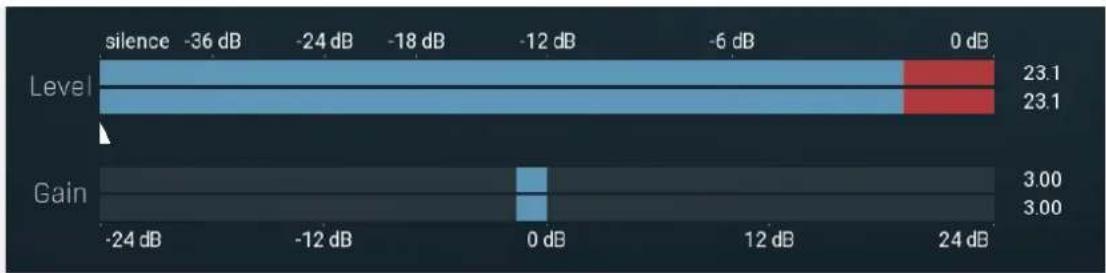
bar
| Category | Value | |---|---| | Level | 23.1 | | Gain | 3.00 | | -24 dB | 3.00 | | -12 dB | 0 dB | | -18 dB | 0 dB | | -12 dB | 12 dB | | -6 dB | 24 dB | | 0 dB | 23.1 | silence: -36 dB, -24 dB, -18 dB, -12 dB, -6 dB, 0 dBThreshold
Threshold controls minimum level at which the dynamic gain actually starts working.
Harmonics panel
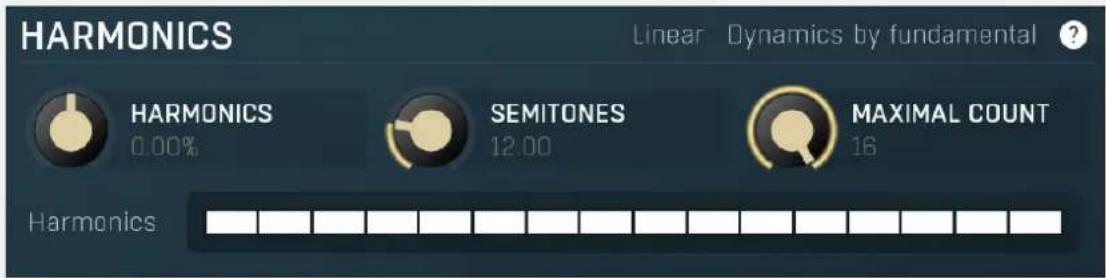
Harmonics panel contains parameters of the harmonics - clones of the main band created at higher frequencies derived from the frequency of the main band. This is often useful for removing natural noises, which usually bring some harmonics with them etc.
Linear
Linear
Linear button enables the linear harmonics spacing. When the main band frequency is say 100Hz and the Semitones value is 12, then in the default logarithmic mode the harmonics are 200Hz, 400Hz, 800Hz etc., increasing by 12 semitones (1 octave) each time. This is suitable because the filters themselves are logarithmic. However harmonics generated by physical instruments are not spaced in this way. Rather, for a Semitones value of 12, they increase by a multiple of 12/12 of the main frequency each time. For example, for a base frequency of 100Hz, they will be at 200Hz, 300Hz, 400Hz, 500Hz etc. In linear mode the harmonics work in this way, but please note that then there is only a limited set of harmonics and Q is modified to approximate a reasonable behaviour, which is not always possible.
Dynamics by fundamental
Dynamics by fundamental
Dynamics by fundamental switch causes each harmonic to be driven by the same detector settings as set for the main band. It is disabled by default, which means that each harmonic is literally a clone of the original filter and has its own dynamics detector depending on its own frequency. Please note that if you want each harmonic to behave in exactly the same way as the main band, you also need to switch on the Input (at the top of the Dynamics panel), otherwise the harmonics would be measuring the signal processed by the main band.
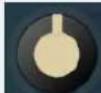
HARMONICS
D.00%
Harmonics
Harmonics defines the gain of the created harmonics. With maximum value (+/- 100%), all harmonics will have the same gain as the main band. A lower value makes the higher harmonics have lower gain. A negative depth will make alternate harmonics have positive and negative gains and is particularly useful for creative effects.
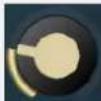
SEMITONES
12.00
Semitones
Semitones defines the frequency interval of the harmonics. For example, if the band is at 100Hz and the number of semitones is 12 (default), then the first harmonic will be at 200Hz (12 semitones higher), second at 400Hz etc., increasing by 12 semitones (1 octave) each time. Thus they are logarithmically-spaced harmonics. When linearly-spaced harmonics are enabled, this merely changes the ratio between them. In this mode, 100Hz is followed by 200Hz, 300Hz, 400Hz, 500Hz etc, that is, increasing by a multiple of 12/12 of the main frequency each time. For a value of 7 (a perfect fifth), the logarithmic harmonics would be at 150Hz, 225Hz, 337.5Hz, 506.25Hz etc, increasing by 7 semitones (= 50%, as 1.05946 ^ 7 = 1.498) each time and the linear harmonics would be at 158Hz, 251Hz, 397Hz, 628Hz etc, increasing by 7/12 each time.

MAXIMAL COUNT
16
Maximal count
Maximal count defines the maximum number of harmonics that could be created. The harmonics that are created depends on them being activated in the Harmonics grid.
Harmonics grid

Harmonics grid is useful to turn on/off particular harmonics manually. Click any one to enable / disable it.
Band advanced settings
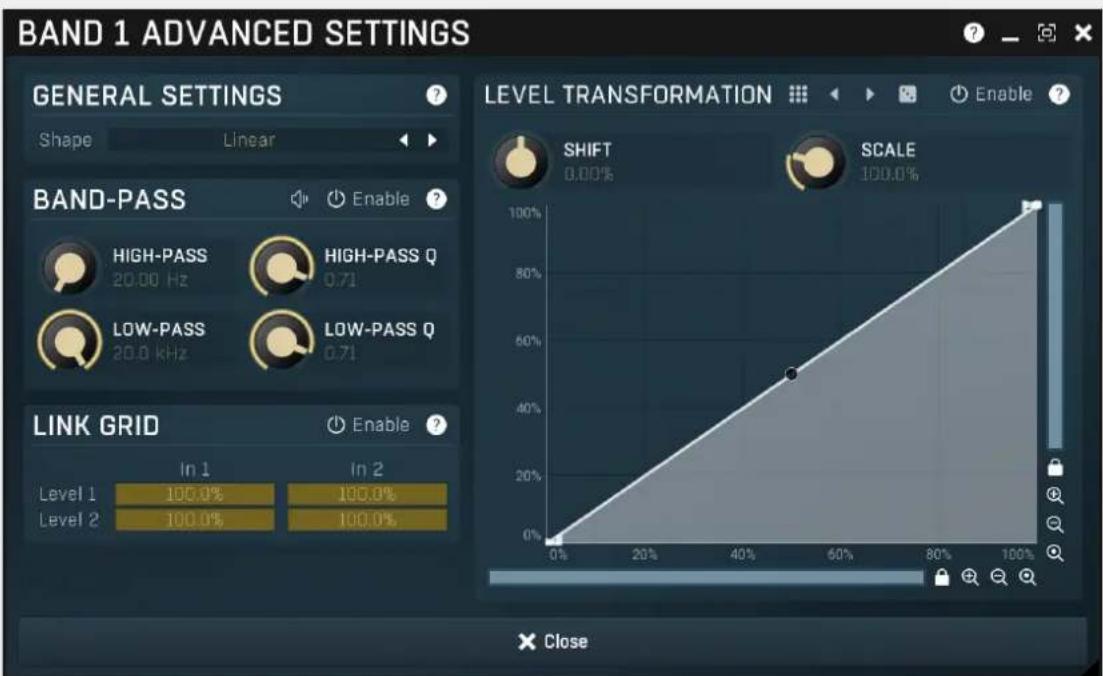
Band advanced settings contains additional settings for the band. These contain some more esoteric features, such as a dynamic transformation shape. It can be displayed by clicking the right mouse button on a band while holding Ctrl, from the basic band settings window, or from the band list if provided.
General settings panel
GENERAL SETTINGS
Shape
Linear

General settings panel contains additional parameters, which are too scientific to be available from the main band settings.
Shape
Linear

Shape
Shape affects the processing shape. The plug-in features specific non-linear transfer shapes which affect the way the level are interpreted. Logarithmic mode is the most physical one, increase from, say, -90dB to -80dB and from -10dB to 0dB produces the same difference in the output dynamic gain. However from the nature of it is tends to generate high gains and usually setting a threshold is needed. Linear mode on the other hand tends to stay near minimum gains and usually is the most aggressive. Squared mode is a compromise between these two. Comparing the three modes, Linear mode requires the least amount of CPU power and Logarithmic requires the most.
Band-pass panel
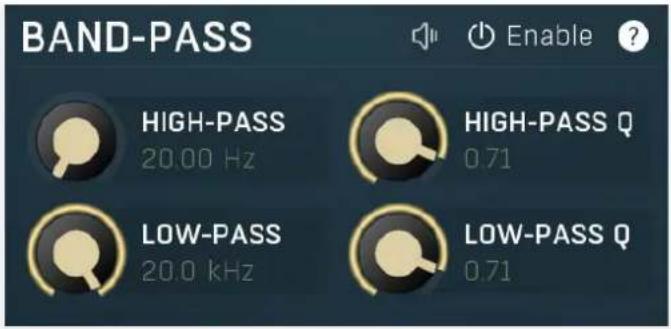
Band-pass panel contains parameters of the band pass, which you can use to process the signal that is used measure level of the band additionally. For example, you may want a band at high frequencies to react to bass content; you can do this by placing the band anywhere on the high frequencies and set the low-pass at say 200Hz.

Play
Play button enables the band-pass monitoring and hence could be useful to tweak the band pass.

Enable
Enable
Enable button enables the band-pass module. It is off by default to save CPU resources.
Level transformation
line
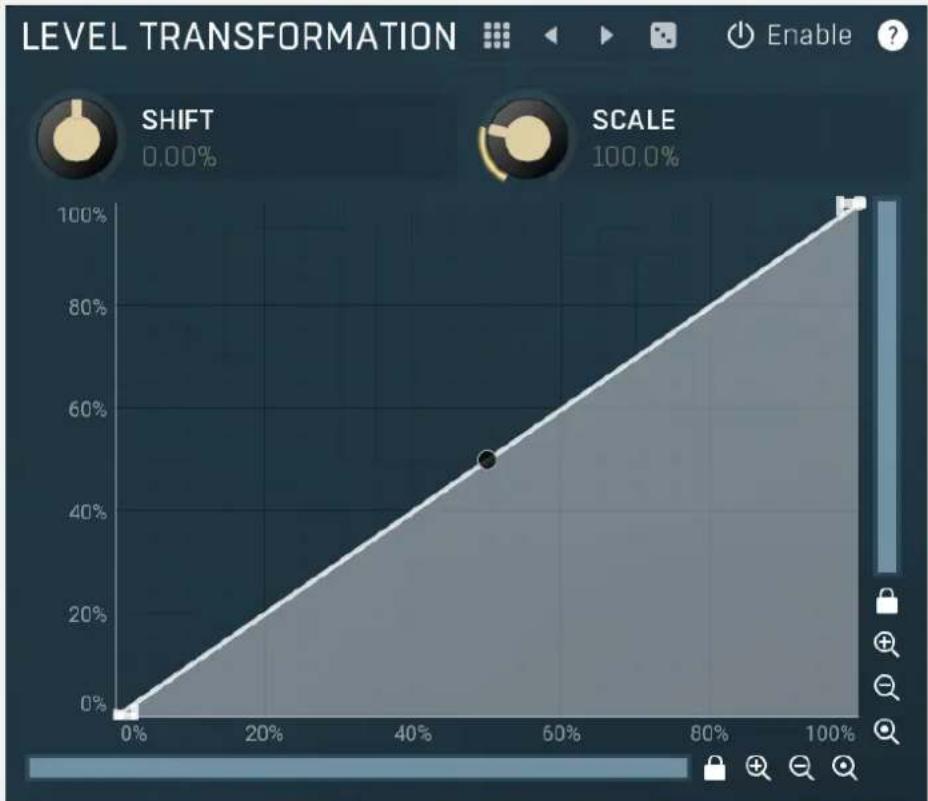
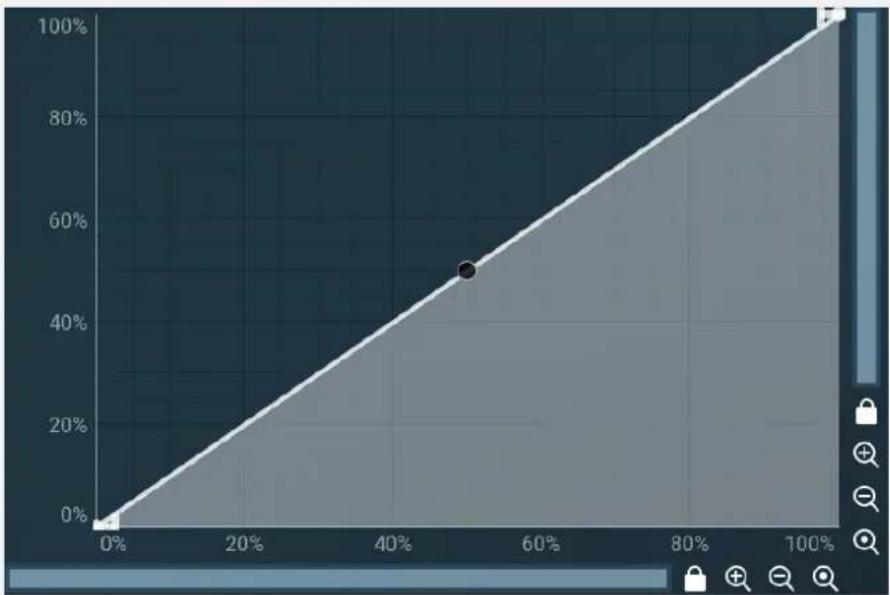
| X | Y | | ---- | ----- | | 0% | 0% | | 50% | 50% | | 100% | 100% |Level transformation graph lets you transform the dynamic gain according to the input level. The X axis contains the input level; the Y axis controls the output level, which is then used to set the dynamic gain.

Presets
Presets button displays a window where you can load and manage available presets. Hold Ctrl when clicking to load a random preset instead.

Left arrow
Left arrow button loads the previous preset.

Right arrow
Right arrow button loads the next preset.
Randomize button loads a random preset.

Enable
Enable
Enable button enables the level transformation module. It is off by default to save CPU resources.
line
| X (%) | Y (%) | |-------|-------| | 0 | 0 | | 50 | 50 | | 100 | 100 |EnvelopeEditorGraph
Envelope graph
Envelope graph provides an extremely advanced way to edit any kind of shape that you can imagine. An envelope has a potentially unlimited number of points, connected by several types of curves with adjustable curvature (drag the dot in the middle of each arc) and the surroundings of each point can also be automatically smoothed using the smoothness (horizontal pull rod) control. You can also literally draw the shape in drawing mode (available via the main context menu).
- Left mouse button can be used to select points. If there is a point, you can move it (or the entire selection) by dragging it. If there is a curvature circle, you can set up its tension by dragging it. If there is a line, you can drag both edge points of it. If there is a smoothing controller, you can drag its size. Hold Shift to drag more precisely. Hold Ctrl to create a new point and to remove any points above or below.
- Left mouse button double click can be used to create a new point. If there is a point, it will be removed instead. If there is a curvature circle, zero tension will be set. If there is a smoothing controller, zero size will be set.
- Right mouse button shows a context menu relevant to the object under the cursor or to the entire selection. Hold Ctrl to create or remove any points above or below.
- Middle mouse button drag creates a new point and removes any points above or below. It is the same as holding Ctrl and dragging using left mouse button.
- Mouse wheel over a point modifies its smoothing controller. If no point is selected, then all points are modified.
- Ctrl+A selects all points. Delete deletes all selected points.
Envelope graph menu
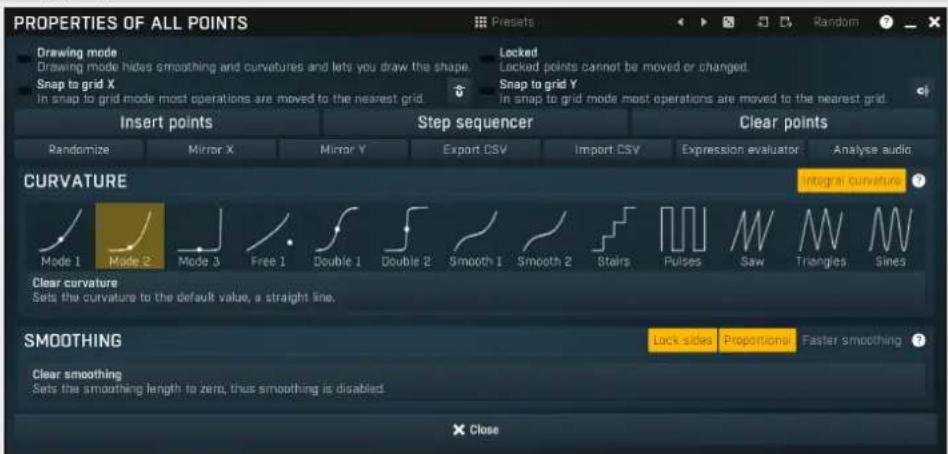
Envelope graph menu provides additional features which are used to edit the graph. Open the menu using right mouse button in the graph. Please note that if you select some points in the graph, or click on a point for example, the menu will be different and will cover only those features related to the selected set of points.

Presets
Presets
Presets button displays a window where you can load and manage available presets. Hold Ctrl when clicking to load a random preset instead.

Left arrow
Left arrow button loads the previous preset.

Right arrow
Right arrow button loads the next preset.

Randomize
Randomize button loads a random preset.

Copy
Copy button copies the settings onto the system clipboard.

Paste
Paste button loads the settings from the system clipboard.
Random
Random
Random button generates random settings using the existing presets.
Snap to grid X
In snap to grid mode most operations are moved to the nearest grid

Snap to grid X
Snap to grid X activates the snap to grid feature. Alternatively you can press Alt while dragging a point or selection.
Snap to grid Y
In snap to grid mode most operations are moved to the nearest grid.

Snap
Snap button activates the snap to grid feature. Alternatively you can press Alt while dragging a point or selection.
Insert points
Insert point
Insert point button creates a point at mouse position.
Step sequencer
Step sequencer button generates the envelope from step sequencer.
Step sequencer
Clear points
Clear points button deletes all points.
Clear points
Randomize
Randomize
Randomize button slightly modifies the Y coordinates.
Mirror X
Mirror X
Mirror X button inverts the X coordinates of all points.
Mirror Y
Mirror Y
Mirror Y button inverts the Y coordinates of all points.
Export CSV
Export CSV
Export CSV feature lets you export the graph to a CSV file. CSV file is a simple text format, which has multiple lines with X and Y coordinates delimited by ';'. For example:
0.275;0.2
0.438;0.5
0.775;0.67
Import CSV
Import CSV
Import CSV feature lets you select a CSV file and imports the graph points from it. CSV file is a simple text format, which
has multiple lines with X and Y coordinates delimited by ';' For example:
0.275;0.2
0.438;0.5
0.775;0.67
Expression evaluator
Expression evaluator
Expression evaluator lets you generate points based on a mathematic formula. The only input variable is 'x', so as an example you may write 'ln(x^3 + 1) - sin(x*x)'.
Expression evaluator uses traditional C/C++ style formatting, which is natural for most people. It provides arithmetics, logical and conditional operators. Following terms are supported:
Constants: pi, e, sqrt2, ln2
Arithmetic operators:
-a inverts the sign, e.g. "-x" produces +2 for x=-2
a+b = addition
a-b = subtraction
a*b = multiplication
a/b = division
a%b = modulo, remainder after division
a^b = power, e.g. "2^3" produces 2*2*2 = 8
Arithmetic functions:
min(a,b) = minimum of both values
max(a,b) = maximum of both values
limit(a,min,max) = a limited into the interval min..max
to01(a,min,max) = converts "a" as min..max to 0..1
from01(a,min,max) = converts "a" as 0..1 to min..max
tom11(a,min,max) = converts "a" as min..max to -1..1
fromm11(a,min,max) = converts "a" as -1..1 to min..max
Basic mathematic functions: abs(x) = absolute value , e.g. abs(-3) = 3 sqr(x) = xx sqrt(x) = square root exp(x) = natural exponential e^ ln(x) = natural logarithm log10(x) = logarithm with base 10 log(x, base) = logarithm with specified base inv(x) = 1/x sgn(x) = sign of x, -1 or 0 or +1 depending on xx round(x) = rounding to the nearest value floor(x) = rounding to the nearest lower value , e.g. floor(-2.3) = -3 ceil(x) = rounding to the nearest higher value , e.g. ceil(-2.3) = -2 rand(x) = random value from 0 to x
Functions for specific units:
f01(a) = converts "a" as frequency from 20...20000 into log scale 0..1
ffrom01(a) = converts "a" as 0..1 (log scale) to frequency from 20...20000
todb(a) = converts "a" as multiplier to dB value by calculating "20*log10(a)"
fromdb(a) = converts "a" as dB value to multiplier by calculating "10^(a/20)"
Trigonometric functions: (x) , (x) , (x) , (x) , (x) , (x) , (x) , (x) , (x)
Logical operators:
a==b = comparison producing 1 if "a" and "b" are equal, 0 otherwise
a!=b = comparison producing 1 if "a" and "b" are NOT equal, 0 otherwise
a<b = comparison producing 1 if "a" is lower than "b", 0 otherwise
a<=b = comparison producing 1 if "a" is lower or equal to "b", 0 otherwise
a>b = comparison producing 1 if "a" is greater than "b", 0 otherwise
a>=b = comparison producing 1 if "a" is greater or equal to "b", 0 otherwise
!a = logical negation, 0 produces 1, 0 otherwise
a&&b = logical AND, produces 1 if both "a" and "b" are nonzero
a||b = logical OR, produces 1 if any of "a" and "b" are nonzero
a^^b = logical XOR, produces 1 if "a" and "b" are logically different
a ? b : c = if a is nonzero, then the result is b, otherwise it is c
Analyse audio
Analyse audio
Analyse audio lets you analyse a portion of an audio file at specified intervals, extract its level envelope and use those levels to construct the graph's curve.
Curvature

Integral curvature
Integral curvature
Integral curvature makes the multi-curvature modes such as rectangles always have an integral number of items, e.g. 1, 2, 3, ... rectangles. If you disable this, it will be also possible to have for example 2.3 rectangles, which will however
cause a discontinuity.
Smoothing

Lock sides
Lock sides
Lock sides makes the smoothing factor equal on both sides.
Proportional
Proportional
Proportional makes the smoothing area size defined by the smaller side.
Faster smoothing
Faster smoothing
Faster smoothing enables slightly faster algorithm, which can however often cause unnecessary curving.
SHIFT
0.00%
Shift
Shift lets you virtually shift the whole graph vertically. This basically shifts the dynamic gain.
SCALE
100.0%
Scale
Scale lets you virtually scale the whole graph vertically. This basically scales the dynamic gain.
Link grid panel
LINK GRID
Enable

In 1
Level 1
100.0%
In 2
Level 2
100.0%
100.0%
100.0%
Link grid panel controls the linking between the channels; that is, how the input level in each channel affects the levels in the other channels. By default the way channels affect processing in other channels depends solely on the Link channels parameter.
Here you can set up a more complicated relationship. For example, you can make the left channel (1) respond to the right channel (2) only and vice versa. Each column in the grid is an input and each row is an output. Each output level is a mix of the factored input levels. For that example above, the values for "Level 1" would be 0% and 100%, and for "Level 2" they would be 100% and 0%.

Enable
Enable
Enable button enables the link-grid module. It is off by default to save CPU resources.
Stage panel
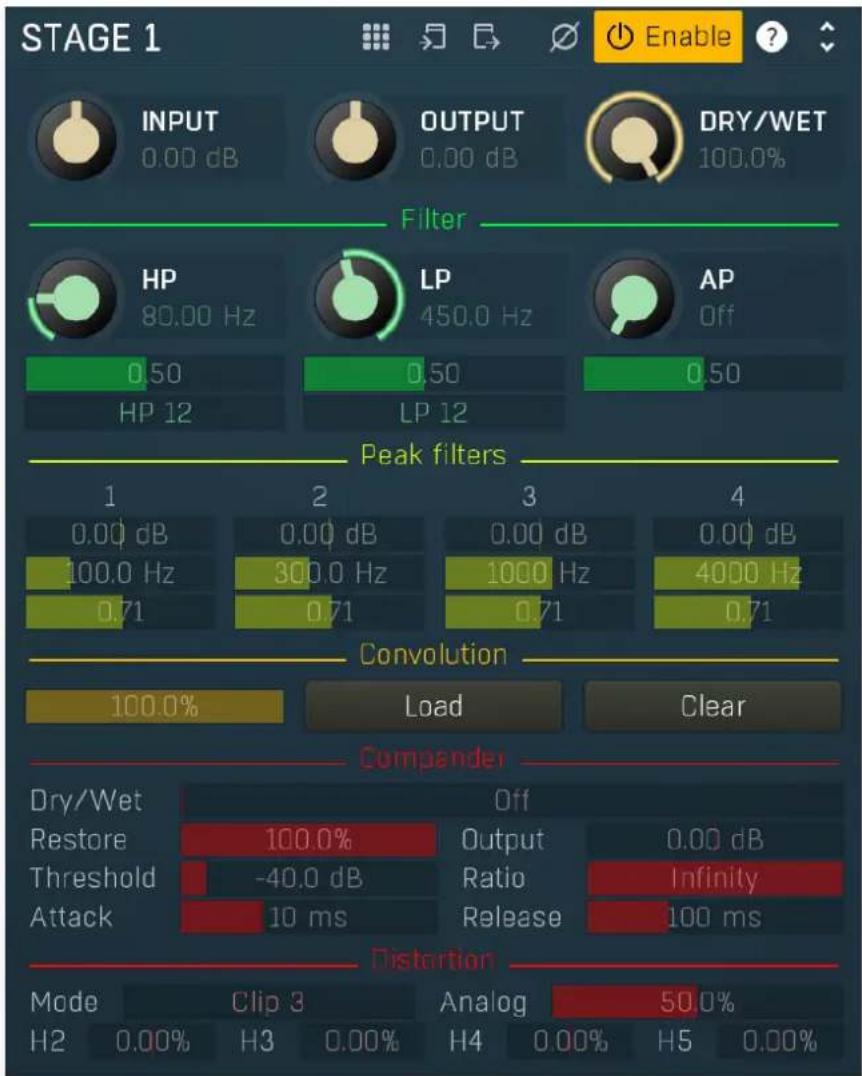
Stage panel contains settings of a single distortion stage. The signal is first processed using an input gain serving as 'drive'. Next a filtering section with optional high-pass, low-pass and several peak filters is used. Finally the signal is processed through the distortion unit and output gain is used to keep output level controlled.

Presets
Presets button displays a window where you can load and manage available presets. Hold Ctrl when clicking to load a random preset instead.

Copy
Copy button copies the settings onto the system clipboard.

Paste
Paste button loads the settings from the system clipboard.

Invert
Invert switch makes the stage invert the output polarity. To simulate a perfectly flat 2 band crossover, set the same frequency to a low-pass filter in one stage and a high-pass filter in the other, and invert one of the bands, it doesn't matter which.
Gain In
Gain In controls the input gain for the stage and serves as a drive control.
Range: -40.00 dB to +40.00 dB, default 0.00 dB
Gain Out
Gain Out defines the power modification applied to the output signal. Use it to keep the output level controlled. Range: -40.00 dB to +40.00 dB, default 0.00 dB

DRY/WET
100.0%
Dry/Wet
Dry/Wet defines ratio between dry and wet signals. 100% means fully processed, 0% means no processing at all. Please note that since minimum phase filtering is involved, phase cancellations are expected.
Range: 0.00% to 100.0%, default 100.0%
HP
80.00 Hz
HP
HP defines the high-pass filter cut-off frequency.
Range: Off to 20.0 kHz, default Off

LP
450.0 Hz
LP
LP defines the low-pass filter cut-off frequency.
Range: 20.00 Hz to Off, default Off

AP
Off
AP
AP defines the all-pass filter center frequency.
Range: Off to 20.0 kHz, default Off

150
HPQ
HPQ defines the resonance of a the high-pass filter.
Range: 0.05 to 10.00, default 0.50
.50
LPQ
LPQ defines the resonance of a the low-pass filter.
Range: 0.05 to 10.00, default 0.50

150
APQ
APQ defines the resonance of a the all-pass filter.
Range: 0.05 to 10.00, default 0.50
P 12
HP slope
HP slope defines slope of the high-pass filter.
P 12
LP slope
LP slope defines slope of the low-pass filter.
dB
Peak gain
Peak gain controls the peak filter gain.
Range: -40.00 dB to +40.00 dB, default 0.00 dB
Hz
Peak frequency
Peak frequency controls the peak filter center frequency.
Range: 20.00 Hz to 20.0 kHz, default 100.0 Hz
1
Peak Q
Peak Q controls the peak filter resonance. Higher values make it narrower.
Range: 0.05 to 10.00, default 0.71
0.0%
Convolution
Convolution controls the dry/wet between the dry and convolved signals.
Range: 0.00% to 100.0%, default 100.0%

oad
Load
Load lets you load an impulse response file to be used in the stage's convolution processor.
lear
Clear
Clear removes any impulse response file loaded to the stage's convolution processor.
-
Off
Dry/Wet
Dry/Wet defines the ratio between dry and wet signals for the compressor. 100% means fully processed, 0% means no processing at
all.
This feature essentially provides a modern way to do so-called parallel (or 'New York') compression. Essentially there are main 2 approaches to compression - A) set the threshold high, so that it affects everything above it, B) set the threshold low and use dry/wet to actually lower the effect of compression, which provides an easy way to control the amount of compression without too much editing of the more advanced parameters. Please note that lowering ratio does NOT have the same effect as lowering dry/wet in most cases. Settings this to 0% will disable the commander module entirely. Range: Off to 100.0% , default Off
Restore 100.0%
Restore
Restore controls to which extent the output dynamics are actually restored after the distortion. Compander is essentially a compressor placed before the distortion, which however keeps the dynamic profile and restores it afterwards. Normally this is set to 100%, which means that the original dynamics is fully recovered. Setting this to 0% will turn this into a regular compressor without any dynamic restoration. Anything in between will make it a compressor with partial dynamic restoration. Range: Off to 100.0%, default 100.0%
Output 0.00 dB
Output gain
Output gain defines the power modification applied to the output signal. The compressor generally lowers the level, it is reasonable to amplify the output, so that the distortion can produce the desired effect. Since the gain is undone by the compander output, it mostly controls the amount of distortion actually. Range: -40.00 dB to +40.00 dB, default 0.00 dB
Threshold -40.0 dB
Threshold
Threshold determines the minimum signal level above which the compression effect starts to apply. Range: -80.0 dB to 0.00 dB, default -40.0 dB
Ratio Infinity
Ratio
Ratio defines the compression ratio of the input signal above the threshold. The higher the ratio, the more compression you get. Range: 1.00 : 1 to Infinity, default Infinity
Attack 10 ms
Attack
Attack defines the attack time, that is how quickly the level detector increases the measured input level. When the input peak level is higher than the current level measured by the detector, the detector moves into the attack mode, in which the measured level is increased depending on the input signal. The higher the input signal, or the shorter the attack time, the faster the measured level rises. Once the measured level exceeds the Threshold then the dynamics processing (compression, limiting, gating) will start.
There must be a reasonable balance between attack and release times. If the attack is too long compared to the release, the detector will tend to keep the measured level low, because the release would cause that level to fall too quickly. In most cases you may expect the attack time to be shorter than the release time.
To understand the working of a level detector, it is best to cover the typical cases:
In a compressor the attack time controls how quickly the measured level moves above the threshold and the processor begins compressing. As a result, a very short attack time will compress even the beginning transient of a snare drum for example, hence it would remove the punch. With a very long attack time the measured level may not even reach the threshold, so the compressor may not do anything.
In a limiter the attack becomes a very sensitive control, defining how much of the signal is limited and how much of it becomes saturated/clipped. If the attack time is very short, limiting starts very quickly and the limiter catches most peaks itself and reduces them, providing lower distortion, but can cause pumping. On the other hand, a higher attack setting (typically above 1ms) will let most peaks through the limiter to the subsequent in-built clipper or saturator, which causes more distortion of the initial transient, but less pumping.
In a gate the situation is similar to a compressor - the attack time controls how quickly the measured level can rise above the threshold at which point the gate opens. In this case you will usually need very low attack times, so that the gate reacts quickly enough. The inevitable distortion can then be avoided using look-ahead and hold parameters.
In a modulator, the detector is driving other parameters, a filter cut-off frequency for example, and the situation really depends on the target. If you want the detector to react quickly on the input level rising, use a shorter attack time; if you want it to follow the flow of the input signal slowly, use longer attack and release times. Range: 0 ms to 1000 ms, default 10 ms
Release 100 ms
Release
Release defines the release time, that is how quickly the level detector decreases the measured input level. The shorter the release time, the faster the response is. Once the attack stage has been completed, when the input peak level is lower than the current level measured by the detector, the detector moves into the release mode, in which the measured level is decreased depending on the input signal. The lower the input signal, or the shorter the release time, the faster the measured level drops. Once the measured level falls under the Threshold then the dynamics processing (compression, limiting, gating) will stop.
There must be a reasonable balance between attack and release times. If the attack is too long compared to release, the detector would tend to keep the level low, because release would cause the level to fall too quickly. Hence in most cases you may expect the attack time to be shorter than the release time.
To understand the working of a level detector, it is best to cover the typical cases:
In a compressor the release time controls how quickly the measured level falls below the threshold and the compression stops. As a
result a very short release time makes the compressor stop quickly, for example, leaving the sustain of a snare drum intact. On the other hand, a very long release keeps the compression working longer, hence it is useful to stabilize the levels.
In a limiter the release time keeps the measured level above the limiter threshold causing the gain reduction. Having a very long release time in this case doesn't make sense as the limiter would be working continuously and the effect would be more or less the same as simply decreasing the input gain manually. However too short a release time lets the limiter stop too quickly, which usually causes distortion as the peaks through the limiter to the subsequent in-built clipper or saturator. Hence release time is used to avoid distortion at the expense of decreasing the output level.
In a gate the situation is similar to a compressor - the release time controls how quickly the measured level can fall below the threshold at which point the gate closes. Having a longer release time in a gate is a perfectly acceptable option. The release time will basically control how much of the sound's sustain will pass.
In a modulator, the detector is driving other parameters, a filter cut-off frequency for example, and the situation really depends on the target. If you want the detector to react quickly on the input level falling, use a shorter release time; if you want it to follow the flow of the input signal slowly, use longer attack and release times.
Range: 1.0 ms to 10000 ms, default 100 ms
Mode Clip 3 Mode
Mode defines the distortion mode, mostly affecting the nonlinear shape. These are sorted from the most subtle to the most aggressive ones.
Analog 50.0% Analog
Analog controls the amount of even harmonics the distortion unit produces. These are commonly associated with analog tube circuits. Range: 0.00% to 100.0%, default 0.00%
H2 0.00% H2
H2 controls the amount of the 2nd harmonic generator. This value can be set to negative values as well, which does not mean phase inversion however, more like a different way of generating the harmonic. Range: -100.0% to 100.0%, default 0.00%
H3 0.00% H3
H3 controls the amount of the 3rd harmonic generator. This value can be set to negative values as well, which does not mean phase inversion however, more like a different way of generating the harmonic. Range: -100.0% to 100.0%, default 0.00%
H4 0.00% H4
H4 controls the amount of the 4th harmonic generator. This value can be set to negative values as well, which does not mean phase inversion however, more like a different way of generating the harmonic. Range: -100.0% to 100.0%, default 0.00%
H5 0.00% H5
H5 controls the amount of the 5th harmonic generator. This value can be set to negative values as well, which does not mean phase inversion however, more like a different way of generating the harmonic. Range: -100.0% to 100.0%, default 0.00%

INPUT 0.00 dB
Input
gain
Input gain defines input gain applied before the equalization. Therefore this affects all dynamics-based processes.
Range: -24.00 dB to +24.00 dB, default 0.00 dB

OUTPUT 0.00 dB
Output
gain
Output gain defines output gain applied after the equalization. Please note that the real output gain is affected by dry/wet parameter, as opposed to input gain, which is not, because it affects the resulting sound.
Range: -24.00 dB to +24.00 dB, default 0.00 dB
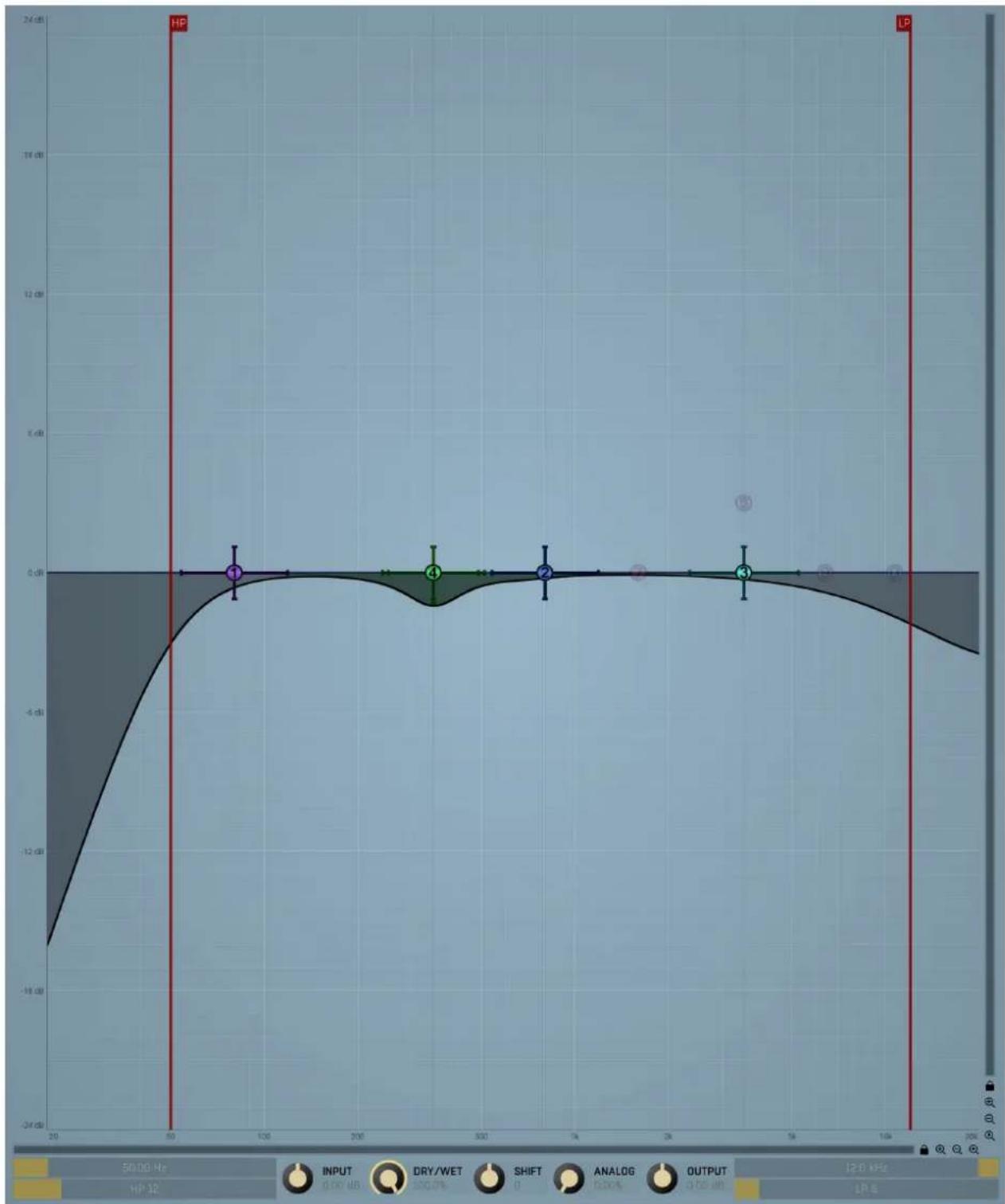
line
| Frequency (MHz) | Value (dB) | | --------------- | ---------- | | 50 | -24 | | 60 | 0 | | 70 | 0 | | 80 | 0 |Equalizer shape graph
Equalizer shape graph controls and displays the frequency response. There are several bands available, each of them can be enabled/disabled, can be set to a different filter, can have different frequency, Q and other parameters.
Double-click on a band point to enable or disable a band. Drag it to change its frequency and gain. Drag the horizontal nodes to change its Q. Hold ctrl key for fine tuning. Click using the right mouse button on it to open a window with additional settings.
Input gain
Input gain defines input gain applied before the equalization. Therefore this affects all dynamics-based processes.
Range: -24.00 dB to +24.00 dB, default 0.00 dB

Dry/Wet
Dry/Wet defines ratio between dry and wet signals. 100% means fully processed, 0% means no processing at all. In normal mode only peak and shelf filters are affected correctly, other filters are left at 100% unless the ratio is set to 0% , in which case the equalizer is bypassed.
Shift
Shift lets you pitch shift all bands by specified number of semitones. It doesn't change the actual band points, but changes the resulting EQ shape appropriately.
Range: -24.00 to +24.00, default 0
Analog
Analog controls the amount of internal nonlinearities in each filter, typical for analog equalizers. Note that this processing also changes the actual filter shapes, so they won't fully match the displayed graphs anymore when Analog feature is used. It can also require a solid amount of CPU power.
Range: 0.00% to 100.0%, default 0.00%
Output gain
Output gain defines output gain applied after the equalization. Please note that the real output gain is affected by dry/wet parameter, as opposed to input gain, which is not, because it affects the resulting sound.
Range: -24.00 dB to +24.00 dB, default 0.00 dB
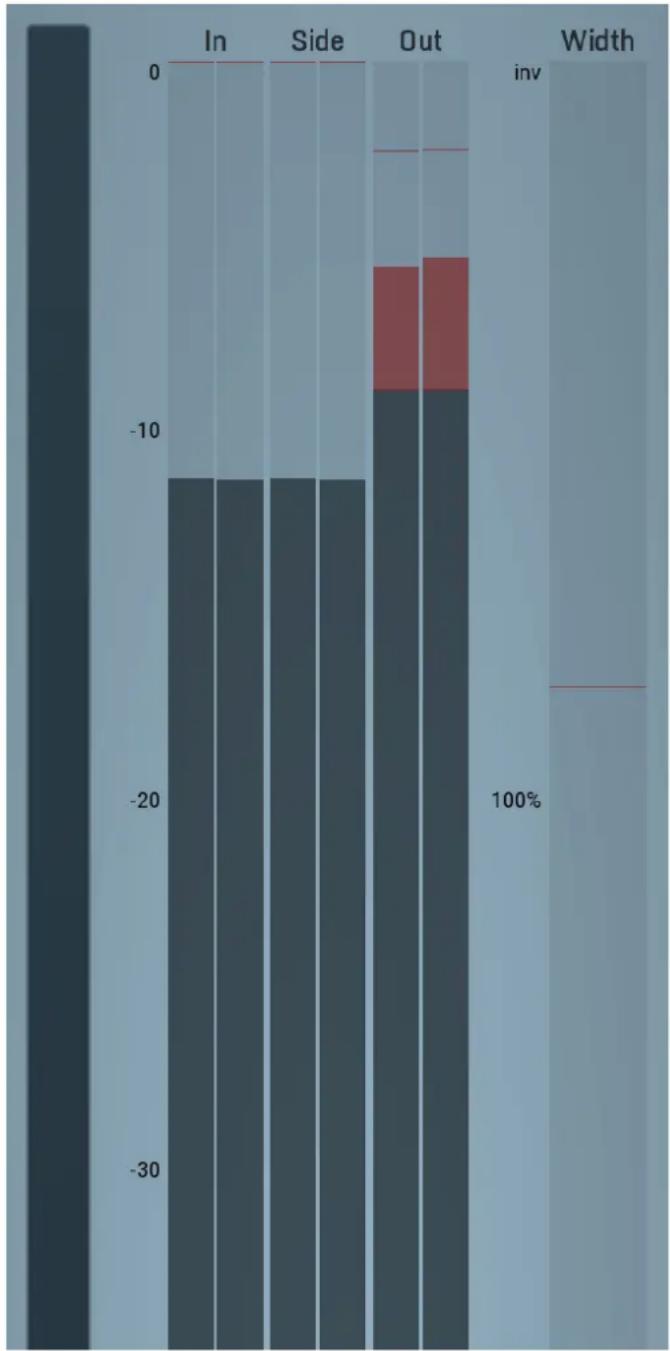
bar_stacked
| Category | Value | |---|---| | In | -12 | | In | -12 | | Side | -12 | | Side | -12 | | Out | -8 | | Out | -8 | | Inv | 0 | | Width | 100% |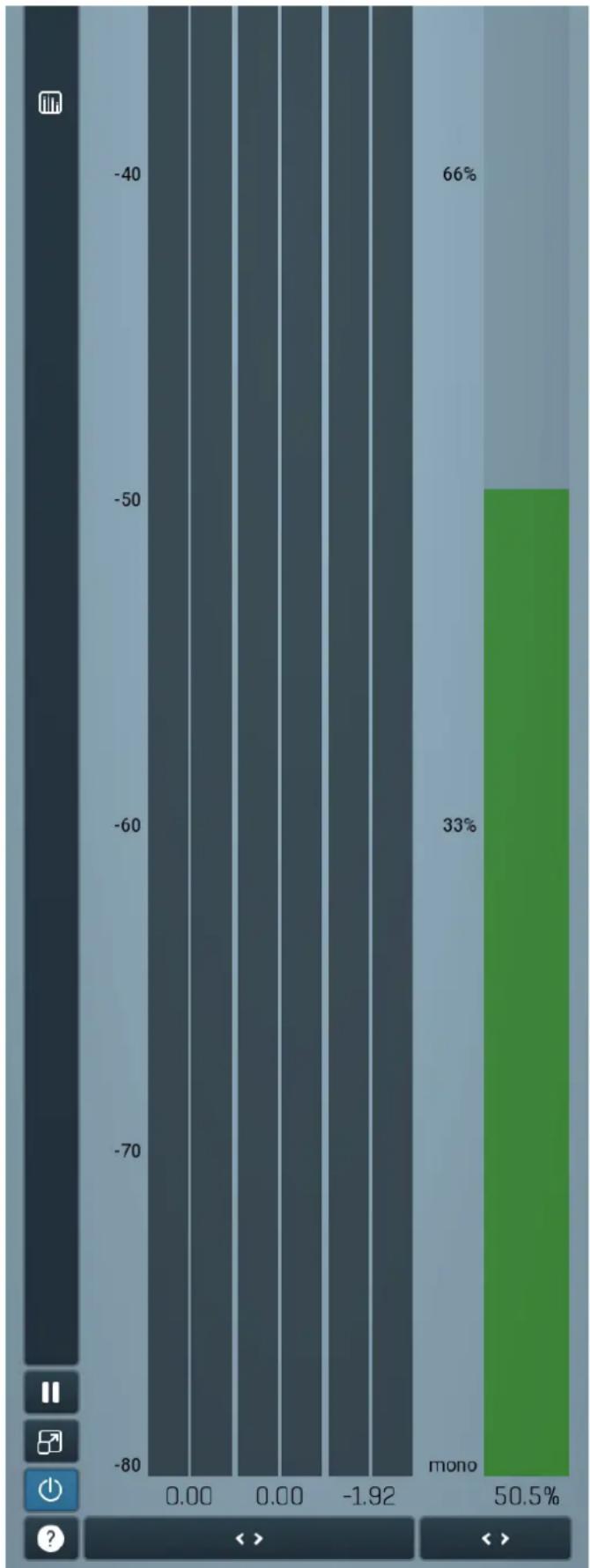
bar
| Category | Value (%) | |---|---| | mono | 50.5 | | 33 | 66 | | -60 | -40 | | -1.92 | -40 | | 0.00 | -40 | | 0.00 | -40 | | 0.00 | -40 | | 0.00 | -40 | | 0.00 | -40 | | 0.00 | -40 | | 0.00 | -40 | | 0.00 | -40 | | 0.00 | -40 | | 0.00 (approx) | 50.5 |Global meter view
Global meter view provides a powerful metering system. If you do not see it in the plug-in, click the Meters or Meters & Utilities button to the right of the main controls. The display can work as either a classical level indicator or, in time graph mode, show one or more values in time. Use the first button to the left of the display to switch between the 2 modes and to control additional settings, including pause, disable and pop up the display into a floating window. The meter always shows the actual channels being processed, thus in M/S mode, it shows mid and side channels.
In the classical level indicators mode each of the meters also shows the recent maximum value. Click on any one of these values boxes to reset them all.
In meter indicates the total input level. The input meter shows the audio level before any specific processing (except potential
oversampling and other pre-processing). It is always recommended to keep the input level under 0dB. You may need to adjust the previous processing plugins, track levels or gain stages to ensure that it is achieved.
As the levels approach 0dB, that part of the meters is displayed with red bars. And recent peak levels are indicated by single bars.
Out meter indicates the total output level. The output meter is the last item in the processing chain (except potential downsampling and other post-processing). It is always recommended to keep the output under 0dB.
As the levels approach 0dB, that part of the meters is displayed with red bars. And recent peak levels are indicated by single bars.
Width meter shows the stereo width at the output stage. This meter requires at least 2 channels and therefore does not work in mono mode. Stereo width meter basically shows the difference between the mid and side channels.
When the value is 0%, the output is monophonic. From 0% to 66% there is a green range, where most audio materials should remain.
From 66% to 100% the audio is very stereophonic and the phase coherence may start causing problems. This range is colored blue. You may still want to use this range for wide materials, such as background pads. It is pretty common for mastered tracks to lie on the edge of green and blue zones.
Above 100% the side signal exceeds the mid signal, therefore it is too monophonic or the signal is out of phase. This is marked using red color. In this case you should consider rotating the phase of the left or right channels or lowering the side signal, otherwise the audio will be highly mono-incompatible and can cause fatigue even when played back in stereo.
For most audio sources the width is fluctuating quickly, so the meter shows a 400ms average. It also shows the temporary maximum above it as a single coloured bar.
If you right click on the meter, you can enable/disable loudness pre-filtering, which uses EBU standard filters to simulate human perception. This may be useful to get a more realistic idea about stereo width. However, since humans perceive the bass spectrum as lower than the treble, this may hide phase problems in that bass spectrum.
Time graph
Time graph button switches between the metering view and the time-graphs. The metering view provides an immediate view of the current values including a text representation. The time-graphs provide the same information over a period of time. Since different time-graphs often need different units, only the most important units are provided.

Pause
Pause button pauses the processing.

Popup
Popup button shows a pop-up window and moves the whole metering / time-graph system into it. This is especially useful in cases where you cannot enlarge the meters within the main window or such a task is too complicated. The pop-up window can be arbitrarily resized. In metering mode it is useful for easier reading from a distance for example. In time-graph mode it is useful for getting higher accuracy and a longer time perspective.

Enable
Enable button enables or disables the metering system. You can disable it to save system resources.

Collapse
Collapse button minimizes or enlarges the panel to release space for other editors.
Collapse button minimizes or enlarges the panel to release space for other editors.
Utilities
Map
Map
Map button displays all current mappings of modulators, multiparameters and MIDI (whichever subsystems the plugin provides).
Modulator
Modulator button displays settings of the modulator. It also contains a checkbox, to the left, which you can use to enable or disable the modulator. Click on it using your right mouse button or use the menu button to display an additional menu with learning capabilities - as described below.

Menu
Menu button shows the smart learn menu. You can also use the right mouse button anywhere on the modulator button.
Learn activates the learning mode and displays "REC" on the button as a reminder, Clear & Learn deletes all parameters currently associated with the modulator, then activates the learning mode as above. After that every parameter you touch will be associated to the modulator along with the range that the parameter was changed. Learning mode is ended by clicking the button again.
In smart learn mode the modulator does not operate but rather records your actions. You can still adjust every automatable parameter and use it normally. When you change a parameter, the plugin associates that parameter with the modulator and also records the range of values that you set.
For example, to associate a frequency slider and make a modulator control it from 100Hz to 1KHz, just enable the smart learn mode, click the slider then move it from 100Hz to 1KHz (you can also edit the range later in the modulator window too). Then disable the learning mode by clicking on the button.

Menu
Menu button displays additional menu containing features for modulator presets and randomization.

Lock
Lock button displays the settings of the global parameter lock. Click on it using your left mouse button to open the Global Parameter Lock window, listing all those parameters that are currently able to be locked. Click on it using your right mouse button or use the menu button to display the menu with learning capabilities - Learn activates the learning mode, Clear & Learn deletes all currently-lockable parameters and then activates the learning mode. After that, every parameter you touch will be added to the lock. Learning mode is ended by clicking the button again. The On/Off button built into the Lock button enables or disables the active locks.
< >
Collapse
Collapse button minimizes or enlarges the panel to release space for other editors.

Multiparameter
Multiparameter button displays settings of the multiparameter. The multiparameter value can be adjusted by dragging it or by pressing Shift and clicking it to enter a new value from the virtual keyboard or from your computer keyboard.
Click on the button using your left mouse button to open the Multiparameter window where all the details of the multiparameter can be set. Click on it using your right mouse button or click on the menu button to the right to display an additional menu with learning capabilities - as described below.

Menu
Menu button shows the smart learn menu. You can also use the right mouse button anywhere on the multiparameter button.
Learn attaches any parameters, including ranges. Click this, then move any parameters through the ranges that you want and click the multiparameter button again to finish. While learning is active, "REC" is displayed on the multiparameter button and learning mode is ended by clicking the button again.
Clear & Learn clears any parameters currently in the list then attaches any parameters, including ranges. Click this, then move any parameters through the ranges that you want and click the multiparameter button again to finish. While learning is active, "REC" is displayed on the multiparameter button and learning mode is ended by clicking the button again.
Reset resets all multiparameter settings to defaults.
Quick Learn clears any parameters currently in the list, attaches one parameter, including its range and assigns its name to the multiparameter. Click this, then move one parameter through the range that you want.
Attach MIDI Controller opens the MIDI Settings window, selects a unused parameter and activates MIDI learn. Click this then move the MIDI controller that you want to assign.
Reorder to ... lets you change the order of the multiparameters. This can be useful when creating active-presets. Please note that this feature can cause problems when one multiparameter controls other multiparameters, as these associations will not be preserved and they will need to be rebuilt.
In learning mode the multiparameter does not operate but rather records your actions. You can still adjust every automatable parameter and use it normally. When you change a parameter, the plugin associates that parameter with the multiparameter and also records the range of values that you set.
For example, to associate a frequency slider and make a multiparameter control it from 100Hz to 1KHz, just enable the smart learn mode, click the slider then move it from 100Hz to 1KHz (you can also edit the range later in the Multiparameter window too). Then disable the learning mode by clicking on the button.

Collapse
Collapse button minimizes or enlarges the panel to release space for other editors.
Preset selector
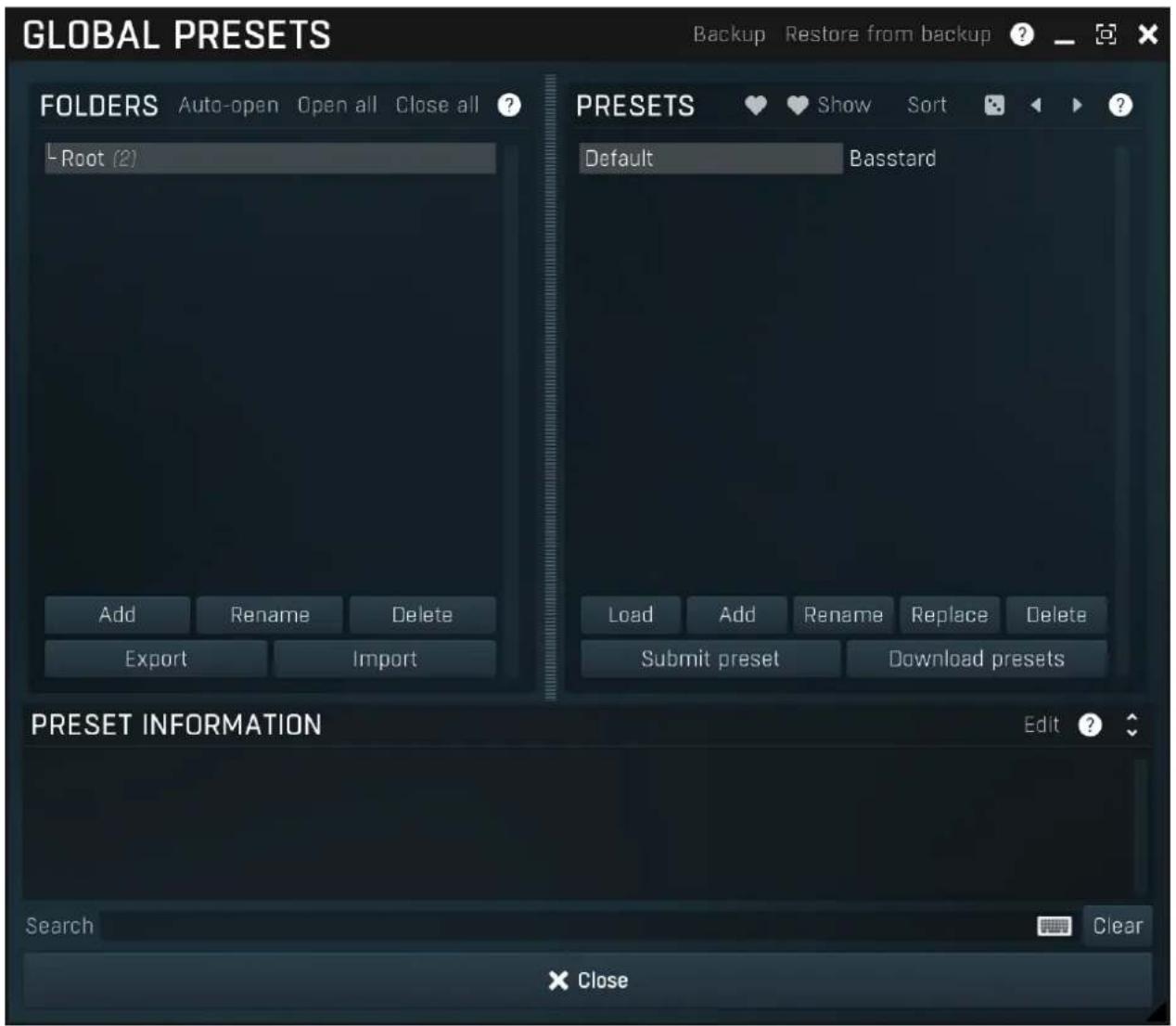
Preset management window provides management for your presets.
Backup
Backup
Backup button lets you backup presets for all MeldaProduction software into a single file, so you can transfer it to a different machine and restore the presets there for example.
Restore from backup
Restore from backup
Restore from backup button lets you restore presets for all MeldaProduction software from a single file created by the Backup button.
Folders tree
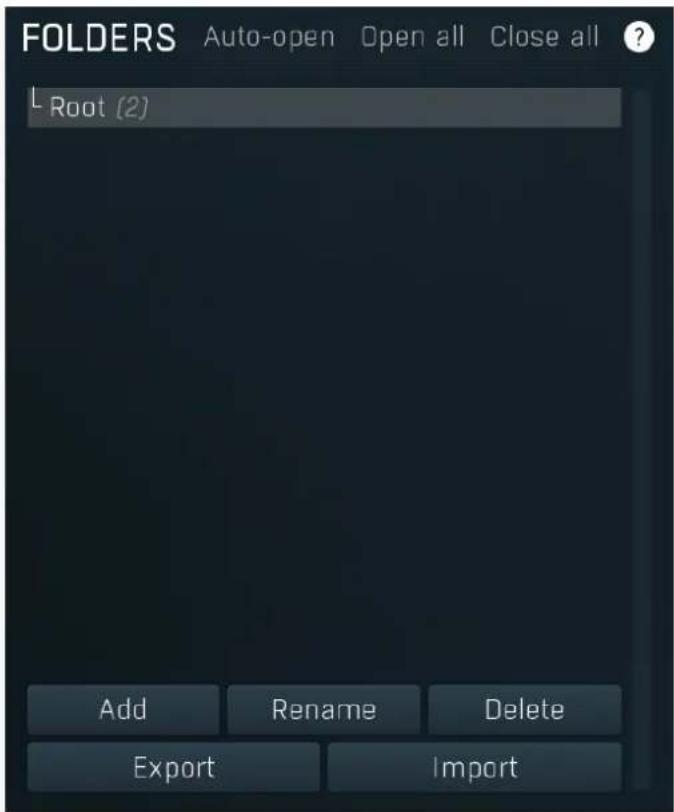
Folders tree lets you organize your presets into any number of folders. Use the buttons at the bottom of the window to create, rename or delete sub-folders. Note that these are not actual files & folders on disk, but are records in the preset database.
Auto-open
Auto-open
Auto-open switch makes the tree automatically open selected items, so that all sub-folders are visible, whenever you select one. This makes it easier to browse through large structures containing many folders. The switch also makes the browser show all presets available in the selected folder including all sub-folders (except when you select the root folder).
Open all
Open all
Open all button expands the whole tree, so you can see all of the folders. This may be handy when editing large preset structures.
Close all
Close all
Close all button collapses the whole tree except for the root folder. This may be handy when editing large preset structures.
Add
Add
Add button creates a new folder in the tree
Rename
Rename
Rename button lets you rename the selected folder.
Delete
Delete
Delete button deletes the folder including all the presets and subfolders in it.
Export
Export
Export button lets you export the selected folder including all presets and sub-folders into a file, which you can then transfer to any computer. Or just use as a back-up.
Import
Import
Import button lets you import a file containing presets and sub-folders and add it to the selected folder. The importer will ask you whether to destroy the original contents, so that the new presets replace previous ones, or to keep both.
Presets list
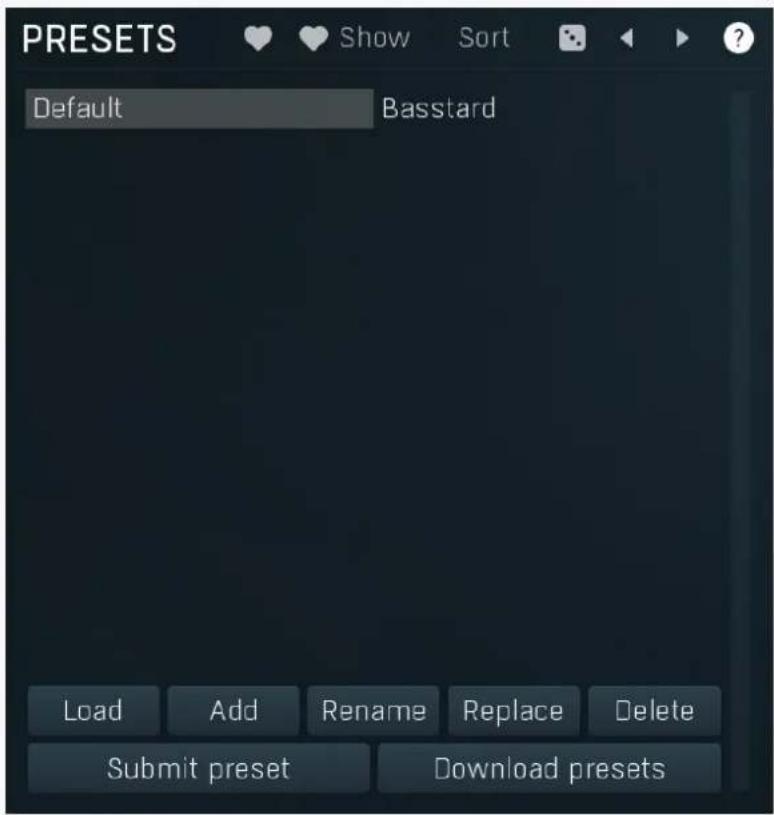
Presets list contains all presets available in the selected folder. Double-click on a preset or use Load button to load a preset. Use the buttons at the bottom of the list to perform additional changes. Please note that these are not actual files & folders on disk, but are records in the preset database.

Favourite
Favourite button toggles the 'favourite' indicator for the selected preset.

Show
Show
Show button shows only the favourite presets and hides the others.

Sort
Sort button shows the presets sorted alphabetically.

Random
Random button selects and loads a random preset from the current folder. This way you can quickly browse the presets in the folder in a completely random order.

Previous
Previous button selects and loads the previous preset from the current folder.

Next
Next button selects and loads the next preset from the current folder.
Submit preset
Submit preset
Submit preset button submits the selected preset to the online exchange servers and retrieves all the presets currently in the database. This feature serves as an online database of presets available for all the user community. Please do not submit garbage presets.
Download presets
Download presets
Download presets button retrieves all the presets currently in the database. This feature serves as an online database of presets available for all the user community. Please consider participating by submitting your presets as well.
Load
Load
Load button loads the specified preset. Please note that you can do the same thing by double-clicking the preset itself or pressing the Enter key.
Add
Add
Add button creates a new preset using the current settings.
Rename
Rename
Rename button lets you rename the selected preset.
Replace
Replace
Replace button replaces the selected preset by one with current settings.
Delete
Delete
Delete button deletes the selected preset.
Search

Search
Search filters the list of available presets to those containing the keywords in name or information.
Clear
Clear
Clear button deletes all text in the search field.

information
Preset information field contains optional information about the preset, which you can edit when creating or renaming the preset.
Plugin settings
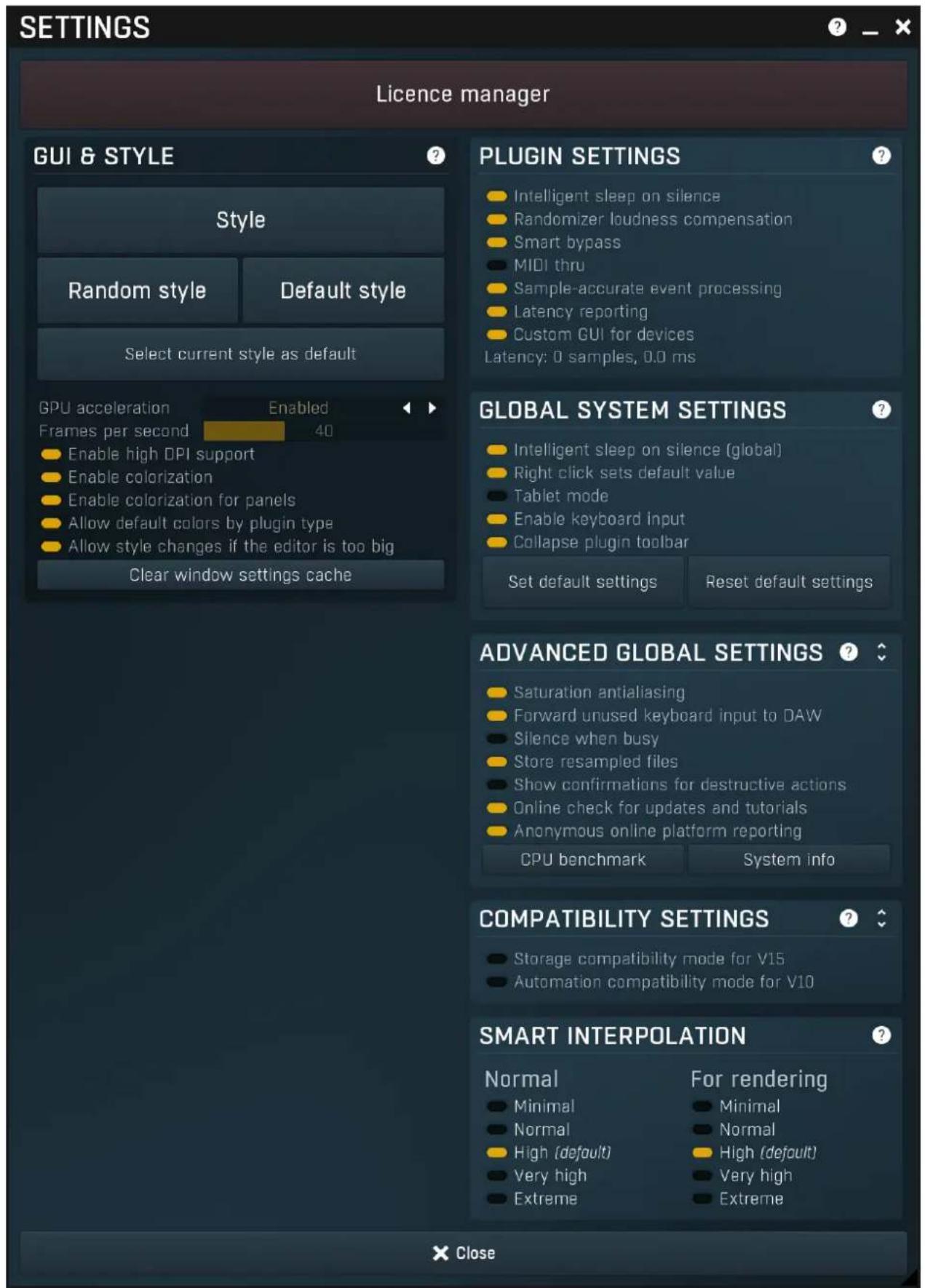
Plugin settings window offers more advanced settings and is available via the Settings button.
Licence panel
Licence manager
Licence panel lets you manage licences on this computer.
Licence manager
Activate
Activate button lets you activate your licence for the plugin on this computer.
GUI & Style panel
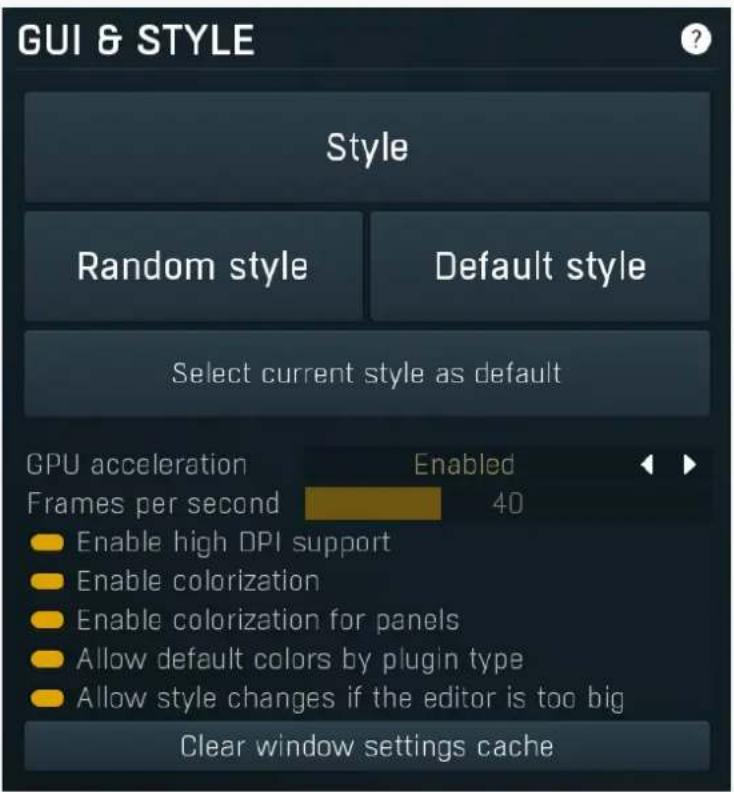
GUI & Style panel lets you configure the plugin's style (and potentially styles of other plugins) and other GUI properties.
Style
Style
Style button lets you change the style for this particular plugin.
Random style
Random style
Random style button selects a random style with random editor mode.
Default style
Default style
Default style button reverts to the default style and default size of the GUI. Hold the Ctrl key while clicking to revert all MeldaProduction
software products, not just the current plugin.
Select current style as default
Select current style as default
Select current style as default button stores the current style as the default for all MeldaProduction software. This is used for the other plugins that are currently using the default style; that is, those plugins for which you have NOT selected a specific style. Please note that if you have already selected a specific style for a particular plugin, then it won't be changed until you use the Default style button.
GPU acceleration
Enabled

GPU acceleration
GPU acceleration controls how much the GPU is used for visual rendering to save CPU power.
Enabled mode provides maximum speed and lets the GPU perform as many drawing operations as possible.
Compatibility mode uses the GPU for drawing, but doesn't use modern technologies for maximum performance. Use it if you experience occasional problems with drawing, the usual case for older ATI graphics cards. With Pro Tools on OSX this mode is always used instead of Enabled mode due to compatibility problems with this host.
Disabled mode disables GPU acceleration completely, drawing is then performed by the CPU. Use only if you experience technical difficulties.
A known problem may occur when using multiple displays with multiple graphical interfaces. When moving the plugin window from one display to another, it may stop displaying correctly until you move it back to the original display.
Frames per second
40
Frames per second
Frames per second controls the refresh rate of the visual engine. The higher the number is the smoother everything is, but the more CPU it requires. You might want to lower this value if your computer is running out of CPU power.
Enable high DPI support
Enable high DPI / retina support
Enable high DPI / retina support enables the plugin to use the high resolution on high DPI (Windows) and retina (OSX) devices. It is enabled by default and detected automatically, if the host allows it. If you run into any problems, you can disable it using this option. It may be desired if you use multiple displays where only some of them feature the high resolution making the image on the low resolution ones look ugly.
If you disable this option, on Windows the high DPI device detection will be ignored and the plugin will probably appear very small. You can manually compensate for it by using a bigger style. On OSX disabling this option will disable the high DPI rendering, resulting in the classic blurry look of non-compliant applications. Changes take effect after you restart the host.
Enable colorization
Enable colorization
Enable colorization enables the plugin to change the colors of certain elements overriding your style settings. Plugins use that to highlight different parts of the graphics interface for easier workflow. You may want to disable it if you just feel it's not for you. This particular option is relevant only for controls - knobs, sliders, checkboxes etc.
Enable colorization for panels
Enable colorization for panels
Enable colorization for panels enables the plugin to change the colors of certain elements overriding your style settings. Plugins use that to highlight different parts of the graphics interface for easier workflow. You may want to disable it if you just feel it's not for you. This particular option is relevant only for containers - panels, graphs etc.
Allow default colors by plugin type
Allow default colors by plugin type
Allow default colors by plugin type is on by default and makes the plugin select its default colors depending on the type of the Plugin. Hence for instance equalizer will always be green. This is done by selecting one of the first 8 color presets for the current style, so the actual colors depend on selected style and its presets. You may want to disable this if you for example want all plugins to look the same including the style and colors. It is necessary to restart your host for a change to this option to take effect.
Allow style changes if the editor is too big
Allow style changes if the editor is too big
Allow style changes if the editor is too big is on by default and makes the plugin change its style, editor mode and other settings if it finds out it is too big to fit the current screen resolution.
Clear window settings cache
Clear window settings cache
Clear window settings cache button deletes stored states of all popup windows on all MeldaProduction software. The window settings mostly contain positions and sizes, but in some cases also the data inside the popup windows. You can use this feature if something goes wrong, a window doesn't appear at all, problems like that. While this shouldn't happen and it's generally better to contract our support, this button provides a potential quick fix.
Plugin settings panel
PLUGIN SETTINGS

Intelligent sleep on silence
- Randomizer loudness compensation
Smart bypass
MIDI thru
Sample-accurate event processing
Latency reporting
Custom GUI for devices
Latency: 0 samples, 0.0 ms
Plugin settings panel contains settings that control the behaviour of this plugin instance. These are properties that rarely need to be changed, so they have been moved here.
- Intelligent sleep on silence
Intelligent sleep on silence
Intelligent sleep on silence option provides a huge CPU saver by automatically disabling the plugin processing if the input is silent and if the plugin doesn't generate some signal on its own. This makes the plugins take virtually no CPU if there is no need for them to actually process anything. Disable this if you run into any problems with them.
Randomizer loudness compensation
Randomizer loudness compensation
Randomizer loudness compensation enables the automatic detection of loudness after new settings have been generated using the main Random button and using the output gain of the plugin to get some predefined level. This is useful in most cases since normally randomized settings can produce various output levels, so this can mitigate the problem.
Smart bypass
Smart bypass
Smart bypass enables the high quality crossfading bypass system, which ensures a smooth transition between the processed and dry signals. You may want to disable it if you are using settings with latency on a plugin, which demands lots of CPU power, which would otherwise need to perform processing even when bypassed, which is pretty much the only downside of the smart bypassing algorithm.
MIDI thru
MIDI thru
MIDI thru makes the plugin pass all input MIDI through to its MIDI output. That is often advantageous in DAWs such as Reaper, which naturally pass MIDI from one plugin to the next.
Sample-accurate event processing
Sample-accurate event processing
Sample-accurate event processing makes the plugin schedule every event such as MIDI or automation to their accurate locations with sample accuracy, if the host allows it.
For example, if the block size in your host's audio settings is 1024 samples, this means the plugin is probably processing blocks of 1024 samples, in 44100 Hz sampling rate it is about 23ms. If this setting is disabled, any change in automation, MIDI, modulation etc. may then be granularized to 23ms (once per block), which means that you will not be able to recognize events that occur say 10ms apart from each other. When this setting is enabled however, the plugin divides processing blocks to sub-blocks and processes the events at their correct positions. This may, of course, require more CPU power.
Latency reporting
Latency reporting
Latency reporting makes the plugin report latency to the DAW, if any. Normally this is enabled, but in certain live situations you may want to disable this, so that the DAW stops compensating the latency on other tracks. It has no effect if the plugin is placed on master track.
Custom GUI for devices
Custom GUI for devices
Custom GUI for devices enables displaying custom GUIs for the easy screen devices. You can disable it if you like the generic GUI better.
Global system settings panel
GLOBAL SYSTEM SETTINGS

Intelligent sleep on silence (global)
Right click sets default value
Tablet mode
Enable keyboard input
Collapse plugin toolbar
Set default settings
Reset default settings
Global system settings panel contains settings which are applied to all plugins on this computer.
- Intelligent sleep on silence (global)
Intelligent sleep on silence (global)
Intelligent sleep on silence (global) is a global switch, which disables the Auto disable on silence feature in all plugins on the system. It is provided "just in case" something goes wrong.
Right click sets default value
Right click sets default value
Right click sets default value makes the engine set default value to a parameter when you right click on it. By default, a menu is displayed instead, with an option to set the default value, but potentially with more features. When this is disabled, you can still set a default value by holding ctrl/cmd when right clicking the control.
Tablet mode
Tablet mode
Tablet mode enables better support for tablets at the expense of the mouse. Enable this if you are using a tablet to control the plugins and it is behaving incorrectly.
Enable keyboard input
Enable keyboard input
Enable keyboard input enables the keyboard input for the main plugin window. You may want to disable if the plugin intercepts spacebar key (often used by the host for playback enable/disable and your host doesn't allow for the problem itself.
Collapse plugin toolbar
Collapse plugin toolbar
Collapse plugin toolbar makes all plugins collapse the plugin toolbar containing more advanced features such as channel modes, A-H presets, oversampling, safety limiter etc. It is enabled by default to make the user interfaces cleaner and easier to grasp for beginners.
Set default settings
Set default settings
Set default settings button stores the current plugin settings as the defaults, so that when you open a new instance of the plugin, these settings will be loaded automatically.
Reset default settings
Reset default settings
Reset default settings button removes the defaults that you set using Set default settings button, so that when you open a new instance of the plugin, the factory defaults will be loaded.
Advanced global settings panel
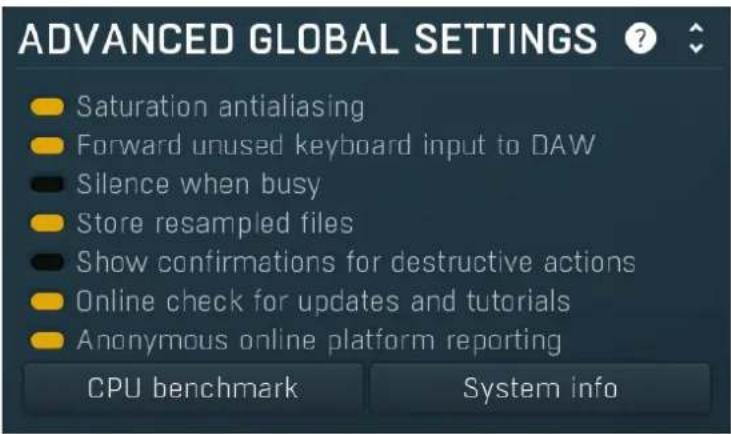
Advanced global settings panel contains advanced settings which are applied to all plugins on this computer.
Saturation antialiasing
Saturation antialiasing
Saturation antialiasing enables a global support for antialiasing in saturation algorithms available in many of the plugins. These require additional CPU processing, however significantly reduce aliasing artifacts without a need for oversampling.
Forward unused keyboard input to DAW
Forward unused keyboard input to DAW
Forward unused keyboard input to DAW makes the plugin forward unused keyboard events to the DAW from its popups. If this is disabled, pressing say spacebar commonly used to start/stop playback won't work if a popup window is active. Enabling this makes this work and it is optional just in case your DAW does something unexpected.
Silence when busy
Silence when busy
Silence when busy makes all plugins silence the output when something time consuming is being performed in background and the plugin needs to wait for it. For instance, in modular plugins such as MXXX, adding a module requires lots of changes in the entire engine, so it is performed in background and while the plugin is inconsistent state, it is temporarily bypassed. Sometimes however, when performing live, bypassing makes the dry signal go through and that may not be wanted. So you can enable this option, and the plugin will silence the output instead.
Store resampled files
Store resampled files
Store resampled files allows the plugins create audio files for sampling rates being used if they differ from the original file sampling rate. It is used only by a few plugins, but it can improve the loading performance a lot at the cost of some additional storage on the hard drive. Disable this option if you are short on free space.
Show confirmations for destructive actions
Show confirmations for destructive actions
Show confirmations for destructive actions makes the plugin display a confirmation window whenever you are going to change the plugin settings irreversibly when using a feature, for example: when resetting your settings.
Online check for updates and tutorials
Online check for updates and tutorials
Online check for updates and tutorials lets the plugin ask about once a week if there is a new version or tutorial available so you can be easily kept up to date.
Anonymous online platform reporting
Anonymous online platform reporting
Anonymous online platform reporting helps us maximize compatibility with your operating system and host. If enabled, our plugins will send information about the system and host that you are using. We can use this information to find out which plugins and platforms are used the most and maximize testing and support there. Platform reporting is completely anonymous and requires only minimal internet connection time (a few kB once a week).
CPU benchmark
CPU benchmark
CPU benchmark button calculates the performance of the plugin with the current settings.
System info
System info
System info button displays some technical information about the build and the machine.
Compatibility settings panel
COMPATIBILITY SETTINGS


Storage compatibility mode for V15
Automation compatibility mode for V10
Compatibility settings panel contains advanced settings you rarely need unless you run into some problems when using multiple versions or old projects.
Storage compatibility mode for V15
Storage compatibility mode for V15
Storage compatibility mode for V15 reverts to the older and much slower storage system used by version 15 and older. Use this if you want to open your projects or presets on older version of MeldaProduction plugins.
Automation compatibility mode for V10
Automation compatibility mode for V10
Automation compatibility mode for V10 reverts the set of automation parameters back to version 10 and earlier. Use this if you need the plugins to work with projects, which contain automation, made using version 10 or older. In version 11 the list of automatable parameters have been highly simplified and reorganized and multiparameters are provided for the vast number of hidden parameters. This should speed up loading, improve workflow with the plugins and improve compatibility with various hosts.
Smart interpolation panel
SMART INTERPOLATION

Normal
Minimal
Normal
High [default]
Very high
Extreme
For rendering
Minimal
Normal
High (default)
Very high
Extreme
Smart interpolation panel controls the depth of the smart interpolation algorithm, which controls the parameters in order to provide maximum audio quality and lower the chance of zipper noise. Smart interpolation is engaged whenever you change any parameter via the GUI, modulators, multiparameters, MIDI or automation.
Many parameters can be automated easily and the plugin responds with sample-accurate results. However, several parameters need exhaustive pre-processing when changed. In these cases, the parameters are not updated every sample, but, for example, once every 32 samples. This highly reduces CPU usage, but affects the output quality.
With modulators the situation is more complicated. Besides the updating issue, the modulator itself can perform some pretty advanced processing, hence it is better to perform the processing in blocks. However, the bigger the block, the less often the modulator updates those parameters associated with it and the resulting modulation is less accurate. In a way you can say that the modulator is slower and lazier. This may actually be wanted, so when it comes to modulators it is not true that a better mode always means better output quality.
The smart interpolation mode controls the maximum number of samples being processed before the parameters are updated. Minimal mode uses 2048 samples and rarely will do anything unless processing offline. Normal mode uses 256 samples and usually is enough to achieve good quality results. High mode uses 32 samples and provides perfect quality for most cases. It is also a good compromise between CPU usage and audio quality, so it is the default. Very high mode uses 4 samples and you will rarely need it. Extreme mode uses 1 sample, which means that everything is updated after every single sample. This provides the highest possible accuracy and quality you can ever achieve, however it requires lots of CPU and it is very unlikely that you will ever need it. If you use this mode and still hear audio artifacts, then either what you are hearing is actually CPU overload, or you are doing something that is not physically possible.
The higher the mode, the quicker the parameter updates, but the more the CPU load.
Please note that modulating certain parameters without artifacts is impossible. For example, when modulating a delay very quickly, the physics of such a process just cannot occur in the natural world and the results are appropriately unnatural. These physically impossible processes usually manifest themselves as distortion or zipper noise.
Modulator editor
![MODULATOR 1 NORMAL FOLLOWER ENVELOPE RANDOM PITCH MODULATOR SHAPE Presets Random Normal Shape Custom Step Smooth Advanced Edit Edit Harmonics Assignable advanced shape parameters RATE Sync Frequency 1000 Hz Sync group Disabled 1 2 3 4 Length 1/4 Type Straight Set frequency Phase 90° (25.0%) Count 1 MIDI RESET - (RE)TRIGGER Enable ? Note-on Note-off Single shot Param 1 [Gain] Note-on only first Note-off only last Range mode Interval Min velocity 0.00% Max velocity 100.0% Min note 0. [C-1] Max note 127 (0.9) Phase 0° (0%) Channel All PARAMETER LIST Param 1 (Gain) PARAMETER SETTINGS Parameter Param 1 (Gain) Name Range mode Interval VALUE MAX DEPTH 0.00 dB -32.00 dB 100.0% Invert Use first parameter's range Transformation shape Restore original values when disabled Assignable parameter ranges](/content/2026/05/983865/images/30a1c647b07b4f1a41ae47ae73f4d3ebb5ff39c7f8cefef08d95710b7dbff69b.jpg)
Modulator is an extremely advanced feature, which lets you change parameters automatically depending on various inputs. You can use this to add movement to your sound, respond to some plugins differently for louder sections, or even follow the pitch of the input.
The modulator edit window has two parts: on the left side you can configure the mode of the modulator (the way the modulator works) and on the right side there is a list of parameters to modulate. A modulator can control all automatable parameters (and often more than that) including the parameters of other modulators. Each modulator can control as many parameters as is needed and each of the parameters has its own range and transformation shape. The values and ranges of the first 4 parameters associated with the other modulators can also be modulated/automated. The following modulator modes are available:
Normal mode makes the modulator behave like an ordinary low-frequency oscillator (LFO). There are various ways to control its shape as with all oscillators in our plugins. Each modulator can synchronize to the host in the Synchronization panel. Modulators can also synchronize with each other using the Sync groups. Using MIDI reset you can reset the oscillator to any phase using MIDI notes, but obviously to-host synchronization must be disabled in order for this to work.
Note that the settings in this mode are used even if the modulator is actually in a different mode by using "LFO modulation". This basically blends between the actual mode, which may for example detect the input signal level, and give it some additional movement using the LFO depending on the LFO modulation parameter available for each of the remaining modes.
Follower mode makes the modulator detect the input signal level. It contains an extremely advanced and accurate level detector taken from our MDynamics plugin. The level follower is an immensely useful feature, yet it may be a little difficult for beginners to comprehend, so we will cover it here in more detail.
It is often necessary to adjust the follower slightly for new material. First, it has the standard parameters - attack, release, hold and RMS length. These are fairly standard features and help is available for each of them. Level min and max controls the range of input levels. When the input level is equal to or below the min level, the modulated parameters' values will be minimal. Similarly, when it reaches the max level, the modulated parameters' values will be at their maximum. This allows for adjustments to the range of input levels, which are certainly different for any audio material and settings. It can be used creatively too - for example, by using very low values for both limits we can differentiate between silent and non-silent parts, similar to the way a gate effect works.
Advanced detector settings provide some extraordinary features, such as psycho-acoustic pre-filtering, which forces the modulator to detect loudness instead of raw input levels, custom input signal pre-filtering using a fully featured 6-band equalizer, and custom attack and release shapes. Band-pass panel pre-filters the level detection signal using a band-pass filter, so this is like a very simplified version of the equalizer from the advanced detector settings. Side-chain makes the modulator measure side-chain input if the plugin has one. For modular plugins the modulator can also be driven by a feedback signal. The advanced panel provides some further level processing features that you can take advantage of creatively or to further adjust to your actual audio material.
Project onto LFO shape is a more advanced concept, which is available for other modulator modes too. You can easily imagine, that the modulator in any mode generates values for each parameter, we can say it is between 0 and 1, where 0 sets minimum parameter value, and 1 sets the maximum. Project onto LFO shape forces the modulator to use this range in the oscillator shape, which can then be
configured in normal mode. The value is basically transformed by the oscillator shape, where the values generated by the modulator are on the horizontal axis (phase) and the output is the actual oscillator value. This feature has no physical meaning and can only be used creatively - to transform the more or less linear results of the level follower into a much more complicated curve.
Let us demonstrate the follower mode with an example - the idea is to apply a delay to a snare drum within a previously mixed drumset. This is commonly used on reggae/dub rhythms for example, however in these cases the snare track is usually available separately. Using the modulators you can get somewhat interesting results even with an already mixed drumset. The idea is to increase the input gain whenever the snare is playing, so that only the snare drum (and potentially other instruments playing at the same moment) are passed into the delay. So first teach the modulator to control input gain parameter of the delay and set it to follower mode, potentially configure some of the parameters to get the desired response. Now the louder the input is, the more delay you get. To make it respond only to snare drum, enable the band-pass and set the filter limits accordingly, e.g. 500Hz to 1k. This makes the input gain increased depending on the input level in this part of the spectrum, which contains the snare drum.
Envelope mode causes the modulator to generate an arbitrary envelope, similar to those from synthesizers. It can either follow MIDI - the envelope starts when a key is pressed, goes though the attack and decay stages, then holds in sustain stage until the key is released when the release stage begins, or it can follow audio - when the audio level exceeds Threshold on it behaves the same way as when a note is pressed in MIDI mode, and then when the input level drops below Threshold off it behaves like a key release. As with most modes there is LFO modulation and LFO projection and the input level can be driven by the side-chain or feedback if available. The envelope shape can be adjusted using several controls (lengths of each stage etc.) and you can even draw your own shape.
Random mode is a smooth random generator. It is very handy if you want some parameters to change over time, but do not actually want them to be periodic like LFOs. A modulator in random mode does not actually generate random values, the results will always be the same at each position in your arrangement in the host. This allows a pseudo synchronization with the host and ensures a "what you hear is what you get" performance. Speed parameter controls the speed of change and any slight change to this parameter will change the whole stream.
Pitch detects the pitch of the input signal assuming it is not polyphonic (here it can work too and will probably detect the lowest note, however it is definitely not suitable for percussive signals, which do not have a pitch). It is very useful, enabling you to tune an oscillator to follow your singing, or allow an equalizer to control separate harmonics of a vocal, use a distortion to get more drive for higher notes in a guitar solo and much more. The pitch detection may be a little tricky to understand, so we will discuss it in more detail.
A pitch detector takes the input signal and tries to approximate the pitch of the fundamental frequency in it. It is physically impossible to detect pitch instantly, as an extreme example, 20Hz takes 50ms for the signal to evolve enough to detect that there is actually a 20Hz frequency in the signal. For this and many other reasons any pitch detector employs several limitations. These are available in the Detector panel. The defaults will work well for most audio material, however, it is useful to understand the parameters, so that you can let the detector adapt better to your particular audio materials if necessary, and also in order to be more creative.
Min and max frequency parameters in the Detector panel control the limits of the frequencies you expect in the input. For example, a female voice is unlikely to sing below 100Hz, so it is customary to set the minimum frequency to 100Hz or even higher. Voice signals contain several artifacts, blows and pops, all of which can temporarily create frequencies below the actual pitch of the voice, so setting these limits is preferable to avoid "jumps" to incorrect pitches. Stabilization and Speed also prevent these jumps by restricting how quickly the pitch can change. These can also be used creatively. Threshold controls the minimum level of the input signal to be considered "not-silent and probably having pitch". This acts as a form of gate, which prevents the detector from analyzing irrelevant rumble in between actual performances. Shift panel allows the detected pitch to be shifted up or down and Auto-tune panel moves it to the closest note - similar to the automatic pitch changing function from MAutoPitch, except no pitch shifting is actually done and the results are used purely to control some parameters.
Min and max frequency parameters in the top of the editor have a very different meaning than the parameters of the same name in the detector panel. From now on we will assume that the pitch has been detected successfully and are now considering what to do with the results. Again, we may assume the modulator generates values from 0 to 1, where at 0 the modulated parameters' values become minimal and reach maximum at 1. When the input pitch is equal or below the min frequency parameter, the modulator's value is 0, hence modulated parameters will have a minimal value as well. Similarly when the pitch reaches max frequency, the modulated parameters will get to the maximum.
Now you may say this makes no sense, because the detected pitch cannot exceed the limits specified in the Detector panel anyway. The reason for this is that most "frequency" parameters of all plugins are limited from 20Hz to 20kHz, whether it is the frequency of a band in an equalizer, or a high-pass frequency in a phaser for example. It is a reasonable solution since physiologically speaking these figures are on or around the range of our hearing limits.
Let us explain the concept with an example. We want to modulate a band of an equalizer, so that it always follows the fundamental frequency, the pitch, of our audio material. All we need to do is to switch the modulator to pitch mode, allow it to control the band frequency parameter and set the range for this parameter to the full range, from 20Hz to 20kHz. The pitch detector may then detect frequencies from 50Hz to 2kHz, but the modulator takes it that the actual limits (converted to 0..1) are 20Hz to 20kHz and that exactly the same range is configured for the band frequency parameter, so you could say that "they understand each other". We did not need to touch the min and max frequency parameters at all.
Here is one more example, where we would actually want to adjust the min and max frequency parameters. We want to control a drive parameter of a distortion for a guitar so that the higher the guitarist plays the more distortion he gets. Again, we teach a modulator to control the drive parameter, for any range we want, and switch the modulator to pitch mode. Now the modulator will move the drive parameter, but only slightly, because it assumes the pitch can vary from 20Hz to 20kHz, but the guitar may actually only play from about 100Hz to 1kHz. So we can use the min and max frequency parameters to say "what is high and what is low", to limit the frequency range. There are no general rules here, you have to experiment, because every instrument and parameter is different.
To sum things up, the difference between controlling a frequency parameter and a drive parameter is simply the fact that a frequency parameter is compatible with the pitch. After all, pitch is nothing more than a frequency (strictly speaking it is a logarithmic representation of frequency).

Presets
Presets
Presets button displays a window where you can load and manage available presets. Hold Ctrl when clicking to load a random preset instead.

Left arrow
Left arrow button loads the previous preset.

Right arrow
Right arrow button loads the next preset.

Randomize
Randomize button loads a random preset.

Copy
Copy button copies the settings onto the system clipboard.

Paste
Paste button loads the settings from the system clipboard.
Random
Random button generates random settings. Note that unlike copy & paste, presets & randomization do NOT affect the set of parameters being modified, hence it serves to optimize adjustment of the modulator behaviour assuming that you already specified the set of parameters to control.
If you hold Shift, the plugin will undo previous randomization.

R
R button enables automation read. This way you can actually automate the modulation value. First you use W button to record the modulator values over time. After that you can modify it in some way and enable automation read to override the normal modulator behaviour. Note that the results may be different when automation is used with potentially lower audio quality and slower response.

W
W button enables automation write. This way you can actually automate the modulation value. Use the button to record the modulator values over time. After that you can modify it in some way and enable automation read to override the normal modulator behaviour. Note that the results may be different when automation is used with potentially lower audio quality and slower response.

Map
Map button displays all current mappings of modulators, multiparameters and MIDI (whichever subsystems the plugin provides).
Parameters panel
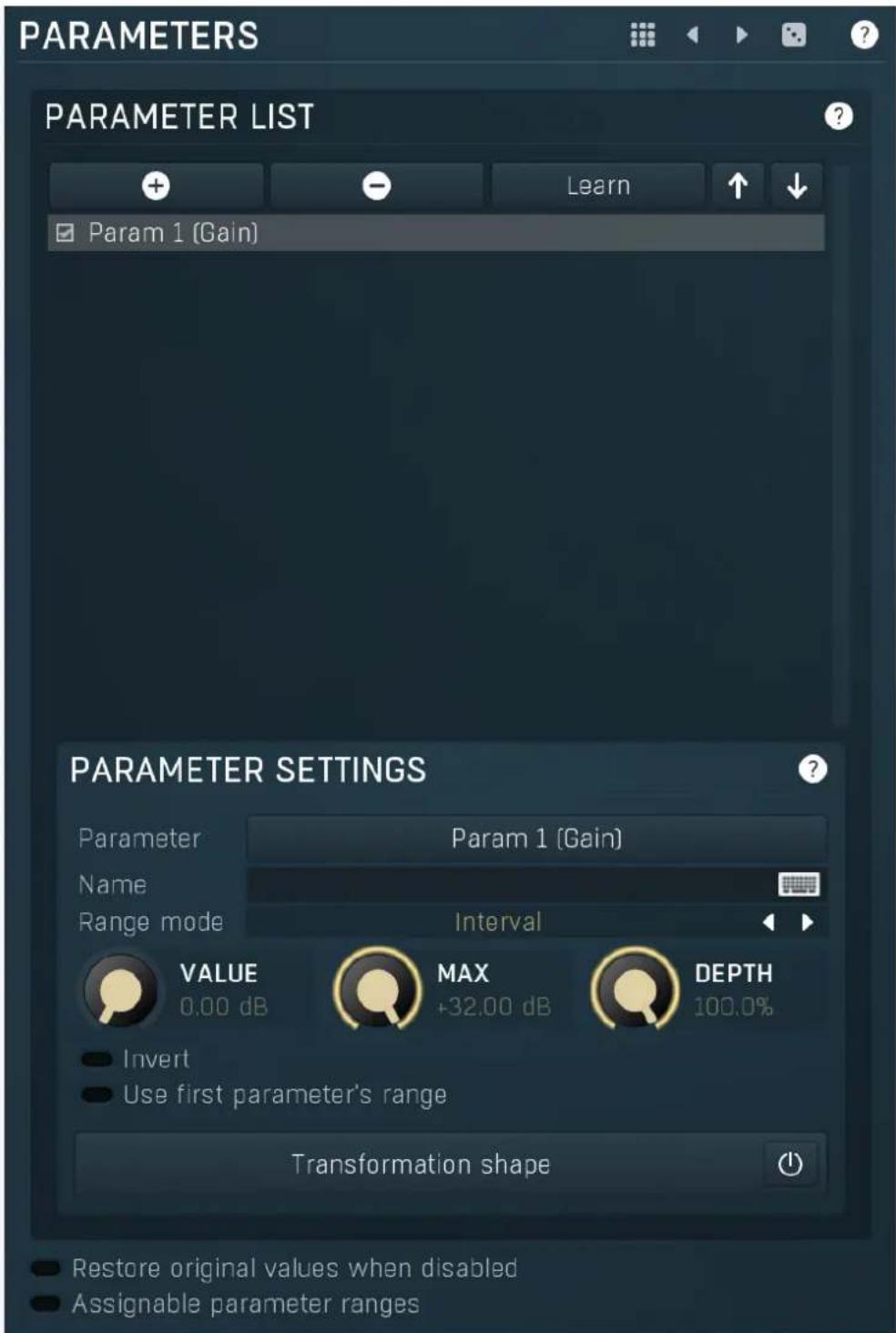
Parameters panel contains the list of the parameters that the modulator is controlling, their ranges etc.

Presets
Presets button displays a window where you can load and manage available presets. Hold Ctrl when clicking to load a random preset instead.

Left arrow
Left arrow button loads the previous preset.

Right arrow
Right arrow button loads the next preset.

Randomize
Randomize button loads a random preset.
Parameter list
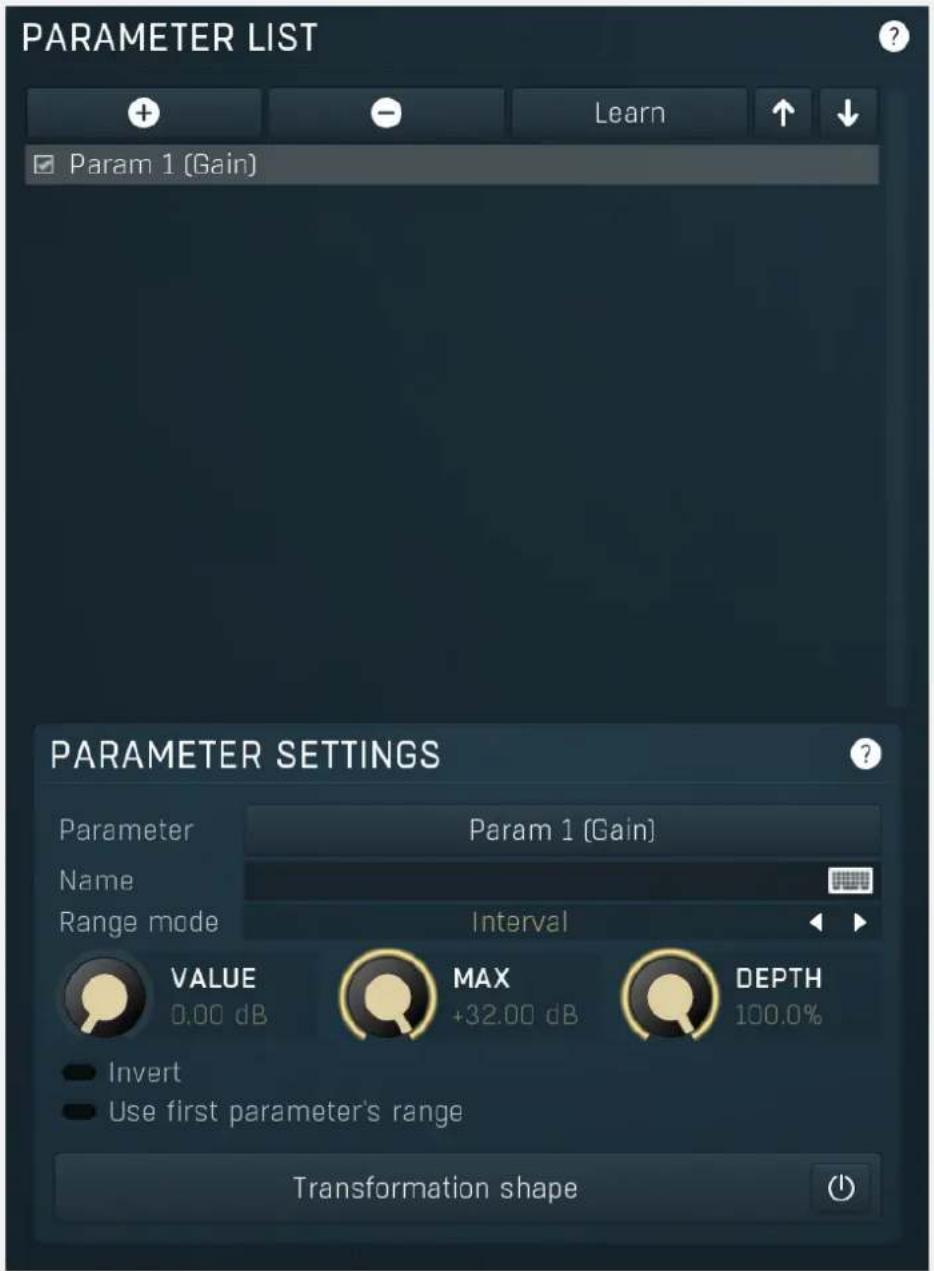

Add
Add button adds a parameter to the list of controlled parameters. Alternatively you can use the learn feature available by right-clicking the modulator button.
Delete
Delete button deletes the selected parameter from the list of controlled parameters.

Learn
Learn button starts or stops the learning. Click it, then move some parameters in the plugin, then click it again. Learning can also be accessed from the global modulator menu.

Up
Up button moves the selected parameter up one item, if possible. This may be useful when keeping things organized, but please note that if you have some other multiparameter, modulator or another subsystem access the ranges of individual parameters, this function will reorder them, so these connections will no longer be correct.

Down
Down button moves the selected parameter down one item, if possible. This may be useful when keeping things organized, but please note that if you have some other multiparameter, modulator or another subsystem access the ranges of individual
parameters, this function will reorder them, so these connections will no longer be correct.
Parameter Settings
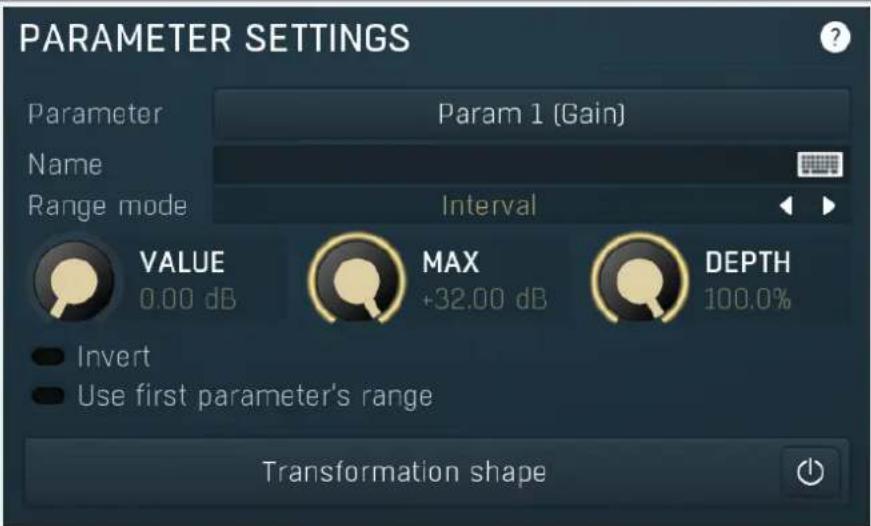

Parameter
Parameter defines the target parameter which is being modulated. The set contains all automatable parameters.

Name
Name lets you name the parameter somehow and may be helpful in situations, where there are many parameters being edited without obvious meanings.

Range mode
Range mode defines how the parameter range is selected. While sometimes it is better to specify minimum and maximum, other times it is better to use a nominal center and depth (\% of full scale). This control allows you to define which one it will be.
Up and down mode makes the values go above and below the selected Value, which is considered the center. The interval is made smaller if necessary.
Full range mode is similar, except the range is symmetrically constrained, so the selected Value may not be the center anymore.
Up/down only modes goes from the selected value up/down only.
Let's compare these 4 modes. Taking a value of -12dB value, with a depth of 75% and a scale of +/- 24dB. The nominal range is therefore = +/-24 dB * 75% = 36dB. With values of 0%, 50% and 100% the outputs are:
Up and down: -24, -12, 0 (range constrained to 12 dB either side)
Full range: -24, -6, 12 (range limited to minimum, but not constrained)
Up only: -12, 6, 24 (range not constrained = +/-24 dB * 75% = 36dB)
Down only: -12, -18, -24 (range limited to minimum)
Interval mode is the most simple one and goes from Value to Maximal value.
Value
Value defines the center of the target parameter's range or the minimum if the Range mode is set to Interval.
Maximal value
Maximal value defines the upper limit of the target parameter's range. It is available only if the Range mode is set to Interval. This value can be lower than Value. 0% is always mapped to reference>Value and 100% to reference>Maximal value.
Depth
Depth defines size of the target parameter's range. It is used only if the Range mode is not set to Interval.

Invert
Invert checkbox inverts the target parameter's range, so that minimum becomes maximum and vice versa.
Use first parameter's range
Use first parameter's range
Use first parameter's range makes the parameter display use the same range as the first parameter in the list. This is often useful if want to control the range in some way and apply the range to multiple parameters.
Transformation shape

Transformation shape
Transformation shape button displays the graph editor, which lets you tweak the shape of the curve used to control the selected parameter. The X axis shows the original values, the Y axis defines the results. Note that this takes some CPU, therefore you have to enable it using the enable button in the title.
Restore original values when disabled
Restore original values
when disabled
Restore original values when disabled makes the modulator restore the original parameter values when it is disabled by automation or modulation. Normally when you manually disable the modulator, the original values are restored as that is usually desired. However when you control the modulator enable state by automation or modulation, you may or may not want this to happen.
Assignable parameter ranges
Assignable parameter
ranges
Assignable parameter ranges allows you to assign parameter ranges of several first parameters to other subsystems such as multiparameters or modulators. By default it is disabled, which removes all the relevant parameters to save valuable resources. This feature is available only if automation compatibility mode for V10 is disabled.
NORMAL
FOLLOWER
ENVELOPE
RANDOM
PITCH
Mode
Mode defines the way in which the modulator works. The modulator is like a black box that generates one number in range 0% to 100% at each moment and then assigns the appropriate value to each of the target parameters. The mode defines what this number will be. Select the particular tab to control the modulator's behaviour.
Normal mode uses a standard low-frequency oscillator (LFO) to drive the parameters.
Follower mode uses the level of the input signal.
Envelope generates an envelope using MIDI notes or by following input signal level.
Random generates randomized output which is however the same every time you render the song.
Pitch detects and follows the pitch of the input signal.
Normal mode
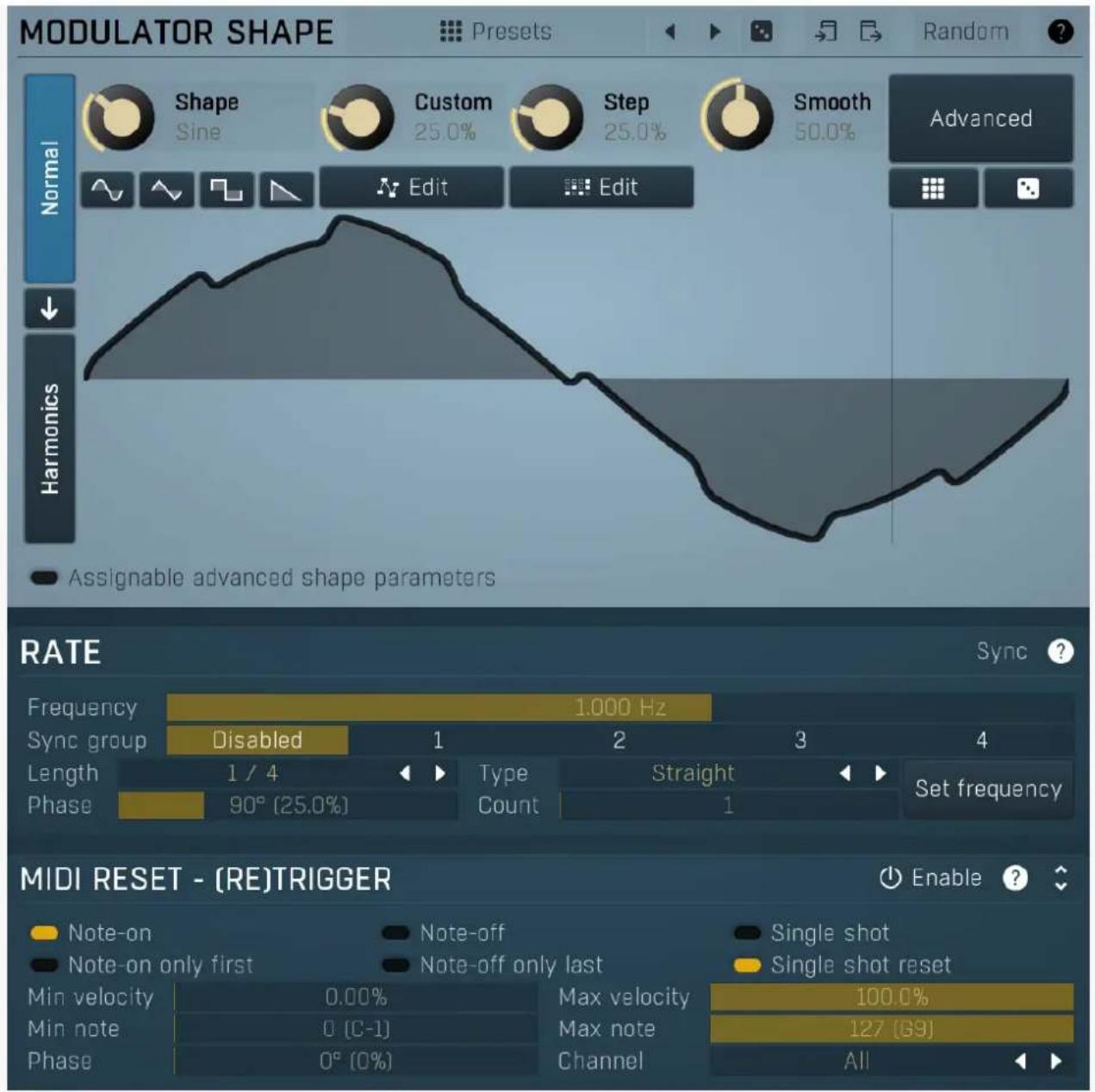
Normal mode makes the modulator work as a traditional low-frequency oscillator (LFO). Note that even if the modulator itself is running in a different mode, you can still blend this LFO using the LFO modulation parameter available on each tabbed page. The LFO parameters themselves are available on the first tabbed page only though.
Signal generator
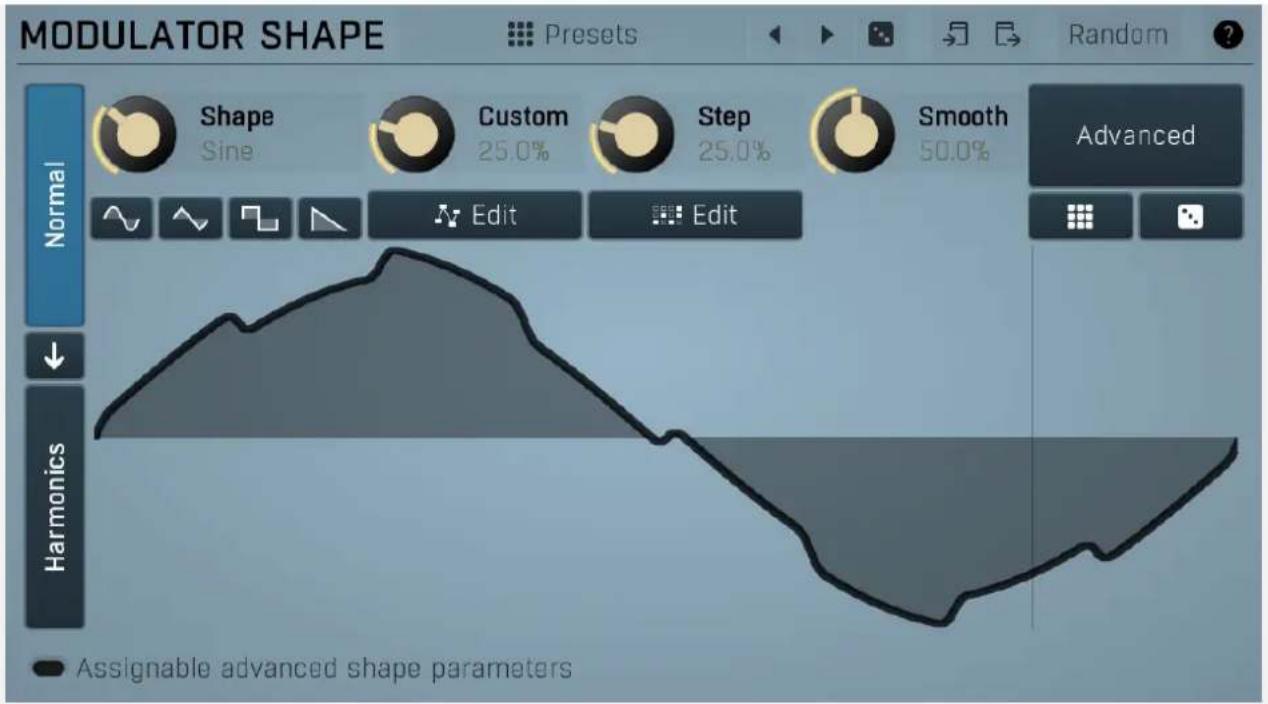
Signal generator defines the modulation LFO shape. It is used by the LFO generator, but also for the Project feature. Signal-generator is an incredibly versatile generator of low & high frequency signals. It offers 2 distinct modes - Normal and Harmonics. Normal mode is appropriate for low-frequency oscillators, where the graphical shape is relevant and is used to drive some form of modulation. For example, a tremolo uses this modulation to change the actual signal level in time. Frequencies for such oscillators usually do not exceed 20Hz as this is a sort of limit above which the frequencies become audible.
Harmonics mode is designed for high-frequency oscillators, where the actual shape is not as important as the harmonic content of the resulting signal, hence it is especially useful for actual audio signals. Please note that since a shape can contain more harmonics than those available from the harmonic generator, the results may not be exactly the same. As an example, a rectangular wave in normal mode may sound fuller than when converted to the harmonic mode.
Use the arrow-down button to switch from normal mode to harmonics mode or click the Normal and Harmonics buttons
Normal mode
The generator first uses a set of predefined signal shapes (sine, triangle, rectangle...), which you can select directly by right-clicking on the editor and choosing the requested shape from the menu. This menu also provides a link to the modulator shapes preset manager, normalization and randomization. You can also use the Main shape parameter, which generates a combination of adjacent signals to provide a nearly inexhaustible number of basic shapes.
The engine then combines the predefined shape with a Custom shape, which may be anything you can draw using the advanced envelope engine, depending on the level set by the Custom shape control. Use the Edit button to edit the custom shape.
You can also combine those results with a fully featured step sequencer, with variable number of steps and several shapes for each of them, depending on the level set by the Step sequencer control. Use the lower Edit button to edit the step sequence.
Those results may be mixed with a custom sample, which is available from the advanced settings, accessed by clicking the Advanced button.
Smoothness softens any abrupt edges, generated by the step sequencer for example.
Finally there are Advanced features providing more complex transformations, adding harmonics etc. or you can click the Randomize button in the top-left corner to generate a random, but reasonable, modulator shape.
Harmonics mode
Harmonics mode represents the signal as a series of harmonics (that is, multiples of the base frequency). For example, when your oscillator has a frequency of 2Hz (set in the Rate panel), then the harmonics are 2Hz, 4Hz, 6Hz, 8Hz etc. In theory, any signal can be created by mixing a potentially infinite number of these harmonics.
The harmonics mode lets you control the levels and phases of each harmonic. The top graph controls the levels of individual harmonics, while the bottom one controls their phases. Use the left-mouse button to change the values in each graph, the right-mouse button sets the default for the harmonics - 0% level and 0% phase. In both graphs the harmonics of power 2 (that is octaves) are highlighted. Other harmonics may actually sound disharmonic, despite their names.
For example, if you reset all harmonics to the defaults and increase only the first one, you will get a simple sine wave. By adding further harmonics you make the output signal more complex.
Harmonics controls the number of generated harmonics. The higher the number is, the richer the output signal is (unless the levels are 0% of course). This is useful to make the sound cleaner. For example, if you transform a saw-tooth wave to harmonics, it would not sound like a typical saw-tooth wave anymore, but more like a low-passed version of one. The more harmonics you use, the closer you get to the original saw-tooth wave.
Generator is a powerful tool for generating the harmonics, which are otherwise rather clumsy to edit. The generator provides several parameters based upon which it creates the entire series of harmonic levels and phases. These parameters are usually easier to understand than the harmonics themselves. Part of the generator is the randomizer available via the Random seed button, which smartly generates random settings for the generator. This makes the process of getting new sounds as simple as possible.
Signal generation fundamentals
The signal generator produces a periodic signal with specified wave shape. This means that the signal is repeating over and over again. As a result it can only contain multiples of the fundamental frequency. For example, if the generator is producing 100Hz signal, then it can contain 100Hz (fundamental or 1st harmonic), 200Hz (2nd harmonic), 300Hz (3rd harmonic), 400Hz (4th harmonic) etc. However, it can never produce 110Hz. You can then control the level of each harmonic and their relative phases. It does not matter whether you use the normal mode using oscillator shapes, or harmonics mode where you can control the harmonics directly. If both modes result in the same wave shape (such as sine wave vs. 1st harmonic only), then the result is exactly the same.
Sine wave is the simplest of all as it contains the fundamental frequency only. The "sharper" the signal shape is, the more harmonics it contains. The biggest source of higher harmonics is a "discontinuity", which you can see in both rectangle and saw waves. In theory, these signals have an infinite number of harmonics. However since our hearing is highly limited to less than 20kHz, the number of harmonics which are relevant is actually pretty small. If you generate a 50Hz signal, which is very low, and assuming that you have extremely good ears and you actually hear 20kHz, then the number of harmonics audible for you is 20000 / 50 = 400.
What happens above 20kHz?
Consider the example above again, what happens with harmonics above 400? These either stay there and simply are not audible, disappear if anti-aliasing is used, or get aliased back under 20kHz in which case you get the typical digital dirt.
When you convert a rectangle wave to harmonics mode, only the first 256 harmonics are used, so it basically works like an infinitely steep low-pass filter. What is the limit then? 50 Hz * 256 = 12.8kHz. The harmonic mode will not produce anything above this limit if you are generating a 50Hz signal. Most people do not hear anything above 15kHz, so this is usually enough, but if not, you may need to use the normal mode where you get the "infinite" number of harmonics.
What you see is not always what you get!
Say you want a rectangle wave and play a 440Hz tone(A4). You would expect the output signal to be a really quick rectangle wave, right? Wrong! If you would do that, and actually most synthesizers on the market do that, you would get the infinite number of harmonics. And, since you are working in say 48kHz sampling rate, the maximum frequency that can actually exist in your signal is 24kHz. So everything above it would get aliased below 24kHz, and there would be a lot of aliased dirt.
The "good" synthesizers perform a so-called anti-aliasing. There are several methods, most of them require quite a lot of CPU or have other limitations. The goal is to remove all frequencies above the 24kHz in our case or in reality, it is more about removing all aliased frequencies above 20kHz - this means, that we do not care about frequencies above 20kHz, because we do not hear them anyway. But we will keep it simple. Let's say we remove everything above 20kHz. You already know that the rectangle wave can be created using an infinite number of harmonics or sine waves. We removed everything above the 45th harmonic (20000 / 440) so our rectangle wave is trying to be formed using just 45 harmonics, so it will not really look like a rectangle wave.
After some additional filtering (like DC removal), the rectangle wave may look completely different than a true rectangle wave, yet it would sound the same! Does it matter? Not really. You simply edit the shape as a rectangle wave and let the synthesizer do the ugly stuff for you. But do not check the output, because it may be very different than what you would expect );
How can I generate non-harmonic frequencies?
Ok, so now you are playing a 440Hz (A4) saw wave, it contains 440Hz, 880Hz, 1320Hz etc. Anything generated using the signal generator can contain only these frequencies, the only difference is the levels and phases of each of them. What if you want to make the signal dirty by adding say 500Hz? Well, that is not that simple! Here we are getting into audio synthesizer stuff, so let us just give you a few hints.
The traditional way is to use modulation. One particular method is called frequency modulation (FM). Instead of generating a 440Hz saw wave with your generator, you change the pitch, up and down. You are modulating the frequency, that's why FM. It is basically a vibrato, but as you increase the speed of the vibrato, it gets so quick that you stop noticing the pitch changes (that's very simplified but it serves the purpose) and instead it starts producing a very complex spectrum. Will the 500Hz be there? Well, if setup correctly, yes, but there will also be lots of other non-harmonic frequencies.
Another way is possible without any other tools. Let's say you do not want 440Hz, but 660Hz. Then you may generate 220Hz instead of 440Hz (which is one octave below it) and voila, 660Hz is the 3rd harmonic (3 x 220 is 660)! But you need to shift the saw wave one octave above. Fortunately it is not that hard here - go to the normal mode, select saw tooth, click advanced, and use the harmonics panel to remove the fundamental and leave just the 2nd harmonic, then convert it to harmonic mode. Well, it's not that
hard, but it's not exactly simple either...
The only way is, of course, additive synthesis. In that case you do not use one oscillator, but many of them. It lets you generate just about anything. But there is a catch, actually many of them. First, you need to say "ok I want this frequency and that frequency...", the setup is actually infinitely hard as there may be an infinite number of frequencies :). And the second is, of course, CPU requirements.
So is there some ultimate solution? Nope, sorry. The good thing is, you will not probably need it, because while what you see is not always what you get, also what you want is often not what you really want to hear :).
Presets
Presets
Presets button displays a window where you can load and manage available presets. Hold Ctrl when clicking to load a random preset instead.

Left arrow
Left arrow button loads the previous preset.

Right arrow
Right arrow button loads the next preset.

Randomize
Randomize button loads a random preset.

Copy
Copy button copies the settings onto the system clipboard.

Paste
Paste button loads the settings from the system clipboard.
Random
Random
Random button generates random settings using the existing presets.
Normal
Normal
Normal button switches the generator into the normal mode, which lets you edit the shape of the oscillator. This is especially advantageous for low-frequency oscillators, where the shape matters even though it doesn't have any physical meaning.

Convert
Convert button converts the current shape into harmonic-based representation. Please note that since the number of harmonics is limited, the result will not perfectly resemble the original shape.
Harmonics
Harmonics
Harmonics button switches the generator into the harmonics mode, which lets you edit the levels and phases of individual harmonics. This is especially advantageous for high-frequency oscillators, hence sound generators.
Signal generator in Normal mode
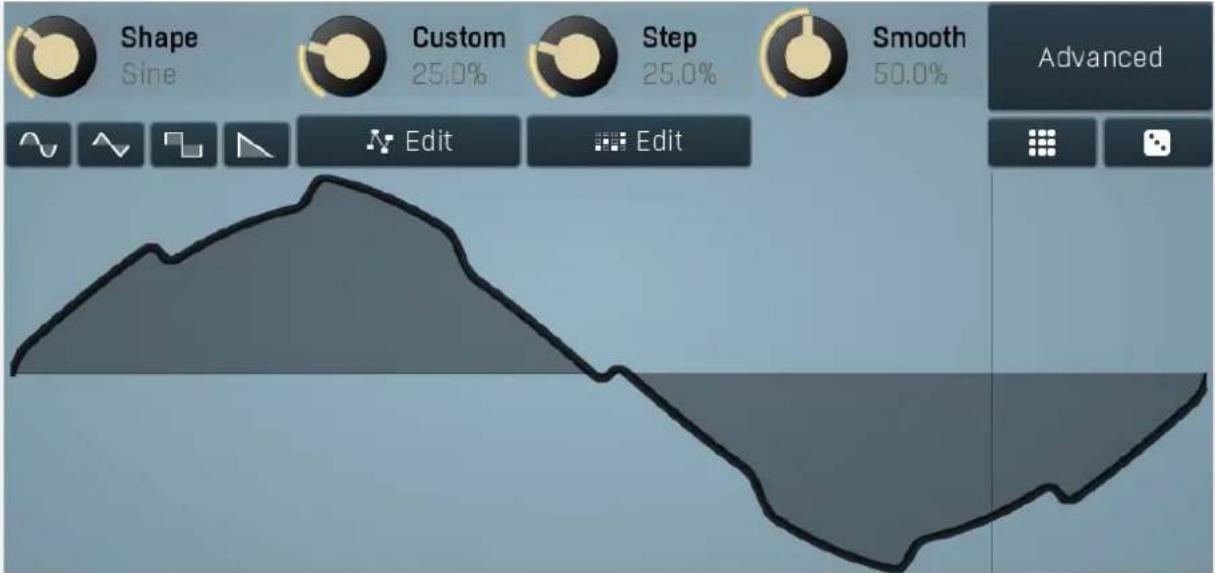
Signal generator in Normal mode works by generating the oscillator shape using a combination of several curves - a predefined set of standard curves, custom shape, step sequencer and custom sample. It also post-processes the shape using several filters including smoothing to custom transformations. This is especially useful when using the oscillator as an LFO (low-frequency-oscillator), where the harmonic contents does not really matter, but the shape does.

Shape
Sine
Shape
Shape controls the main shape used by the signal generator. There are several predefined shapes: exponential, triangle, sine power 8, sine power 4, sine square, sine, harmonics, more harmonics, disharmonics, sine square root, sine 4 root, rectangle, rect-saw, saw, noise and mess. You can choose any of them or interpolate between any 2 adjacent shapes using this control.
Custom
25.0%
Custom
Custom controls the amount of the custom shape that is blended into the main shape.

Edit
Edit button shows the custom shape editor.
Signal generator custom shape editor
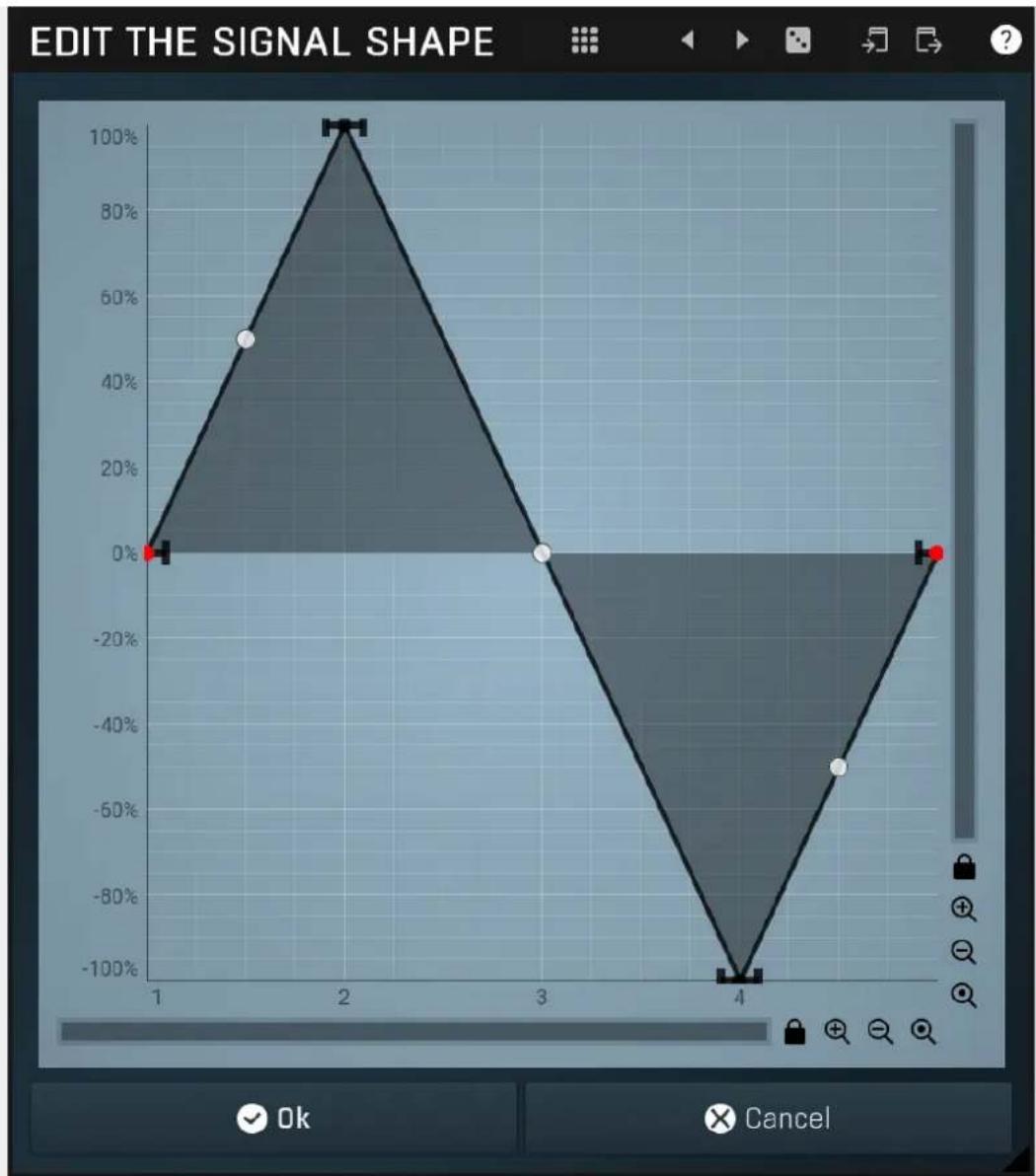
line
| Time | Signal Value | |------|--------------| | 1 | 0% | | 2 | 100% | | 3 | 0% | | 4 | -100% | | 5 | 0% |Signal generator custom shape editor controls the custom shape. You can edit virtually any shape that you can imagine and then blend it with the standard shapes, the step sequencer etc.

Presets
Presets button displays a window where you can load and manage available presets. Hold Ctrl when clicking to load a random preset instead.

Left arrow
Left arrow button loads the previous preset.

Right arrow
Right arrow button loads the next preset.

Randomize
Randomize button loads a random preset.

Copy
Copy button copies the settings onto the system clipboard.

Paste
Paste button loads the settings from the system clipboard.
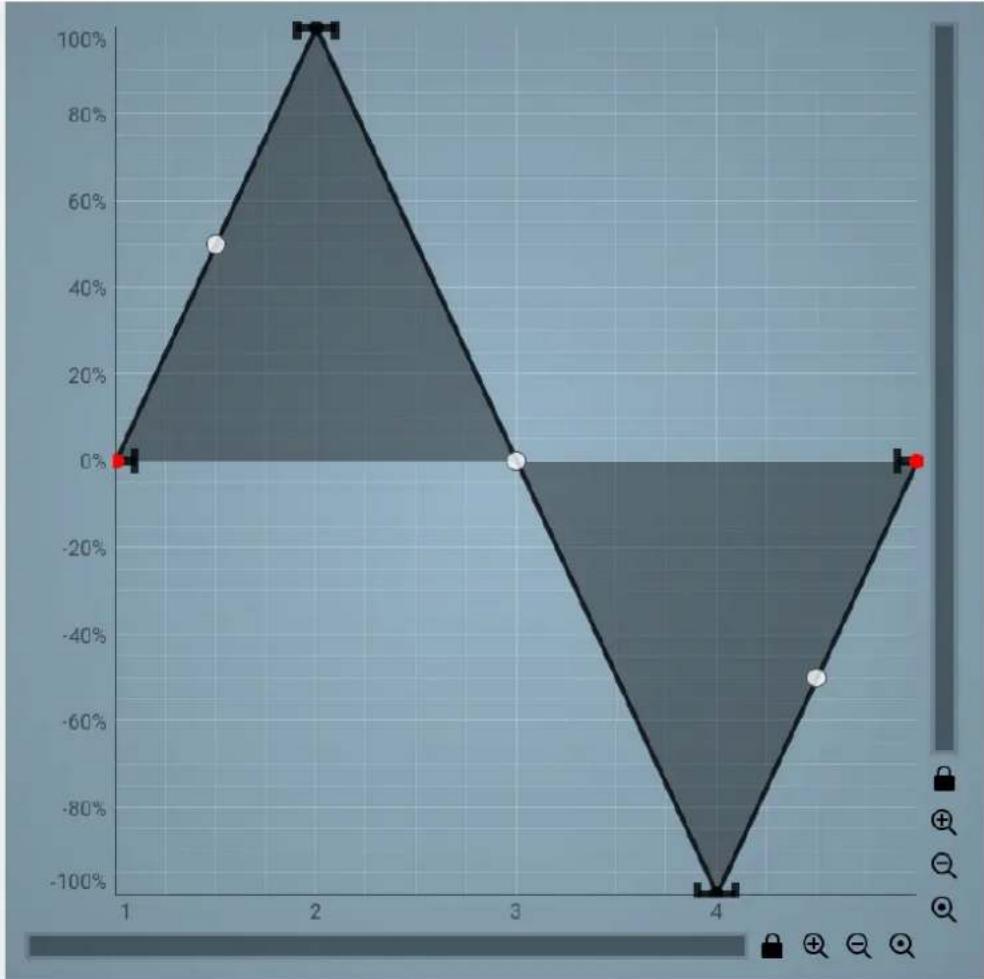
area
| x | y | |---|-------| | 1 | 0% | | 2 | 100% | | 3 | 0% | | 4 | -100% |Graph editor
Graph editor lets you edit the envelope graph.
Envelope graph
Envelope graph provides an extremely advanced way to edit any kind of shape that you can imagine. An envelope has a potentially unlimited number of points, connected by several types of curves with adjustable curvature (drag the dot in the middle of each arc) and the surroundings of each point can also be automatically smoothed using the smoothness (horizontal pull rod) control. You can also literally draw the shape in drawing mode (available via the main context menu).
- Left mouse button can be used to select points. If there is a point, you can move it (or the entire selection) by dragging it. If there is a curvature circle, you can set up its tension by dragging it. If there is a line, you can drag both edge points of it. If there is a smoothing controller, you can drag its size. Hold Shift to drag more precisely. Hold Ctrl to create a new point and to remove any points above or below.
- Left mouse button double click can be used to create a new point. If there is a point, it will be removed instead. If there is a curvature circle, zero tension will be set. If there is a smoothing controller, zero size will be set.
- Right mouse button shows a context menu relevant to the object under the cursor or to the entire selection. Hold Ctrl to create or remove any points above or below.
- Middle mouse button drag creates a new point and removes any points above or below. It is the same as holding Ctrl and dragging using left mouse button.
- Mouse wheel over a point modifies its smoothing controller. If no point is selected, then all points are modified.
- Ctrl+A selects all points. Delete deletes all selected points.
Step 25.0%
Step
Step controls the amount of the step sequencer shape that is blended into the main shape (which has already been blended with the custom shape).
Edit
Edit button shows the step sequencer editor.
Signal generator step sequencer editor
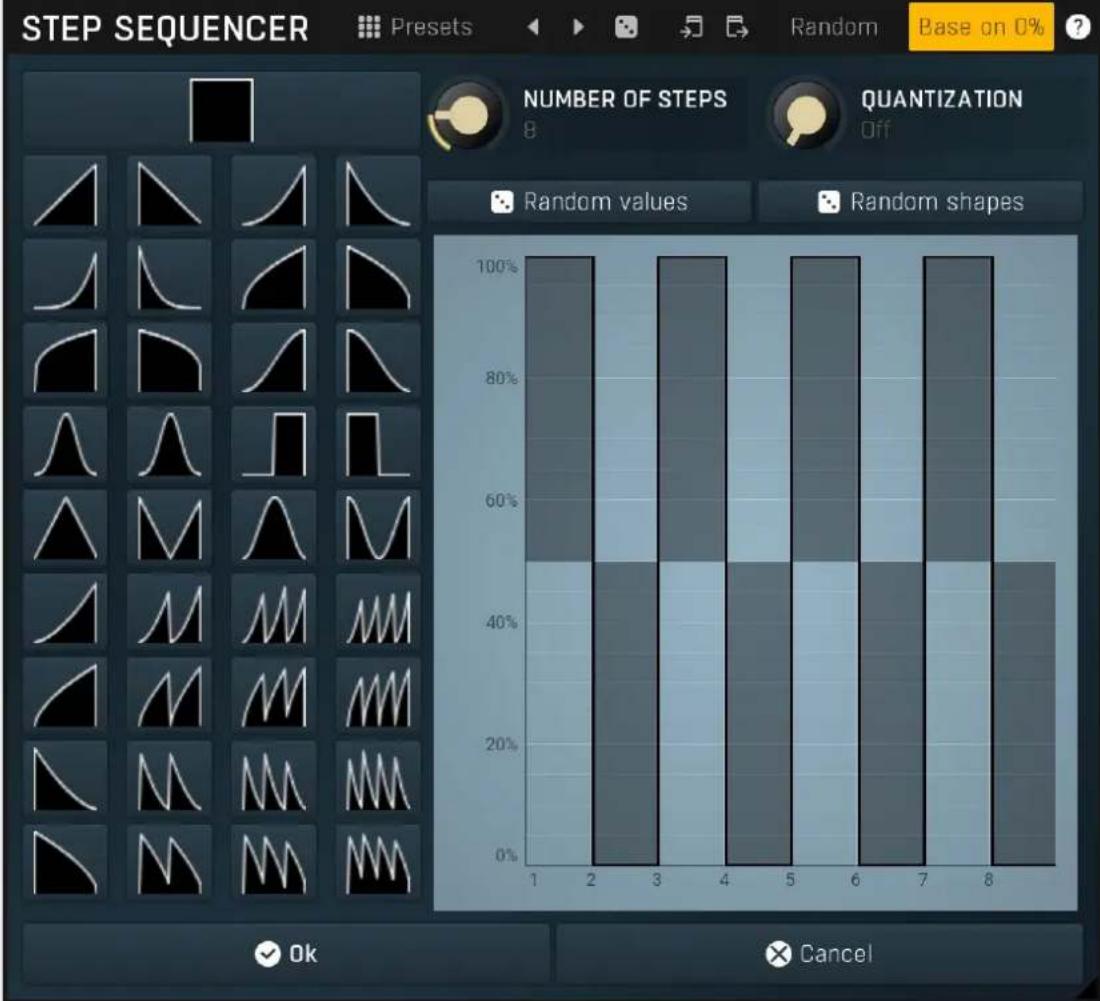
bar
| Step | Random values (%) | Random shapes (%) | |---|---|---| | 1 | 100 | 50 | | 2 | 100 | 50 | | 3 | 100 | 50 | | 4 | 100 | 50 | | 5 | 100 | 50 | | 6 | 100 | 50 | | 7 | 100 | 50 | | 8 | 100 | 50 |Signal generator step sequencer editor controls the step sequencer shape. You can have various numbers of steps each with a different value and shape. Note that for classic rectangular shapes the output can be very rough, hence it may be worth considering using Smoothness parameter to smooth out the resulting shape. This will use additional CPU power of course, but that should be negligible unless you modulate any of the signal generator parameters.

Presets
Presets
Presets button displays a window where you can load and manage available presets. Hold Ctrl when clicking to load a random preset instead.

Left arrow
Left arrow button loads the previous preset.

Right arrow
Right arrow button loads the next preset.

Randomize
Randomize button loads a random preset.

Copy
Copy button copies the settings onto the system clipboard.

Paste
Paste button loads the settings from the system clipboard.
Random
Random button generates random settings using the existing presets.

Random values
Random values
Random values button generates random sequence of values, but keeps the shape of each step.

Random shapes
Random shapes
Random shapes button generates random sequence of shapes, but keeps the values of each step.

Smooth
50.0%
Smooth
Smooth controls the amount of smoothing. Many shapes, especially those produced by the step sequencer, have rough jagged edges, which may be advantageous, but when used to modulate certain parameters, the output may be clicking or causing other artifacts. Smoothness helps it by smoothing the whole signal shape out and removing these rough edges.
Advanced
Advanced
Advanced button displays an additional window with more advanced settings for post-processing the signal shape, such as harmonics or custom transformations.
Advanced settings
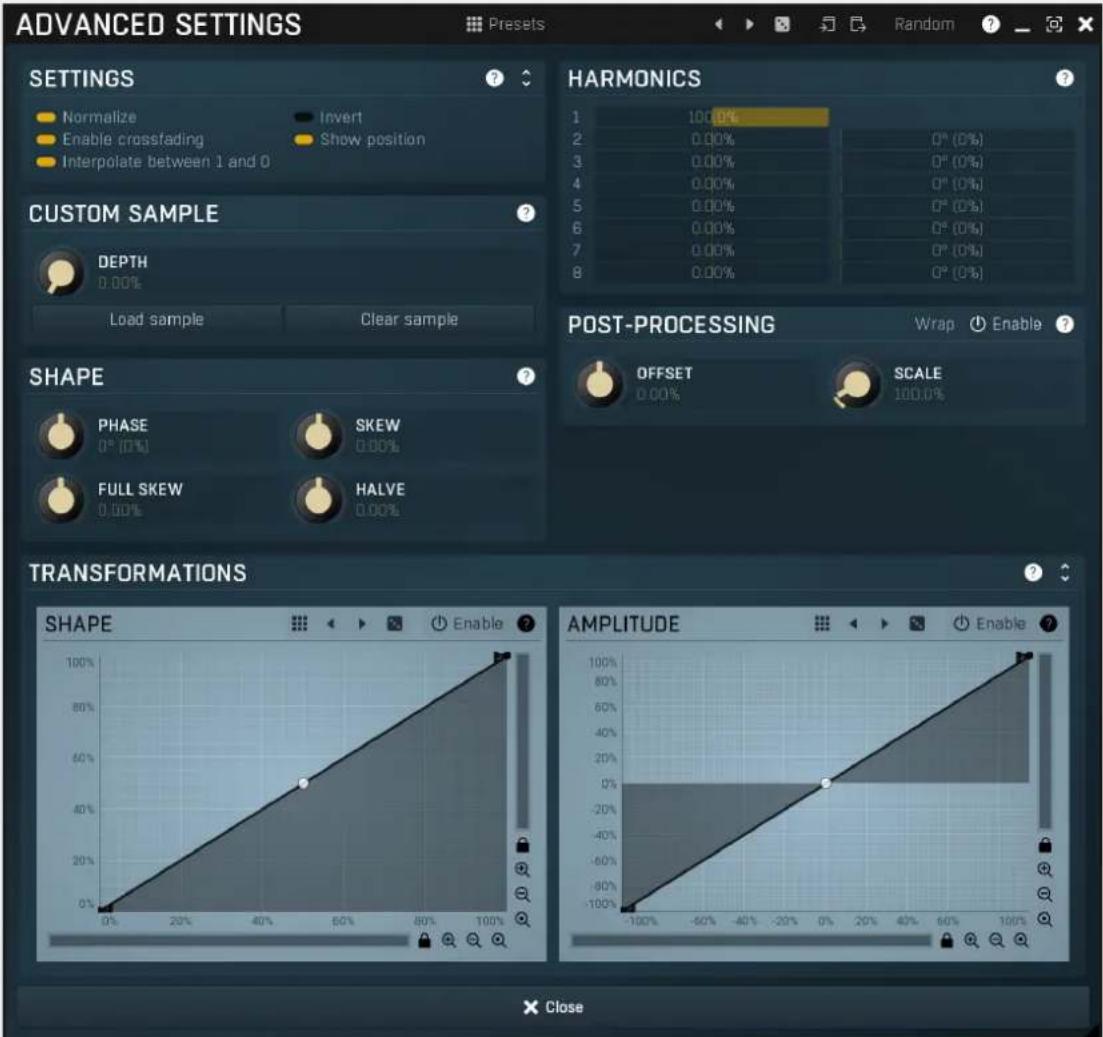

Presets
Presets
Presets button displays a window where you can load and manage available presets. Hold Ctrl when clicking to load a random preset instead.

Left arrow
Left arrow button loads the previous preset.

Right arrow
Right arrow button loads the next preset.

Randomize
Randomize button loads a random preset.

Copy
Copy button copies the settings onto the system clipboard.

Paste
Paste button loads the settings from the system clipboard.
Random
Random
Random button generates random settings using the existing presets.
Settings panel
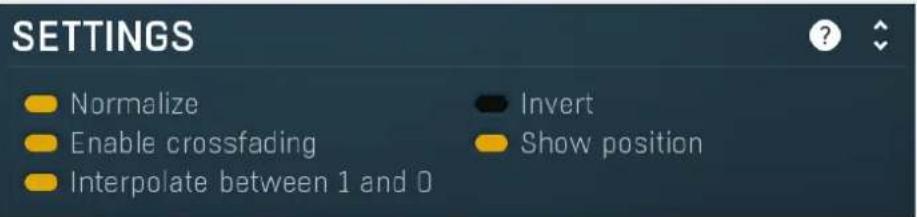
Settings panel contains some global settings of the oscillator.

Normalize
Normalize
Normalize switch enables normalization to -1..+1. It is generally desirable since even if you draw a custom shape, you usually want it to have the full range. You may want to disable it if you want to create some custom shapes, where the level actually matters.

Invert
Invert
Invert switch simply inverts the output shape vertically.

Enable crossfading
Enable crossfading
Enable crossfading enables interpolation between shapes when the shape is changing. This requires more CPU, but can avoid zipper noise when the shape is being modulated for example.

Show position
Show position
Show position makes the editor display a position indicator.

Interpolate between 1 and 0
Interpolate between 1 and 0
Interpolate between 1 and 0 smoothens the discontinuity between 1 and 0 values, which is inevitable for shapes such as saw or rect for example. However when this is a high frequency oscillator (HFO), this discontinuity is what creates the highest frequencies, so it is actually desirable. When using it as an LFO, you may also want the discontinuity in some extreme cases.
Custom sample panel
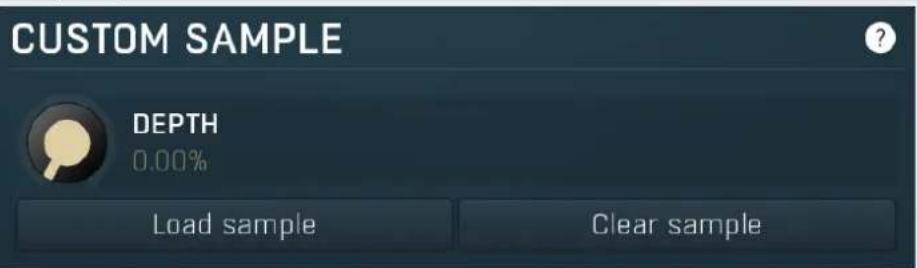
Custom sample panel contains parameters of the custom sample that you can load and mix with the other sources. Do NOT confuse this with a sampler, the custom sample is taken as one period of the waveform. It can be used for creative effects and it can be used to import a custom waveform. The custom sample is then stored with limited precision within the settings, so the sample does not need to be kept on the system, but note that these settings may be quite large. To limit the space required by the settings, the sample is stored only if the depth is not 0%, meaning only if the sample is actually used.

DEPTH
0.00%
Depth
Depth controls the amount of custom sample mix. 0% means the sample is not used even if there actually is one loaded. 100% means the sample completely overrides the basic shape, custom shape, step sequencer... However, transformations are still performed on the sample.
Load sample
Load sample
Load sample button displays a file selection window, which lets you select the custom sample file.
Clear sample
Clear sample
Clear sample button removes the custom sample if it has been loaded.
Shape panel
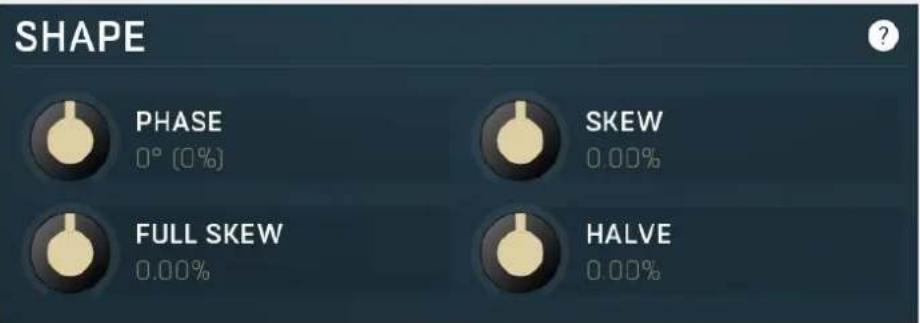
Shape panel contains parameters performing various transformations on the signal shape. Please note that most transformation require a significant amount of CPU resources, so you should not automate or modulate the signal shape if you are using them.
Harmonics panel
![HARMONICS 1 100.0% 2 0.00% 0° [0%] 3 0.00% 0° [0%] 4 0.00% 0° [0%] 5 0.00% 0° [0%] 6 0.00% 0° [0%] 7 0.00% 0° [0%] 8 0.00% 0° [0%]](/content/2026/05/983865/images/86230e1e6f4be8847883b7f961b6d5a70822de7d1944c74288f0dc100a5cc754.jpg)
Harmonics panel lets you add separate harmonics of the original signal.
Post-processing panel
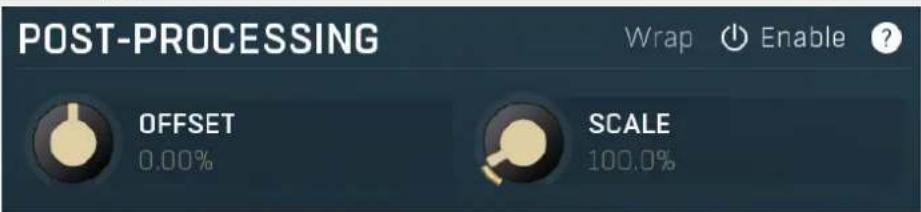
Post-processing panel lets you post-process the shape after all the previous generator items.
Transformations
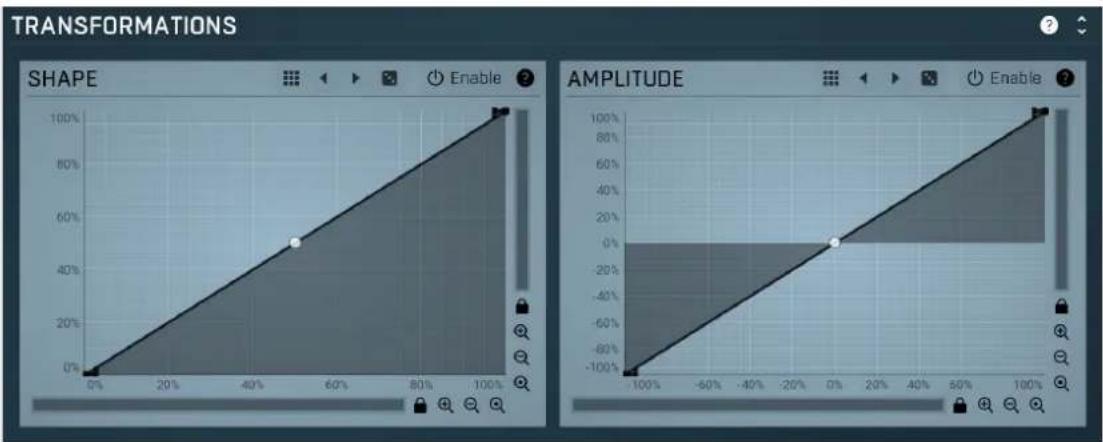
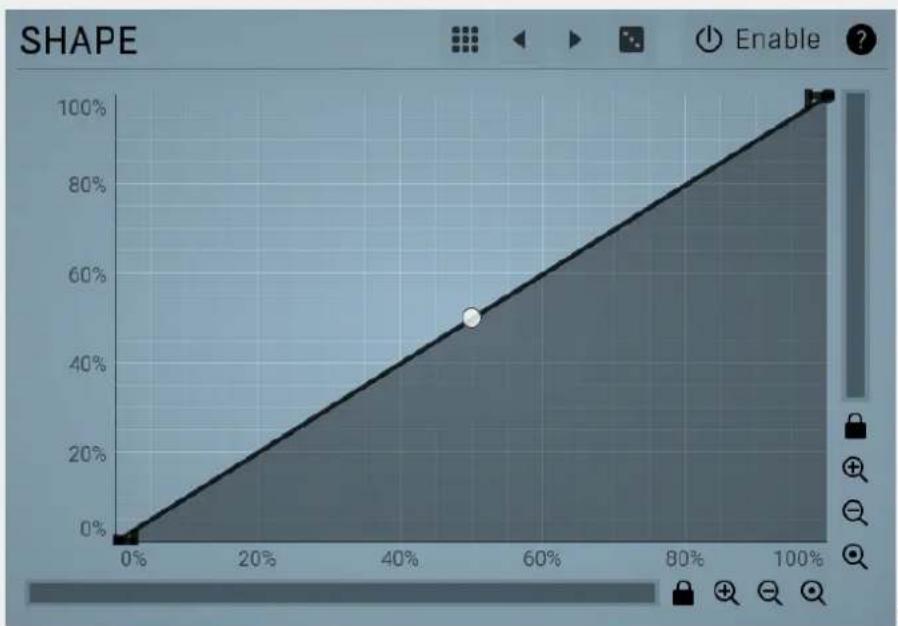
line
| X (%) | Y (%) | |-------|-------| | 0 | 0 | | 50 | 50 | | 100 | 100 |Shape transformation
graph
Shape transformation graph lets you perform arbitrary modification of the graph shape. Basically this graph lets you modify the shape "in time". The Y axis represents the position in the source signal related to the position in the target signal. The best way to check what it does is simply to try it.

Presets
Presets button displays a window where you can load and manage available presets. Hold Ctrl when clicking to load a random preset instead.

Left arrow
Left arrow button loads the previous preset.

Right arrow
Right arrow button loads the next preset.

Randomize
Randomize button loads a random preset.
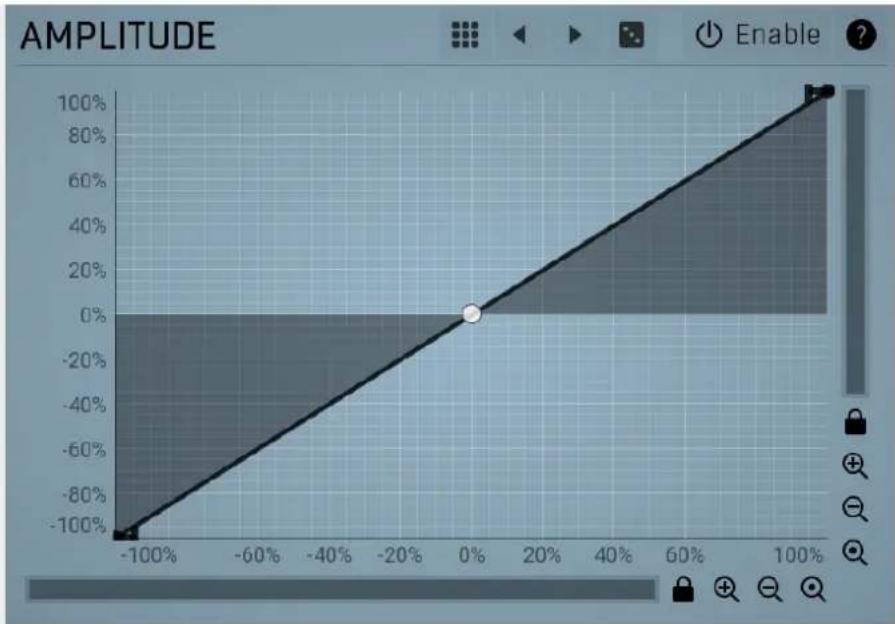
line
| X | Y | | ------ | ------ | | -100% | -100% | | 0% | 0% | | 100% | 100% |Amplitude
transformation graph
Amplitude transformation graph lets you perform arbitrary modification of the graph amplitude. Basically this graph lets you modify the shape's level, vertical axis. The X axis represents the original values, the Y axis defines the resulting values. The best way to check what it does is simply to try it.

Presets
Presets button displays a window where you can load and manage available presets. Hold Ctrl when clicking to load a random preset instead.

Left arrow
Left arrow button loads the previous preset.

Right arrow
Right arrow button loads the next preset.

Randomize
Randomize button loads a random preset.

Assignable advanced shape parameters
Assignable advanced shape parameters
Assignable advanced shape parameters allows you to assign advanced parameters such as step sequencer values to other subsystems such as multiparameters or modulators. By default it is disabled, which removes all the relevant parameters to save valuable resources.
Signal generator in Harmonics mode
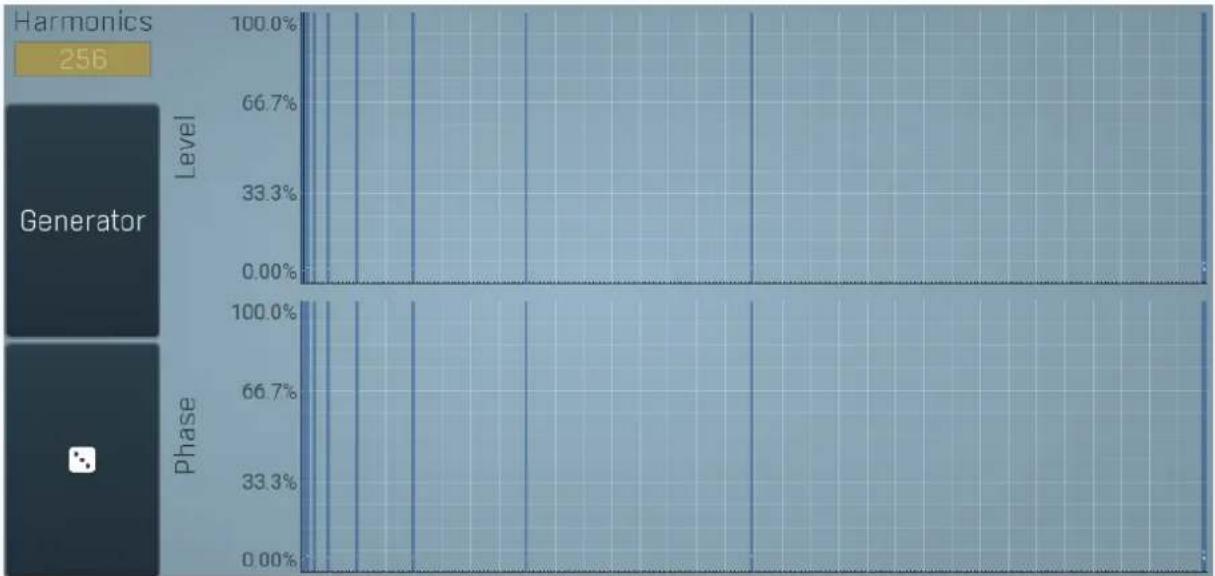
bar
| Level | Phase | |-------|-------| | 1 | 100.0% | | 2 | 66.7% | | 3 | 33.3% | | 4 | 0.00% |Signal generator in Harmonics mode works by generating the oscillator shape using individual harmonics. Essentially a harmonic is a sine wave. The first harmonic, known as the fundamental, fits once in the oscillator time period, hence it is the same as selecting sine wave in the Normal mode. The second harmonic fits twice, the third three times etc. In theory, any shape you create in normal mode can be converted into harmonics. However, this approach to signal generation needs an enormous number of harmonics, which is both inefficient to calculate and mostly hard to edit. Therefore, the harmonic mode can process up to 256 harmonics, which is enough for very complex spectrums, however it is still not enough to generate an accurate square wave for example. If your goal is to create basic shapes, it is better to use the normal mode.
It is nearly impossible to say how a particular curve will sound when used as a high-frequency oscillator in a synthesizer, just by looking at its shape. Harmonics mode, on the other hand, is directly related to human hearing and makes this process very simple. In general, the more harmonics you add, the richer the sound will be. The higher the harmonic, the higher the tone. Usually, one leaves the first harmonic enabled too, as this is the fundamental tone, however you may experiment with more dissonant sounds without it.
Editing harmonics can be time consuming unless you hear what you want, so a signal generator is also available. This great tool lets you generate a random spectrum by a single click. You can also open the Generator settings and edit its parameters, which basically control the audio properties in a more natural way - using parameters such as complexity, harmonicity etc.
Generator
Generator button shows a powerful harmonics generator, which can create unlimited number of various timbres and even analyze a sample and extract harmonics from it.
Harmonics generator
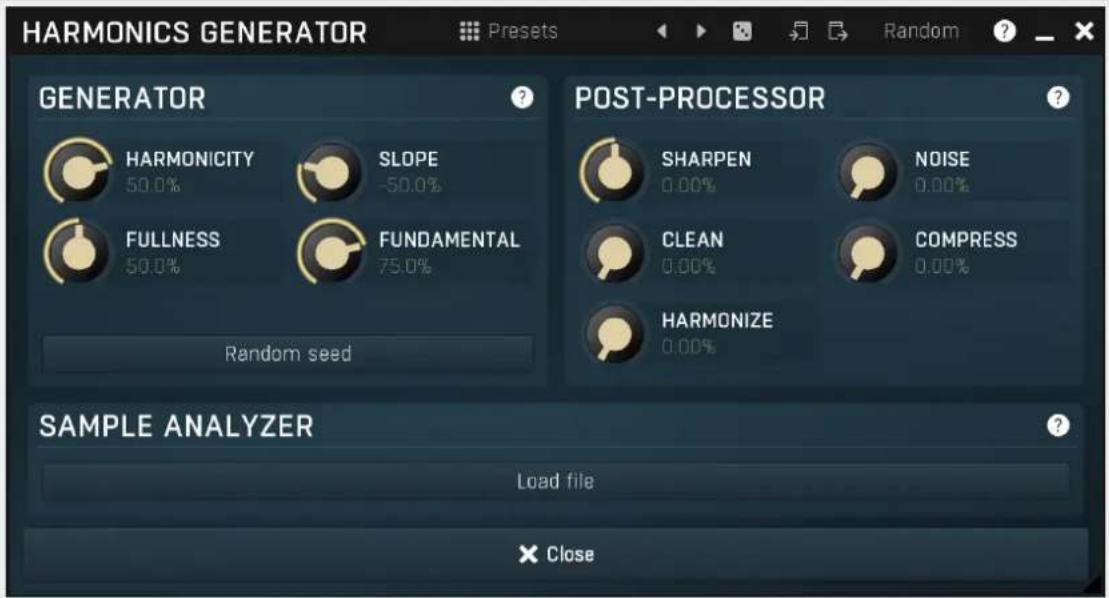
Harmonics generator is a powerful tool, that can generate various harmonics-based timbres and even analyze a sample file and extract harmonics from it.

Presets
Presets
Presets button displays a window where you can load and manage available presets. Hold Ctrl when clicking to load a random preset instead.

Left arrow
Left arrow button loads the previous preset.

Right arrow
Right arrow button loads the next preset.

Randomize
Randomize button loads a random preset.

Copy
Copy button copies the settings onto the system clipboard.

Paste
Paste button loads the settings from the system clipboard.
Random
Random button generates random settings using the existing presets.
Generator panel
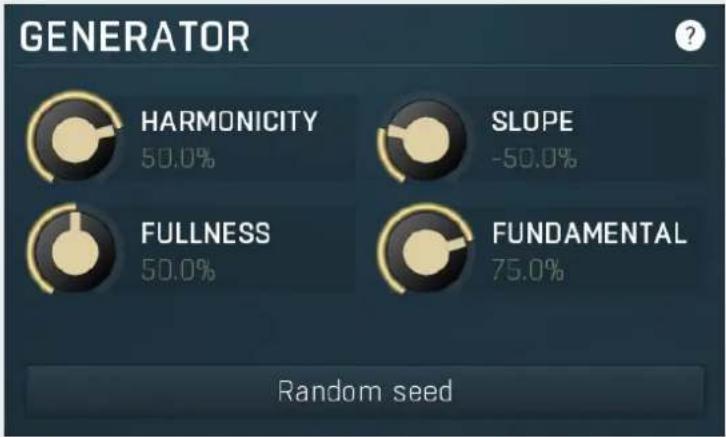
Generator panel contains parameters of the harmonics generator. By changing any of the parameters, the harmonics are changed, however only Random seed button changes the structure completely. The other parameters can be used to tweak the results.

HARMONICITY
50.0%
Harmonicity
Harmonicity controls the ratio between natural harmonics and those which sound disharmonic (despite the title "harmonics"). Assuming that the 1st harmonic is the fundamental, 2nd harmonic is 1 octave above, 4th is 2 octaves above, both can be considered very natural. 3rd harmonic is 1 octave and a 5th above the fundamental, and is still pretty harmonic, but less than the octaves. 5th harmonic is 2 octaves and a major 3rd above the fundamental. Such a tone may sound very disharmonic, in minor scales for example. Higher harmonics are often very disharmonic and produce typical ringing timbres.
When harmonicity parameter is set to 100%, only octaves are allowed. By lowering the value more and more disharmonics are created and with 0% all frequencies are allowed. For values below 0% disharmonics are preferred, hence you can expect more ringing timbres.
SLOPE
-50.0%
Slope
Slope defines the amount of higher harmonics compared to lower ones. When 0%, the higher harmonics have the same levels as lower ones. Typically you use values below 0%, which attenuates the higher harmonics making the resulting sound darker. Similarly values above 0% make the sound brighter.
FULLNESS
50.0%
Fullness
Fullness controls the number of generated harmonics. With values around 0% the resulting timbers will contain only a few harmonics making the sound clear. Higher values increase number of harmonics making the timbre rich.

FUNDAMENTAL
75.0%
Fundamental
Fundamental controls the minimum level of the fundamental (the 1st harmonic). Most sounds have a very strong fundamental as it carries the pitch.
Random seed
Random seed
Random seed button generates a new series of harmonics. Pressing this button will create a whole new timbre.
Post-processor panel
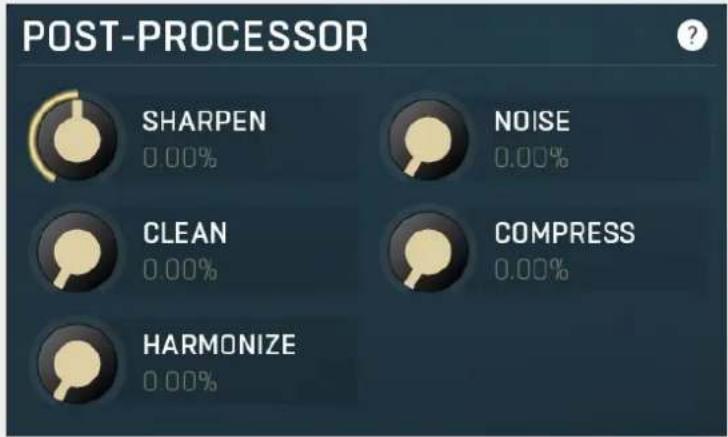
Post-processor panel contains parameters of the harmonics post-processor. The generator and sample analyzer first create a series of harmonics, the timbre. These harmonics are mixed depending on the Sample ratio parameter. After that the post-processor is engaged, which can further transform the harmonics in several ways.
SHARPEN
0.00%
Sharpen
Sharpen is a sort of soft compression/expanding unit. Values below 0% decrease the level of quiet harmonics, while values above 0% increase their level.

NOISE
0.00%
Noise
Noise defines amount of noise added to the timbre. Noise can make the results dirty providing much richer timbres.

CLEAN
0.00%
Clean
Clean controls the threshold of a gate. It basically attenuates or removes harmonics below this level making the output cleaner.

COMPRESS
0.00%
Compress
Compress reduces the dynamic range of the harmonics by increasing levels of the quiet ones, but keeping the levels of the loud ones.

HARMONIZE
0.00%
Harmonize
Harmonize creates additional higher harmonics from existing ones. This is especially useful to transform rich dirty disharmonic timbres into similarly rich but more harmonic timbres.
Sample analyzer panel
SAMPLE ANALYZER

Load file
Sample analyzer panel contains parameters of the sample analyzer. If there is no sample loaded, the sample analyzer is turned off. The analyzer takes the selected sample and a position within it, analyses one period of the signal waveform and produces the output set of harmonics. You can then combine these harmonics with the output of the generator using Sample ratio parameter.
The sample itself is not store with the plugin settings. Instead the path to the target sample file is stored along with the analyzed harmonics. If the sample file is not available, you cannot modify the analysis parameters and the last analyzed harmonics are used. This means that you actually don't need to have the sample file available on the computer on which you are using the settings.
Load file
Load file
Load file button lets you select a sample file to analyse.

natural_image
Solid dark blue background with a small white square at center (no text or symbols)Randomize
Randomize button selects random parameters for the harmonics generator, so you can use it to get a random sound character instantly. Hold Ctrl to slightly modify existing generator settings instead of completely changing them.
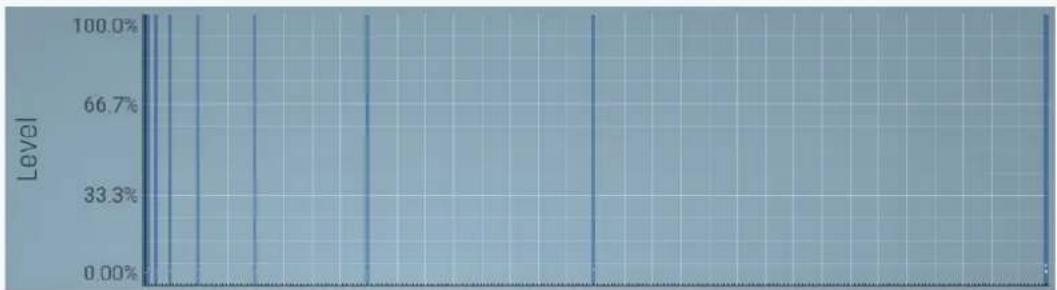
line
| Level | Value | |-------|-------| | 100.0% | 100.0% | | 66.7% | 100.0% | | 33.3% | 100.0% | | 0.00% | 100.0% |Magnitudes graph
Magnitudes graph contains the levels of the individual harmonics. The highlighted bars are octaves, thus the 1st, 2nd, 4th, 8th harmonic etc.
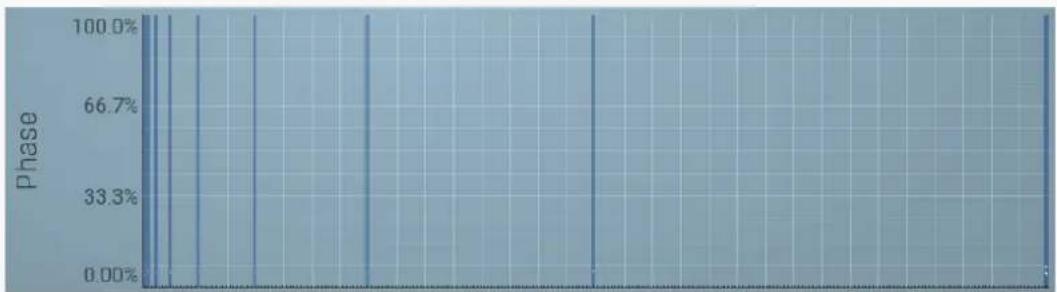
line
| Phase | Value (%) | |---|---| | 1 | 100.0 | | 2 | 66.7 | | 3 | 33.3 | | 4 | 0.00 | | 5 | 0.00 | | 6 | 0.00 | | 7 | 0.00 | | 8 | 0.00 | | 9 | 0.00 | | 10 | 0.00 | | 11 | 0.00 | | 12 | 0.00 | | 13 | 0.00 | | 14 | 0.00 | | 15 | 0.00 | | 16 | 0.00 | | 17 | 0.00 | | 18 | 0.00 | | 19 | 0.00 | | 20 | 0.00 | | 21 | 0.00 | | 22 | 0.00 | | 23 | 0.00 | | 24 | 0.00 | | 25 | 0.00 | | 26 | 0.00 | | 27 | 0.00 | | 28 | 0.00 | | 29 | 0.00 | | 30 | 0.00 | | 31 | 0.00 | | 32 | 0.00 | | 33 | 0.00 | | 34 | 0.00 | | 35 | 0.00 | | 36 | 0.00 | | 37 | 0.00 | | 38 | 0.00 | | 39 | 0.00 | | 40 | 0.00 | | 41 | 0.00 | | 42 | 0.00 | | 43 | 0.00 | | 44 | 0.00 | | 45 | 0.00 | | 46 | 0.00 | | 47 | 0.00 | | 48 | 0.00 | | 49 | 0.00 | | 50 | 0.00 | | 51 | 0.00 | | 52 | 0.00 | | 53 | 0.00 | | 54 | 0.00 | | 55 | 0.00 | | 56 | 0.00 | | 57 | 0.00 | | 58 | 0.00 | | 59 | 0.00 | | 60 | 0.00 | | 61 | 0.00 | | 62 | 0.00 | | 63 | 0.00 | | 64 | 0.00 | | 65 | 0.00 | | 66 | 0.00 | | 67 | 0.00 | | 68 | 0.00 | | 69 | 0.00 | | 70 | 0.00 | | 71 | 0.00 | | 72 | 0.00 | | 73 | 0.00 | | 74 | 0.00 | | 75 | 0.00 | | 76 | 0.00 | | 77 | 0.00 | | 78 | 0.00 | | 79 | 0.00 | | 80 | 133.3% (approx.) for the last two phases (Phase) and the rest (Phase) (approx.) for the first three phases (Phase). The chart displays a single vertical line at each phase, indicating a constant value of approximately one unit on the y-axis (Phase). The x-axis represents the sequential phase number (Phase).Phases graph
Phases graph contains the phases of the individual harmonics. The highlighted bars are octaves, thus the 1st, 2nd, 4th, 8th harmonic etc.
Rate panel

bar
| Parameter | Value | | --------------- | --------- | | Frequency | 1.000 Hz | | Sync group | Disabled | | Length | 1 / 4 | | Phase | 90° (25.0%)| | Type | Count | | Straight | 1 | | Set frequency | 1 |Rate panel contains parameters controlling the speed of the LFO, whether the modulator is set to Normal mode or any other mode while the LFO modulation is used.
Sync
Sync
Sync switch turns the modulator into synced mode, where its speed is not defined by frequency, but it uses musical units instead.
| Frequency | 1.000 Hz |
Frequency
Frequency defines the modulation speed.
| Sync group | Disabled | 1 | 2 | 3 | 4 |
Sync group
Sync group lets you synchronize the modulators with each other and potentially with other parts of the plugin. It can be controlled only when to-host synchronization is disabled, otherwise it is overridden by synchronization from the host. By using the same synchronization group for all modulators you ensure they will always be in-sync even though no other synchronization is used. This can be useful, for example, when you want to modulate different parameters with different shapes or when using some more advanced method, such as using a follower. When the synchronization is enabled, it works on the 'first is the leader' basis, hence the first modulator controls the rest of the modulators in the same group.
Synchronization panel
| Length | 1 / 4 | ◀ ▶ | Type | Straight | ◀ ▶ | Set frequency |
| Phase | 90° (25.0%) | Count | 1 | |||
Synchronization panel contains parameters for the to-host synchronization.
| Length | 1 / 4 | ◀ | ▶ | Length |
Length defines the note length to be used.
| Type | Straight | ◀ | ▶ | Type |
Type defines the note type, such as straight notes or triplets, to be used. Together the Length and Type determine the actual time/delay.
Example: '1/4 Straight' at 120 bpm = a delay of 500 ms, '1/4 Triplet' at 160 bpm = a delay of 281.25 ms.
| Phase | 90° (25.0%) | Phase |
Phase defines the phase offset of the to-host synchronization.
Range: 0° (0%) to 360° (100.0%), default 90° (25.0%)
| Count | 1 | Count |
Count defines the number of the units, hence multiplies of the sync length.
Range: 1 to 64, default 1
Set frequency
Set frequency
Set frequency button sets the Frequency parameter available for the frequency mode so that it matches the current synchronization. That way you can set the modulator's frequency to the current synchronization and then change it a little for example.
MIDI reset panel
MIDI reset panel configures the MIDI reset feature, which will reset the oscillator when a MIDI note is received or its MIDI reset parameter is a target of another modulator or multiparameter. This way you can make the oscillator perform "in-sync" with your playing. Please note that once you enable it, the oscillator will not be in phase-sync with the host.

Enable
Enable
Enable button enables or disables the feature.

Note-on controls if the MIDI reset should occur when a note is pressed.

Note-off
Note-off controls if the MIDI reset should occur when a note is released.

Single shot
Single shot button activates the single shot mode in which the oscillator doesn't cycle around but instead only goes once from left to right, then stops until the MIDI reset occurs.

Note-on only first
Note-on only first controls if the MIDI reset should occur when a note is pressed only if it is the first note (thus no other note is being held).

Note-off only last
Note-off only last controls if the MIDI reset should occur when a note is released only if it is the last note (that is, no other note is being held afterwards).

Single shot reset
Single shot reset button defines if the phase should reset to 0 after a single shot period ends. For most waves such as sine it doesn't really matter since the value at 0 (the start of the cycle) is the same as value at 1 (the end of the cycle). But it might matter for saw wave for example.

Min velocity
Min velocity defines the minimum velocity that will reset the oscillator.

Max velocity
Max velocity defines the maximum velocity that will reset the oscillator.

Min note
Min note defines the minimum note that will reset the oscillator.

Max note
Max note defines the maximum note that will reset the oscillator.

Phase
Phase defines the initial oscillator phase after a reset.

Channel
Channel defines note MIDI channel to reset the oscillator.
Follower mode
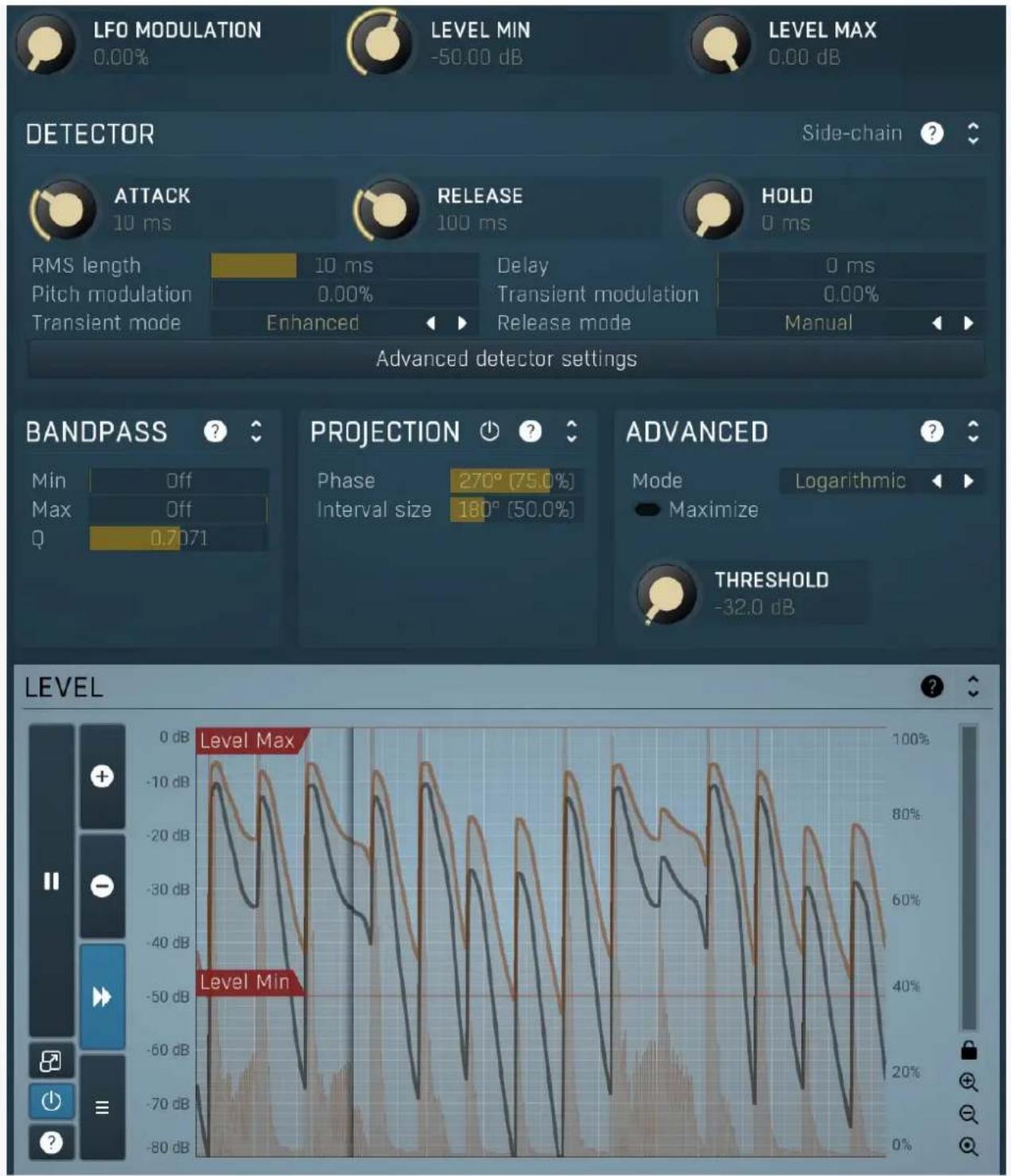
Follower mode makes the modulator follow the input signal level.

LFO MODULATION
0.00%
LFO modulation
LFO modulation defines the amount of LFO modulation to be applied in addition to the follower. With 0% the modulator uses only the follower; with 100% the modulator does the same job as if the modulator were in Normal mode. To set the LFO parameters switch to normal mode temporarily.
Range: 0.00% to 100.0%, default 0.00%
LEVEL MIN
-50.00 dB
Level min
Level min defines the minimum input level that is transformed into a modulator value of 0%. For example if you set the minimum / maximum levels to -50dB ... -20dB, then an input level of -50dB or lower results in a value of 0% and an input level at -20dB or above results in 100%.
Range: -120.00 dB to 0.00 dB, default -50.00 dB

LEVEL MAX
0.00 dB
Level max
Level max defines the maximum input level that is transformed into a modulator value of 100%. For example if you set the minimum / maximum levels to -50dB ... -20dB, then an input level of -50dB or lower results in a value of 0% and an input level at -20dB or above results in 100%.
Range: -120.00 dB to 0.00 dB, default 0.00 dB
Detector panel
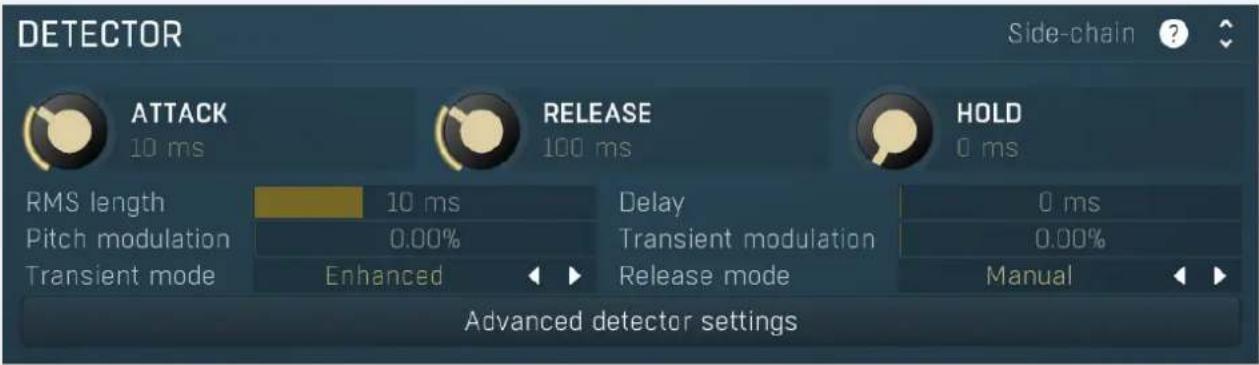
Detector panel contains the dynamic detector parameters, which control how the signal level is measured.
Side-chain
Side-chain input
Side-chain input makes the modulator analyze the side-chain input instead of the regular input.

ATTACK
10ms
Attack
Attack defines the attack time, that is how quickly the level detector increases the measured input level. When the input peak level is higher than the current level measured by the detector, the detector moves into the attack mode, in which the measured level is increased depending on the input signal. The higher the input signal, or the shorter the attack time, the faster the measured level rises. Once the measured level exceeds the Threshold then the dynamics processing (compression, limiting, gating) will start.
There must be a reasonable balance between attack and release times. If the attack is too long compared to the release, the detector will tend to keep the measured level low, because the release would cause that level to fall too quickly. In most cases you may expect the attack time to be shorter than the release time.
To understand the working of a level detector, it is best to cover the typical cases:
In a compressor the attack time controls how quickly the measured level moves above the threshold and the processor begins compressing. As a result, a very short attack time will compress even the beginning transient of a snare drum for example, hence it would remove the punch. With a very long attack time the measured level may not even reach the threshold, so the compressor may not do anything.
In a limiter the attack becomes a very sensitive control, defining how much of the signal is limited and how much of it becomes saturated/clipped. If the attack time is very short, limiting starts very quickly and the limiter catches most peaks itself and reduces them, providing lower distortion, but can cause pumping. On the other hand, a higher attack setting (typically above 1ms) will let most peaks through the limiter to the subsequent in-built clipper or saturator, which causes more distortion of the initial transient, but less pumping.
In a gate the situation is similar to a compressor - the attack time controls how quickly the measured level can rise above the threshold at which point the gate opens. In this case you will usually need very low attack times, so that the gate reacts quickly enough. The inevitable distortion can then be avoided using look-ahead and hold parameters.
In a modulator, the detector is driving other parameters, a filter cut-off frequency for example, and the situation really depends on the target. If you want the detector to react quickly on the input level rising, use a shorter attack time; if you want it to follow the flow of the input signal slowly, use longer attack and release times.
Range: 0 ms to 1000 ms, default 10 ms

RELEASE
100 ms
Release
Release defines the release time, that is how quickly the level detector decreases the measured input level. The shorter the release time, the faster the response is. Once the attack stage has been completed, when the input peak level is lower than the current level measured by the detector, the detector moves into the release mode, in which the measured level is decreased depending on the input signal. The lower the input signal, or the shorter the release time, the faster the measured level drops. Once the
measured level falls under the Threshold then the dynamics processing (compression, limiting, gating) will stop.
There must be a reasonable balance between attack and release times. If the attack is too long compared to release, the detector would tend to keep the level low, because release would cause the level to fall too quickly. Hence in most cases you may expect the attack time to be shorter than the release time.
To understand the working of a level detector, it is best to cover the typical cases:
In a compressor the release time controls how quickly the measured level falls below the threshold and the compression stops. As a result a very short release time makes the compressor stop quickly, for example, leaving the sustain of a snare drum intact. On the other hand, a very long release keeps the compression working longer, hence it is useful to stabilize the levels.
In a limiter the release time keeps the measured level above the limiter threshold causing the gain reduction. Having a very long release time in this case doesn't make sense as the limiter would be working continuously and the effect would be more or less the same as simply decreasing the input gain manually. However too short a release time lets the limiter stop too quickly, which usually causes distortion as the peaks through the limiter to the subsequent in-built clipper or saturator. Hence release time is used to avoid distortion at the expense of decreasing the output level.
In a gate the situation is similar to a compressor - the release time controls how quickly the measured level can fall below the threshold at which point the gate closes. Having a longer release time in a gate is a perfectly acceptable option. The release time will basically control how much of the sound's sustain will pass.
In a modulator, the detector is driving other parameters, a filter cut-off frequency for example, and the situation really depends on the target. If you want the detector to react quickly on the input level falling, use a shorter release time; if you want it to follow the flow of the input signal slowly, use longer attack and release times.
Range: 0 ms to 10000 ms, default 100 ms

HOLD
0 ms
Peak hold
Peak hold defines the time that signal level detector holds its maximum before the release stage is allowed to start. As an example, you can imagine that when an attack stage ends there can be an additional peak hold stage and the level is not yet falling, before the release stage starts. This is true only when true peak mode is enabled (check the advanced detector settings if available).
It is often used in gates to avoid the gated level falling below the threshold too quickly, while having short release times. If you want the gate to close quickly, you need a short release time. But in that case the ending may be too abrupt and even cause some distortion. So you use the peak hold to delay the release stage.
It is also used along with look-ahead to avoid distortion in limiters and compressors. If you need a very short attack, the attack stage may be too quick and cause distortions. In limiters this attack time is often 0ms, in which case it becomes a clipper. Setting look-ahead and peak hold to the same value will make the detector move ahead in time, so that it can react to attack stages before they actually occur and yet hold the levels for the actual signal to come.
Range: 0 ms to 10000 ms, default 0 ms
RMS length
10 ms
RMS length
RMS length smoothes out the values of the input levels (not the input itself), such that the level detector receives the pre-processed signal without so many fluctuations. When set to its minimum value the detector becomes a so-called "peak detector", otherwise it is an "RMS detector".
When you look at a typical waveform in any editor, you can see that the signal is constantly changing and contains various transient bursts and separate peaks. This is especially noticeable with rhythmical signals, such as drums. Trying to imagine how a typical attack/release detector works with such a wild signal may be complex, at least. RMS essentially takes the surrounding samples and averages them. The result is a much smoother signal with fewer individual peaks and short noise bursts.
RMS length controls how many samples are taken to calculate the average. It stabilizes the levels, but it also causes a slower response time. As such it is great for mastering, when you want to lower the dynamic range in a very subtle way without any instabilities. However, it is not really desirable for processing drums, for example, where the transient bursts may actually be individual drum hits, hence it is usually recommended to use peak detectors for percussive instruments.
Note that the RMS detector has 2 modes - a simplified approximation is used by default, and a true RMS is processor can be enabled from the advanced settings (if provided). Both respond differently, neither of them is better than the other, they are simply different.
Range: 0 ms to 1000 ms, default 10 ms
Delay
0 ms
Delay
Delay defines how much the follower output should be delayed. It is a powerful way to keep attacks intact for example.
Range: 0 ms to 10000 ms, default 0 ms
Pitch modulation
0.00%
Pitch modulation
Pitch modulation lets you employ the pitch detector (configurable from the Pitch tab) in the detector. This may sound odd at first, but thinking of the input signal, you may measure its level, but you can also measure other properties, such as its pitch, and use them in exactly the same way. While an input level is usually understood as a value in decibels, pitch is a frequency in Hz, so the plugin smartly transforms the frequency to mimic the level axis. When you look at the detector graph afterwards, you can hardly tell the exact pitch in Hz, but that's not really relevant or necessary.
What is this for? Let's show it with an example. Let's say you have an instrument, say a bass, which is playing legato, and you want
some kind of effect at the beginning of the note (in case of Follower mode) or you just want to restart some kind of filter at the beginning of each note (in case of Envelope mode). But since the performance is legato, meaning there are no gaps in between the notes, the level graph is just a steady horizontal line, which is pretty much useless for us. The pitch modulation lets you replace this horizontal line with something much more useful - the pitch. While the level isn't changing much at all, the pitch is changing. The plugin then takes the actual pitch as the input signal, so you can let the plugin follow it in some way, start envelopes when a certain pitch is exceeded, or using Transformation you can even let the plugin restart an envelope every time the pitch changes. By setting the pitch modulation half-way you can let the plugin react to both properties, the level and the pitch. Range: 0.00% to 100.0%, default 0.00%
Transient modulation
0.00%
Transient modulation
Transient modulation lets you detect transients and blend that detection with the control signal. This way you may let the modulator be controlled not by level (alone or in combination with pitch for example), but also by transients detected in either of these properties - level or pitch.
Range: 0.00% to 100.0%, default 0.00%
Transient mode
Enhanced

Transient mode
Transient mode controls the way in which the transients are detected. These simply provide different results, so you should just try the alternative modes if the default one doesn't suit your audio material. Attack only modes ignore sustain transients - those moments when the level decreases.
Release mode
Manual

Release mode
Release mode defines how the plug-in performs when decreasing level. In manual mode this is based only on the release time, which is suitable for most cases when the signal has constant characteristics. Automatic release modes can adapt to signals with unstable characteristics.
Automatic and Automatic fast modes: the longer the level stays above the threshold, the longer the release time will be and thus, the longer it will take to move below the threshold and end the release stage. The idea is that if the input is loud for some time, it will most likely stay that way for some more time, hence it should be stabilized to avoid unnecessary temporary fluctuations, which could result in pumping.
Both automatic modes increase the release time when the input signal is above the threshold and vice versa. The speed of the increase depends on the Auto speed parameter. Automatic fast mode uses full speed immediately after crossing the threshold, automatic mode varies the speed according to the current signal level.
For example, when a guitarist plays softly, the level is low and fluctuates around the threshold and the release time gets slower. So the processor quickly responds to sudden changes. However, when the guitarist starts playing a solo, the level rises and, the longer the solo is, the longer the release time becomes, hence the response becomes slower avoiding unnecessary fluctuations (pumping) when the solo contains small silent sections.
Linear 1 and Linear 2 modes: the higher the level is, the longer the release. The idea is that if the input is very loud, it will probably stay that way for some time, so it is wise to keep the levels up too. This is similar to the automatic modes, however the main factor is not how long the level is high, but how high it is. Below the threshold the release time is the same as the attack time, above the threshold the release time rises from the attack time up to the specified release time parameter. Linear 1 mode usually provides higher release times than does Linear 2.
Opto mode: the higher the level is, the shorter the release. So this is kind of the opposite of linear modes. The idea is, that you are expecting short transients, which you wish to deal with. Normally the higher the level would get in such a transient, the longer it would take to get the level below the threshold, so, when used in a compressor for example, these transients would cause unnecessary compression in the sustain stage. The opto detector lowers the level quickly, minimizing the amount of compression in the sustain stage.
For example, let's say you are compressing a full drumset, but there is a very dominant sharp and short hi-hat sound, so it is appropriate to have short release times. You would use Opto mode. But the rest of the drumset deserves a softer treatment, so you want to keep longer release times. Use one of the other modes.
Band-pass panel
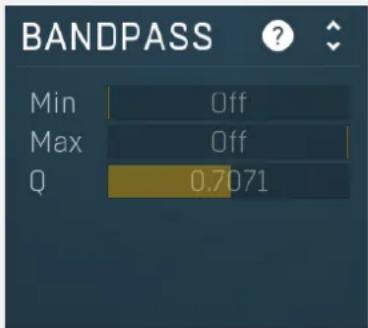
Band-pass panel contains parameters of the follower band-pass filter. Using this feature you can make the follower detect the level of just part of the spectrum instead of all frequencies. For example, when using band-pass from 20Hz to 100Hz the modulator will
react mainly to a bass or bass-drum signal.
Min Off
Minimum
Minimum defines the high-pass filter cut-off frequency. The band-pass is disabled if both the minimum and maximum frequencies are set to their limits, thus from 20Hz to 20kHz.
Range: Off to 20.0 kHz, default Off
Max Off
Maximum
Maximum defines the low-pass filter cut-off frequency. The band-pass is disabled if both the minimum and maximum frequencies are set to their limits, thus from 20Hz to 20kHz.
Range: 20.00 Hz to Off, default Off
Q 0.7071
Q
Q defines the bandwidth for the high-pass and low-pass filters.
Range: 0.0500 to 10.0000, default 0.7071
Projection panel
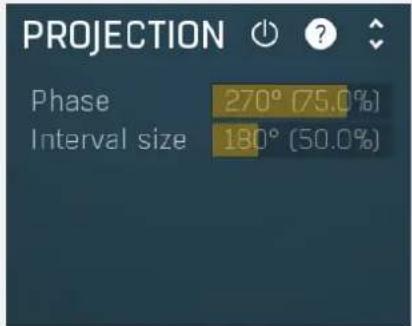
Projection panel contains parameters of projection onto the LFO oscillator shape, which takes the value generated by the modulator and puts it onto the LFO oscillator shape. This features is useful for several creative effects.
[Non-Text]
Enable
Enable button enables or disables the projection onto the LFO oscillator shape.
Phase 270° [75.0%]
Phase
Phase defines the offset from zero of the signal curve. By default it is 75%, because when you look at common oscillator shapes, such as a sine or triangle, at position 75% its value is minimal. Then when you look at the right side, the value is growing up to the 25%, where it becomes the maximum.
Range: 0 ^ (0%) to 360 ^ (100.0%), default 270 ^ (75.0%)
Interval size 180° (50.0%)
Interval
Interval defines the size of the interval from the oscillator shape in addition to Phase. As a result, phase defines where you start on the shape and interval specifies size of the window on the shape. Default value is 50% as for example sine grows from minimum to maximum in 50% of the period.
Range: 0 ^ (0%) to 720 ^ (200.0%), default 180 ^ (50.0%)
Advanced panel
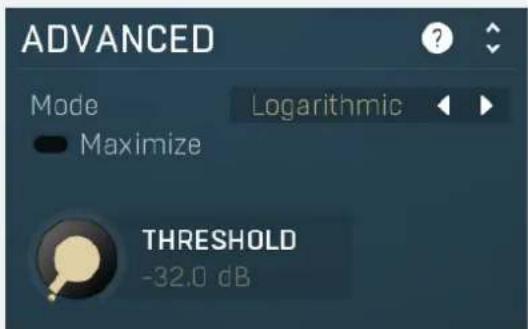
Advanced panel contains some more advanced features of the level follower.
Mode controls the way in which the audio level is treated. Linear mode takes the audio level and uses it directly. This often tends to result in very low modulator values. Squared mode treats the squared levels. This is a compromise between linear and logarithmic modes. Logarithmic mode is the most aggressive one and usually also the most natural as it emulates the logarithmic behaviour of our ears.
Direct mode is quite different as it doesn't really follow the level but instead takes the audio directly without any attack/release processing. It always takes the mid-range value, (minimum + maximum)/2, from each audio block. This is mostly useful for control signals.
For example, let's say your audio level is now -40dB. Then in linear mode it is treated as 1%, because the value of -40dB equals 0.01. In squared mode it becomes 10%. And finally in logarithmic mode it is 33%, because -40dB is 33% of the way from -60dB to 0dB.

THRESHOLD
-32.0 dB
Maximize
Maximize enables threshold-based maximization. Normally the input signal is used to drive the level follower. In this mode however each input sample is treated as 0 or 1, depending on whether it is below or above the threshold. As a result you can get very fast and sharp transitions.
Range: silence to 0.00 dB, default -32.0 dB
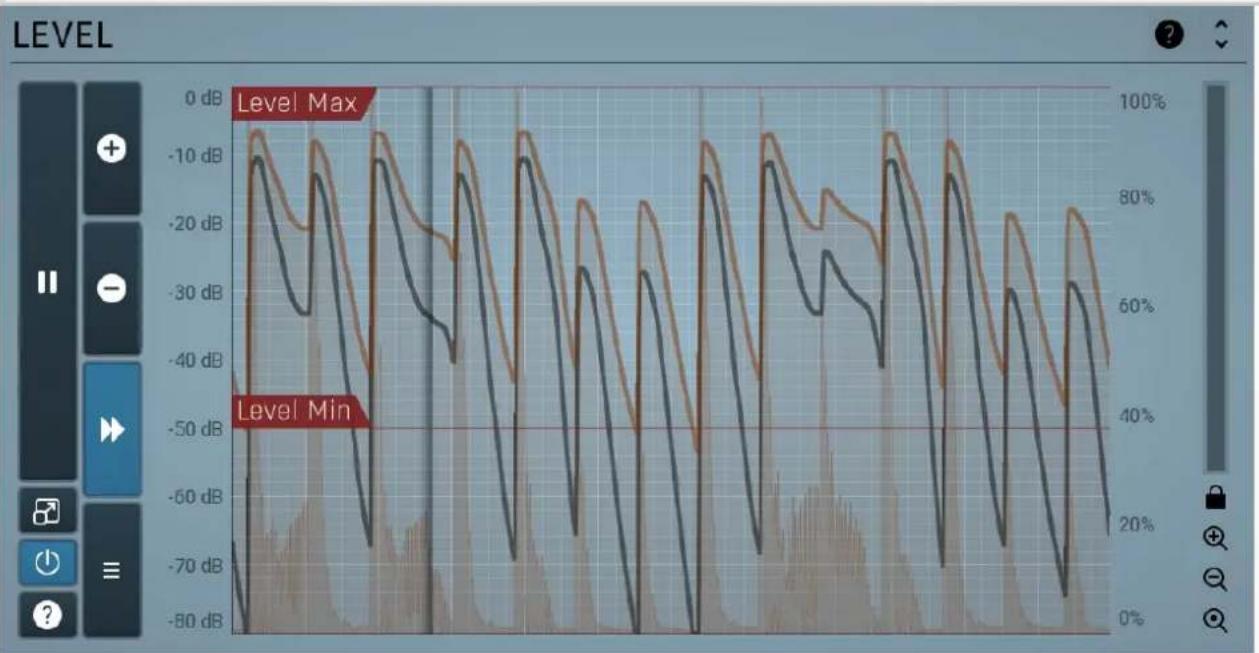
line
| Level | Max (dB) | Min (dB) | |-------|----------|----------| | Level Max | -10 | -30 | | Level Min | -50 | -70 |Level panel
Level panel contains the metering system showing the follower level. It is indispensable when setting up the follower.
The orange graph displays the measured level, which depends on the detector parameters, such as Attack or Release. In most cases you will want to set the follower so that it responds well to the full range of the audio material. After the detector parameters the level range is the next most important and is available via Level min and Level max parameters (these can be also adjusted directly from the analyser). In most cases you will want the minimum level to lie just below the lowest signal peaks and maximum level just above the highest peaks.
The white graph displays the output modulator values. It includes all the processing that affects the modulator including LFO modulation and Project features.

Pause
Pause button pauses the processing.

Popup
Popup button shows a pop-up window and moves the whole metering / time-graph system into it. This is especially useful in cases where you cannot enlarge the meters within the main window or such a task is too complicated. The pop-up window can be arbitrarily resized. In metering mode it is useful for easier reading from a distance for example. In time-graph mode it is useful for getting higher accuracy and a longer time perspective.

Enable
Enable button enables or disables the metering system. You can disable it to save system resources.
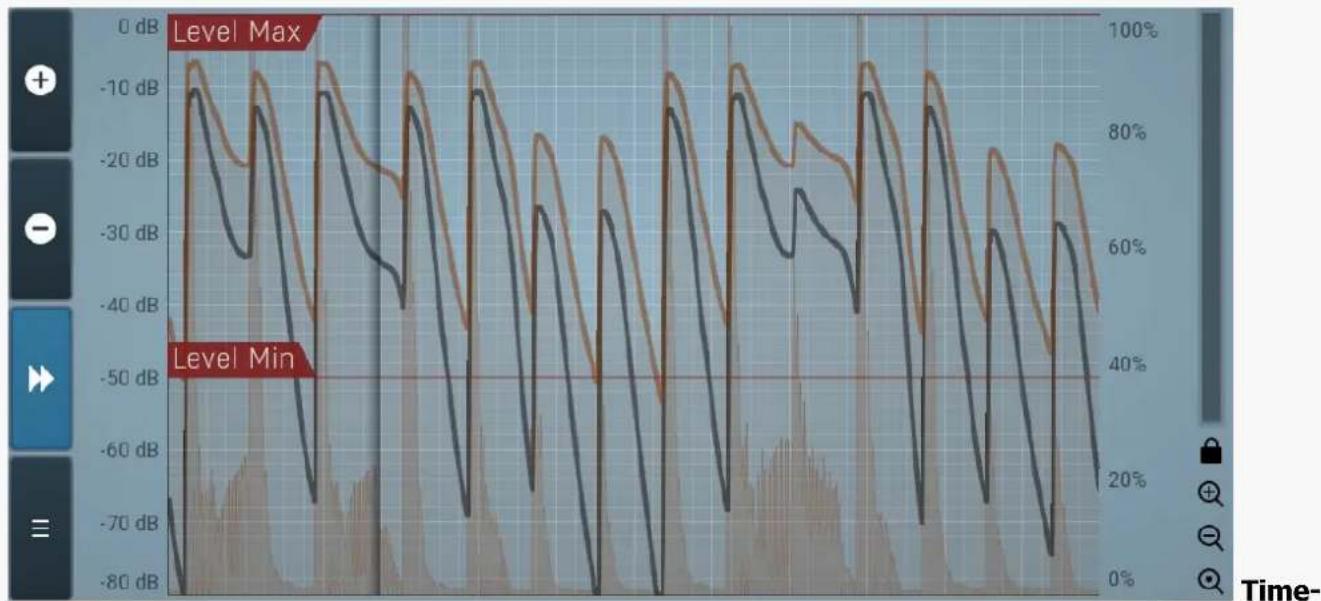
line
| Time | Level Max (dB) | Level Min (dB) | |------|----------------|----------------| | 0 | -10 | -80 | | 10 | -20 | -60 | | 20 | -30 | -40 | | 30 | -40 | -20 | | 40 | -50 | -10 | | 50 | -60 | 0 | | 60 | -70 | 10 | | 70 | -80 | 20 | | 80 | -90 | 30 | | 90 | -100 | 40 | | 100 | -110 | 50 | | 110 | -120 | 60 | | 120 | -130 | 70 | | 130 | -140 | 80 | | 140 | -150 | 90 | | 150 | -160 | 100 | | 160 | -170 | 95 | | 170 | -180 | 85 | | 180 | -190 | 75 | | 190 | -200 | 65 | | 200 | -210 | 55 | | 210 | -220 | 45 | | 220 | -230 | 35 | | 230 | -240 | 25 | | 240 | -250 | 15 | | 250 | -260 | 5 | | 260 | -270 | 0 | | 270 | -280 | -5 | | 280 | -290 | -10 | | 290 | -300 | -15 | | 300 | -310 | -20 | | 310 | -320 | -25 | | 320 | -330 | -30 | | 330 | -340 | -35 | | 340 | -350 | -40 | | 350 | -360 | -45 | | 360 | -370 | -50 | | 370 | -380 | -55 | | 380 | -390 | -60 | | 390 | -400 | -65 | | 400 | -410 | -70 | | 410 | -420 | -75 | | 420 | -430 | -80 | | 430 | -440 | -85 | | 440 | -450 | -90 | | 450 | -460 | -95 | | 460 | -470 | -100 | | 470 | -480 | -95 | | 480 | -490 | -90 | | 490 | -500 | -85 | | 500 | -510 | -80 | | 510 | -520 | -75 | | 520 | -530 | -70 | | 530 | -540 | -65 | | 540 | -550 | -60 | | 550 | -560 | -55 | | 560 | -570 | -50 | | 570 | -580 | -45 | | 580 | -590 | -40 | | 590 | -600 | -35 | | 600 | -610 | -30 | | 610 | -620 | -25 | | 620 | -630 | -20 | | 630 | -640 | -15 | | 640 | -650 | -10 | | 650 | -660 | -5 | | 660 | -670 | 0 | | 670 | -680 | 5 | | 680 | -690 | 10 | | 690 | -700 | 15 | | 700 | -710 | 20 | | 710 | -720 | 25 | | 720 | -730 | 30 | | 730 | -740 | 35 | | 740 | -750 | 40 | | 750 | -760 | 45 | | 760 | -770 | 50 | | 770 | -780 | 55 | | 780 | -790 | 60 | | 790 | -800 | 65 | | 800 | -810 | 70 | | 810 | -820 | 75 | | 820 | -830 | 80 | | 830 | -840 | 85 | | 840 | -850 | 90 | | 850 | -860 | 95 | | 860 | -870 | 100 | | 870 | -880 | nan | | 880+ (Time-)graph view
Time-graph view shows the measurements over a period of time.
Plus
Plus button increases the time-graph speed (reduces the period that is displayed).

Minus
Minus button decreases the time-graph speed (increases the period that is displayed).

Rewind
Rewind button enables or disables the time-graph static mode. In static mode the graphs are fixed and the current position cycles from left to right; otherwise the graphs move from right to left and the current position is fixed (at the right-hand side).

Menu
Menu button displays the time-graph settings. In this window you can control which graphs are displayed, the speed and other relevant parameters.
Time-graph settings
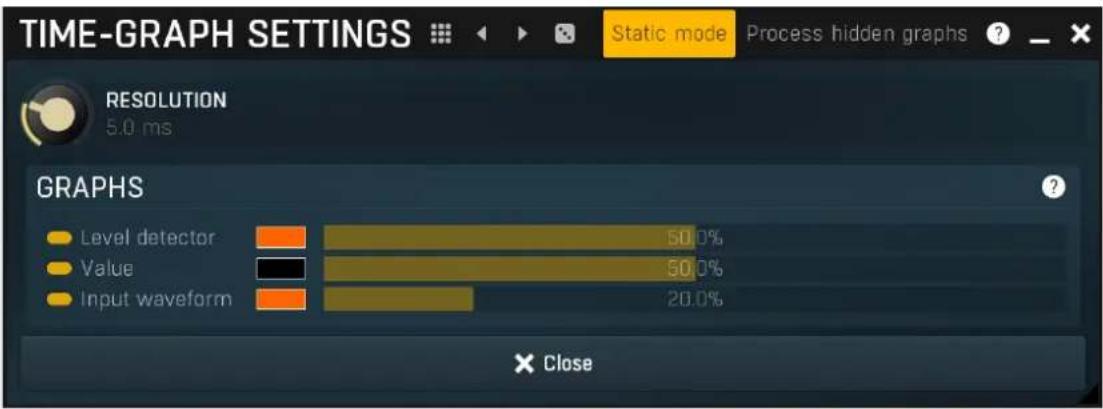

Presets
Presets button displays a window where you can load and manage available presets. Hold Ctrl when clicking to load a random preset instead.

Left arrow
Left arrow button loads the previous preset.

Right arrow
Right arrow button loads the next preset.

Randomize
Randomize button loads a random preset.
Static mode
Static mode
Static mode stops the graph from scrolling to the left and makes the graph refresh from left to right instead.
When this is disabled, the entire graph is moving from right to left as the incoming audio is processed. This may make it hard to spot the actual details, which is where the static mode comes to the rescue. Static mode is the default state and in most cases is more practical.
Process hidden graphs
Process hidden graphs
Process hidden graphs enables measurement of graphs which are actually disabled in the view. This may come handy if you need to repeatedly show and hide several graphs. With this mode disabled, which it is by default, the processor saves CPU resources by computing only those measurements that are actually visible. However, when you show a currently hidden graph, no measurements are available, so you will need to wait for the graph to be generated from the incoming signal. If you enable this option, the graph will be available immediately after you make it visible.

RESOLUTION
5.0 ms
Resolution
Resolution controls the time it takes for the graph to move one pixel. Therefore this actually controls the display speed.
Graphs panel

bar
GRAPHS | Category | Value (%) | |---|---| | Level detector | 50.0 | | Value | 50.0 | | Input waveform | 20.0 |Graphs panel contains all available graphs and lets you show or hide each of them, and change their visual properties.
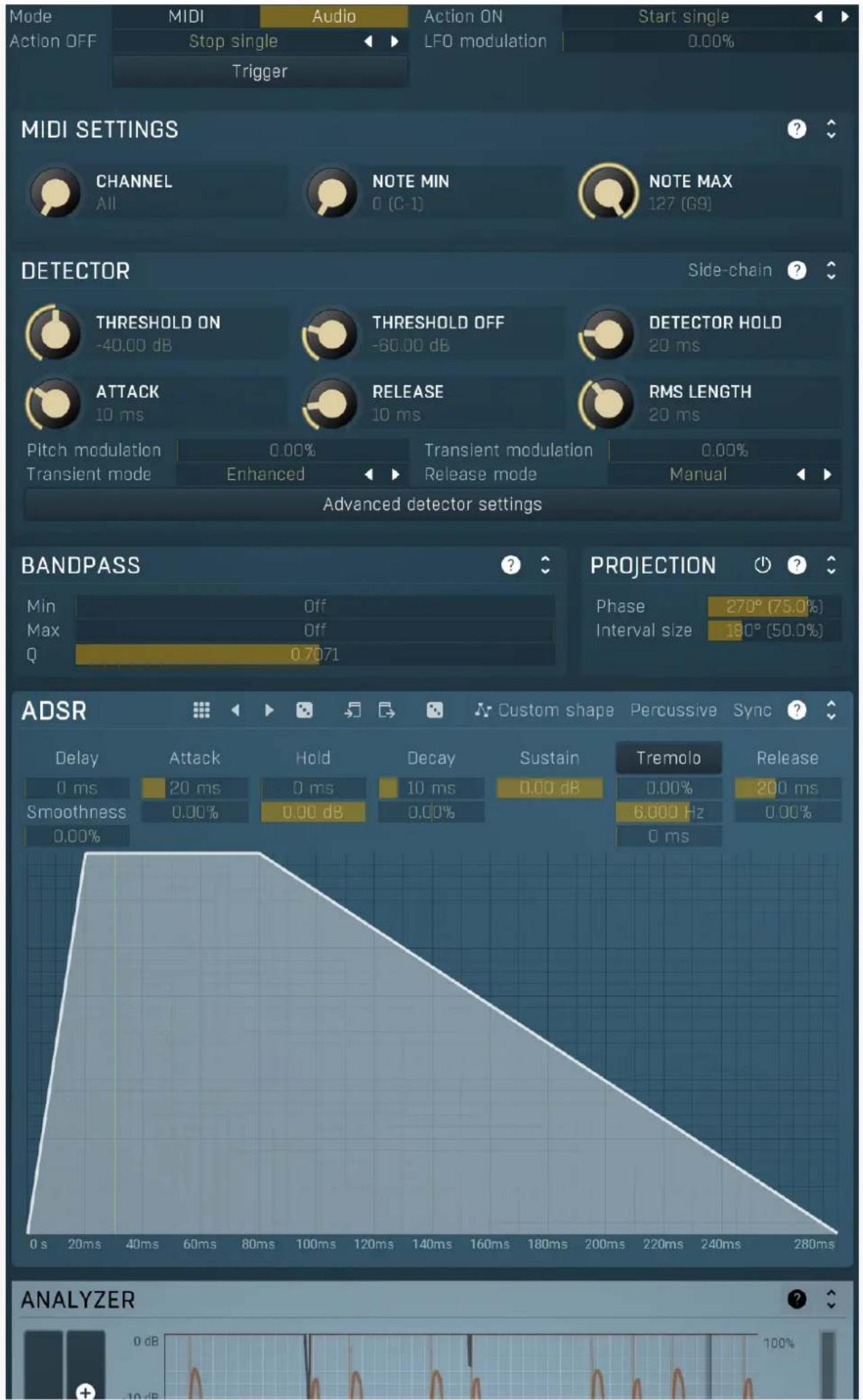
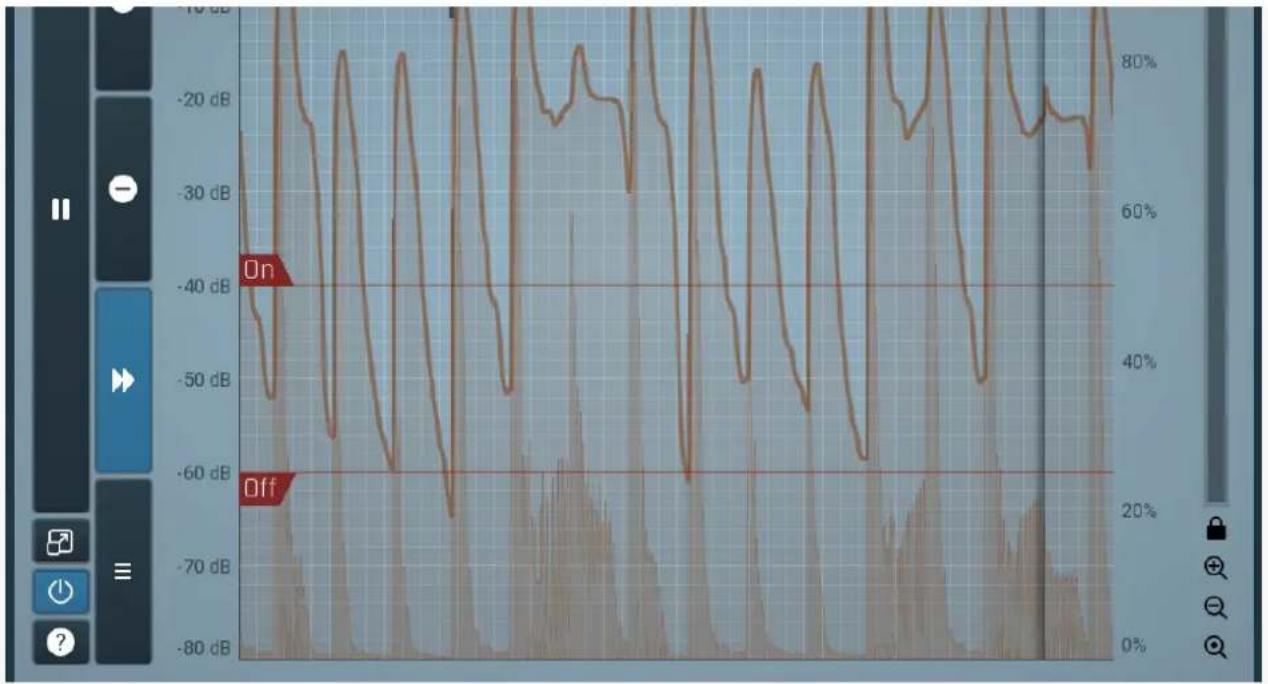
line
| Time | Value (dB) | |------|------------| | 0 | -40 | | 1 | -50 | | 2 | -60 | | 3 | -70 | | 4 | -80 | | 5 | -60 | | 6 | -50 | | 7 | -40 | | 8 | -30 | | 9 | -20 | | 10 | -10 | | 11 | 0 | | 12 | 10 | | 13 | 20 | | 14 | 30 | | 15 | 40 | | 16 | 50 | | 17 | 60 | | 18 | 70 | | 19 | 80 | | 20 | 70 | | 21 | 60 | | 22 | 50 | | 23 | 40 | | 24 | 30 | | 25 | 20 | | 26 | 10 | | 27 | 0 |Envelope mode makes the modulator generate arbitrary envelopes from input MIDI or by analyzing the audio input level. When using MIDI the modulator responds to input note-on and note-off messages. When using an audio input (if available), the modulator detects the input level and when it exceeds the Threshold On, it behaves like a note-on MIDI event. Afterwards when the level drops down below Threshold Off, it behaves like a note-off MIDI event. Each event can result in just about any action. By default note-on starts the envelope and note-off initiates the release stage, but a different behaviour is also possible depending on Action ON and Action OFF parameters.
Mode MIDI Audio Mode
Mode controls if the envelope is triggered by audio or by MIDI input.
Action ON Start single Action ON
Action ON controls what happens when a note-on event occurs (either via audio or MIDI).
Start single action, which is the default, means that the envelope will start on the note-on event, but only once, it won't start again until you release all of the keys that are relevant for MIDI triggering only. With audio triggering it works the same as Start mode.
Start makes the envelope start every time you press a key, whether another key is already pressed or not. The envelope will seamlessly jump to the attack stage avoiding any abrupt changes.
Start forced is similar, but lets the envelope start from the very beginning every time. So for example if the envelope is currently in a long release stage and the new modulator value is 0.5, then the Start action jumps to a location in the attack stage where there is a value of 0.5 as well, hence avoiding abrupt changes. Start forced action on the other hand starts the whole envelope over from the beginning of the attack stage, where the value is most likely 0.
Start legato is in a way an opposite of the Start single in that it starts only if there is at least one other note already playing. As such it can only be used with MIDI triggering. With audio triggering it works the same as Start mode.
Ignore action simply ignores this event.
The remaining actions are rather creative and let you do the opposite - initiate release stage and stop the envelope when you press a key.
Action OFF Stop single Action OFF
Action OFF controls what happens when a note-off event occurs (either via audio or MIDI).
Stop single action, which is default, means that the envelope will enter the release stage on the note-off event, but only once, at the moment you release the last key (if you were holding more than one) it is relevant for MIDI triggering only.
Stop makes the envelope enter the release stage every time you release a key, whether another key is already pressed or not.
Ignore action simply ignores this event.
The remaining actions are rather creative and let you do the opposite - start the envelope when you release a key.
LFO modulation 0.00% LFO modulation
LFO modulation defines the amount of LFO modulation applied in addition to the envelope. With 0% the modulator uses only the envelope; with 100% the modulator does the same job as if the modulator were in Normal mode. To set the LFO parameters switch to normal mode temporarily.
Range: 0.00% to 100.0%, default 0.00%
Trigger
Trigger
Trigger button servers for manual triggering. It can be associated to other modulators as well for example, so it enables you to trigger the envelope pretty much any way.

CHANNEL
All

NOTE MIN
D[C-1]

NOTE MAX
127 (69)
MIDI panel contains parameters of the MIDI event detector.
Detector panel
DETECTOR
Side-chain


THRESHOLD ON
-40.00 dB

THRESHOLD OFF
-60.00 dB

DETECTOR HOLD
20 ms

ATTACK
10 ms

RELEASE
10 ms

RMS LENGTH
20ms
Pitch modulation
Transient mode
0.00%
Enhanced

Transient modulation
Release mode
0.00%
Manual

Advanced detector settings
Detector panel contains parameters of the audio event detector.
Side-chain
Side-chain input
Side-chain input makes the modulator analyze the side-chain input instead of the regular input.

THRESHOLD ON
-40.00 dB
Threshold On
Threshold On defines the note-on level. When the input level rises above it the envelope is started. Then it stays into the sustain stage until the level falls below Threshold Off and the release stage is initiated.
Range: -80.00 dB to 0.00 dB, default -40.00 dB

THRESHOLD OFF
-60.00 dB
Threshold Off
Threshold Off defines the note off level. When the input level rises above Threshold On, the envelope is started. Then it stays into the sustain stage until the level falls below this threshold off and the release stage is initiated.
Range: -80.00 dB to 0.00 dB, default -60.00 dB

DETECTOR HOLD
20 ms
Peak hold
Peak hold defines the time that signal level detector holds its maximum before the release stage is allowed to start. As an example, you can imagine that when an attack stage ends there can be an additional peak hold stage and the level is not yet falling, before the release stage starts. This is true only when true peak mode is enabled (check the advanced detector settings if available).
It is often used in gates to avoid the gated level falling below the threshold too quickly, while having short release times. If you want the gate to close quickly, you need a short release time. But in that case the ending may be too abrupt and even cause some distortion. So you use the peak hold to delay the release stage.
It is also used along with look-ahead to avoid distortion in limiters and compressors. If you need a very short attack, the attack stage may be too quick and cause distortions. In limiters this attack time is often 0ms, in which case it becomes a clipper. Setting look-ahead and peak hold to the same value will make the detector move ahead in time, so that it can react to attack stages before they actually occur and yet hold the levels for the actual signal to come.
Range: 0 ms to 10000 ms, default 20 ms

ATTACK
10 ms
Attack
Attack defines the attack time, that is how quickly the level detector increases the measured input level. When the input peak level
is higher than the current level measured by the detector, the detector moves into the attack mode, in which the measured level is increased depending on the input signal. The higher the input signal, or the shorter the attack time, the faster the measured level rises. Once the measured level exceeds the Threshold then the dynamics processing (compression, limiting, gating) will start.
There must be a reasonable balance between attack and release times. If the attack is too long compared to the release, the detector will tend to keep the measured level low, because the release would cause that level to fall too quickly. In most cases you may expect the attack time to be shorter than the release time.
To understand the working of a level detector, it is best to cover the typical cases:
In a compressor the attack time controls how quickly the measured level moves above the threshold and the processor begins compressing. As a result, a very short attack time will compress even the beginning transient of a snare drum for example, hence it would remove the punch. With a very long attack time the measured level may not even reach the threshold, so the compressor may not do anything.
In a limiter the attack becomes a very sensitive control, defining how much of the signal is limited and how much of it becomes saturated/clipped. If the attack time is very short, limiting starts very quickly and the limiter catches most peaks itself and reduces them, providing lower distortion, but can cause pumping. On the other hand, a higher attack setting (typically above 1ms) will let most peaks through the limiter to the subsequent in-built clipper or saturator, which causes more distortion of the initial transient, but less pumping.
In a gate the situation is similar to a compressor - the attack time controls how quickly the measured level can rise above the threshold at which point the gate opens. In this case you will usually need very low attack times, so that the gate reacts quickly enough. The inevitable distortion can then be avoided using look-ahead and hold parameters.
In a modulator, the detector is driving other parameters, a filter cut-off frequency for example, and the situation really depends on the target. If you want the detector to react quickly on the input level rising, use a shorter attack time; if you want it to follow the flow of the input signal slowly, use longer attack and release times.
Range: 0 ms to 1000 ms, default 10 ms

RELEASE
10 ms
Release
Release defines the release time, that is how quickly the level detector decreases the measured input level. The shorter the release time, the faster the response is. Once the attack stage has been completed, when the input peak level is lower than the current level measured by the detector, the detector moves into the release mode, in which the measured level is decreased depending on the input signal. The lower the input signal, or the shorter the release time, the faster the measured level drops. Once the measured level falls under the Threshold then the dynamics processing (compression, limiting, gating) will stop.
There must be a reasonable balance between attack and release times. If the attack is too long compared to release, the detector would tend to keep the level low, because release would cause the level to fall too quickly. Hence in most cases you may expect the attack time to be shorter than the release time.
To understand the working of a level detector, it is best to cover the typical cases:
In a compressor the release time controls how quickly the measured level falls below the threshold and the compression stops. As a result a very short release time makes the compressor stop quickly, for example, leaving the sustain of a snare drum intact. On the other hand, a very long release keeps the compression working longer, hence it is useful to stabilize the levels.
In a limiter the release time keeps the measured level above the limiter threshold causing the gain reduction. Having a very long release time in this case doesn't make sense as the limiter would be working continuously and the effect would be more or less the same as simply decreasing the input gain manually. However too short a release time lets the limiter stop too quickly, which usually causes distortion as the peaks through the limiter to the subsequent in-built clipper or saturator. Hence release time is used to avoid distortion at the expense of decreasing the output level.
In a gate the situation is similar to a compressor - the release time controls how quickly the measured level can fall below the threshold at which point the gate closes. Having a longer release time in a gate is a perfectly acceptable option. The release time will basically control how much of the sound's sustain will pass.
In a modulator, the detector is driving other parameters, a filter cut-off frequency for example, and the situation really depends on the target. If you want the detector to react quickly on the input level falling, use a shorter release time; if you want it to follow the flow of the input signal slowly, use longer attack and release times.
Range: 0 ms to 10000 ms, default 10.0 ms

RMS LENGTH
20 ms
RMS length
RMS length defines the window length used for smoothing the input. In most cases the input waveform contains lots of separate peaks and short transients. All of them would generate note-on events and the spaces between them would similarly cause note-offs. RMS is used to smooth the input. The longer the window, the longer interval it takes and the longer delay it exhibits. If it is too short, unpredictable behaviour can be expected.
Range: 0 ms to 1000 ms, default 20 ms
Pitch modulation
0.00%
Pitch modulation
Pitch modulation lets you employ the pitch detector (configurable from the Pitch tab) in the detector. This may sound odd at first, but thinking of the input signal, you may measure its level, but you can also measure other properties, such as its pitch, and use them in exactly the same way. While an input level is usually understood as a value in decibels, pitch is a frequency in Hz, so the plugin smartly transforms the frequency to mimic the level axis. When you look at the detector graph afterwards, you can hardly tell the exact pitch in Hz, but that's not really relevant or necessary.
What is this for? Let's show it with an example. Let's say you have an instrument, say a bass, which is playing legato, and you want some kind of effect at the beginning of the note (in case of Follower mode) or you just want to restart some kind of filter at the beginning of each note (in case of Envelope mode). But since the performance is legato, meaning there are no gaps in between the notes, the level graph is just a steady horizontal line, which is pretty much useless for us. The pitch modulation lets you replace this horizontal line with something much more useful - the pitch. While the level isn't changing much at all, the pitch is changing. The plugin then takes the actual pitch as the input signal, so you can let the plugin follow it in some way, start envelopes when a certain pitch is exceeded, or using Transformation you can even let the plugin restart an envelope every time the pitch changes. By setting the pitch modulation half-way you can let the plugin react to both properties, the level and the pitch. Range: 0.00% to 100.0%, default 0.00%
Transient modulation
0.00%
Transient modulation
Transient modulation lets you detect transients and blend that detection with the control signal. This way you may let the modulator be controlled not by level (alone or in combination with pitch for example), but also by transients detected in either of these properties - level or pitch.
Range: 0.00% to 100.0%, default 0.00%
Transient mode
Enhanced

Transient mode
Transient mode controls the way in which the transients are detected. These simply provide different results, so you should just try the alternative modes if the default one doesn't suit your audio material. Attack only modes ignore sustain transients - those moments when the level decreases.
Release mode
Manual

Release mode
Release mode defines how the plug-in performs when decreasing level. In manual mode this is based only on the release time, which is suitable for most cases when the signal has constant characteristics. Automatic release modes can adapt to signals with unstable characteristics.
Automatic and Automatic fast modes: the longer the level stays above the threshold, the longer the release time will be and thus, the longer it will take to move below the threshold and end the release stage. The idea is that if the input is loud for some time, it will most likely stay that way for some more time, hence it should be stabilized to avoid unnecessary temporary fluctuations, which could result in pumping.
Both automatic modes increase the release time when the input signal is above the threshold and vice versa. The speed of the increase depends on the Auto speed parameter. Automatic fast mode uses full speed immediately after crossing the threshold, automatic mode varies the speed according to the current signal level.
For example, when a guitarist plays softly, the level is low and fluctuates around the threshold and the release time gets slower. So the processor quickly responds to sudden changes. However, when the guitarist starts playing a solo, the level rises and, the longer the solo is, the longer the release time becomes, hence the response becomes slower avoiding unnecessary fluctuations (pumping) when the solo contains small silent sections.
Linear 1 and Linear 2 modes: the higher the level is, the longer the release. The idea is that if the input is very loud, it will probably stay that way for some time, so it is wise to keep the levels up too. This is similar to the automatic modes, however the main factor is not how long the level is high, but how high it is.
Below the threshold the release time is the same as the attack time, above the threshold the release time rises from the attack time up to the specified release time parameter. Linear 1 mode usually provides higher release times than does Linear 2.
Opto mode: the higher the level is, the shorter the release. So this is kind of the opposite of linear modes. The idea is, that you are expecting short transients, which you wish to deal with. Normally the higher the level would get in such a transient, the longer it would take to get the level below the threshold, so, when used in a compressor for example, these transients would cause unnecessary compression in the sustain stage. The opto detector lowers the level quickly, minimizing the amount of compression in the sustain stage.
For example, let's say you are compressing a full drumset, but there is a very dominant sharp and short hi-hat sound, so it is appropriate to have short release times. You would use Opto mode. But the rest of the drumset deserves a softer treatment, so you want to keep longer release times. Use one of the other modes.
Band-pass panel
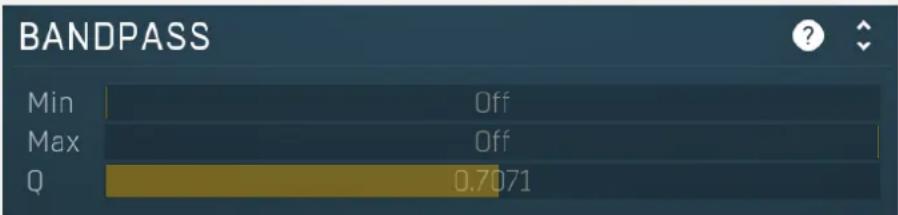
Band-pass panel contains parameters of the envelope detector band-pass. Using this feature you can make the envelope detect
level of just part of the spectrum instead of all frequencies. For example, when using a band-pass from 20Hz to 100Hz the modulator will react mainly to a bass or bass-drum.
Min Off Minimum
Minimum defines the high-pass filter cut-off frequency. The bandpass is disabled if both frequencies are set to their limits, thus from 20Hz to 20kHz.
Range: Off to 20.0 kHz, default Off
Max Off Maximum
Maximum defines the low-pass filter cut-off frequency. The bandpass is disabled if both frequencies are set to their limits, thus from 20Hz to 20kHz.
Range: 20.00 Hz to Off, default Off
Q 0.7071 Q
Q defines the bandwidth for the high-pass and low-pass filters.
Range: 0.0500 to 10.0000, default 0.7071
Projection panel
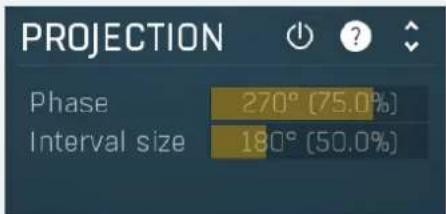
Projection panel contains parameters of projection onto the LFO oscillator shape, which takes the value generated by the modulator and puts it onto the LFO oscillator shape. This features is useful for several creative effects.
Enable
Enable button enables or disables the projection onto the LFO oscillator shape.
Phase 270° (75.0%) Phase
Phase defines the offset from zero of the signal curve. By default it is 75%, because when you look at common oscillator shapes, such as a sine or triangle, at position 75% its value is minimal. Then when you look at the right side, the value is growing up to the 25%, where it becomes the maximum.
Range: 0 ^ (0%) to 360 ^ (100.0%), default 270 ^ (75.0%)
Interval size 180° (50.0%) Interval
Interval defines the size of the interval from the oscillator shape in addition to Phase. As a result, phase defines where you start on the shape and interval specifies size of the window on the shape. Default value is 50% as for example sine grows from minimum to maximum in 50% of the period.
Range: 0 ^ A to 720 ^ A (200.0%), default 180 ^ A (50.0%)

Presets
Presets button displays a window where you can load and manage available presets. Hold Ctrl when clicking to load a random preset instead.
Left arrow
Left arrow button loads the previous preset.
Right arrow
Right arrow button loads the next preset.
Randomize
Randomize button loads a random preset.
Copy
Copy button copies the settings onto the system clipboard.
Paste
Paste button loads the settings from the system clipboard.

Random
Random button generates random settings using the existing presets.

Custom shape
Custom shape
Custom shape button enables custom shape mode, which lets you draw your own attack and release stages using the envelope system. Both stages are then automatically connected to form the resulting envelope.
Percussive
Percussive
Percussive button activates the immediate release mode in which case the note-off causes an immediate switch to the release stage. If this is disabled, the release stage does not occur until the whole attack/decay stage finishes.
Sync
Sync
Sync button controls the ADSR tempo sync feature. By default this is disabled and means that all times are followed exactly, meaning that if Attack is say 100ms, then it will be 100ms indeed. Tempo sync lets the plugin adjust the times to ensure it will be always in sync with the host tempo. In this case 100ms may become say 125ms if the tempo is 120bpm, because 125ms is the length of a 16th note. This makes it extremely simple to convert any envelope to a tempo-synced one. The plugin always chooses the nearest longer note, in other words it always round up.
Straight and Triplets modes automatically find 'nice' values.
For example, if a 16th note takes 100ms, the attack time is 550ms, and the sync mode is straight, then the plugin checks for 100ms, find out that it is too low, so it checks 8th note, being 200ms, still too low, then continues with quarter note, which takes 400ms, and still not enough, finally 800ms corresponding to a half note is the one, so the resulting time will be 800ms. Triplet cases are more complex, but the principle is the same.
1/16, 1/8 and 1/4 modes choose the nearest higher multiply of the base note length. For example, if a 16th note takes 100ms, the attack time is 550ms, and the sync mode is 1/16, the resulting time will be 600ms.
Tremolo
Tremolo
Tremolo button displays additional tremolo settings, containing tremolo behaviour and shape.
Tremolo settings
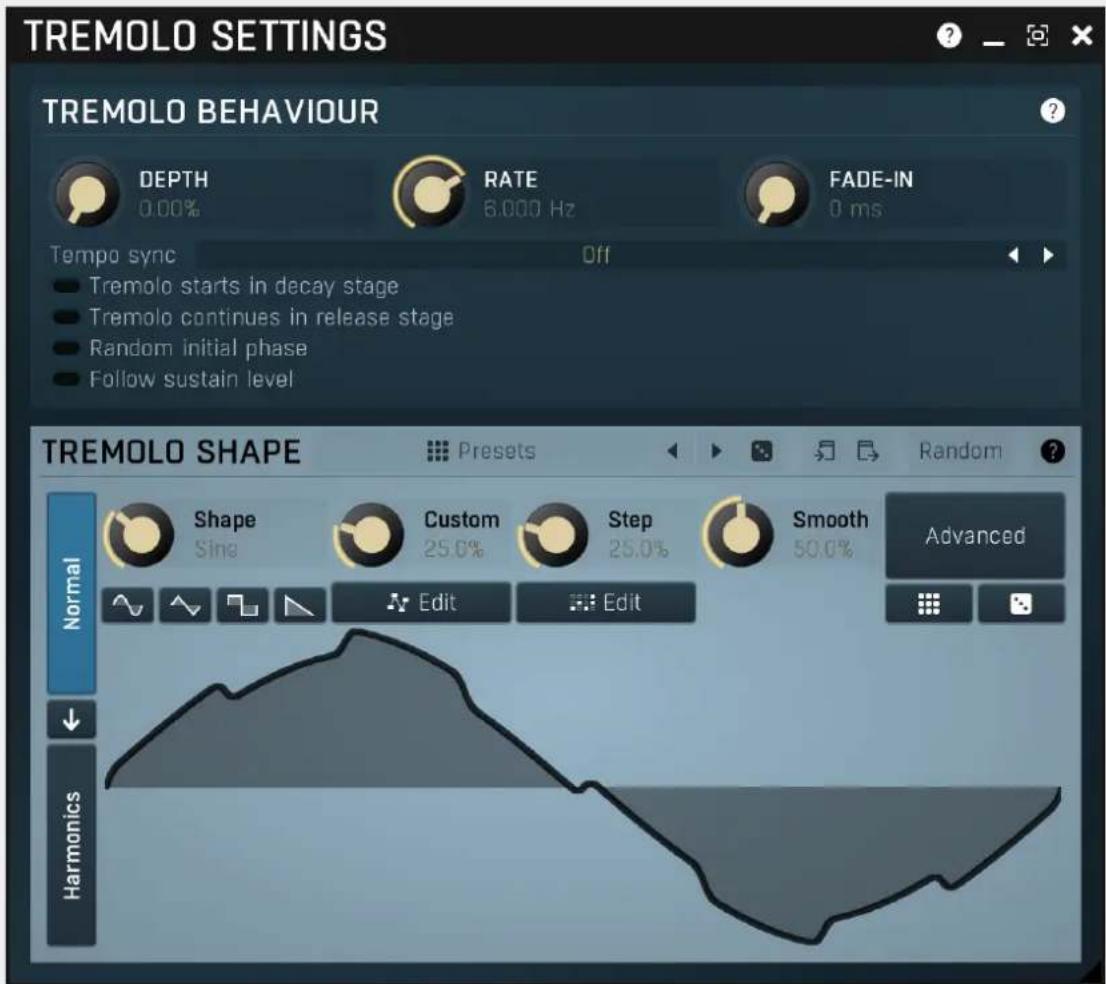
Tremolo behaviour
TREMOLO BEHAVIOUR

DEPTH
0.00%

RATE
6.000 Hz

FADE-IN
0 ms
Tempo sync
Off
Tremolo starts in decay stage
Tremolo continues in release stage
Random initial phase
Follow sustain level

DEPTH
0.00%
Depth
Depth controls the amount of tremolo mixed in the sustain stage (or potentially before).

RATE
6.000 Hz
Rate
Rate controls the tremolo rate and is relevant only if tempo sync is not used.

FADE-IN
0 ms
Fade-in
Fade-in controls the length of the tremolo fade-in. It is especially useful when you want to use the random initial phase feature to avoid the initial discontinuity when the tremolo kicks in.
Tempo sync
Off

Tempo
sync
Tempo sync lets you synchronize the tremolo to the host's tempo.
Tremolp starts in decay stage
Tremolo
starts in decay stage
Tremolo starts in decay stage makes the tremolo start during the decay stage. By default this is disabled and the tremolo starts in the sustain stage. When it is enabled you will most likely have a longer decay and also a longer tremolo fade-in, so that the tremolo slowly comes in as the envelope is decaying.
Tremolo continues in release stage
Tremolo
continues in release stage
Tremolo continues in release stage makes the tremolo continue with the tremolo during the release stage. By default this is disabled and the tremolo stops as soon as the release stage starts.
Random initial phase
Random
initial phase
Random initial phase makes the tremolo start with a random phase. By default this is disabled and the tremolo starts always starts in the 0 phase, which ensures the tremolo always starts in the same way. However if you play multiple notes at once, the tremolo will be exactly the same, while you may want it to be different for each note and make it sound more 'human'. Enabling this option also activates a short tremolo fade-in to avoid initial discontinuity.
Follow sustain level
Follow
sustain level
Follow sustain level makes the tremolo level based on sustain level. When this is disabled, the tremolo rarely reaches up to 100% level. However if the sustain level is say -20dB, then the tremolo actually cannot exceed 1% (which is -20dB), so it is clipped. It can however go upwards to 100%. This naturally changes the actual tremolo shape. If you want to avoid that and make sine really be a sine for example, enable this option, and in the case above the tremolo will really go up/down -20dB if set to 100%.

Presets
Presets
Presets button displays a window where you can load and manage available presets. Hold Ctrl when clicking to load a random preset instead.

Left arrow
Left arrow button loads the previous preset.

Right arrow
Right arrow button loads the next preset.

Randomize
Randomize button loads a random preset.

Copy
Copy button copies the settings onto the system clipboard.

Paste
Paste button loads the settings from the system clipboard.
Random
Random button generates random settings using the existing presets.

Normal
Normal button switches the generator into the normal mode, which lets you edit the shape of the oscillator. This is especially advantageous for low-frequency oscillators, where the shape matters even though it doesn't have any physical meaning.

Convert
Convert button converts the current shape into harmonic-based representation. Please note that since the number of harmonics is limited, the result will not perfectly resemble the original shape.
Harmonics
Harmonics button switches the generator into the harmonics mode, which lets you edit the levels and phases of individual harmonics. This is especially advantageous for high-frequency oscillators, hence sound generators.
Signal generator in Normal mode
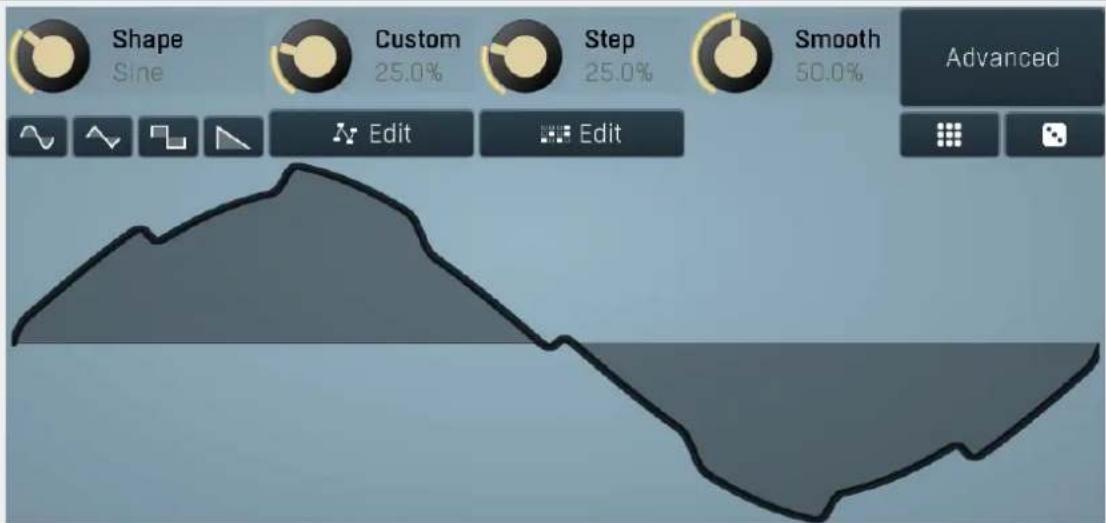
Signal generator in Normal mode works by generating the oscillator shape using a combination of several curves - a predefined set of standard curves, custom shape, step sequencer and custom sample. It also post-processes the shape using several filters including smoothing to custom transformations. This is especially useful when using the oscillator as an LFO (low-frequency-oscillator), where the harmonic contents does not really matter, but the shape does.
Shape
Sine
Shape
Shape controls the main shape used by the signal generator. There are several predefined shapes: exponential, triangle, sine power 8, sine power 4, sine square, sine, harmonics, more harmonics, disharmonics, sine square root, sine 4 root, rectangle, rect-saw, saw, noise and mess. You can choose any of them or interpolate between any 2 adjacent shapes using this control.
Custom
25.0%
Custom
Custom controls the amount of the custom shape that is blended into the main shape.

Edit
Edit
Edit button shows the custom shape editor.
Step
25.0%
Step
Step controls the amount of the step sequencer shape that is blended into the main shape (which has already been blended with the custom shape).
Edit
Edit
Edit button shows the step sequencer editor.
Smooth
50.0%
Smooth
Smooth controls the amount of smoothing. Many shapes, especially those produced by the step sequencer, have rough jagged edges, which may be advantageous, but when used to modulate certain parameters, the output may be clicking or causing other artifacts. Smoothness helps it by smoothing the whole signal shape out and removing these rough edges.

nced
Advanced
Advanced button displays an additional window with more advanced settings for post-processing the signal shape, such as harmonics or custom transformations.
Signal generator in Harmonics mode
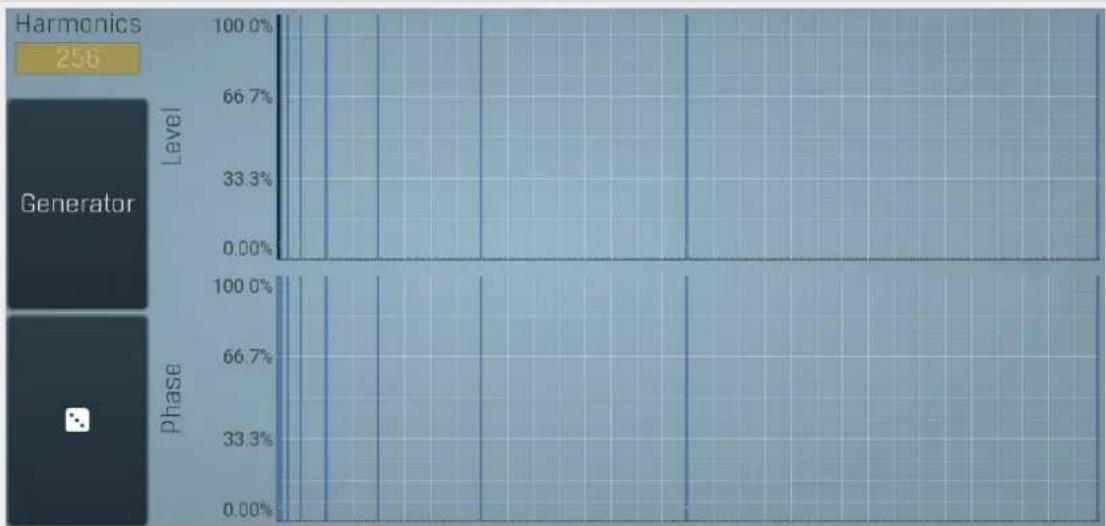
bar
| Level | Value | |-------|-------| | 100.0% | 100.0% | | 66.7% | 66.7% | | 33.3% | 33.3% | | 0.00% | 0.00% |Signal generator in Harmonics mode works by generating the oscillator shape using individual harmonics. Essentially a harmonic is a sine wave. The first harmonic, known as the fundamental, fits once in the oscillator time period, hence it is the same as selecting sine wave in the Normal mode. The second harmonic fits twice, the third three times etc. In theory, any shape you create in normal mode can be converted into harmonics. However, this approach to signal generation needs an enormous number of harmonics, which is both inefficient to calculate and mostly hard to edit. Therefore, the harmonic mode can process up to 256 harmonics, which is enough for very complex spectrums, however it is still not enough to generate an accurate square wave for example. If your goal is to create basic shapes, it is better to use the normal mode.
It is nearly impossible to say how a particular curve will sound when used as a high-frequency oscillator in a synthesizer, just by looking at its shape. Harmonics mode, on the other hand, is directly related to human hearing and makes this process very
simple. In general, the more harmonics you add, the richer the sound will be. The higher the harmonic, the higher the tone. Usually, one leaves the first harmonic enabled too, as this is the fundamental tone, however you may experiment with more dissonant sounds without it.
Editing harmonics can be time consuming unless you hear what you want, so a signal generator is also available. This great tool lets you generate a random spectrum by a single click. You can also open the Generator settings and edit its parameters, which basically control the audio properties in a more natural way - using parameters such as complexity, harmonicity etc.
Generator
Generator button shows a powerful harmonics generator, which can create unlimited number of various timbres and even analyze a sample and extract harmonics from it.

Randomize
Randomize button selects random parameters for the harmonics generator, so you can use it to get a random sound character instantly. Hold Ctrl to slightly modify existing generator settings instead of completely changing them.
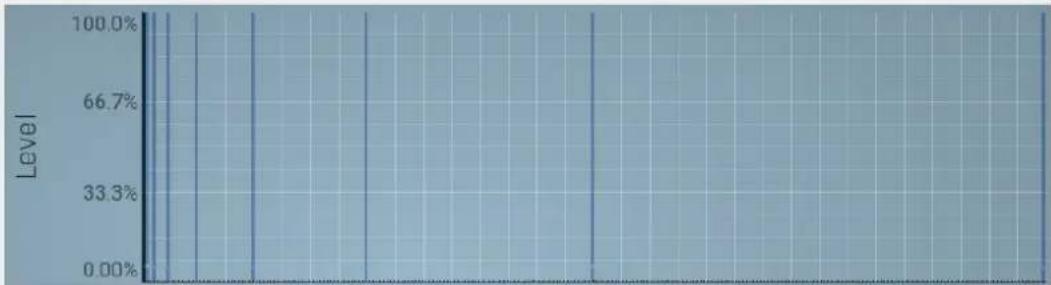
line
| Level | Value | |-------|-------| | 100.0% | 100.0% | | 66.7% | 100.0% | | 33.3% | 100.0% | | 0.00% | 100.0% |Magnitudes
graph
Magnitudes graph contains the levels of the individual harmonics. The highlighted bars are octaves, thus the 1st, 2nd, 4th, 8th harmonic etc.
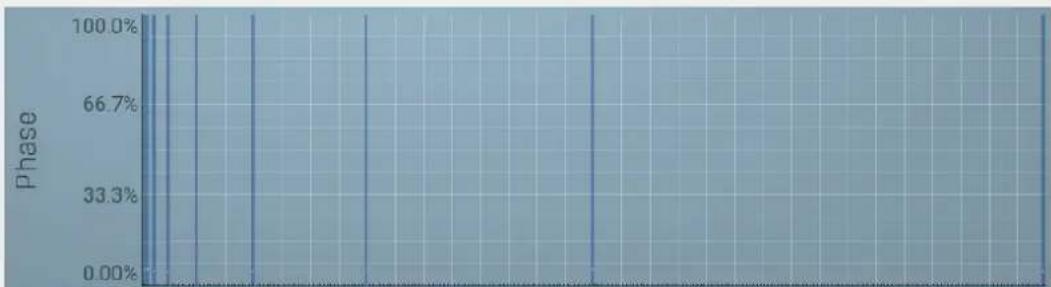
line
| phase | value | |-------|---------| | 1 | 100.0% | | 2 | 66.7% | | 3 | 33.3% | | 4 | 0.00% |Phases graph
Phases graph contains the phases of the individual harmonics. The highlighted bars are octaves, thus the 1st, 2nd, 4th, 8th harmonic etc.
0 ms
Delay
Delay lets you shift the entire envelope forwards in time. While this doesn't make much sense for a global instrument envelope for instance, it may be well useful to control characteristics of evolving sounds.
20 ms
Attack
Attack controls the length of the initial stage of the envelope. It is one of the most important parameters controlling how quick the initial transient is. For most instruments the length is quick short, but for pads and other slowly evolving sounds it is quite common to set this to several seconds.
0 ms
Hold
Hold specifies the time the level stays at maximum after the attack stage.
10 ms
Decay
Decay controls the time it takes for the level to drop from the maximum to the Sustain. If the sustain is 0dB, then this parameter has
no effect, because in a way the sustain stage starts immediately after the attack.
0.00 dB Sustain
Sustain controls the sustain level. For most sounds the initial attack transient is the highest point of the entire sound. Imagine playing a string instrument, such as a guitar, the initial hit to the strings is represented by the attack+hold+decay sections and is the most prominent. After that the level drops to the sustain stage, where it holds for most of the time.
0.00% Tremolo
Tremolo defines the amount of the tremolo effect that is engaged in the sustain, or even in the decay section and continues until the envelope ends. While this is a rather unusual feature for an envelope to have, it is very handy for simulating various effects human players do when performing on real instruments, such as the tremolo or vibrato.
200 ms Release
Release controls the length of the release section, which usually starts when a note is released.
0.00% Attack shape
Attack shape controls the shape of the attack section and defines its sound character.
0.00 dB Hold level
Hold level controls the level of the hold section. By default it equals maximum meaning that the hold section actually holds the maximum level. However by making it lower you can sort of simulate 2 separate decay sections, first going from maximum to hold level, second going from hold level to sustain.
0.00% Decay shape
Decay shape controls the shape of the decay section and defines its sound character.
6.000 Hz Tremolo rate
Tremolo rate controls the speed of the tremolo. In the tremolo settings it is possible to control additional characteristics including tempo sync.
0.00% Release shape
Release shape controls the shape of the release section and defines its sound character.
0.00% Smoothing
Smoothing lets you smoothen the entire envelope avoiding abrupt jumps. Note that in some cases involving short jumps the results may be a bit obscure.
0 ms Tremolo fade-in
Tremolo fade-in defines the time for the tremolo to reach its full level. It is a natural behaviour of human players (on say a saxophone) that they don't start a full tremolo immediately and rather let the modulation rise to maximum over a period of time.
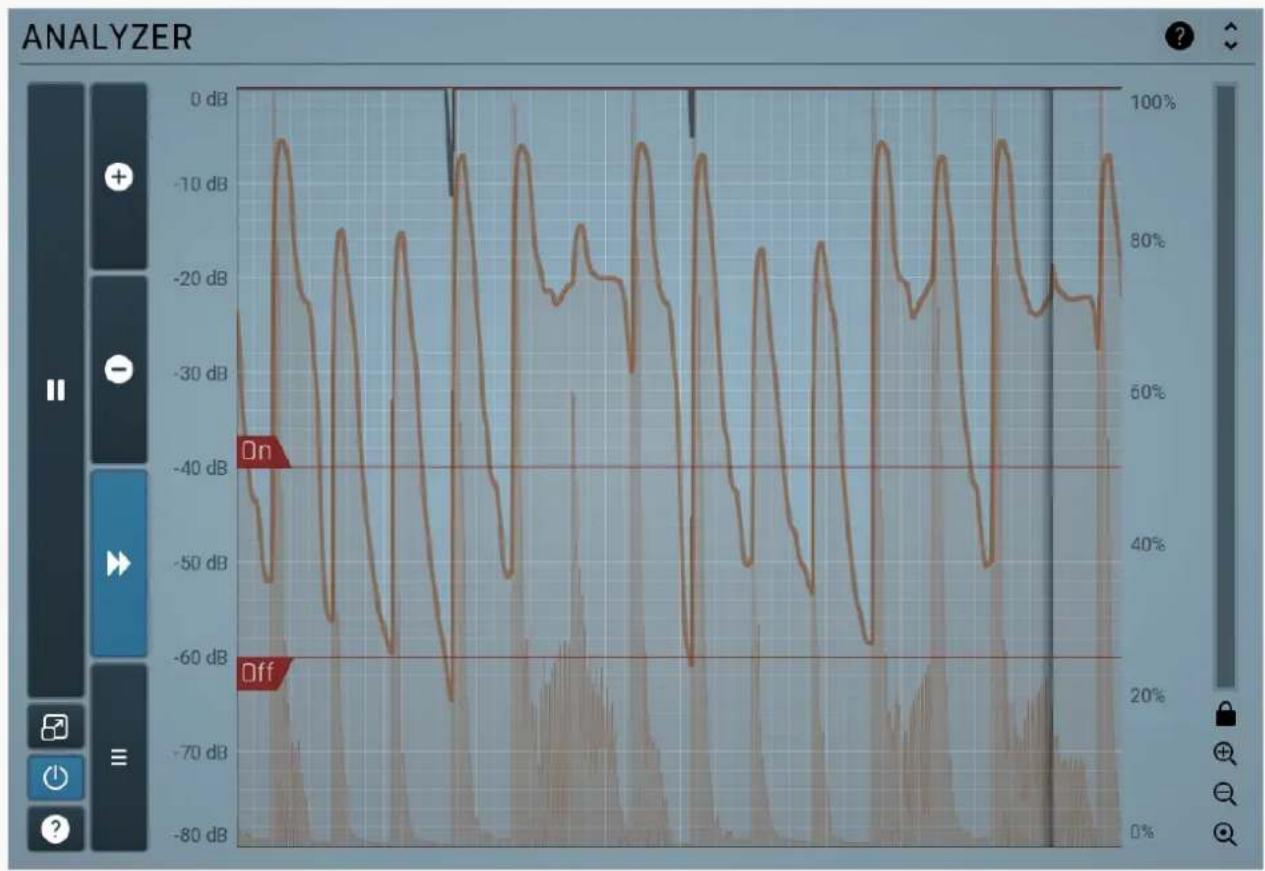
line
| Time | Amplitude (dB) | |------|----------------| | 0 | -80 | | 10 | -70 | | 20 | -60 | | 30 | -50 | | 40 | -40 | | 50 | -30 | | 60 | -20 | | 70 | -10 | | 80 | 0 |Analyzer panel
Analyzer panel contains the metering system showing the envelope level. It is indispensable when setting up the envelope. The orange graph (assuming the default color) displays the measured level, which depends on the detector parameters, such as RMS length. Its purpose is to smooth the input and to avoid extremely fast fluctuations. The main goal will be to set the Threshold On and Threshold Off properly, so that the events are well detected and there are no false events. Both parameters can be adjusted directly from the graph. In most cases the threshold on will be placed above the threshold off. The white graph (assuming the default color) displays the modulator values. It includes all the processing that affects the modulator including LFO modulation and Project features.

natural_image
Vertical dark blue gradient bar with a single white double vertical line on the right side (no text or symbols)Pause
Pause button pauses the processing.

Popup
Popup button shows a pop-up window and moves the whole metering / time-graph system into it. This is especially useful in cases where you cannot enlarge the meters within the main window or such a task is too complicated. The pop-up window can be arbitrarily resized. In metering mode it is useful for easier reading from a distance for example. In time-graph mode it is useful for getting higher accuracy and a longer time perspective.

Enable
Enable button enables or disables the metering system. You can disable it to save system resources.
line
| Time | Value (dB) | |------|------------| | 0 | -10 | | 10 | -30 | | 20 | -50 | | 30 | -70 | | 40 | -90 | | 50 | -110 | | 60 | -130 | | 70 | -150 | | 80 | -170 | | 90 | -190 | | 100 | -210 | | 110 | -230 | | 120 | -250 | | 130 | -270 | | 140 | -290 | | 150 | -310 | | 160 | -330 | | 170 | -350 | | 180 | -370 | | 190 | -390 | | 200 | -410 | | 210 | -430 | | 220 | -450 | | 230 | -470 | | 240 | -490 | | 250 | -510 | | 260 | -530 | | 270 | -550 | | 280 | -570 | | 290 | -590 | | 300 | -610 | | 310 | -630 | | 320 | -650 | | 330 | -670 | | 340 | -690 | | 350 | -710 | | 360 | -730 | | 370 | -750 | | 380 | -770 | | 390 | -790 | | 400 | -810 | | 410 | -830 | | 420 | -850 | | 430 | -870 | | 440 | -890 | | 450 | -910 | | 460 | -930 | | 470 | -950 | | 480 | -970 | | 490 | -990 | | 500 | -1010 | | 510 | -1030 | | 520 | -1050 | | 530 | -1070 | | 540 | -1090 | | 550 | -1110 | | 560 | -1130 | | 570 | -1150 | | 580 | -1170 | | 590 | -1190 | | 600 | -1210 | | 610 | -1230 | | 620 | -1250 | | 630 | -1270 | | 640 | -1290 | | 650 | -1310 | | 660 | -1330 | | 670 | -1350 | | 680 | -1370 | | 690 | -1390 | | 700 | -1410 | | 710 | -1430 | | 720 | -1450 | | 730 | -1470 | | 740 | -1490 | | 750 | -1510 | | 760 | -1530 | | 770 | -1550 | | 780 | -1570 | | 790 | -1590 | | 800 | -1610 | | 810 | -1630 | | 820 | -1650 | | 830 | -1670 | | 840 | -1690 | | 850 | -1710 | | 860 | -1730 | | 870 | -1750 | | 880 | -1770 | | 890 | -1790 | | 900 | -1810 | | 910 | -1830 | | 920 | -1850 | | 930 | -1870 | | 940 | -1890 | | 950 | -1910 | | 960 | -1930 | | 970 | -1950 | | 980 | -1970 | | 990 | -1990 | | 100+ | -2.2 |Time-graph view
Time-graph view shows the measurements over a period of time.

Plus
Plus button increases the time-graph speed (reduces the period that is displayed).

Minus
Minus button decreases the time-graph speed (increases the period that is displayed).

Rewind
Rewind button enables or disables the time-graph static mode. In static mode the graphs are fixed and the current position cycles from left to right; otherwise the graphs move from right to left and the current position is fixed (at the right-hand side).

Menu
Menu button displays the time-graph settings. In this window you can control which graphs are displayed, the speed and other relevant parameters.
Random mode
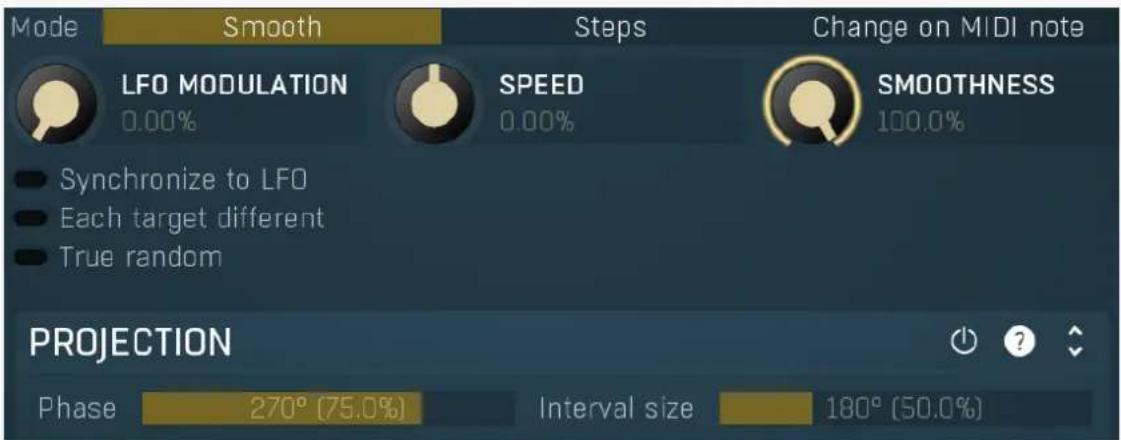
Random mode makes the modulator generate a pseudorandom sequence. Please note that despite its name, it is created so that it generates the same sequence every time. However the generator is linked to the Speed parameter, so if you change it, the whole sequence changes.
Mode Smooth Steps Change on MIDI note Mode
Mode defines the behaviour of the randomizer.
Smooth produces a continuous random modulation. Smoothness then controls how smooth it will be, where 0% means it will connect distinct values by straight lines, 100% means the modulation will be a completely smooth curve walking through these random points.
Steps produces a step change every particular time interval. It can also granularize it to s specified number of possible values according to Smoothness value. 100% disables the granularization. Otherwise the number of steps is the number of percentage values, so 3% means there will be 3 possible values, equally distributed over the range, let's call them 0%, 50% and 100%. Since it doesn't make sense to have 0 or 1 steps, the minimum is always 2. 2 steps essentially means the modulator is randomly switching between the minimum and maximum values for all associated parameters.
Change on MIDI note generates a random value every time a MIDI note is received by the plugin.

LFO modulation
LFO modulation defines the amount of LFO modulation applied in addition to the random generator. With 0% the modulator uses only the randomizer; with 100% the modulator does the same job as if the modulator were in Normal mode. To set the LFO parameters switch to normal mode temporarily.
Range: 0.00% to 100.0%, default 0.00%
Speed
Speed defines the speed of the random changes proportional to the current tempo. 0% means that the speed is the same as your song's tempo.
Range: -1000.0% to 1000.0%, default 0.00%

Smoothness
Smoothness defines the amount of smoothing of the randomizer curve in order to minimize abrupt edges.
Range: 0.00% to 100.0%, default 100.0%
- Synchronize to LFO Synchronize to
LFO
Synchronize to LFO lets you synchronize the speed of the random sequence to LFO (Normal mode), hence also to your host. Speed is still applicable and, for example, +100% means 2x speed, +200% means 4x the speed etc.
Each target different Each target
different
Each target different transforms value for each target, so that you can easily produce lots of different random values.
True random True random
True random makes the modulator produce a true pseudo-random sequence independent of the current position within the project. By default this is disabled, so that every time you play your project, it sounds the same. But you might want to enable this option, for live performances for example.
Projection panel

Projection panel contains parameters of projection onto the LFO oscillator shape, which takes the value generated by the modulator and puts it onto the LFO oscillator shape. This features is useful for several creative effects.

Enable
Enable button enables or disables the projection onto the LFO oscillator shape.
Phase
270° (75.0%)
Phase
Phase defines the offset from zero of the signal curve. By default it is 75%, because when you look at common oscillator shapes, such as a sine or triangle, at position 75% its value is minimal. Then when you look at the right side, the value is growing up to the 25%, where it becomes the maximum.
Range: 0 ^ (0%) to 360 ^ (100.0%), default 270 ^ (75.0%)
Interval size
180° [50.0%]
Interval
Interval defines the size of the interval from the oscillator shape in addition to Phase. As a result, phase defines where you start on the shape and interval specifies size of the window on the shape. Default value is 50% as for example sine grows from minimum to maximum in 50% of the period.
Range: 0 ^ (0%) to 720 ^ (200.0%), default 180 ^ (50.0%)
Pitch mode
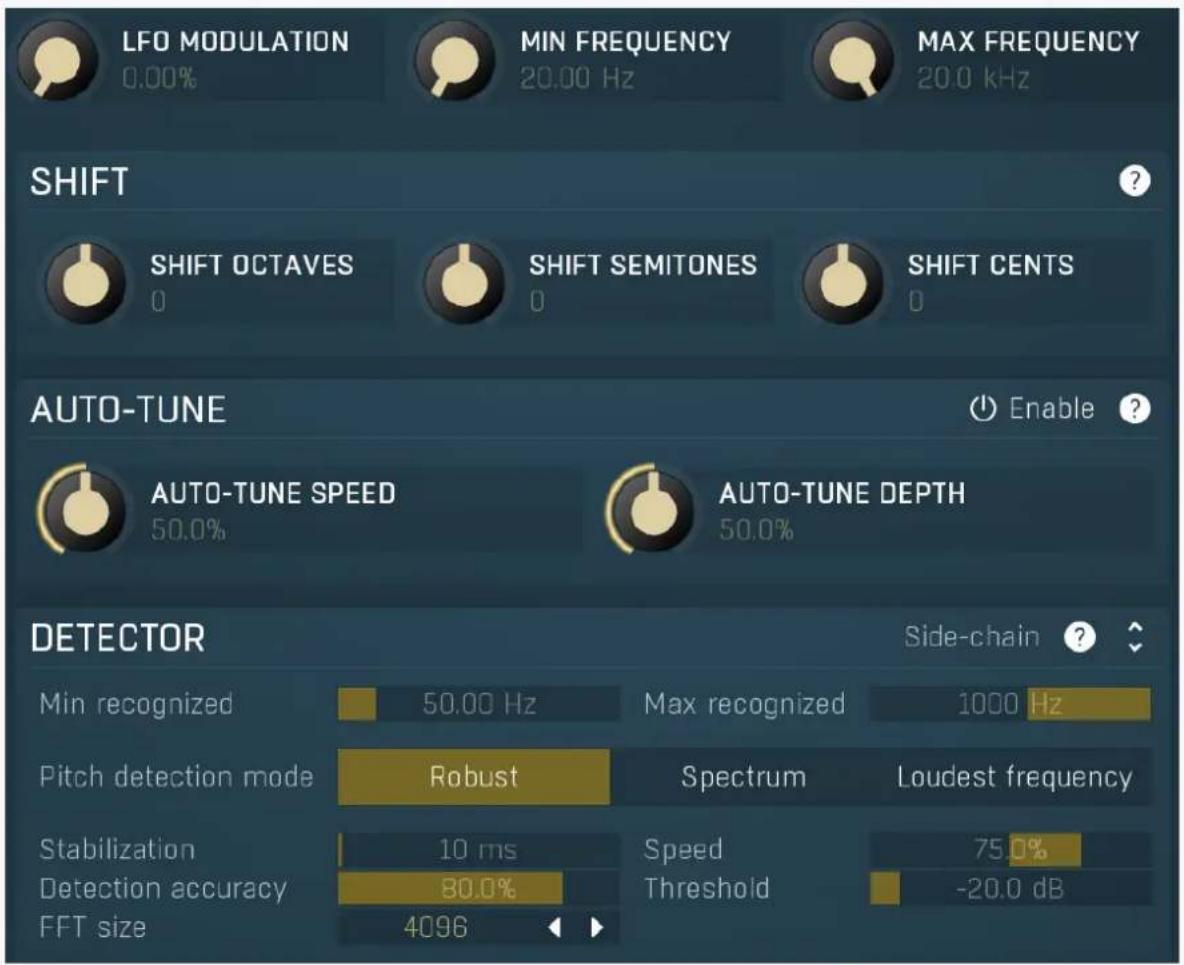
Pitch mode makes the modulator detect the input pitch.

LFO MODULATION
0.00%
LFO modulation
LFO modulation defines the amount of LFO modulation applied in addition to the pitch detector. With 0% the modulator uses only the pitch detector; with 100% the modulator does the same job as if the modulator were in Normal mode. To set the LFO parameters switch to normal mode temporarily.
Range: 0.00% to 100.0%, default 0.00%

MIN FREQUENCY
20.00 Hz
Min frequency
Min frequency defines the frequency, which will cause the modulated parameters to have their minimum values. This basically manipulates the range of the parameters, but it is based on the frequency rather than on parameter values.
Range: 20.00 Hz to 20.0 kHz, default 20.00 Hz

MAX FREQUENCY
20.0 kHz
Max frequency
Max frequency defines the frequency, which will cause the modulated parameters to have their maximum values. This basically manipulates the range of the parameters, but it is based on the frequency rather than on parameter values.
Range: 20.00 Hz to 20.0 kHz, default 20.0 kHz
Shift panel
SHIFT

SHIFT OCTAVES
0

SHIFT SEMITONES
0

SHIFT CENTS
B
Shift panel lets you shift the detected frequency by specified different amounts. All of its parameters do basically the same thing, but in different units.
SHIFT OCTAVES
0
Octaves
Octaves shifts the detected pitch by the specified number of octaves.
Range: -10 to +10, default 0
SHIFT SEMITONES
U
Semitones
Semitones shifts the detected pitch by the specified number of semitones.
Range: -24 to +24, default 0
SHIFT CENTS
U
Cents
Cents shifts the detected pitch by the specified number of cents of a semitone. The actual pitch change is the sum of these 3 control values.
Range: -100.0 to +100.0, default 0
Auto-tune panel
AUTO-TUNE

AUTO-TUNE SPEED
50.0%

AUTO-TUNE DEPTH
50.0%

Enable

Auto-tune panel contains the automatic tuner parameters. When the pitch detector computes the pitch of the input signal, it can further adjust this value in the same way as an automatic tuner plugin, such as MAutoPitch, works. Note that there are no modifications to the input signal, only the pitch is detected differently.
Enable
Enable
Enable button enables or disables the auto-tuner.

AUTO-TUNE SPEED
50.0%
Speed
Speed defines how quickly the plugin adjusts, when a note has been changed. Higher speed makes the results immediately in tune, but can cause less natural results.
Range: 0.00% to 100.0%, default 50.0%
AUTO-TUNE DEPTH
50.0%
Depth
Depth defines how accurate the output should be. With 100% depth the output of the detector shall be exactly in tune. With a lower depth the plugin tolerates more deviation.
Range: 0.00% to 100.0%, default 50.0%
Detector panel
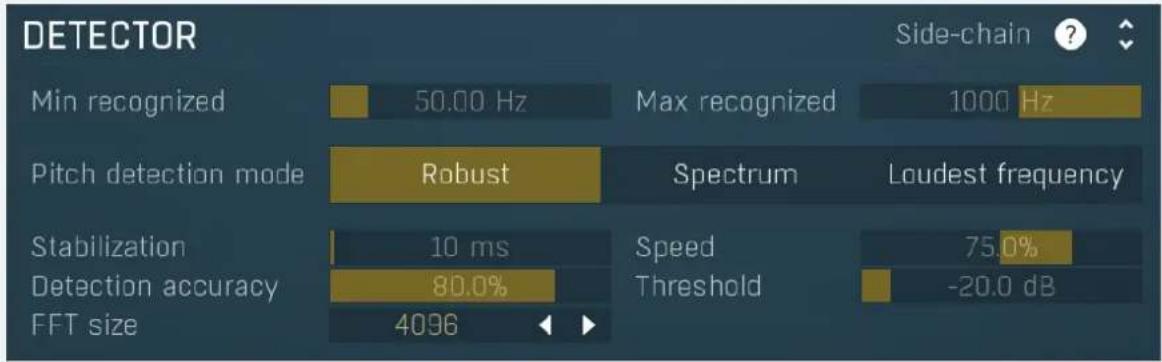
Detector panel contains parameters affecting the pitch detection. You can use them to make the detector work well with your audio material.
Side-chain
Side-chain input
Side-chain input makes the modulator analyze the side-chain input instead of the regular input.
Min recognized
50.00 Hz
Min frequency
Min frequency defines the minimum recognizable frequency. Any frequency below this value will be considered an error and ignored. For example the fundamental frequency of female vocals rarely goes below 100 Hz, so it may be useful to set this value to this limit to ensure that the detector won't pick up hum or vocal tract noises.
Range: 20.00 Hz to 20.0 kHz, default 50.00 Hz
Max recognized
1000 Hz
Max frequency
Max frequency defines the maximum recognizable frequency. Any frequency above this value will be considered an error and ignored. For example the fundamental frequency of any vocal rarely goes above 1000 Hz, so it may be useful to set this value to this limit to ensure the detector won't pick harmonics as fundamental.
The pitch detector uses a smart search for fundamentals and avoids harmonics. However if you set this value higher than 2200Hz, it's technically impossible to avoid picking harmonics, so this smart search is disabled. This may be useful for scientific audio analysis, but is not desired for common audio processing.
Range: 20.00 Hz to 20.0 kHz, default 1000 Hz
Pitch detection mode
Robust
Spectrum
Loudest frequency
Pitch
detection mode
Pitch detection mode controls the way the pitch is detected. By default the Robust algorithm is used, which takes into account both spectrum and time properties of the audio signal. In most signals the fundamental frequency is related to the loudest harmonics as well, so normally the engine analyses these relations to find the most probable fundamental. However in some instruments such as bells, there may be lots of inharmonic content available and not so many harmonics, which may confuse the engine. In that case try some of the other modes to see which works the best.
Stabilization
10 ms
Stabilization
Stabilization specifies how quickly can the pitch make bigger changes. This can be useful for more complicated material, such as voice, which often contains short pieces of inharmonic material, which would normally make the detector jump too quickly. Range: 0 ms to 1000 ms, default 10 ms
Speed
75.0%
Speed
Speed specifies how quickly the pitch can change. By lowering this value the pitch won't be able to change so quickly, which can improve audio quality when modulating parameters, which are not handling abrupt changes well. It can also be used creatively. Range: 0.00% to 100.0%, default 75.0%
Detection accuracy
80.0%
Accuracy
Accuracy defines how quickly and accurately the detector will work at the expense of higher CPU usage. Range: 0.00% to 100.0%, default 80.0%
Threshold
-20.0 dB
Threshold
Threshold controls the minimum input level for the pitch to change. This is provided to minimize artifacts caused by the beginning and ending sections of vocals for example, where the pitch usually fluctuates a lot. It also makes the detector ignore noise in-between actual performances. Range: silence to 0.00 dB, default -20.0 dB
FFT size
4096

FFT size
FFT size defines the resolution of the pitch detector (for 44/48kHz sampling rates, automatically converted when needed). The higher it is, the more accurate the pitch will be, but its response will also be slower. Range: 256 to 16384, default 4096
MultiParameter editor
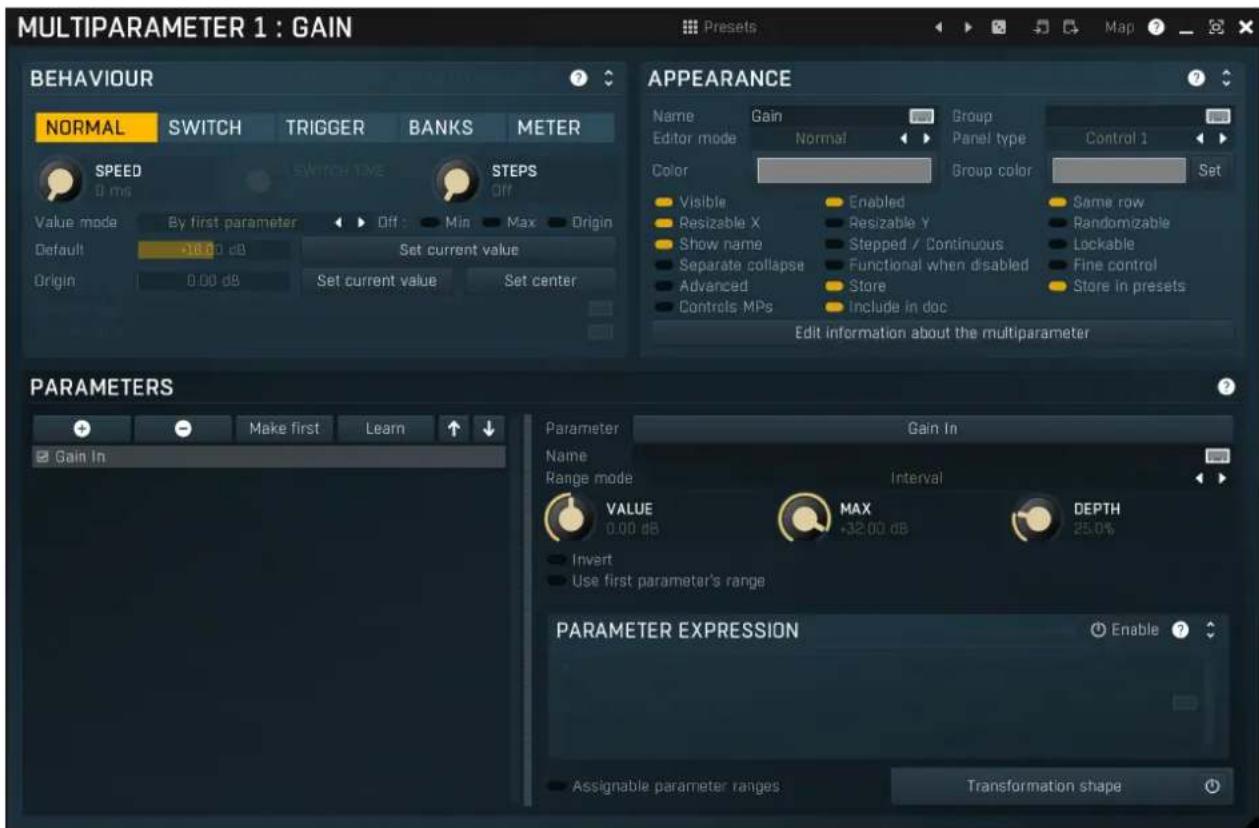
Multiparameter is a powerful structure, which can speed up your workflow significantly and even perform automatic tasks, often useful when performing in real-time for example. Essentially a multiparameter is a controller which controls other parameters, in fact, an unlimited number of them. Each parameter has limits and potentially a transformation curve for more advanced processing. By manually moving the multiparameter (or automating/modulating it) you can control all of the associated parameters at once.
This is just the beginning, but it is worth demonstrating how it could be used. We will show it on a vibrato effect. MVibratoMB (and partly MVibrato) is very good at simulating rotary speakers. A rotary speaker traditionally contains a speed switch, or in our case we will think of it as a speed knob - a control that alters the spin speed of the rotary. This would normally be the Rate parameter of the vibrato. However, when the rate is increased, the vibrato starts changing the pitch too much, sounding a little too "honky-tonk". We can compensate for this by lowering the Depth parameter. As it is not very convenient to control 2 parameters at once, we use a multiparameter to control both parameters with appropriate ranges (ascending for the Rate and descending for the Depth).
Besides this basic usage, multiparameters can also work as triggers and switches. Set a multiparameter's mode to Trigger or Switch and it stops being a slider and becomes a button. When you click the button, the multiparameter starts moving on its own - over the dialled-in switch time it will increase its value (and also the values of any associated parameters) to a maximum and, in the case of trigger mode, then decrease it back to a minimum. In switch mode clicking the button again, the multiparameter decreases back to the minimum value. To make the multiparameter into a simple switch, we can set the switch time to minimum, but in this case we want to extend the functionality in our rotary example.
As mentioned, rotary speakers often have a speed switch. Once switched on, the speed starts increasing until it reaches the "fast" setting, and when switched off, the speed starts decreasing to the original "slow" rate. All we need to do to replicate this functionality is to set the multiparameter's mode to 'switch'.
A real rotary actually has 2 speakers, one for low frequencies and the other for the higher ones. As you might expect, these do not have the same spin rate nor do they speed up or slow down equally either. Here is where we can start showing the true potential of multiparameters.
To simulate this, we have to use two bands of MVibratoMB, the first one will simulate the lower reproductor, and the second will be the higher. We use the first multiparameter to control the first band's rate in the same way as described in the example above. Similarly, we use the second multiparameter to control the second band's rate. Now we have 2 switches and can make each band speed-up or slow-down separately, but we want just one switch for both bands. To do this, we use a third multiparameter to control the first and second multiparameters, in switch mode again but with a 0ms switch time. Pressing the button of the 3rd multiparameter instantly activates the other 2 multiparameters, they both start speeding-up, over a different time period as we requested. Pressing the button again, releases it which also instantly releases the first 2 multiparameters and they start slowing down. Just like the real thing.
Now that we have shown you what is possible with multiparameters, it is worth mentioning that they are used extensively for building devices on the easy screens of most Melda plugins. Every multiparameter given a name in the Information panel will be shown on the Easy screen (if the plugin has one). Check our online video tutorials to get more information about multiparameters and building devices.
It is also worth mentioning that you can access the multiparameter settings directly from easy screen by holding Ctrl+Alt and clicking on the target control. It may simplify building devices. Note that this may not work for some editor modes such as meters or bar graphs.

Presets
Presets
Presets button displays a window where you can load and manage available presets. Hold Ctrl when clicking to load a random preset instead.

Left arrow
Left arrow button loads the previous preset.

Right arrow
Right arrow button loads the next preset.

Randomize
Randomize button loads a random preset.

Copy
Copy button copies the settings onto the system clipboard.

Paste
Paste button loads the settings from the system clipboard.

Map
Map button displays all current mappings of modulators, multiparameters and MIDI (whichever subsystems the plugin provides).
Behaviour
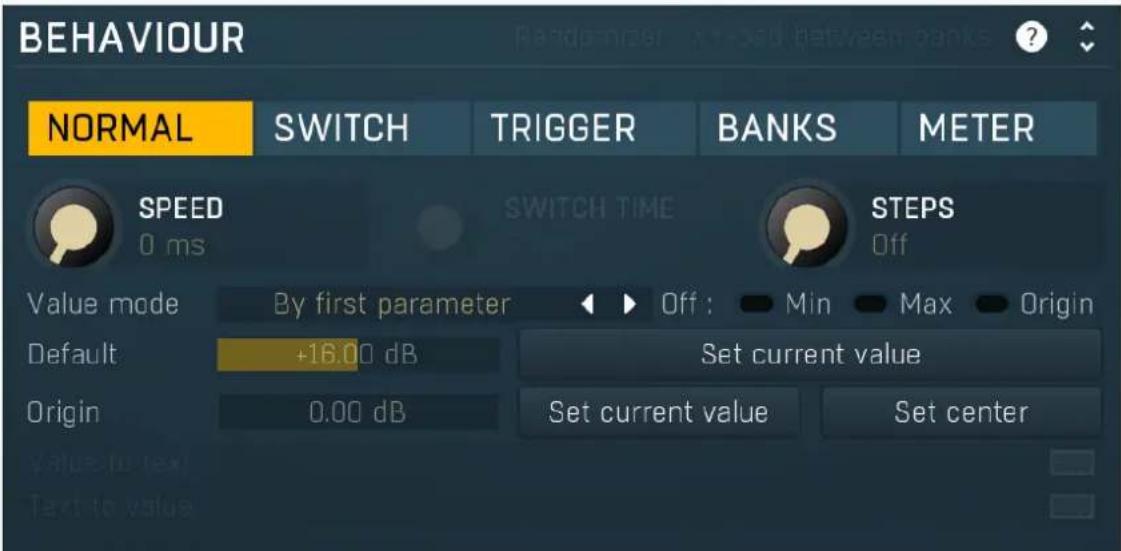

Randomizer
Randomizer switch is available only for Trigger mode and it makes the multiparameter produce random values for each associated parameters. This is useful to implement some sort of randomization feature, which covers a set of parameters. You usually want to set the Switch time to 0, so that the randomization is instant, but longer values may be useful for some creative effects.

XY-pad between banks
XY-pad between banks switch is available only for Banks mode and it lets you create XY pads, that would interpolate between 3 or more banks that you specify. With 4 banks the engine creates a classic XY pad, where the 1st bank belongs to the left top corner, 2nd to the right top, 3rd to left bottom and 4th to the right bottom. With more banks the engine creates a circular pad with vertices associated to individual banks.
Please note that in order for this to work, the multiparameter actual needs 2 multiparameters (X and Y values), hence must NOT be the
last one and it occupies the next multiparameter as well. It is recommended to name the next multiparameter and associate it to some parameters, ideally the same ones, just to make sure the engine won't remove it. But in fact only the first multiparameter will actually be working.
NORMAL
SWITCH
TRIGGER
BANKS
METER
Mode
Mode controls the behaviour of the multiparameter.
Normal mode makes the multiparameter work like any other control.
Switch mode hides the slider and shows a button instead. The button has 2 states. By pushing the button, the multiparameter value starts rising from 0% to 100% over a specified time interval. By pushing it again the value starts falling back to 0%. You could do the same thing having the multiparameter in normal mode and moving the slider from left to right and then back, but mode this performs that automatically and maintains a constant time period.
Trigger mode is similar to switch mode, but the button has only a single state and when you push it, the value automatically goes from 0% to 100% and then back without any need to push the button again.
Banks mode is very different. A multiparameter in banks mode keeps several states (called banks) for all of the parameters, much like A-H presets, but only with a limited set of parameters. The multiparameter then morphs between the banks or can be set to switch directly between them (no interpolated values). This is a marvellous way to control many parameters with complex settings by using a single multiparameter.
Let's explain the banks mode in more detail. Say you switch a multiparameter to banks mode, learn a few parameters and set the number of banks to 4. Then bank 1 contains a value for all of the parameters. Similarly bank 2 contains a different value for each of them. And so on. If you set the multiparameter slider to 0% , the associated parameters will be set to values in bank 1. If you set the slider to 100% , bank 4 will be used. If you set the slider to 33.3% , bank 2 will be used. And what if you select 50% ? Then it will be halfway between bank 2 and bank 3.
You can have many banks, you can edit each of them, generate random settings etc. So let's say you want to create some complex movement. You use a multiparameter in banks mode, select a reasonable number of banks. You can edit each of them, but it is easier to use the randomization button to generate random settings for each of them. Then every time you move the multiparameter, all of the associated parameters will move, somewhere between the banks. You can then use a modulator or automation to slowly adjust the multiparameter.
Meter mode makes the multiparameter work as a meter. Instead of controlling other parameters it starts following the value of them. You can then use that to implement a simple meter on the easy screen (if the plugin has one).

SPEED
0 ms
Speed
Speed controls the interpolation time. When it is zero and you change the multiparameter value, the associated parameters are adjusted immediately. If this is non-zero however, the actual parameters won't change immediately but will interpolate over time. The speed value is actually the time needed to go from minimum to maximum or vice versa. So if this is 1 second and the current value is say 0% and you click 100% , it will take 1 second for the multiparameter to get there.
This feature is provided mainly because changing some parameter via MIDI or mouse may cause unnecessary zipper noise or inaccuracies due to low MIDI precision. Using the interpolation you can somewhat slow everything down, so that the artifacts become negligible. It can also be used creatively. The default value has been experimentally tested to avoid all artifacts for most parameters.

SWITCH TIME
Switch time
Switch time defines the time needed to switch from the minimum value to the maximum one, or conversely. It is used only in switch and trigger modes.

STEPS
Off
Steps
Steps lets you create an arbitrary number of equi-distant steps for the multiparameter values. While this technically limits the possibilities of the multiparameter by limiting the number of accessible values, it is sometimes easier to choose from a predefined number of options than from the full range. If you want to use different ranges between the steps, use the Banks mode with Interpolate values disabled.
By first parameter

Value mode
Value mode defines the units displayed on the multiparameter.
Percents mode lets the multiparameter display percentages between 0% to 100%.
Percents (-100% to 100%) displays percentages between -100% to 100%.
By first parameter mode uses the current value of the first parameter that is controlled by the multiparameter. For example, if you want to control a plugin gain, but also in addition to the changed gain control other parameters, you may still want to call the multiparameter ("gain\" and the units should be decibels as usual, not percentages which do not make much sense for such a multiparameter."
By bank name displays the name of the nearest bank. In some controls, such as switchers, it is possible to display the set of the values as a menu. The menu is created automatically and it even creates groups for better clarity, based on the prefix of the bank
names. You can use ' # ' (hashtag surrounded by spaces) to define the groups manually like this: "group # name". For example, you can name one bank "Main group # First bank" and another "Main group # Second bank", and these will be displayed in a single group in the menu. If you are going to use this method, make sure the ' # ' sequence is present in each bank's name.
By bank name interpolated considers name of all banks numbers. It then interpolates between them and displays the result as a number.
By bank name interpolated log is similar, but interpolates the values in logarithmic domain.considers name of all banks numbers. It's useful for units, which are naturally logarithmics, such as frequency.
By bank number shows the index of the nearest bank.
Expression lets you formulate the value -> text and back using mathematical expressions and can be used for some more complex MPs or if you need some custom units.
Default
+16.00 dB
Default
Default controls the default value of the multiparameter. You can edit it directly or just set the MP into its reasonable default and click the Set current value. Most GUI components created for the multiparameter respond to right-click by setting the default value in the same way that other parameters do. It is essential for user experience when building your own devices.
Set current value
Set current value
Set current value stores the current value as the default one for the multiparameter.
Origin
0.00 dB
Origin
Origin informs the GUI engine of the origin of the value. For instance, a default value for panorama is in the center and it is logical that visual elements controlling panorama should somehow highlight the center position. If, for example, you are using a value button to edit the panorama, by default it displays the current value using a bar starting from the left side (being the origin defined as minimum) towards the actual value, but here it is better to display the bar from the center towards the current value, whether it is on the left or right of the center. Therefore the center should be the origin.
Set current value
Set current value
Set current value stores the current value as the origin for the multiparameter.
Set center
Set center
Set center sets the center (50%) as the origin for the multiparameter. This is often the case for parameters such as gain and panorama, so it deserves a dedicated button. It is supported only for knobs.
Value to text
Value to text is available only with Expression Value mode and lets you enter a text featuring mathematical expressions to produce the units. This can be used for more complex multiparameters. The text itself is just another text, but it can contain substrings of this structure:
{expression}
or
{expression;decimals}
where expression is the actual mathematical expression and decimals is the number of decimal places in the resulting value. Here is the list of variables available for each expression:
x = the multiparameter value in 0..1
sr = current sampling rate
Functions and features of the expressions are available below. Now let's see a few examples:
Test: {x} - produces "Test: 0.12" (with MP value 0.1234)
x (x*100;0%) - produces "0.12 (12%)" (with MP value 0.1234)
{ffrom01(x);1} Hz - produces say "215.56 Hz" ("20.0 Hz" for MP value 0 and "20000.0 Hz" for MP value 1)
{todb(sqr(x));4} dB - produces "-12.0412 dB" for 0.5. "sqr" is used to mimic the transformation used in pretty much every Volume parameter in MeldaProduction plugins.
Expression evaluator uses traditional C/C++ style formatting, which is natural for most people. It provides arithmetics, logical and conditional operators. Following terms are supported:
Constants: pi, e, sqrt2, ln2
Arithmetic operators:
-a inverts the sign, e.g. "-x" produces +2 for x=-2
a+b = addition
a-b = subtraction
a*b = multiplication
a/b = division
a%b = modulo, remainder after division
a^b = power, e.g. "2^3" produces 2*2*2 = 8
Arithmetic functions:
min(a,b) = minimum of both values
max(a,b) = maximum of both values
limit(a,min,max) = a limited into the interval min..max
to01(a,min,max) = converts "a" as min..max to 0..1
from01(a,min,max) = converts "a" as 0..1 to min..max
tom11(a,min,max) = converts "a" as min..max to -1..1
fromm11(a,min,max) = converts "a" as -1..1 to min..max
Basic mathematic functions: abs(x) = absolute value , e.g. abs(-3) = 3 sqr(x) = x^x sqrt(x) = square root exp(x) = natural exponential e^ (x) = natural logarithm log10(x) = logarithm with base 10 log(x, base) = logarithm with specified base inv(x) = 1/x sgn(x) = sign of x, -1 or 0 or +1 depending on x^x round(x) = rounding to the nearest value floor(x) = rounding to the nearest lower value, e.g. floor(-2.3) = -3 ceil(x) = rounding to the nearest higher value, e.g. ceil(-2.3) = -2 rand(x) = random value from 0 to x
Functions for specific units:
f01(a) = converts "a" as frequency from 20...20000 into log scale 0..1
ffrom01(a) = converts "a" as 0..1 (log scale) to frequency from 20...20000
todb(a) = converts "a" as multiplier to dB value by calculating "20*log10(a)"
fromdb(a) = converts "a" as dB value to multiplier by calculating "10^(a/20)"
Trigonometric functions: (x) , asin(x) , (x) , acos(x) , (x) , atan(x) , (x) , (x) , (x)
Logical operators:
a==b = comparison producing 1 if "a" and "b" are equal, 0 otherwise
a!=b = comparison producing 1 if "a" and "b" are NOT equal, 0 otherwise
a<b = comparison producing 1 if "a" is lower than "b", 0 otherwise
a<=b = comparison producing 1 if "a" is lower or equal to "b", 0 otherwise
a>b = comparison producing 1 if "a" is greater than "b", 0 otherwise
a>=b = comparison producing 1 if "a" is greater or equal to "b", 0 otherwise
!a = logical negation, 0 produces 1, 0 otherwise
a&&b = logical AND, produces 1 if both "a" and "b" are nonzero
a||b = logical OR, produces 1 if any of "a" and "b" are nonzero
a^^b = logical XOR, produces 1 if "a" and "b" are logically different
a ? b : c = if a is nonzero, then the result is b, otherwise it is c}}
Text to value
Text to value is available only with Expression Value mode and lets you convert a number user enters as a text input into the multiparameter value in 0..1. This can be used for more complex multiparameters. Unlike Value to text here you need to enter a single expression, no need for any other text. If the resulting value exceeds the 0..1 interval, it is automatically limited. Here is the list of variables available for the expression:
x = the value the user entered
sr = current sampling rate
Functions and features of the expressions are available below. Now let's see a few examples:
x - sets MP to 0.1234 if the user entered "0.1234"
x/100 - sets MP to 0.1234 if the user entered "12.34" (or "12.34%" for example)
fto01(x) - sets MP to the proper frequency in log scale, e.g. 20 is translated to 0, 20000 to 1
fromdb(sqrt(x)) - sets MP to 0.5 if the user entered "-12.0412" (or "-12.0412 dB" for example). "sqrt" is used to mimic the transformation used in pretty much every Volume parameter in MeldaProduction plugins.
Expression evaluator uses traditional C/C++ style formatting, which is natural for most people. It provides arithmetics, logical and conditional operators. Following terms are supported:
Constants: pi, e, sqrt2, ln2
Arithmetic operators:
-a inverts the sign, e.g. "-x" produces +2 for x=-2
a+b = addition
a-b = subtraction
a*b = multiplication
a/b = division
a%b = modulo, remainder after division
a^b = power, e.g. "2^3" produces 2*2*2 = 8
Arithmetic functions:
min(a,b) = minimum of both values
max(a,b) = maximum of both values
limit(a,min,max) = a limited into the interval min..max
to01(a,min,max) = converts "a" as min..max to 0..1
from01(a,min,max) = converts "a" as 0..1 to min..max
tom11(a,min,max) = converts "a" as min..max to -1..1
fromm11(a,min,max) = converts "a" as -1..1 to min..max
Basic mathematic functions: abs(x) = absolute value , e.g. abs(-3) = 3 sqr(x) = xx sqrt(x) = square root exp(x) = natural exponential e^x ln(x) = natural logarithm log10(x) = logarithm with base 10 log(x, base) = logarithm with specified base inv(x) = 1/x sgn(x) = sign of x, -1 or 0 or +1 depending on xx round(x) = rounding to the nearest value floor(x) = rounding to the nearest lower value, e.g. floor(-2.3) = -3 ceil(x) = rounding to the nearest higher value, e.g. ceil(-2.3) = -2 rand(x) = random value from 0 to x
Functions for specific units:
f01(a) = converts "a" as frequency from 20...20000 into log scale 0..1
ffrom01(a) = converts "a" as 0..1 (log scale) to frequency from 20...20000
todb(a) = converts "a" as multiplier to dB value by calculating "20*log10(a)"
fromdb(a) = converts "a" as dB value to multiplier by calculating "10^(a/20)"
Trigonometric functions: (x) , asin(x) , (x) , acos(x) , (x) , atan(x) , (x) , (x) , (x)
Logical operators:
a==b = comparison producing 1 if "a" and "b" are equal, 0 otherwise
a!=b = comparison producing 1 if "a" and "b" are NOT equal, 0 otherwise
a<b = comparison producing 1 if "a" is lower than "b", 0 otherwise
a<=b = comparison producing 1 if "a" is lower or equal to "b", 0 otherwise
a>b = comparison producing 1 if "a" is greater than "b", 0 otherwise
a>=b = comparison producing 1 if "a" is greater or equal to "b", 0 otherwise
!a = logical negation, 0 produces 1, 0 otherwise
a&&b = logical AND, produces 1 if both "a" and "b" are nonzero
a||b = logical OR, produces 1 if any of "a" and "b" are nonzero
a^^b = logical XOR, produces 1 if "a" and "b" are logically different
a ? b : c = if a is nonzero, then the result is b, otherwise it is c}}
Appearance
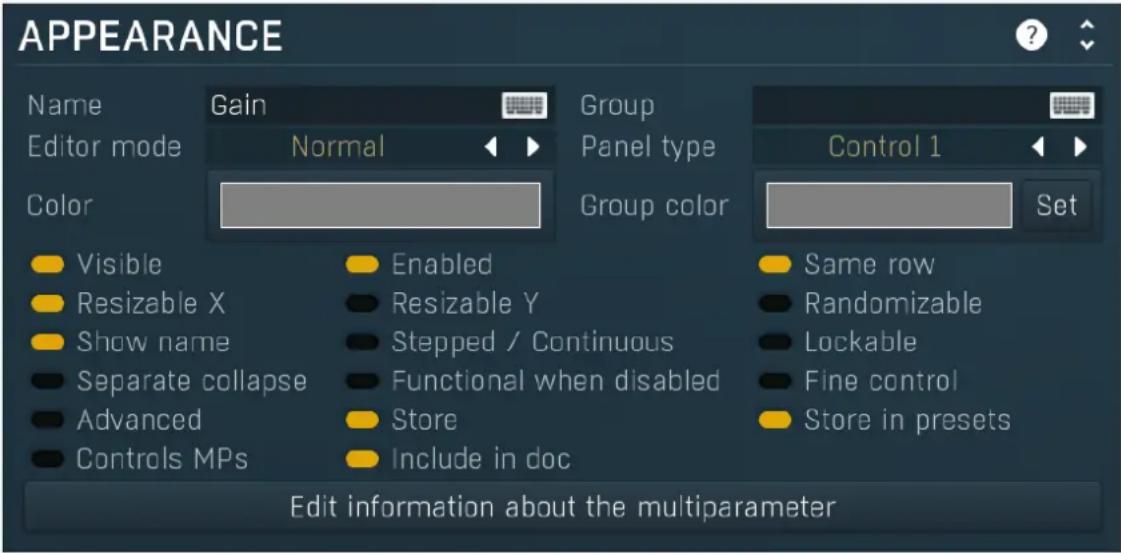
Name
Gain

Name
Name specifies the name of the multiparameter, which is shown on the multiparameter button. The name is also used for devices - the multiparameter serves as a parameter for the device (on the Easy screen). If no name is specified or if the first character is an *, then the parameter is hidden. This is useful if you need some internal multiparameters which you don't want to show on the Easy screen for some reason.
Group

Group
Group can be used to put some multiparameters into the same group, which results in them being placed in the same panel on the Easy screen (the device editor). Additionally you can actually place the groups into tabs by setting group to "tabname#groupname". The name of the tab needs to be there only for the first parameter of the new group. This makes it possible to build a complex devices with dozens of parameters.
Editor mode
Normal

Editor mode
Editor mode controls the way the multiparameter are to be displayed on the Easy screen.
Normal is the default mode and is represented by a small knob or button.
Big mode is similar, but uses a big knob or big button.
Button mode displays a value button, which is usually more compact than knobs.
Check-boxes makes the multiparameter displayed as a set of checkboxes (also called radio buttons). It is relevant only in Banks mode.
Check-boxes horiz & below is similar but displays the checkboxes in a single row, hence horizontally. Below mark makes the label underneath the actual checkbox.
Switcher and Selectors are useful for selecting a number of discrete values and similarly to check-boxes these are working only in Banks mode.
Title button places the control into the title bar of the panel to which it belongs.
Title enable button places the control into the title bar of the panel to which it belongs and makes it a standard enable button (which also makes all controls within the panel unavailable if it is itself disabled).
XY pad creates a 2 dimensional XY pad control, that edits this multiparameter in the X axis and the next multiparameter in the Y axis. There are multiple versions of this control, all of them differ only by size.
Spacer is a helper mode for device design, which doesn't display anything and only keeps empty space.
Meter creates a simple meter instead. You will probably want to set the multiparameter to Meter mode as well or attach it to a modulator. Meters don't really control anything and their purpose is purely to get a visual feedback. The meters can be horizontal or vertical and they can be up or down. Up is the usual choice useful for peak meters for example. Down is useful for gain reduction meters.
Bars start/end mode creates an editor, similar to step sequencer editor, where each parameter has its own bar. The Bars start starts the editor and all multiparameters are then added to it until a multiparameter with Bars end mode is found or until there are no remaining multiparameters. Note that this kind of editor doesn't show units and may have several other limitations.
Order is a very specific editor for Order modules available in modular systems such as MXXX. It lets you provide an processing order editor on the easy screen. To use it, attach the MP to Order parameter of the Order module and edit the MP information field, so that it contains all the items to be ordered, separated by ';'. The number of items must match the number of items in the Order module, otherwise the order won't work properly. You can also include colors for each item separated by # (hexa or one of the predefined set: Dynamics, Distortion, Modulation, Stereo, Spectral, Synthesis, Instrument, MDrummer, Reverb, Delay, EQ, Filter, Saturation, Limit, Time, Pitch, FX) and enable MP indices.
Example of the info: Compressor#Dynamics;EQ#EQ;Limiter#007F7F;Something
Panel type Control 1
Panel type
Panel type defines the type of panel in which multiple controls of the same group are placed. These differ only in their graphics display.
Color
Color
Color defines colorization for the element on the Easy screen (if the plugin has one). The feature is disabled if the Alpha value of the color is 0. Using this feature often increases memory consumption of the plugin, so make sure you use it only if necessary and try to use as low a number of different colors as possible. It is recommended to use only the snapshot colors to make sure the same colors are used in most cases, reducing the memory consumption. It is also highly recommended to use colors with a value (lightness) of 128 (the middle value), which makes sure that the lightness of the elements won't be changed. This works best for most styles. Please note that the style may be configured to simply ignore this color, so there may be no change at all. If you use this feature, make sure that you test it with all styles.
For the sake of workflow the colors have predefined meanings. It's highly recommended to follow this standard:
Orange - dynamics
Green - equalization, filtering
Brown/yellow - reverb, delay
Blue - modulation
Red - limiting, saturation, distortion
Cyan/yellow - stereo
Purple/pink - time, pitch, unison...
Grey - utilities, tools
Group color
Set
Group color
Group color defines colorization for the group panel on the Easy screen (if the plugin has one) and is ignored for all multiparameters except for the first one in a group. The feature is disabled if the Alpha value of the color is 0. Using this feature often increases memory consumption of the plugin, so make sure you use it only if necessary and try to use as low number of different colors as possible. It is recommended to use only the snapshot colors to make sure the same colors are used in most cases, reducing the memory consumption. It is also highly recommended to use colors with a value (lightness) of 128 (the middle value), which makes sure that the lightness of the elements won't be changed. This works best for most styles. Please note that the style may be configured to simply ignore this color, so there may be no change at all. If you use this feature, make sure you test it with all styles.
For the sake of workflow the colors have predefined meanings. It's highly recommended to follow this standard:
Orange - dynamics
Green - equalization, filtering
Brown/yellow - reverb, delay
Blue - modulation
Red - limiting, saturation, distortion
Cyan/yellow - stereo
Purple/pink - time, pitch, unison...
Grey - utilities, tools
Set
Set
Set button sets the color and group color for all multiparameters in the same group. It is pretty sensible to do that as all controls should look similar within each group. This can also be done by editing each parameter, but this way is easier.

Visible
Visible
Visible checkbox controls if the parameter is visible on the Easy screen (if the plugin has one). Its effect is similar to the '*' prefix in the parameter name, but the multiparameter's name is also available to the plug-in host. This is useful when you wish to automate that multiparameter from the host but not show it on the Easy screen. This parameter can also be attached to another multiparameter for example in order to change the GUI somehow.

Enabled
Enabled
Enabled switch enables/disables the multiparameter. If disabled, it is grayed on the easy screen.

Same row
Same row
Same row checkbox defines if the parameter should be displayed next to the previous one on the Easy screen. Otherwise it will be placed on the next row. This setting serves as a hint and the plugin may ignore it, if it is impossible to do.

Resizable X
Resizable X
Resizable X switch lets you specify if the panel could be resized. It is on by default to make sure everything gets resized, however when using multiple panels next to each other, it may be advantageous to disable resizing of some of them to save space. Otherwise each panel's size is proportional to number of controls it contains, which could make some of the panels larger than actually necessary.

Resizable Y
Resizable Y
Resizable Y switch lets you specify if the panel could be resized vertically. It is off by default to make sure everything has the minimum size it requires, but for aesthetic reasons you may want to make all groups on the same row the same size even if the controls inside them are not.

Randomizable
Randomizable
Randomizable option defines if the multiparameter can be randomized on the easy screen. You may want to disable this for input/output gain for example.

Show name
Show name
Show name option lets you show or hide the name of the multiparameter for some editor modes. The option has no effect for several editor modes.

Stepped / Continuous
Stepped / Continuous
Stepped / Continuous option tells the engine that the multiparameter can be in 2 modes, stepped or continuous. If so, it is assumed that you either used Banks mode or Steps to produce some sort of predefined set of values for the stepped mode. By enabling this option you allow the engine to convert the multiparameter to continuous mode by either ignoring the steps or interpolating the bank values. It can be used when designing devices.

Lockable
Lockable
Lockable option creates a lock button next to the parameter on the Easy screen, allowing the user to browse through presets without this parameter changing. Please note that this feature is available only for some editor modes.
When the parameter is first locked on the Easy screen it is added to the set of lockable parameters (which are listed in the Global Lock window).

Separate collapse
Separate collapse
Separate collapse checkbox makes the panel collapsable separately on the Easy screen. By default it is disabled and that makes the engine find all panels on the same row and collapse all of then or none of them.

Functional when disabled
Functional when disabled
Functional when disabled switch makes the multiparameter work even when disabled. This may be useful in some complex scenarios, where you need to make the MP control the target parameters and only use the Enabled flag to grey out the controls on the easy screen.

Fine control
Fine control
Fine control switch makes the multiparameter editor steps extra small, which is useful, when you need very high precision. This is often handy when using banks mode with many banks interpolating.

Advance
Advanced
Advanced switch makes the multiparameter 'advanced', disabled by default. If such an multiparameter exists, the engine also creates a button to show/hide all advanced multiparameters. In effect this lets you create a simple GUI with optional advanced controls.

Store
Store
Store makes the multiparameter stored. Relevant when creating devices. In some rare cases you may want to disable this, e.g. if the value is a meter or somehow it just doesn't need to be save at all.

Store in presets
Store in presets
Store in presets makes the multiparameter stored in presets. Relevant when creating devices. In some cases you may want to store the value, but ignore it when browsing presets. For instance, input gain may be ignored if the user is supposed to set the gain to some predefined value and then browse the presets without changing that gain.

Controls MPs
Controls MPs
Controls MPs informs the engine that this MP is controlling other multiparameters. As such it shouldn't be 'invoked' unless it is explicitly touched by the user. This is relevant for example when it is used in a device with a device presets - loading a device preset invokes all relevant MPs, so that the state of the device is remembered properly, but invoking this one would actually make things incorrect.

Include in doc
Include in doc
Include in doc makes the multiparameter's help included in the documentation / panel help. You may want to disable this if there are multiple 'identical' controls with the exact same help info, for all of them except for one.
about the multiparameter
Edit information about the multiparameter lets you edit the information displayed as help for the multiparameter control on the easy screen. It can use a simplified HTML format, but in practice only following tags are likely to be useful:
= bold text
= italic text
For example:
When Order control is used, the first line of the information can contain additional info of ";" separated individual items in the following format:
name{#hexcolor}{*index of the enable MP} where {} denotes an optional item.
For example: Reverb;EQ#7F0000;Flanger#007F00*3
In this example, the order is probably used to control order of effects. When the order MP value is set to 0, Reverb is the first, with no specific color and no MP to enable/disable it. Flanger is next, the color is red, but no enable either. Finally Flanger is the third, it is green and MP3 is used to enable/disable it.
Parameters panel
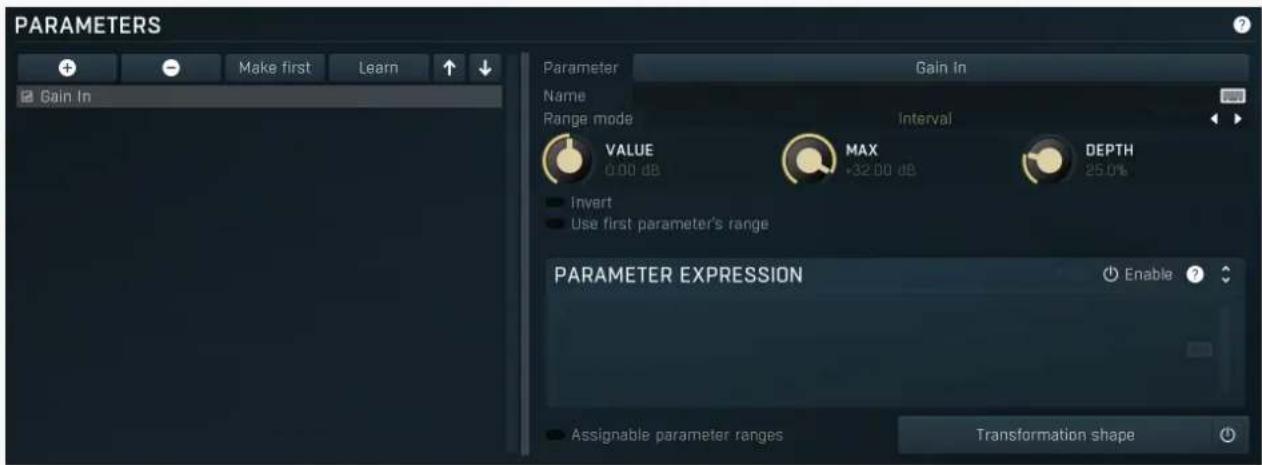
Parameters panel configures how the multiparameter assigns values to the target parameters.
Add
Add button adds a parameter to the list of controlled parameters. Alternatively you can use the learn feature available by right-clicking the multiparameter button.

Delete
Delete button deletes the selected parameter from the list of controlled parameters.
Make first
Make first
Make first button moves the selected parameter to the first item in the list. This is useful for sake of the By first parameter value mode, which makes the multiparameter show the units of the first parameter in the list. Please note that if you have some other multiparameter, modulator or another subsystem access the ranges of individual parameters, this function will reorder them, so these connections will no longer be correct.
Learn
Learn
Learn button starts or stops the learning. Click it, then move some parameters in the plugin, then click it again. Learning can also be accessed from the global multiparameter menu.

Up
Up button moves the selected parameter up one item, if possible. This may be useful when keeping things organized, but please note that if you have some other multiparameter, modulator or another subsystem access the ranges of individual parameters, this function will reorder them, so these connections will no longer be correct.

Down
Down button moves the selected parameter down one item, if possible. This may be useful when keeping things organized, but please note that if you have some other multiparameter, modulator or another subsystem access the ranges of individual parameters, this function will reorder them, so these connections will no longer be correct.
Parameter
Gain In
Parameter
Parameter defines the target parameter which is being modulated. The set contains all automatable parameters.
Name

Name
Name lets you name the parameter somehow and may be helpful in situations, where there are many parameters being edited without obvious meanings.
Assignable parameter ranges
Assignable parameter ranges
Assignable parameter ranges allows you to assign parameter ranges of several first parameters to other subsystems such as multiparameters or modulators. By default it is disabled, which removes all the relevant parameters to save valuable resources. This feature is available only if automation compatibility mode for V10 is disabled.
Transformation shape

Transformation shape
Transformation shape button displays the graph editor, which lets you tweak the shape of the curve used to control the selected parameter. The X axis shows the original values, the Y axis defines the results. Please note that this takes some CPU, therefore you have to enable it using the enable button in the title bar.
Range mode
Interval

Range mode
Range mode defines how the parameter range is selected. While sometimes it is better to specify minimum and maximum, other times it is better to use a nominal center and depth (\% of full scale). This control allows you to define which one it will be.
Up and down mode makes the values go above and below the selected Value, which is considered the center. The interval is made smaller if necessary.
Full range mode is similar, except the range is symmetrically constrained, so the selected Value may not be the center anymore.
Up/down only modes goes from the selected value up/down only.
Let's compare these 4 modes. Taking a value of -12dB value, with a depth of 75% and a scale of +/- 24dB. The nominal range is therefore = +/-24 dB * 75% = 36dB. With values of 0%, 50% and 100% the outputs are:
Up and down: -24, -12, 0 (range constrained to 12 dB either side)
Full range: -24, -6, 12 (range limited to minimum, but not constrained)
Up only: -12, 6, 24 (range not constrained = +/-24 dB * 75% = 36dB)
Down only: -12, -18, -24 (range limited to minimum)
Interval mode is the most simple one and goes from Value to Maximal value.
VALUE
0.00 dB
Value
Value defines the center of the target parameter's range or the minimum if the Range mode is set to Interval.

MAX
+32.00 dB
Maximal value
Maximal value defines the upper limit of the target parameter's range. It is available only if the Range mode is set to Interval. This value can be lower than Value. 0% is always mapped to reference>Value and 100% to reference>Maximal value.
DEPTH
25.0%
Depth
Depth defines size of the target parameter's range. It is used only if the Range mode is not set to Interval.
Invert
Invert
Invert checkbox inverts the target parameter's range, so that minimum becomes maximum and vice versa.
Use first parameter's range
Use
first parameter's range
Use first parameter's range makes the parameter display use the same range as the first parameter in the list. This is often useful if want to control the range in some way and apply the range to multiple parameters.
Parameter expression
PARAMETER EXPRESSION
Enable

Parameter expression panel lets you provide an algebraic expression for computing the final parameter value. Here are several predefined variables you can use in your expressions (# denotes a positive integer number):
x contains the current multiparameter value (in Meter mode it contains the parameter value);
p# contains the current value of the parameter number # in the parameter list (e.g. "p2+p3" computes the sum of values of parameters 2 and 3 in the parameter list);
mp# contains the current value of the multiparameter number #.
For example, an expression "(x+p2+mp5)/3.0" calculates the average of the values of the current multiparameter, parameter number 2 in the parameter list, and the multiparameter with index 5.

natural_image
Dark, low-resolution image with no discernible text, symbols, or identifiable objects.Post
Post button toggles whether the transform and min/max range are applied to the value x before evaluating the expression (Postprocessing mode, button on), or to the result of evaluating the expression (Preprocessing mode, button off, default).
Cyclic mode
Cyclic mode
Cyclic mode switches the multiparameter into so-called cyclic mode. If you have say 4 banks, called A, B, C and D, and gradually increase the multiparameter value, it starts with A, then interpolates to B, then to C and finally to D. But after that you cannot interpolate back to A, because D is the last one, the maximum value. In cyclic mode the multiparameter behaves as if there were a clone of A at the end, hence after D is reached, the multiparameter interpolates back to A and creates a full circle A->B->C->D->A. This is handy for example if you use a saw wave modulator to drive the multiparameter and want to repeat the sequence of the banks.

Interpolate values
Interpolate values
Interpolate values controls if the parameter value is to be interpolated between the bank values or if it will take the value from the nearest bank. For example, when bank A contains the value 0% for the parameter and bank B contains 100% and you set the multiparameter to 30%, then when interpolation is enabled, 30% is selected for that parameter, when the interpolation is disabled, the nearest value, 0%, is selected. If you want the parameter to step from one bank value to another then disable interpolate values.
Set interpolate to all parameters
Set interpolate to all parameters buttons
Set interpolate to all parameters buttons sets the interpolate values setting for all parameters controlled by that multiparameter.
Bank control panel
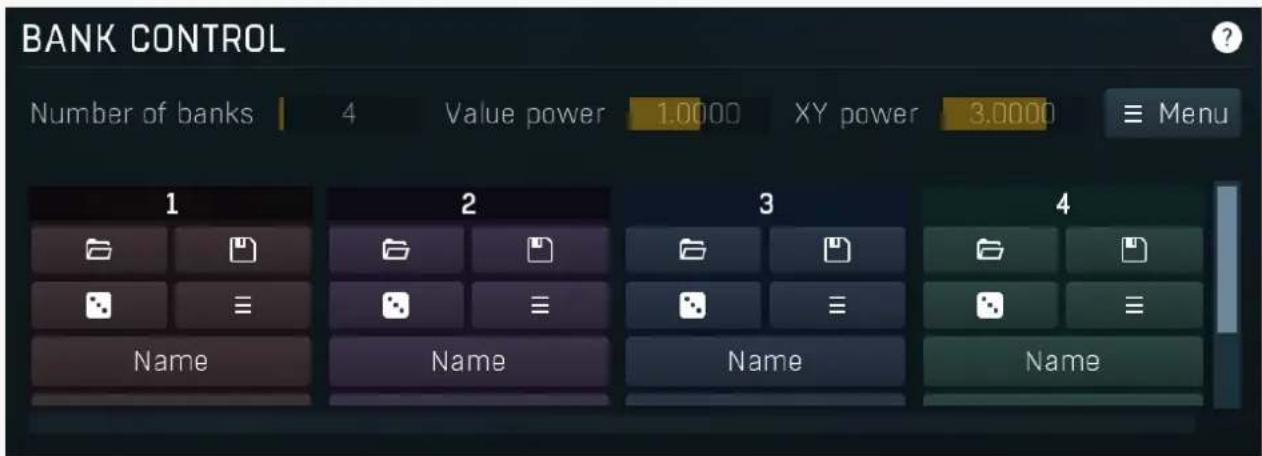
Bank control panel is available only in Banks mode and contains tools to define the banks between which the multiparameter is interpolating. The multiparameter stores parameter values for each bank. Here you can load and save these values.
Each bank has 5 buttons and a value for each controlled parameter. Click the load button to load the bank values into the plug-in. If you want to change say bank 3, you first click its load button, change whatever you need and resave the settings.
By clicking the save button you overwrite the bank's settings from those currently set in the plug-in. A typical approach to define the multiparameter's behaviour is to set the number of banks, then go to the plugin editor, set all associated parameters to the values you would like to have in bank 1 and click the save button for bank 1, then modify the parameters to whatever you want in bank 2 and click the save button for bank 2, etc.
You can also use the Random button to generate random values using the smart-randomization engine for each of the banks.
And the menu button enables you to re-order the banks
For each bank, the values for each parameter are shown and can be changed as desired.

umber of banks

Number of banks
Number of banks controls the number of settings that the multiparameter stores for all parameters. By changing the multiparameter value all associated parameters are then modified according to these settings. Please note that when you change the number of banks, the multiparameter will behave differently, because the multiparameter's range from 0% to 100% will now be distributed between a different number of presets. If you had automated the multiparameter value in your host for example you will almost certainly need to edit / rewrite the automation envelope.

alue power 1.0000
Value power
Value power lets you post-process values for each bank by specific power function. This either leads to higher values for low powers, or lower values for high powers. The same thing can be implemented using transforms, but this is much easier considering the potential number of parameters you may have there. It is especially useful for circular XY pads. Use trial-and-error approach to set this up to your liking.

power 3.0000
XY power
XY power is used only if XY-pad between banks is enabled and controls how the engine produces values for individual parameters. The higher the number is, the more will the engine separate them. Use trial-and-error approach to set this up to your liking.

Menu
Menu
Menu button provides some additional features for processing the entire set of banks.
Sort banks (up) reorders the banks so that the values of the selected parameter are in increasing order.
Sort banks (down) reorders the banks so that the values of the selected parameter are in decreasing order.
Reverse reverses the order of banks, so that the first bank contains values of the previously last one and so on.
Interpolate lets you change the number of banks, but keeps the values as they are now by calculating values of parameter for all banks. It is usually useful when you want to provide 'banks in between current banks', without manually calculating the new values.
Auto-gain (if available) temporarily enables AGC and automatically sets up the main plugin gain to each bank so that all banks provide similar output loudness. To use it, ensure that the main gain parameter is attached to the multiparameter, start playback of your sound material and press this button. It will take several seconds to complete depending on the number of the banks.
Set names by values sets the names for each bank to the values of the selected parameter. It may be handy when replicating existing parameters for example.
Load
Load button loads the bank settings by setting all associated parameters to the values in the particular bank.
Save
Save button saves the current values of all associated parameters into the particular bank. So you can edit all those parameters in the plugin then click the save button to store them in the bank.
Randomize
Randomize button loads random settings to the bank using the smart randomization engine. Only parameters associated with the multiparameter are randomized.
Generally, randomization in plug-ins works by selecting random values for all parameters, but rarely achieves satisfactory results, as the more parameters that change the more likely one will cause an unwanted effect. Our plugins employ a smart randomization engine that learns which settings are suitable for randomization (using the existing presets) and so is much more likely to create successful changes.
In addition, there are some mouse modifiers that assist this process. The smart randomization engine is used by default if no modifier keys are held.
Holding Ctrl while clicking the button constrains the randomization engine so that parameters are only modified slightly rather than completely randomized. This is suitable to create small variations of existing interesting settings.
Holding Alt while clicking the button will force the engine to use full randomization, which sets random values for all reasonable automatable parameters. This can often result in "extreme" settings. Please note that some parameters cannot be randomized this way.
Hold Shift while clicking the button to undo the previous randomization.

Menu
Menu button provides some additional options related to the bank.

Name
Name button lets you rename the bank.

Name check
Name check button lets you rename the bank. This is a secondary name used for controls such as checkboxes and selectors if defined.
Parameter lock editor
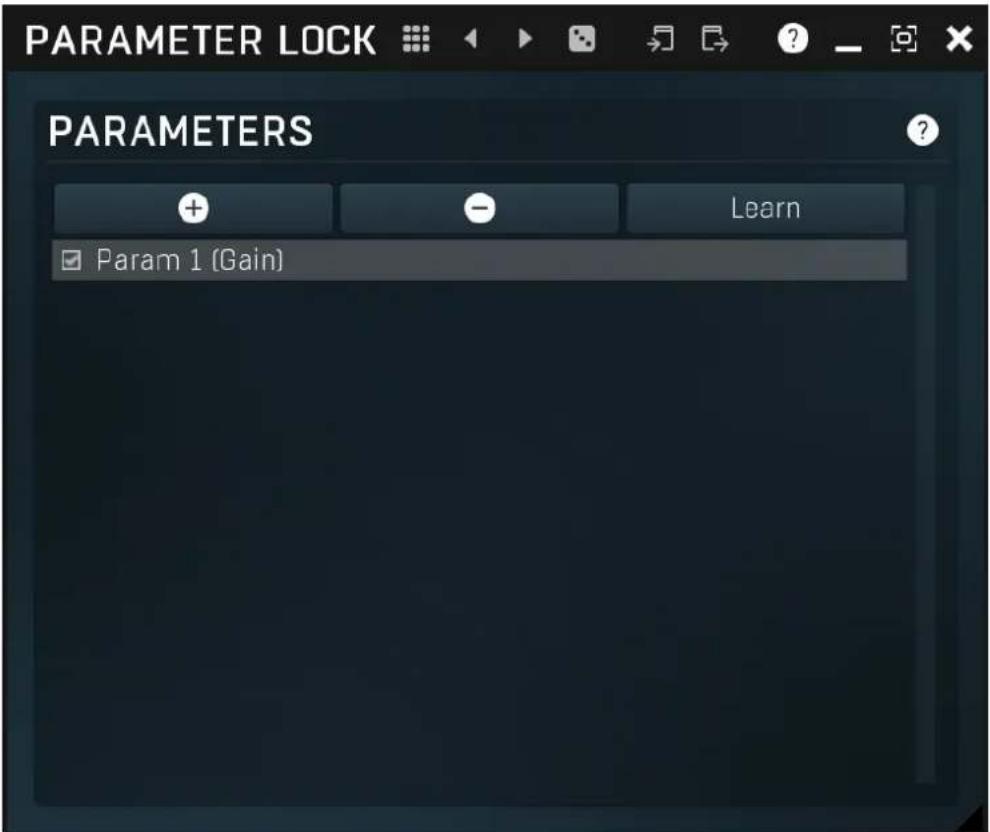
Lock provides a simple way to keep some parameters unchanged when using randomization or browsing presets. You can still change these locked parameters by adjusting the control directly. You simply use the learn feature (right click) in the same way you would with modulators or multiparameters, and touch every parameter you want to keep locked. You can also select them directly in the Parameter Lock window where you can also save them as presets, copy & paste etc. Learning mode is ended by clicking the button again. Please note that this list is not saved with global plugin presets for obvious reasons. The parameters can be locked or unlocked directly in the list or by clicking the lock button associated with the parameter on the Easy screen.

Presets
Presets button displays a window where you can load and manage available presets. Hold Ctrl when clicking to load a random preset instead.

Left arrow
Left arrow button loads the previous preset.

Right arrow
Right arrow button loads the next preset.

Randomize
Randomize button loads a random preset.

Copy
Copy button copies the settings onto the system clipboard.

Paste
Paste button loads the settings from the system clipboard.
Parameters panel
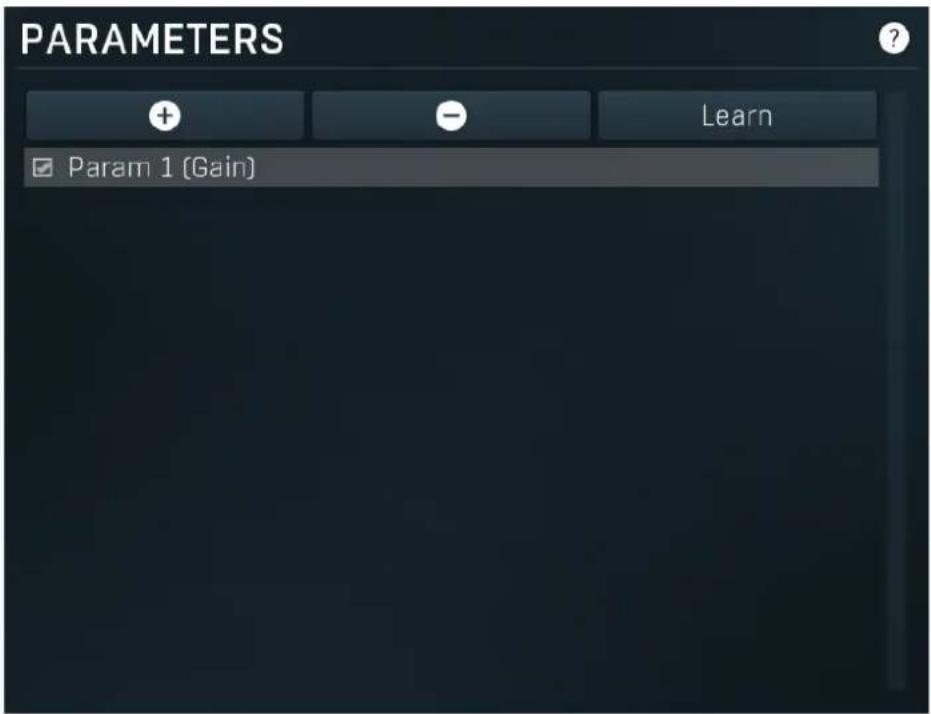
Parameters panel configures the list of the parameters which are locked.
Add
Add button adds a parameter to the list of locked parameters. Alternatively you can use the learn feature available by right-clicking the paramlock button for example.
Delete
Delete button deletes the selected parameter from the list of controlled parameters.

Learn
Learn button starts or stops the learning. Click it, then move some parameters in the plugin, then click it again. Learning can also be accessed from the global parameter lock menu.
MIDI editor
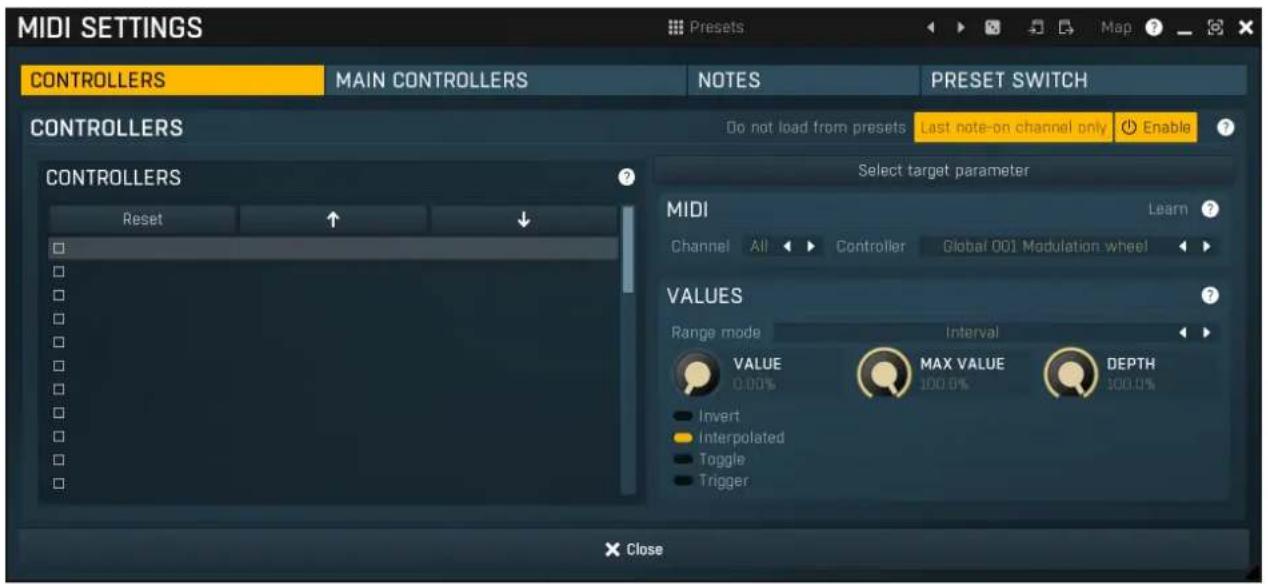
MIDI settings window lets you configure, how the plugin reacts to various MIDI messages. You can use MIDI controllers or MIDI notes and you can also configure a controller to switch between presets, which is especially useful for realtime performances.

Presets
Presets
Presets button displays a window where you can load and manage available presets. Hold Ctrl when clicking to load a random preset instead.

Left arrow
Left arrow button loads the previous preset.

Right arrow
Right arrow button loads the next preset.

Randomize
Randomize button loads a random preset.

Copy
Copy button copies the settings onto the system clipboard.

Paste
Paste button loads the settings from the system clipboard.

Map
Map button displays all current mappings of modulators, multiparameters and MIDI (whichever subsystems the plugin provides).
CONTROLLERS MAIN CONTROLLERS NOTES PRESET SWITCH Tab
selector
Tab selector switches between subsections.
Controllers panel
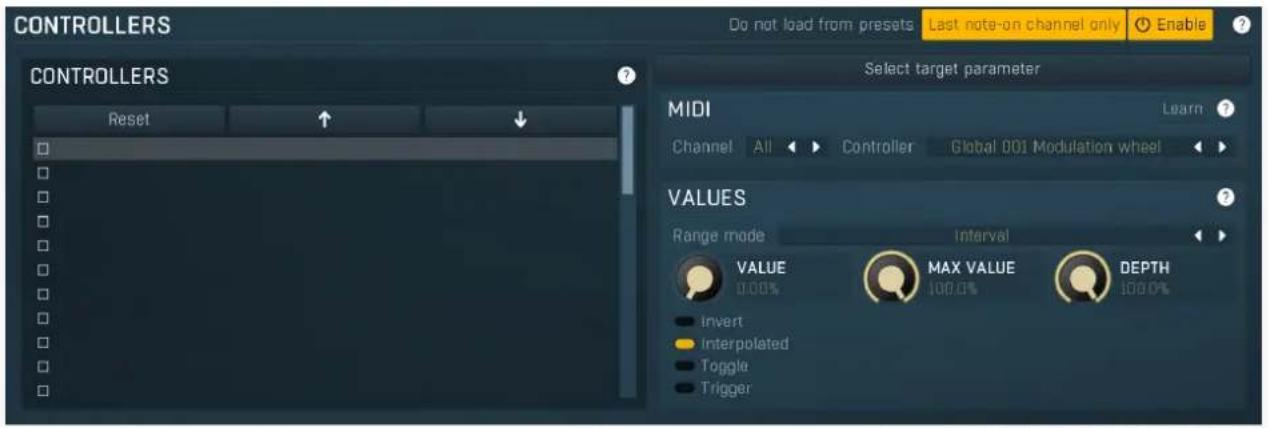
Controllers panel contains settings of MIDI controllers.
Do not load from presets
Do not load from presets
Do not load from presets button disables loading the controllers from presets. This may be handy if you have configured specific MIDI controllers with target parameters and you want to browse the presets without the need to configure them every time. Please note that some presets may rely on specific controllers though. For example, if a preset requires a velocity controller to provide velocity-dependent response, this option will avoid loading it, so the preset won't be complete, until you reconfigure it.
Last note-on channel only
Last note-on channel only
Last note-on channel only button makes the engine more suitable for voice-per-channel devices. These devices are able to send different controllers for each note you press, which however means that these could collide. This option makes the engine pass only the controllers that are related to the last note you pressed. For classic keyboards it is not relevant as you will usually use a single MIDI channel to transmit both the controllers and notes. Some more modern keyboard controllers will allow you to select one MIDI channel for the notes and a different one (or the same one) for the controllers.
Controllers
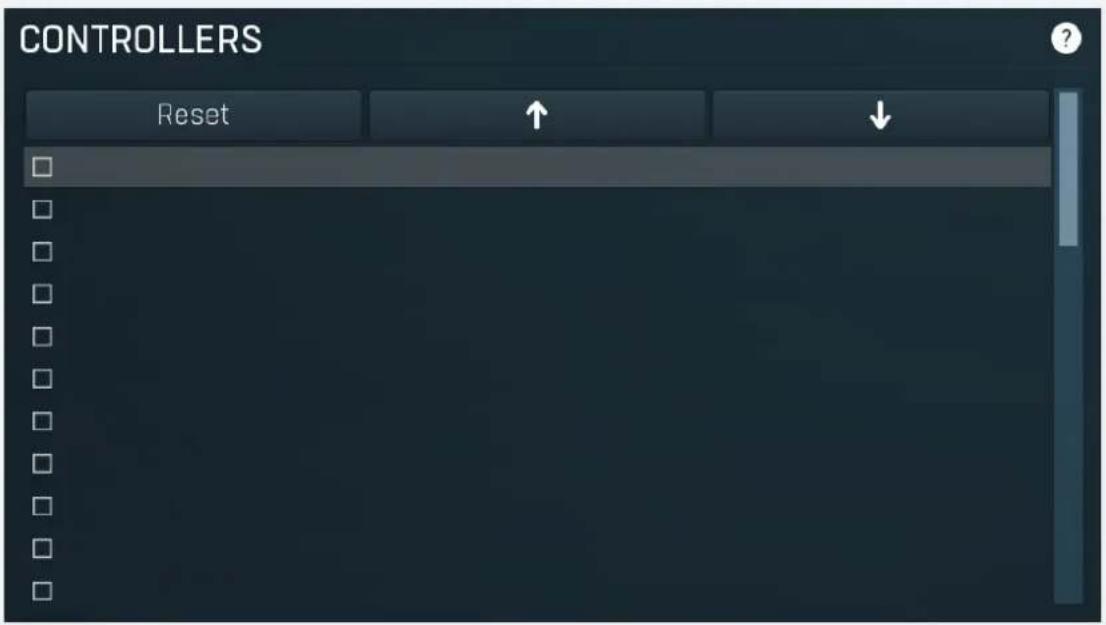
Reset
Reset
Reset button resets the selected controller to undefined state.

Up
Up button moves the selected controller up one item, if possible. This may be useful when keeping things organized, but please note that if you have some multiparameter, modulator or another subsystem access the ranges of individual controllers, this function will reorder them, so these connections will no longer be correct.

Down
Down button moves the selected controller down one item, if possible. This may be useful when keeping things organized, but please note that if you have some multiparameter, modulator or another subsystem access the ranges of individual controllers, this
function will reorder them, so these connections will no longer be correct.
Select target parameter
ParameterIndex
ParameterIndex button lets you choose the parameter being controlled. The set contains all automatable parameters.
MIDI

Learn
Learn
Learn enables or disables MIDI learn. When enabled, the plugin listens to both the MIDI CC messages from the controllers that you touch and the target parameters that you touch and associates the last-touched of each with the selected slot. You can perform several mappings by selecting another slot, adjusting a hardware controller. Then adjusting a target parameter, and repeating those steps for each mapping desired.
Channel
All
◀
Channel
Channel defines the controller MIDI channel.
Controller
Global
001 Modulation wheel

Controller
Controller defines the source controller.
Values
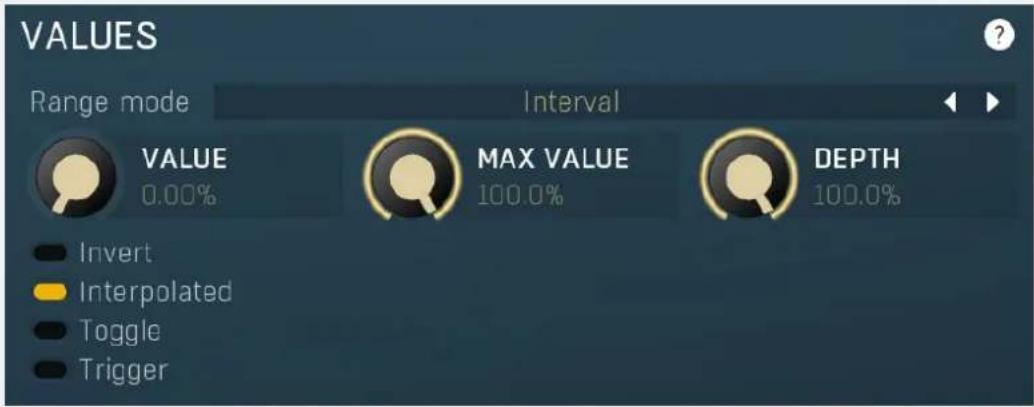
Range mode
Interval

Range mode
Range mode defines how the parameter range is selected. While sometimes it is better to specify minimum and maximum, other times it is better to use a nominal center and depth (% of full scale). This control allows you to define which one it will be.
Up and down mode makes the values go above and below the selected Value, which is considered the center. The interval is made smaller if necessary.
Full range mode is similar, except the range is symmetrically constrained, so the selected Value may not be the center anymore.
Up/down only modes goes from the selected value up/down only.
Let's compare these 4 modes. Taking a value of -12dB value, with a depth of 75% and a scale of +/- 24dB. The nominal range is therefore = +/-24 dB * 75% = 36dB. With values of 0%, 50% and 100% the outputs are:
Up and down: -24, -12, 0 (range constrained to 12 dB either side)
Full range: -24, -6, 12 (range limited to minimum, but not constrained)
Up only: -12, 6, 24 (range not constrained = +/-24 dB * 75% = 36dB)
Down only: -12, -18, -24 (range limited to minimum)
Interval mode is the most simple one and goes from Value to Maximal value.

VALUE
0.00%
Value
Value defines the center of the target parameter's range or the minimum if the Range mode is set to Interval.

MAX VALUE
100.0%
Maximal value
Maximal value defines the upper limit of the target parameter's range. It is available only if the Range mode is set to Interval. This value can be lower than Value. 0% is always mapped to reference>Value and 100% to reference>Maximal value.

DEPTH
100.0%
Depth
Depth defines size of the target parameter's range. It is used only if the Range mode is not set to Interval.

Invert
Invert
Invert checkbox inverts the controller shape, so the minimum becomes the maximum etc.

Interpolated
Interpolated
Interpolated makes the controller value interpolated over the time using the smart interpolation. This approach ensures there won't be abrupt changes, which could lead to clicks and pops. However sometimes you may want to apply these changes immediately - for example when changing ADSR based on the note velocity, in which case this parameter should be disabled.

Toggle
Toggle
Toggle mode makes the controller switch between the maximum and minimum of the target parameter whenever triggered. By default triggering it means going from values below 50% to above 50%. By enabling Trigger you can make it perform the trigger every time the value is changed.

Trigger
Trigger
Trigger mode makes the controller automatically produce maximum and the minimum right after it. It can be handy with some buggy MIDI controllers providing buttons, which however do not send value 0, and only repeat value 127. Trigger makes it behave like the minimum was actually sent by the MIDI controller a little bit after the original message.
Main controllers panel
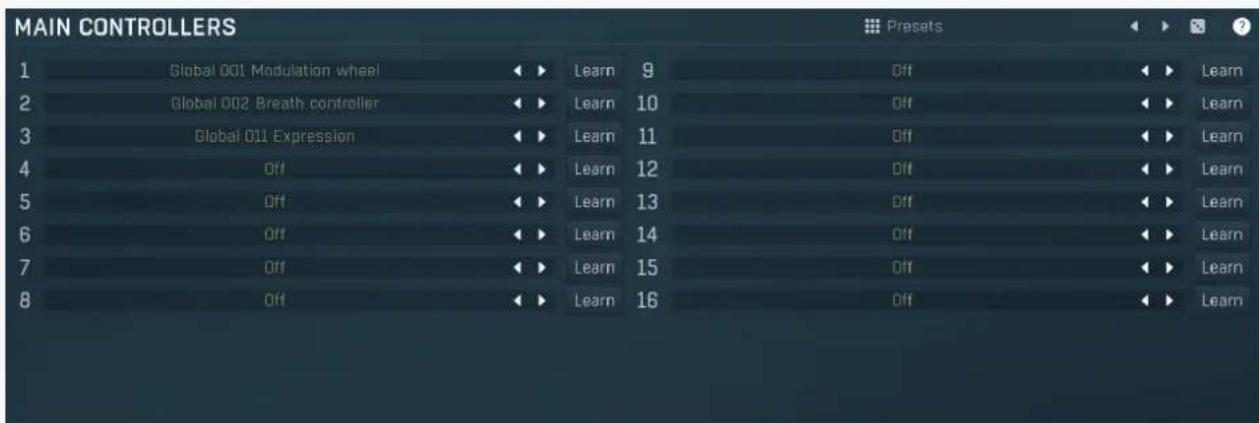
Main controllers panel lets you define the set of main MIDI controllers on your MIDI device. These are not stored with the presets, so using them lets you easily switch between MIDI controllers, create presets that will work for users of other MIDI controllers etc. Using the Main controllers is no different than using the standard MIDI controllers, but the extra 'layer' can make things simple when using multiple controllers and also in general situations where your MIDI device has several controllers with quite 'random' numbers.

Presets
Presets
Presets button displays a window where you can load and manage available presets. Hold Ctrl when clicking to load a random preset instead.

Left arrow
Left arrow button loads the previous preset.

Right arrow
Right arrow button loads the next preset.

Randomize
Randomize button loads a random preset.
Global 001 Modulation wheel

Controller
Controller defines the MIDI controller associated to this Main controller.
Learn
Learn
Learn enables or disables MIDI learn. When enabled, the plugin listens to the controllers you touch and associates them to the main controller.
Notes panel
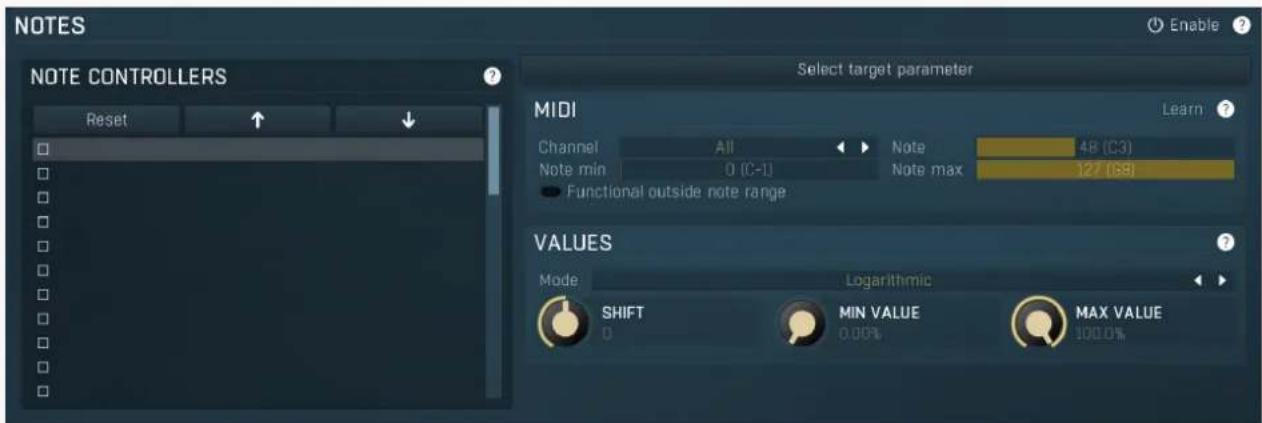
Notes panel contains settings of MIDI note controllers, if you want to control parameters using MIDI keys.
Note controllers
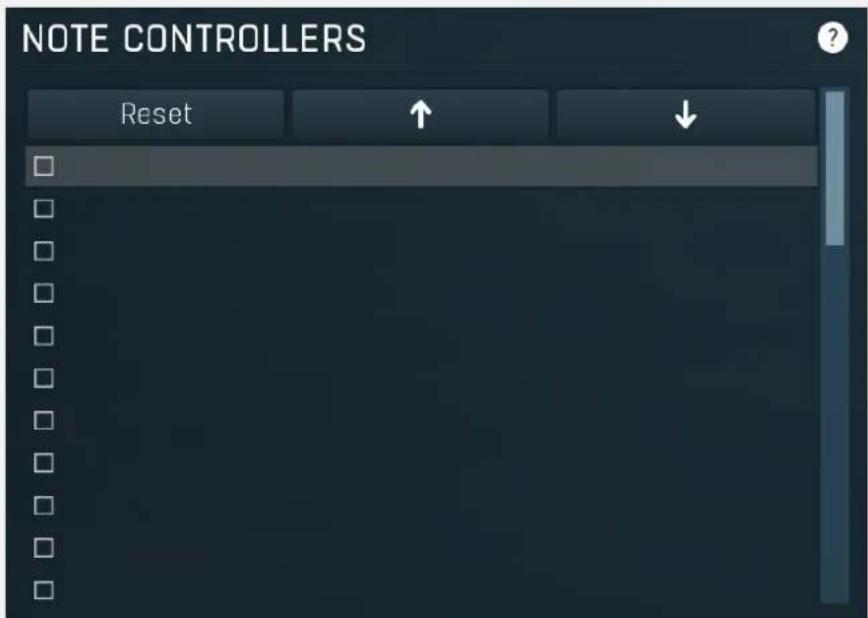
Reset
Reset
Reset button resets the selected controller to undefined state.

Up
Up button moves the selected controller up one item, if possible. This may be useful when keeping things organized, but please note that if you have some multiparameter, modulator or another subsystem access the ranges of individual controllers, this function will reorder them, so these connections will no longer be correct.

Down
Down button moves the selected controller down one item, if possible. This may be useful when keeping things organized, but please note that if you have some multiparameter, modulator or another subsystem access the ranges of individual controllers, this function will reorder them, so these connections will no longer be correct.
Select target parameter
Learn
Learn enables or disables MIDI learn. When enabled, the plugin listens to both the notes you touch and the parameters you touch and associates them with the selected slot.
MIDI
![MIDI Learn ? Channel All Note 48 [C3] Note min 0 (C-1) Note max 127 (G9) Functional outside note range](/content/2026/05/983865/images/350d23df1ea64ac4289d0220faa45de7cf072e4b39f6e27fa5cfcf38a691bb80.jpg)
Channel
All

Channel
Channel defines the controller MIDI channel.
Note
48 [C3]
Note
Note defines the controller's target MIDI note. It is used only in On/off and Switch modes, which you can set using Mode parameter (in the Values panel).
Note min
O (C-1)
Note min
Note min controls the lowest note to be used by a controller in Linear or Logarithmic mode. The minimum value of the target parameter will then be associated to this note.
If both Note min and Note max parameters are default, the plugin takes the actual frequency of each note, and transforms it into the range 20Hz to 20kHz, which is the range used by all equalizers and filters, so that you can literally play a parameter on a MIDI keyboard. If you change either of these 2 parameters however, the plugin takes the range of notes as the requested interval. This is useful for example if you have a small MIDI keyboard used for soloing and you want increase some parameter the higher you play. In the default mode it would be difficult, since the range of frequencies is much bigger than the range of your MIDI keyboard. Set the Note min and Note max to C0 and B0 respectively, the Mode to Logarithmic and select a suitable target parameter (Dry/Wet is fine). Send MIDI notes in the specified range to the plugin and you will see the target parameter increase (by 9.09% (= 100 / (12-1)) for a 100% range).
Note max
127 (G9)
Functional outside note range
Functional outside note range makes the note controller work even if the note isn't in the specified range, clamping the value to the minimum or maximum.
Values
VALUES
Mode

Logarithmic
SHIFT

MIN VALUE
0.00%

MAX VALUE
100.0%
Mode
Logarithmic
Mode
Mode controls how the controller works.
Key takes the note index and transforms it into 0..1, which is the output of any controller. This mode is useful for scale switches for example - if you want to use MIDI keys to change values linearly.
Key (in octave) is similar but it has only 12 values - one per each key and it doesn't matter which octave you press it in.
Linear converts the notes into frequencies and then transform them into the linear scale from 20Hz to 20kHz.
Logarithmic converts the notes into the frequencies and then into the logarithmic scale from (20) to (20000) . A typical use case is when you want to control an equalizer band using a MIDI keyboard. Since EQ frequencies work in logarithmic scale, this mode makes both things compatible and the EQ frequency will be set to the note frequency.
On/off modes react only to single notes and can be used for triggers. When the Note On is received the parameter is changed to its Max value and when the Note Off is received the parameter is changed to its Min value. So this mode can also be used to change between any 2 parameter values.
Switch modes are similar, but only recognize when a note is pressed. The Note Offs are ignored. Note Ons select the Max value and Min value alternately. In all octaves mode it doesn't matter which octave is used. For example, this is useful when you want to use any note C to switch something on and off.
Velocity modes do not actually follow the note number being pressed, but it's velocity instead. While you can do the same thing with normal MIDI controllers using the special Velocity controllers, this one allows you to select only some notes to follow.

SHIFT
0
Shift
Shift lets you shift the original note up or down by the specified number of semitones.

MIN VALUE
0.00%
Min value
Min value defines the minimum value for the target parameter.

MAX VALUE
100.0%
Max value
Max value defines the maximum value for the target parameter.
Enable MIDI program change
Enable
MIDI program change
Enable MIDI program change enables processing program change MIDI message.
Enable bank & program change for the categorizer
Enable
bank & program change for the categorizer
Enable bank & program change for the categorizer activates browsing devices using the bank select MIDI messages. Program change MIDI message then switches between the device presets.
Preset previous/next trigger panel

Preset previous/next trigger panel lets you select a MIDI controller, which will switch presets. It provides the same action as clicking the arrows next to the main preset button. When the controller value gets below 33%, the previous preset is loaded. When the controller value gets above 66%, the next preset is loaded.
Learn
Learn
Learn enables or disables MIDI learn.
Channel All
Channel
Channel defines the controller MIDI channel.
Controller Global 000 Bank select
Controller
Controller defines the source controller.
Simulate program change via controller panel

Simulate program change via controller panel lets you select a MIDI controller, that will work as program change, for convenience. You can use it then to switch between A-H presets or presets via panel below.

Learn
Learn enables or disables MIDI learn.

Channel
Channel defines the controller MIDI channel.

Controller
Controller defines the source controller.

Number of values
Number of values defines the number of programs to switch between. By default Program change MIDI standard offers 128 programs. However it may by too many and could be hard to actually control with the specific controller. Hence you can lower the number of actual programs.
Program change in presets panel

Program change in presets panel enables the MIDI program change processing. If disabled, the plugin follows Program Change messages by changing the A-H presets. The obvious disadvantage is that this way there are just 8 presets. By enabling this feature the plugin stops selecting A-H presets and rather loads different presets from the specified preset folder, including all sub-folders. The default folder is called "Programs". To use it, you simply need to create a preset folder called Programs and put the presets into it. Note that the order matters of course. And you can change the folder name at any time, so you can have several sets of selectable presets.

Folder
Folder defines the preset folder from which the presets for program-change MIDI messages are taken.

Channel
Channel defines the program change MIDI channel.
Used controls
Here we discuss the general properties of all application controls. As a most important rule you should note, that you can always use any question mark button or F1 (or Ctrl+F1 or Ctrl+H) key with the mouse cursor over a specified control to get detailed information about what it does and how to use it.
Value button
120.0 Hz
Value button is an alternative to the knobs and its main advantage is that it is very small. In some cases the button simply serves as a clickable item and a menu is shown when clicked. However the mouse wheel and other controls still do work.
- Click and drag using the left mouse button to change the value.
- Right mouse button shows a menu with additional options. Hold ctrl/cmd to select the default value.
- Mouse wheel, arrow keys and vertical drag using middle mouse button or using left mouse button while holding Ctrl modifies the value more precisely.
- Home key configures the minimal possible value, conversely end key setups the maximal one.
- Esc or Backspace keys restore the original value when either one is pressed during dragging.
- Shift + left mouse button or double-click using left mouse button lets you edit the value as text. You can use the virtual keyboard or type on your computer keyboard. In some cases this shows a menu with all possible values instead.
- Alt + press then release measures the time between the press and the release and applies it as time/frequency tap. Usable only for certain values of course.
Switcher
HP 12
Switcher is an alternative to a tracker or knob control, but it has a limited set of values.
- Left mouse button shows a menu with list of all possible values. This function might be unavailable in certain cases when the number of possible values is too high.
- Right mouse button shows a menu with additional options. Hold ctrl/cmd to select the default value.
- Up and Down arrow keys, buttons in the control and mouse-wheel increase or decrease the value.
Zoomer
+ - +
Zoomer provides a simple way to zoom and move in an enlargeable view.
• Plus button zooms-in.
- Minus button zooms-out.
- Zoom default button zooms to the default ratio, which typically means full zoom-out.
- Lock button locks the zoom ratio.
Knob
INPUT +1.49 dB
Knob simulates physical knobs used to edit various values.
- Click and drag using the left mouse button to change the value.
- Right mouse button shows a menu with additional options. Hold ctrl/cmd to select the default value.
- Mouse wheel, arrow keys and vertical drag using middle mouse button or using left mouse button while holding Ctrl modifies the value more precisely.
- Home key configures the minimal possible value, conversely end key setups the maximal one.
- Esc or Backspace keys restore the original value when either one is pressed during dragging.
- Shift + left mouse button or double-click using left mouse button lets you edit the value as text. You can use the virtual keyboard or type on your computer keyboard. In some cases this shows a menu with all possible values instead.
- Alt + press then release measures the time between the press and the release and applies it as time/frequency tap. Usable only for certain values of course.
Graph editor
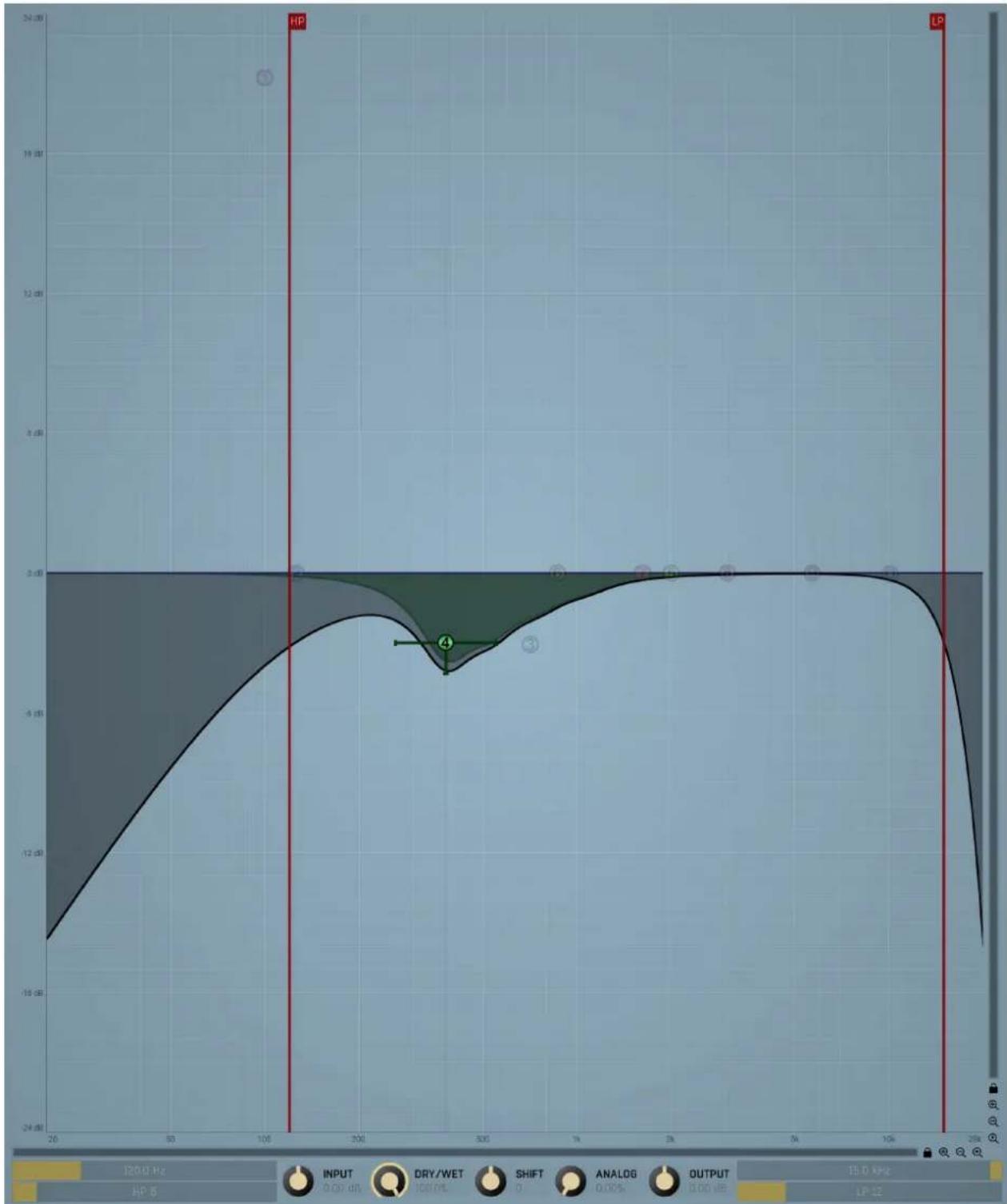
line
| Time (s) | Amplitude (dB) | | -------- | -------------- | | 20 | -18.0 | | 50 | -12.0 | | 100 | -6.0 | | 200 | -3.0 | | 300 | -4.0 | | 70 | -3.0 | | 240 | -18.0 |Graph editor will show and edit one or more graphs.
- Zoomers below and on the right control the zoom amount and position of the view.
- Mouse wheel zooms in or out. Hold Shift to move the view horizontally instead, without zooming. Hold Ctrl to move the view vertically instead, without zooming. Alternatively you can zoom in using Alt + right button double click and out using Alt + left button double click. You can also use keyboard numbers 0 to 9 to quickly set the zoom level.
- Drag a rectangle using the left mouse button while holding Alt zooms into the selected rectangle if possible.
- Drag using the left mouse button while holding Alt and Ctrl to scroll the view. This is not possible when zoomed all the way out as there is nothing to scroll.
Tab-set
| INPUT EQ | DISTORTION | OUTPUT EQ |
| Tab-set is typically used wherever there is too much to edit, but not enough space to display it all. It can be also used to switch between | ||
possible alternatives.
- Left mouse button selects a tab.
- Ctrl + Left mouse button or Right mouse button displays the whole tab in a pop-up window (this is not used for all sets of tabs). This comes handy when you want to have multiple tabs visible at the same time.
- Left and Right arrows select the neighbouring tab.
- Click on one of the buttons on the border to scroll the control and show tabs that are currently invisible.
Installation, activation, introduction to audio plugins
Installation
All MeldaProduction plugins are currently available for Windows and Mac OS X operating systems, both 32-bit and 64-bit versions. You can download all software directly from our website. Since the installation procedures for the two operating systems are quite different, we will cover each one separately.
The download files for the effects include all the effects plug-ins and MPowerSynth. During the installation process you can select which plug-ins or bundles to install. If you have not licensed all of the plugins in a bundle then you just need to activate each plugin separately.
If you have multiple user accounts on your computer, always install the software under your own account! If you install it under one account and run it under a different one, it may not have access to all the resources (presets for example) or may not even be able to start.
Installation on Windows
All plugins are available for VST, VST3 and AAX interfaces. The installer automatically installs both the 32-bit and 64-bit versions of the plugins.
Note: Always use 32-bit plugins in 32-bit hosts, or 64-bit plugins in 64-bit hosts. 64-bit plugins cannot work in 32-bit hosts even if the operating system is 64-bit. Conversely, never use 32-bit plugins in 64-bit hosts. Otherwise they would have to be 'bridged' and, in some hosts, can become highly unstable.
You can select the destination VST plugins paths on your system. The installer will try to detect your path, however you should check that the correct path has been selected and change it if necessary. In all cases it is highly recommended to use the current standard paths to avoid any installation issues:
32-bit Windows:
C:\Program files\VstPlugins
64-bit Windows:
C:\Program files (x86)\VstPlugins (for 32-bit plugins)
C:\Program files\VstPlugins (for 64-bit plugins)
If your host provides both VST and VST3 interfaces, VST3 is usually preferable. If a plugin cannot be opened in your host, ensure the plugin file exists in your VST plugin path and that if your host is 32-bit, the plugin is also 32-bit, and vice versa. If you experience any issues, contact our support via info@meldaproduction.com
Installation on Mac OS X
All plugins are available for VST, VST3, AU and AAX interfaces. Installers create both 32-bit and 64-bit versions of the plugins.
If your host provides multiple plugin interface options, VST3 is usually preferable. If you experience any issues, contact our support via info@meldaproduction.com
Most major hosts such as Cubase or Logic should work without problems. In some other hosts the keyboard input may be partly non-functional. In that case you need to use the virtual keyboard available for every text input field. You may also experience various minor graphical glitches, especially during resizing plugin windows. This unfortunately cannot be avoided since it is caused by disorder in Mac OS X.
Uninstallation on Windows
The Uninstaller is available from the Start menu and Control panel, in the same way as for other applications. If you don't have any of these for any reason, go to Program files / MeldaProduction / MAudioPlugins and run setup.exe.
Uninstallation on OSX
The Uninstaller is available from Applications / MeldaProduction / MAudioPlugins / setup.app.
Deleting all data, presets etc.
Even if you uninstall the plugins, some data will be left behind - because of potential crossdependencies or because these are your presets, settings, configurations etc. If you want to wipe out everything, please manually delete following folders:
Windows:
C:\ProgramData\MeldaProduction
Performance precautions
In order to maximize performance of your computer and minimize CPU usage it is necessary to follow a few precautions. The most important thing is to keep your buffer sizes (latency) as high as possible. There is generally no reason to use latency under 256 samples for 44kHz sampling rates (hence 512 for 96kHz etc.). Increasing buffer sizes (hence also latency) highly decreases required CPU power. In rare cases increasing buffer sizes may actually increase CPU power, in which case you can assume your audio interface driver is malfunctioning.
You should also consider using only necessary features. Usually the most CPU demanding features are oversampling and modulation of certain parameters. You can reduce modulation CPU usage at the cost of lower audio quality in Settings/Settings/Modulator protection.
Troubleshooting
The plugins are generally very stable, there are known problems however.
GPU compatibility
The software uses hardware acceleration to move some of the processing (mainly GUI related) from your CPU (processor) to your GPU (graphics processing unit). It is highly recommended to use a new GPU, as it will provide higher performance improvements, and update your GPU drivers. Older GPUs are slower and may not even provide required features, so the software will have to perform all calculations in the main CPU. We also have had extremely bad experiences with GPUs from ATI and despite the fact that software is now probably bulletproof, it is recommended to use NVidia GPUs as there has not been a single case of a problem with them.
If you experience problems with your GPU (crashing, blank/dysfunctional GUI), and that you cannot disable the GPU acceleration from the plugin's Settings window itself, download this file:
http://www.meldaproduction.com/download/GPU.zip
And place the GPU.xml included in the zip into
Windows: C:\Users{username}\AppData\Roaming\MeldaProduction
Mac OS X: \~/Library/Application support/MeldaProduction
Memory limits of 32-bit platform
Most hosts are now 64-bit ready, however some of them are not or users willingly choose 32-bit edition, because the required plugins are not 64-bit ready yet. All our software is 64-bit ready. Please note that you must NOT use the 64-bit plugins in 32-bit hosts, even if you have a bridge. If you are stuck with a 32-bit host for any reason, note that there is a memory limit (about 1.5 GB), which you may not exceed. This can happen if you load too many samples or different plugins for example. In that case the host may crash. There is no other solution than to use a 64-bit host.
Updating
You can use "Home/Check for updates" feature in any of the plugins. This will check online if there is a newer version available and open the download page if necessary.
To install a newer (or even older) version you simply need to download the newest installer and use it. There is no need to uninstall the previous version, the installer will do that if necessary. You also do not need to worry about your presets when using the installer. Of course, frequent backup of your work is recommended as usual.
Using touch-screen displays
Touch screen displays are supported on Windows 8 and newer and the GUI has been tweaked to provide a good workflow. Up to 16 connections/fingers/inputs are supported. Any input device such as touch-screens, mouse, tablets are supported. These are the main gestures used by the plugins:
- Tap = left click
- Double tap = double click
- Tap & hold and quickly tap next to it with another finger = right click. Tap & hold is a classic right-click gesture, however that doesn't provide a good workflow, so came up with this method, which is much faster and does not collide with functionality of some elements.
Purchasing and activation
You can purchase the plugin from our website or any reseller, however purchasing directly from our website is always the quickest and simplest option. The software is available online only, purchasing is automatic, easy and instant. After the purchase you will immediately receive a keyfile via email. If you do not receive an e-mail within a few minutes after your purchase, firstly check your spam folder and if the email is not present there, contact our support team using info@meldaproduction.com so we can send you the licence again.
To activate the software simply drag & drop the licence file onto the plugin. Unfortunately some hosts (especially on Mac OS X) either do not allow drag & drop, or make it just too clumsy, so you can use Home/Activate in any of the plugins and follow the instructions. For more information about activation please check the online video tutorial.
You are allowed to use the software on all your machines, but only you are allowed to operate the software. The licences are "to-person" as defined in the licence terms, therefore you can use the software on all your computers, but you are the only person allowed to operate them. MeldaProduction can provide a specialized licence for facilities such as schools with different licence terms.
Quick start with your host
In most cases your host will be able to recognize the plugin and be able to open it the same way as it opens other plugins. If it doesn't, ensure you did installation properly as described above and let your host rescan the plugins.
Cubase
Click on an empty slot (in mixer or in track inserts for example) and a menu with available plugins will be displayed. VST2 version is located in MeldaProduction subfolder. However VST3 version is recommended and is located in the correct folder along with Cubase's factory plugins. For example, dynamic processors are available from the "Dynamics" subfolder.
To route an audio to the plugin's side-chain (if it has one), you need to use the VST3 version. Enable the side-chain using the arrow button in the Cubase's plugin window title. Then you can route any set of tracks into the plugin's side-chain either by selecting the plugin as the track output or using sends.
To route MIDI to the plugin, simply create a new MIDI track and select the plugin as its output.
Logic
Choose an empty insert slot on one of your audio tracks (or instrument tracks for example) and select the plugin from the popup menu. You will find it in the Audio Units / MeldaProduction folder.
To route an audio to the plugin's side-chain (if it has one), a side-chain source should be available in the top of the plugin's window, so simply select the source track you want to send to the plugin's side-chain.
To route MIDI to the plugin, you need to create a new Instrument track, click on the instrument slot and select the plugin from AU MIDI-controlled Effects / MeldaProduction. The plugin will receive MIDI from that track. Then route the audio you want to process with the plugin to this track.
Studio One
Find the plugin in the Effects list and drag & drop it onto the track you would like to insert the plugin to.
To route an audio track to the plugin's side-chain (if it has one), first enable the side-chain using the "Side-chain" button in the Studio One's plugin window title. Then you can route any set of tracks into the plugin's side-chain from the mixer.
To route MIDI to the plugin, simply create a new MIDI track and select the plugin as its output.
Digital performer
In the Mixing Board, find an empty slot in the track you would like to insert the plugin to. Click on the field and select the plugin from the effects list.
To route an audio track to the plugin's side-chain (if it has one), choose the track you want to send using Side-chain menu, which appears at the top of the DP's plugin window.
To route MIDI to the plugin, simply create a new MIDI track in the Track view and select the plugin as its output.
Reaper
Click on an empty slot in the mixer and a window with available plugins will be displayed. Select the plugin you want to open by double clicking on it or using Ok button.
It is highly recommended to select all MeldaProduction plugins in the plugin window the first time you open it, click using your right mouse button and enable "Save minimal undo states". This will disable the problematic Undo feature, which could cause glitches whenever you change certain parameters.
To route an audio track to the plugin's side-chain (if it has one), click on I/O button of the side-chain source track in the mixer. Routing window will appear, there you click "Add new send" and select the track the plugin is on. In the created send slot select the channels (after the "=" mark) for the send, in stereo configuration 3/4 for example. Note that this way the whole track receives the side-chain signal and all plugins with it. It is possible to send it to a single plugin only, but it is more complicated, please check the Reaper's documentation about that.
To route MIDI to the plugin, create a new MIDI track and do the same thing as with side-chain, except you don't need to change output channels.
Live
In Session view, select the track you would like to insert the plugin to. At the left top of Ableton Live's interface, click on the Plug-in Device Browser icon (third icon from the top). From the plug-ins list choose the plugin (from MeldaProduction folder), double click on it or drag & drop it into the track.
The X/Y grid usually doesn't provide any parameters of the plugin. This is because the plugins have too many of them, so you have to select them manually. Check Live's documentation for more information.
To route an audio to the plugin's side-chain (if it has one), select the track you want to send to the side-chain and in the 'Audio To' menu, choose the audio track that has the plugin on it. Then in the box just below that select the plugin from the menu.
NOTE: Live does NOT support any interface correctly, it doesn't use the reported buses properly, hence it doesn't work with surround capable plugins. Therefore you need to use VST version, which reports only stereo capabilities by default.
To route MIDI to the plugin, create a new MIDI track and in the 'MIDI to' menu, choose the audio track that has the plugin on it. Note that in Live only the first plug-in on any track can receive MIDI.
ProTools
In the mixer click an empty slot to insert the plugin to and select the plugin from the tree. The plugin may be present multiple times, once for each channel configuration (mono->stereo etc.). As of now ProTools do not arrange them in the subfolders, which is a workflow dealbreaker, but we cannot do anything about it. The huge empty space on top of each plugin window, which occupies so much of the precious display area, is part of ProTools and every plugin window and again we cannot do anything about it. In some cases you may experience CPU overload messages, in which case please contact Avid for support. Note that ProTools 10 and newer is supported. RTAS compatibility for PT9 and older will never be added.
To route an audio to the plugin's side-chain (if it has one), open the plugin, click on the No key input button in the plugin title and select the bus you want the audio taken from. You might need to remember the bus number, unless your ProTools version supports bus renaming. ProTools doesn't support stereo (or surround) side-chains at all.
To route MIDI to the plugin, create a new MIDI track and in the mixer click the output field for that track and select the plugin, which should already be in the menu.
FL Studio
First make sure plugins are scanned, either a full scan through the Plugin Manager or an automatic fast scan when you open the Plugin Database section of the browser in FL. The scanned plugins will show up in the Plugin Database > Installed section of the FL browser. The Effects and Generators sections in the Plugin Database will show all "favorite" plugins. These can be checked and unchecked in the Plugin Manager or added in some other ways. These favorites also show up in the Add menu, the menu for the "+" button in the channel rack, when you right click an existing channel button to replace or insert, in the plugin slot menu in the mixer and in the plugin picker (F8). The menus with favorite plugins also have a "More" choice that will show all scanned plugins. The full explanation is in our help file, on the page Installing Plugins.
To route an audio to the plugin's side-chain, first set up the mixer: make sure the track you want to receive audio from is sent to the track the plugin as a sidechain (help). Then set up the plugin wrapper: choose the desired input on the Processing tab of the wrapper options.
To route MIDI notes to the plugin, first configure the sender: choose a MIDI port for the input device in the MIDI settings (for a hardware device), or an output port in the wrapper options (for a VST plugin that produces MIDI). For the receiving plugin, set the input port in the wrapper options to the same value you chose in step 1.
To route MIDI controllers, the procedure is different. The usual method in FL is to link CC messages to plugin parameters (help file). VST plugins will also have 128 CC parameters published (through the wrapper) that can be links this way. Those will send the specified CC MIDI message to the plugin, instead of changing a published parameter.
GUI styles, editor modes and colors
MeldaProduction plugins provide a state of the art styling engine, which lets you change the appearance to your liking. The first time you run the plugins a style wizard will appear and let you choose the style and other settings. It may not be available in ProTools and other problematic hosts.
By default each plugin has a certain color scheme, which differs based on what kind of plugin is that. Also, sections of some plugins are colorized differently, again, based on what kind of section is that (this can be disabled in global settings). Despite you can change the colors anyhow you want, it is advantageous to keep the defaults as these are standardized and have predefined meaning, so just by looking at a plugin's color you can immediately say what kind of plugin and section is that. Same rules apply when designing devices for easy screens. This is the current set of colors:
Dynamics = orange
Equalization, filtering = green Reverb, delay = brown/yellow Modulation = blue Distortion, limiting = red Stereo = cyan/yellow Time, pitch, unison... = purple/pink Tools = grey
Special colors: Synchronization = grey Detection = blue/green Side-chain = green Effects = red Advanced stuff = grey

natural_image
Abstract orange triangle logo with white letter M (no text or symbols)MELDA production The only limit is your imagination
About MeldaProduction
The best sound on the market, incredible workflow and versatility beyond your imagination. We create the deepest and the most powerful audio plugins with unbelievable sound and tons of unique features you cannot find anywhere else.
Innovative Thinking
At MeldaProduction, we make the most advanced tools for music production and audio processing. We get inspired by the whole range of tools from the ancient analog gear to the newest digital creations, but we always push forward. We've always felt the audio industry is extremely conservative, still relying on the prehistoric equipment making the job unnecessarily slow and complicated. That's why we invent new technologies, which make audio processing easier, faster, better sounding and more creative.
Sound Matters
In the world full of audiophiles you just need superb audio quality. And that's why we spend so much time perfecting audio algorithms until they sound unbeatable. Everything from dynamic filters to spectral dynamic processing. Our technologies just sound perfect.
Inspiring User Interface
Modern user interfaces must not only be easy and quick to use, but also versatile and the whole visual appearance should inspire you. MeldaProduction plugins provide the most advanced GUI engine on the market. It is still the first and only GUI engine, which is freely resizable and styable. Our plugins can look as an ancient vintage gear, if you are working on old-school rock music. Or as super-modern
Easy to Use, Yet Versatile
The only limit is your imagination. Our plugins are with absolutely no doubt the most powerful and versatile tools on the market. Yet we managed to make the plugins easy to use via the devices and smart randomization system. But when you are ready, you are one click away from the endless potential the plugins provide.
Never-Ending Improvements
Most companies create a plugin, sell it and abandon it. We improve our plugins, add features, optimize... until there is nothing left to improve and there are no more ideas. Unfortunately that hasn't happened yet :). And the best thing is that the updates are free-for-life!
MeldaProduction was founded in 2009 by Vojtech Meluzin and is based in Prague, Czech Republic.
www.meldaproduction.com
info@meldaproduction.com
MeldaProduction (c) 2017
- Easy screen vs. Edit screen
- Edit mode
- Global presets
- Presets
- Left arrow
- Right arrow
- Randomize
- Panic
- Settings
- WWW
- Sleep indicator
- Oversampling
- Channel mode
- AGC
- Set
- Limiter
- A-H presets selector
- A/B
- Morph
- Copy
- Paste
- Undo
- Redo
- WAV
- Collapse
- INPUT
- +1.49 dB
- Output
- dB
- DRY/WET
- 100.0%
- EQ tab
- gain
- Equalizer shape graph
- Input gain
- Shift
- Analog
- Output gain
- Band settings window
- Random
- General panel
- Invert gain
- Swap gains
- FREQUENCY
- Q
- Slope
- Channels
- Dynamics panel
- Side-chain
- Sidechain
- Advanced
- Enable
- Attack
- Release
- Transient
- RMS Length
- ms
- Peak hold
- Threshold
- silence
- Level gain
- Link channels
- Detector delay
- ms
- Mode
- Filtered compensated
- ◀ ▶
- meters
- Harmonics panel
- Linear
- Dynamics by fundamental
- HARMONICS
- SEMITONES
- MAXIMAL COUNT
- Harmonics grid
- Band advanced settings
- General settings panel
- GENERAL SETTINGS
- Shape
- Band-pass panel
- Play
- Envelope graph
- Envelope graph menu
- Snap to grid X
- Snap to grid Y
- Insert points
- Insert point
- Step sequencer
- Clear points
- Mirror X
- Mirror Y
- Export CSV
- Import CSV
- Expression evaluator
- Analyse audio
- Curvature
- Integral curvature
- Smoothing
- Lock sides
- Proportional
- Faster smoothing
- Scale
- Link grid panel
- LINK GRID
- Stage panel
- Invert
- Gain In
- Gain Out
- HP
- LP
- AP
- 150
- HPQ
- .50
- LPQ
- APQ
- P 12
- HP slope
- LP slope
- dB
- Peak gain
- Hz
- Peak frequency
- 1
- Peak Q
- 0.0%
- Convolution
- oad
- Load
- lear
- Clear
- -
- Off
- Restore 100.0%
- Restore
- Output 0.00 dB
- Threshold -40.0 dB
- Ratio Infinity
- Ratio
- Attack 10 ms
- Release 100 ms
- Mode Clip 3 Mode
- Analog 50.0% Analog
- H2 0.00% H2
- H3 0.00% H3
- H4 0.00% H4
- H5 0.00% H5
- INPUT 0.00 dB
- Time graph
- Pause
- Popup
- Utilities
- Map
- Modulator
- Menu
- Lock
- Multiparameter
- Preset selector
- Backup
- Restore from backup
- Folders tree
- Auto-open
- Open all
- Close all
- Add
- Rename
- Delete
- Export
- Import
- Presets list
- Favourite
- Show
- Sort
- Previous
- Next
- Submit preset
- Download presets
- Replace
- Search
- information
- Plugin settings
- Licence panel
- Licence manager
- Activate
- GUI & Style panel
- Style
- Random style
- Default style
- Select current style as default
- GPU acceleration
- Enabled
- Frames per second
- 40
- Enable high DPI support
- Enable high DPI / retina support
- Enable colorization
- Enable colorization for panels
- Allow default colors by plugin type
- Allow style changes if the editor is too big
- Clear window settings cache
- Plugin settings panel
- - Intelligent sleep on silence
- Intelligent sleep on silence
- Randomizer loudness compensation
- Smart bypass
- MIDI thru
- Sample-accurate event processing
- Latency reporting
- Custom GUI for devices
- Global system settings panel
- GLOBAL SYSTEM SETTINGS
- - Intelligent sleep on silence (global)
- Intelligent sleep on silence (global)
- Right click sets default value
- Tablet mode
- Enable keyboard input
- Collapse plugin toolbar
- Set default settings
- Reset default settings
- Advanced global settings panel
- Saturation antialiasing
- Forward unused keyboard input to DAW
- Silence when busy
- Store resampled files
- Show confirmations for destructive actions
- Online check for updates and tutorials
- Anonymous online platform reporting
- CPU benchmark
- System info
- Compatibility settings panel
- COMPATIBILITY SETTINGS
- Storage compatibility mode for V15
- Automation compatibility mode for V10
- Smart interpolation panel
- SMART INTERPOLATION
- Normal
- For rendering
- Modulator editor
- R
- W
- Parameters panel
- Parameter list
- Learn
- Up
- Down
- Parameter Settings
- Parameter
- Name
- Range mode
- Value
- Maximal value
- Depth
- Use first parameter's range
- Transformation shape
- Restore original values when disabled
- Restore original values
- when disabled
- Assignable parameter ranges
- Assignable parameter
- ranges
- FOLLOWER
- ENVELOPE
- PITCH
- Normal mode
- Signal generator
- Harmonics mode
- Signal generation fundamentals
- What happens above 20kHz?
- What you see is not always what you get!
- How can I generate non-harmonic frequencies?
- Convert
- Signal generator in Normal mode
- Custom
- Edit
- Step
- Signal generator step sequencer editor
- Random values
- Random shapes
- Smooth
- Advanced settings
- Settings panel
- Normalize
- Enable crossfading
- Show position
- Interpolate between 1 and 0
- Custom sample panel
- 0.00%
- Load sample
- Clear sample
- Shape panel
- Post-processing panel
- Transformations
- graph
- transformation graph
- Assignable advanced shape parameters
- Signal generator in Harmonics mode
- Generator
- Generator panel
- HARMONICITY
- FULLNESS
- FUNDAMENTAL
- Random seed
- Post-processor panel
- SHARPEN
- NOISE
- CLEAN
- COMPRESS
- HARMONIZE
- Sample analyzer panel
- SAMPLE ANALYZER
- Magnitudes graph
- Phases graph
- Rate panel
- Sync
- Sync group
- Set frequency
- MIDI reset panel
- Note-off
- Single shot
- Note-on only first
- Note-off only last
- Single shot reset
- Min velocity
- Max velocity
- Min note
- Max note
- Phase
- Channel
- Follower mode
- LFO MODULATION
- LEVEL MIN
- LEVEL MAX
- Detector panel
- Side-chain input
- 10ms
- ms
- HOLD
- ms
- Delay
- Pitch modulation
- Transient modulation
- Transient mode
- Enhanced
- Release mode
- Manual
- Min Off
- Minimum
- Max Off
- Maximum
- Q 0.7071
- Projection panel
- [Non-Text]
- Phase 270° [75.0%]
- Interval size 180° (50.0%)
- Interval
- Advanced panel
- Maximize
- Level panel
- graph view
- Plus
- Minus
- Rewind
- Static mode
- Process hidden graphs
- RESOLUTION
- Graphs panel
- Mode MIDI Audio Mode
- Action ON Start single Action ON
- Action OFF Stop single Action OFF
- LFO modulation 0.00% LFO modulation
- Trigger
- DETECTOR
- Threshold On
- Threshold Off
- Min Off Minimum
- Max Off Maximum
- Q 0.7071 Q
- Phase 270° (75.0%) Phase
- Interval size 180° (50.0%) Interval
- Custom shape
- Percussive
- Tremolo
- Tremolo behaviour
- Tempo sync
- Rate
- Fade-in
- Tempo
- Tremolp starts in decay stage
- starts in decay stage
- Tremolo continues in release stage
- continues in release stage
- Random initial phase
- initial phase
- Follow sustain level
- Follow
- sustain level
- nced
- Magnitudes
- ms
- Decay
- dB Sustain
- 0.00% Tremolo
- ms Release
- 0.00% Attack shape
- dB Hold level
- 0.00% Decay shape
- Hz Tremolo rate
- 0.00% Release shape
- 0.00% Smoothing
- ms Tremolo fade-in
- Analyzer panel
- Time-graph view
- Random mode
- Mode Smooth Steps Change on MIDI note Mode
- Speed
- Smoothness
- - Synchronize to LFO Synchronize to
- LFO
- Each target different Each target
- different
- True random True random
- 270° (75.0%)
- Interval size
- 180° [50.0%]
- Pitch mode
- MIN FREQUENCY
- MAX FREQUENCY
- Shift panel
- SHIFT OCTAVES
- SHIFT SEMITONES
- SHIFT CENTS
- Octaves
- Cents
- Auto-tune panel
- AUTO-TUNE
- AUTO-TUNE SPEED
- AUTO-TUNE DEPTH
- Min recognized
- Max recognized
- Pitch detection mode
- detection mode
- Stabilization
- Detection accuracy
- Accuracy
- FFT size
- MultiParameter editor
- Behaviour
- Randomizer
- XY-pad between banks
- SWITCH
- BANKS
- METER
- SWITCH TIME
- STEPS
- By first parameter
- Value mode
- Default
- +16.00 dB
- Set current value
- Origin
- Set center
- Value to text
- {expression}
- {expression;decimals}
- Text to value
- Appearance
- Group
- Editor mode
- Panel type Control 1
- Panel type
- Color
- Group color
- Visible
- Same row
- Resizable X
- Resizable Y
- Randomizable
- Show name
- Stepped / Continuous
- Lockable
- Separate collapse
- Functional when disabled
- Fine control
- Advance
- Store
- Store in presets
- Controls MPs
- Include in doc
- about the multiparameter
- Make first
- MAX
- +32.00 dB
- 25.0%
- first parameter's range
- Parameter expression
- Cyclic mode
- Interpolate values
- Set interpolate to all parameters
- Set interpolate to all parameters buttons
- Bank control panel
- umber of banks
- Number of banks
- alue power 1.0000
- Value power
- power 3.0000
- XY power
- Save
- Name check
- Parameter lock editor
- MIDI editor
- selector
- Controllers panel
- Do not load from presets
- Last note-on channel only
- Controllers
- Reset
- Select target parameter
- ParameterIndex
- MIDI
- Values
- MAX VALUE
- Interpolated
- Toggle
- Main controllers panel
- Notes panel
- Note controllers
- Min value
- MIDI program change
- bank & program change for the categorizer
- Preset previous/next trigger panel
- Controller
- Simulate program change via controller panel
- Number of values
- Program change in presets panel
- Folder
- Used controls
- Value button
- Hz
- Switcher
- HP 12
- Zoomer
- Knob
- INPUT +1.49 dB
- Graph editor
- Installation, activation, introduction to audio plugins
- Installation
- Installation on Windows
- Installation on Mac OS X
- Uninstallation on Windows
- Uninstallation on OSX
- Deleting all data, presets etc.
- Performance precautions
- Troubleshooting
- GPU compatibility
- Memory limits of 32-bit platform
- Updating
- Using touch-screen displays
- Purchasing and activation
- Quick start with your host
- Cubase
- Logic
- Studio One
- Digital performer
- Reaper
- Live
- ProTools
- FL Studio
- GUI styles, editor modes and colors
- MELDA production The only limit is your imagination
- About MeldaProduction
- Innovative Thinking
- Sound Matters
- Inspiring User Interface
- Easy to Use, Yet Versatile
- Never-Ending Improvements
Brand : MeldaProduction
Model : MTurboAmp
Category : Audio software