
OKT20 - Electric fireplace DIMPLEX - Free user manual and instructions
Find the device manual for free OKT20 DIMPLEX in PDF.


| Product Type | Electric Fireplace |
| Model | OKT20 |
| Brand | Dimplex |
| Dimensions (H x W x D) | 1050 x 450 x 250 mm |
| Weight | 20 kg |
| Power Supply | 220-240V ~ 50Hz |
| Power Consumption | 2000 W (max) |
| Heat Output | 2000 / 1000 W (high/low) |
| Heating Coverage | Up to 40 m² |
| Flame Effect | 3D LED flame with adjustable brightness |
| Thermostat | Adjustable thermostat (5-30°C) |
| Remote Control | Yes, included |
| Timer | 1-8 hours |
| Installation | Wall-mounted or freestanding |
| Safety Features | Overheat protection, tip-over switch, cool-touch glass |
| Certifications | CE, UKCA |
| Material | Steel, glass, plastic |
| Color | Black / Dark grey |
| Cleaning | Use dry cloth; do not use abrasive cleaners |
| Warranty | 2 years |
Frequently Asked Questions - OKT20 DIMPLEX
User questions about OKT20 DIMPLEX
0 question about this device. Answer the ones you know or ask your own.
Ask a new question about this device
Download the instructions for your Electric fireplace in PDF format for free! Find your manual OKT20 - DIMPLEX and take your electronic device back in hand. On this page are published all the documents necessary for the use of your device. OKT20 by DIMPLEX.
USER MANUAL OKT20 DIMPLEX
natural_image
Modern gas stove burner with visible flames and white gravel on a dark wall (no text or symbols)
opti-myst
Contents
03 What should Opti-myst look like?
04 Opti-myst Components
05 What do I need to do?
08 Do's and Don'ts
09 Troubleshooter
10 Q+A
11 Important Contacts
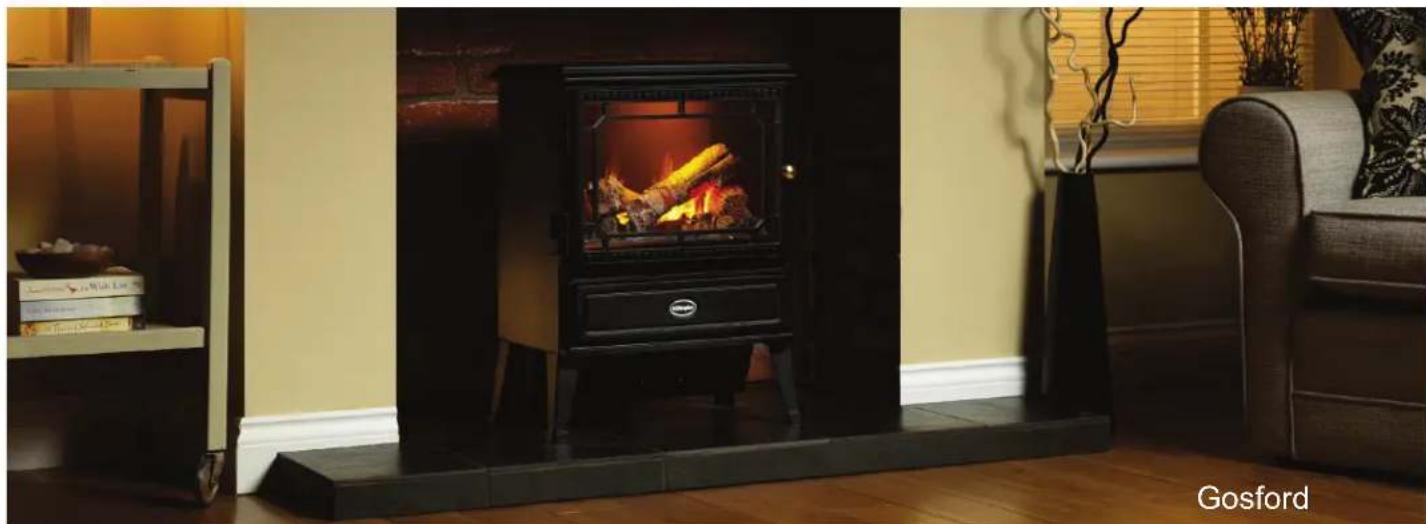
What should an Opti-myst look like?
natural_image
Interior scene of a Gosford gas stove with wooden flooring and a black oven, no visible text or symbols on the main subject.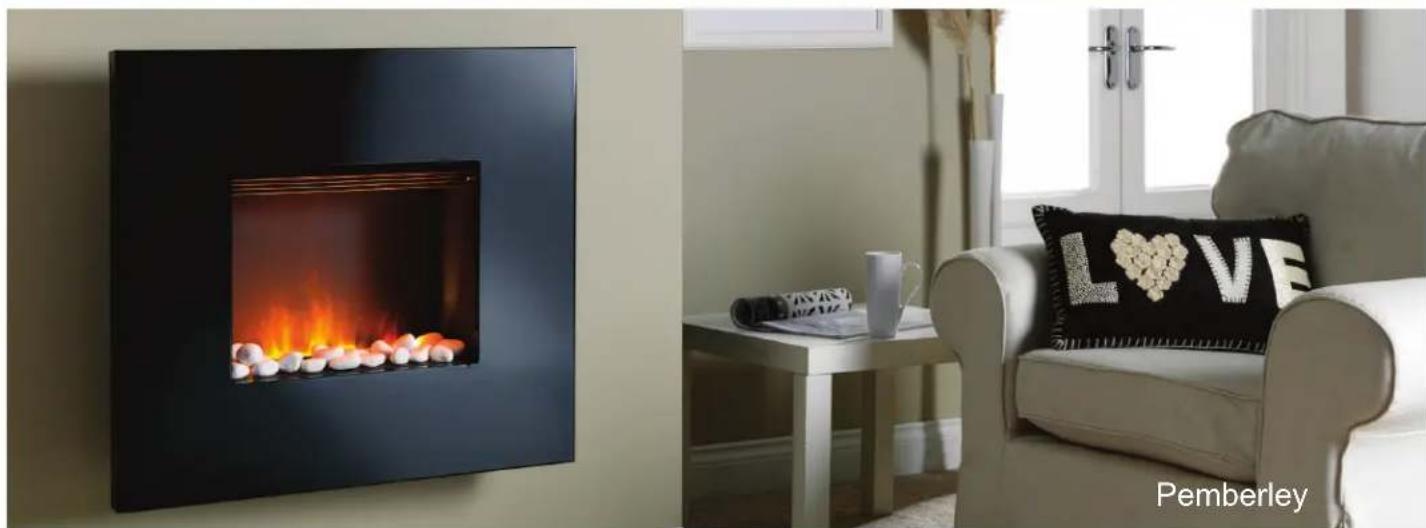
natural_image
Interior living room scene featuring a black wall-mounted gas stove with flames and a white armchair, next to a black cushion with 'L' and 'VE' text (no signage on main objects)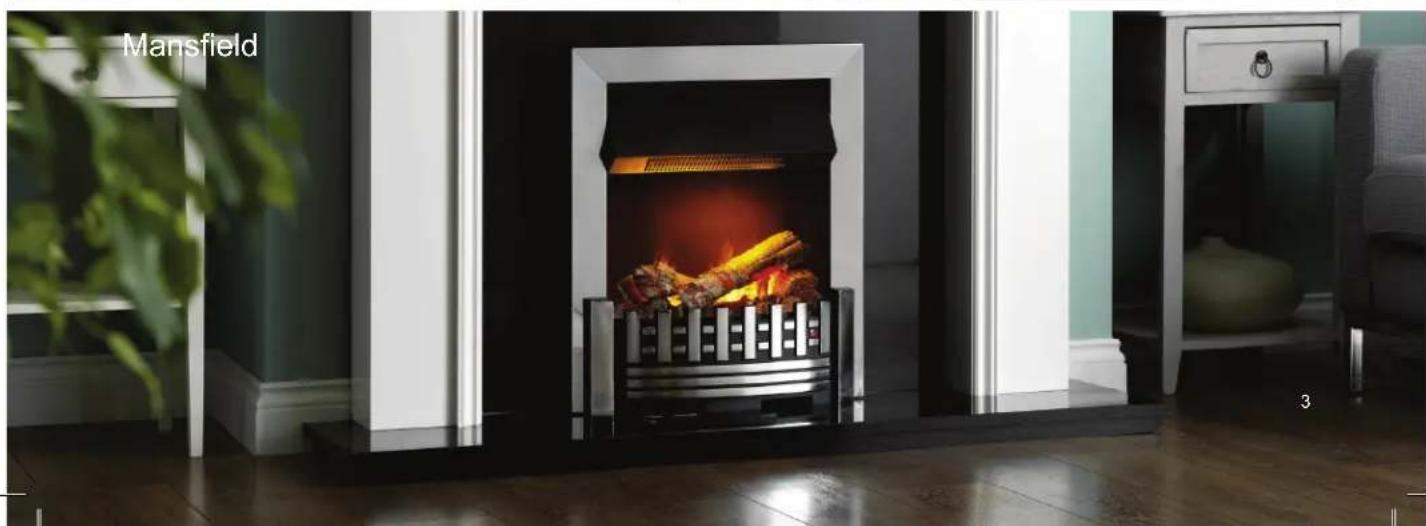
natural_image
Modern home furn with a black and white fire extinguisher, placed in a glossy room with greenery and a window (no text or symbols visible)Opti-myst components
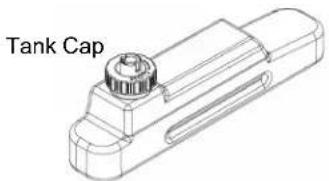
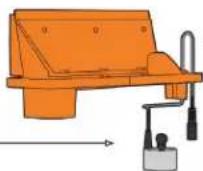
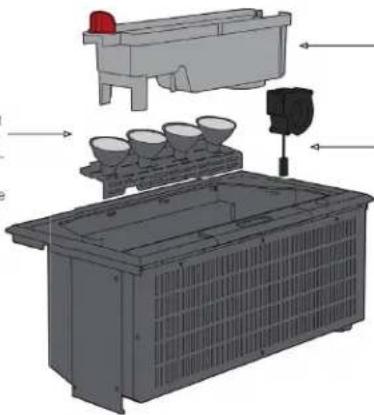
Water Tank:
Ensure that the water tank is filled with filtered water. See 'Filling the water tank' in your instructions
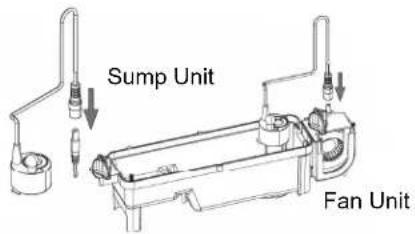
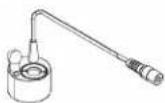
Transducer Unit
Nozzle
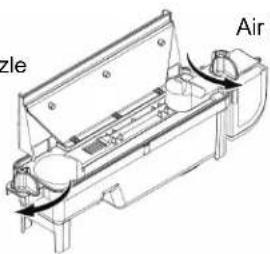
Air Filter
THE MAGIC OF AN OPTI-MYST FIRE
There's nothing quite like the effect of a fire. It creates a wonderful feeling of comfort and cosiness. Looking deceptively real, an Opti-myst fire will capitivate you from the moment you see it. The fully 3-dimensional effect creates authentic looking 'flames' and 'smoke' delivering a warm and cosy atmosphere to any room.
Revolutionary technology
The flame and smoke effect is created using ultrasonic waves which atomise water to create an extremely fine mist. This is not steam since the water is at room temperature and, therefore, the "flames" are safe to touch.
As the mist is so fine it does not add significantly to the humidity of the room.
Realistic fire effect
After much testing, Dimplex has fine-tuned the ultrasonic transducer to produce the most realistic flame and smoke effect possible.
Special effect lighting
The light bulbs have two functions in an Opti-myst fire. The heat produced enables the water mist to rise up through gaps in the log fuel bed in a flame-like manner. They also illuminate the water mist with the orange glow of a real fire. These bulbs are dichroic, enabling an accurate representation of flame-like colour.
natural_image
Silhouette of a mountainous landscape with no text or symbols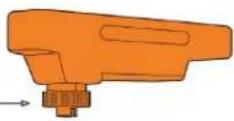
natural_image
3D diagram of a battery pack with internal components and labeled parts (no text or symbols)"The Opti-myst effect is just great. It's the only product out there that can give this level of realism." A satisfied customer.
Anti-microbial additives
For added peace of mind, an anti-microbial substance has been added into the plastic material used in Opti-myst fires.
Also, a study at the Microbiology Department, University College Cork concluded that the unit offers no risks to use from a microbiological perspective.
Easy to clean
It is recommended to use filtered water Opti-myst fires. If tap water is used, a build up of limescale can seriously hinder the production of flame and smoke effect.
However, if a build up of limescale does occur, the plastic materials used have a highly polished finish to ensure easier cleaning and removal of limescale.
The sump can even be placed in a dishwasher.
Flickering flames
A small fan blows the water mist out of the sump and over the light bulbs. Adjustments of this fan enable the user to control the size of flame arising from their fire.
What do I need to do?
Stoves / Suites
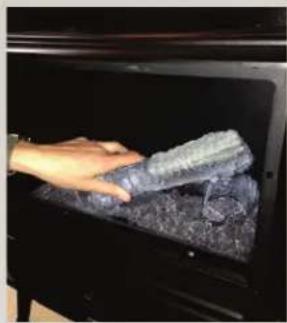
natural_image
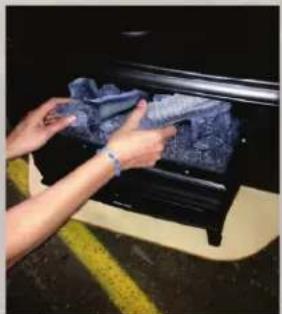
Hand placing a dark, textured object into a black oven (no visible text or symbols)- Turn off and remove fuel bed 2. Lift water tank out of stove 3. Check wires are still secure
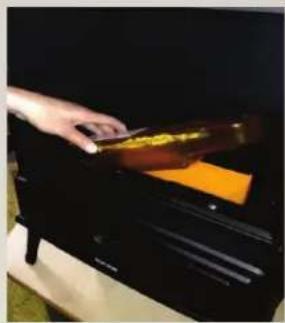
natural_image
Hand placing a brown object into an orange container on a black tray (no visible text or symbols)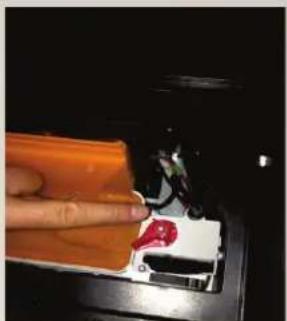
natural_image
Close-up of a hand holding an orange electronic device with a red flame, next to a black electronic device (no visible text or symbols)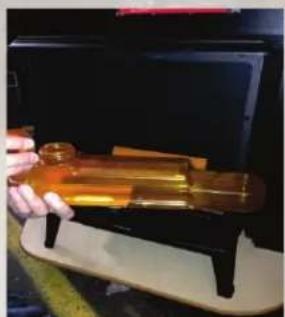
natural_image
Close-up of a hand holding an open brass cylindrical device mounted on a stand, with no visible text or symbols.- Fill water tank with filtered water and place back into stove
natural_image
Person cleaning a car trunk with a blue cloth (no visible text or symbols)- Replace fuel bed back into stove
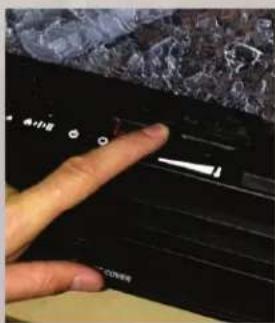
- Heating setting and flame only option
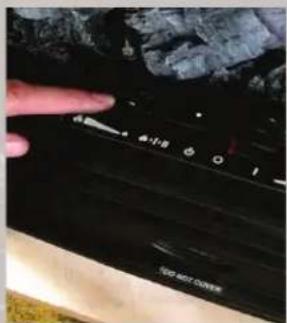
- Control height of flame
When turning on the fire please do the following:
- Switch fire on (0-1).
- Press the flame button.
- Fire will beep to confirm.
- Wait for 30 seconds until you hear a click.
- Flame effect will begin.
What do I need to do?
Wall Fires
natural_image
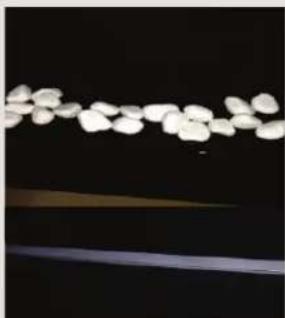
Close-up of white, irregularly shaped objects against a dark background, possibly biological or mechanical components (no text or symbols visible)- Turn off and remove pebbles or logs
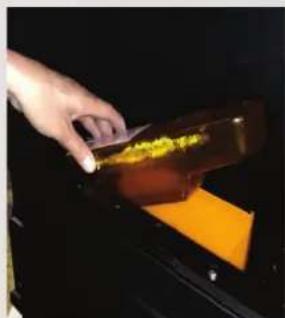
natural_image
Hand pouring yellow granular substance into a dark container with orange liquid (no text or symbols visible)- Lift water tank out of wallhung
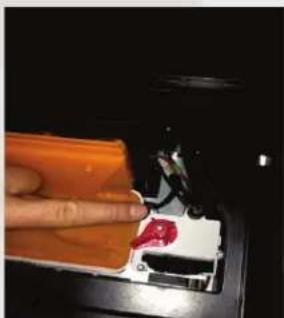
natural_image
Close-up of a hand holding an orange electronic device with a red LED, next to a black tray (no visible text or symbols)- Check wires are still secure
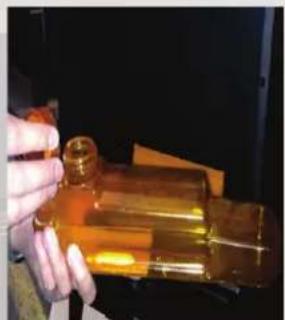
natural_image
Hand holding a golden cylindrical object with a small protrusion, possibly a mechanical part or component (no visible text or symbols)- Fill water tank with filtered water and replace in wallhung
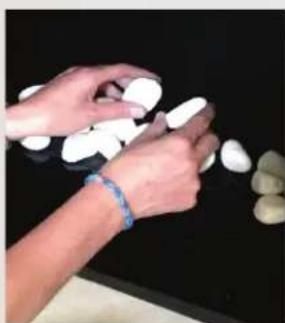
natural_image
Close-up of hands arranging white oval-shaped objects on a dark surface (no text or symbols visible)- Replace pebbles or logs back into wallhung
natural_image
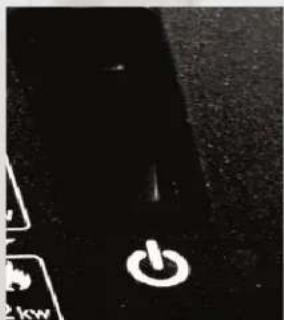
Close-up of a black keyboard key with a white power button (no text or symbols visible)- Turn on using switch
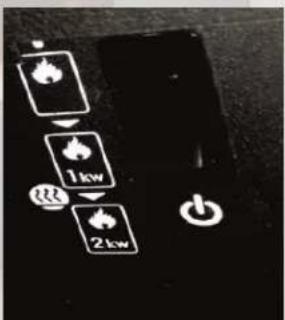
- Heating setting and flame only option
natural_image
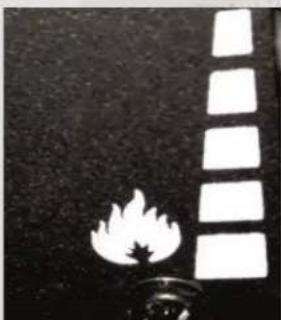
Black and white photo of a flame with a vertical strip of rectangular shapes on a dark textured background (no text or symbols)- Control height of flame
When turning on the fire please do the following:
- Switch fire on (0-1).
- Press the flame button.
- Fire will beep to confirm.
- Wait for 30 seconds until you hear a click.
- Flame effect will begin.
What do I need to do?
Insets
natural_image
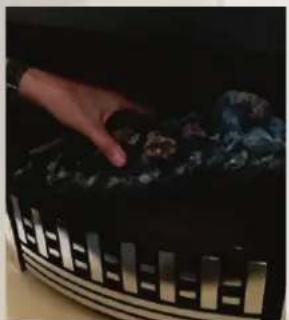
Hand placing a dark object into a curved metal frame (no visible text or symbols)- Turn off and remove log bed 2. Lift water tank out of inset 3. Check wires are still secure
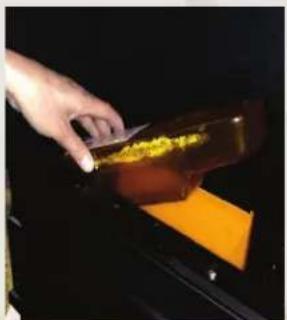
natural_image
Hand pouring yellow liquid into a dark container with orange contents (no text or symbols visible)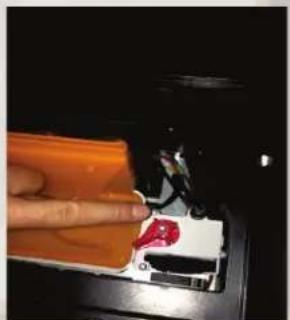
natural_image
Close-up of a hand using a handheld device to press or install a red object on an orange surface (no visible text or symbols)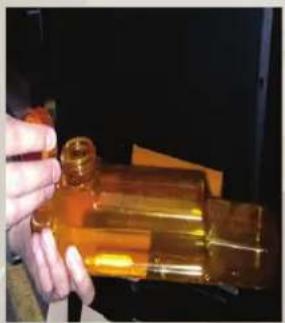
natural_image
Hand holding a golden glass bottle with a small cylindrical object inserted (no visible text or symbols)- Fill water tank with filtered water
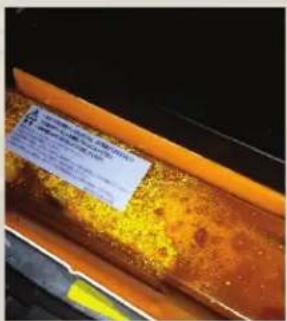
- Make sure the water bottle is securely fitted
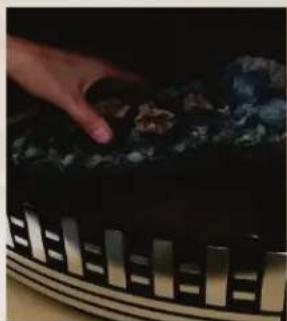
natural_image
Close-up of a hand placing coal into a dark container with metal grilles (no visible text or symbols)- Place log bed back into the fire
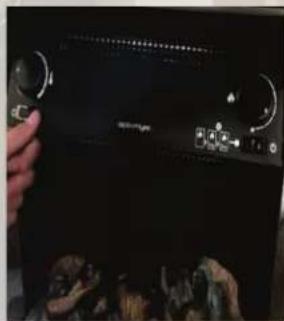
natural_image
Close-up of a hand holding a black electronic device with control knobs and a small display (no visible text or symbols)- On and off switch
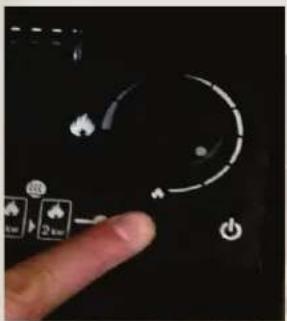
- Heating setting and flame only option and height of flame
When turning on the fire please do the following:
- Switch fire on (0-1).
- Press the flame button.
- Fire will beep to confirm.
- Wait for 30 seconds until you hear a click.
- Flame effect will begin.
Do's and dont's

Remember to carry out regular maintenance on the Opti-myst by cleaning the transducer

Don't allow the water to stand for more than two weeks.

Don't use de-ionised water. The auto shut off needs the minerals in the water to detect water level in the sump.

Do use filtered water wherever possible.

Only use the water tank to refill the sump unit.

Remind the customer to register for the second year of the warranty.
natural_image
Abstract fiery flame with orange and yellow hues against a dark background (no text or symbols)Troubleshooter
natural_image
Abstract fiery flame with orange and dark tones, no text or symbols visibleQ. How can I stop the stove door from misting up?
A. Sometimes on start up the stove door can mist up. This will stop when the temperature of the stove equates. You can easily resolve this by opening the stove door slightly and ensuring that the flame effect is turned right down.
Q. Why are the lamps on but there is no flame effect?
A. This is the fan unit which may need to be replaced, a short term solution is to remove the air filter (see pg. 4) and turn the flame effect to maximum.
Q. The Lights are coming on but the unit is not starting?
A. Take out the log set and double check the transducer is working properly. If the transducer is okay check the transducer wire is secure.
Q. Why is the flame effect beginning to look dull?
A. Check that all lamps are illuminated and clean. If the lamp is off ensure it is securely fitted properly, if the lamp stays off the lamps will need to be changed.
(For replacement bulbs please contact Operational Queries.)
Q+A
Q. What is the power consumption when fire is flame only?
A. The Opti-myst fire uses 212 watts when operating in flame only mode.
Q. Will the Opti-myst add to the humidity of the room?
A. No - it is equivalent to having someone else with you in the same room breathing normally.
Q. What lamp does the Opti-myst use?
A. The lamps are 12V,50W, Gus.3 base" beam angle coloured lamps.
Q. Is the Opti-myst easy to clean?
A. Yes - the sump unit, nozzle and water tank can be cleaned with washing up liquid or even go in the dish-washer!
natural_image
Abstract fiery flame with orange and dark tones, no text or symbols visibleImportant contacts
natural_image
Abstract fiery flame with orange and dark tones, no text or symbols visibleAny queries please contact:
08448 793588
And select option 2
Or
Email us at:
customer.services@gdcgroup.co.uk
DCDimplex®
- Contents
- What should an Opti-myst look like?
- Opti-myst components
- THE MAGIC OF AN OPTI-MYST FIRE
- Revolutionary technology
- Realistic fire effect
- Special effect lighting
- Anti-microbial additives
- Easy to clean
- Flickering flames
- What do I need to do?
- Stoves / Suites
- When turning on the fire please do the following:
- Wall Fires
- Insets
- Do's and dont's
- Troubleshooter
- Q+A
- Important contacts
- 793588
- Email us at:
Brand : DIMPLEX
Model : OKT20
Category : Electric fireplace