eiQ-SMVDBLCH - Stroller ElectriQ - Free user manual and instructions
Find the device manual for free eiQ-SMVDBLCH ElectriQ in PDF.


| Product Type | Stroller |
| Brand | ElectriQ |
| Model | eiQ-SMVDBLCH |
| Dimensions (Open) | Approx. 33 x 20 x 41 inches (84 x 51 x 104 cm) |
| Dimensions (Folded) | Approx. 12 x 20 x 24 inches (30 x 51 x 61 cm) |
| Weight | Approx. 18 lbs (8.2 kg) |
| Frame Material | Aluminum alloy |
| Seat Width | Approx. 12 inches (30 cm) |
| Weight Capacity | Up to 50 lbs (22.7 kg) |
| Age Range | From 6 months to 3 years |
| Safety Harness | 5-point adjustable harness |
| Brake System | Rear wheel foot brake |
| Canopy Type | Extendable canopy with UV protection |
| Recline Positions | Multi-position reclining seat (up to 170 degrees) |
| Folding Mechanism | One-hand compact fold |
| Wheels | 4-wheel system with front swivel and locking mechanism |
| Wheel Material | EVA foam tires (puncture-proof) |
| Storage Basket | Large under-seat storage basket |
| Handlebar Height | Adjustable, approx. 38-42 inches (96-107 cm) |
| Included Accessories | Rain cover, cup holder, parent organizer |
| Compliance | ASTM F833-19 and EN 1888 safety standards |
| Warranty | 1 year limited warranty |
Frequently Asked Questions - eiQ-SMVDBLCH ElectriQ
User questions about eiQ-SMVDBLCH ElectriQ
0 question about this device. Answer the ones you know or ask your own.
Ask a new question about this device
Download the instructions for your Stroller in PDF format for free! Find your manual eiQ-SMVDBLCH - ElectriQ and take your electronic device back in hand. On this page are published all the documents necessary for the use of your device. eiQ-SMVDBLCH by ElectriQ.
USER MANUAL eiQ-SMVDBLCH ElectriQ
Due to continuous product improvement and development, and to allow increased versatility, your doorbell is supplied with a battery operated chime unit which can placed where is most convenient for you, without having to worry about the availability of power sockets.
PAIRING THE CHIME UNIT
- Open the the back panel and install 3 AA batteries into the battery slots.
- Press and hold the Volume button on the Chime, the indicator light will flash and play the current melody. When the indicator turns off, release the button and press the doorbell. Pairing is completed once you hear the chime melody.
Reset: Press and hold the volume button for about 15 seconds to erase all pairing memory, the indicator light will turn on and then turn off, when the indicator light turns on again, release the button and the Chime will have erased the current pairing.
Multiple connections:
The Chime can connect with multiple doorbells. One Doorbell can connect to an unlimited number of Chimes.
natural_image
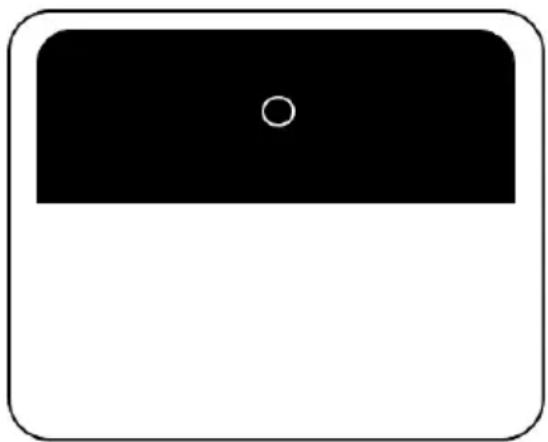
Simple black rectangle with a white circle in the top center, enclosed in a rounded square border (no text or symbols)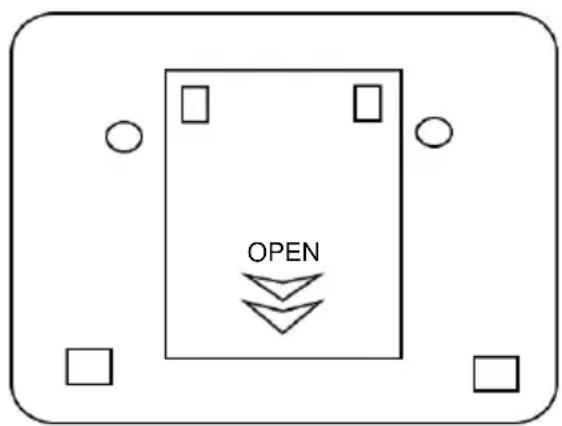
Brand : ElectriQ
Model : eiQ-SMVDBLCH
Category : Stroller