
USB-SW30 - Switch Sabrent - Free user manual and instructions
Find the device manual for free USB-SW30 Sabrent in PDF.


| Product Type | USB Switch |
| Model Number | USB-SW30 |
| Brand | Sabrent |
| Number of Ports | 3 |
| USB Standard | USB 3.0 (5 Gbps) |
| Power Source | Bus-powered from USB host |
| Dimensions (L x W x H) | 2.5 x 1.5 x 0.5 inches |
| Weight | 1.0 oz |
| Material | Plastic housing |
| LED Indicators | Power and port activity |
| Switching Method | Push button on unit |
| Compatible Systems | Windows, Mac, Linux, Chrome OS |
| Plug and Play | Yes, no driver required |
| Maximum Cable Length | 3 feet (recommended) |
| Operating Temperature | 32°F to 104°F (0°C to 40°C) |
| Storage Temperature | -4°F to 140°F (-20°C to 60°C) |
| Humidity | 10% to 85% RH non-condensing |
| Maintenance | Wipe with dry cloth; avoid liquids |
| Safety | Low voltage; no user-serviceable parts |
| Spare Parts & Repairability | Not repairable; replace entire unit if faulty |
Frequently Asked Questions - USB-SW30 Sabrent
User questions about USB-SW30 Sabrent
0 question about this device. Answer the ones you know or ask your own.
Ask a new question about this device
Download the instructions for your Switch in PDF format for free! Find your manual USB-SW30 - Sabrent and take your electronic device back in hand. On this page are published all the documents necessary for the use of your device. USB-SW30 by Sabrent.
USER MANUAL USB-SW30 Sabrent
Connecting Differently™
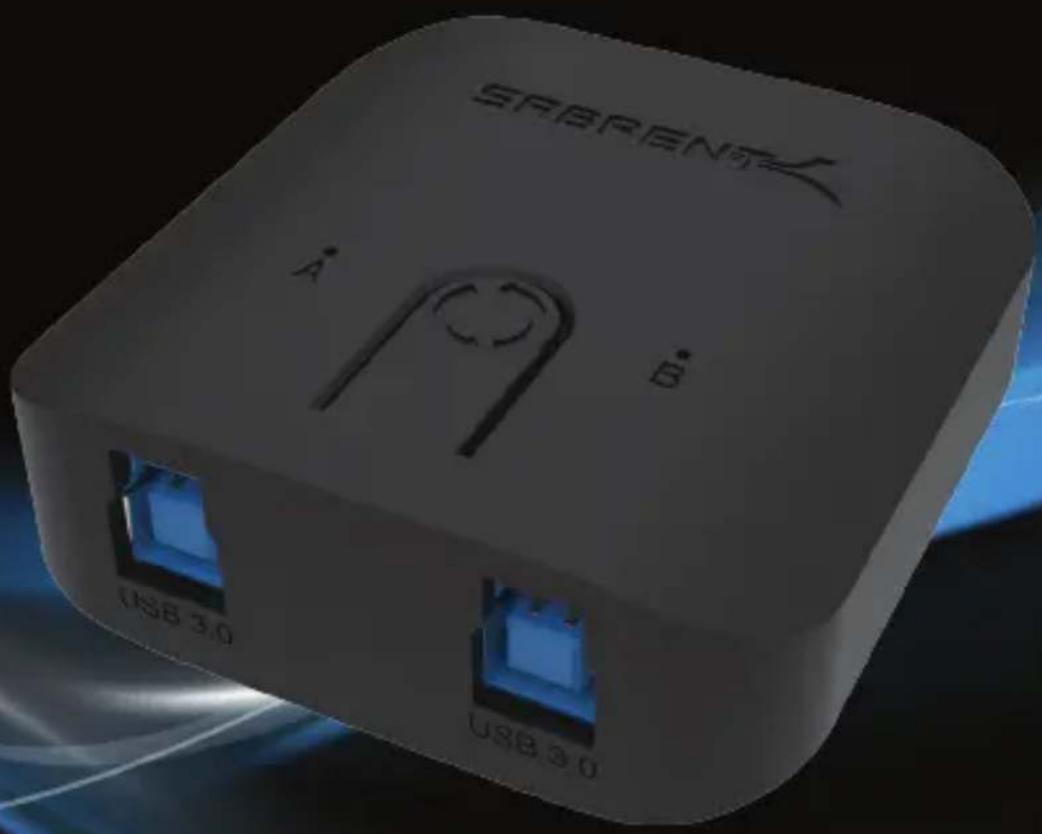
USB-SW30
USB 3.0 SHARING SWITCH
Provides easy one-touch switching of a USB 3.0 peripheral or hub between two computers Plug & Play no driver installation required
USER MANUAL
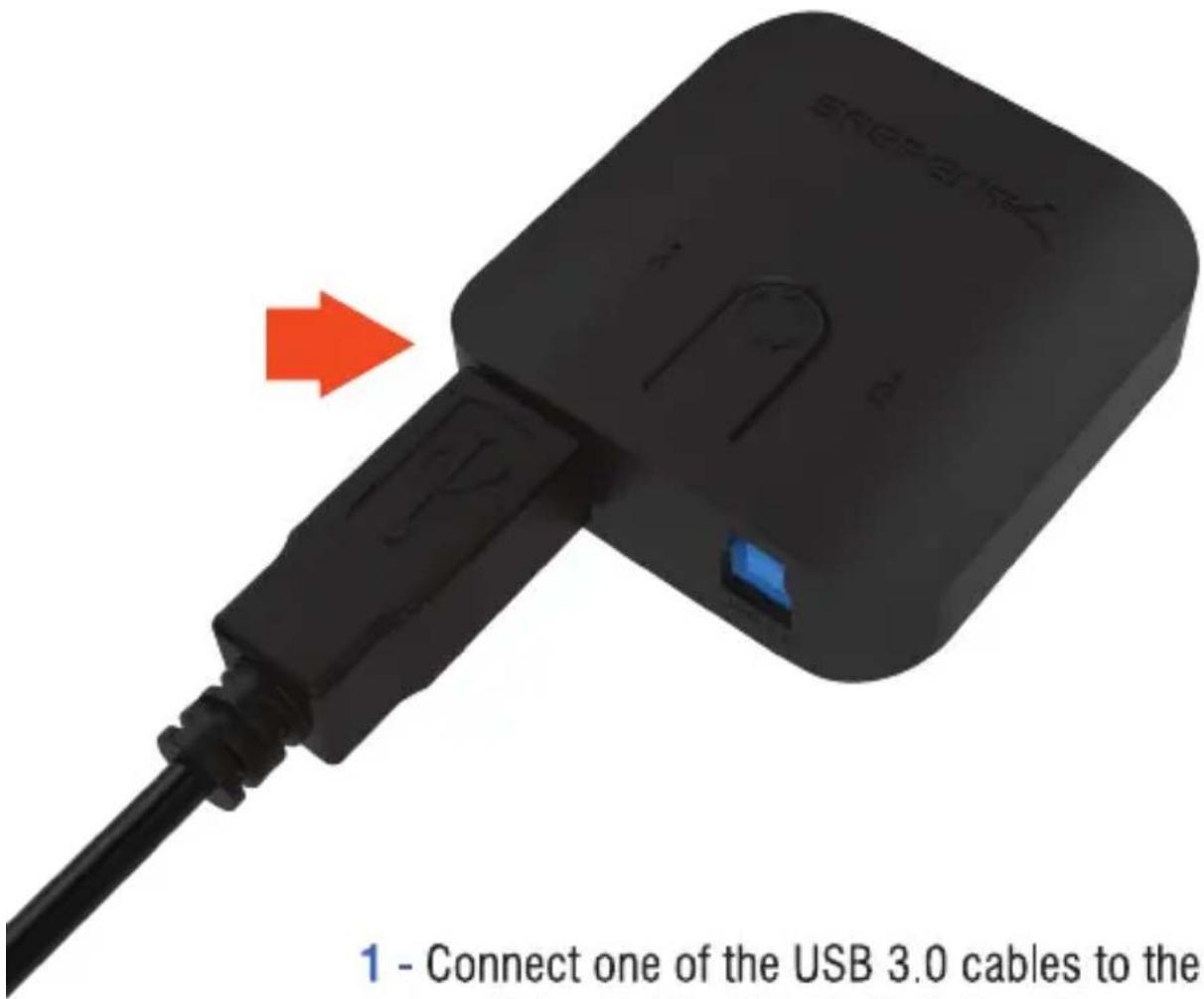
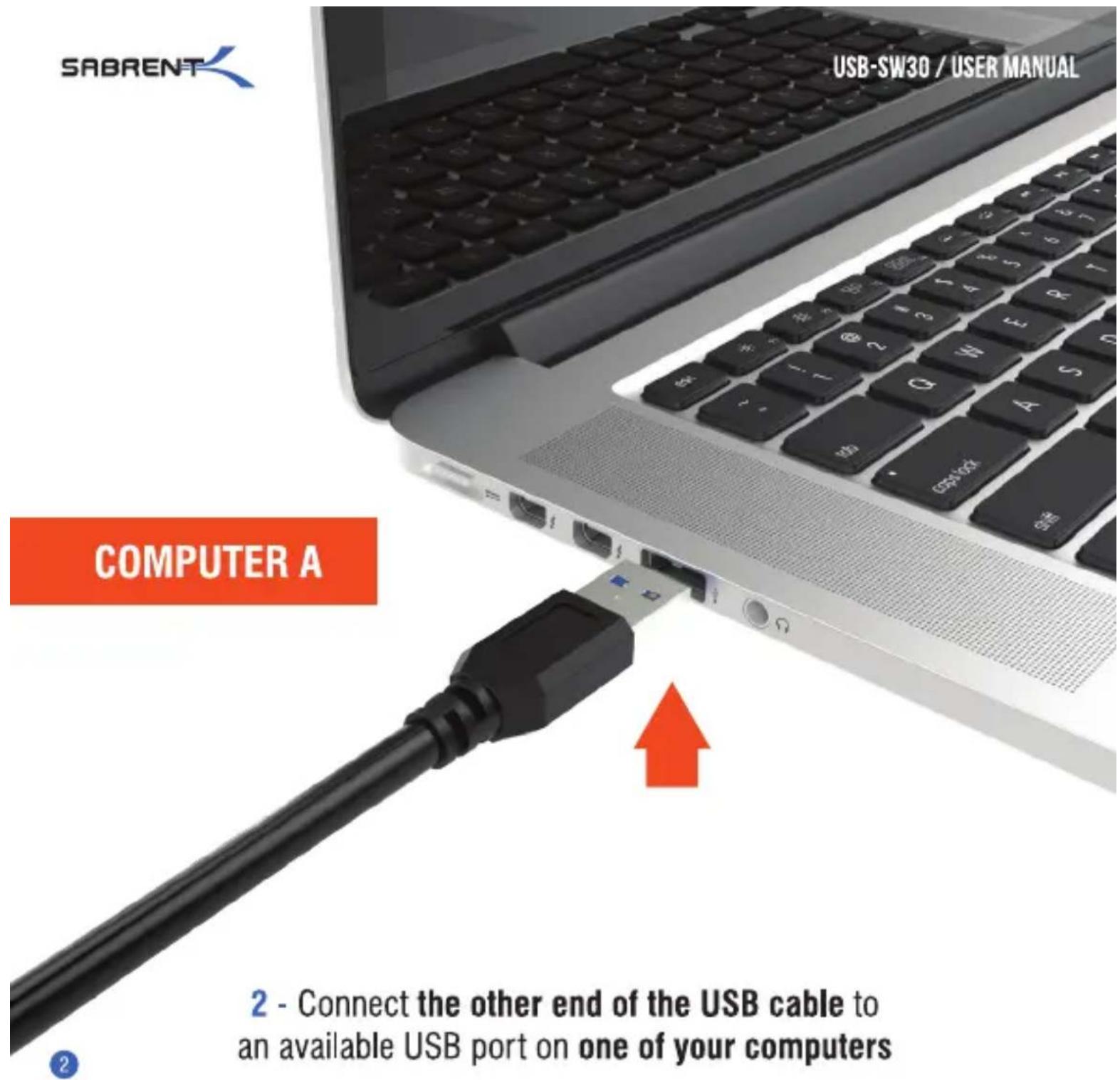
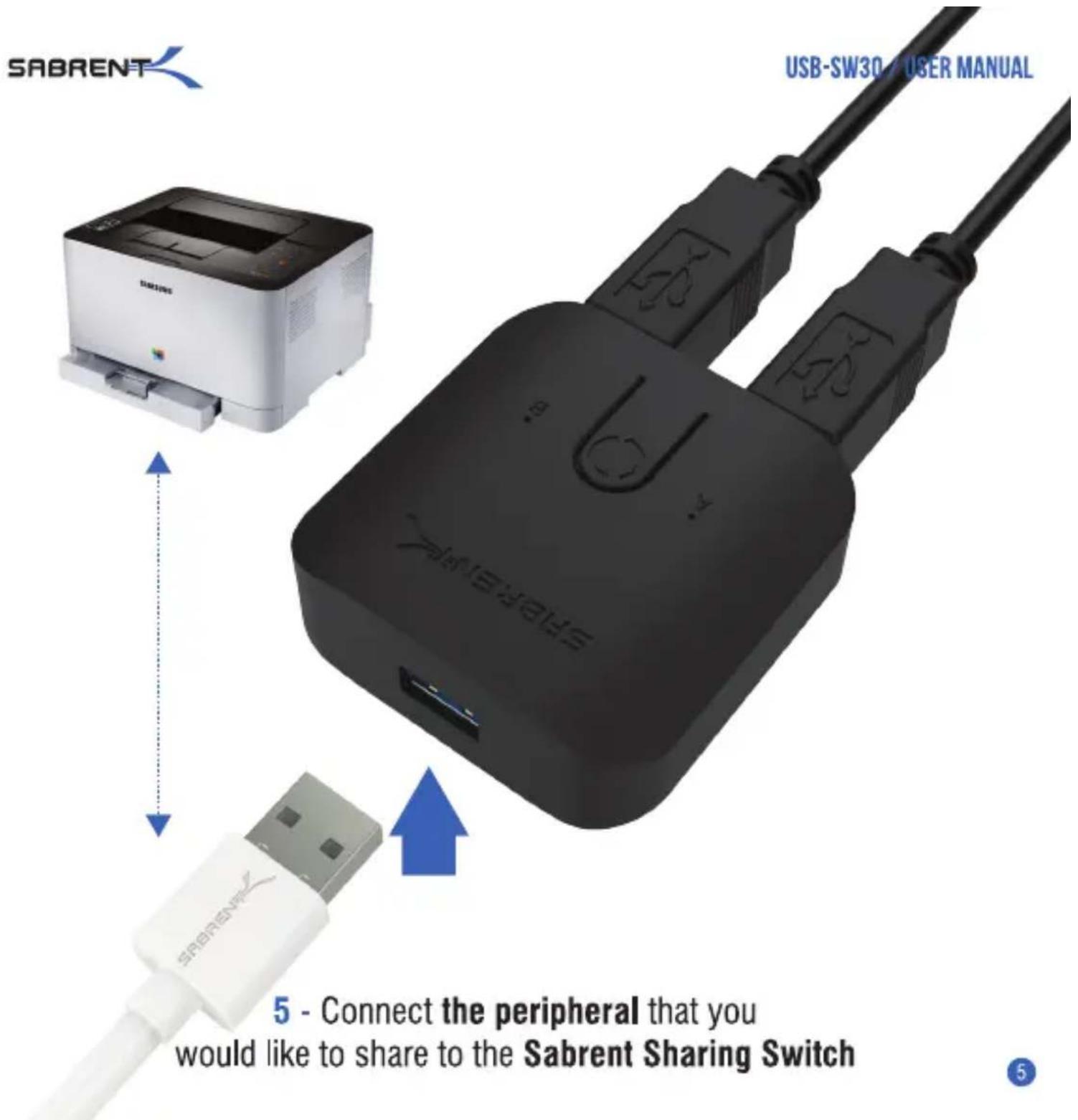
1 - Connect one of the USB 3.0 cables to the Sabrent Sharing Switch A port
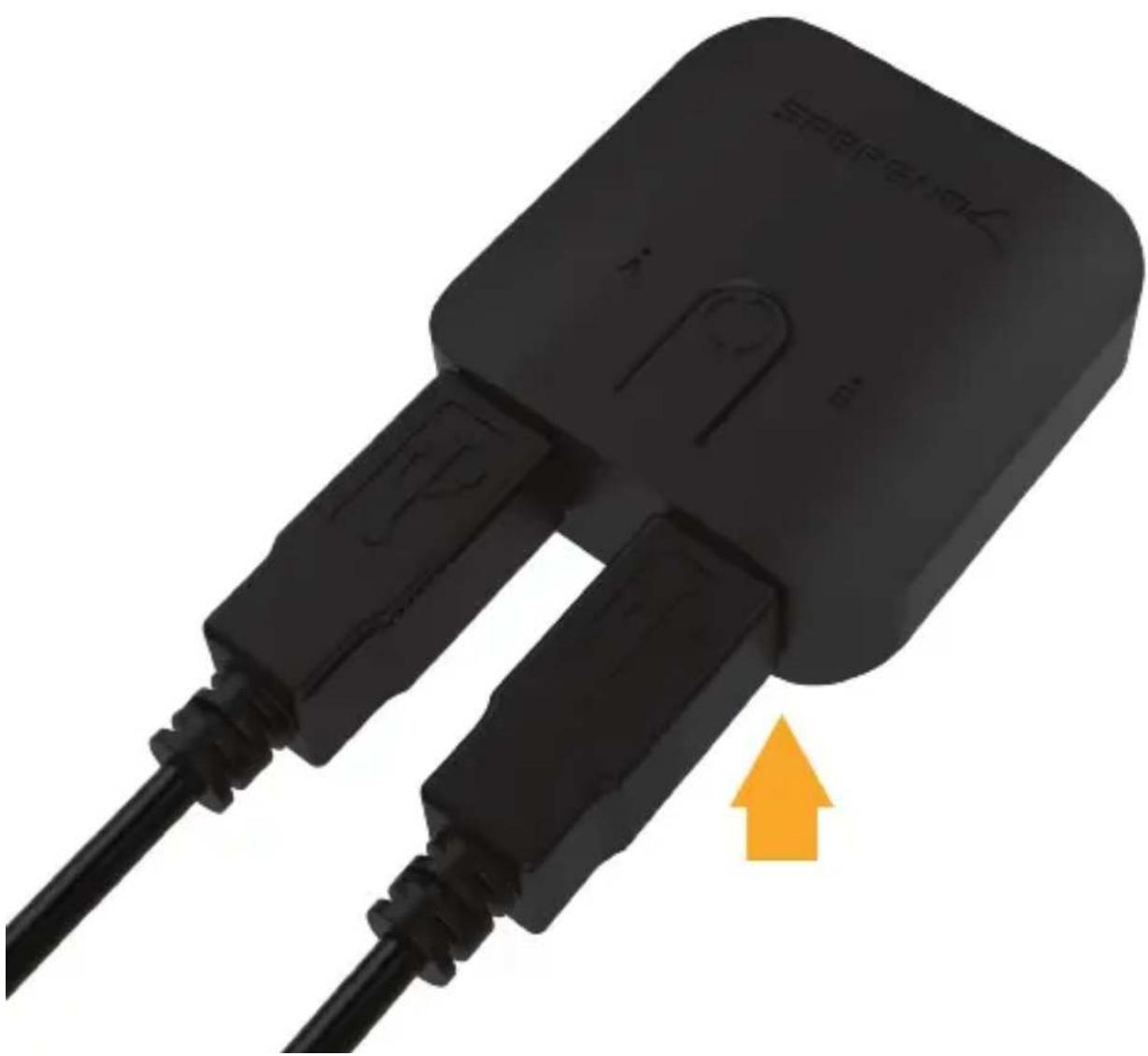
3 - Connect the other USB 3.0 cable to the Sabrent Sharing Switch B port
natural_image
Close-up of a black electronic device with two leads and a yellow upward arrow indicating direction (no text or symbols on the device itself)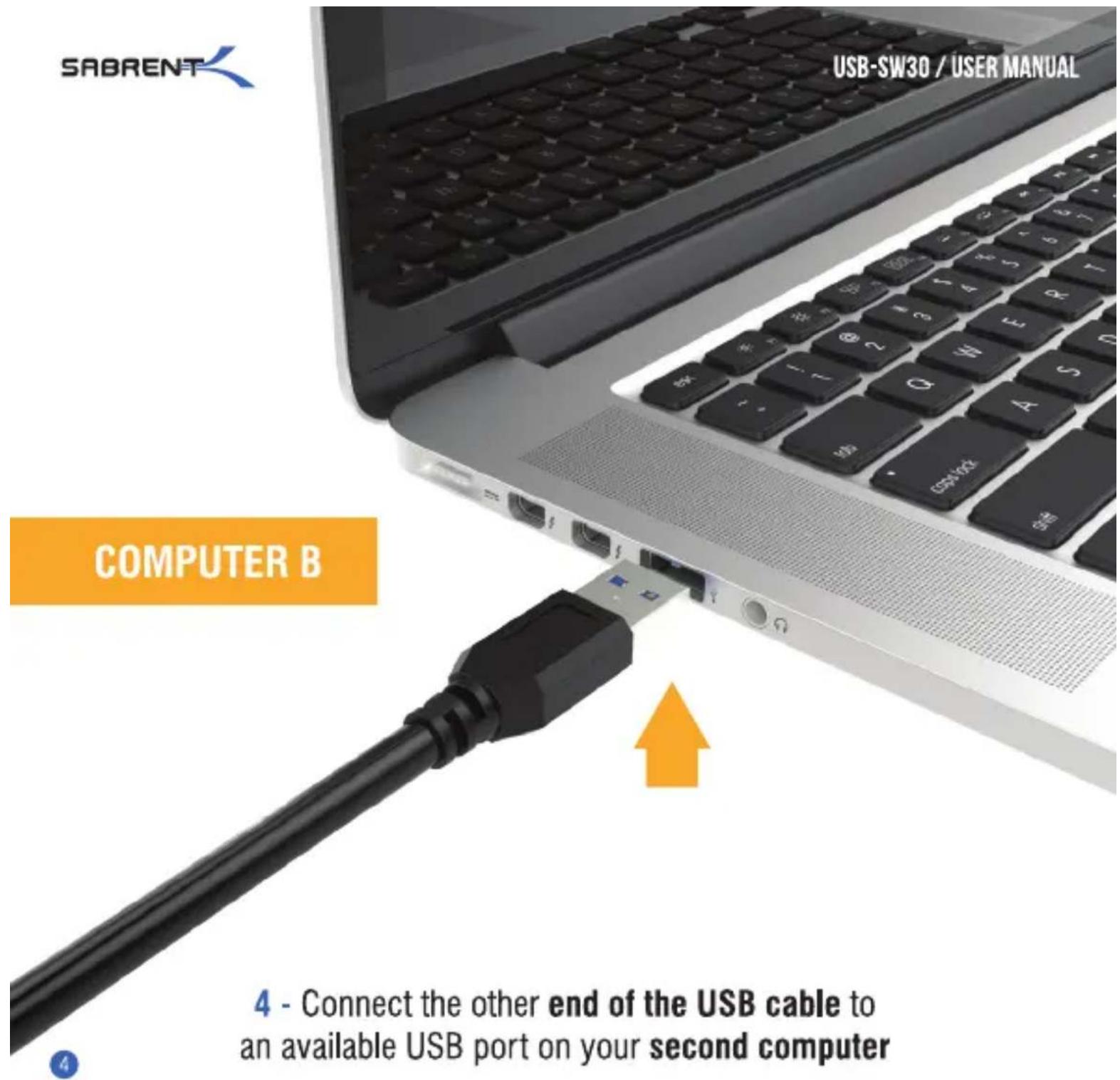
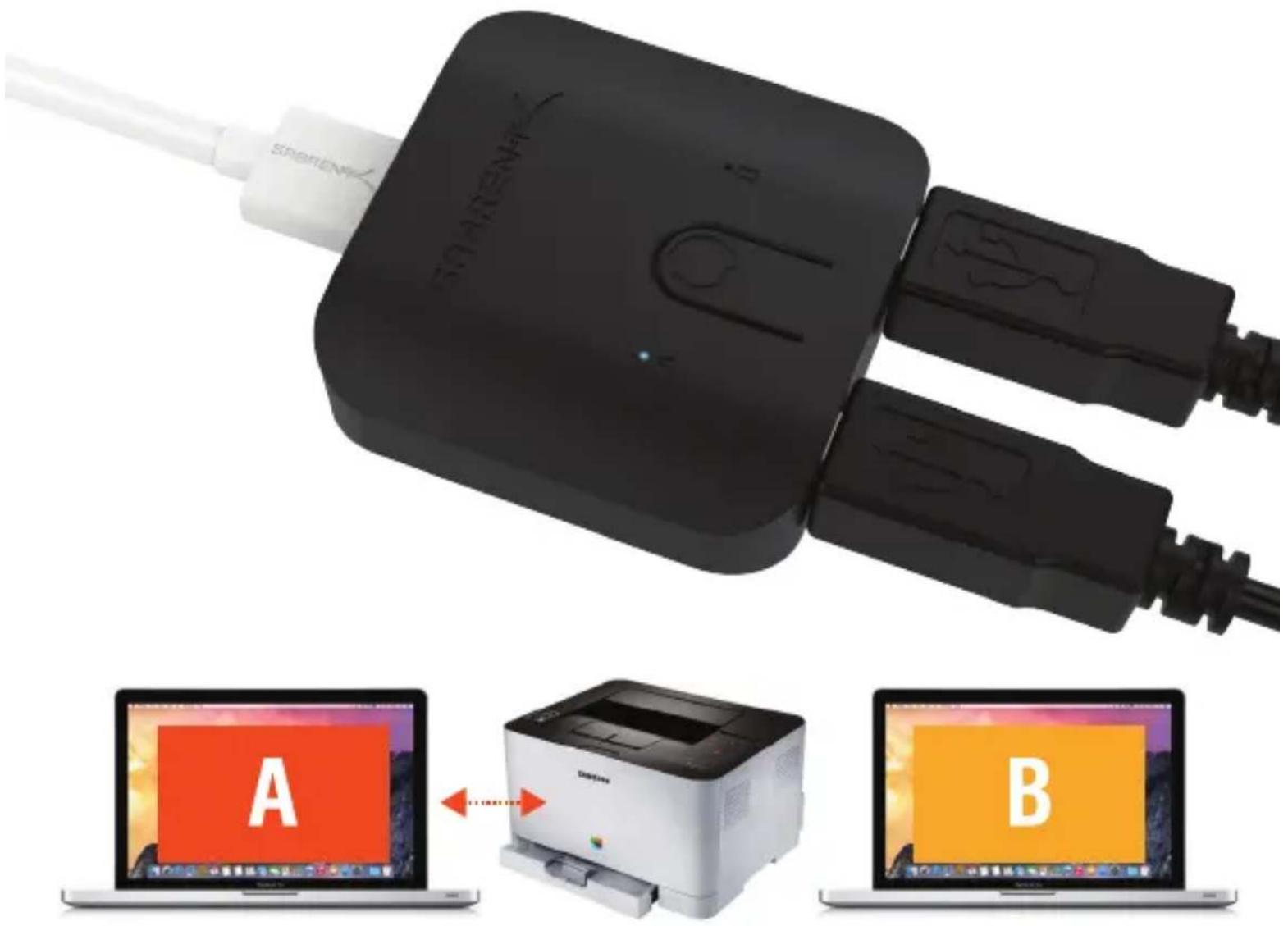
6 - The LED light will indicate which computer currently has control of the attached peripheral
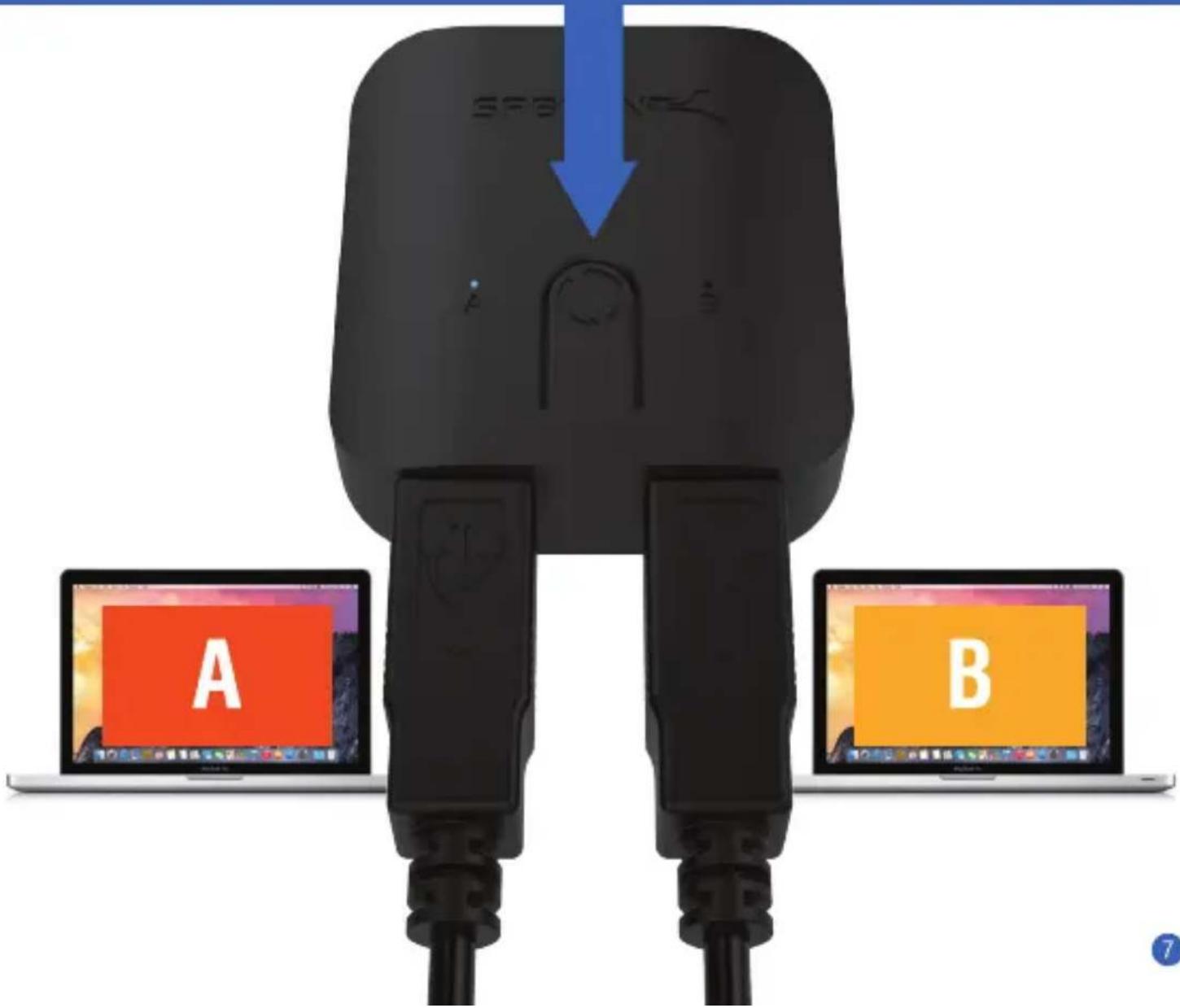
Easily switch between computers by pressing on the one-touch button
FEATURES
Provides easy one-touch switching of a USB 3.0 device or hub between two computers.
Backward compatible with USB 2.0/1.1 devices
Attach a USB docking station or powered USB hub that is connected to keyboard, mouse, and USB graphics adapter for an all-USB KVM solution
Plug & Play, works with any USB-enabled computer without drivers (attached devices may require drivers)
LED indicator lights show which connected computer has control of the attached devices
SPECIAL NOTE: Not recommended for sharing with mass storage devices such as hard drives, flash drives, card readers, etc. USB 3.0 Supper Speed transfers are highly sensitive to cable lengths. We highly recommend using the two 3ft/1m cables included in this package with your computers and keep the USB cables connected to the switch under 6FT/1.8m.

bar
| Category | Value | |---|---| | Category 1 | 100 | | Category 2 | 100 | | Category 3 | 100 | | Category 4 | 100 | | Category 5 | 100 | | Category 6 | 100 | | Category 7 | 100 | | Category 8 | 100 | | Category 9 | 100 | | Category 10 | 100 | | Category 11 | 100 | | Category 12 | 100 | | Category 13 | 100 | | Category 14 | 100 | | Category 15 | 100 | | Category 16 | 100 | | Category 17 | 100 | | Category 18 | 100 | | Category 19 | 100 | | Category 20 | 100 | | Category 21 | 100 | | Category 22 | 100 | | Category 23 | 100 | | Category 24 | 100 | | Category 25 | 100 | | Category 26 | 100 | | Category 27 | 100 | | Category 28 | 100 | | Category 29 | 100 | | Category 30 | 100 | | Category 31 | 100 | | Category 32 | 100 | | Category 33 | 100 | | Category 34 | 100 | | Category 35 | 100 | | Category 36 | 100 | | Category 37 | 100 | | Category 38 | 100 | | Category 39 | 100 | | Category 40 | 100 | | Category 41 | 100 | | Category 42 | 100 | | Category 43 | 100 | | Category 44 | 100 | | Category 45 | 100 | | Category 46 | 100 | | Category 47 | 100 | | Category 48 | 100 | | Category 49 | 100 | | Category 50 | 100 | | Category 51 | 100 | | Category 52 | 100 | | Category 53 | 100 | | Category 54 | 100 | | Category 55 | 100 | | Category 56 | 100 | | Category 57 | 100 | | Category 58 | 100 | | Category 59 | 100 | | Category 60 | 100 | | Category 61 | 100 | | Category 62 | 100 | | Category 63 | 100 | | Category 64 | 100 | | Category 65 | 100 | | Category 66 | 100 | | Category 67 | 100 | | Category 68 | 100 | | Category 69 | 100 | | Category 70 | 100 | | Category 71 | 100 | | Category 72 | 100 | | Category 73 | 100 | | Category 74 | 100 | | Category 75 | 100 | | Category 76 | 100 | | Category 77 | 100 | | Category 78 | 100 | | Category 79 | 100 | | Category 80 | 100 | | Category 81 | 100 | | Category 82 | 100 | | Category 83 | 100 | | Category 84 | 100 | | Category 85 | 100 | | Category 86 | 100 | | Category 87 | 100 | | Category 88 | 100 | | Category 89 | 100 | | Category 90 | 100 | | Category 91 | 100 | | Category 92 | 100 | | Category 93 | 100 | | Category 94 | 100 | | Category 95 | 100 | | Category 96 | 100 | | Category 97 | 100 | | Category 98 | 100 | | Category 99 | 100 | | Total (Total) |Brand : Sabrent
Model : USB-SW30
Category : Switch