H565-BG - Uncategorized Heckler Design - Free user manual and instructions
Find the device manual for free H565-BG Heckler Design in PDF.


| Product Type | iPad Mini Mounting Enclosure |
| Brand | Heckler Design |
| Model | H565-BG |
| Compatible Devices | iPad Mini (1st-5th Generation) |
| Warranty | 2 Years (structural), 1 Year (electronics) |
| Included Accessories | Torx Assembly Tool, Hex Assembly Tool, Drywall Mounting Screws (4x), Drywall Mounting Mollies (4x), 24V Passive PoE Splitter, Right-Angle Lightning Cable |
| Power Input | 24V Passive PoE |
| Mounting Type | Drywall |
| CAT Cable Pass-Through | Yes |
| Sleep/Wake Button Access | Yes |
| Material | Aluminum/Steel (estimated) |
| Color | Silver/White (estimated) |
| Dimensions | Approx. 8.3 x 5.3 x 1.2 in (21 x 13.5 x 3 cm) |
| Weight | Approx. 1.5 lbs (0.7 kg) |
| Assembly Required | Yes |
| Contact | service@hecklerdesign.com |
| Manual Language | English |
Frequently Asked Questions - H565-BG Heckler Design
User questions about H565-BG Heckler Design
0 question about this device. Answer the ones you know or ask your own.
Ask a new question about this device
Download the instructions for your Uncategorized in PDF format for free! Find your manual H565-BG - Heckler Design and take your electronic device back in hand. On this page are published all the documents necessary for the use of your device. H565-BG by Heckler Design.
USER MANUAL H565-BG Heckler Design
Assembly & Installation
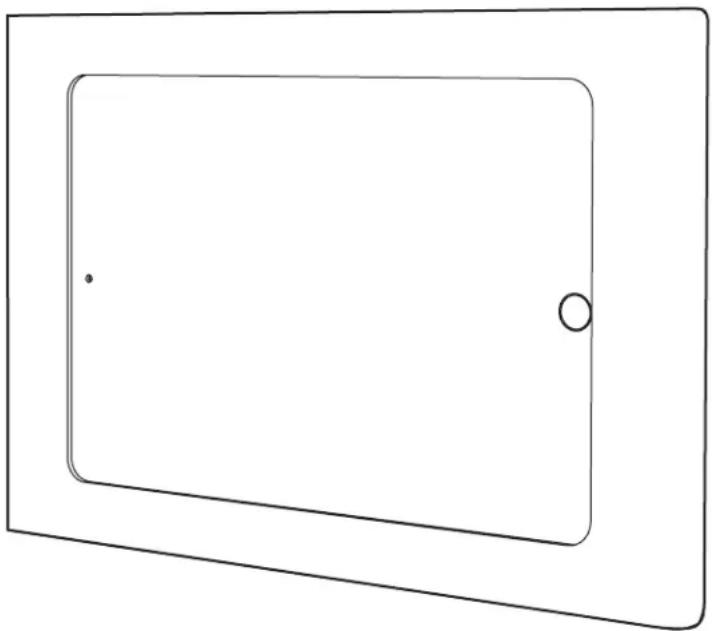
natural_image
Simple line drawing of a rectangular frame with a small dot and a circle on the top side (no text or symbols)Compatible with
iPad mini 1
iPad mini 2
iPad mini 3
iPad mini 4
iPad mini 5th Gen
2-Year Warranty
Heckler Design warrants your product to be free from defect in material and workmanship for a period of two years from the original date of purchase. Electronic components are warranted to be free from defect for a period of one year from the original date of purchase. If you discover a defect, please contact service@hecklerdesign.com. Heckler Design will repair, at our discretion, using new or refurbished components. If repair is not possible, Heckler Design will replace the item.
1x
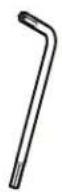

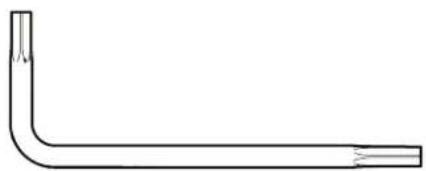
natural_image
Simple line drawing of a bent pipe or tube with no text or symbolsTorx assembly toolF756
1x
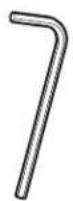

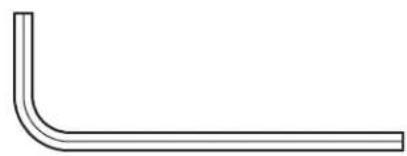
natural_image
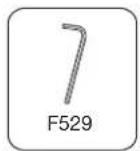
Simple line drawing of a bent pipe or elbow joint (no text or symbols)Hex assembly toolF529
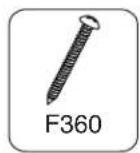
4x

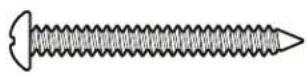
F360
Drywall Mounting Screws
4x
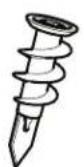
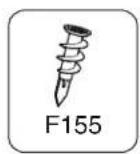
F155

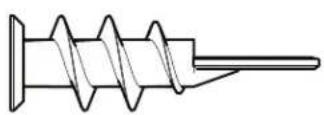
Drywall Mounting Mollies
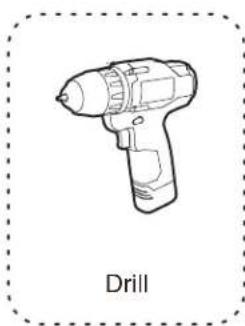
natural_image
Line drawing of a drill press with no text or symbols on the device itself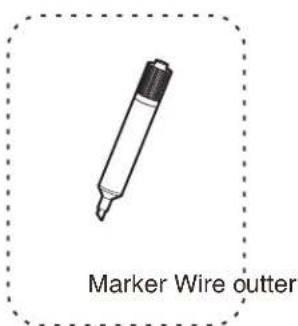
natural_image
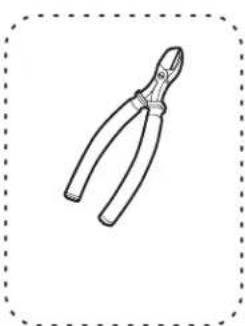
Line drawing of a pair of pliers inside a dashed border (no text or symbols)1 Remove front bezel
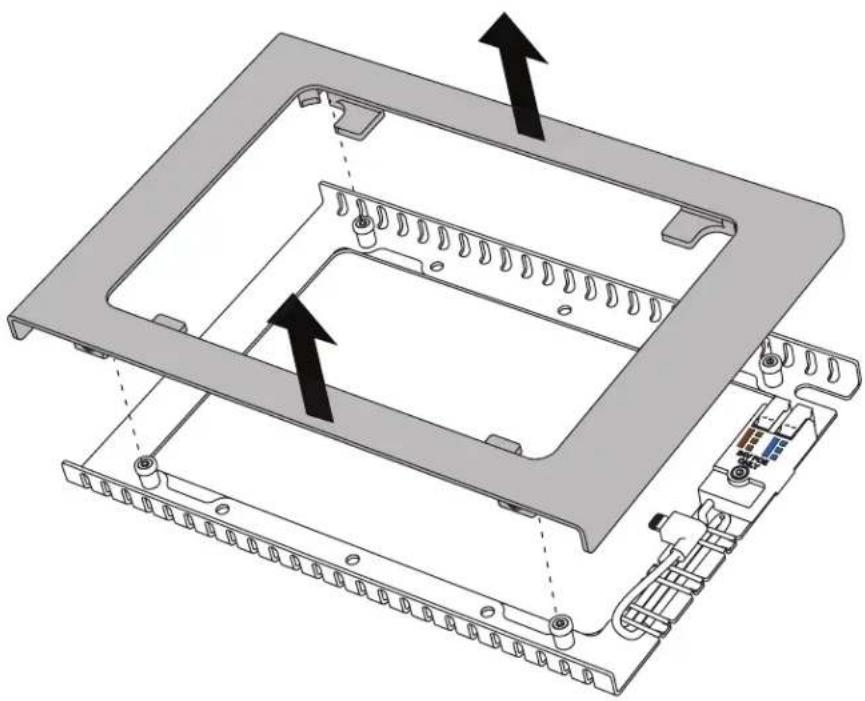
natural_image
3D diagram of a computer chassis showing internal components and mounting points (no text or symbols)2 Disassemble screws
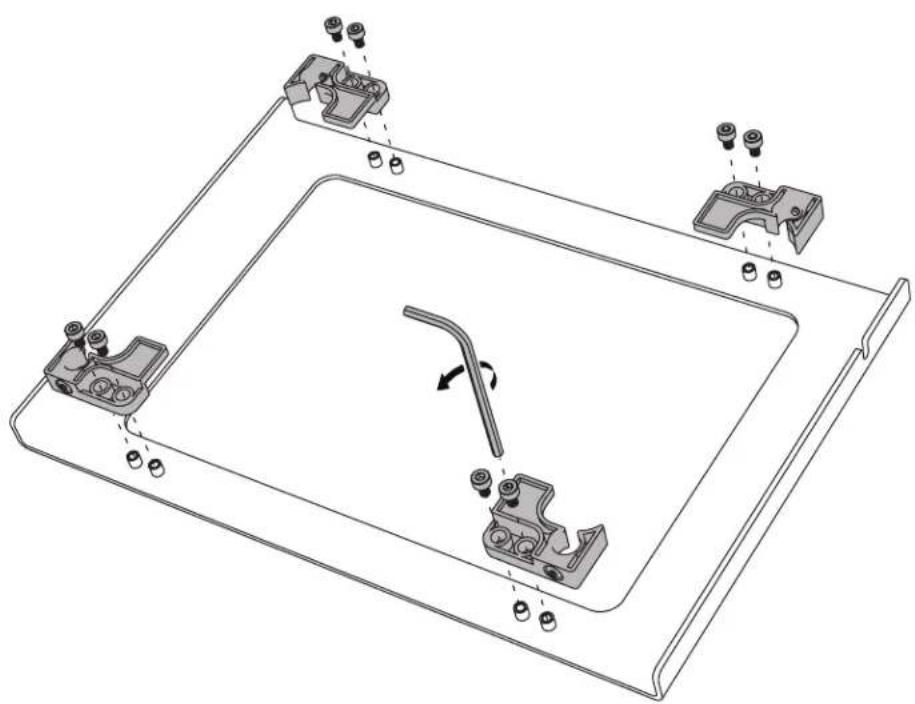
natural_image
Technical line drawing of a mechanical assembly with mounting brackets and a central tool (no text or symbols)3 Install iPad mini
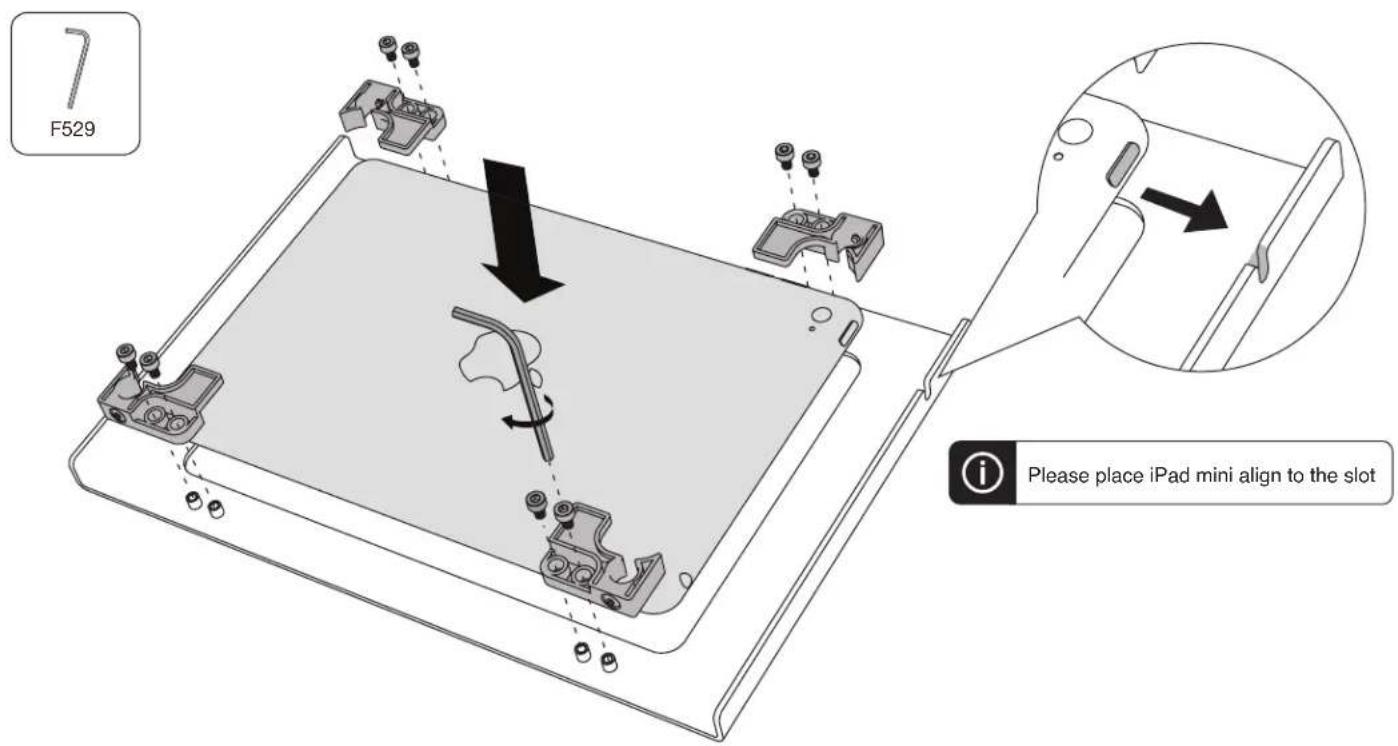
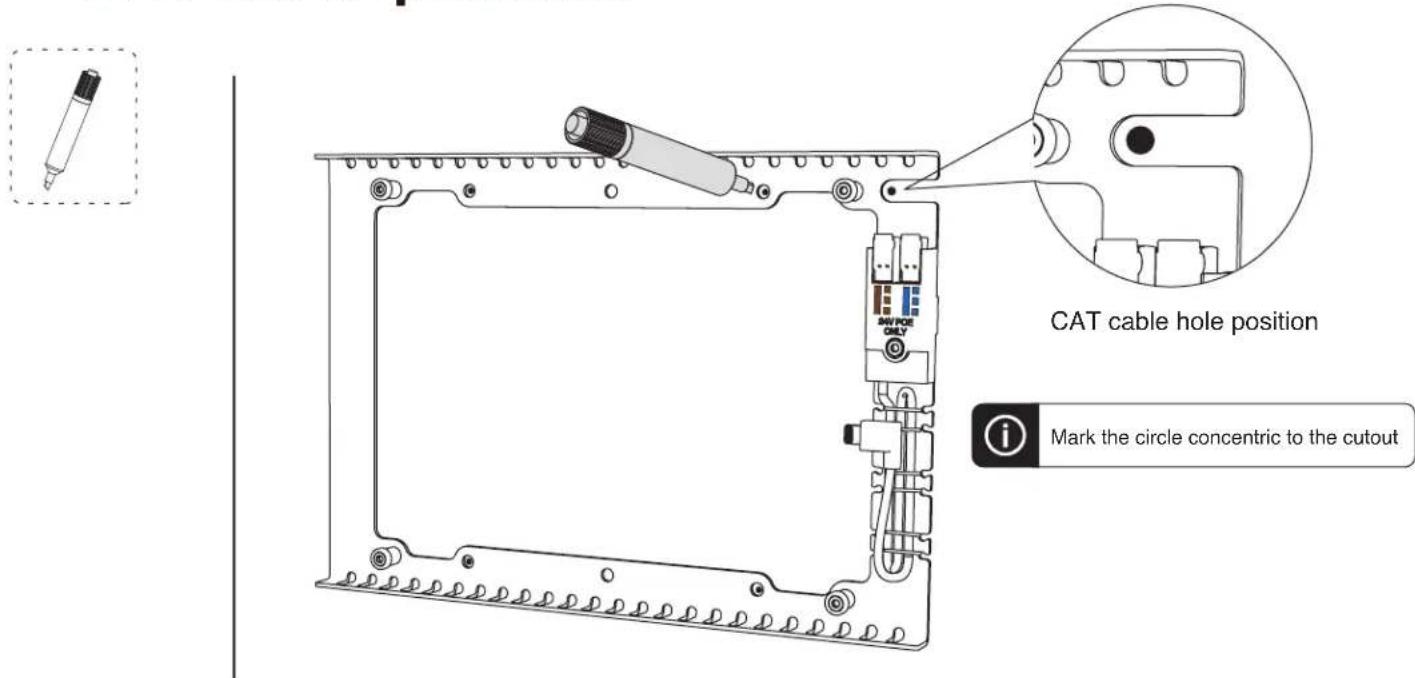
4 Mark four mounting position and CAT cable position
5 Install Drywall Mounting Mollies
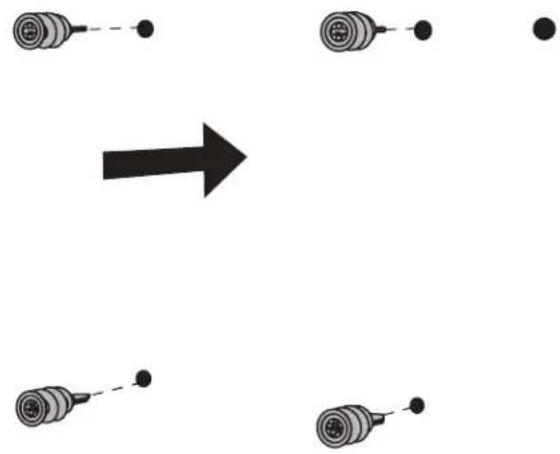
flowchart
graph TD
    A["Circle Component"] --> B["Arrow"]
    C["Circle Component"] --> D["Arrow"]
    E["Circle Component"] --> F["Arrow"]
    G["Circle Component"] --> H["Arrow"]
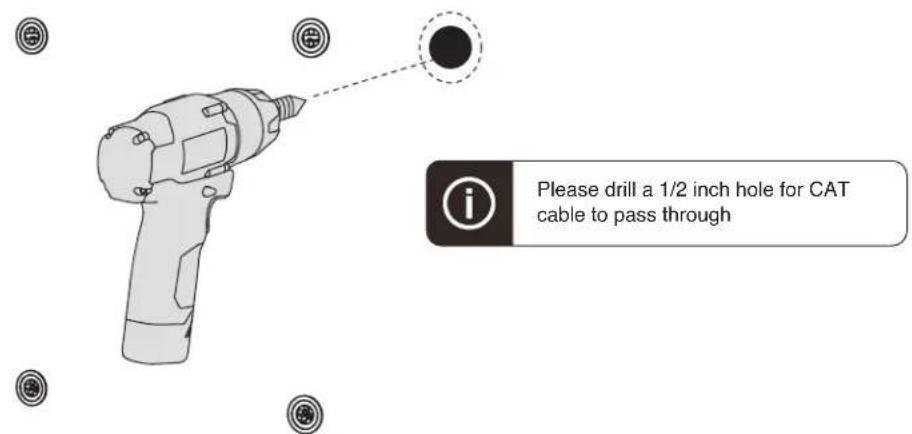
6 Drill CAT cable pass-through hole
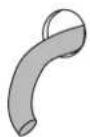
7 Pull out CAT cable




8 Fasten back plate
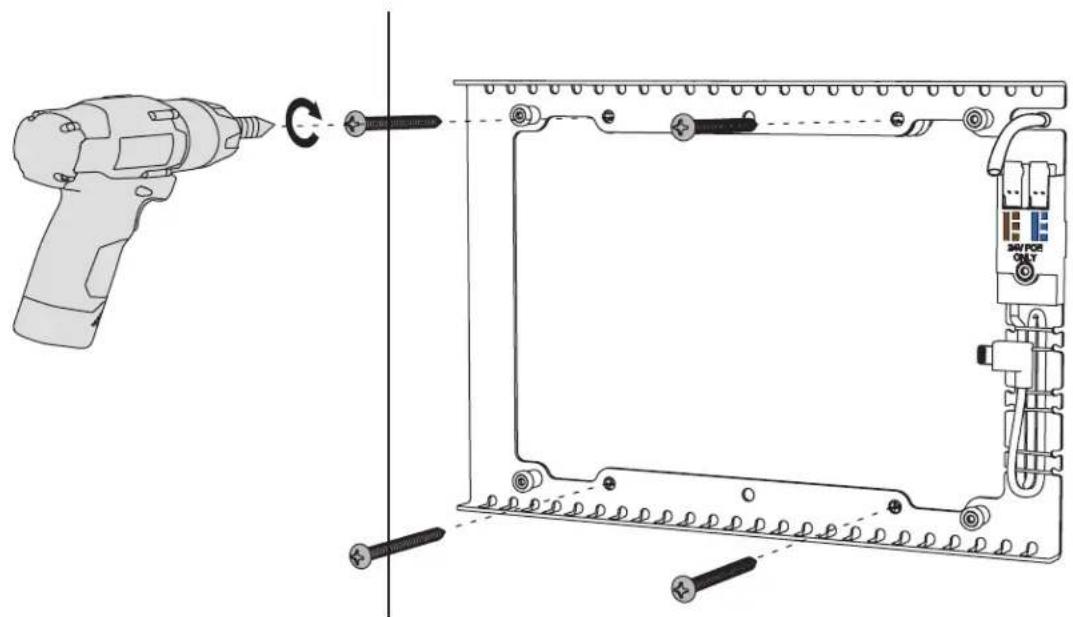
9 Trim cable skin
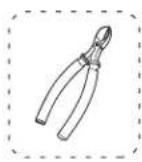
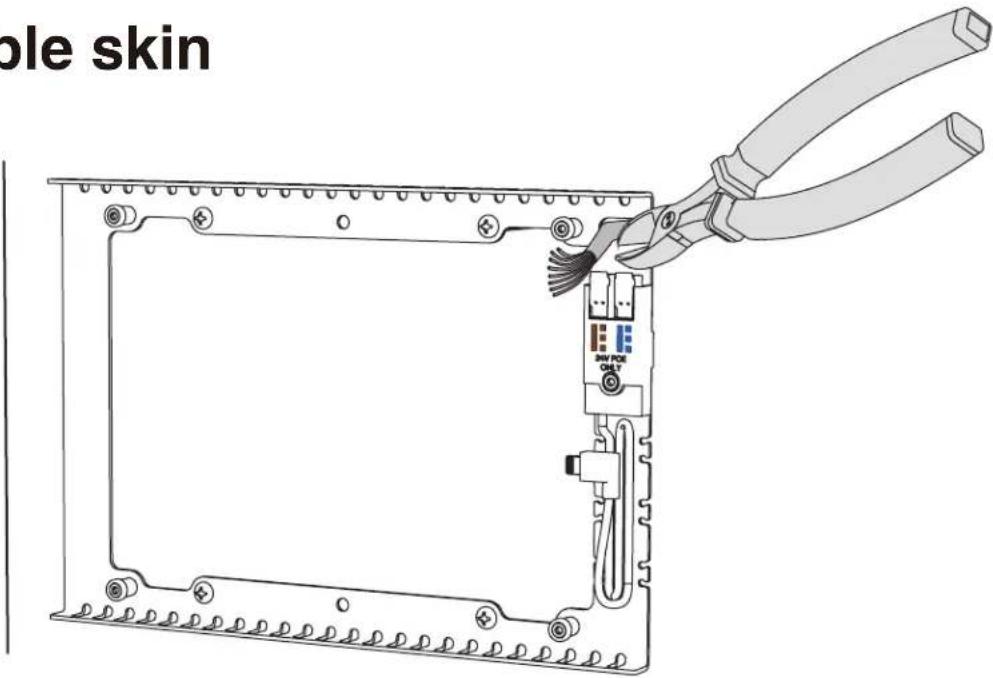
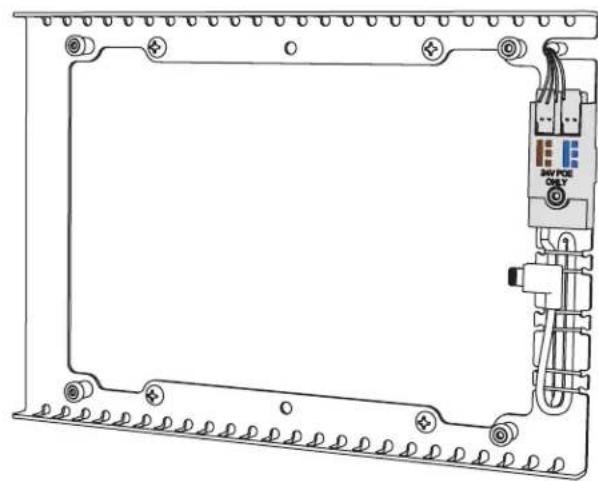
10 Plug four wires into the 24V passive PoE splitter
natural_image
Technical line drawing of an electronic device frame with mounting holes and a central control panel (no text or symbols)
Please match the wire color indicator on the plastic case.

Please only use the 24V PoE injector
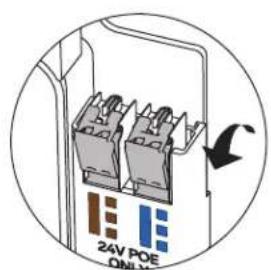
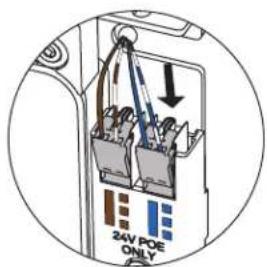
1 Open caps 2 Insert wires
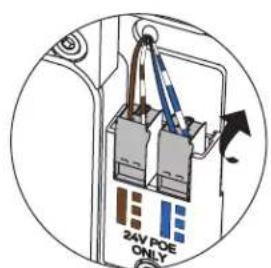
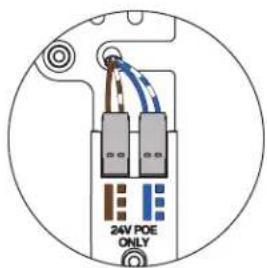
3 Close caps 2 Done
11 Plug in right-angle lightning cable
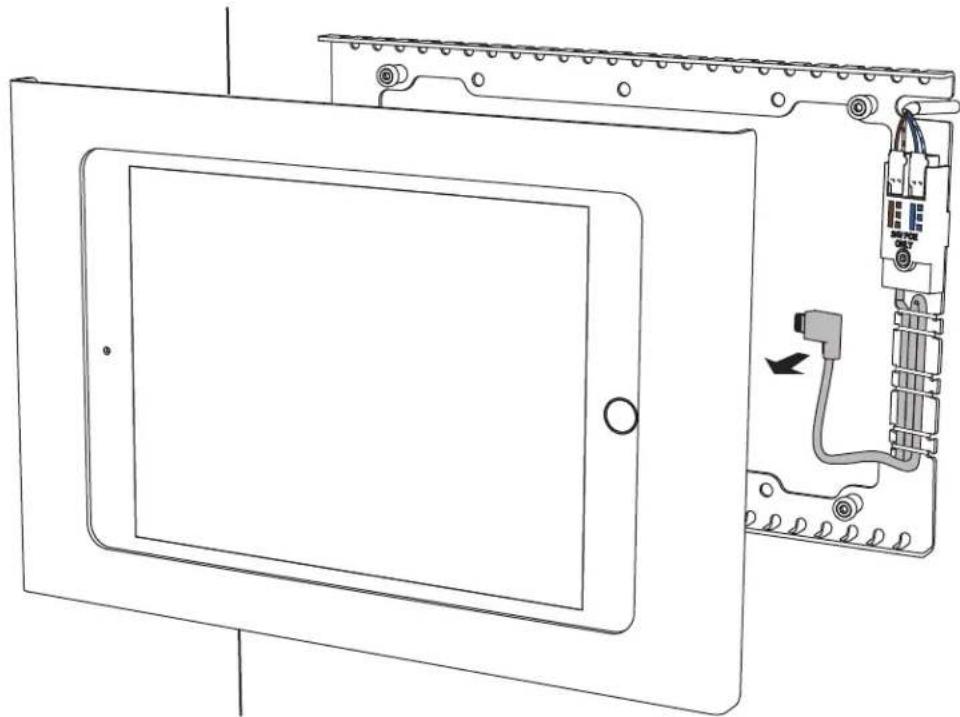
natural_image
Technical line drawing of a device panel with internal wiring and a close-up view showing a connector (no text or symbols)12 Install front bezel
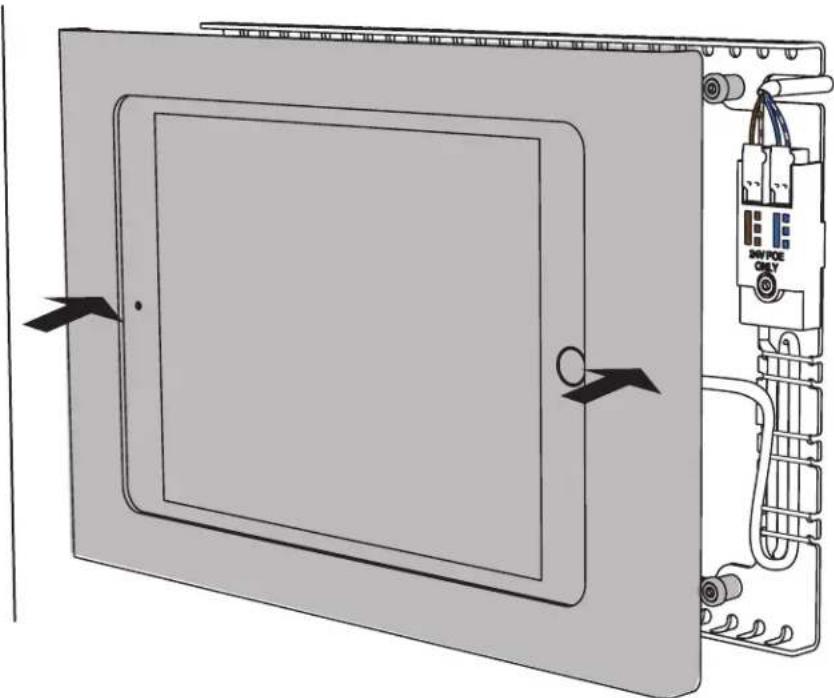
natural_image
Diagram of an electrical enclosure with labeled components and directional arrows indicating assembly (no text or symbols beyond labels)13 Tighten four screws
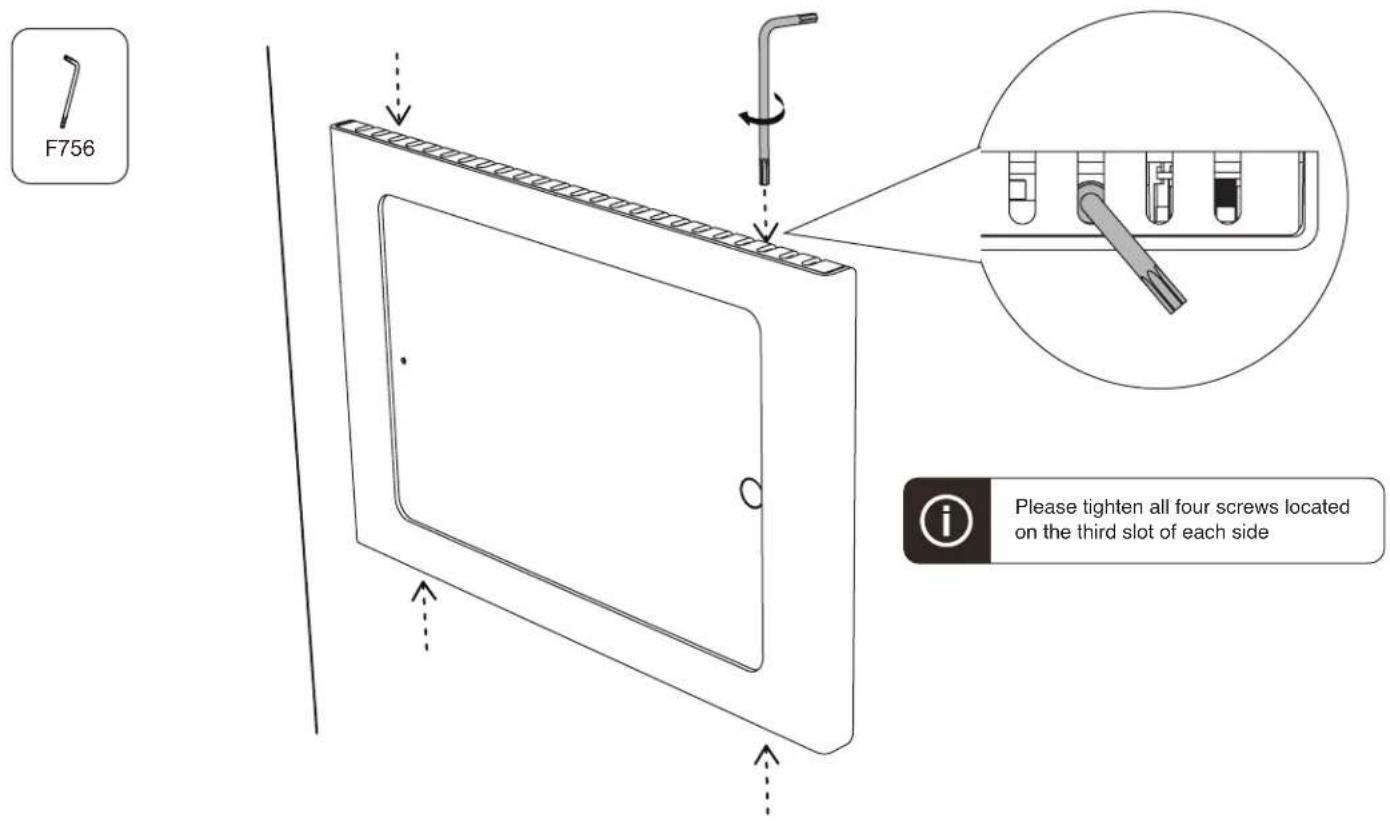
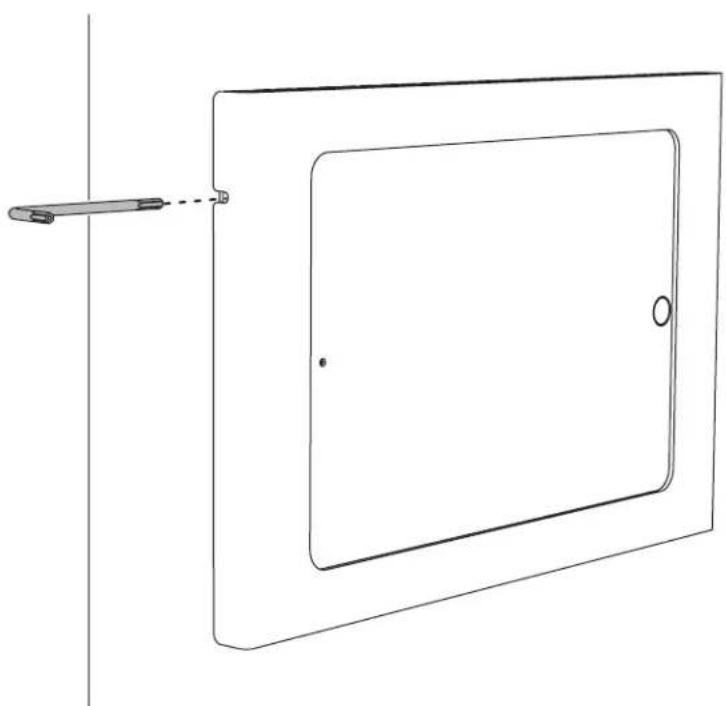
Tip: Access Sleep/Wake button
natural_image
Pure technical line drawing of a rectangular device with a handle and circular end, no text or symbols present- Remove front bezel
- Disassemble screws
- Install iPad mini
- Mark four mounting position and CAT cable position
- Install Drywall Mounting Mollies
- Drill CAT cable pass-through hole
- Pull out CAT cable
- Fasten back plate
- Trim cable skin
- Plug four wires into the 24V passive PoE splitter
- Plug in right-angle lightning cable
- Install front bezel
- Tighten four screws
- Tip: Access Sleep/Wake button
Brand : Heckler Design
Model : H565-BG
Category : Uncategorized