F133 - Uncategorized Heckler Design - Free user manual and instructions
Find the device manual for free F133 Heckler Design in PDF.


| Product Type | Monitor Mount / Stand |
| Brand | Heckler Design |
| Model | F133 |
| Material | Aluminum, Steel, Plastic |
| Color | Black / Silver |
| Weight Capacity | Up to 33 lbs (15 kg) |
| Screen Size Compatibility | 13" - 32" |
| VESA Compatible | 75x75mm, 100x100mm |
| Mounting Type | Clamp or Grommet (desk thickness up to 3") |
| Tilt Range | -5° to +15° |
| Swivel Range | ±90° |
| Rotation (Landscape/Portrait) | 360° |
| Height Adjustment | Gas spring, adjustable range 10" |
| Cable Management | Integrated cable clips |
| Installation | Easy DIY with included tools |
| Dimensions (Base) | 4.5" x 6" (11.4 x 15.2 cm) |
| Dimensions (Arm Length) | 24" (61 cm) |
| Net Weight | 8.8 lbs (4 kg) |
| Package Contents | Monitor mount, clamp, grommet, hardware, hex key |
| Warranty | 5 years limited warranty |
| Country of Origin | China |
Frequently Asked Questions - F133 Heckler Design
User questions about F133 Heckler Design
0 question about this device. Answer the ones you know or ask your own.
Ask a new question about this device
Download the instructions for your Uncategorized in PDF format for free! Find your manual F133 - Heckler Design and take your electronic device back in hand. On this page are published all the documents necessary for the use of your device. F133 by Heckler Design.
USER MANUAL F133 Heckler Design
Assembly & Installation
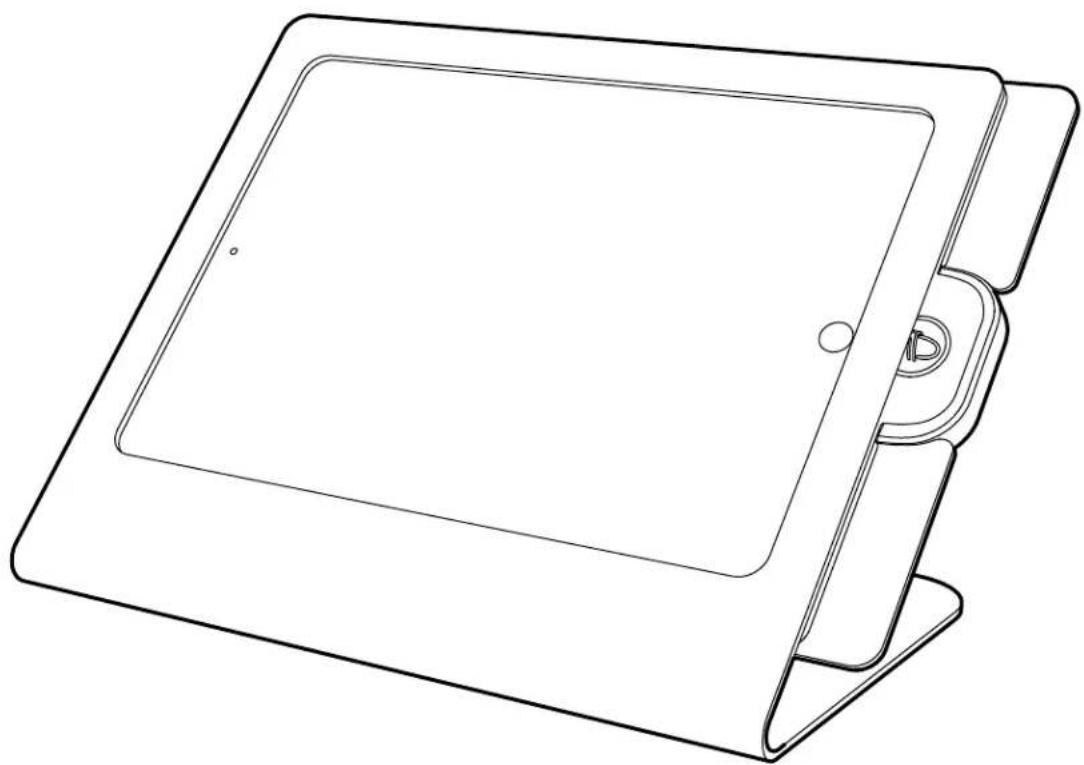
natural_image
Line drawing of a tablet device with a stand and lid (no text or symbols)Compatible with:
iPad Pro (10.5-inch)
Limited Warranty
Heckler Design warrants your product to be free from defect in material and workmanship for a period of two years from the original date of purchase. Electronic components are warranted to be free from defect for a period of one year from the original date of purchase. If you discover a defect, please contact service@hecklerdesign.com. Heckler Design will repair, at our discretion, using new or refurbished components. If repair is not possible, Heckler Design will replace the item.
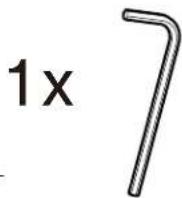
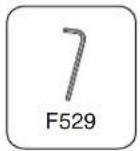
M3 Hex Key
F529

Keep your special assembly tool in a safe place. To purchase a replacement, please contact service@hecklerdesign.com.
Assemble With Or Without iDynamo 5 Features
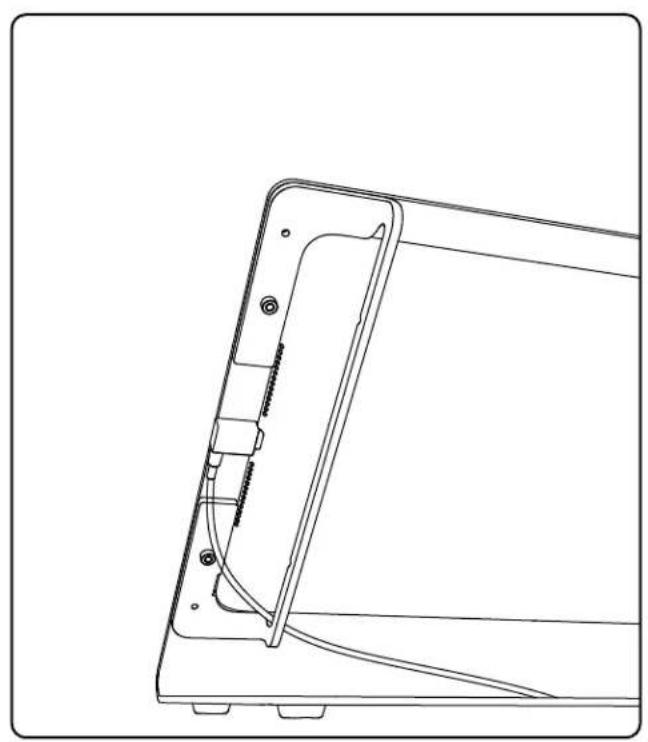
natural_image
Technical line drawing of a mechanical component with mounting holes and internal structure (no text or symbols)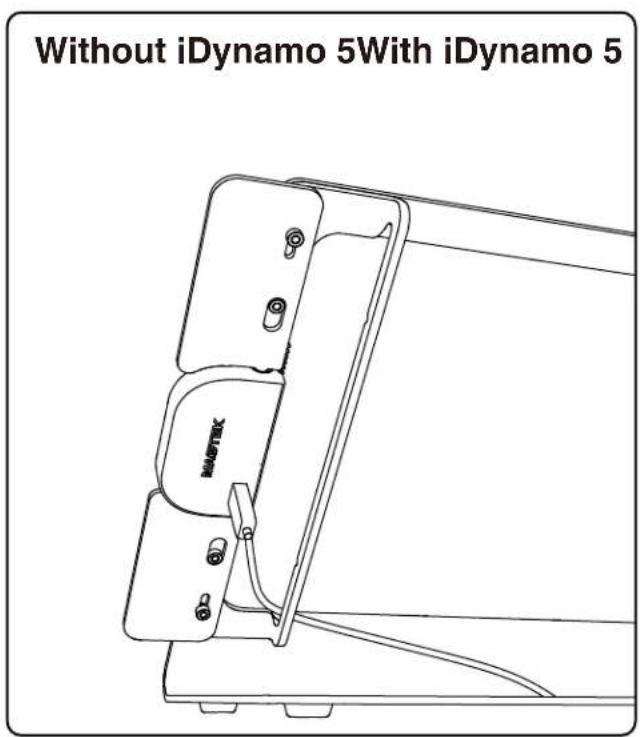
With iDynamo 5
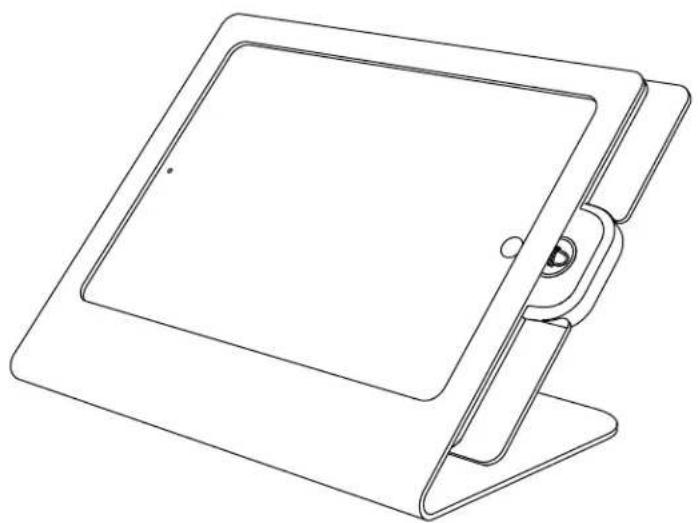
natural_image
Line drawing of a tablet device with a stand and handle (no text or symbols)1
7
F529
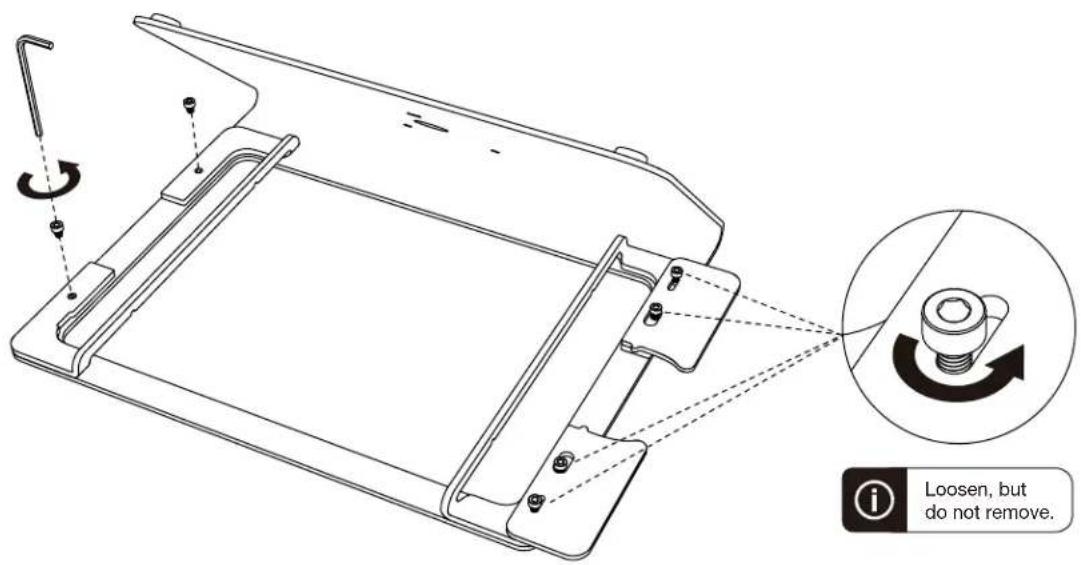
2
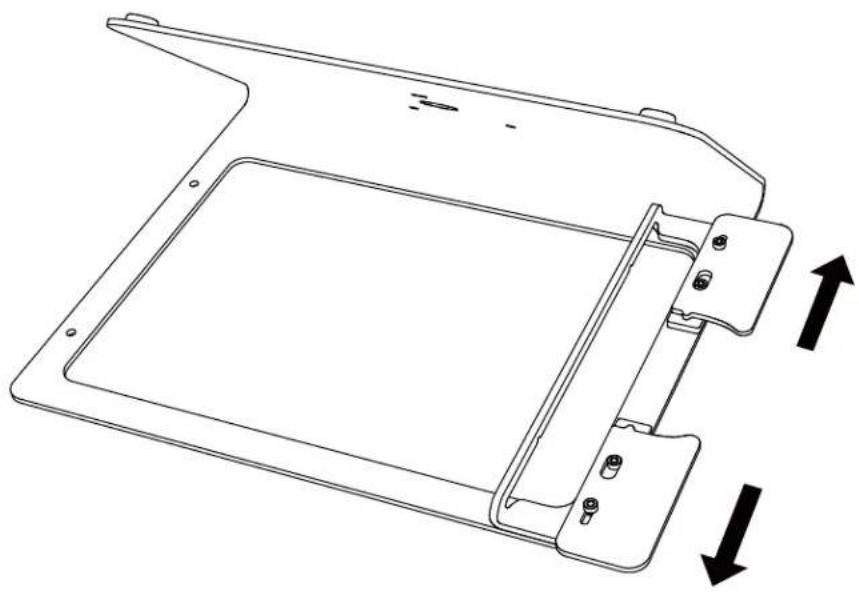
natural_image
Technical line drawing of a mechanical component with two directional arrows indicating movement (no text or symbols)3
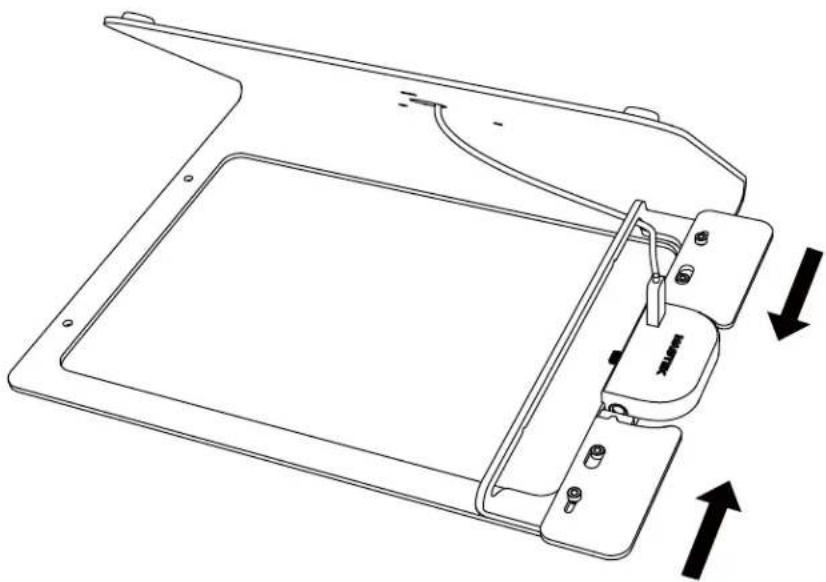
natural_image
Technical line drawing of a mechanical device with mounting brackets and internal components, showing directional arrows (no text or symbols)4
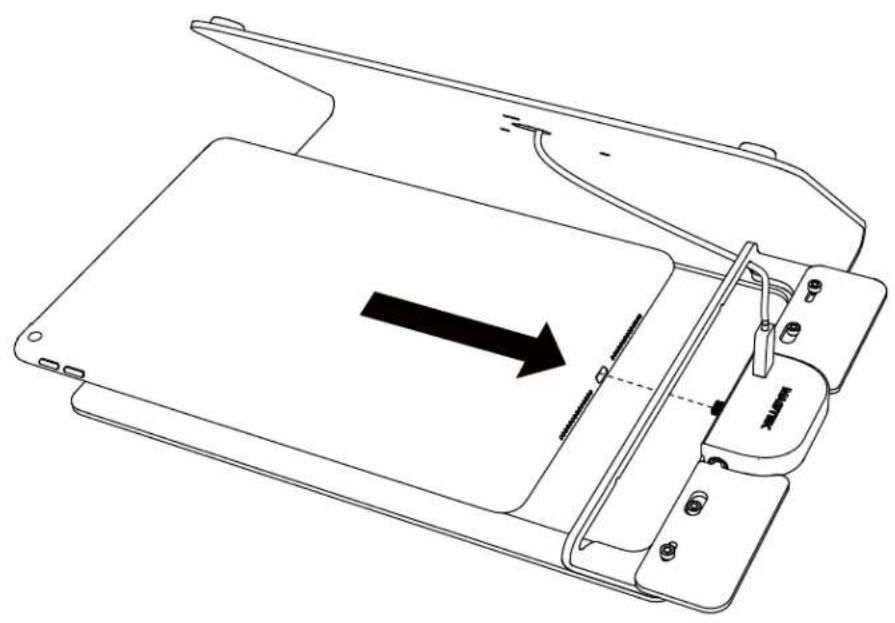
natural_image
Line drawing of a device with an arrow indicating direction, showing internal components and a handle (no text or symbols)5
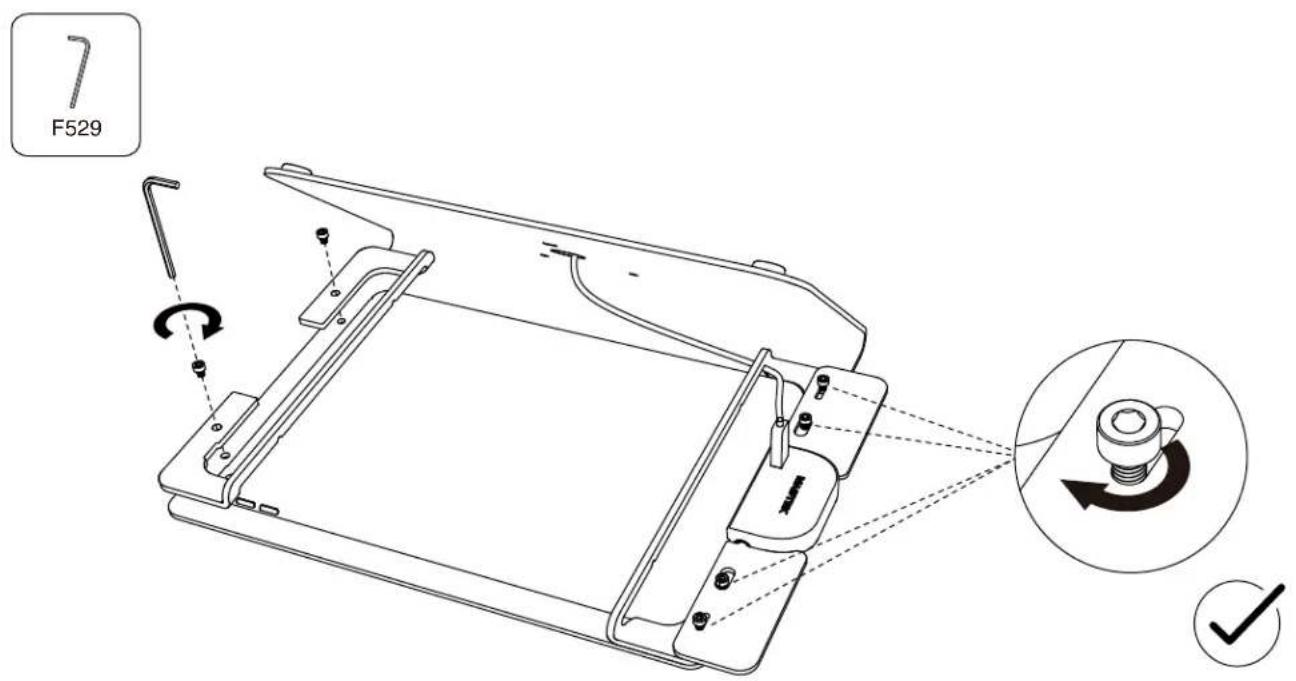
Without iDynamo 5
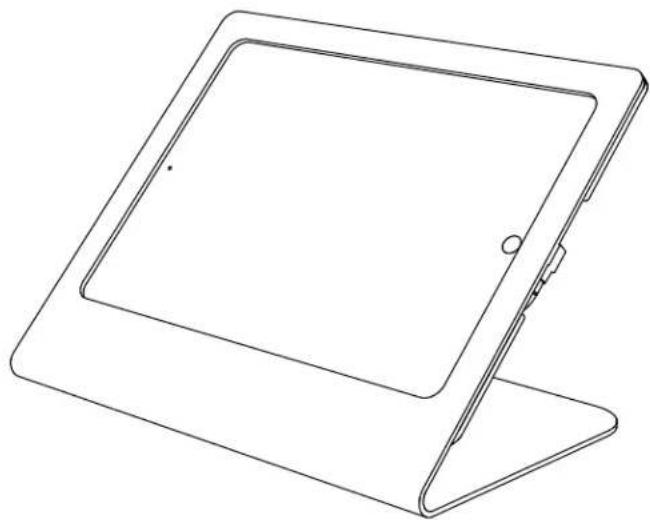
natural_image
Line drawing of a tablet device with a stand (no text or symbols)1
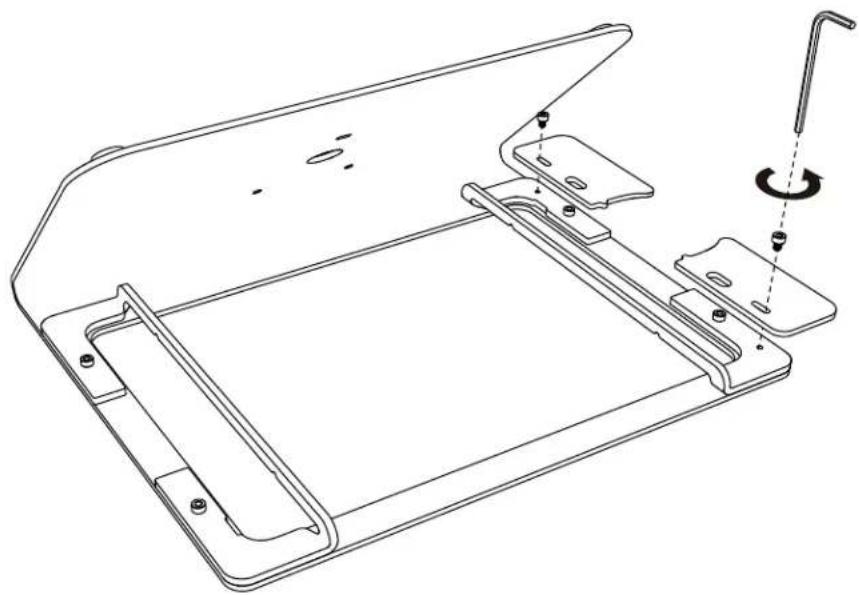
natural_image
Technical line drawing of a mechanical assembly with mounting brackets and a tool (no text or symbols)2
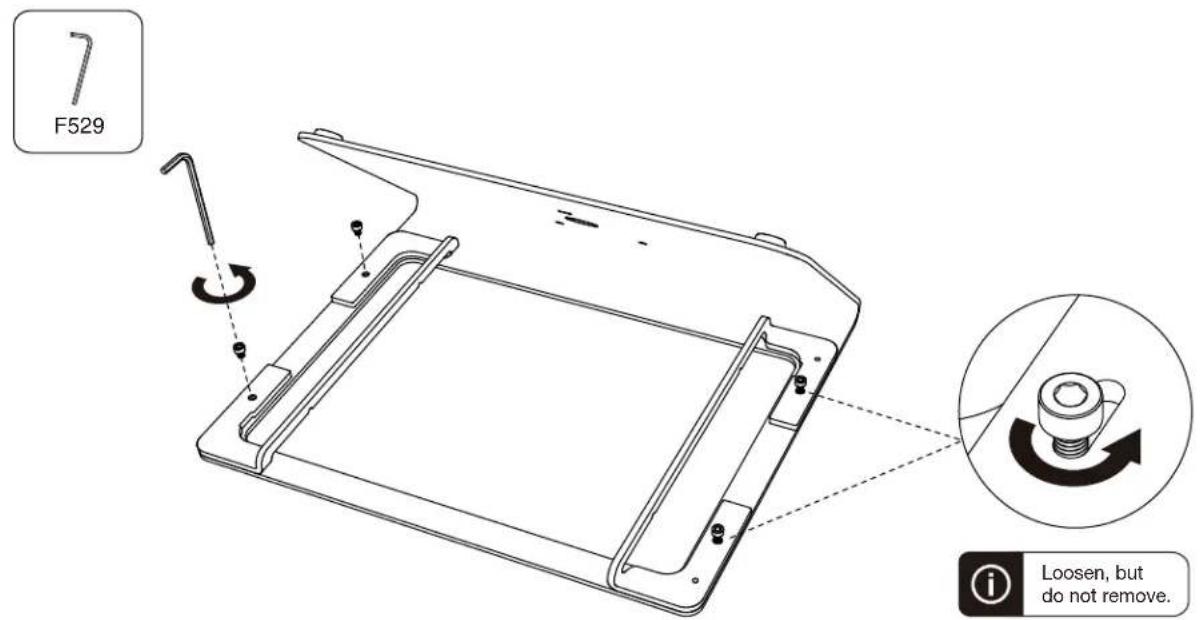
3
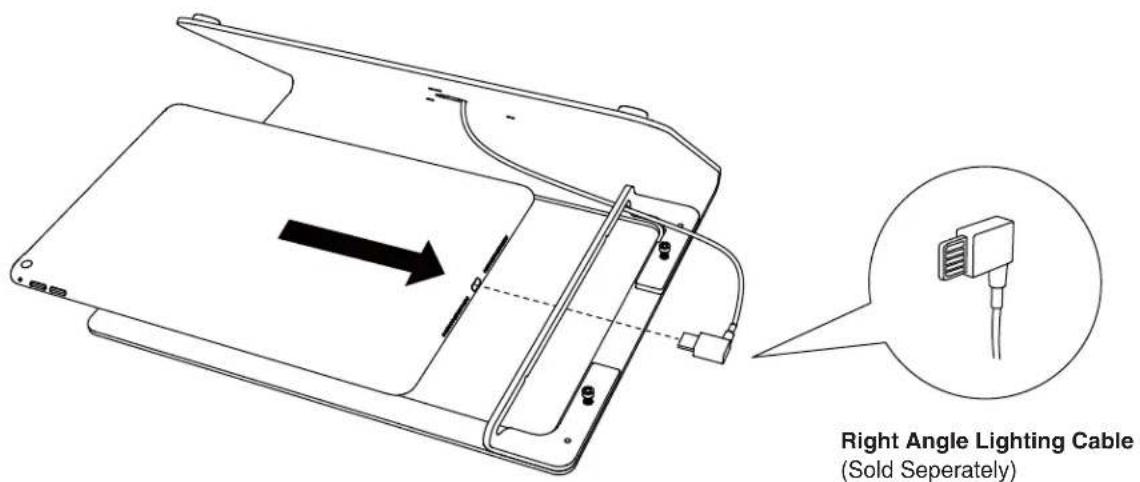
4
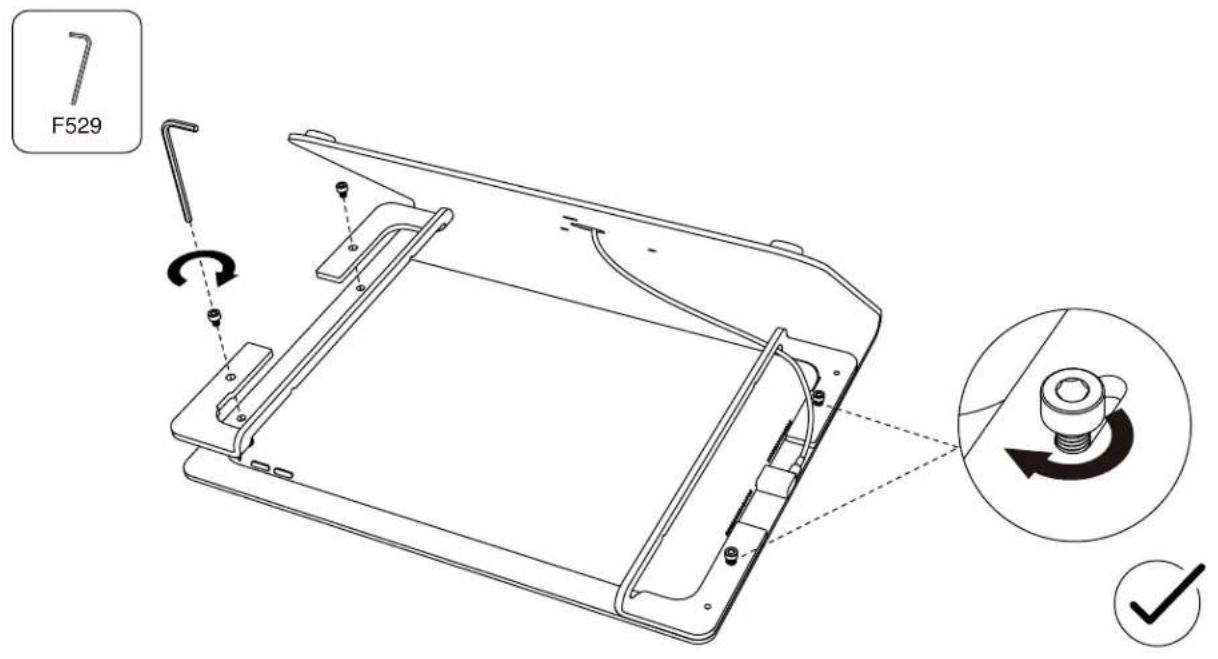
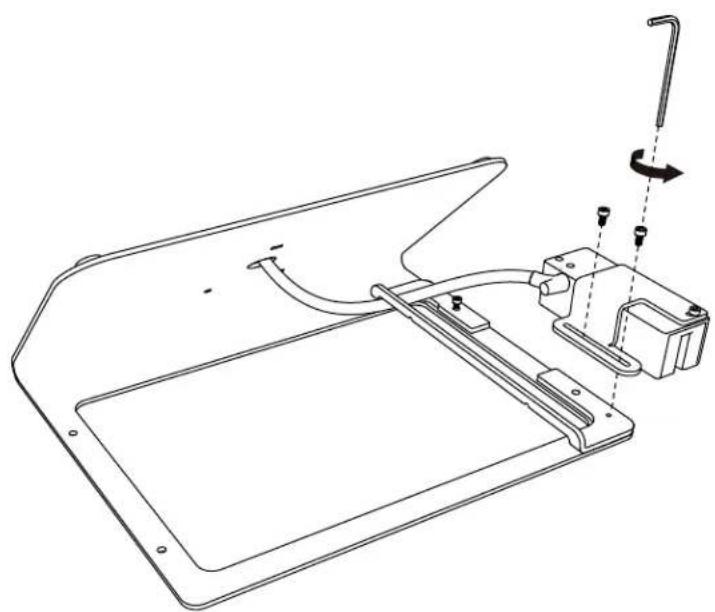
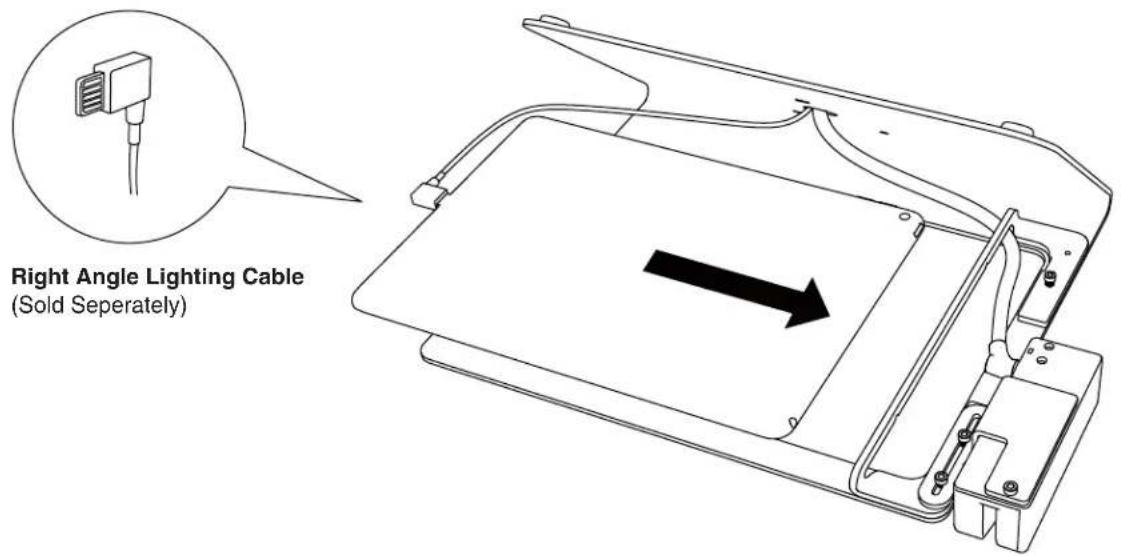
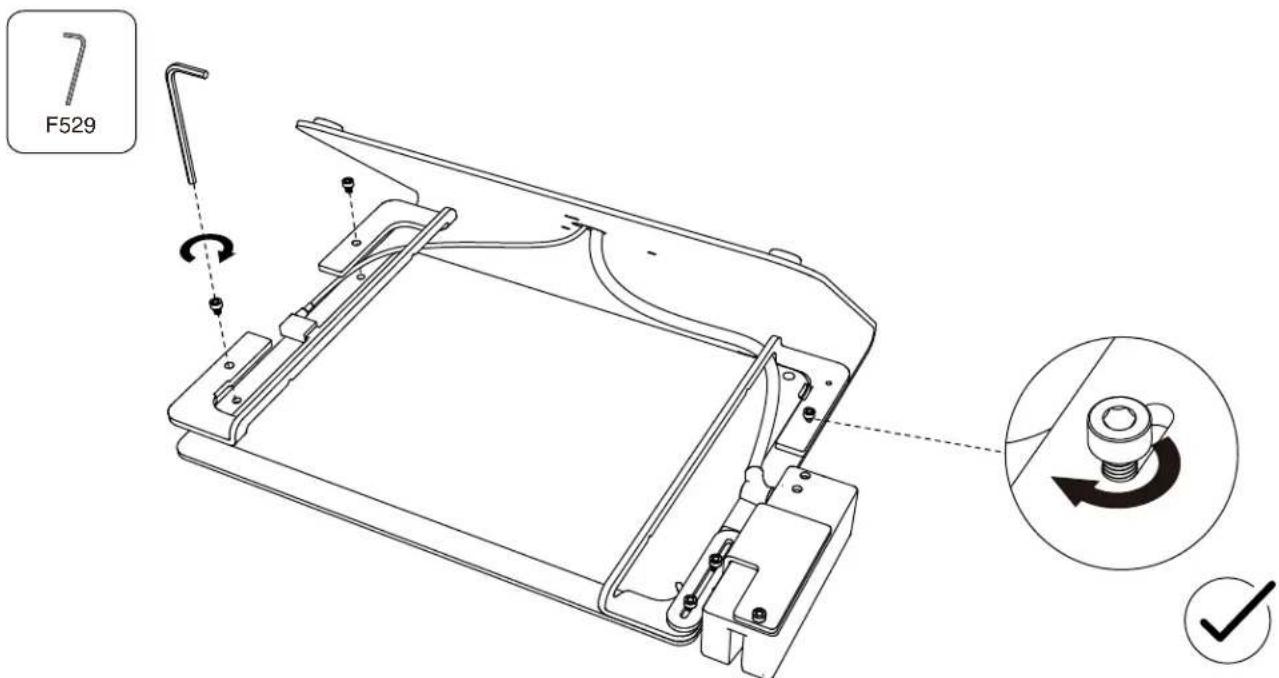
Installing Magtek Dynamag or IDTech SecureMag or MiniMag
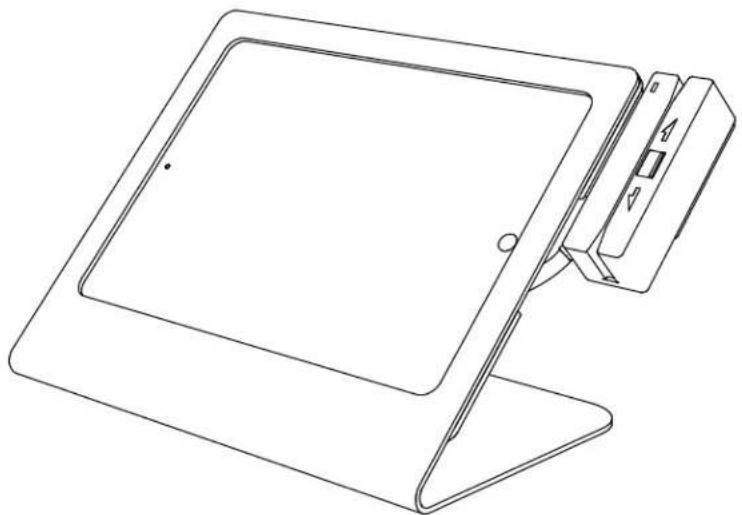
natural_image
Line drawing of a tablet device with a stand and handle (no text or symbols)External Reader Bracket
(Sold Separately)
1
7
F529
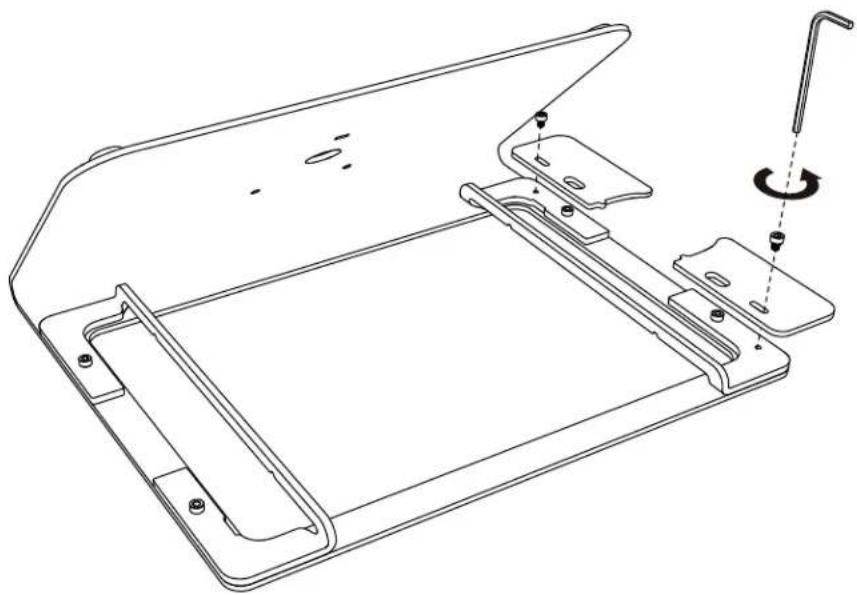
natural_image
Technical line drawing of a mechanical assembly with mounting brackets and a tool (no text or symbols)2
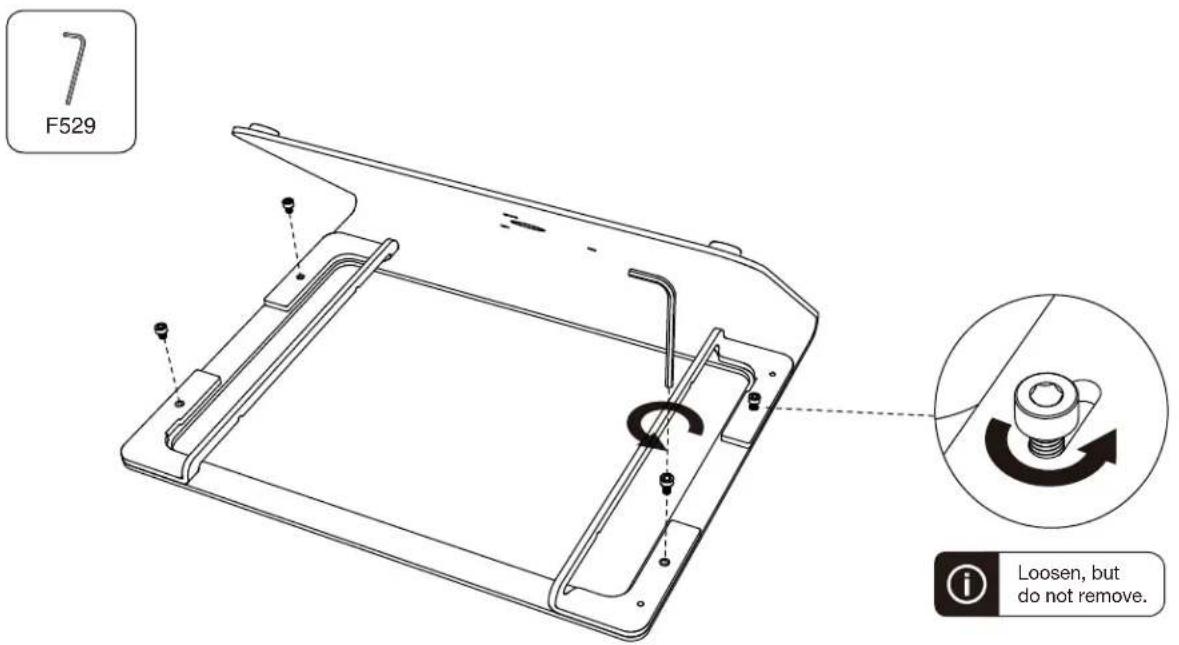
3
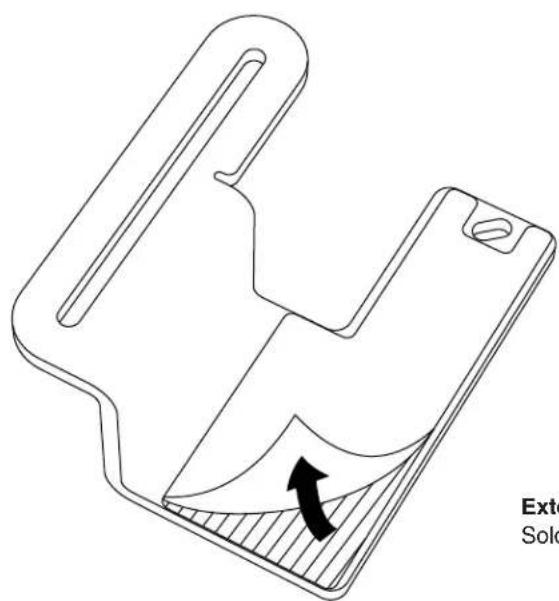
natural_image
Technical line drawing of a mechanical component with an arrow indicating force or movement (no text or symbols)External Reader Bracket
Sold Seperately at hecklerdesign.com
4
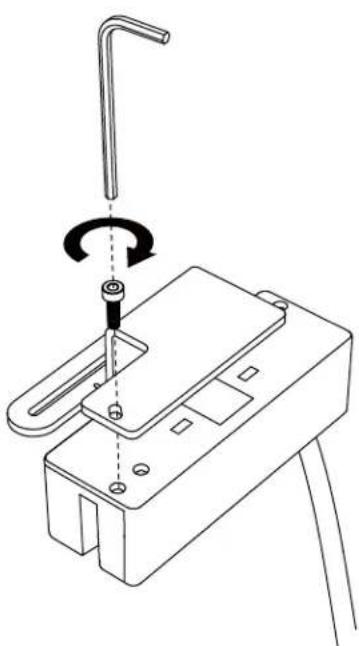
natural_image
Technical line drawing of a mechanical device with a lever and rotating component (no text or symbols)5
natural_image
Technical line drawing of a mechanical assembly with no visible text or symbols6
7
Counter Mounting
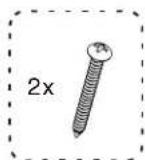
(Sold Separately)
natural_image
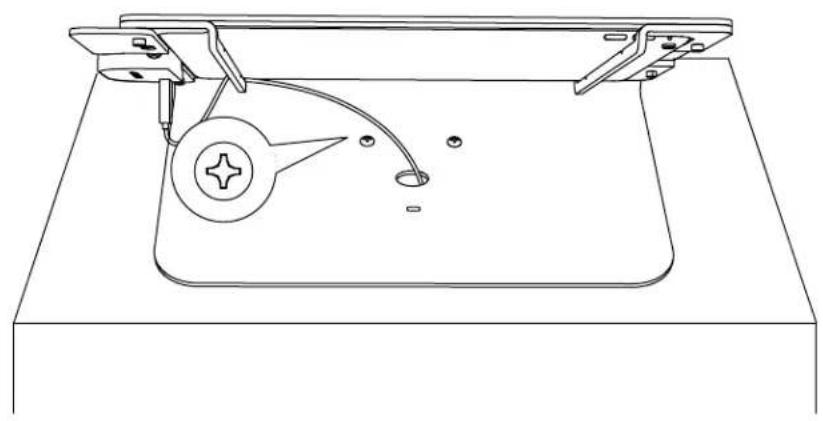
Line drawing of a mechanical device with a circular component and adjustment lever (no text or symbols)PivotTable
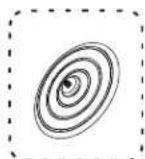
(Sold Separately)
natural_image
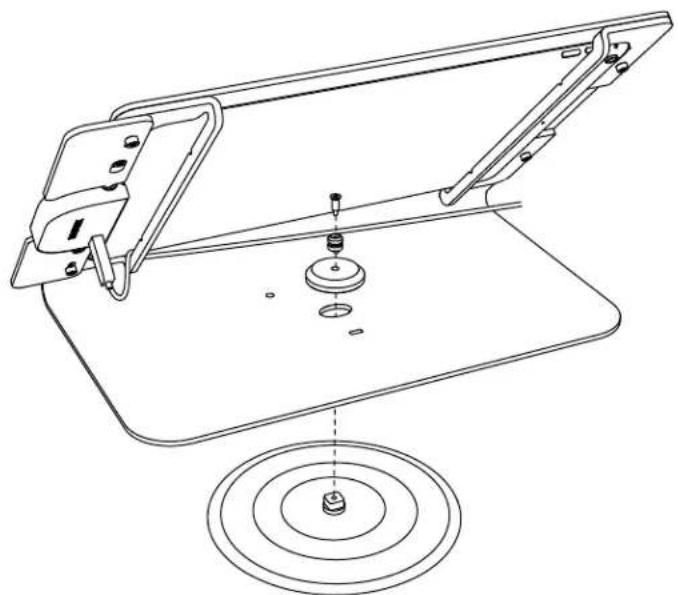
Technical line drawing of a mechanical assembly with concentric circles and a central component (no text or symbols)PivotTack
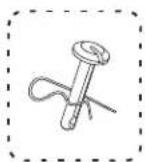
(Sold Separately)
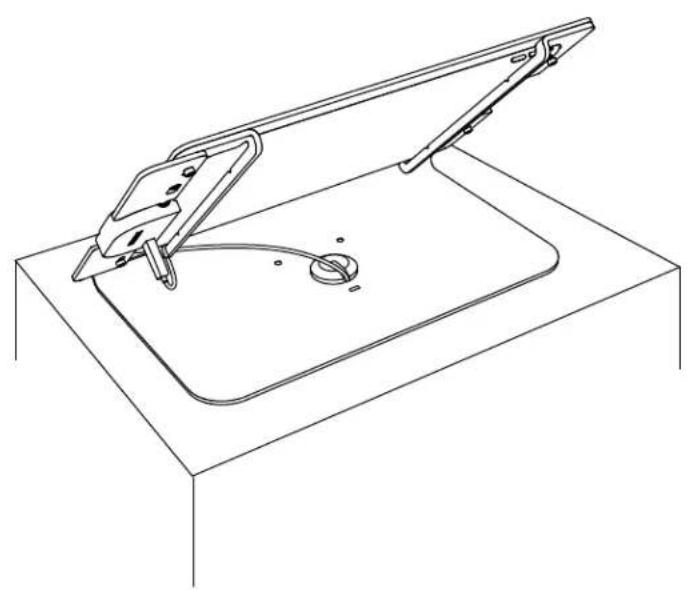
natural_image
Line drawing of a mechanical device with a handle and base plate (no text or symbols)Kensington ClickSafe Cable Lock
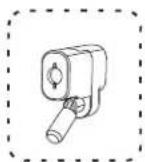
(Sold Separately)
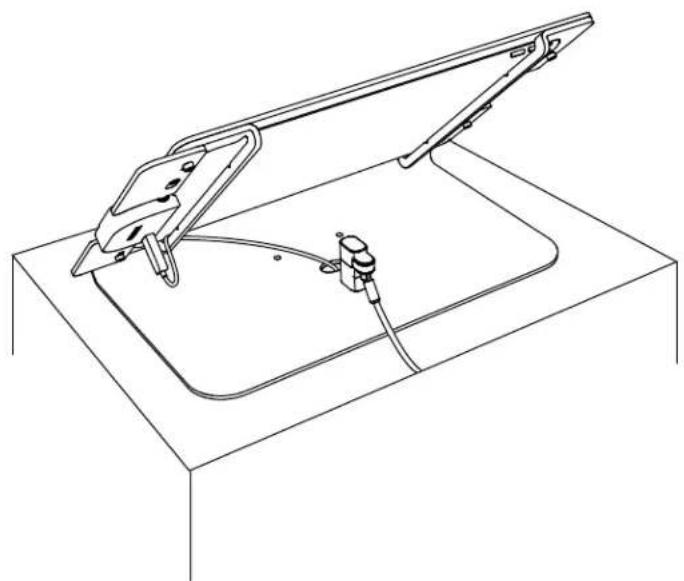
natural_image
Line drawing of a mechanical device with a flat top and internal components (no text or symbols)Brand : Heckler Design
Model : F133
Category : Uncategorized