
Blade X10 - Tablet ZTE - Free user manual and instructions
Find the device manual for free Blade X10 ZTE in PDF.


Pick your language and provide your email: we'll send you a specifically translated version.
| Product Type | Tablet |
| Brand | ZTE |
| Model | Blade X10 |
| Display Size | 10.1 inches |
| Display Resolution | 1280 x 800 pixels |
| Processor | Quad-core 1.6 GHz |
| RAM | 3 GB |
| Storage | 32 GB (expandable via microSD) |
| Operating System | Android 10 |
| Battery Capacity | 5000 mAh |
| Dimensions | 240 x 160 x 8.2 mm |
| Weight | 450 g |
| Wireless Connectivity | Wi-Fi 802.11 b/g/n, Bluetooth 5.0 |
| Camera (Rear) | 5 MP |
| Camera (Front) | 2 MP |
| Ports | USB-C, 3.5 mm headphone jack |
| SIM Support | Nano-SIM (LTE model only) |
| Cleaning Instructions | Wipe with a soft, dry cloth. Avoid liquids. |
| Safety Precautions | Do not expose to water or extreme temperatures. |
| Spare Parts Availability | Battery, screen, charging port (contact service center) |
Frequently Asked Questions - Blade X10 ZTE
How do I turn on the ZTE Blade X10?
Press and hold the power button located on the top edge for about 3 seconds until the screen lights up.
How to insert a SIM or microSD card?
Use the provided ejector tool to open the tray on the left side. Insert the nano-SIM or microSD card with the gold contacts facing down.
How to take a screenshot?
Press and hold the Power and Volume Down buttons simultaneously for 2 seconds.
How to perform a factory reset?
Go to Settings > System > Reset > Factory data reset. Alternatively, turn off the device, then press and hold Power + Volume Up to enter recovery mode and select 'Wipe data/factory reset'.
How to connect to Wi-Fi?
Go to Settings > Network & Internet > Wi-Fi. Toggle Wi-Fi on, select your network, and enter the password.
How to extend battery life?
Reduce screen brightness, turn off unused wireless connections, close background apps, and enable Battery Saver mode in Settings.
How to update the software?
Go to Settings > System > Advanced > System update. The device will check for updates; follow the on-screen instructions.
How to troubleshoot if the screen is unresponsive?
Try restarting by holding the power button for 10 seconds. If still unresponsive, perform a forced restart by pressing Power + Volume Down for 10 seconds.
How to clean the tablet?
Use a soft, lint-free cloth slightly dampened with water. Do not use harsh chemicals or spray liquids directly onto the device.
How to contact ZTE support?
Visit the official ZTE website and navigate to the Support section. You can also call the local ZTE service center number provided in the warranty card.
User questions about Blade X10 ZTE
0 question about this device. Answer the ones you know or ask your own.
Ask a new question about this device
No questions yet. Be the first to ask one.
Download the instructions for your Tablet in PDF format for free! Find your manual Blade X10 - ZTE and take your electronic device back in hand. On this page are published all the documents necessary for the use of your device. Blade X10 by ZTE.
USER MANUAL Blade X10 ZTE
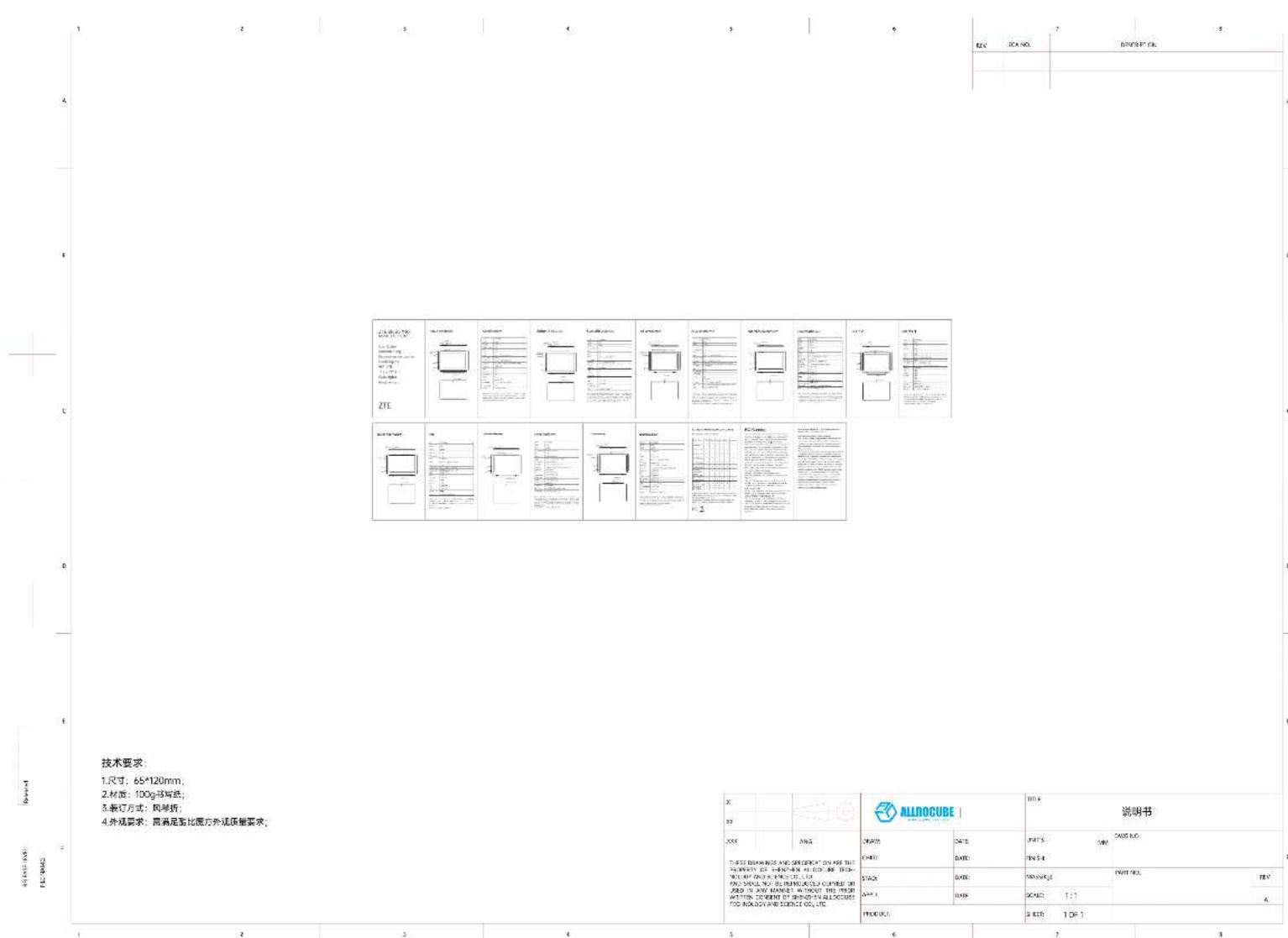
技术要求
1.尺寸:65*120mm
2.材质:100g书写纸;
- 装订方式:风琴折;
4.外观要求:需满足配比配方外观质量要求;
| X | ALLNOCUBE | TITLE | 说明书 | ||
| 22 | |||||
| XXX | XXX | DRAWN | DATE | PARTS | NAME |
| CHECKED | DATE | TEN-5-8 | |||
| THIS DRAWING AND DEFERENCE DATES THE PROPERTY OF SHINCHINI ALLLEGBRE TECH- ALABEY GROUP, INC., LTD. AND SHALL NOT BE PRODUCED OR PROD. IN ANY MARKET WITHOUT THIS PRET ITEM TO SIGN. COPIER OF SHINCHINI ALLLOCURES TOO BUILDING AND CONCEIANCE CO.,LTD. | STOCK | DATE | POTATO: | POTATO NO. | |
| EXPANS | DATE | SCALE | T:1 | ||
| PRODUCT | $ | RIGHT | 1 OP 1 | ||
Table of contents
Click a title to access it
Manual assistant
Powered by Anthropic
Waiting for your message
Product information
Brand : ZTE
Model : Blade X10
Category : Tablet