
Sanctum - Computer Case Azza - Free user manual and instructions
Find the device manual for free Sanctum Azza in PDF.


| Product Type | ATX Mid Tower Computer Case |
| Model Number | CSAZ-810 |
| Material | SPCC Steel 0.8-1.2 mm, Aluminum 2 mm |
| Dimensions (H x W x D) | 475 x 356 x 455 mm (18.7 x 14 x 17.9 in) |
| Weight | 13.3 kg (29.3 lbs) |
| Motherboard Compatibility | EATX (up to 300 mm wide), ATX, Micro-ATX, Mini-ITX |
| Expansion Slots | 7 |
| Internal Drive Bays | 2 x 3.5" HDD or 2 x 2.5" SSD (up to 4 drives total) |
| I/O Ports | Power, Reset, HD Audio, USB 3.0 x 2, USB Type-C |
| Max CPU Cooler Height | 190 mm |
| Max GPU Length | 400 mm |
| Fan Support | Front: 2 x 120 mm (2 included ARGB); Side: 3 x 120 mm; Rear: 2 x 120 mm (2 included ARGB) |
| Radiator Support | Up to 360 mm on side |
| Included Fans | 4 x 120 mm ARGB PWM fans (2 front, 2 rear) |
| RGB Lighting | Addressable RGB, controlled via motherboard |
| Power Supply | Bottom mounted ATX PS (not included) |
| GPU Support Bracket | Yes |
| Panel Options | Mesh and tempered glass panels |
| Cable Management | Easy cable management with dedicated routing |
| Additional Features | PWM fans require motherboard connection for speed control |
Frequently Asked Questions - Sanctum Azza
User questions about Sanctum Azza
0 question about this device. Answer the ones you know or ask your own.
Ask a new question about this device
Download the instructions for your Computer Case in PDF format for free! Find your manual Sanctum - Azza and take your electronic device back in hand. On this page are published all the documents necessary for the use of your device. Sanctum by Azza.
USER MANUAL Sanctum Azza
natural_image
Exterior view of a modern office computer case with visible display screens and ventilation grilles (no text or symbols)| Model | |
| Model Name Sanctum | |
| Model Number CSAZ-810 | |
| Specifications | |
| Type ATX | |
| Chassis Thickness | SPCC 0.8-1.2 mm / AL 2mm |
| Max CPU Cooler Height Up to 190mm | |
| Max Video Card Length Up to 400mm | |
| Power Supply Not included | |
| Motherboard Compatibility EATX(<300mm) ATX, Micro-ATX, Mini-ITX | |
| Expansion | |
| External 5.25" Drive Bays 0 | |
| Internal 2.5" Drive Bays Up to 2 | |
| Internal 3.5" Drive Bays Up to 2 | |
| Expansion Slots 7 | |
| I/O Ports | Power button, Reset button, HD Audio, USB 3.0 x 2, Type-C |
| Physical Specifications | |
| Dimensions (HxWxD) | 475 x 356 x 455 mm /18.7 x 14 x 17.9 inches |
| Weight | 13.3kg / 29.3 lbs |
| Features | |
| Addressable RGB Light All a | ddressable RGB light devices controlled by motherboard. |
| Available Fan Port | 2x120mm fan ports in the front (2x120mm LFO-4312D ARGB fan included)3x120mm fan ports on the side2x120mm fan port in the rear (2x120mm LFO-4312D ARGB fan included) |
| Water Cooling | Supports radiators up to 360 mm on the side |
| Power Supply Support | Bottom mounted ATX power supply |
※ PWM Fan: The model comes with PWM fans and will run at top speed unless connected to a motherboard or controller.


natural_image
Close-up of a server rack with hexagonal ventilation grilles and labeled front I/O ports (no text beyond label)USB3.0*2 / Reset / Audio / Mic / Type C
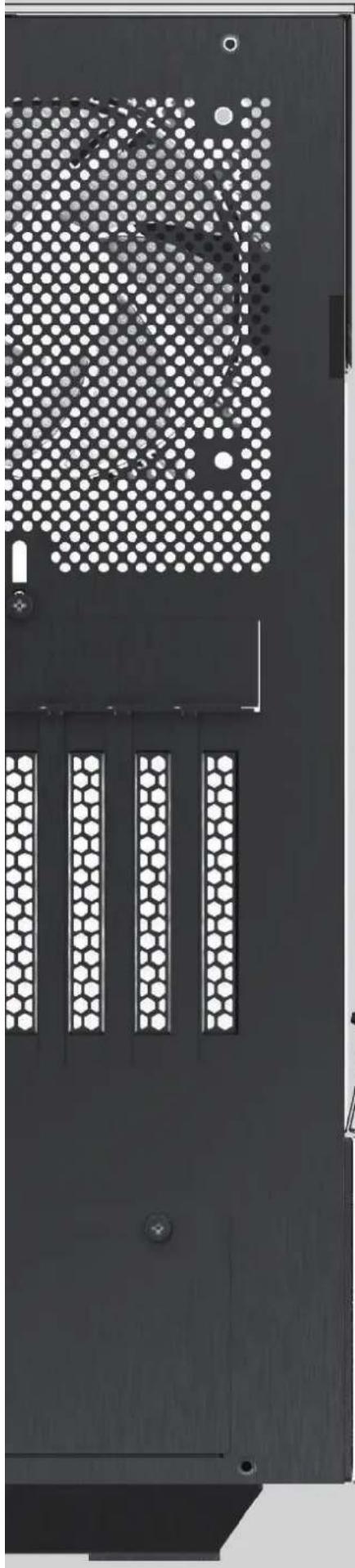
natural_image
Close-up of a black metal panel with hexagonal lattice structure and mounting holes (no text or symbols visible)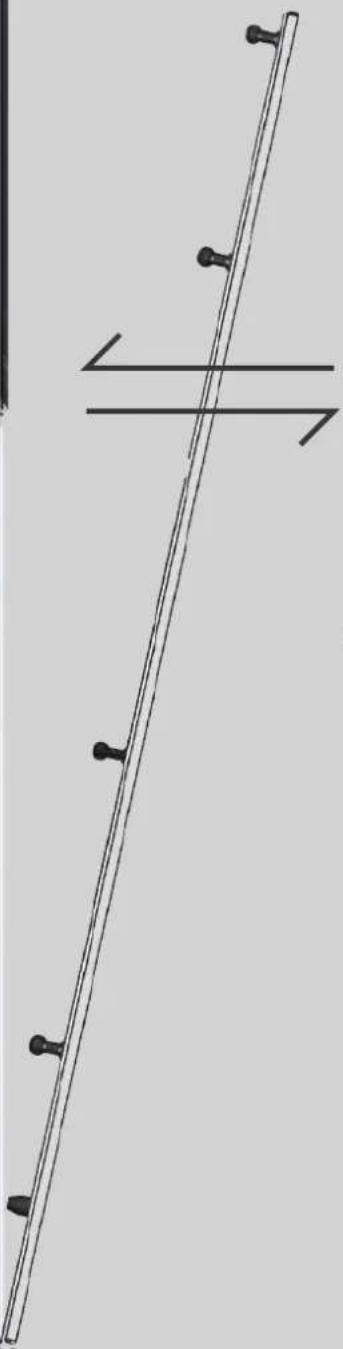
natural_image
Pure mechanical diagram showing a long rod with evenly spaced pins and a horizontal support line (no text or symbols)
natural_image
Simple geometric shape with two diagonal lines inside a square frame (no text or symbols)Glass Panel Installation

natural_image
Abstract geometric pattern composed of black diamond shapes on a light gray background, enclosed in a rounded square border (no text or symbols)Mesh Panel Installation
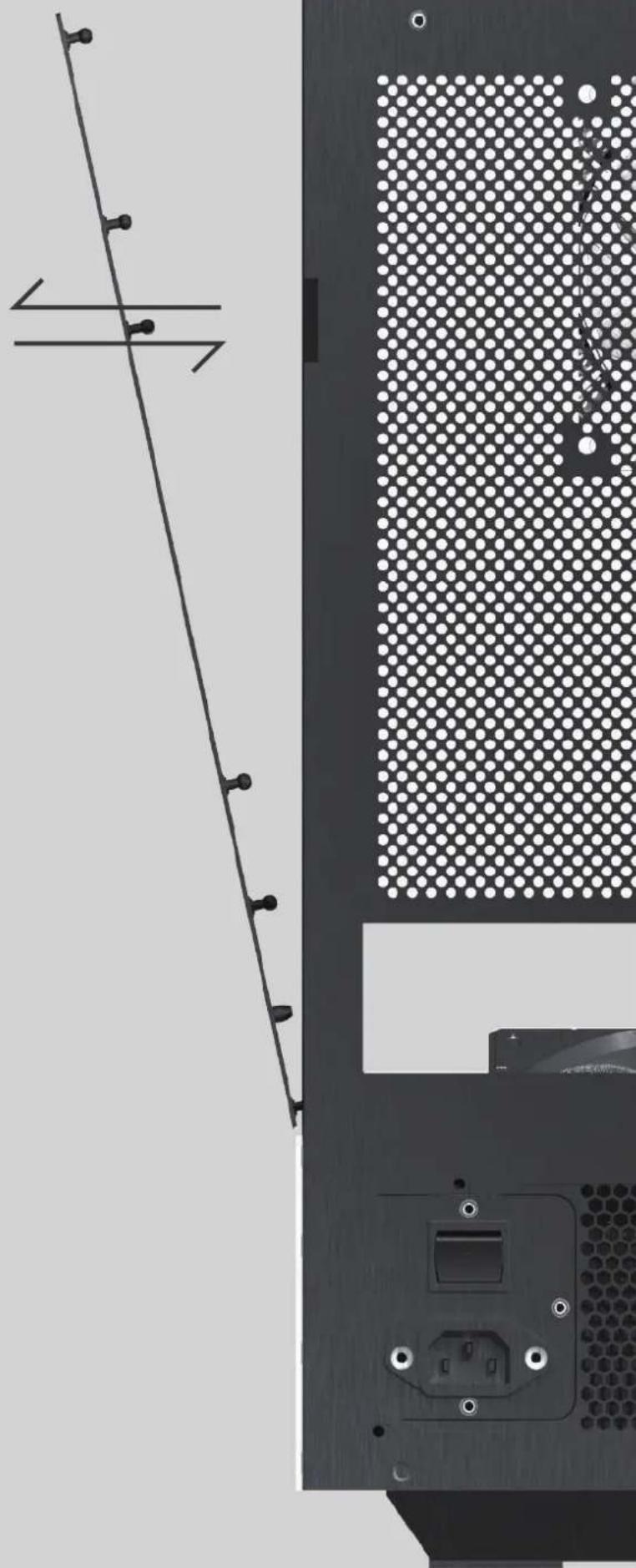
natural_image
Technical diagram of a computer monitor with ventilation slots and an external socket (no text or symbols)Top and Front Panel Removal
Reach in and push from the inside out to remove the panel.

natural_image
Top-down view of a computer tower case showing internal fan compartments and ventilation slots (no text or symbols visible)Metal Panel Removal

natural_image
Top-down view of a black server rack with ventilation grilles and mounting holes, showing front and side views (no text or symbols)- Bottom View -
Fans Installation

natural_image
Two identical fan-shaped diagrams with central blades, placed above a rectangular base (no text or symbols)
natural_image
Three identical circular fan icons arranged horizontally, no text or symbols present.Supports up to 240 mm or 360 mm fans

natural_image
Abstract geometric line pattern resembling a stylized tower or structure (no text or symbols)Easy to cable management
MB Support

PCI-e Installation
Step1 Step2

natural_image
Pure diagram of mechanical components without any text, numbers, or symbols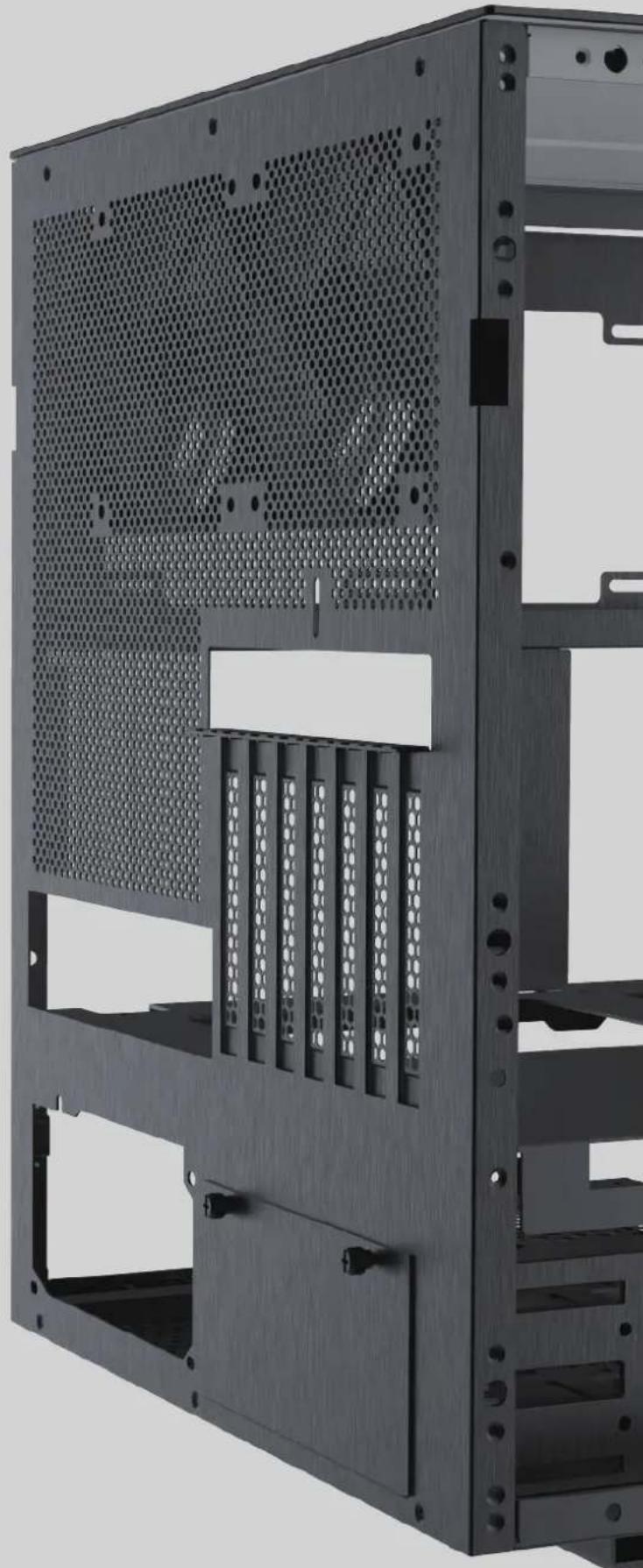
natural_image
Exterior view of a black server rack with perforated panel and ventilation slots (no text or symbols visible)GPU Support

Storage Drive Installation
Supports to 2 x 3.5" HDD or 2x 2.5" SSD

x2 x2


natural_image
Exterior view of a black server rack with perforated panel and multiple drive slots (no text or symbols visible)
natural_image
Exterior view of a computer tower unit with a black power drive and meshed panel (no visible text or symbols)Power Installation
Mounted from the side, with the fan facing down

natural_image
Exploded view diagram of a computer tower case showing internal components like fan, drive, and ventilation (no text or labels)Panel Installation

natural_image
Abstract logo design featuring a stylized star and the letters 'AZZA' (no text or symbols beyond the logo design)Brand : Azza
Model : Sanctum
Category : Computer Case